
Hip Hop Dance AITransfer Footwork and Character Motion
Use a full-body or three-quarter humanoid character with visible arms and legs.
Use one dancer, a fixed camera, and an uninterrupted 3–30 second clip with both feet and hands visible.
Upload the character image and motion reference together before generating.
Match orientation in the video. Recommended.
Choose whether the generated background follows the reference video or the character image.
Optional. Motion comes from the video; prompt refines the look.
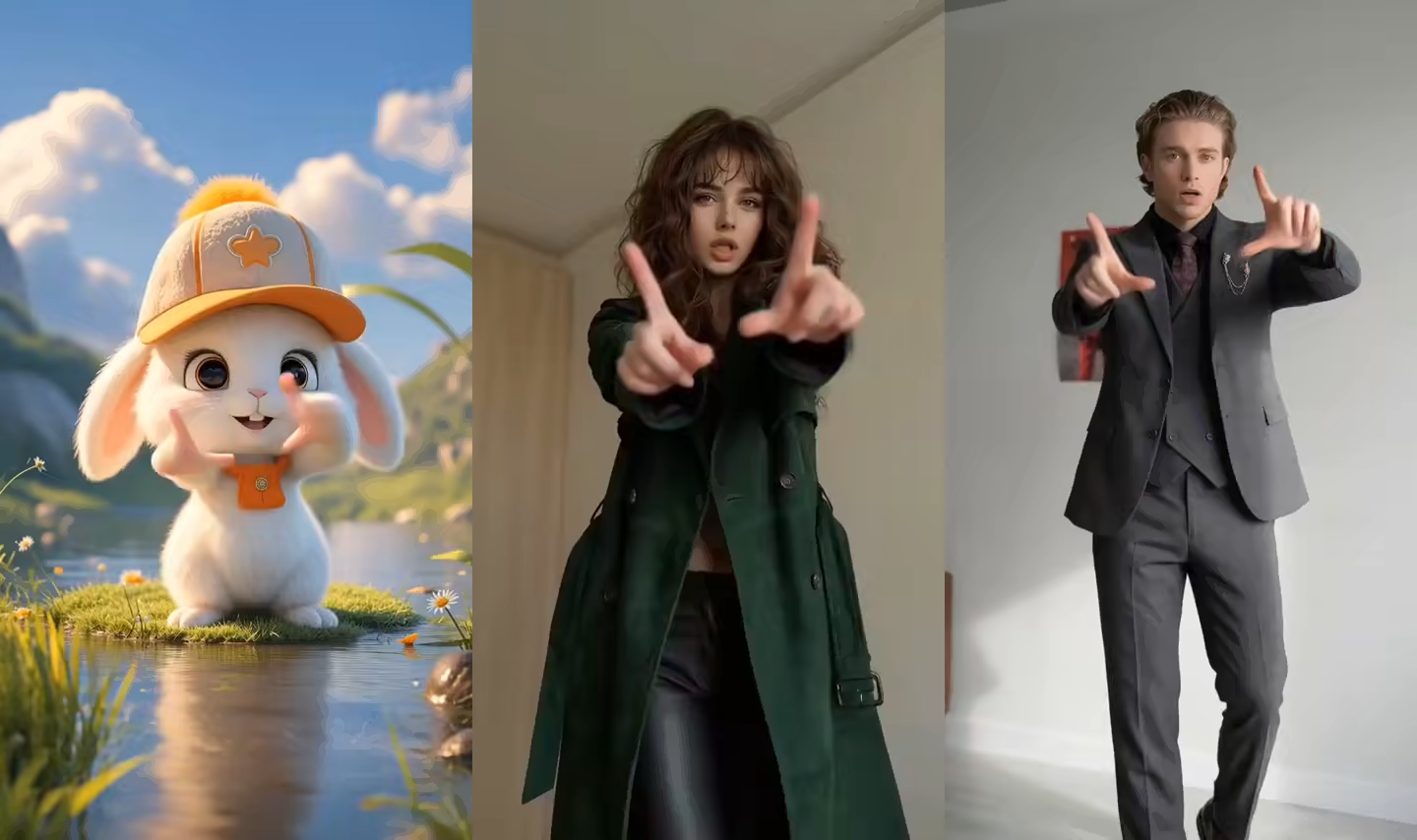
Character dance video examples
These rendered clips show the type of character motion produced by the dance-transfer workflow.
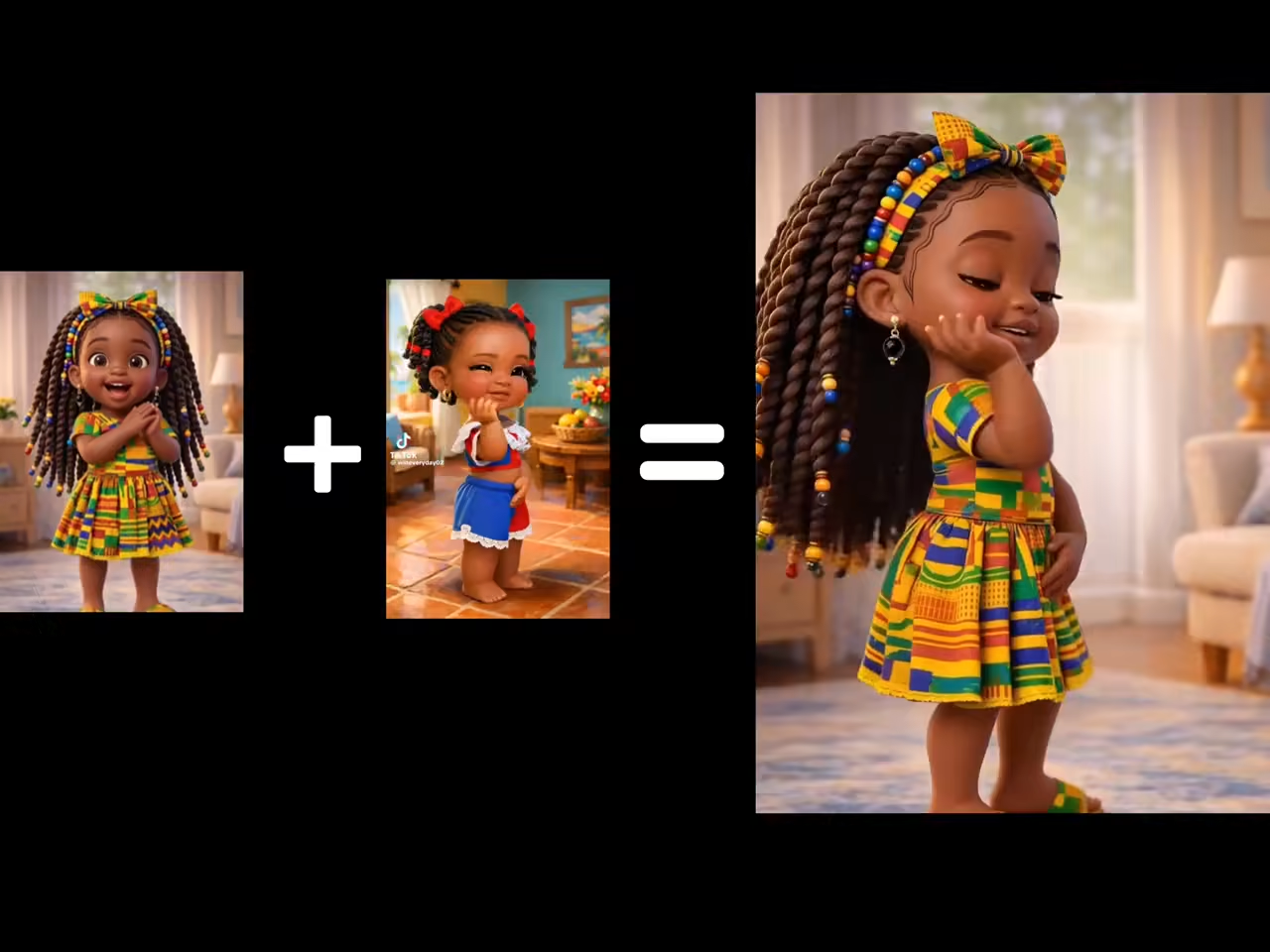
Dance output 01
A character video generated from a still image and a dance reference clip.
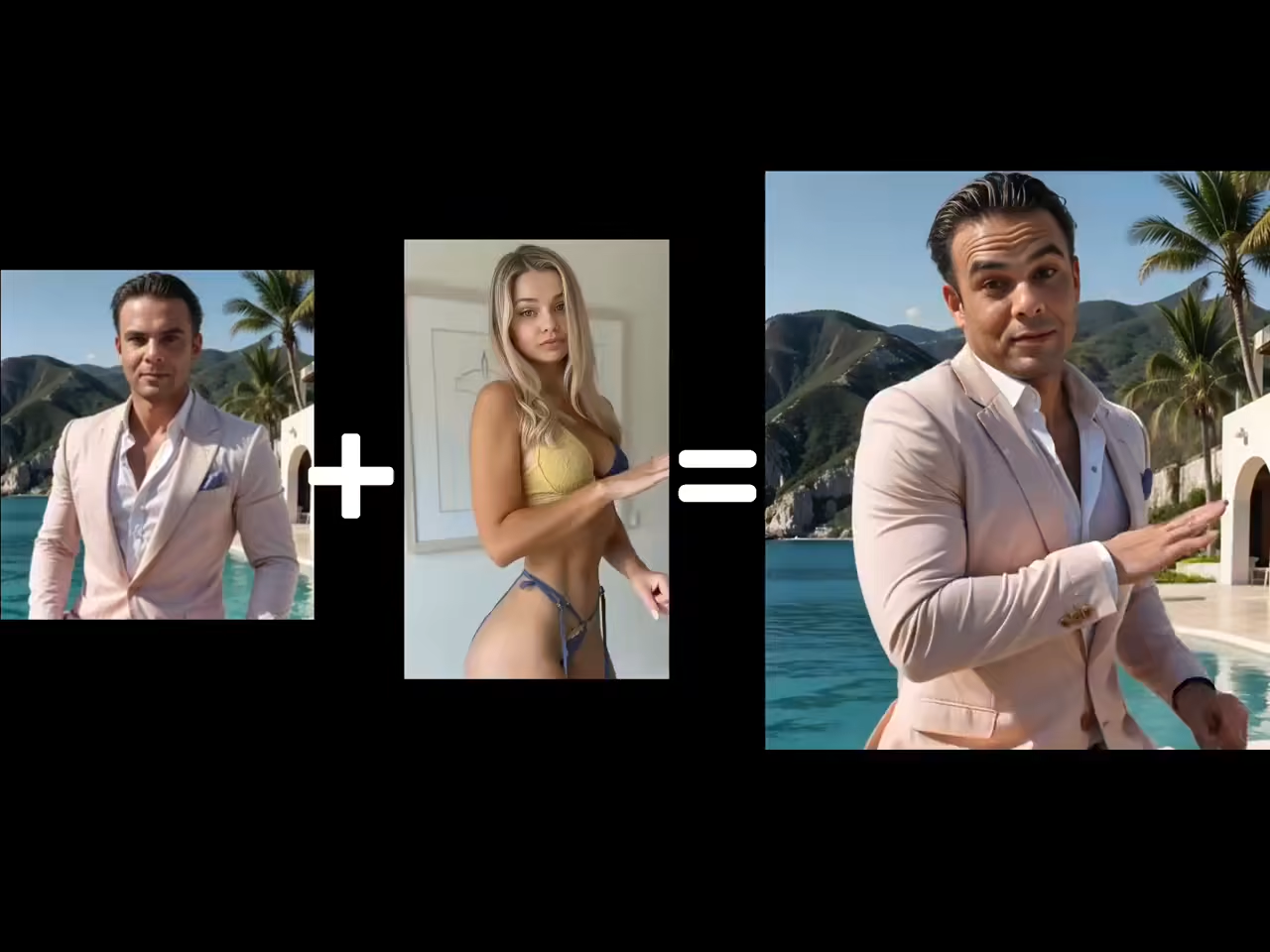
Dance output 02
A character video generated from a still image and a dance reference clip.
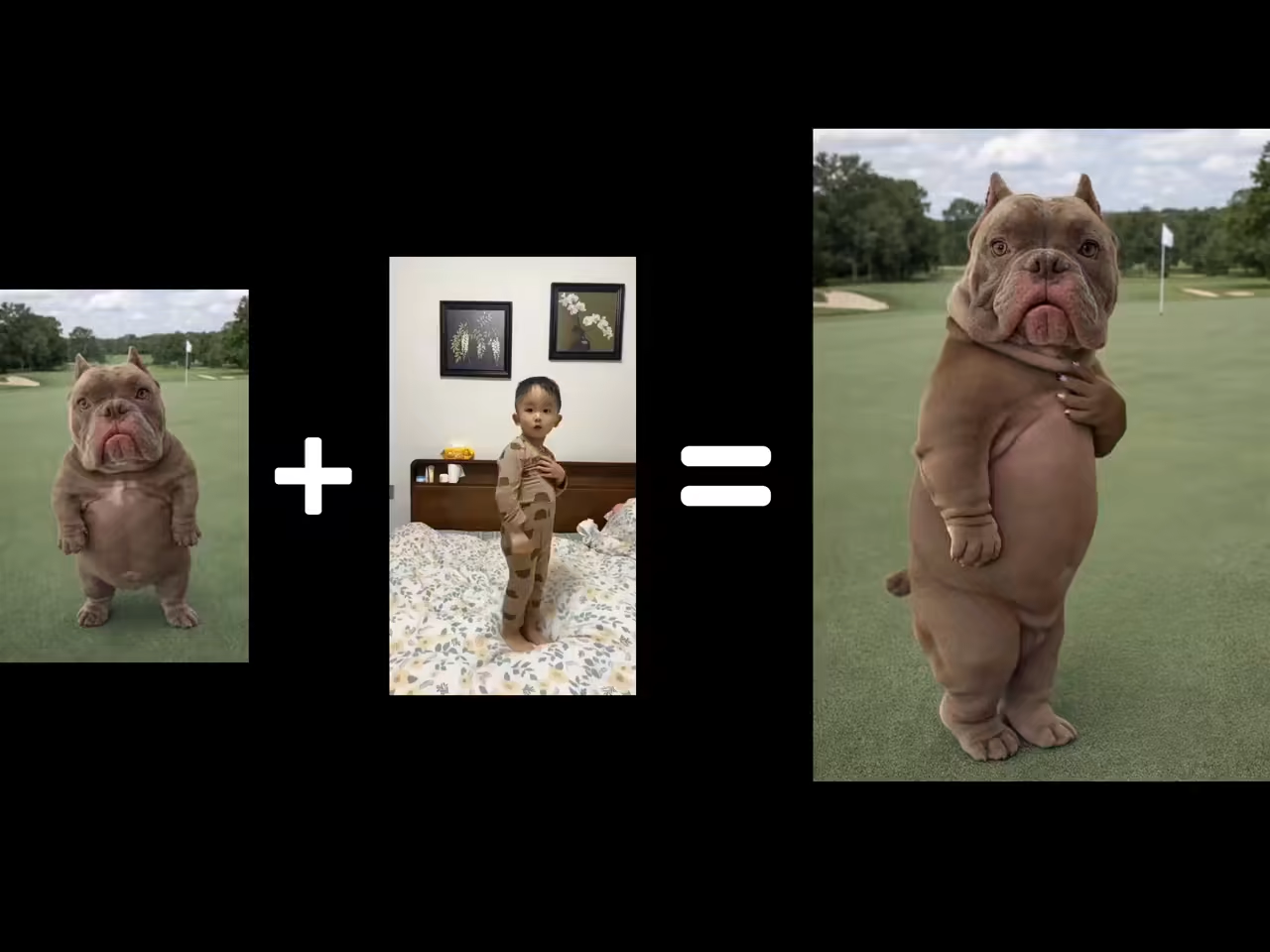
Dance output 03
A character video generated from a still image and a dance reference clip.
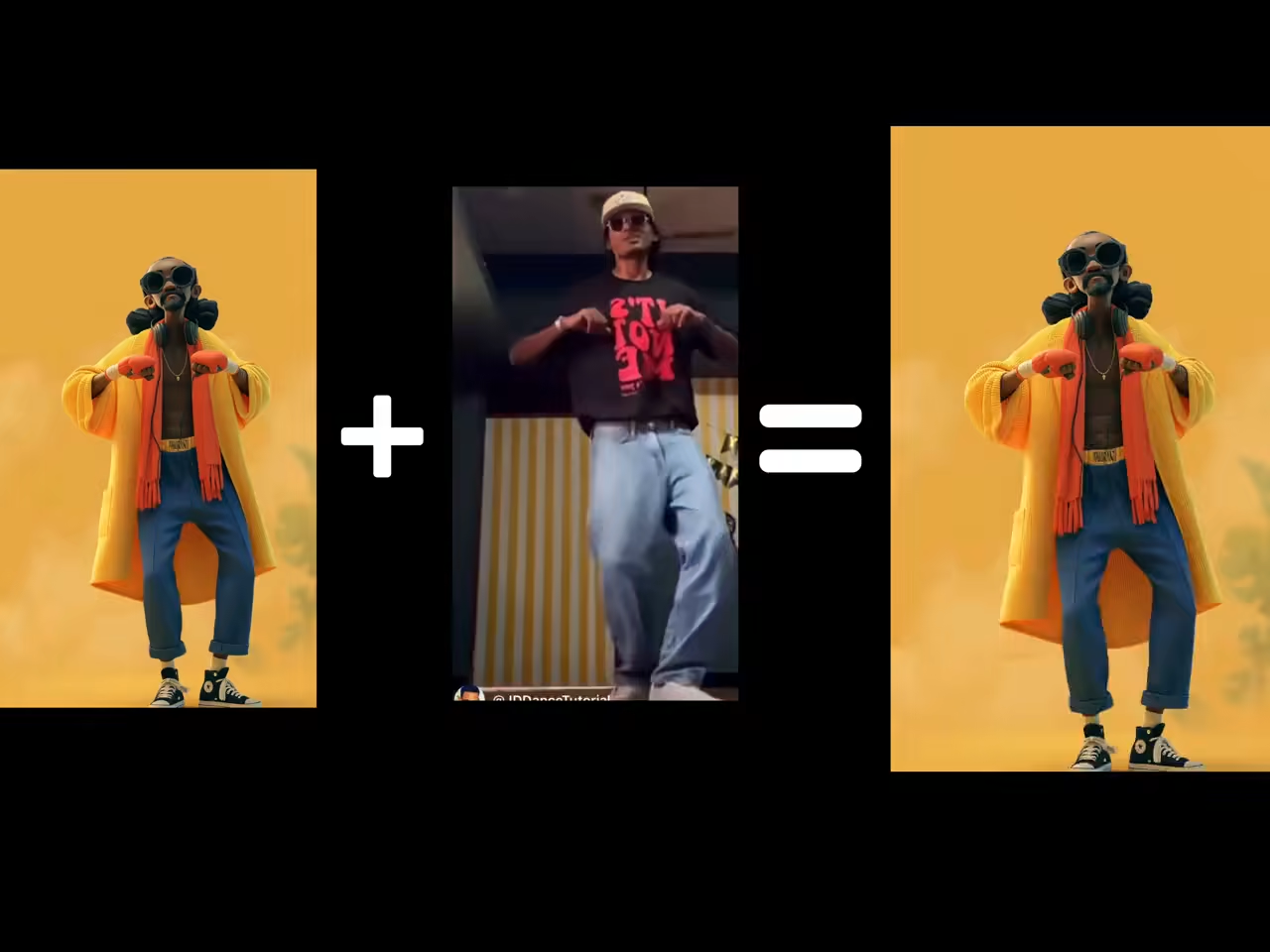
Dance output 04
A character video generated from a still image and a dance reference clip.
What this AI Hip Hop Dance Generator page creates
This hip-hop dance page is designed for single-performer motion references with readable footwork, arms, posture, and weight shifts. It transfers an existing performance instead of inventing choreography.
Use a built-in reference for a quick test or upload a permitted hip-hop clip for a specific routine. The page does not generate choreography from music, teach hip-hop steps, or create a reusable motion-capture file.
Create a hip-hop dance video from a photo
Match the reference, framing, and character design so footwork and full-body rhythm remain readable.
Photo to hip-hop dance video
Upload a full-body character image and use an AI hip hop dance generator workflow to transfer a visible performance. The reference supplies footwork, arm paths, posture, weight shifts, rhythm, and performance timing.
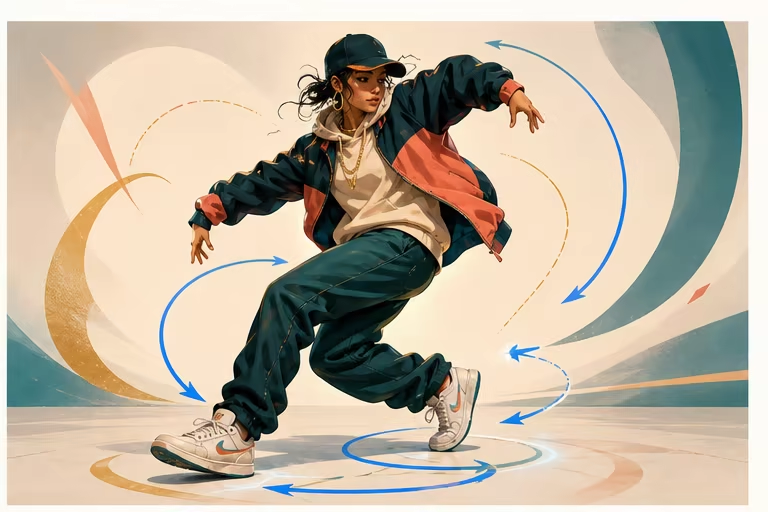
Upload a custom hip-hop dance reference
Choose a built-in footwork clip for a quick test or upload a permitted hip-hop reference for a specific move or routine. The model follows visible source motion rather than inventing choreography from a music track.
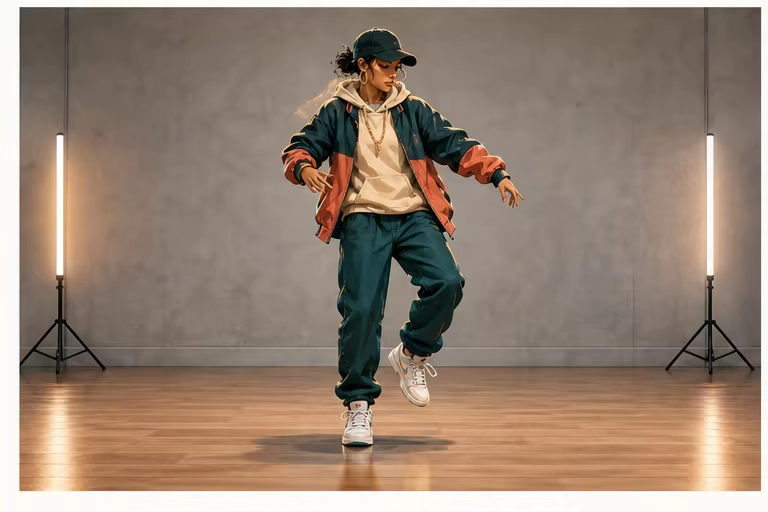
Hip-hop footwork and full-body framing
Keep both shoes, knees, hips, torso, hands, and head inside the frame when steps matter. A fixed camera and clean floor line make the reference easier to follow than aggressive zooms, cuts, or cropped feet.
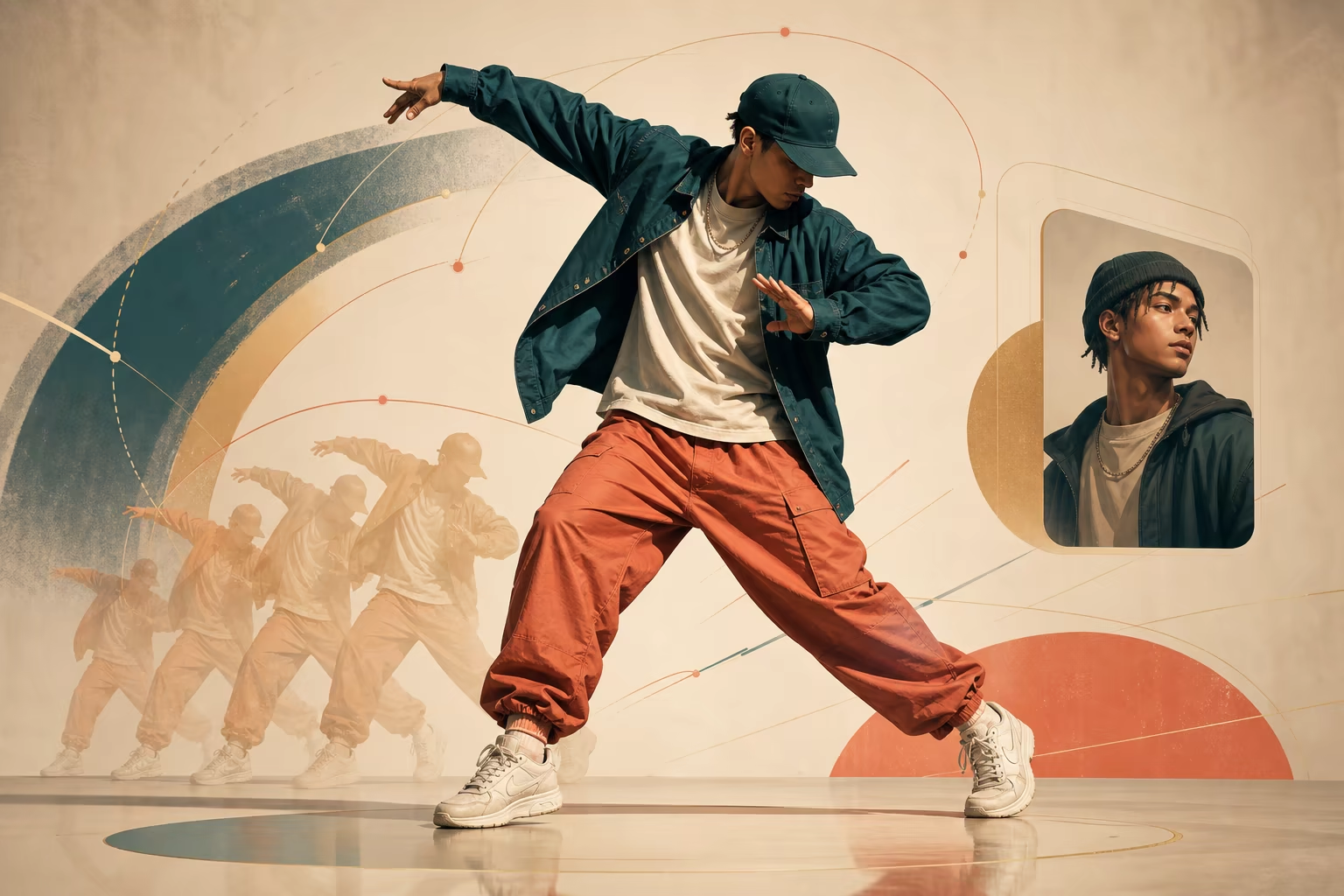
Stylized character hip-hop performance
Apply the same reference to a readable humanoid illustration, game-style character, or mascot without turning this page into a generic anime-dance target. Match the motion complexity to the character proportions.
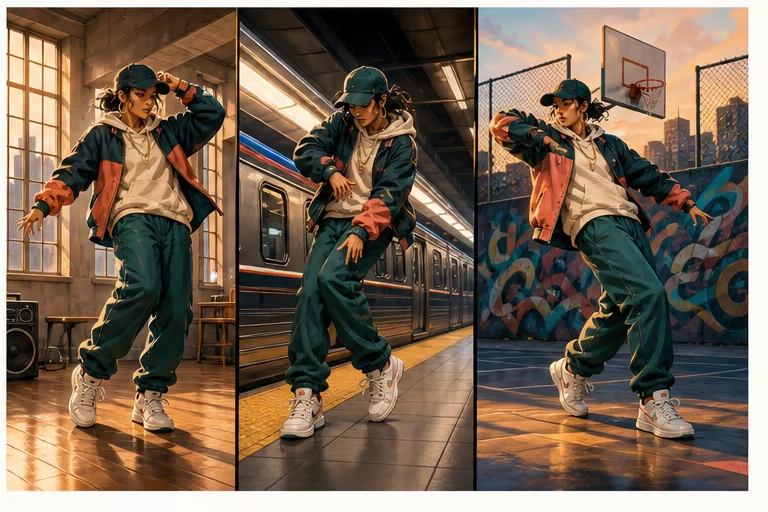
Review fast turns, clothing, and floorwork
Loose pants, oversized sleeves, rapid spins, crossed limbs, and floor moves can hide feet or joints. Start with a standing section, then review shoes, hands, identity, clothing, and background before testing harder motion.
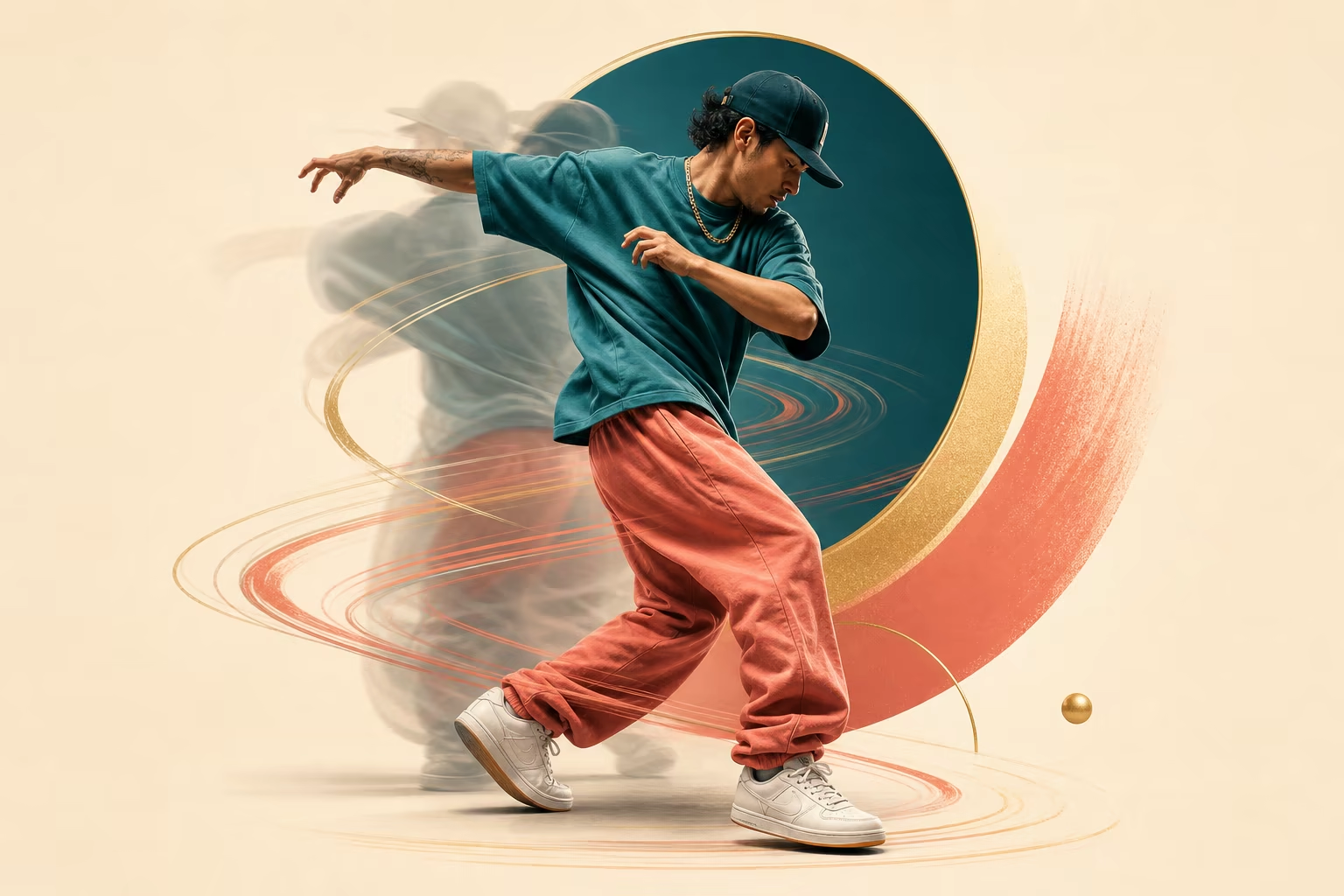
Transfer a hip-hop dance in three steps
Use a clean single-dancer source pair before testing faster footwork or floor moves.
Upload a full-body character image
Choose a humanoid character with visible shoes, knees, hips, torso, hands, and a clean silhouette around loose clothing.
Choose the hip-hop reference
Pick a built-in footwork clip or upload a permitted fixed-camera performance with one dancer and both feet visible.
Generate and review difficult motion
Inspect foot placement, fast turns, crossed limbs, hands, clothing, identity, and framing before increasing complexity.
AI hip-hop dance generator ideas
Build focused single-character performances around a visible hip-hop reference.
Hip-hop social dance short
Use a short, centered move and vertical framing for a compact social performance with readable shoes and hands.
Game-style or mascot hip-hop clip
Transfer the reference to a readable humanoid game character or mascot whose proportions match the routine.
Urban studio performance
Use the optional prompt and background-source control to guide a simple urban studio, rehearsal room, or stage setting.
Workflow essentials for AI Hip Hop Dance Generator
Inputs, recommended setup, and the most common fixes—summarized in one compact guide.
Inputs and setup
- One JPG, JPEG, or PNG image; One MP4, MOV, or supported video clip.
- Reference length: 3–30 seconds, depending on model mode.
- Kling 2.6 Motion Control and Kling 3.0; Rendered character video in 720p or 1080p.
- Keep one dancer, both shoes, hands, and the full body visible in a fixed-camera shot.
Two quick fixes
AI Hip Hop Dance Generator FAQ
How does an AI hip hop dance generator work?
Can I turn a photo into a hip-hop dance video?
Can I upload my own hip-hop dance?
Does it generate choreography from music?
Which references are best for footwork?
Can it handle breakdance or floorwork?
Can it animate a group hip-hop routine?
Create your first AI Hip Hop Dance Generator video
Start with one clear character image and a short single-dancer reference.