
Free AI Body Swap
Realistic Full Body Replacement
Swap a body in an image
Use your photo and a target body image.
Your photo
Target body
Popular edits
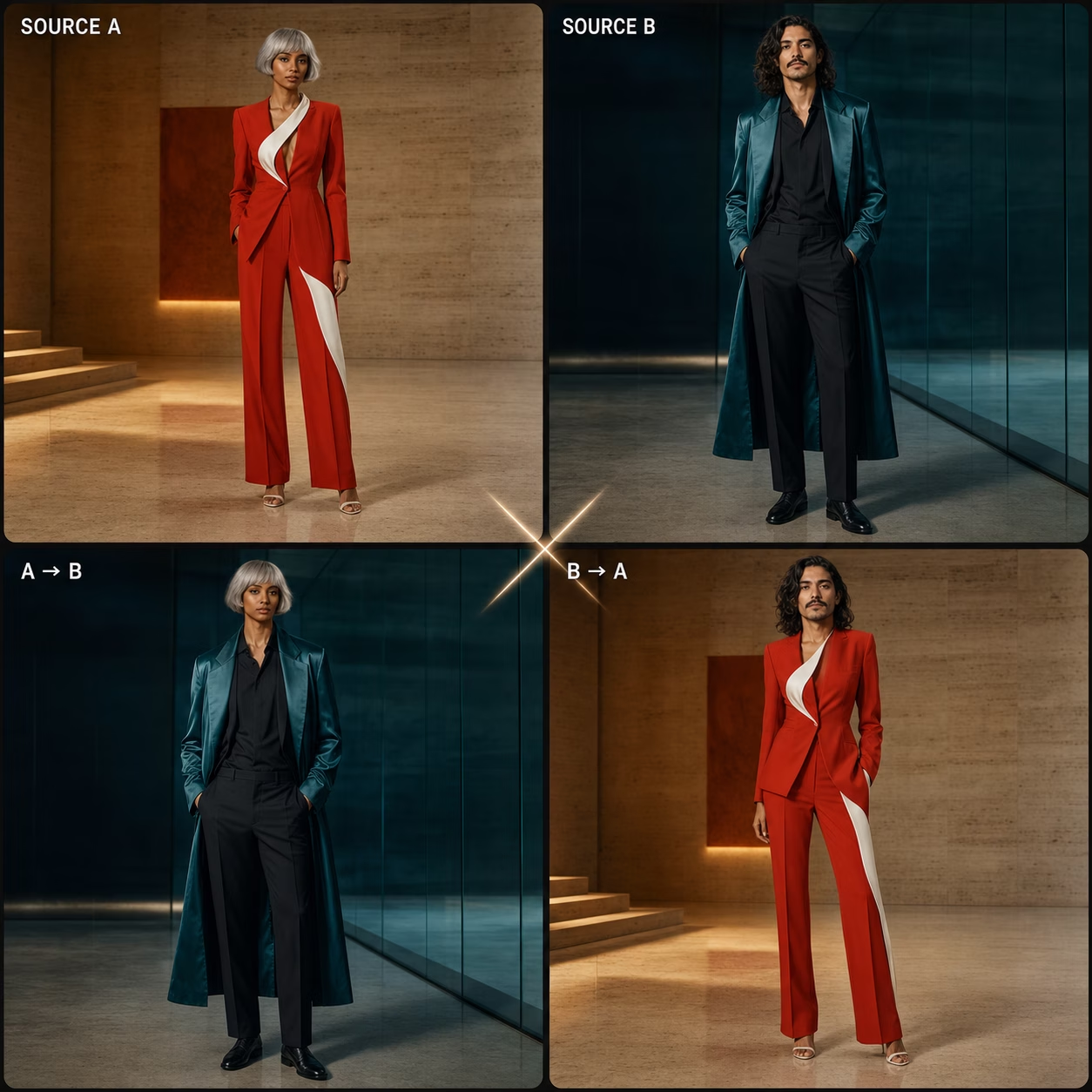
See the AI Body Swap in Action
Body swap examples created from a source photo and a target body image. Each example below shows the same AI body swap workflow.
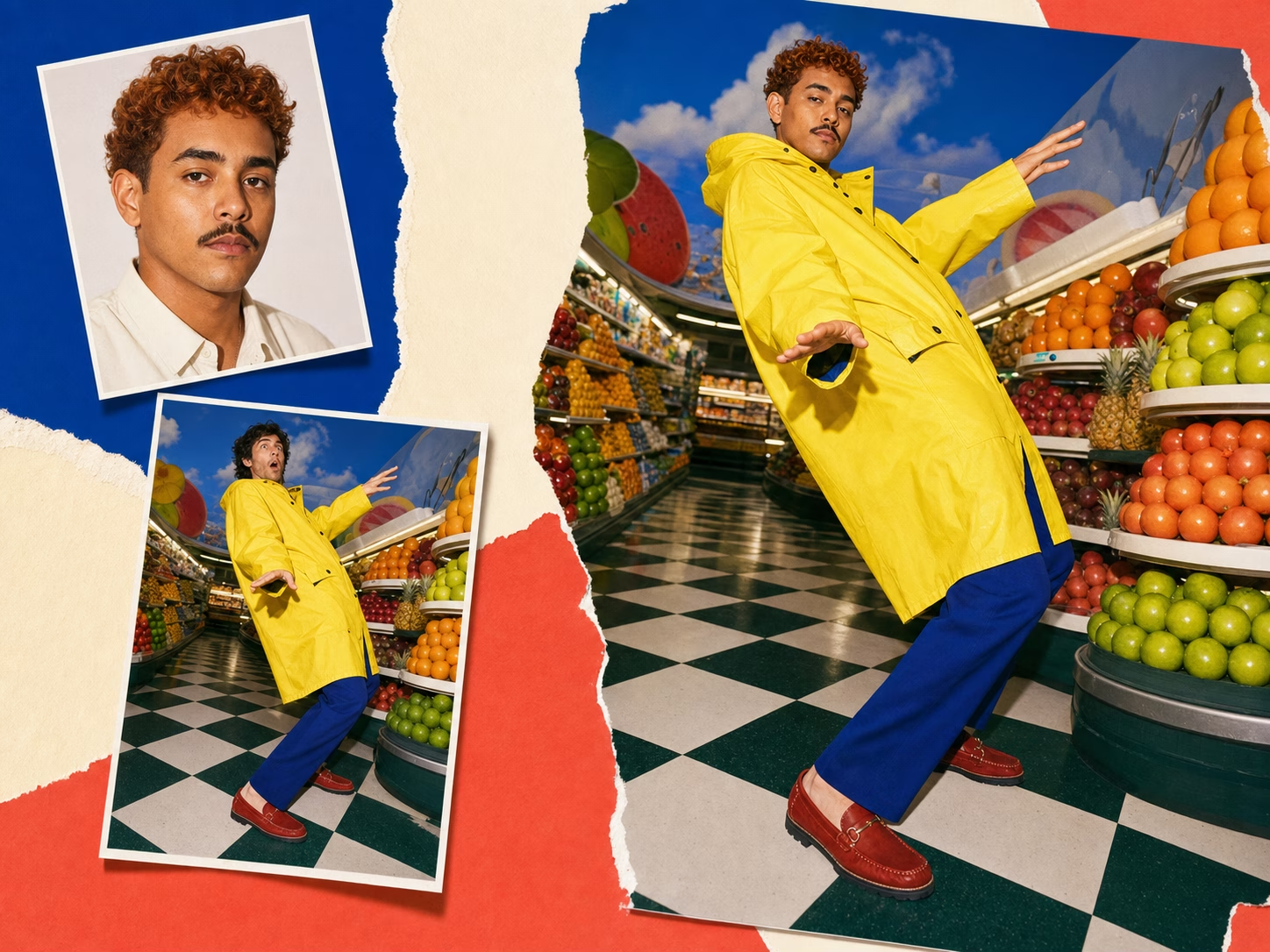
Full Body Swap — Meme Style
User photo swapped into a classic meme template body with full-character replacement, natural lighting, and pose matching.
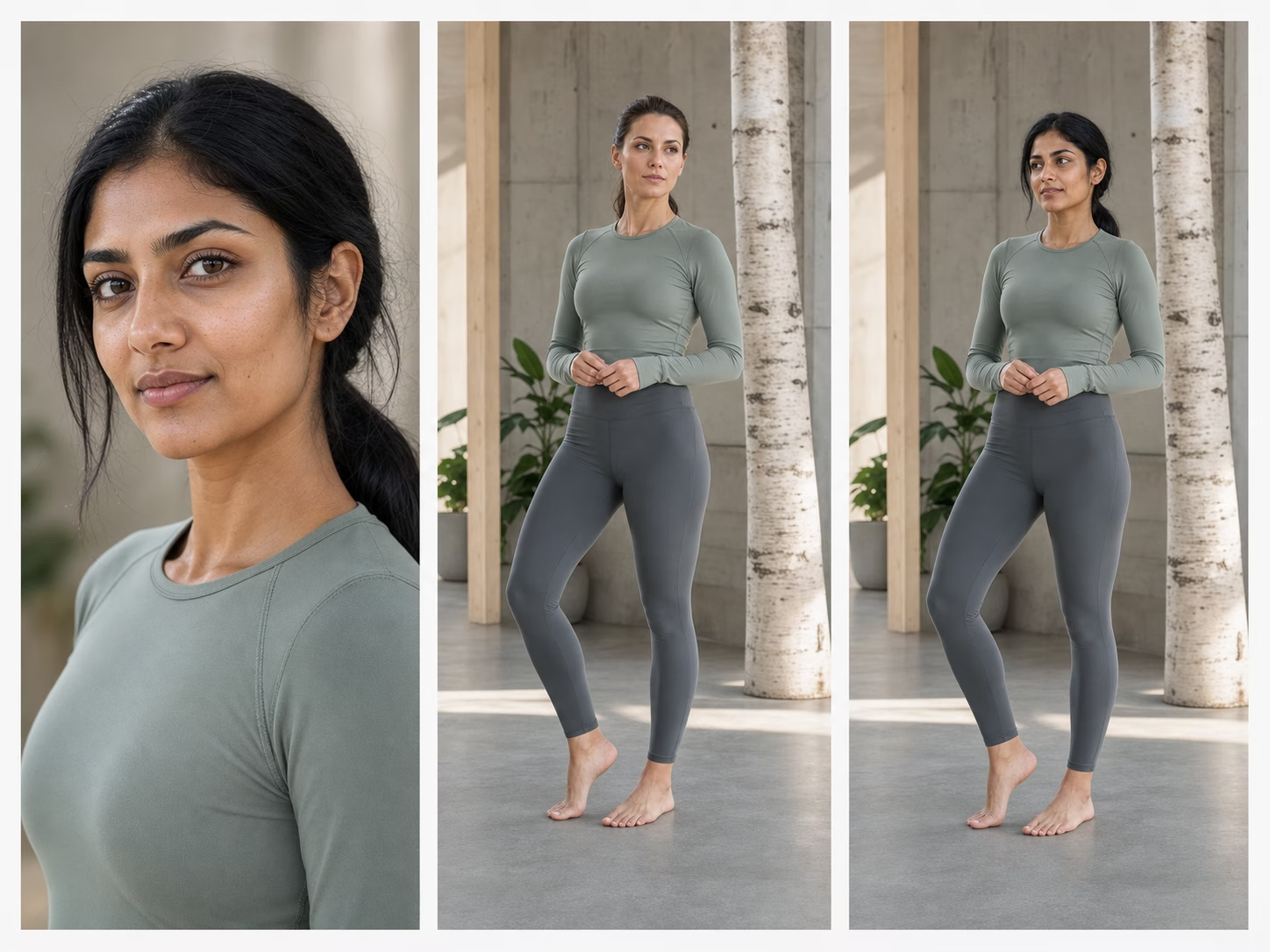
Fitness Body Transformation
Face and body proportions preserved while swapping onto a fitness model's physique — realistic skin tone matching and edge blending.
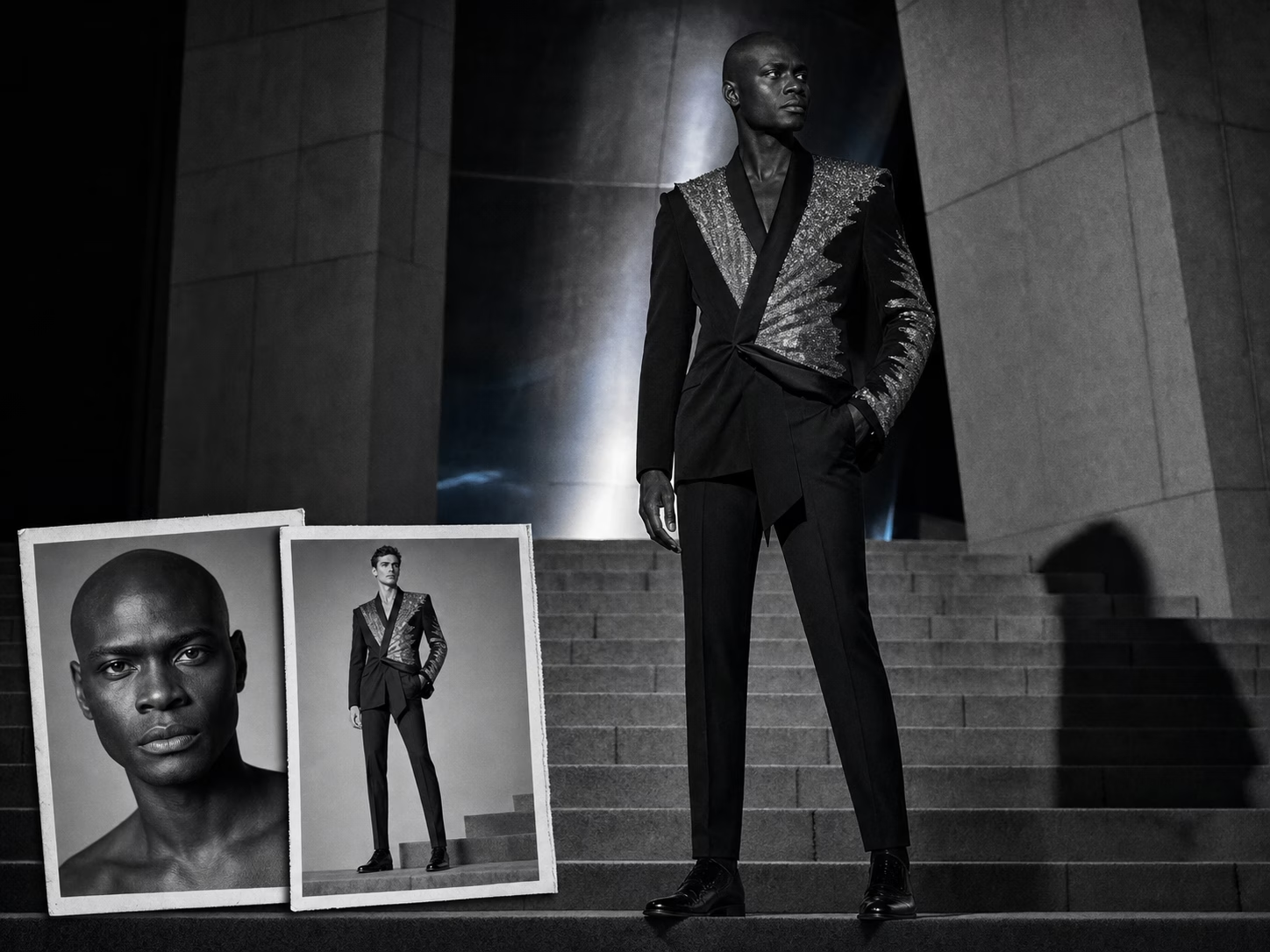
Celebrity Body Swap
User appearance mapped onto a celebrity-inspired body — clothing, pose, and scene composition all preserved with the new identity.
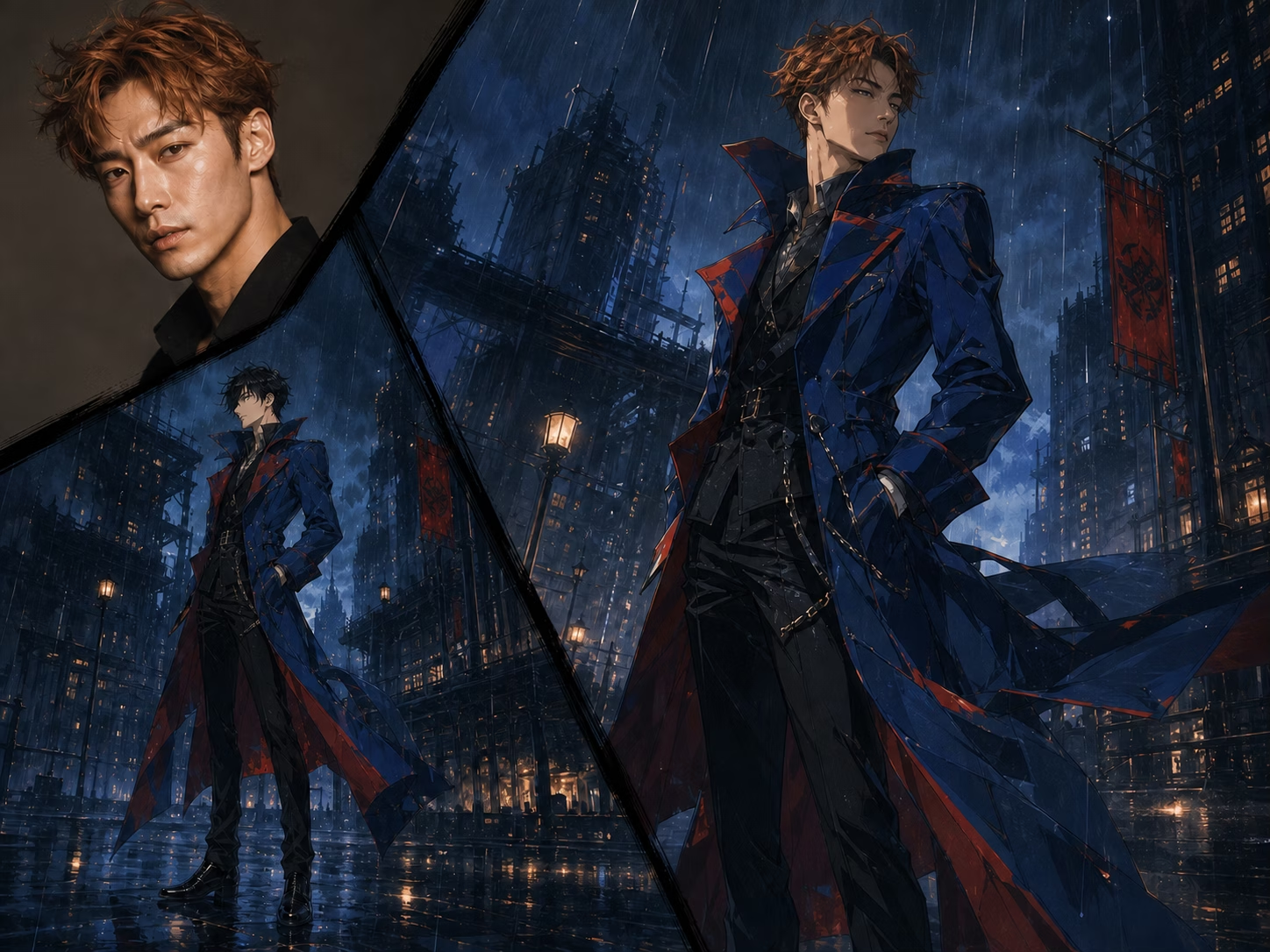
Anime Character Body Swap
Stylized anime body with user's identity mapped in — works across realistic photos and illustrated characters in the same workflow.
What the AI Body Swap Can Do
Guide a complete character replacement across face, body shape, skin tone, clothing, proportions, lighting, pose, and scene composition.
Complete Full-Body Replacement
Replace the visible character across face, body shape, skin tone, clothing, and proportions while using the target image for pose, framing, and scene composition.
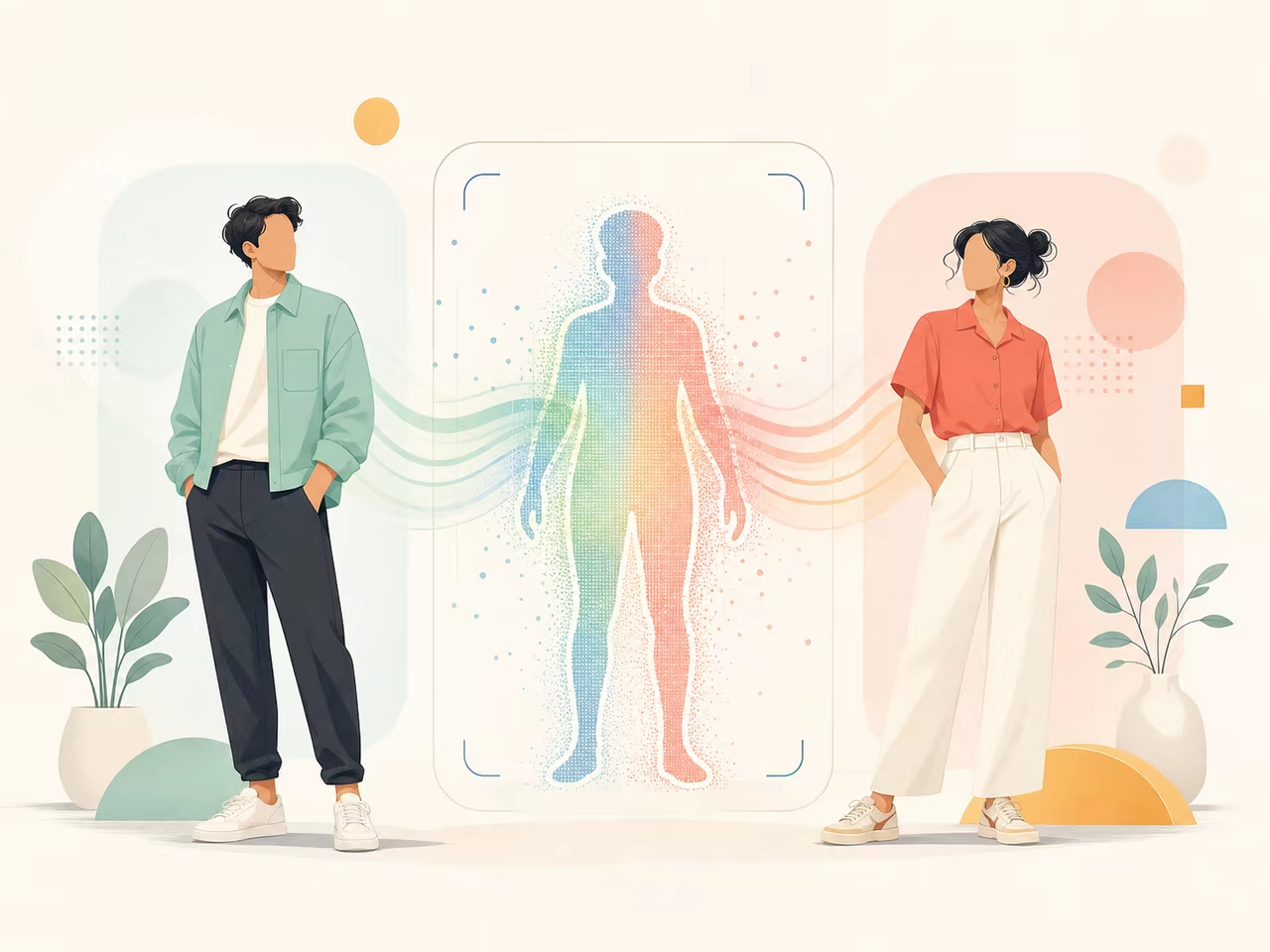
Realistic Lighting & Skin Tone Matching
The AI adapts lighting, shadows, skin tones, and edges between your photo and the target body to create a more natural-looking fit with the scene.
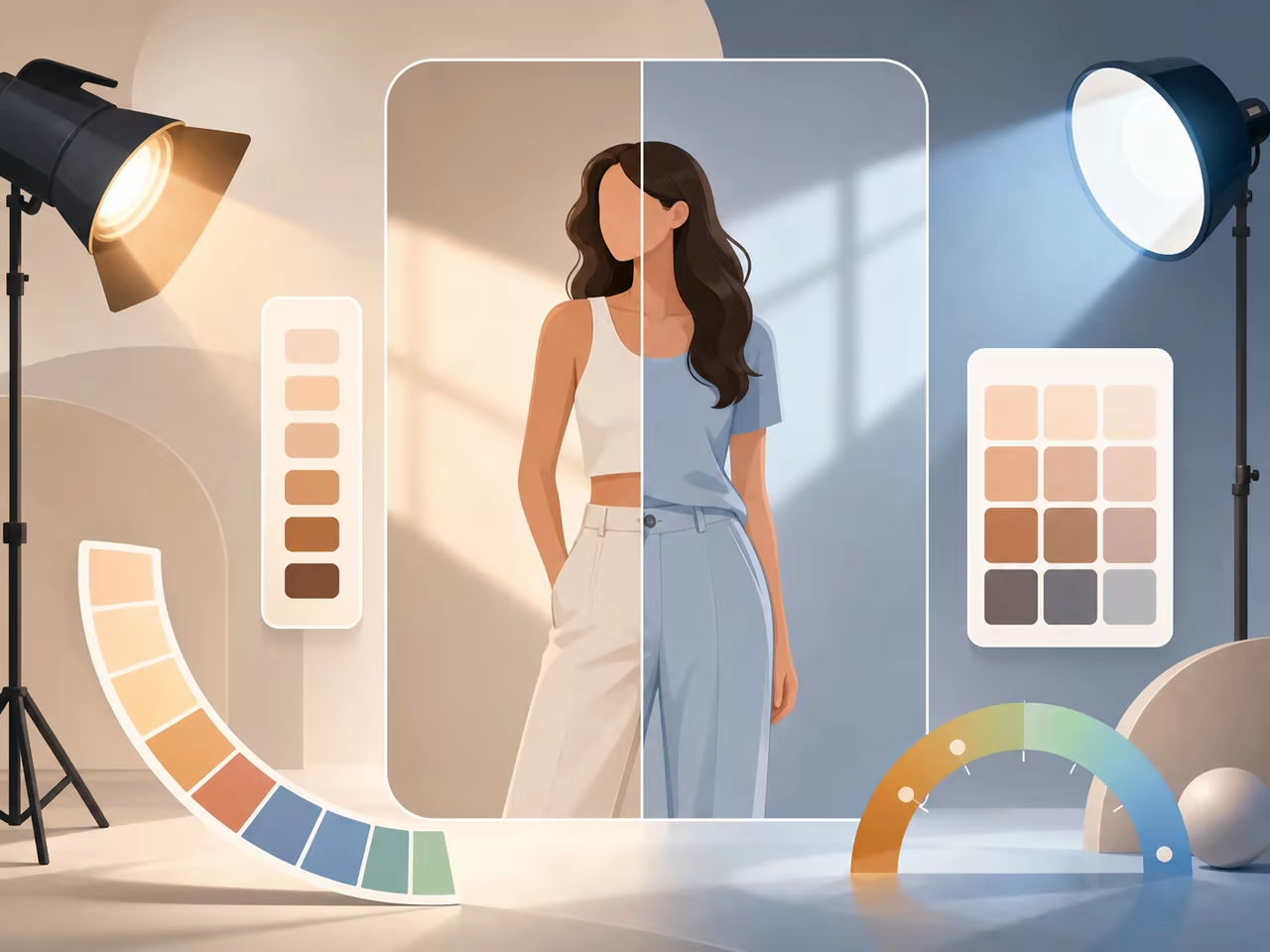
Download & Export Options
Download your body swaps in the resolution available with your plan. Free-tier outputs include a watermark; paid plans unlock watermark-free export. Your images are ready for memes, social posts, creative projects, and client work.
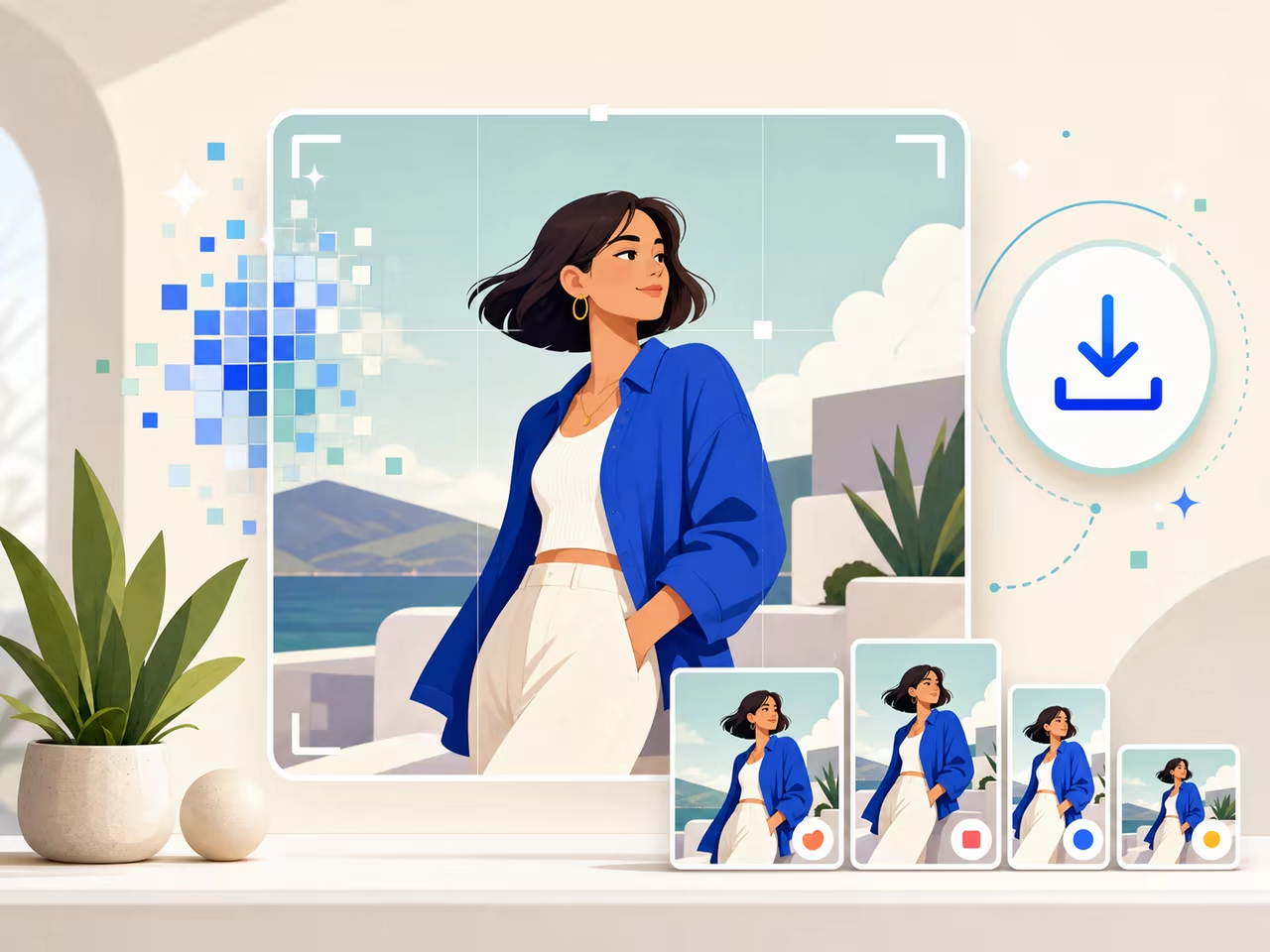
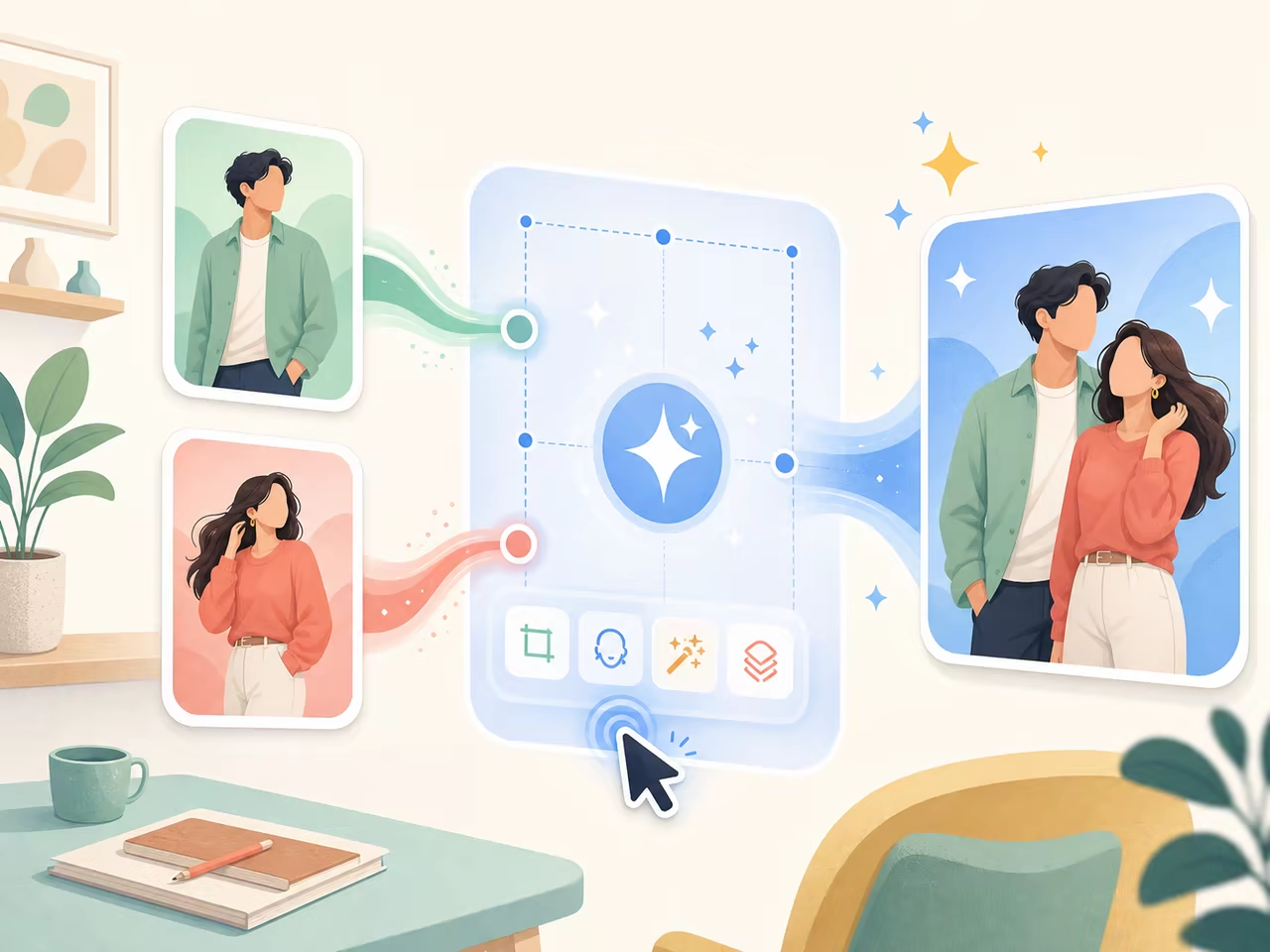
A Direct Two-Image Workflow
Upload the source photo and target-body image, generate, inspect alignment and edges, and download. The AI handles detection, alignment, blending, and edge matching in one workflow.
Commercial Use Ready
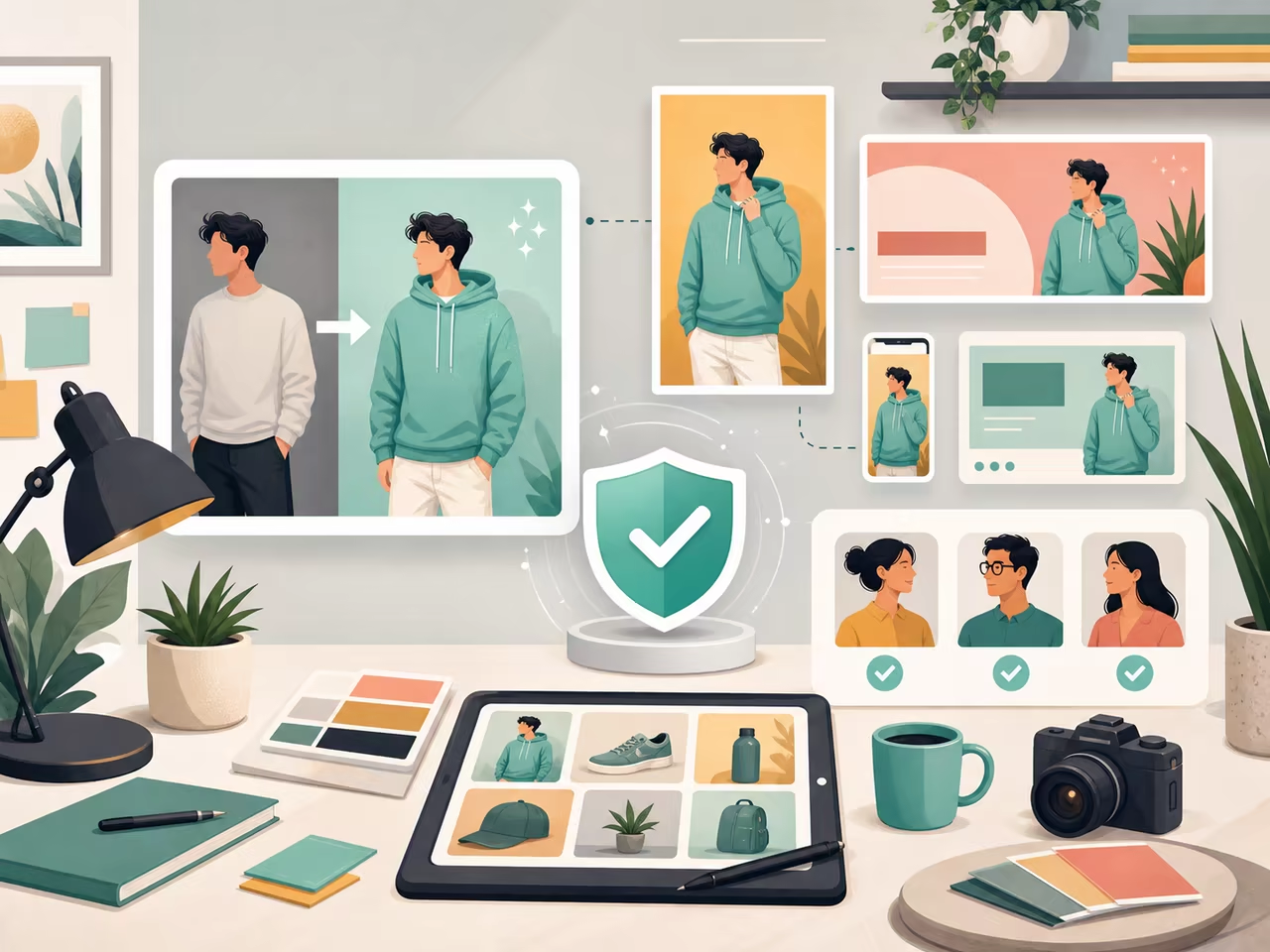
Outputs from paid plans are cleared for commercial use — social media ads, brand content, product promotions, and client deliverables — all watermark-free. Only upload photos you have the rights to use.
How the AI Body Swap Works
Create a full-body replacement in three steps: upload your photo, add a target-body reference, and review the generated result.
Upload your photo
Any JPG, PNG, or WEBP works. Selfies, full-body shots, profile pictures — upload your photo and the AI captures your face, body reference, and skin tone. For best results, use a well-lit photo where your face and upper body are clearly visible.
Upload your target body
Upload the body image you want to swap into — a celebrity photo, a fitness model shot, a movie still, or any reference. The AI maps your appearance onto the target body while preserving its pose, clothing, and framing.
Generate and share
Processing time varies with image resolution, swap complexity, and current queue volume. Preview the result, download the image, and share it directly on TikTok, Instagram, Twitter, Reddit, or anywhere you post. Watermark-free export is available on paid plans.
Who Is the AI Body Swap For?
From meme creators to fitness enthusiasts — anyone can create a realistic body swap in seconds.
Meme Makers & Social Creators
Place your source character into a recognizable meme template, review the pose and scene fit, and turn the result into a timely social post.
Fan Edit & Cosplay Community
Upload your photo and a character-body reference to explore cinematic fan-edit concepts, costume directions, and cosplay previews.
Fitness & Body Goal Visualization
Curious what you'd look like with a different physique? Swap your face onto a fitness model's body to visualize goals — or create funny 'what if' transformations for motivation and laughs.
Digital Artists & Creative Editors
Use AI body swap as a creative starting point for concept art, character exploration, and rapid iterations. Generate variations in seconds instead of spending hours on manual compositing in Photoshop.
Friends & Group Chat Fun
Create playful body-swap concepts with friends in group photos and funny scenarios for WhatsApp, Discord, and group chats.
Tips for Better Body Swap Results
A short input checklist and common issues — read this before your first generation to get the best output.
Input Checklist
- Use a clear, well-lit photo where your face and upper body are visible
- Choose a target body with a similar angle and pose to your source photo
- Front-facing or three-quarter angle photos produce the best results
- Avoid heavily filtered, very low-resolution, or obscured images
- Match framing: full-body source with full-body target, portrait with portrait
- Use high-resolution source photos for the best output quality
Common Issues & Fixes
AI Body Swap FAQ
What is AI body swap?
Is the AI body swap tool free?
How does AI body swap work?
What's the difference between body swap and face swap?
Do I need to create an account to use the AI body swap?
Are the generated body swap images watermarked?
How long does an AI body swap take?
What types of photos work best for body swap?
Can I use the generated body swaps commercially?
Are my uploaded photos private and secure?
Can I use my own target body image instead of a template?
Is AI body swap legal?
Swap Your Body into Any Photo Now
Upload a photo, choose a target-body reference, generate the replacement, and review pose, lighting, skin tone, proportions, and edge blending before download.