
AI Avatar for Real Estate Agents
Stay Visible Without Setting Up Another Shoot.
Choose one clear, front-facing photo with your eyes and mouth easy to see.
Add your name, company, service area, current facts, contact details, and one clear next step.
What You Can Create with an AI Avatar for Real Estate Agents
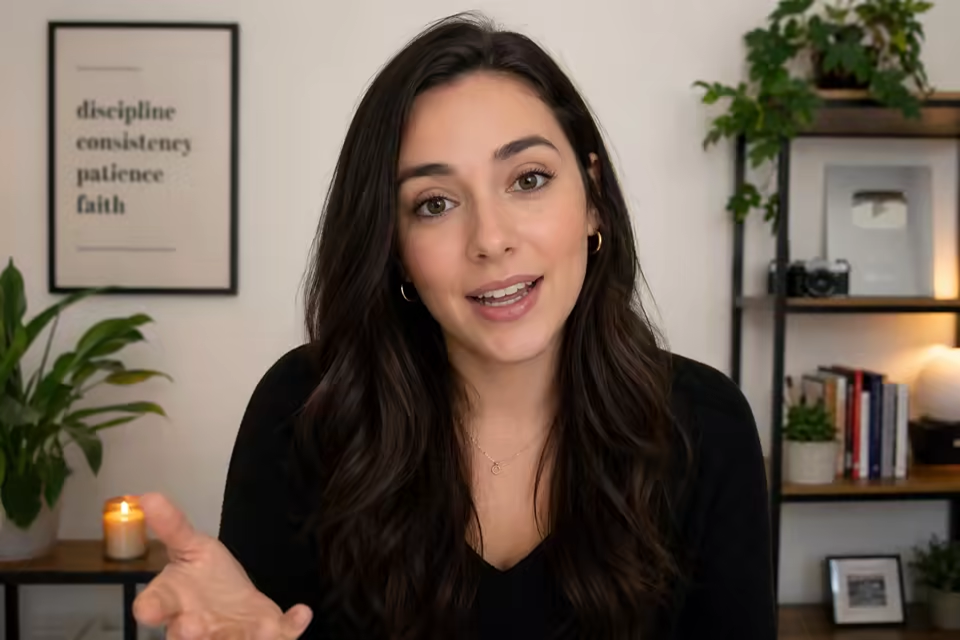
Turn the messages agents already repeat every week into polished talking videos built around your face, local expertise, and next client conversation.
Turn an agent headshot into a real estate talking avatar
Upload one clear professional portrait and give it a new message whenever your market, listings, or client questions change. This real estate agent AI avatar workflow keeps your own face at the center while typed text or uploaded voice audio supplies the delivery. Use the same approved headshot for a recognizable series of short agent videos.

Create weekly real estate market update videos
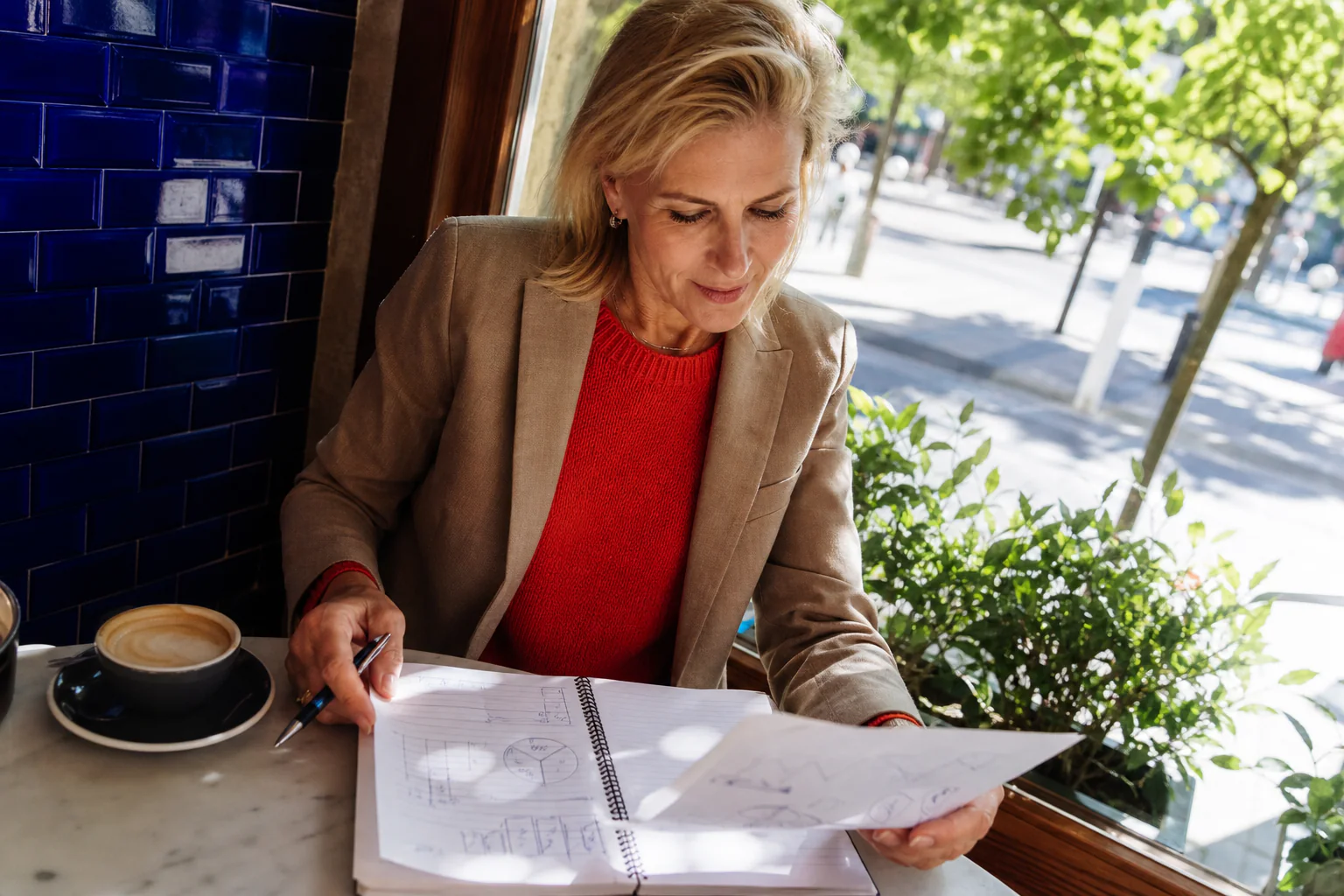
Turn the latest median price, inventory, days on market, interest-rate context, or neighborhood trend into a concise update. The real estate market update video generator starts from the exact script you provide, so every new episode can carry your service area, reporting period, practical takeaway, and call to action in your own preferred wording.
Make a real estate agent introduction video
Introduce your name, brokerage or company, service area, specialty, and the clients you help in one focused video. A real estate agent introduction video gives websites, social profiles, email follow-ups, and relocation leads a warm first touch, while a new script lets you tailor the same professional portrait to buyers, sellers, investors, or local partners.

Announce new listings and open houses on camera
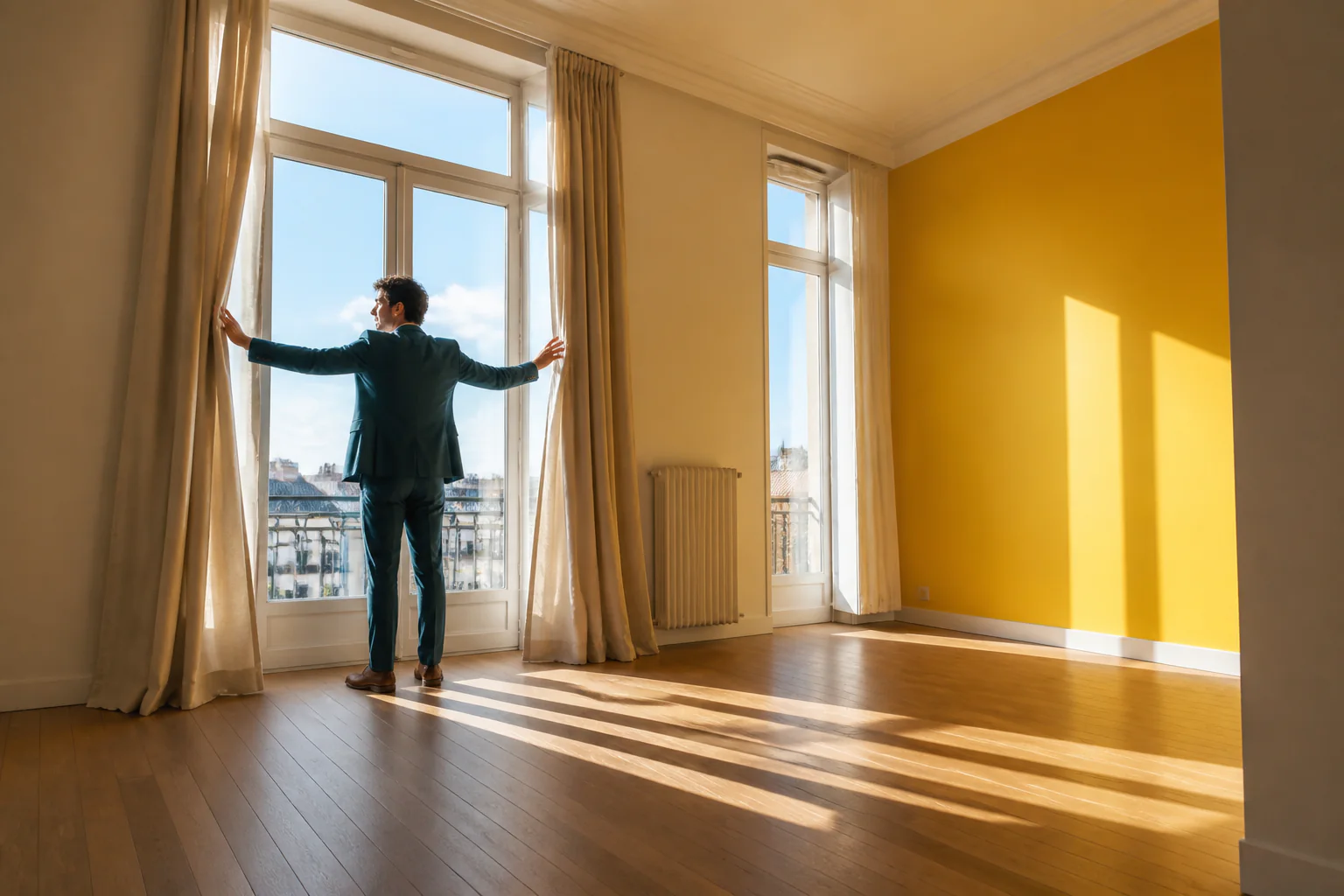
Create a real estate agent avatar video that shares a new listing, an open-house date, a price update, or a just-listed moment with one clear next step. Add the verified location, timing, property highlights, and contact route to the script, then use the talking agent segment across social posts, email campaigns, and listing promotion.
Answer buyer and seller questions without filming again
Turn one frequent question into one useful real estate talking avatar video. Explain preparation, timelines, offers, inspections, financing conversations, pricing strategy, or what clients can expect next. Short buyer and seller FAQ videos help your audience learn from the same calm, recognizable agent presence before they book a conversation.

Stay in control of every property and market message
You write the message, choose Text or Audio, select the voice and language when using a typed script, and see the generation settings before submitting. Keep names, prices, dates, local statistics, company details, contact information, and the final call to action exactly where you want them in each AI property agent video.
How to Use the AI Avatar for Real Estate Agents
Move from a professional headshot to a new talking agent video in three focused steps.
Upload your professional headshot
Choose one clear, front-facing JPG, PNG, or WebP portrait with balanced light and an unobstructed face.
Add your real estate message
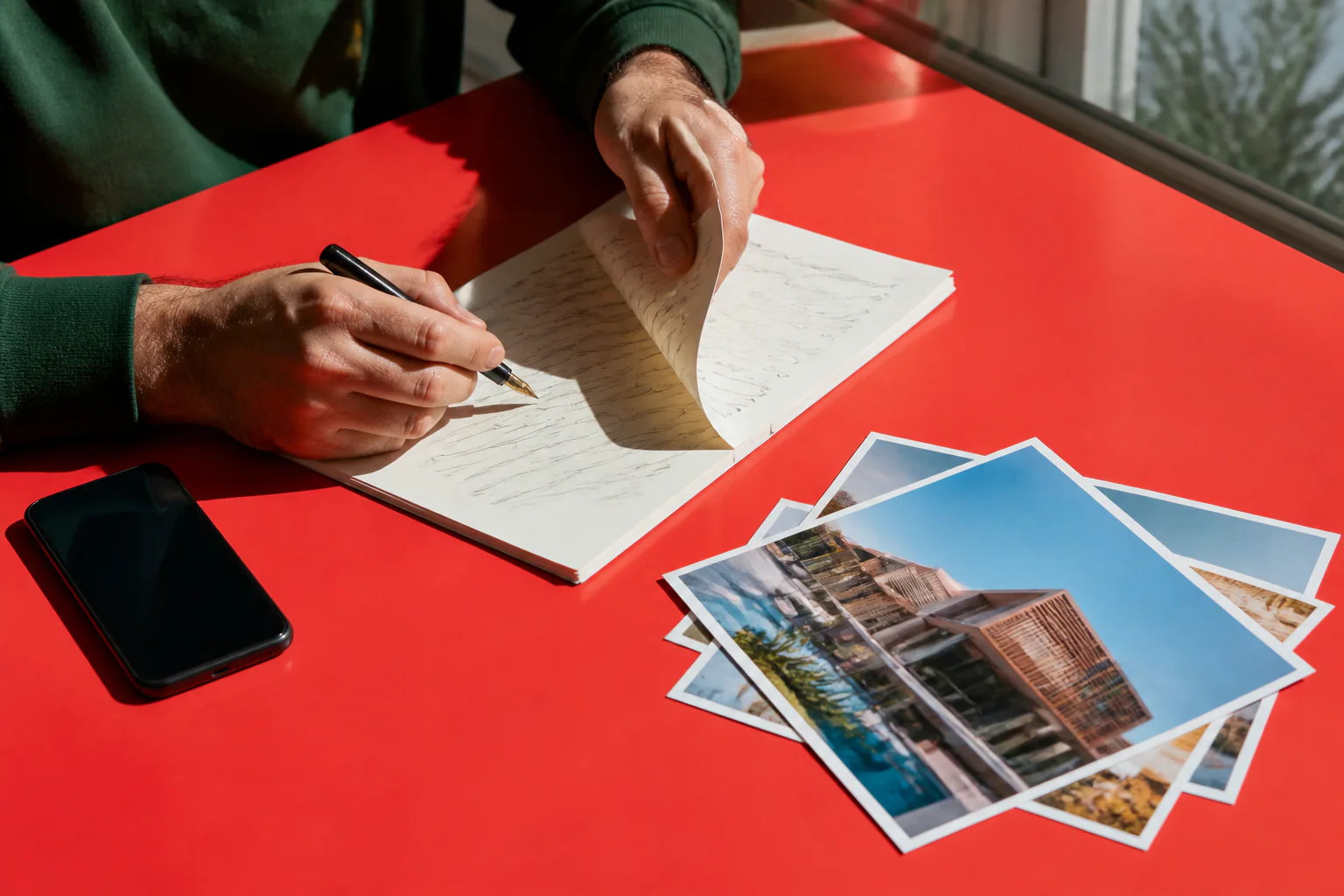
Type an agent introduction, market update, listing announcement, open-house invitation, or FAQ script, then choose a voice and language. You can also upload your own clean speech audio.
Generate and download your agent video
Choose 720p or 1080p, confirm the live credit estimate, generate the video, and download the finished MP4 for your next campaign or client touchpoint.
AI Avatar for Real Estate Agents Use Cases
Build a repeatable content rhythm around the moments when clients want a clear, familiar local expert.
Weekly market update
Share the latest local figures, add one practical takeaway for buyers or sellers, and close with an invitation to discuss what the numbers mean for their plans.
Agent introduction
Welcome website visitors, relocation leads, referral partners, or a new social audience with your name, company, area, specialty, and preferred next step.
New listing announcement
Present the essential listing story in your own words and guide interested viewers toward the listing page, a showing request, or a direct conversation.
Open-house invitation
Create a short invitation around the confirmed date, time, location, a few highlights, and one memorable reason to visit in person.
Buyer and seller FAQ
Answer one recurring client question at a time and turn your everyday expertise into a useful library of short talking-agent videos.
Neighborhood and community update
Share a local event, seasonal reminder, community highlight, or neighborhood observation with the same recognizable agent presence.
Why Choose Our AI Avatar for Real Estate Agents?
Create useful real estate content around your professional identity, the message you approve, and the conversations clients already want to have.
Your professional identity stays central
Start from your own headshot so every market update, introduction, invitation, and FAQ carries a familiar agent presence.
Built around real estate messages
Write the exact local update, listing announcement, client answer, or personal introduction you want to present.
Text and audio directing options
Use typed text with a selectable voice and language, or upload clean speech audio when your own pacing matters.
Ready for recurring content
Return with a new script whenever the market, listing, event, or client question changes and create the next talking agent video.
AI Avatar for Real Estate Agents FAQ
What is an AI avatar for real estate agents?
How do I turn an agent headshot into a talking video?
Can I create a weekly real estate market update video?
Can I make a real estate agent introduction video?
Can I create listing and open-house announcement videos?
Can I use my own real estate script?
Can I use my own voice recording?
What photo works best for a real estate talking avatar?
Can brokerages use an AI avatar for realtors and property agents?
What resolution can I choose?
Can I use an agent avatar video for business marketing?
Is the AI avatar for real estate agents free?
More tools in AI Talking Avatar Generator
Compare other focused workflows in the same AI Talking Avatar Generator collection.
View AI Talking Avatar Generator
AI Spokesperson Video Generator
Turn an approved portrait and reviewed business script or audio into a lip-synced presenter video for introductions, welcomes, and updates.
Open tool
AI UGC Avatar Generator
AI UGC Avatar Generator turns one creator photo and an ad script or voice recording into a lip-synced UGC-style video for TikTok, Reels, and Meta ads.
Open tool
AI Avatar for Course Creators
AI Avatar for Course Creators turns an instructor photo and lesson script or voice recording into course welcomes, module intros, updates, and teaching clips.
Open tool
AI Recruitment Video Generator
AI Recruitment Video Generator turns an authorized recruiter photo and approved job script or voice recording into hiring videos for career pages and recruiting posts.
Open toolCreate Your Real Estate Agent AI Avatar
Upload your professional headshot, add the next real estate message, and turn it into a talking agent video.