
AI Spokesperson Video Generator
Change the Message, Not Your Production Schedule.
Use one sharp, front-facing person with a clear face and unobstructed mouth.
Keep product details, pricing, evidence, and calls to action accurate and current.
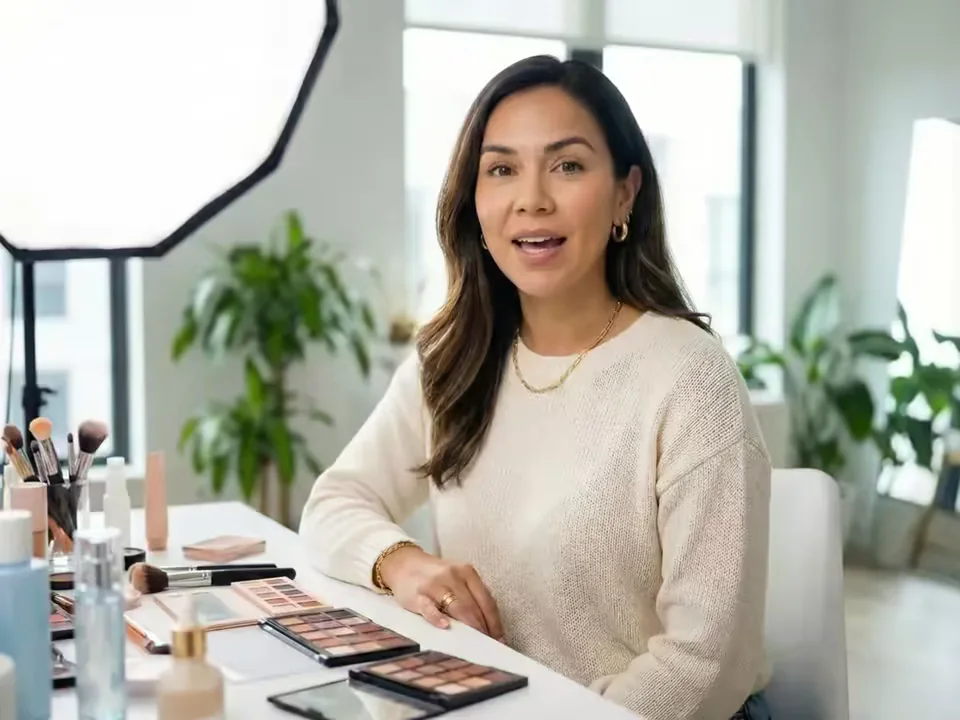
What is an AI Spokesperson Video Generator?
An AI Spokesperson Video Generator turns one presenter portrait and a business message into a lip-synced video. Type a script and select a generated voice, or upload a recording when tone, pronunciation, and pacing matter. Reuse the same portrait to publish a new introduction, announcement, welcome, recommendation, or update whenever the message changes.
Build the spoken presenter take first, then combine it with screen recordings, product footage, captions, music, logos, and brand graphics in your editor. This keeps the on-camera message easy to revise while accurate visual details remain under your control.
What an AI Spokesperson Video Generator creates
Build around one clear message, then shape the voice, language, visual identity, and final edit for the audience.
Start with a reviewed business script
Use the script field for a SaaS introduction, app update, service welcome, company announcement, or product recommendation. A concise audience problem, clear value, one useful feature, and one next step usually sounds more credible than a crowded sales monologue.

Use your own authorized voice and pacing
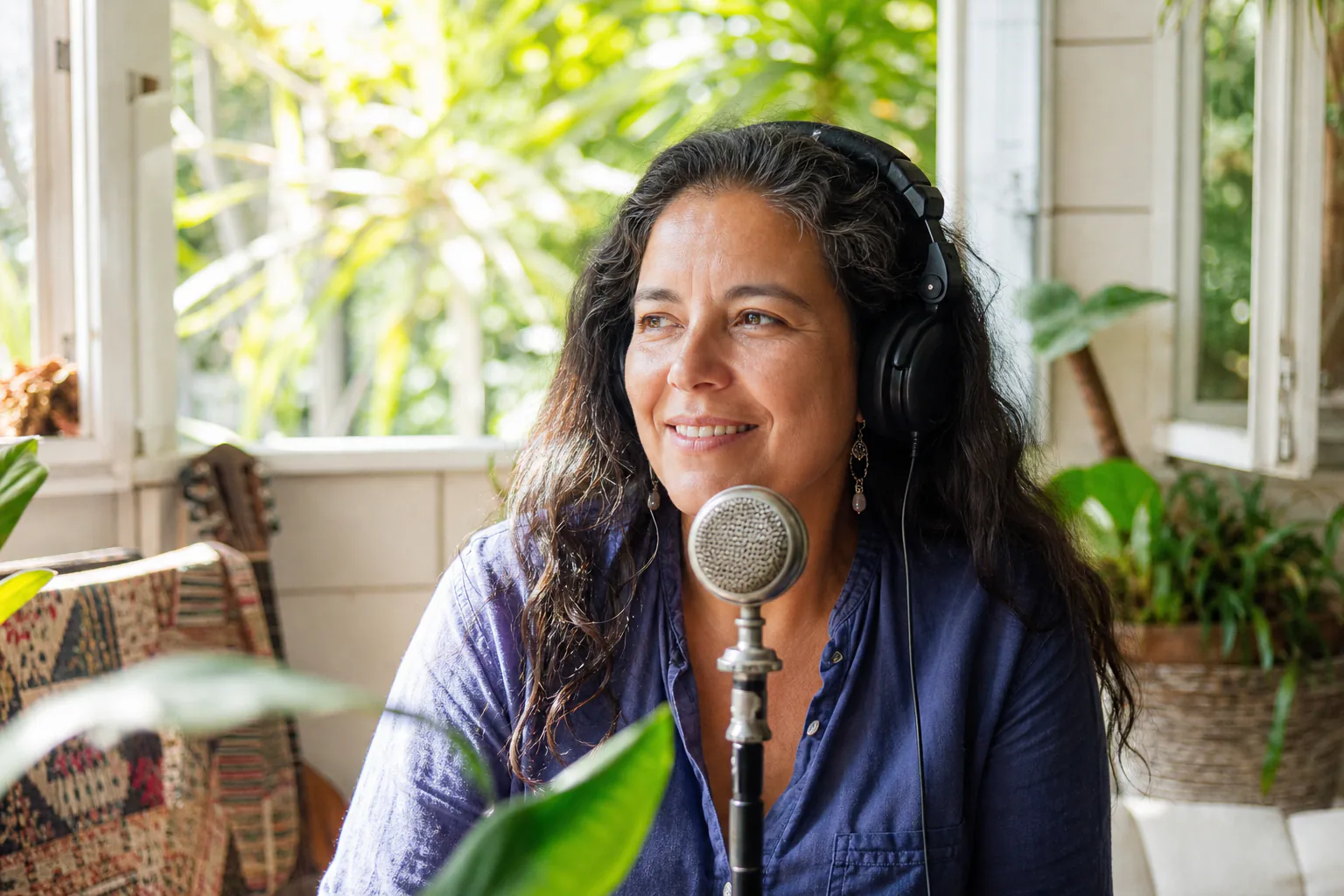
Switch to Audio to preserve cadence, pronunciation, pauses, and emotional emphasis from a clean MP3, WAV, or M4A recording. This works well for founder updates, employee welcomes, actor performances, and branded voice delivery.
Update time-sensitive messages without another shoot
When a feature, process, event, or call to action changes, reuse the original portrait with a revised script. Keep the source image, preferred settings, scripts, and voice choices together so every update begins from the same visual foundation.

Choose the available language, voice, and resolution
Text mode provides a defined voice list and current language choices, while both speech modes offer 720p or 1080p. Prepare the script in your target language, choose a matching voice, and use the visible credit estimate to plan duration and resolution.

Review the complete presenter take
Watch the full output for lip timing, blinking, facial detail, pronunciation, and pauses. A careful review helps you choose the strongest take before adding screen recordings, product shots, captions, music, and transitions.
How to create an AI spokesperson video
Move from a clear portrait and focused message to one reviewable presenter take.
Upload a clear presenter portrait
Choose one sharp, front-facing person with a visible mouth, even light, and enough space for the final crop.
Write the business script or add audio
Edit the starter into your real message, or upload a clean recording. Keep the value proposition, feature details, offer, and next step concise and accurate.
Generate and complete a human review
Check the live credit estimate, render the video, then review the entire take for message accuracy, lip sync, facial detail, pronunciation, and framing.
Business script starters for an AI video spokesperson
Use these structures to turn real business information into concise, audience-focused presenter scripts.
SaaS product introduction
Audience problem → product value → one useful feature → clear call to action.
App feature update
What changed → who benefits → where an existing user can try it.
Service welcome
Who you help → how the process works → the correct next step.
Product recommendation
Audience need → relevant benefit → proof point → clear CTA.
Short social message
One relevant hook → one useful point → one approved next action.
Where an AI spokesperson can support a real business message
Keep each video centered on one spoken task that the current portrait-and-speech workflow can actually deliver.
SaaS, app, and feature introductions
Explain one product value or release update in a concise presenter take, then add screen recordings, B-roll, captions, and brand graphics to show the product in context.
Service welcomes and next-step videos
Turn a welcome, appointment explanation, onboarding note, or FAQ into a consistent message that customers can watch before the next step in their journey.
Announcements and recurring updates
Create a new take after a policy, schedule, event, or approved offer changes. Reuse the source portrait, then require human review for the final facts and presentation.
Workflow essentials for AI Spokesperson Video Generator
Inputs, recommended setup, and the most common fixes—summarized in one compact guide.
Inputs and setup
- One authorized JPG, JPEG, PNG, or WebP portrait; Reviewed text with generated voice, or MP3, WAV, or M4A audio.
- Speech length: Estimated from the script or detected from uploaded audio.
- 720p or 1080p selected before generation; Account and credits required; downloadable MP4 output.
- Review every claim, offer, number, and call to action for accuracy and clarity.
Two quick fixes
AI Spokesperson Video Generator FAQ
What is an AI spokesperson video generator?
Can I create an AI spokesperson from my own photo?
Can I type a script or upload my own voice audio?
Can I reuse the same portrait for updated messages?
Which voices, languages, lengths, and resolutions are available?
Is there a free generation, watermark, or credit limit?
Can I use the spokesperson video commercially?
How are uploaded portraits and recordings handled?
How do I combine the presenter with product visuals?
How is this different from an AI UGC avatar or product avatar?
More tools in AI Talking Avatar Generator
Compare other focused workflows in the same AI Talking Avatar Generator collection.
View AI Talking Avatar Generator
AI UGC Avatar Generator
AI UGC Avatar Generator turns one creator photo and an ad script or voice recording into a lip-synced UGC-style video for TikTok, Reels, and Meta ads.
Open tool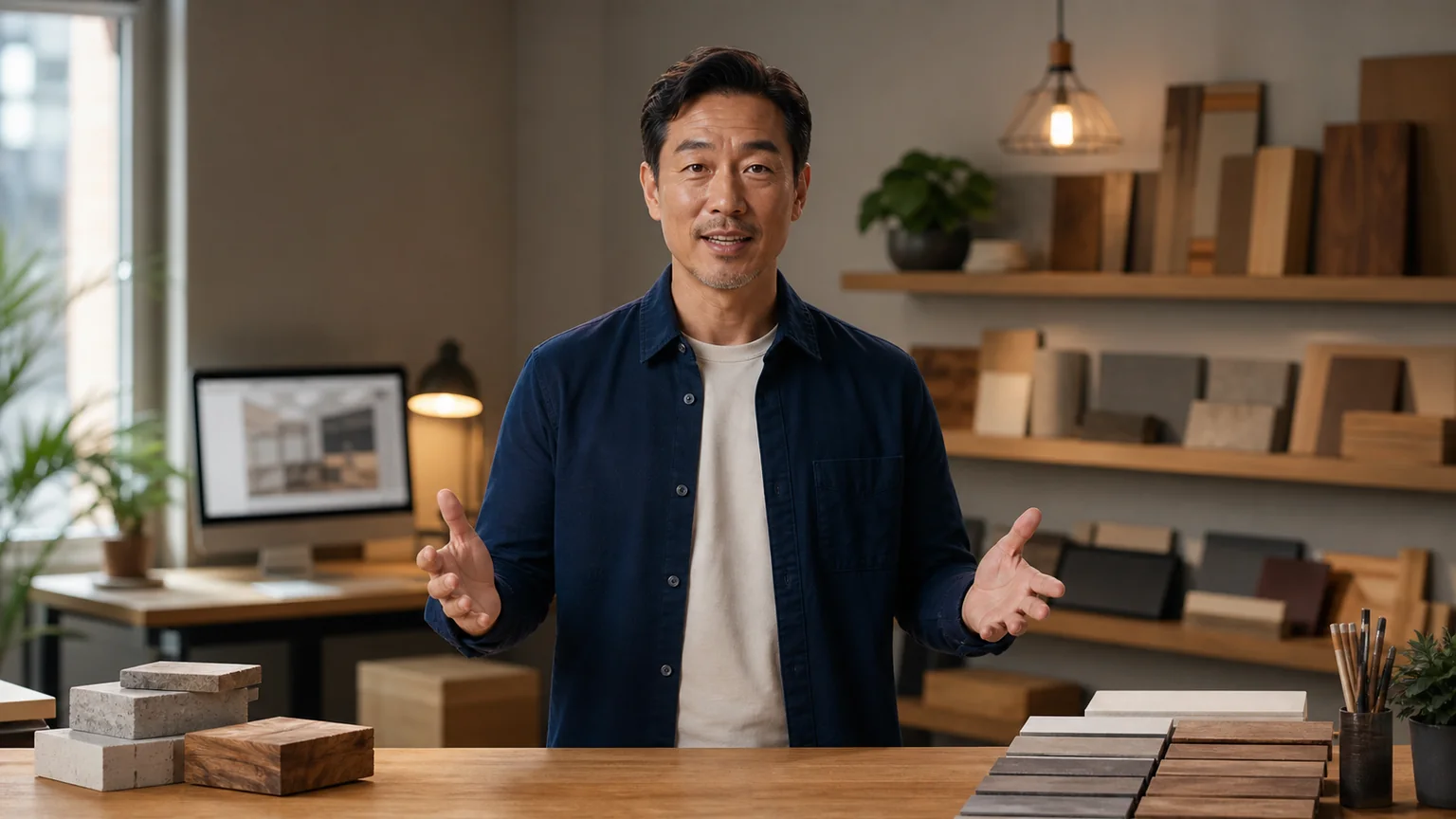
AI Avatar for Course Creators
AI Avatar for Course Creators turns an instructor photo and lesson script or voice recording into course welcomes, module intros, updates, and teaching clips.
Open tool
AI Recruitment Video Generator
AI Recruitment Video Generator turns an authorized recruiter photo and approved job script or voice recording into hiring videos for career pages and recruiting posts.
Open tool
AI Avatar for Real Estate Agents
Create an AI avatar for real estate agents from one headshot and script. Make market updates, introductions, listing announcements, open-house invites, and FAQ videos.
Open toolTurn your next business message into a presenter take
Upload a clear portrait, shape the script around one audience need, and review the entire result before adding it to your brand edit.