
AI UGC Avatar Generator
Test More Hooks Without Another Shoot.
Use one authorized, front-facing creator portrait with a sharp face and unobstructed mouth.
Write a natural first-person ad read and verify every product claim before generating.
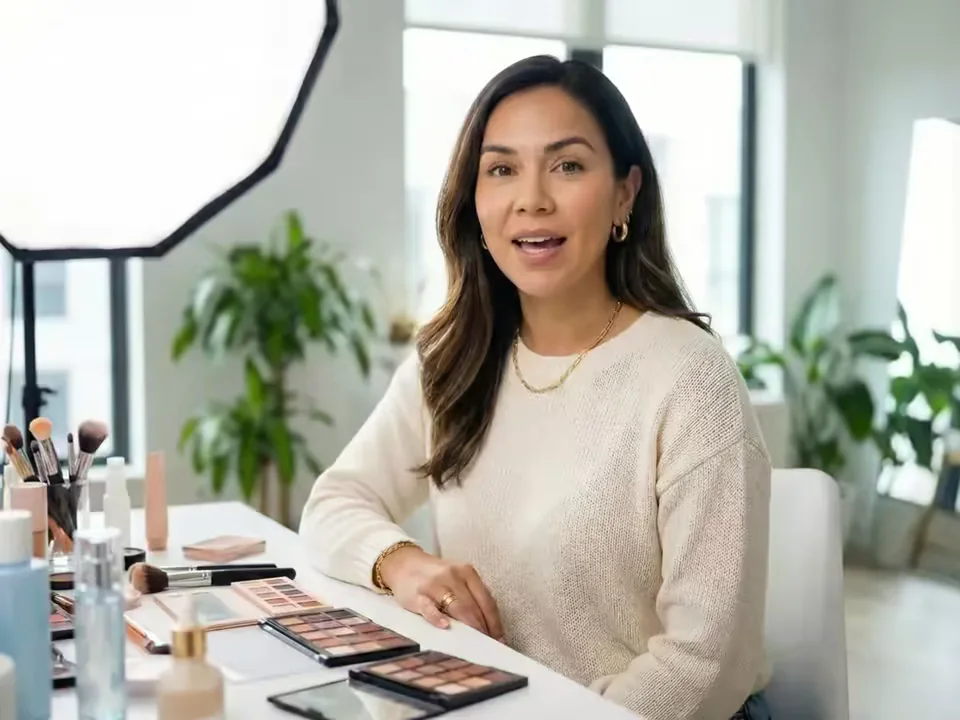
What does an AI UGC Avatar Generator create?
An AI UGC Avatar Generator creates a creator-style speaking clip from one permitted portrait and either a written ad script or an uploaded voice recording. The portrait supplies the visible creator, while the script or audio supplies the hook, pacing, product message, and call to action. This focused workflow is designed for marketers who need more UGC ad reads without coordinating a new filming session for every variation.
The AI UGC Avatar Generator produces the presenter take, not a complete multi-scene advertisement. It does not read a product URL, place a separate product image in the creator's hand, invent customer testimonials, or automatically add B-roll, captions, music, and brand graphics. Download the MP4, verify the result, and combine it with your own product footage and compliant campaign assets in an editor.
AI UGC Avatar Generator features for faster ad testing
Create a clear creator-style base clip, preserve the approved message, and make controlled script variations for paid and organic social campaigns.
Create a custom UGC avatar from one photo
The AI UGC Avatar Generator turns one authorized creator portrait into a custom UGC avatar video. Start with a sharp, natural image so the image-to-UGC-video result feels appropriate for direct-to-camera social content.
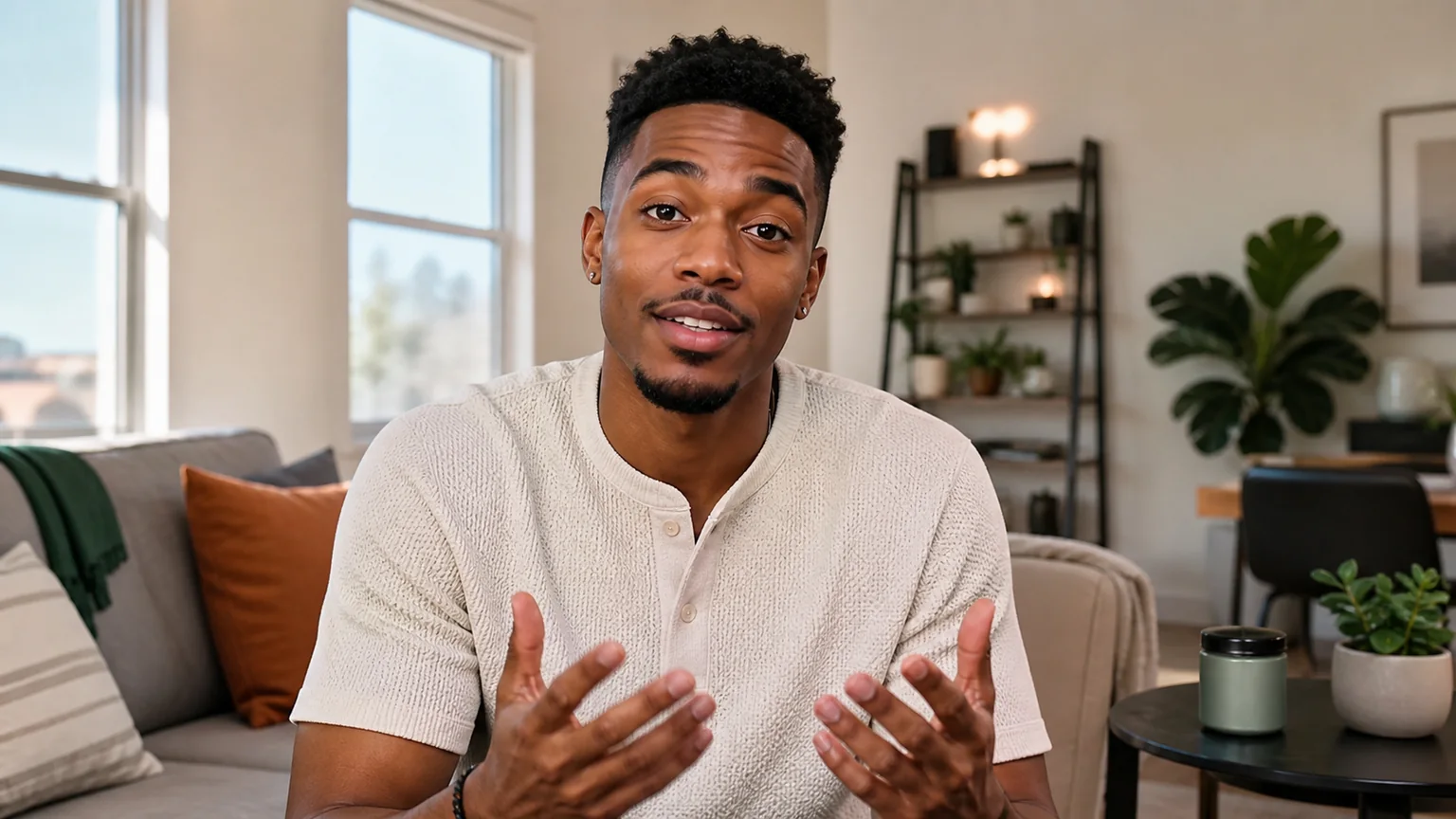
Turn an ad script into a UGC talking avatar
Paste a reviewed hook, product message, and call to action into the AI UGC Avatar Generator. The typed-script workflow creates an AI UGC talking avatar that delivers the approved wording without inventing new product claims.
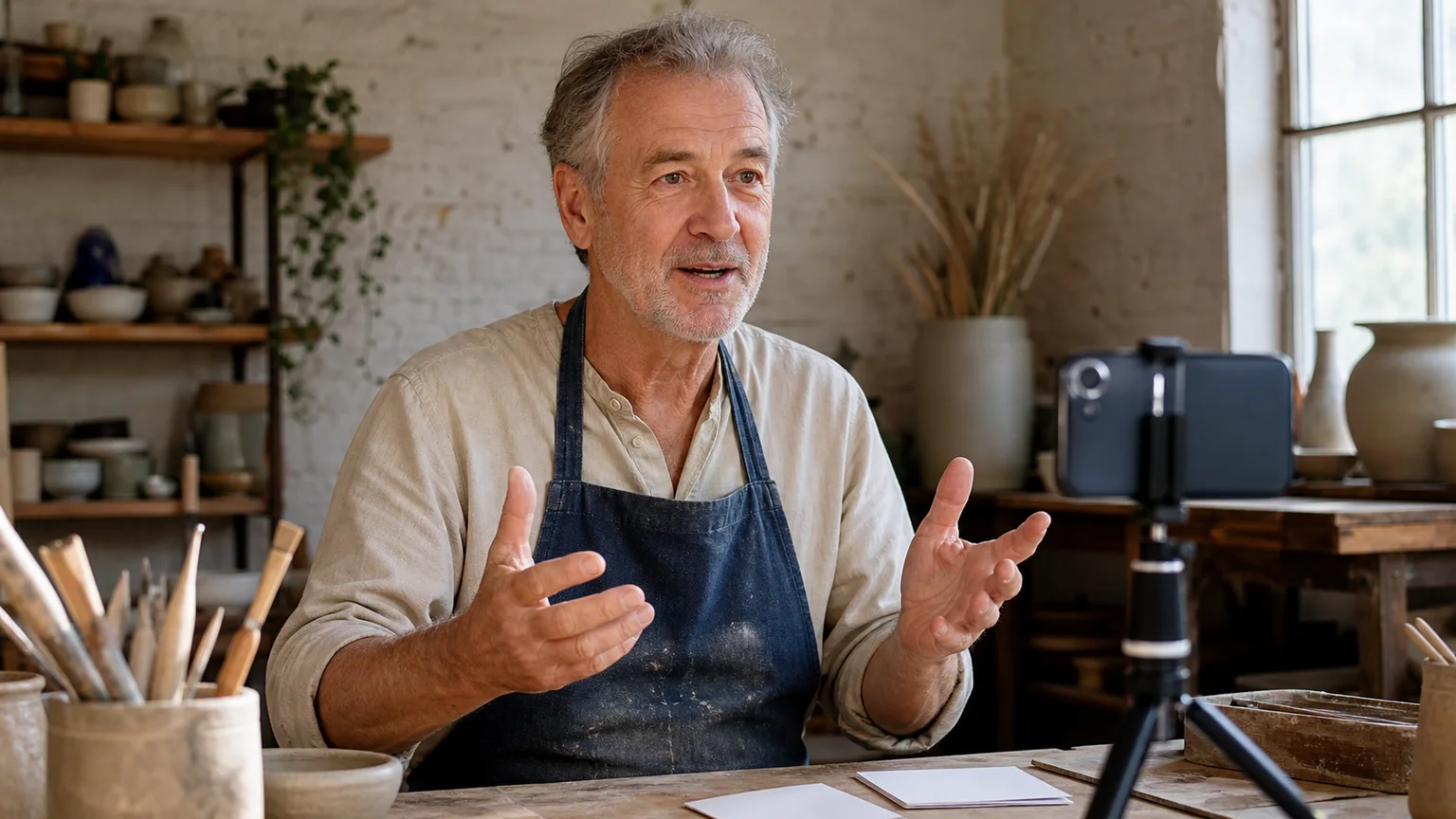
Use your own voice in the UGC avatar video
Switch the AI UGC Avatar Generator to Audio and upload an authorized creator recording when cadence, pronunciation, emotion, and brand delivery should remain under your control.
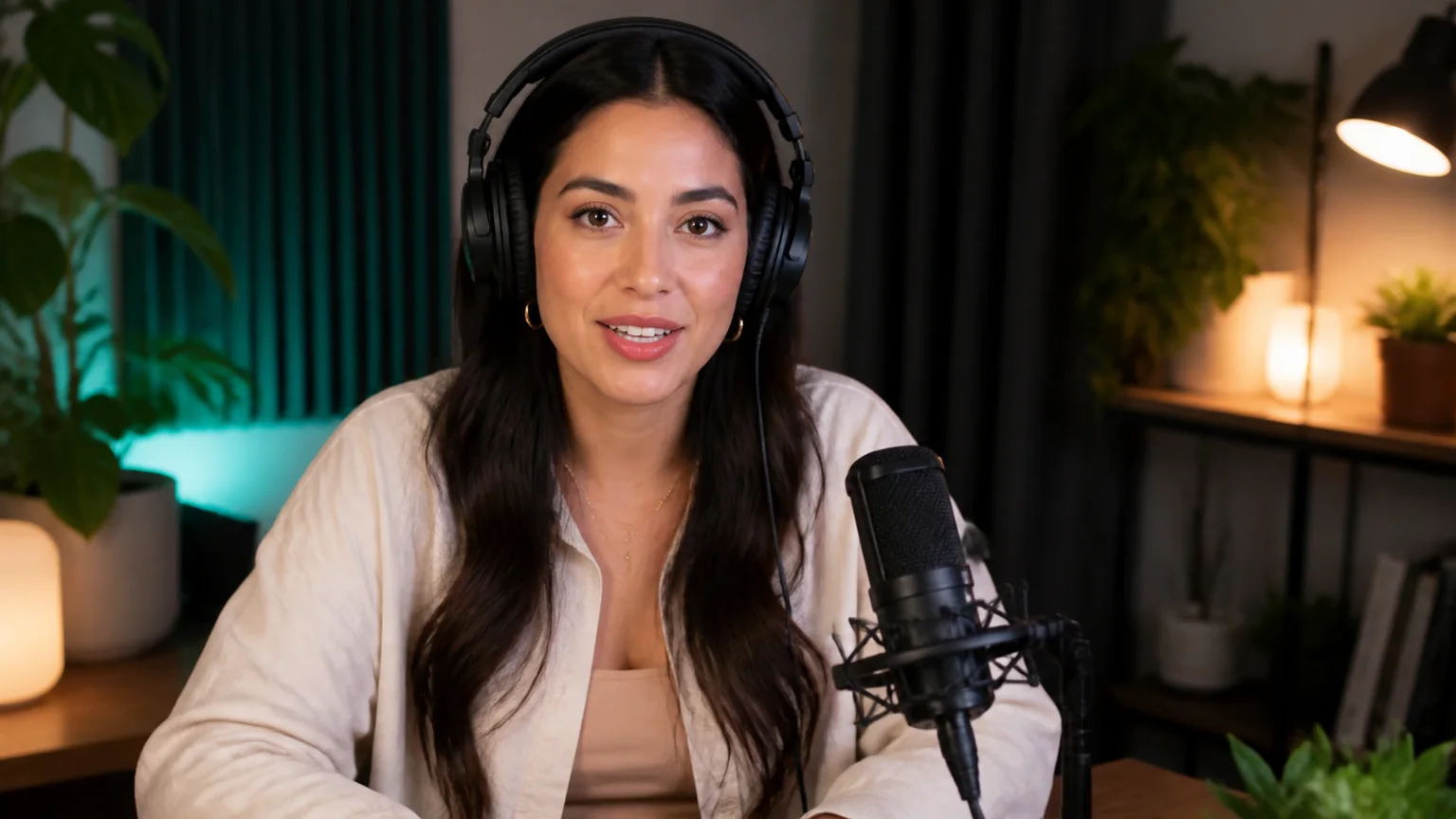
Create repeatable hook and CTA variations
Keep the same approved portrait and change one part of the script at a time. The AI UGC Avatar Generator makes it practical to compare hooks, product angles, objections, offers, and calls to action without recreating the entire visual setup.
Make avatar ad reads for TikTok and Meta campaigns
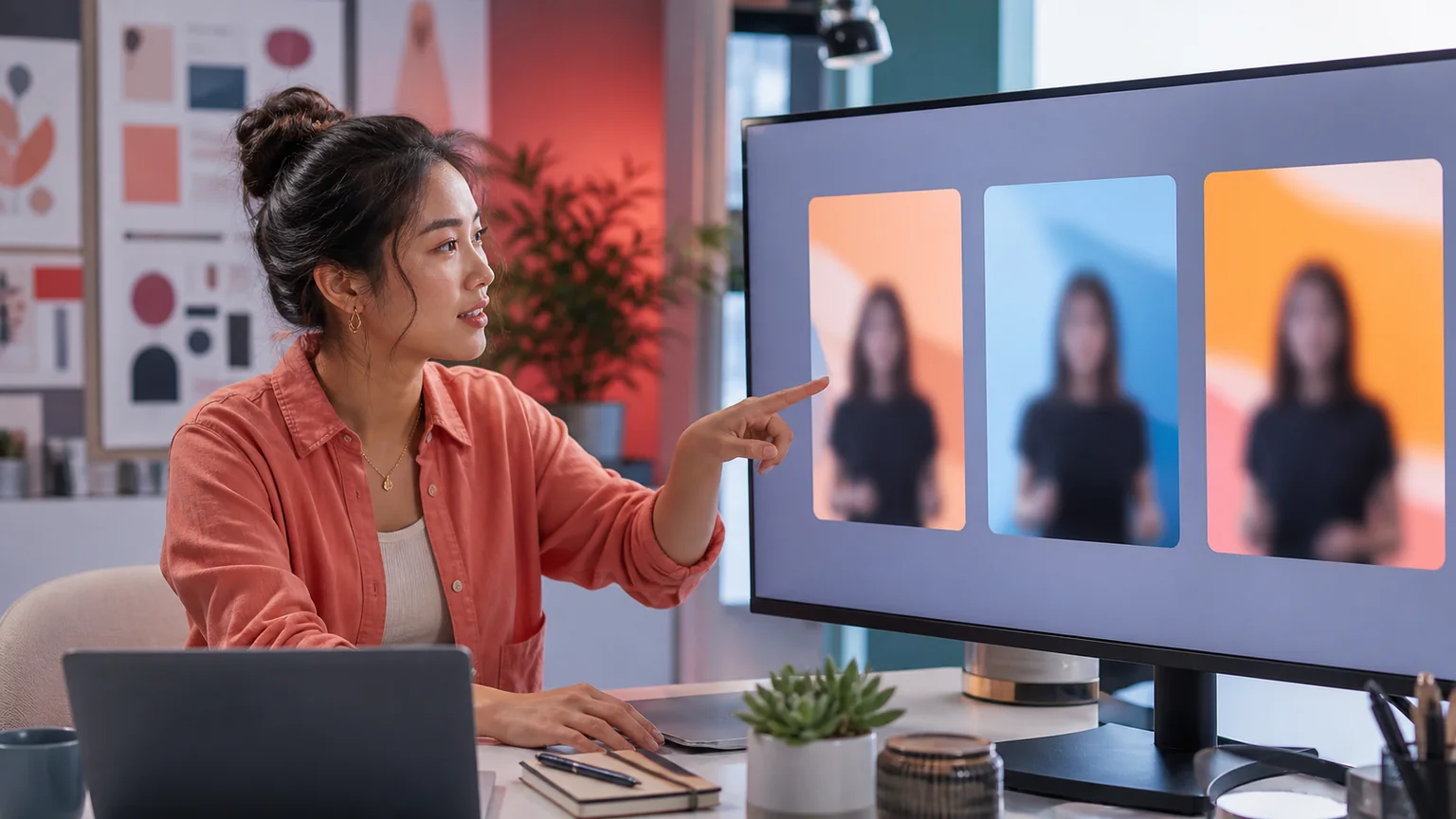
Use the AI UGC Avatar Generator to prepare concise presenter takes for TikTok ads, Instagram Reels, YouTube Shorts, and Meta ad variations, then add verified product footage, captions, and branding in your editor.
How to use the AI UGC Avatar Generator
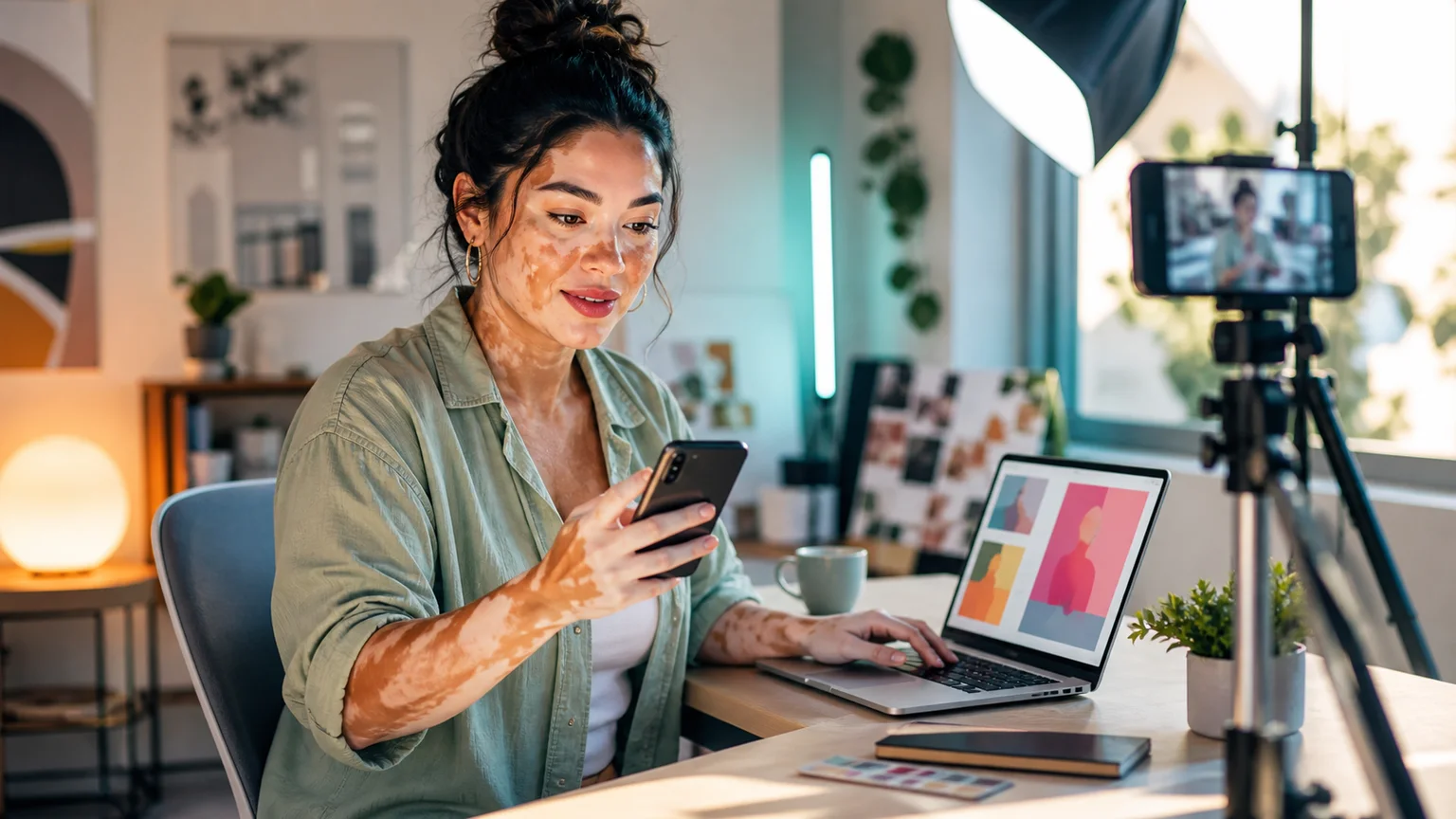
Move from an authorized creator portrait to a reviewable UGC avatar video in three focused steps.
Upload the creator portrait
Choose one well-lit, front-facing portrait that you own or have permission to animate. A visible mouth and simple framing help the AI UGC Avatar Generator preserve a stable creator identity.
Add a UGC script or voice recording
Write a concise hook, product value statement, and CTA, or switch to Audio and upload an authorized creator recording. Keep all claims accurate, specific, and supportable.
Generate, review, and edit the ad take
Choose 720p or 1080p, generate the video, then review lip sync, identity, wording, and product claims before adding captions, product footage, branding, or music in your editor.
Why choose this AI UGC Avatar Generator?
The workflow concentrates on the parts of UGC production that change most often: the hook, message, language, offer, and CTA.
Fewer repeat filming sessions
Use the AI UGC Avatar Generator when a line, offer, or product angle changes but the approved creator portrait can remain the same.
A consistent creator across tests
Control one variable at a time by keeping the portrait and visual setup consistent while testing different scripts and calls to action.
Exact script control
The AI UGC Avatar Generator says the text you enter rather than inventing unsupported product claims or silently changing campaign details.
Listed voice languages
Prepare a reviewed script for each audience and choose from the voices and languages currently shown in the form. Review pronunciation before publishing.
Focused creator-video controls
Portrait, script or audio, voice, language, and resolution stay in one visible workflow without unrelated motion-transfer settings.
Rights-aware production guidance
Use only authorized faces, voices, scripts, music, product media, and brand assets, and disclose synthetic content when a platform, market, or campaign requires it.
AI UGC Avatar Generator use cases
Build reusable creator-style speaking takes for the campaign tasks that require frequent message changes.
TikTok and Reels hook testing
Use the AI UGC Avatar Generator to create several concise openings for vertical paid or organic videos, then compare each hook with the same product footage and campaign setup.
Product introduction and recommendation
Create a direct-to-camera explanation of a product problem, verified benefit, and next step, then add close-ups or demonstrations in your editor.
Localized creator ad reads
Use the AI UGC Avatar Generator with separately reviewed regional scripts or authorized audio recordings to prepare creator-style campaign variations for different audiences.
AI UGC Avatar Generator FAQ
What is an AI UGC Avatar Generator?
Is this AI UGC Avatar Generator a complete AI UGC video generator?
Can I make a custom UGC avatar from my own photo?
Can I upload my own creator voice?
Can the avatar hold or demonstrate my product?
How do I create several UGC ad variations?
Can I use AI UGC avatar videos commercially?
Should I disclose that the UGC avatar is AI-generated?
What photo works best for the AI UGC Avatar Generator?
What should I add after generating the UGC avatar video?
More tools in AI Talking Avatar Generator
Compare other focused workflows in the same AI Talking Avatar Generator collection.
View AI Talking Avatar Generator
AI Spokesperson Video Generator
Turn an approved portrait and reviewed business script or audio into a lip-synced presenter video for introductions, welcomes, and updates.
Open tool
AI Avatar for Course Creators
AI Avatar for Course Creators turns an instructor photo and lesson script or voice recording into course welcomes, module intros, updates, and teaching clips.
Open tool
AI Recruitment Video Generator
AI Recruitment Video Generator turns an authorized recruiter photo and approved job script or voice recording into hiring videos for career pages and recruiting posts.
Open tool
AI Avatar for Real Estate Agents
Create an AI avatar for real estate agents from one headshot and script. Make market updates, introductions, listing announcements, open-house invites, and FAQ videos.
Open toolCreate your first UGC avatar ad read
Open the AI UGC Avatar Generator with one approved creator portrait and one reviewed campaign script.