Text to Video AI
What Text to Video AI Can Create
Text to Video AI is built for short generative clips, visual concepts, social hooks, product shots, and story moments rather than avatar-led long-form presentations.
Text to Video AI With Audio
Choose an audio-capable model when dialogue, ambience, music direction, or sound effects are part of the scene. Text to Video AI with audio helps the first result feel easier to review and share without requiring a separate sound pass for every concept.
Product Videos From One Prompt
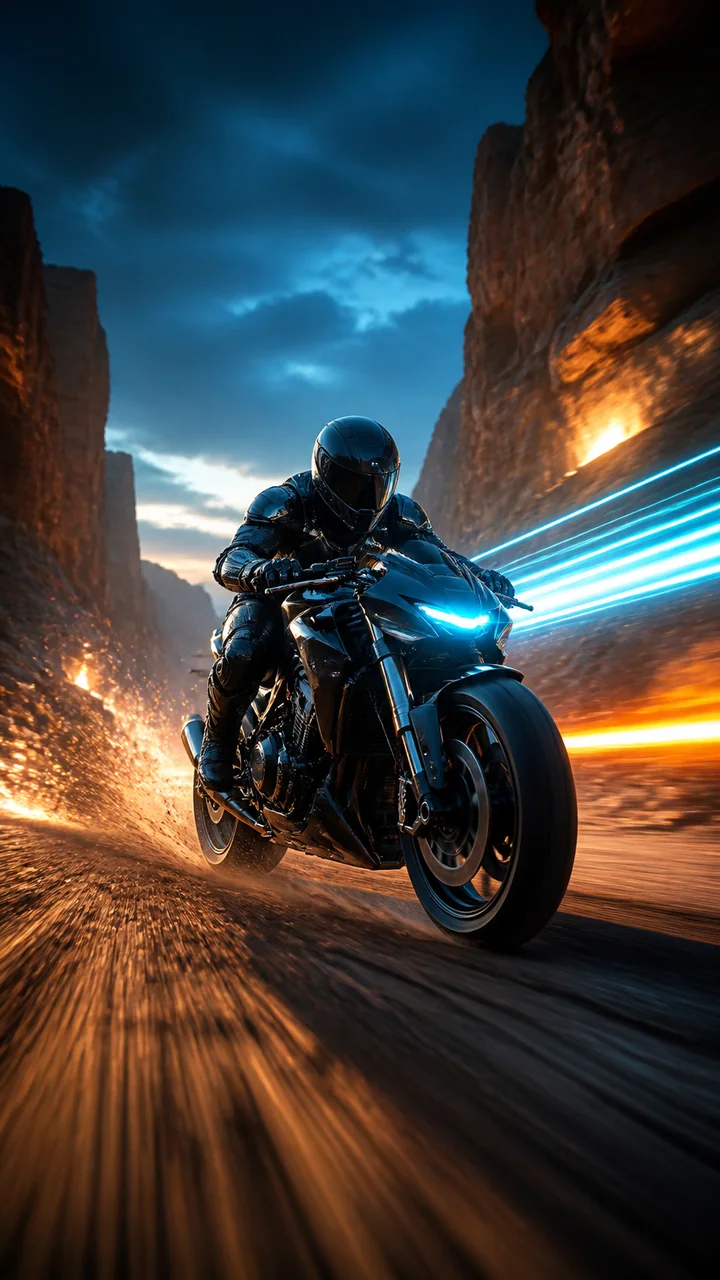
Use Text to Video AI to stage product reveals, material close-ups, liquid motion, lighting transitions, and campaign concepts. Ecommerce teams can compare several creative directions before committing time and budget to a physical shoot.

Directed Motion and Camera Language
Describe subject movement and camera movement separately. Text to Video AI responds better when the prompt names a concrete action plus a pan, orbit, dolly, tracking shot, handheld move, macro close-up, or locked-off composition.

Recognizable Characters and Worlds
Create a new character moment from text, then move to Reference to Video when identity must stay anchored across shots. Text to Video AI gives storytellers a fast first look at performance, atmosphere, framing, and world design.

Social Formats From the Start
Select a model and aspect ratio that fit the destination. Text to Video AI can create vertical hooks for TikTok, Reels, and Shorts, square campaign ideas, or widescreen scenes without forcing every concept into one frame shape.
Model Choice Without Vendor Hopping
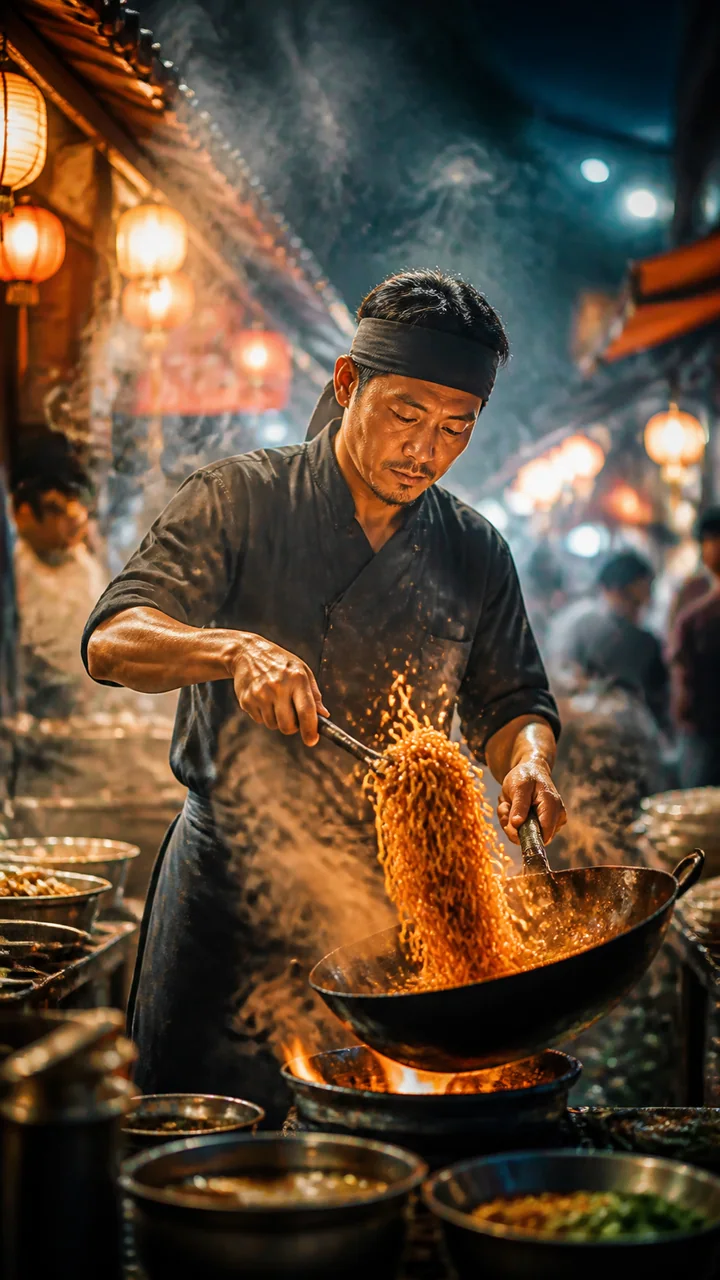
Text to Video AI brings Kling, Veo, Seedance, MiniMax, PixVerse, LTX, Grok, and other enabled options into one workflow. Compare the controls and credit estimate on the page instead of rebuilding the same prompt across separate services.
How to Use Text to Video AI
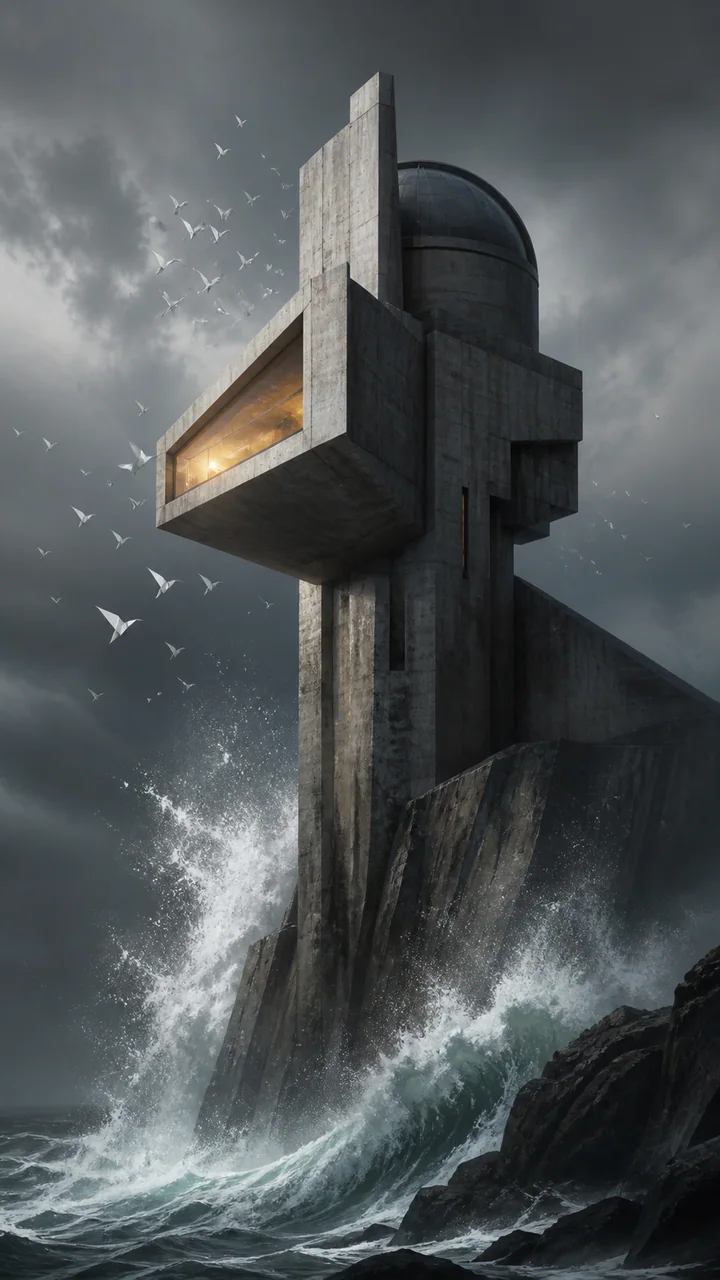
Online Text to Video AI works best when the idea is written like a short direction rather than a list of disconnected visual keywords.
Describe One Clear Shot
Tell Text to Video AI who or what appears, what happens, where it happens, and how the camera observes it. Add lighting, style, pace, and audio only when those details support the central action.
Compare the Available Models
Choose a fast model for exploration or a quality-focused model for a polished hero shot. Text to Video AI shows model-specific duration, format, sound, resolution, and credit controls before you submit.
Generate and Refine
Review the motion, composition, and sound, then adjust one direction at a time. Text to Video AI makes it easy to reuse a strong prompt for another camera angle, tighter product shot, new pacing choice, or social format.
What Is Text to Video AI?
Text to Video AI is a generative workflow that turns a written scene description into a new video clip. Unlike script-to-avatar platforms that assemble presentations, Text to Video AI creates the pixels, movement, camera behavior, atmosphere, and optional sound of the scene itself.
Use Text to Video AI when you need a short visual idea, ad concept, B-roll shot, animated moment, story beat, or product scene. For a consistent existing character or product, use Reference to Video AI; for changing uploaded footage, use AI Video Editor.
Choose a Text to Video AI Model for the Brief
Pick the Text to Video AI model that best matches your priority, then confirm its live controls and credit estimate.

Kling O3
Strong direction and camera control for story-led shots.
- Directed camera motion
- Multiple aspect ratios

MiniMax H3
A cinematic choice when native stereo sound matters.
- Native stereo audio
- Vertical and widescreen

Seedance Family
Compare faster drafts with quality-focused variations.
- Fast and quality choices
- Creative motion

Veo 3.1 Family
Polished realism and sound-capable generation.
- Quality-led output
- Audio-capable options
Who Uses Text to Video AI?
Text to Video AI helps people communicate a moving idea before a full production pipeline is justified.
Advertising and Ecommerce
Marketing teams use Text to Video AI for product reveals, visual hooks, campaign mood tests, and fast creative variants.
Filmmaking and Previsualization
Directors use Text to Video AI to explore establishing shots, transitions, camera ideas, atmosphere, and story beats before production.
TikTok, Reels, and Shorts
Creators use Text to Video AI for vertical openings, surreal transformations, animated moments, and short-form visual experiments.
Games and Animation
Artists use Text to Video AI to visualize characters, environments, creatures, cutscenes, and motion directions from written concepts.
Design and Creative Pitches
Teams use Text to Video AI to make an experience, interface, installation, or future product idea easier to see and discuss.
Why Choose Our Text to Video AI?
Our Text to Video AI is designed around model choice, transparent controls, and a usable generator on the page—not a promise that sends you somewhere else.
Leading Models in One Place
Run Text to Video AI across multiple enabled model families without learning a separate interface for every provider.
Controls Match the Model
Text to Video AI reveals the duration, ratio, resolution, audio, and reference controls the selected model actually supports.
Credits Before Generation
Review the live credit estimate before Text to Video AI starts, so creative comparisons are easier to budget.
Connected Video Workflows
Move from Text to Video AI into reference-led generation, image animation, motion control, or prompt-based editing as the idea develops.
Text to Video AI FAQ
Is Text to Video AI free?
Can I use Text to Video AI without login?
Does Text to Video AI generate audio?
Can Text to Video AI make long videos?
Will Text to Video AI add a watermark?
How do I get better Text to Video AI results?
Can I use generated clips commercially?
What is the difference between Text to Video AI and Image to Video?
Turn One Sentence Into Your Next Shot
Open Text to Video AI, compare the available models, review the credit estimate, and generate the scene you can already picture.