LogoMotion Control AI
  • Motion Control AI
    • Text to Video
    • Image to Video
    • Reference to Video
    • Video to Video
    • Frames to Video
    • Lip Sync
    • Video Edit
    • Motion Control
    • Kling 2.6
    • Kling3.0
    • Kling O3
    • Grok Imagine
    • Gemini Omni
    • Seedance 1.5 Pro
    • Seedance 2.0
    • Seedance 2.0 Fast
    • Seedance 2.0 Mini
    • HappyHorse 1.0
    • HappyHorse 1.1
    • PixVerse V6
    • MiniMax H3
    • LTX-2.3 Fast
    • LTX-2.3 Pro
    • Veo 3.1 Lite
    • Veo 3.1 Fast
    • Veo 3.1 Quality
    • Text to Image
    • Image to Image
    • GPT Image 2.5 Flare
    • GPT Image 2.5 Sunburst
    • Nano Banana
    • Nano Banana Pro
    • Nano Banana 2
    • Nano Banana 2 Lite
    • GPT Image 2
    • Z-Image Turbo
  • Pricing
  • Blog
New user bonus

20 Free Credits

Then 5 credits per check-in for 3 days

Sign up free
  • English
  • Español
  • Deutsch
  • Français
  • Bahasa Indonesia
  • Bahasa Melayu
LogoMotion Control AI

Free AI TikTok Video Generator

Create Short Videos from Text or Images

Describe your idea and optionally upload a reference image. Generate a short AI video with portrait-ready framing, adjustable length, and optional AI-generated sound. No filming or timeline editing required.
Text prompt + optional reference image3–15 second AI videos9:16 available · optional AI sound

Quick starts

Quick starts
Describe what you want to generate

Upload reference images for video generation.

33-15
Public
Private
AI TikTok video generator — storytime demo
Preparing generatorControls will be ready in a moment.

What This AI TikTok Video Generator Can Do

Create short-form video concepts from text or an optional image, with practical controls for framing, duration, quality, and generated sound.

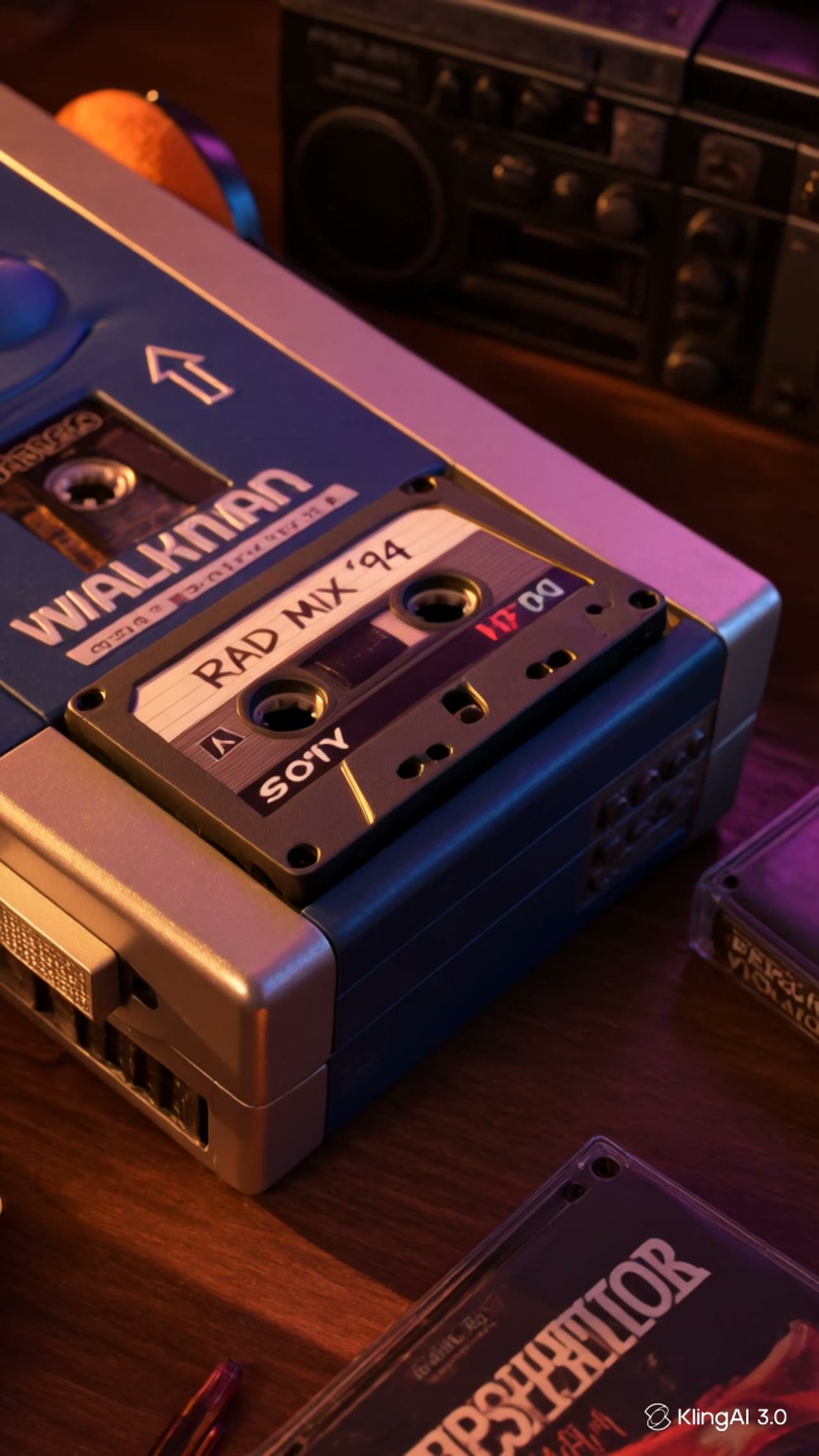
Text to TikTok Video

Turn a written idea into a complete short video. Describe the subject, action, environment, mood, and shot direction, then let the model generate the scene.

Text to TikTok Video

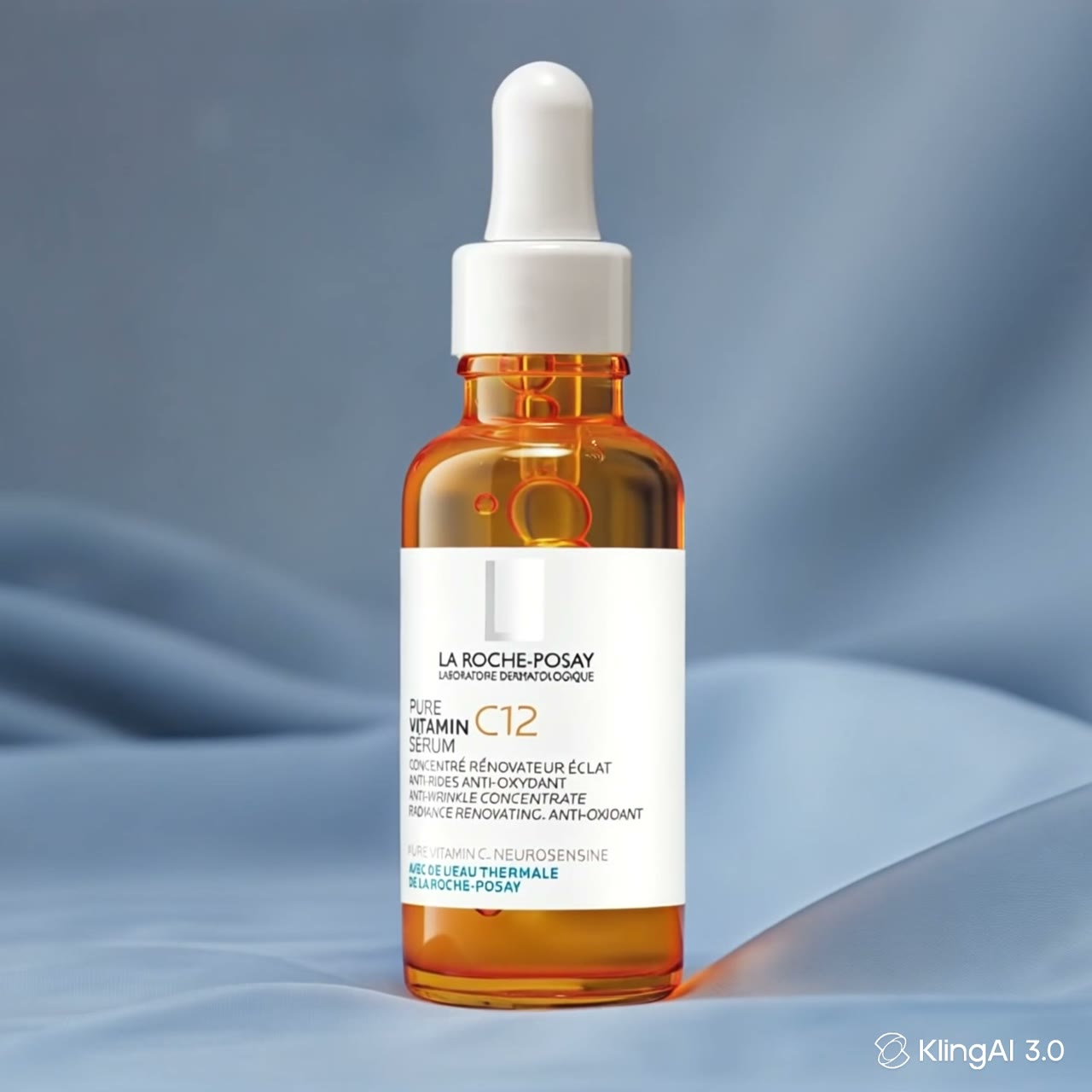
Optional Image-Guided Video

Add one reference image to guide the visual starting point. The image is optional, so you can work from text alone or use an existing product, character, or scene image.
Optional Image-Guided Video

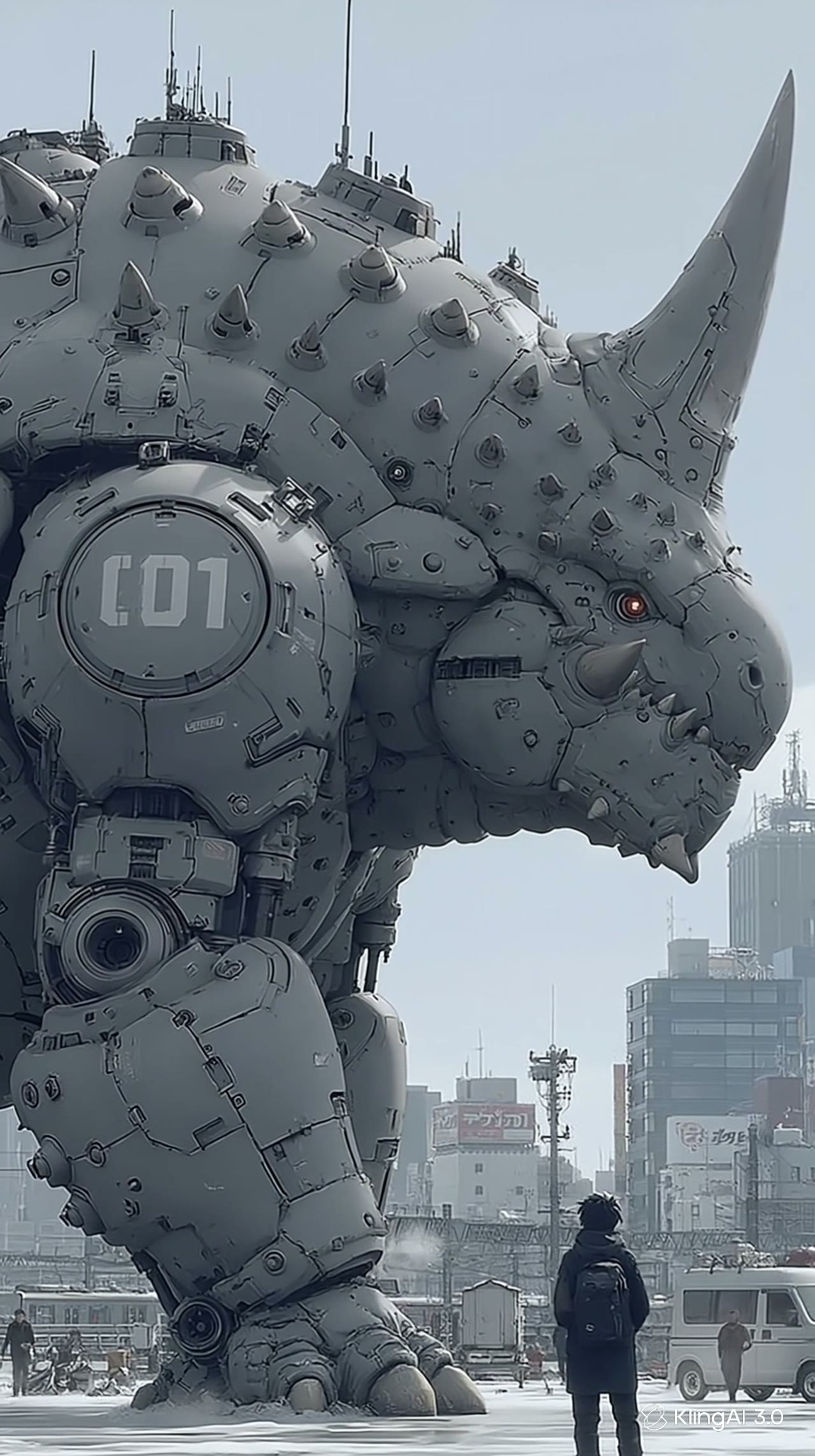
Prompt-Guided Scenes and Camera

Direct the scene in plain language with details such as close-up, tracking shot, studio lighting, dramatic scale, or playful character action. Results are generated from your instructions rather than copied from a motion clip.
Prompt-Guided Scenes and Camera

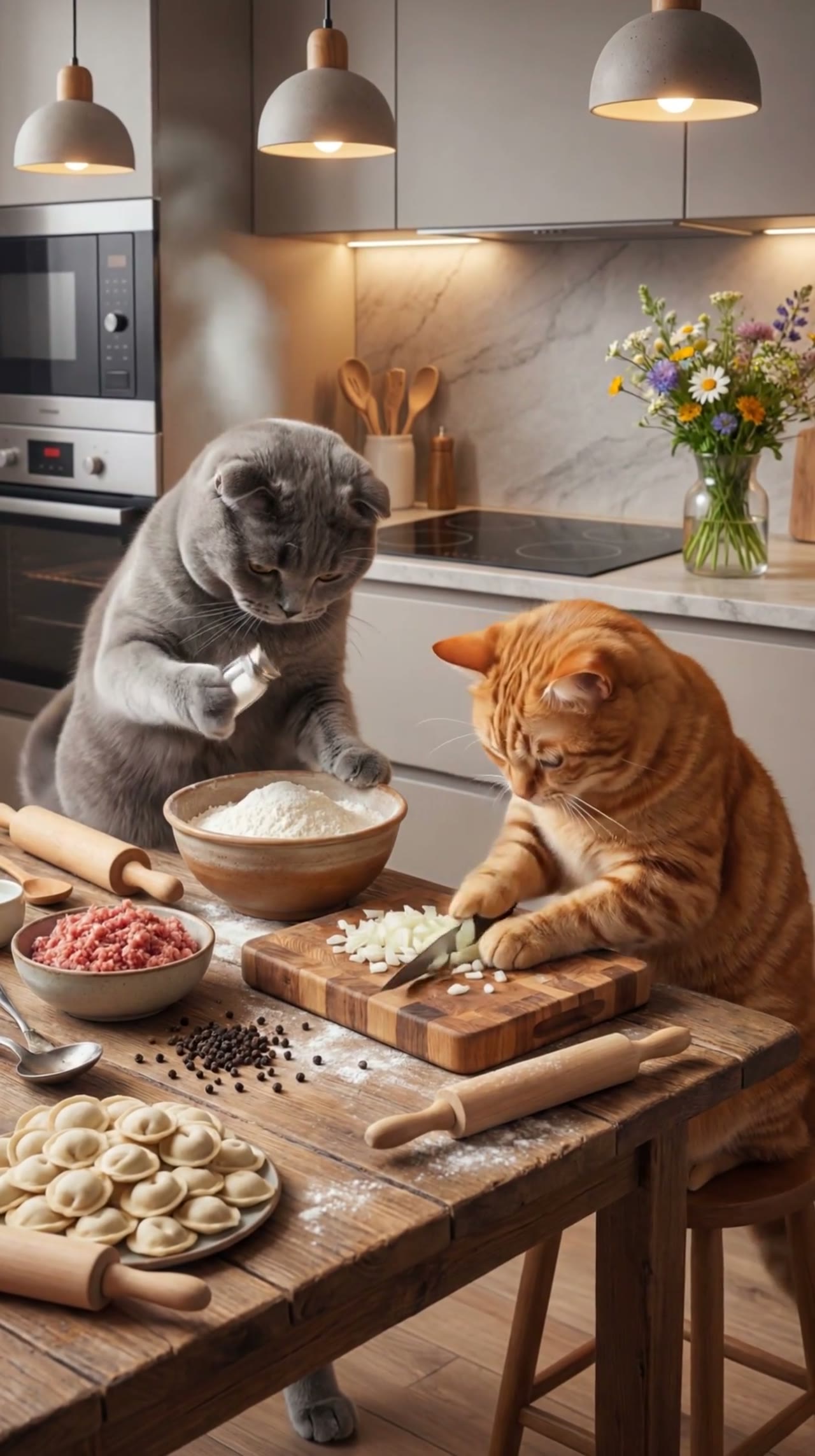
Adjustable 3–15 Second Clips

Choose a short duration that fits a hook, product moment, visual story, or creative concept. Test a compact version first, then refine the prompt for another generation.
Adjustable 3–15 Second Clips

Optional AI-Generated Sound

Turn provider-generated sound on or off before generating, then review how the audio supports the hook, action, mood, and pacing of the short video.

Optional AI-Generated Sound

TikTok-Ready Aspect Ratios

Start from 9:16 for portrait short-form content, or choose 16:9 and 1:1 when another channel needs them. If you upload an image, its frame determines the generated video ratio.

TikTok-Ready Aspect Ratios

How to Create a TikTok Video with AI

Go from an idea to a downloadable short video in four steps. Start with text, add an image only when it helps, then choose the settings that fit your post.

1

Write a clear video prompt

Describe the subject, action, setting, mood, and camera direction. A prompt is required whether you start from text alone or add a reference image.

2

Add an optional reference image

Upload one image to guide the subject or opening visual, or start directly from the prompt for a fully text-led scene.

3

Choose your short-video settings

Use 9:16 for a portrait TikTok, set a 3–15 second duration, choose quality, and turn AI-generated sound on or off. When an image is uploaded, the video frame follows that image.

4

Generate, review, and download

Generate the clip, review the result, and refine the prompt if needed. Download the finished video for TikTok, Instagram Reels, YouTube Shorts, or your editing workflow.

Why Use This AI TikTok Video Generator

A focused workflow for quickly turning an idea or reference image into a short video draft you can review, download, and publish.

Two Flexible Starting Points

Begin with a prompt alone or add one reference image to guide the subject, product, character, scene, or opening composition.

Controls Built for Short Video

Set portrait framing, a 3–15 second length, output quality, and optional generated sound from the same workspace.

Useful Across Content Formats

Create story hooks, product moments, cinematic ideas, character scenes, and visual experiments without limiting every project to one template or performance type.

Easy to Review and Refine

Preview each generation, adjust the wording or reference image, and try again. The workflow is designed for rapid creative iteration before you post or continue editing.

What Can You Create?

Use text prompts and optional images to make varied short-form concepts for creator, brand, entertainment, and experimental accounts.

Story Hooks and Visual Moments

Turn a compact idea into an opening scene, nostalgic moment, reaction setup, or visual story that can anchor a short-form post.

Product Reviews and Showcases

Start from a product image or a detailed prompt to explore review scenes, demonstrations, clean studio shots, and campaign concepts.

Faceless Creative Accounts

Build visual posts around objects, environments, stylized characters, or narrated ideas without filming yourself or appearing on camera.

Cinematic and Meme Concepts

Generate dramatic creatures, unexpected situations, playful characters, or surreal visual hooks for entertainment-focused feeds.

Brands and Creative Teams

Draft multiple short-video directions from a brief, compare concepts quickly, and move the strongest result into a larger editing or campaign workflow.

AI TikTok Video Generator FAQ

What is an AI TikTok video generator?+
It is a tool that creates short videos from a text prompt and, optionally, one reference image. Describe the scene you want, choose settings such as duration and aspect ratio, then generate and download the result for TikTok or another short-video platform.
Can I create a video from both text and an image?+
Yes. A text prompt is required, and you may add one reference image to guide the subject or starting visual. You can also generate from text alone.
Do I have to upload an image?+
No. The reference image is optional. Without one, the model generates the scene from your prompt. With one, the image helps guide the visual result and determines the video frame.
How can I direct a performance scene?+
Describe the subject, action, setting, mood, framing, and camera movement in the prompt, and add a reference image when a specific visual starting point matters. For a particular choreography, use the dedicated motion-control dance workflow with a reference clip.
Can I generate a 9:16 TikTok video?+
Yes. The page starts with 9:16 selected for text-based generation. You may also choose 16:9 or 1:1. When a reference image is uploaded, the generated frame follows the image.
How long can the generated video be?+
With the default Kling 3.0 workflow on this page, you can choose a duration from 3 to 15 seconds.
How do I use AI-generated sound?+
Turn provider-generated sound on or off before generation, then review how it supports the scene, mood, action, and pacing. You can refine the final soundtrack, music, voiceover, and mix in your editor.
Is it free to use?+
You can sign up and use available trial credits to test the workflow. Credit cost and plan limits are shown in the generator and pricing section before you create.
How long does generation take?+
Generation time varies with model demand, duration, quality mode, and queue conditions. The interface shows progress while your video is being created.
Does the output have a watermark?+
Watermark and export options depend on the plan and generation settings you choose. Review the current export details in the generator or pricing section.
Can I use generated videos commercially?+
Commercial-use terms depend on your plan and the rights to any prompt, image, brand, or character you provide. Review the current terms before publishing commercial content.
Are my prompts and images private?+
Uploads and generation data are handled according to the privacy policy. Only use images you have the right to upload, especially when they contain people, brands, or copyrighted characters.

Create Your Next TikTok Video with AI

Write a prompt, add an optional reference image, choose your short-video settings, and generate a clip you can review and download.

Create a TikTok VideoPricing

About the AI TikTok Video Generator

This AI TikTok video generator turns a required text prompt and an optional reference image into a short video. Describe a story hook, product review, cinematic scene, character moment, or visual experiment, then choose the settings that fit the post. Text-based generations start in 9:16 on this page, with 16:9 and 1:1 also available; an uploaded reference image determines the generated frame. The default Kling 3.0 workflow supports 3–15 second videos, multiple quality modes, and optional provider-generated sound. Use it to draft TikTok, Instagram Reels, and YouTube Shorts concepts, then download the result for publishing or further editing.

LogoMotion Control AI

Email
AI Tools
  • GPT Image 2.5
  • Comic to Video AI
  • Drawing to Video AI
  • Storyboard to Video AI
  • AI Product Rotation Video
  • AI UGC Avatar Generator
  • AI Avatar for Course Creators
  • AI Singing Photo Generator
  • AI Cat Dance Video Generator
  • AI Cartoon Dance Video Generator
  • AI Influencer Video Generator
  • AI Recruitment Video Generator
  • AI Book Trailer Generator
  • AI Avatar for Real Estate Agents
  • Frames to Video
  • Image to Image
  • Text to Video AI
  • Reference to Video AI
  • AI Video Editor
  • AI Fashion Model Video Generator
  • All AI Tools
AI Models
  • GPT Image 2.5
  • Kling AI Motion Control
  • Kling 3.0 AI Video Generator
  • MiniMax H3 AI Video Generator
  • Gemini Omni
  • All AI Models
Company
  • About
  • Contact
  • Changelog
Legal
  • Cookie Policy
  • Privacy Policy
  • Acceptable Use Policy
  • Terms of Service
© 2026 Motion Control AI All Rights Reserved.[email protected]We are not affiliated with the model providers. All trademarks belong to their respective owners.