
AI Product Rotation Video
Turn Photos into Product Spins
Motion presets
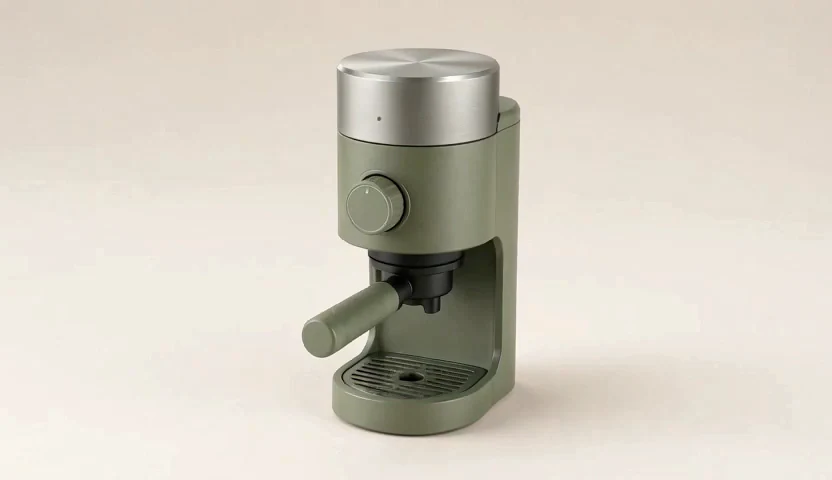
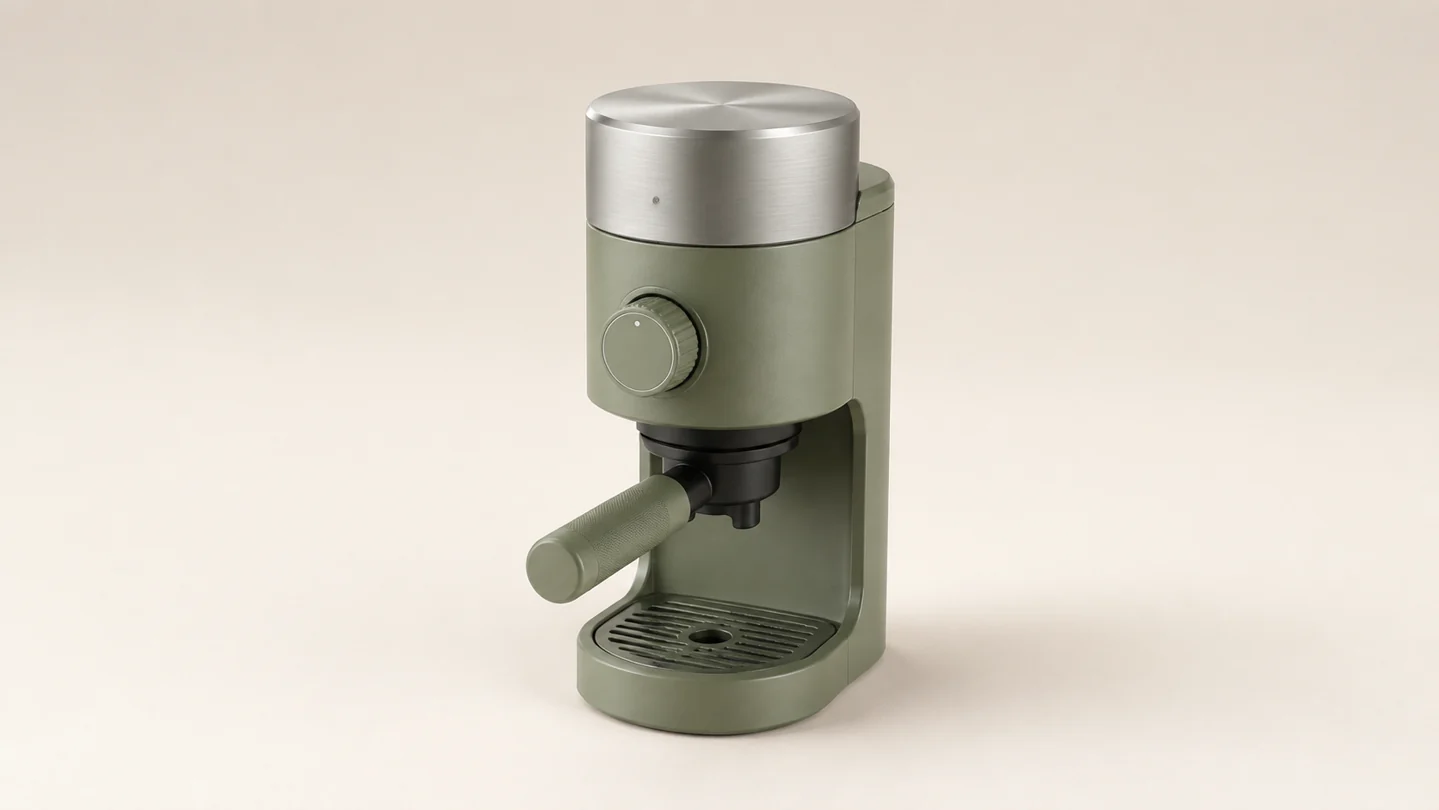
Make the shape part of the story
An AI Product Rotation Video adds a moving perspective to an existing product photo. Direct a measured turn or a gentle showcase angle, then use the resulting clip to draw attention to shape, materials, and design. Start with the product you already have and build a fresh presentation around it.
AI Product Rotation Video for your creative ideas
Explore the details, movement, and creative possibilities in your starting image.
Create a product spin from an image
Use the photo-to-video workflow to turn your existing hero photo into a clean rotating presentation. An AI Product Rotation Video gives the viewer a changing angle on the shape of the item. Describe a measured turn and steady framing, then choose a take that makes the product feel clear and inviting at a glance.
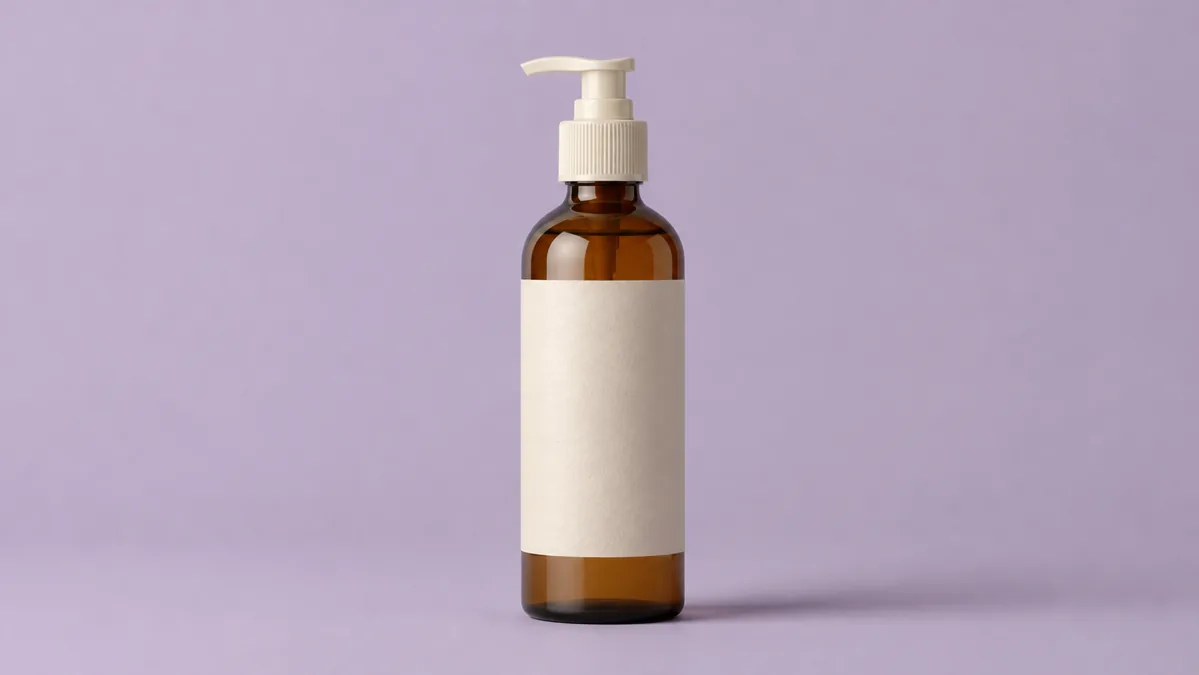
Give packaging a polished reveal
Explore how a bottle, container, or box looks as it turns in soft studio light. A simple background keeps attention on the packaging silhouette and material. Use the moving clip as a visual accent for a collection launch, product announcement, or brand presentation.
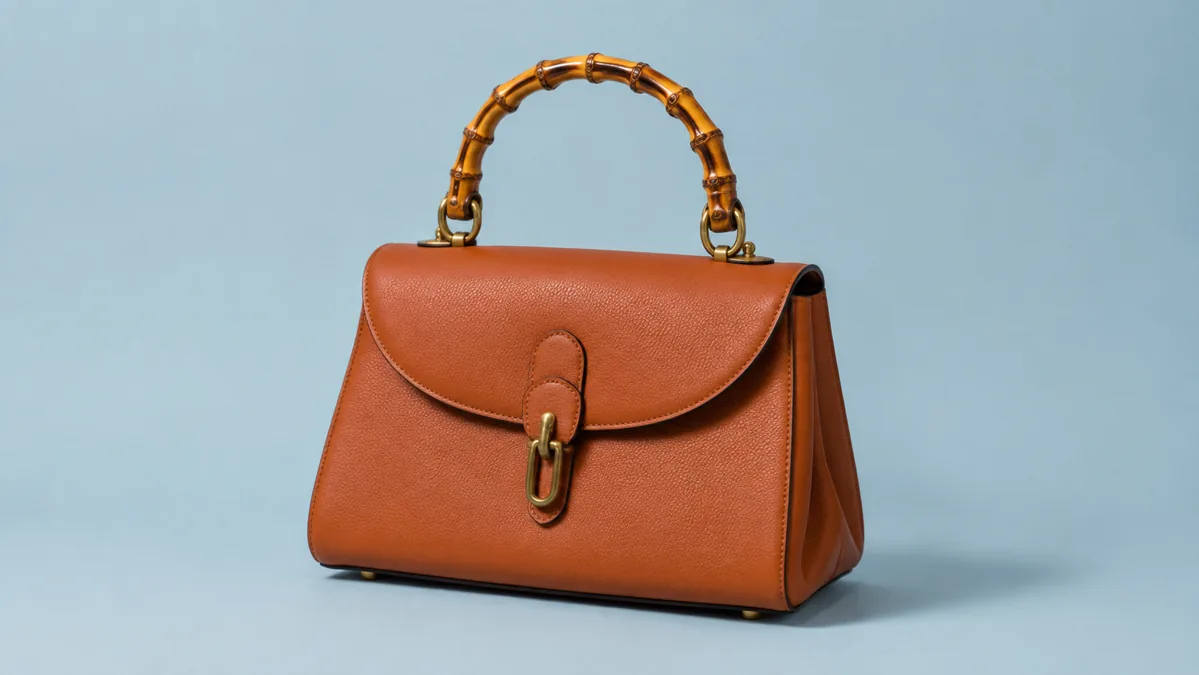
Show the character of bags and accessories
Bring attention to a bag’s structure, curved handle, or hardware through a gentle turn. An animated presentation can complement still detail photography and give a fashion accessory a more engaging introduction. Direct the background and pace to match the mood of your collection.
Let shoppers notice shape and materials
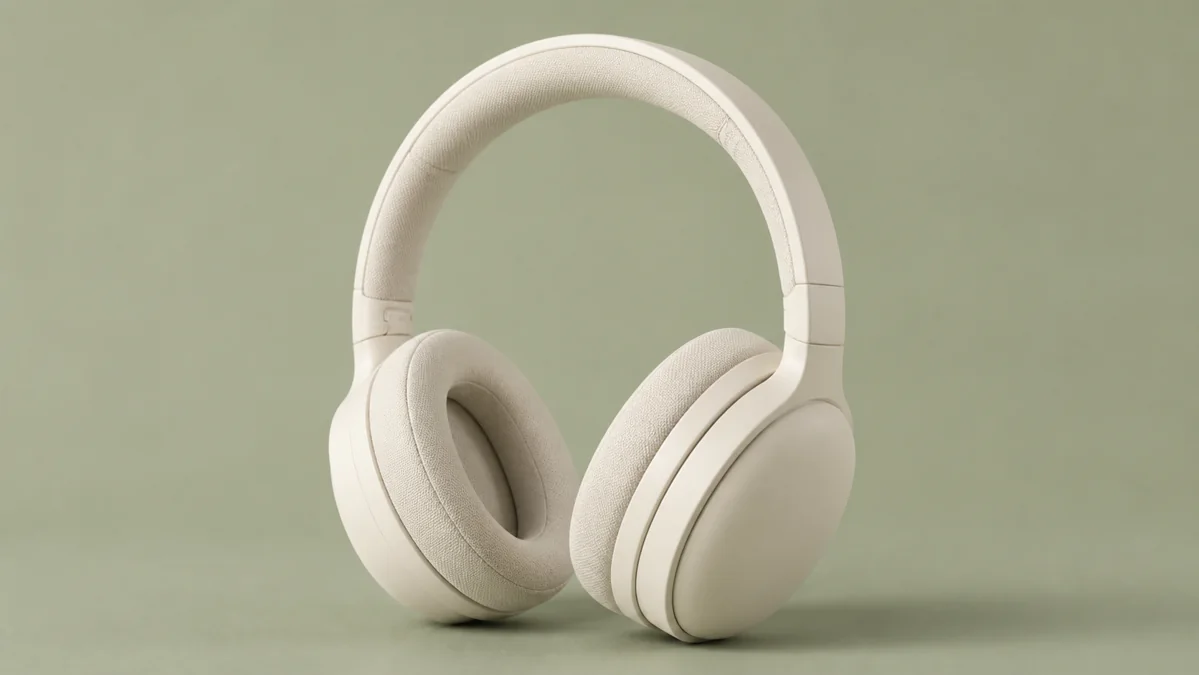
A gradual rotation can help draw the eye across a sculptural design, padded surface, or matte finish. Use AI Product Rotation Video to explore a presentation that suits the object rather than overwhelming it. Keep the item as the focal point and choose lighting that supports the material story.
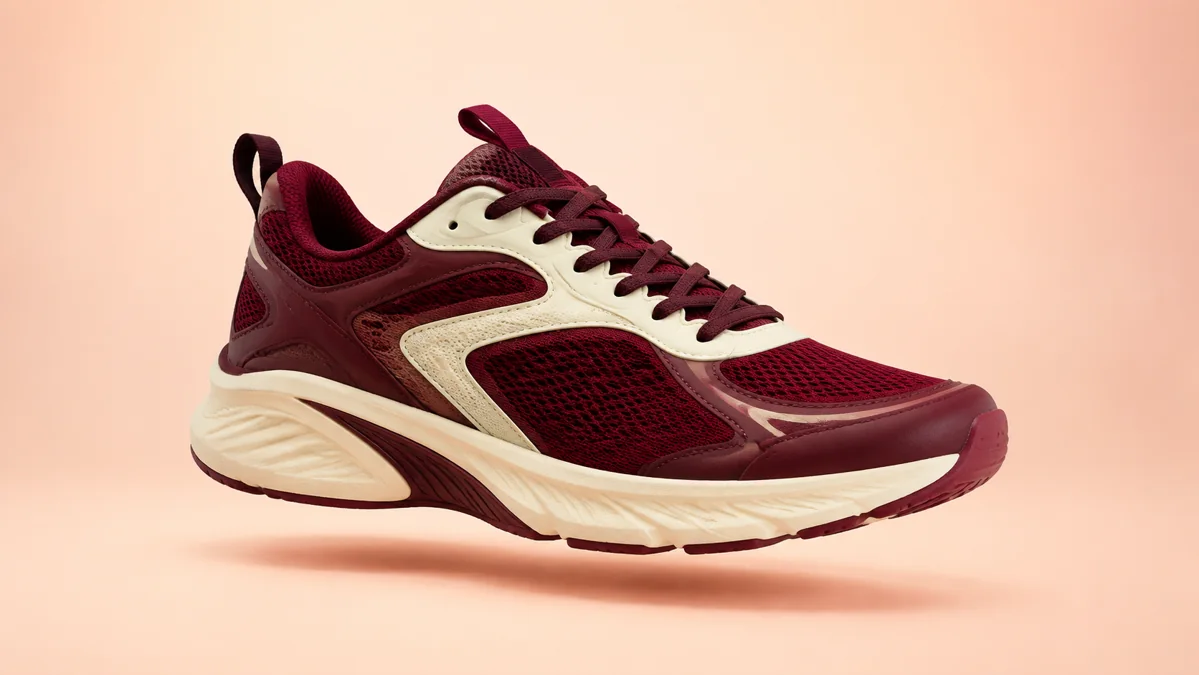
Create fresh visuals for footwear launches
Give a sneaker or shoe a moving introduction that draws attention to its profile, color blocking, and sole design. Start from a product photograph and direct a measured showcase turn. Pair your chosen clip with campaign imagery to build a coordinated product launch or social edit.
How to use AI Product Rotation Video
Start with a visual. Give it direction. See the idea move.
Choose a clear product photo
Start with an image that shows the full silhouette. A simple background and even lighting give the product room to stand out.
Direct the product turn
Describe the direction and pace, then specify a steady camera and clean background. Choose a subtle reveal or a broader rotation to match your creative idea.
Generate your showcase clip
Preview the movement and choose a take that presents your product well. Download it for your listing, launch page, or social edit.
Where AI Product Rotation Video fits your work
Find the approach that matches what you want to create and share.
Ecommerce product galleries
Add a moving visual alongside your hero image and detail photography. Choose a clip that presents the product clearly and helps the gallery feel more engaging as shoppers explore the listing.
New product and collection launches
Give a launch page or announcement a distinct moving focal point. Coordinate the background, pace, and presentation with the rest of your campaign so the new item feels part of a cohesive collection.
Social ads and product announcements
Create a product-focused clip to combine with a headline, offer, or release message in your editor. A simple turn can provide motion while leaving your product at the center of the story.
Why choose AI Product Rotation Video on Motion Control AI?
A direct path from your visual idea to a moving take you can use.
Put existing product photos to work
Begin with imagery you already have for your catalog or campaign. Explore a new moving presentation of the item as part of your regular product-content workflow.
Choose the look of the presentation
Describe a gentle turn, steady camera, and studio mood that fit your product. Shape the creative direction around the material, silhouette, and campaign you want to communicate.
Build a useful campaign asset
Review the generated clip and select a take that presents the item well. Download it for your launch page, store gallery, or social edit, and pair it with the rest of your product content.
Your questions, answered
How do I make an AI product rotation video?
Can I use a 360 product video generator with a product photo?
What makes a good product spin video from an image?
Where can I use product rotation video for ecommerce?
What is the difference between a product turn and a camera orbit?
Give your product a fresh angle
Create an AI Product Rotation Video from your hero photo and make your next showcase move.