
AI Book Trailer Generator
Build a Spoiler-Safe Book Trailer Hook, One Shot at a Time.
Quick starts
Direct one visual hook: genre, spoiler-safe question, subject, setting, action, camera, light, mood, and sound. Add the real book cover and title later as a clean end card.
Upload reference images for video generation.
What is an AI Book Trailer Generator?
An AI Book Trailer Generator turns a spoiler-safe story prompt into a short cinematic scene for a book trailer. Start from text when the visual direction is open, or add character, location, object, or text-free cover art as a reference when the book already has a recognizable world. Generate a mystery, emotional near-miss, warning, discovery, transformation, or atmosphere shot that teases the premise without revealing the answer.
The current AI Book Trailer Generator creates individual rendered clips for a larger trailer edit. Generate and compare one shot at a time, then combine your strongest scenes with the real cover, readable title and author card, release or preorder information, music, narration, captions, and a clear call to action in your editor.
What You Can Create with an AI Book Trailer Generator
The AI Book Trailer Generator concentrates on the creative work that makes a book promo feel specific: a visual hook, genre-aware direction, spoiler control, recognizable characters, and channel-ready framing.
Create a Book Trailer Scene from a Story Prompt
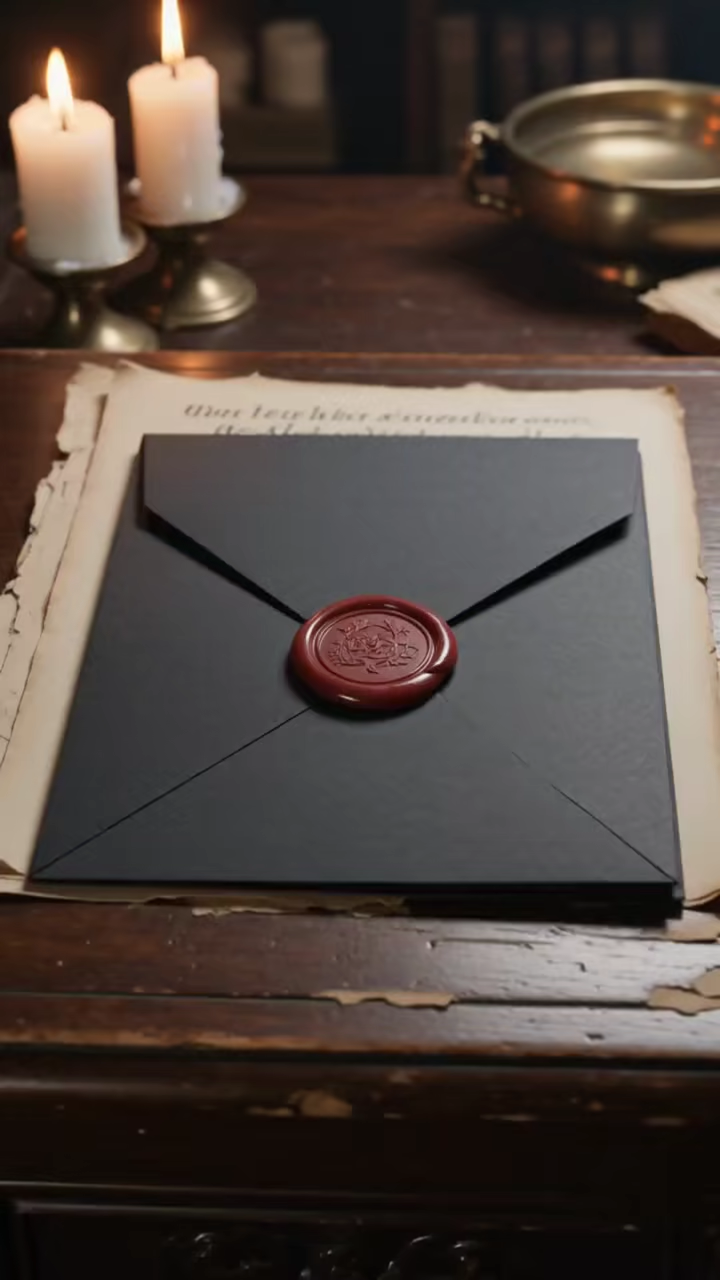
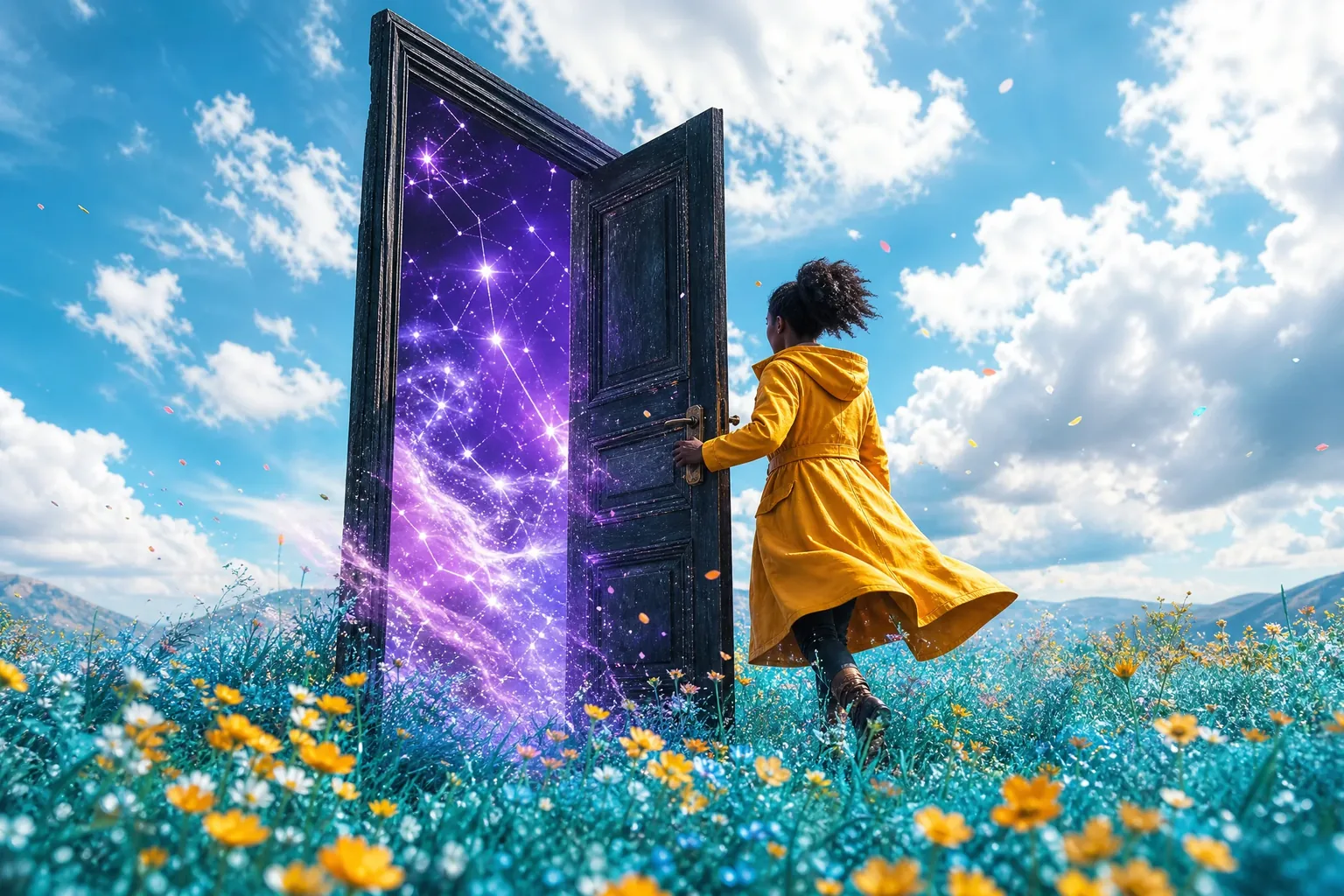
Use the AI Book Trailer Generator as an AI book trailer maker when the starting point is a synopsis, blurb, excerpt, trope, or single story moment. Reduce the material to one visual question: a sealed door opens, a message arrives, two characters almost meet, or a forbidden object wakes. Describe genre, setting, visible action, camera, light, mood, and sound instead of asking one prompt to summarize the entire book.
Guide the Scene with Character or Location Art
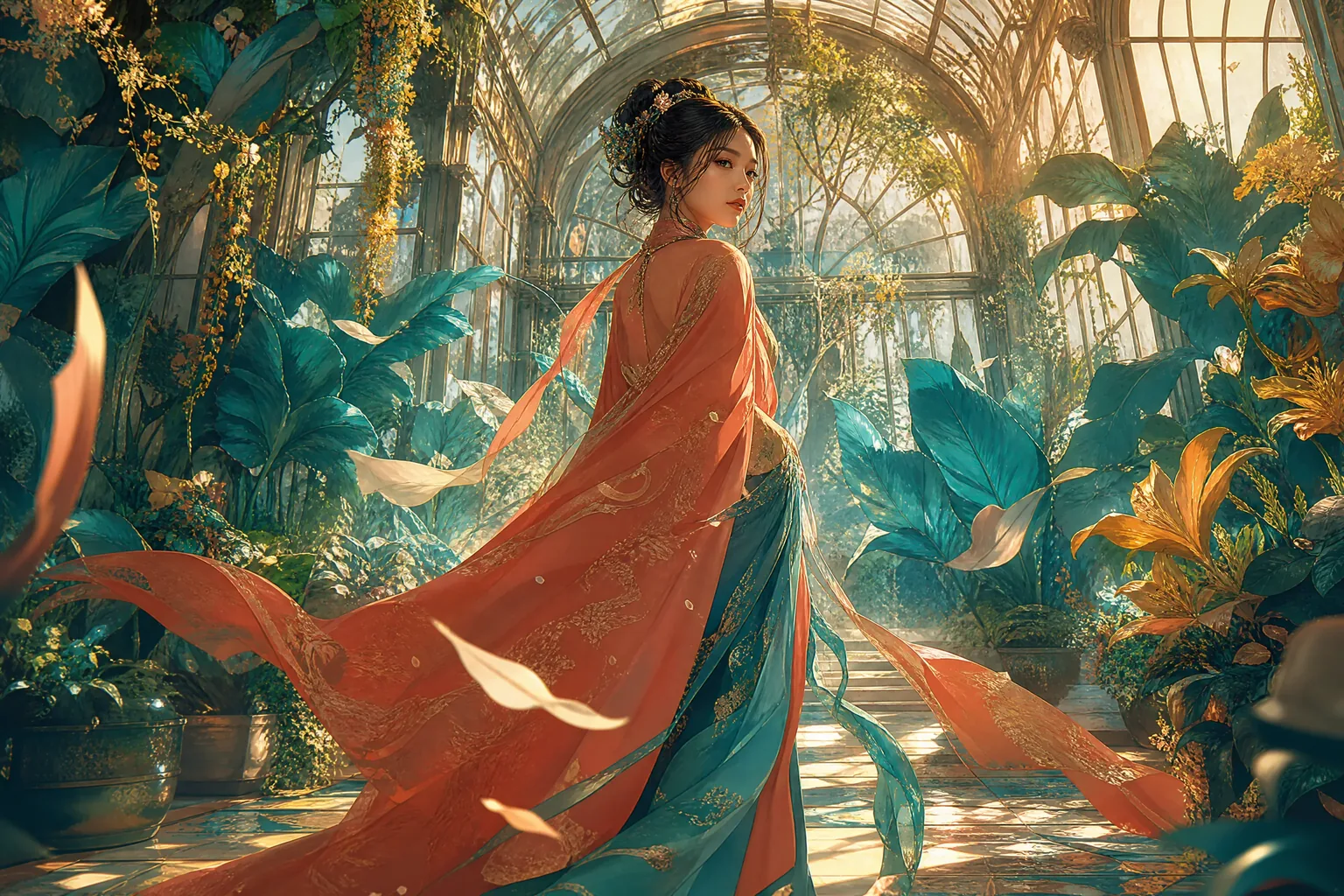
Add character art, a location painting, a signature object, or a text-free cover illustration when the trailer needs a recognizable visual direction. The AI Book Trailer Generator uses the reference while the prompt directs motion and atmosphere. Keep the typeset cover separate so the title, author name, series line, and endorsement remain sharp in the final end card.
Match the Trailer Mood to the Book Genre
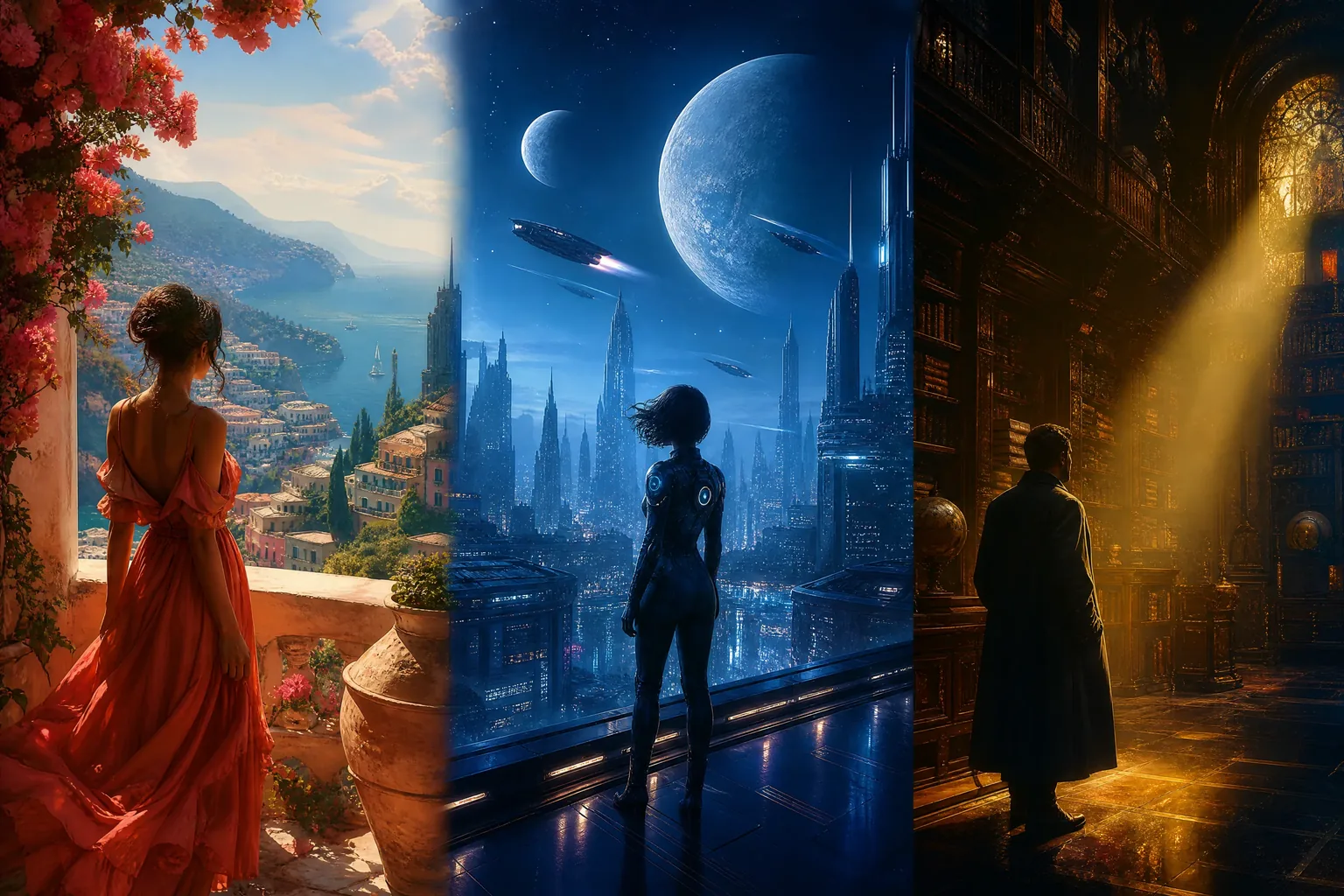
Direct the AI Book Trailer Generator with genre-specific visual language instead of the single word cinematic. Fantasy may use monumental scale, ancient materials, magical environmental reactions, and deliberate reveals. Romance may favor proximity, withheld touch, warm practical light, and an emotional pause. Thriller may use restricted framing, negative space, surveillance angles, hard shadows, and an unresolved sound cue. Every choice should support the actual book rather than a generic template.
Build a Spoiler-Safe Cinematic Trailer Hook
A strong AI Book Trailer Generator shot presents stakes, desire, danger, atmosphere, or a question without revealing the solution. Show the bloodless key in the snow, not who left it. Show the almost-kiss interrupted by a train, not the final relationship. Show the signal returning from a dead planet, not the sender. Keep identities, twists, explanations, deaths, and endings outside the prompt unless they are already public marketing information.

Keep Characters and Worlds Visually Recognizable
Reuse the same character or location art, repeat only defining costume, silhouette, object, architecture, and palette cues, and compare every result side by side. Consistent references and concise visual cues make it easier to build a recognizable sequence across multiple shots.
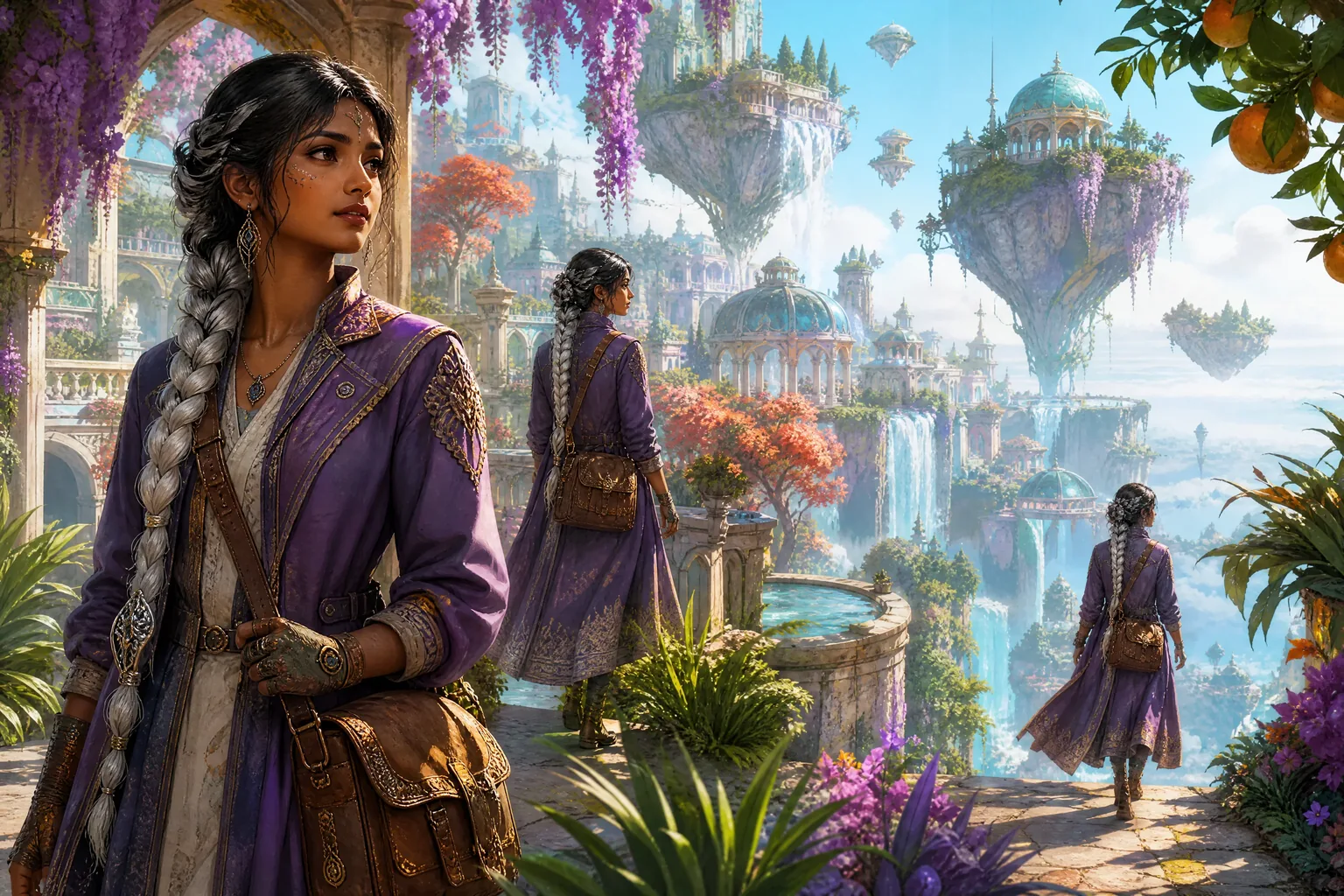
Create Book Promo Clips for BookTok, Reels, and YouTube
Use the AI Book Trailer Generator for vertical BookTok and Instagram Reels hooks, landscape YouTube or author-site scenes, launch announcements, preorder reminders, crowdfunding pitches, and backlist relaunches. Rebuild the composition for 9:16, 16:9, or 1:1 when needed. Add the book cover, readable title, author name, release date, retailer or preorder direction, captions, and final call to action after the cinematic scene is generated.

How to Use the AI Book Trailer Generator
The AI Book Trailer Generator turns one spoiler-safe marketing hook into one reviewable trailer scene in three steps.
Choose one hook and a starting source
Write the visual hook as a prompt, then add character, location, object, or text-free cover artwork when you want stronger visual continuity.
Direct one trailer scene
Describe the genre, spoiler-safe question, subject, setting, action, camera, light, mood, and sound, then choose the duration, framing, sound option, and quality in the AI Book Trailer Generator.
Generate, review, and assemble
Inspect story accuracy, character details, hands, props, unwanted text, visual artifacts, sound, and spoilers. Download your strongest shots and add the real cover, title card, music, narration, captions, and CTA in your editor.
AI Book Trailer Generator Use Cases
Use the AI Book Trailer Generator when a book campaign needs a cinematic hook shaped around the final title, cover, narration, music, and call to action.
Book launch or preorder teaser
Create one strong world, character, object, or danger shot for a launch reveal or preorder announcement, then close with the untouched cover and accurate release information.
BookTok and Reels hook
Build a vertical trope, mood, question, or emotionally charged moment that makes sense quickly with captions and leads to the real cover or purchase direction.
YouTube or author-site trailer scene
Generate a landscape establishing, reveal, or atmosphere shot for a longer trailer, channel video, author page, newsletter landing page, or media kit.
Crowdfunding or backlist relaunch
Give readers, reviewers, booksellers, or supporters a vivid visual entry point for a special edition, adaptation pitch, campaign, series recap, or renewed promotion.
Why Choose Our AI Book Trailer Generator?
The AI Book Trailer Generator combines prompt-led exploration and art-led continuity with shot-level controls, transparent limits, and downloadable output for an author’s existing editing workflow.
Prompt and visual-reference starting points
Explore a new visual hook from text or add book art as a reference when the world already has a recognizable look.
Genre and spoiler-aware direction
Control one scene’s action, camera, light, mood, sound, duration, and framing while keeping the prompt focused on the marketing hook rather than the ending.
Review every scene before assembly
Generate candidate takes, compare character and world details, reject visual errors or spoilers, and keep only the scenes that fit the book’s promise.
Practical output for final editing
See the current credit estimate, inspect the complete clip, and download it for a final edit with the real cover, readable title card, audio, captions, and CTA.
AI Book Trailer Generator FAQ
What is an AI Book Trailer Generator?
Can I upload a full manuscript or synopsis to the AI Book Trailer Generator?
Can I turn my book cover into a video?
Does the AI Book Trailer Generator create a complete book trailer?
How do I keep the same character consistent across trailer shots?
How do I make a book trailer without spoilers?
What length and aspect ratio work for BookTok, Reels, YouTube, and author sites?
How do I add the book title, author, cover, release date, and call to action?
Does the AI Book Trailer Generator add voiceover, music, captions, and sound design?
Can I download and edit the AI book trailer scenes?
Is the AI Book Trailer Generator free?
Create a Scene with the AI Book Trailer Generator
Start with one spoiler-safe story hook, add an optional visual reference, and direct one cinematic moment before assembling the final trailer.