
AI Cartoon Dance
Make Any Cartoon Character Dance
Use a full-body or three-quarter humanoid character with visible arms and legs.
Use one dancer, a fixed camera, and a 3–30 second clip with visible arms, legs, torso, and feet. Existing source audio remains with the generated video.
Upload the character image and motion reference together before generating.
Match orientation in the video. Recommended.
Choose whether the generated background follows the reference video or the character image.
Optional. Motion comes from the video; prompt refines the look.
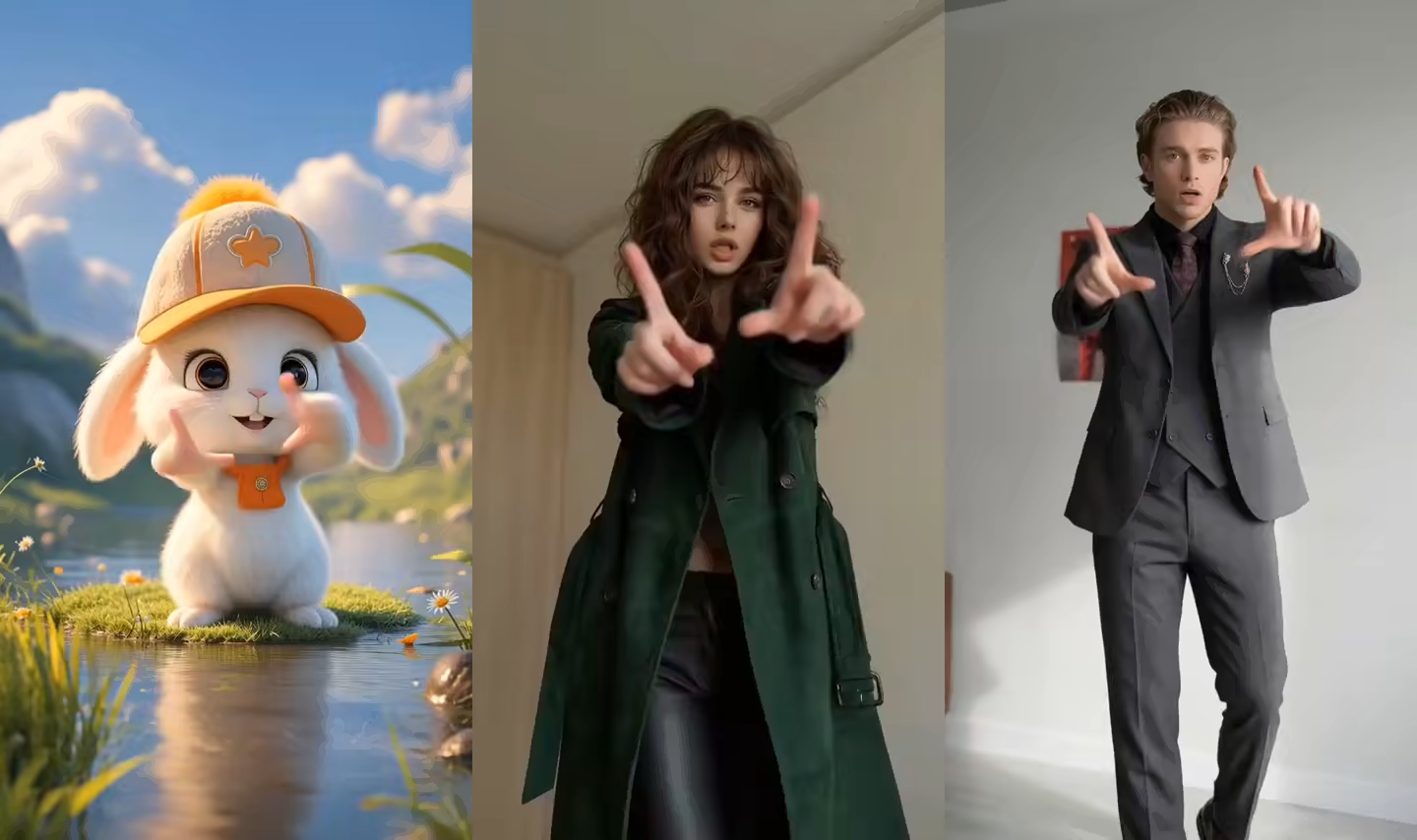
What this AI Cartoon Dance Video Generator page creates
This cartoon dance generator combines a still character image with a visible single-dancer performance. The image supplies the cartoon identity and art direction, while the reference supplies steps, arm paths, posture, turns, rhythm, and timing.
Use it for 2D cartoons, 3D characters, mascots, illustrations, and game-style figures. Choose the dance through a visible reference, render the character performance, and finish it with music, captions, effects, and branding.
Make a cartoon character dance from one image
Match the character proportions, framing, and movement complexity for a clearer full-body cartoon dance video.
Cartoon image to dance video
Upload one full-body cartoon character and choose a dance reference. The model transfers visible steps, arms, posture, weight shifts, turns, rhythm, and timing into a new rendered character video.
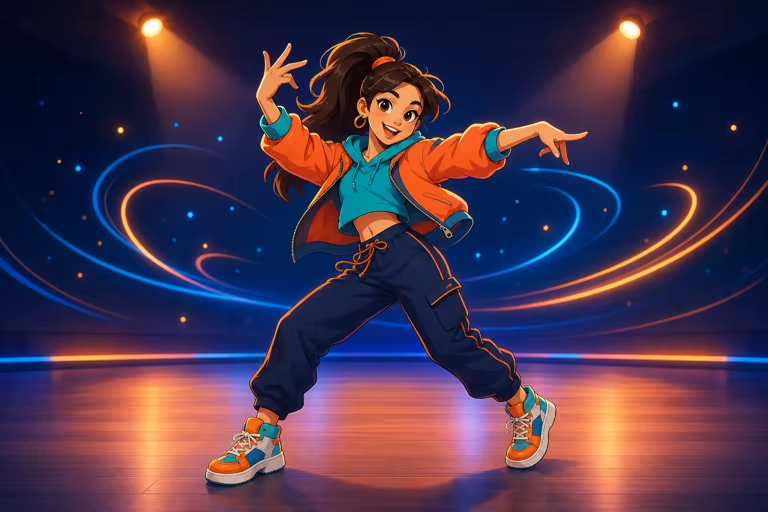
Built-in moves or your own dance reference
Start with a built-in template or upload a permitted dance clip for a specific move or routine. The visible performance drives the character, and audio already in the source video remains available in the output.
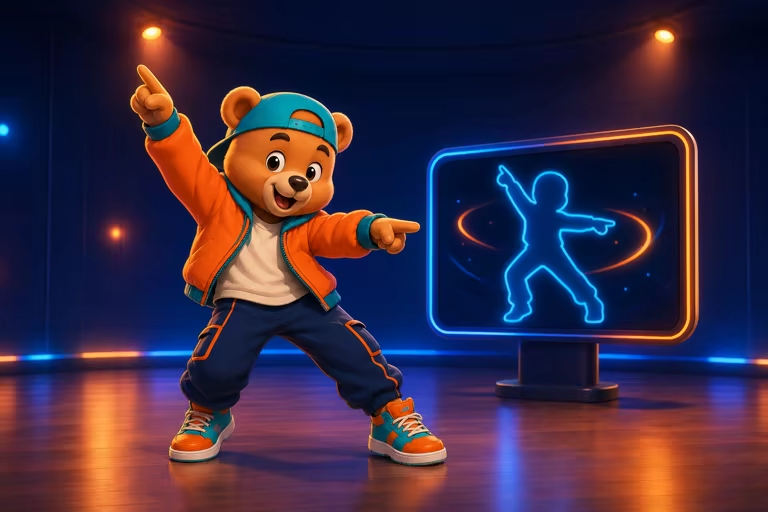
Choose a readable full-body reference
Keep one dancer, both feet, both hands, and the full body inside a steady frame. A clean floor line and uninterrupted shot are easier to follow than zooms, cuts, motion blur, or cropped shoes.
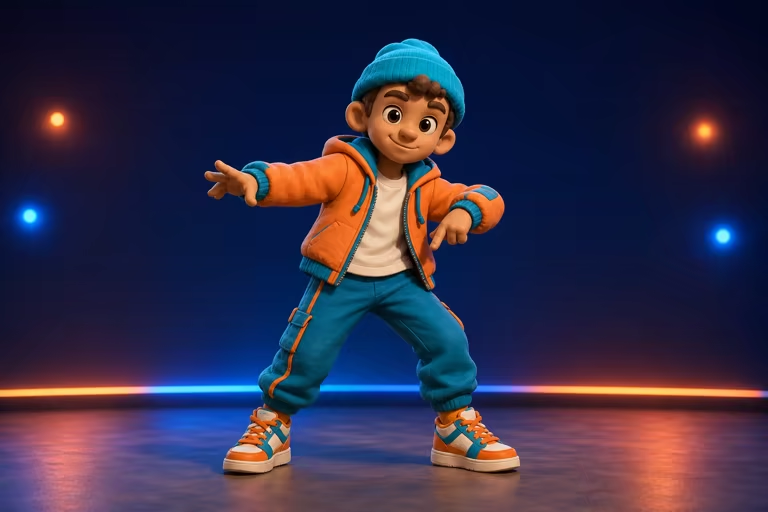
2D, 3D, mascot, and game-style cartoons
Animate original illustrations, Western cartoon designs, polished 3D figures, brand mascots, or game-style characters. Match simpler moves to short limbs, oversized heads, or nonstandard proportions.
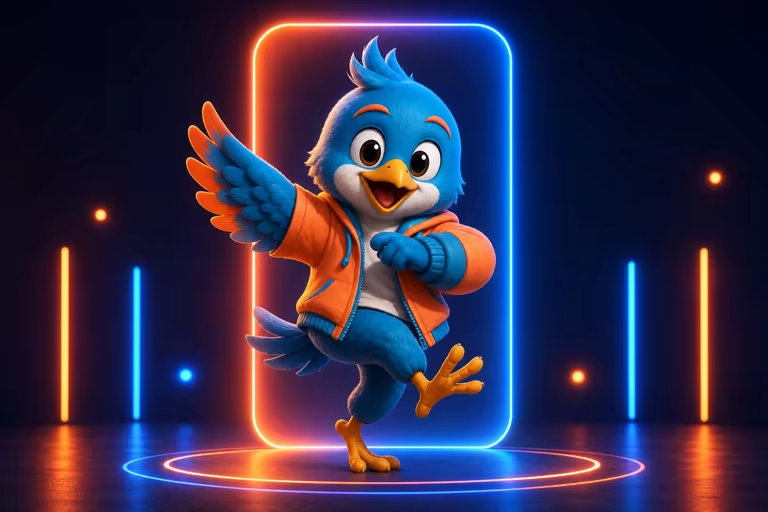
Review identity, limbs, clothing, and turns
Fast spins, crossed limbs, flowing clothing, and large props can hide important joints. Inspect the face, hands, feet, silhouette, outfit colors, and background through the hardest part of the routine.
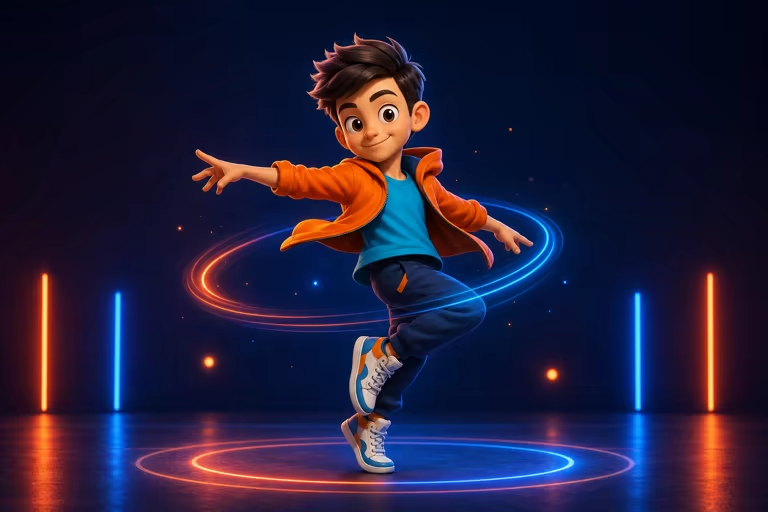
Create a cartoon dance video in three steps
Start with one readable cartoon figure and a short single-dancer reference.
Upload a cartoon character image
Choose an original or permitted full-body 2D, 3D, mascot, or illustrated character with clear arms, legs, hands, and feet.
Choose or upload a dance video
Pick a built-in move or add a permitted fixed-camera reference with one dancer and motion suited to the character proportions.
Generate and review the dance
Inspect identity, hands, feet, turns, clothing, framing, and source audio before downloading or sharing the rendered cartoon video.
AI cartoon dance video ideas
Turn one character design into a focused single-performer dance clip.
Cartoon dance video for social media
Create a short vertical cartoon performance for TikTok, Reels, Shorts, memes, reactions, or a recurring creator character.
Brand mascot dance animation
Apply a permitted routine to a readable humanoid mascot for campaigns, announcements, events, or branded social content.
Illustrated or game-character dance
Render an original comic, story, educational, or game-style character performing a selected move for a social clip, scene, lesson, or character showcase.
Workflow essentials for AI Cartoon Dance Video Generator
Inputs, recommended setup, and the most common fixes—summarized in one compact guide.
Inputs and setup
- One JPG, JPEG, or PNG image; One MP4, MOV, or supported video clip.
- Reference length: 3–30 seconds, depending on model mode.
- Kling 2.6 Motion Control and Kling 3.0; Rendered character video in 720p or 1080p.
- Use one full-body character with visible hands, feet, joints, and a clean silhouette.
Two quick fixes
AI Cartoon Dance Video Generator FAQ
How do I make a cartoon character dance with AI?
Can I use the cartoon dance generator for free online?
Can I upload my own cartoon character and dance?
Does it work with 2D and 3D cartoons?
How is the cartoon dance choreography directed?
What cartoon style works best?
How can I create a multi-character cartoon dance?
More tools in AI Dance Generator
Compare other focused workflows in the same AI Dance Generator collection.
View AI Dance Generator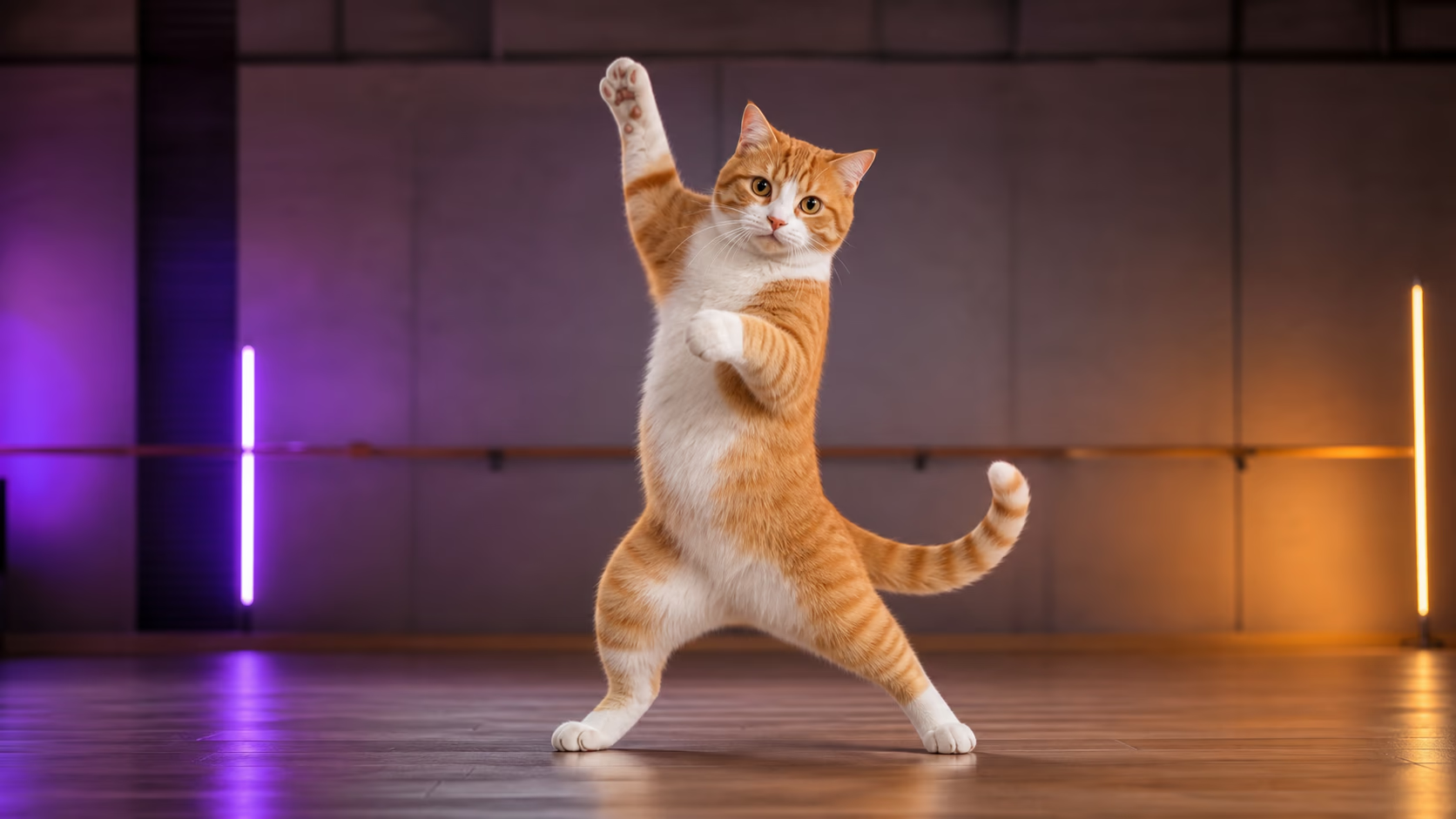
AI Cat Dance Video Generator
Upload a cat photo and a short dance reference video to transfer visible choreography and create a share-ready AI cat dance video.
Open tool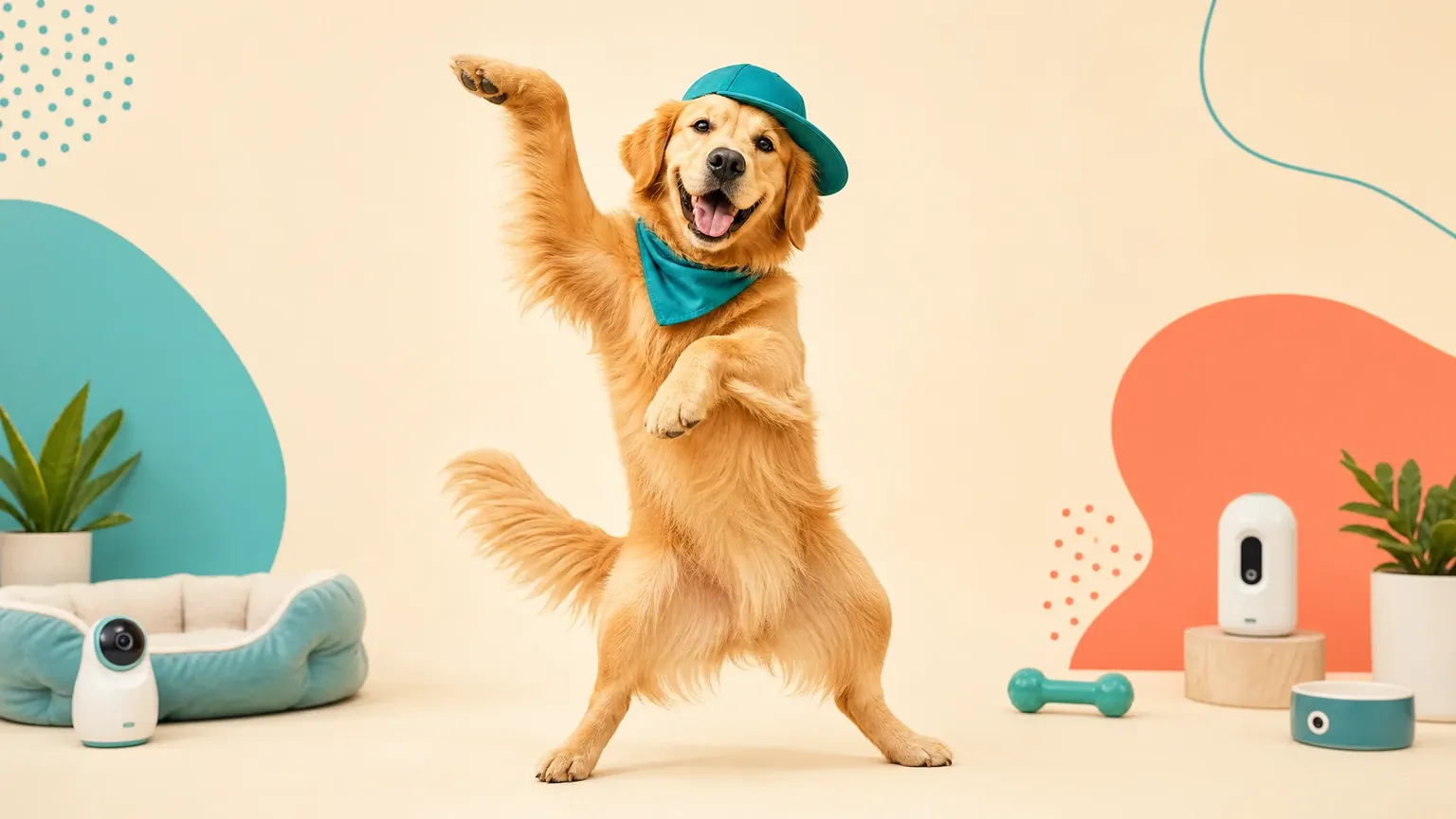
AI Dog Dance Video Generator
Upload a dog photo and a short dance reference video to transfer visible choreography and create a share-ready AI dog dance video.
Open tool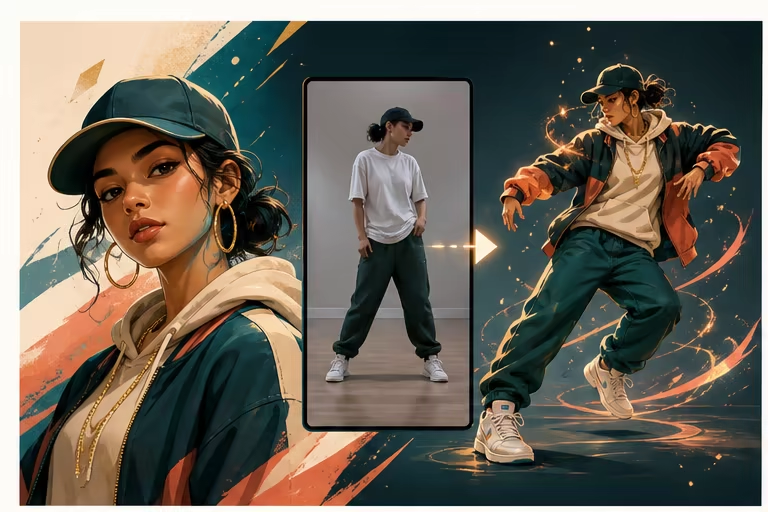
AI Hip Hop Dance Generator
Transfer hip-hop steps and body timing from a short reference video to one character image with AI motion control.
Open tool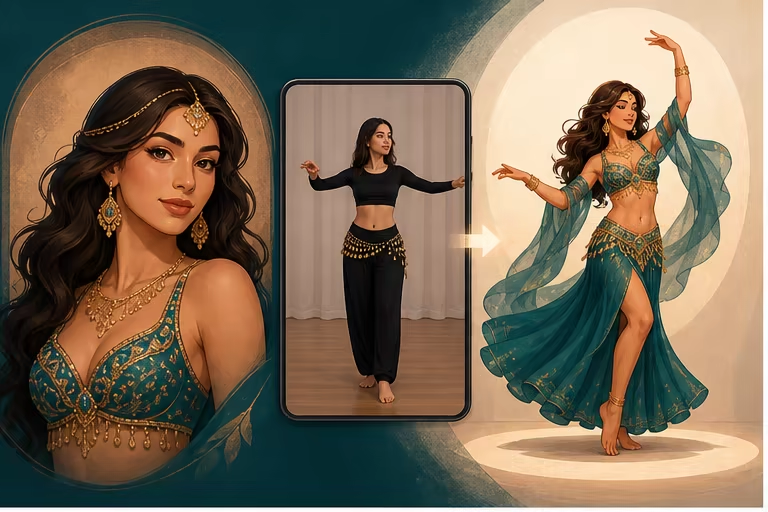
AI Belly Dance Generator
Transfer a short belly dance reference video to one character image with AI motion control. Create a full-body character dance clip online.
Open tool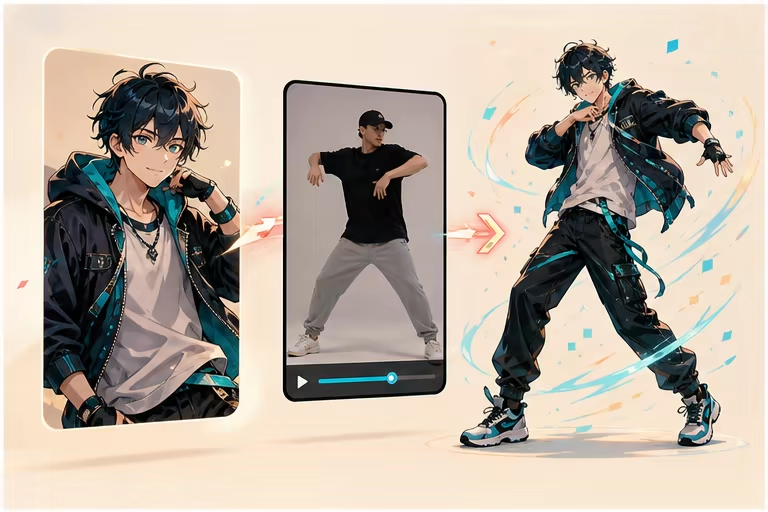
AI Anime Dance Video Generator
Animate an anime character with a short dance reference video. Transfer full-body choreography while keeping the character's visual style.
Open tool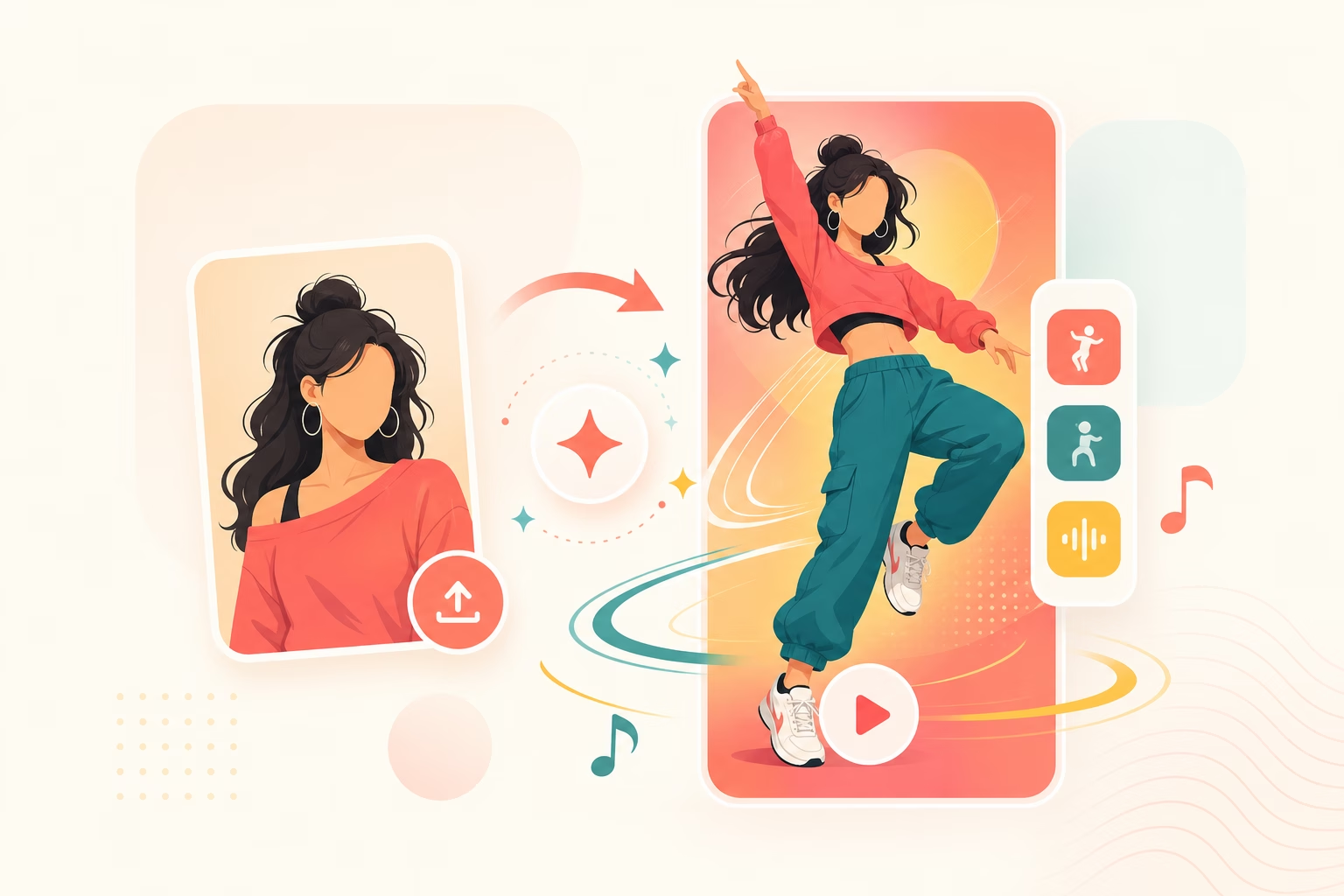
AI Video Maker TikTok Dance
Transfer a short dance reference to one character image, then plan the result for a 9:16 TikTok, Reels, or Shorts post.
Open tool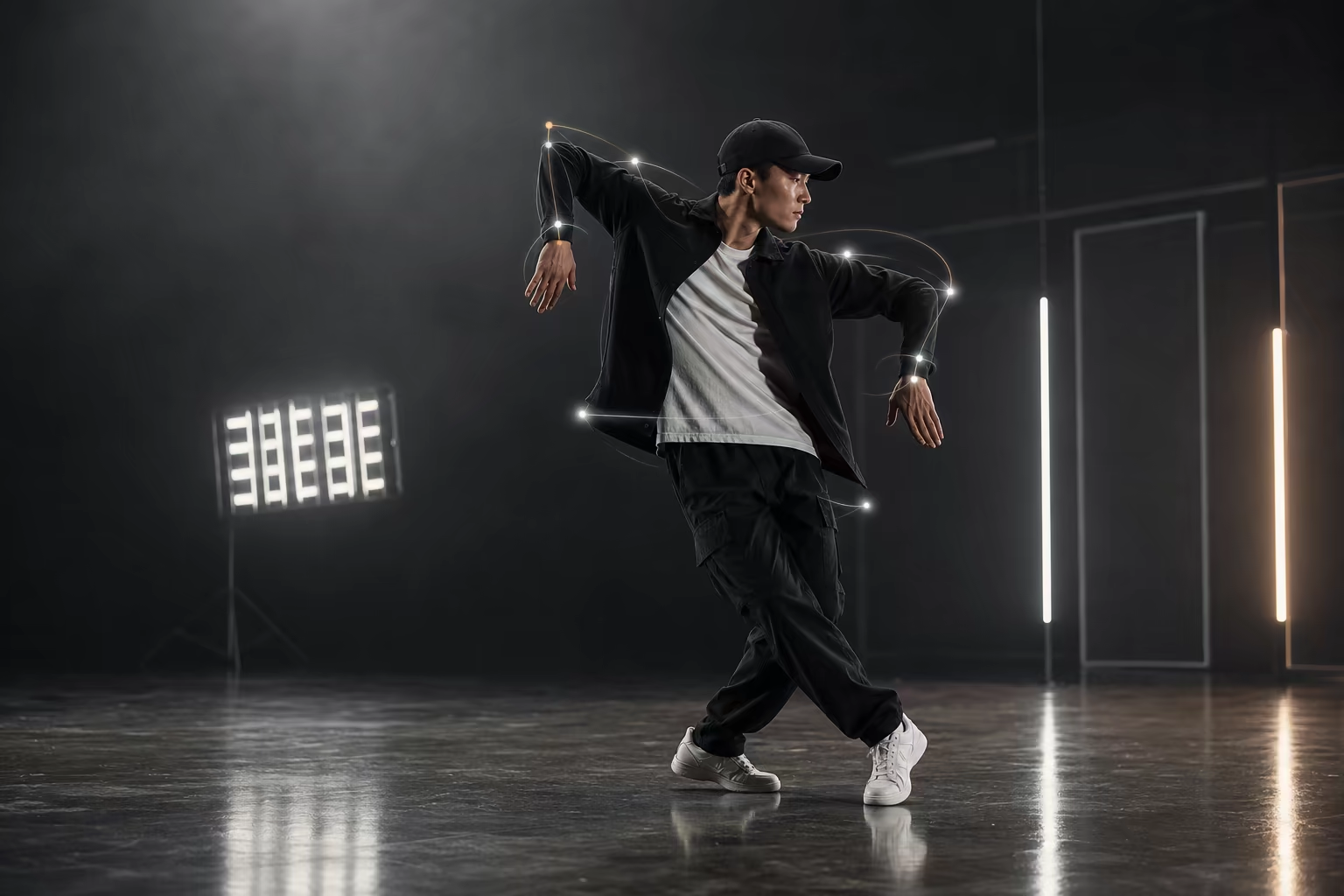
AI Robot Dance Generator
Want your character to do the robot dance without learning the moves yourself? Upload any photo and our AI generates a robot dance video in seconds — free to try, no skills needed.
Open toolCreate your first AI Cartoon Dance Video Generator video
Start with one clear character image and a short single-dancer reference.