LogoMotion Control AI
  • Motion Control AI
    • Text to Video
    • Image to Video
    • Reference to Video
    • Video to Video
    • Frames to Video
    • Lip Sync
    • Video Edit
    • Motion Control
    • Kling 2.6
    • Kling3.0
    • Kling O3
    • Grok Imagine
    • Gemini Omni
    • Seedance 1.5 Pro
    • Seedance 2.0
    • Seedance 2.0 Fast
    • Seedance 2.0 Mini
    • HappyHorse 1.0
    • HappyHorse 1.1
    • PixVerse V6
    • MiniMax H3
    • LTX-2.3 Fast
    • LTX-2.5 Fast
    • LTX-2.5 Pro
    • LTX-2.3 Pro
    • Veo 3.1 Lite
    • Veo 3.1 Fast
    • Veo 3.1 Quality
    • Text to Image
    • Image to Image
    • GPT Image 2.5 Flare
    • GPT Image 2.5 Sunburst
    • Nano Banana
    • Nano Banana Pro
    • Nano Banana 2
    • Nano Banana 2 Lite
    • GPT Image 2
    • Z-Image Turbo
  • Pricing
  • Blog
New user bonus

20 Free Credits

Then 5 credits per check-in for 3 days

Sign up free
LogoMotion Control AI
  1. Motion Control AI
  2. AI Character Animation
  3. AI Fight Video Generator

AI Fight Video Generator

Direct Motion by Reference

Animate one character image with a reference. The AI Fight Video Generator turns punches, kicks, dodges, and martial arts forms into short, character-focused action clips.
One character imageBuilt-in or uploaded referenceRealistic, anime, or 3D characters
PNG, JPG · 1 image
MP4, MOV, MKV · 1 video

Upload the character image and motion reference together before generating.

Match orientation in the video · up to 30s reference.

Optional: add style, camera, or scene notes

Optional. Motion comes from the video; prompt refines the look.
Public
Private
Demo 01
Preparing generatorControls will be ready in a moment.

Create Action with the AI Fight Video Generator

Pair one character image with a movement reference.

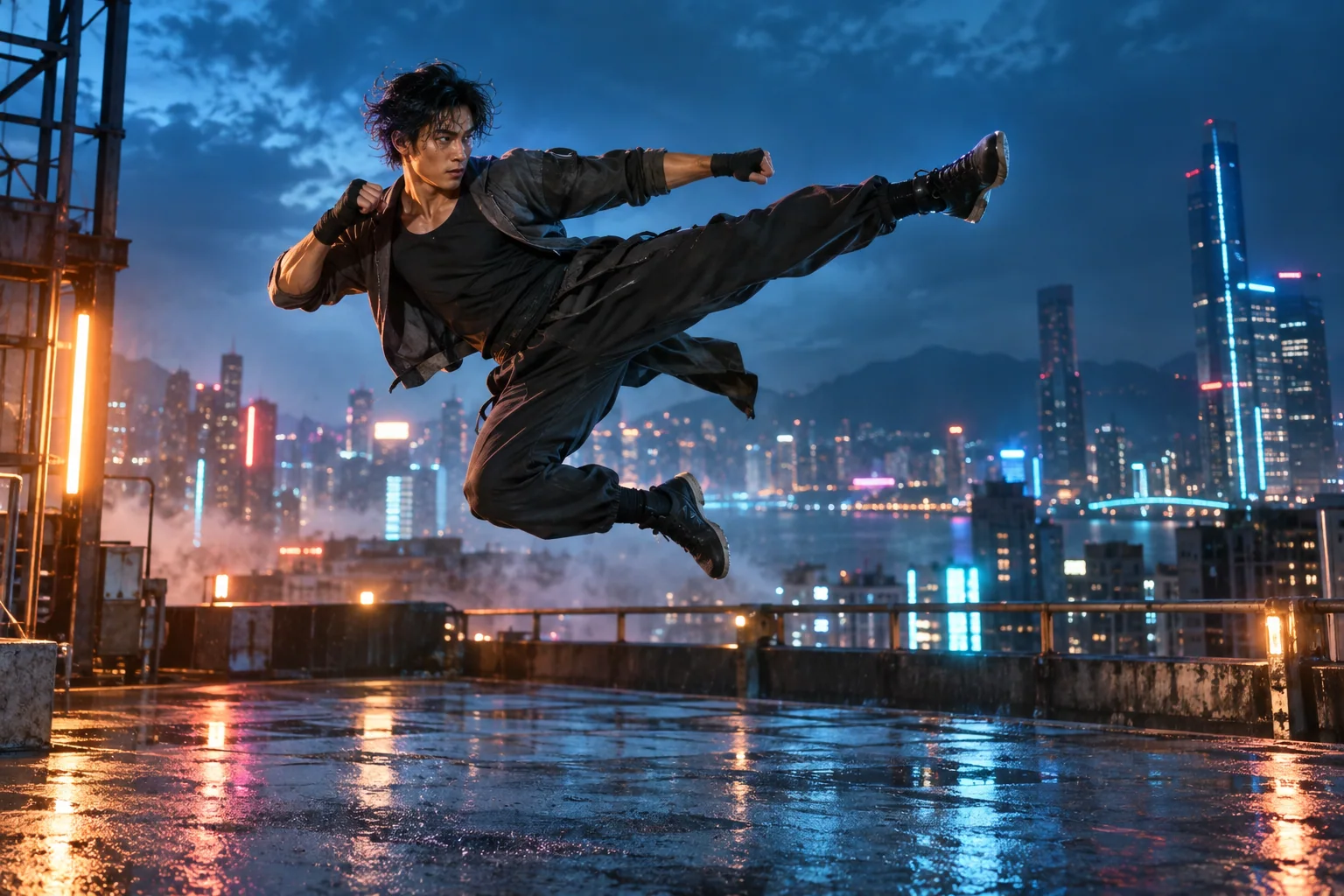
Turn a Photo into Action

Start with a clear full-body portrait. The AI Fight Video Generator transfers readable footwork, balance, and body motion from your reference, turning a still character into a compact action shot for trailers, reels, or story edits.
Turn a Photo into Action

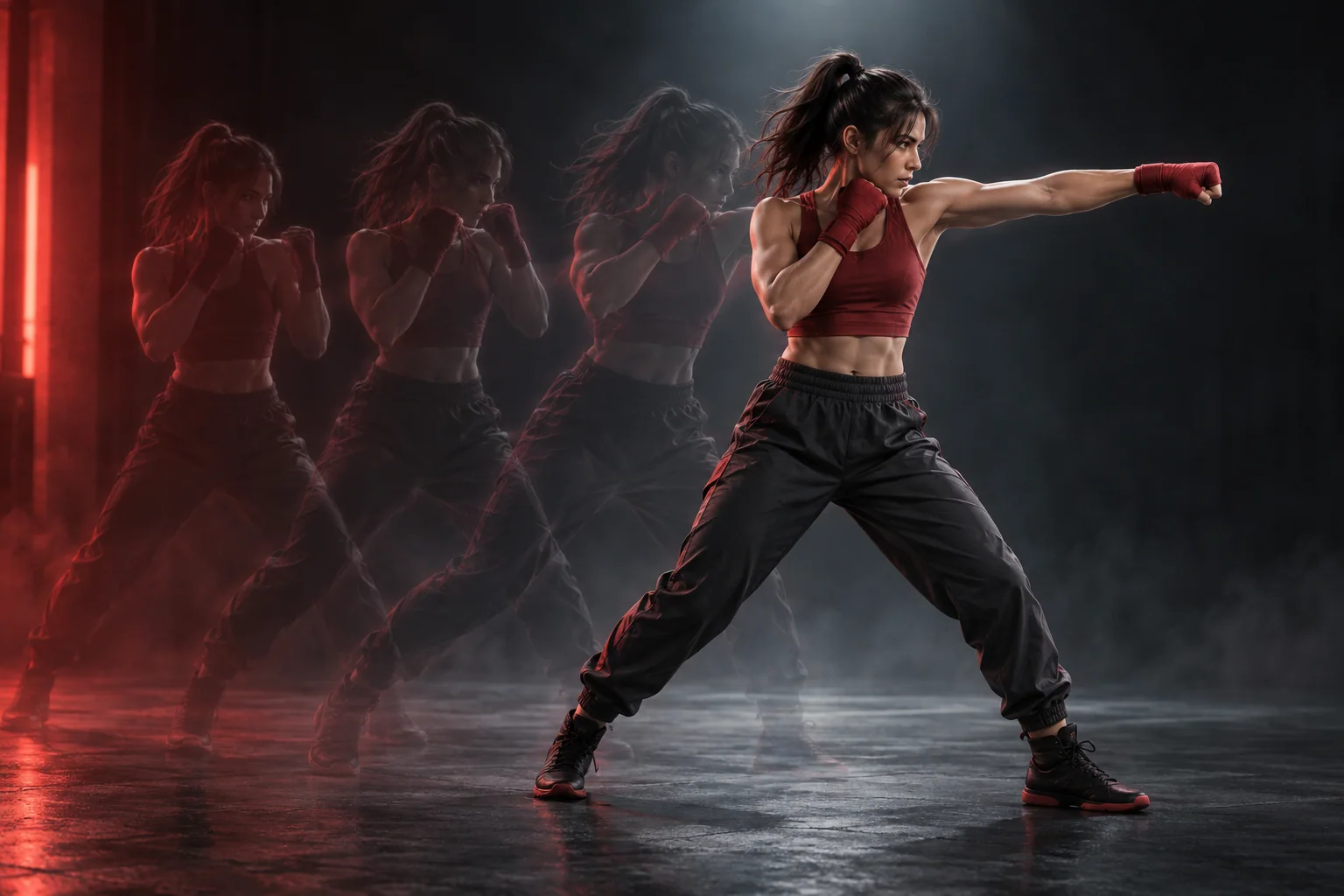
Guide Every Action

Choose a built-in motion or upload your own clip. The AI Fight Video Generator follows visible guards, strikes, evasive steps, and recoveries, letting you direct choreography through movement instead of describing every beat.
Guide Every Action

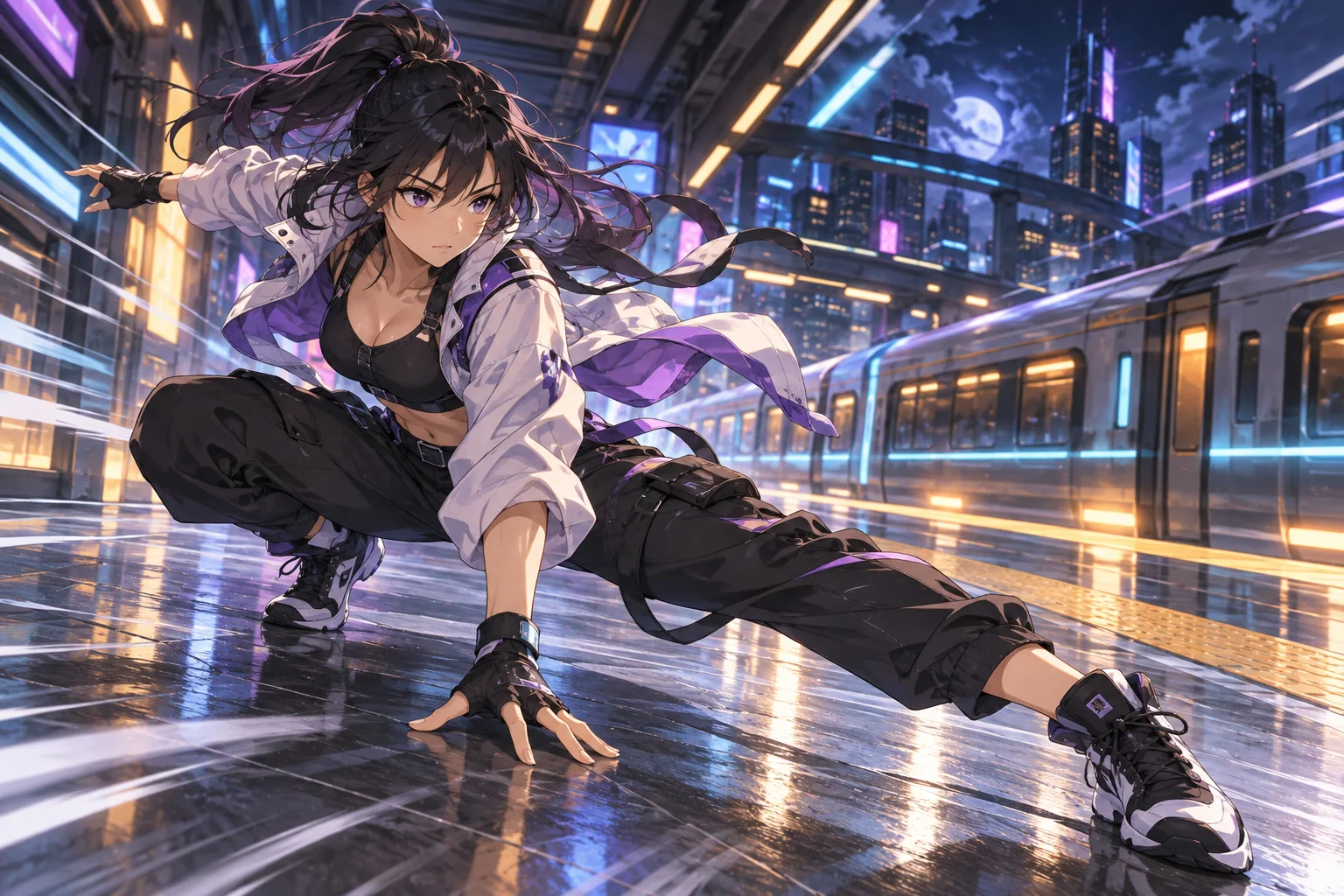
Animate Multiple Character Styles

Use a realistic portrait, illustrated hero, or humanoid 3D character. The AI Fight Video Generator follows the same reference-driven process across styles, supporting anime fight beats, cinematic humans, and game-character action concepts.
Animate Multiple Character Styles

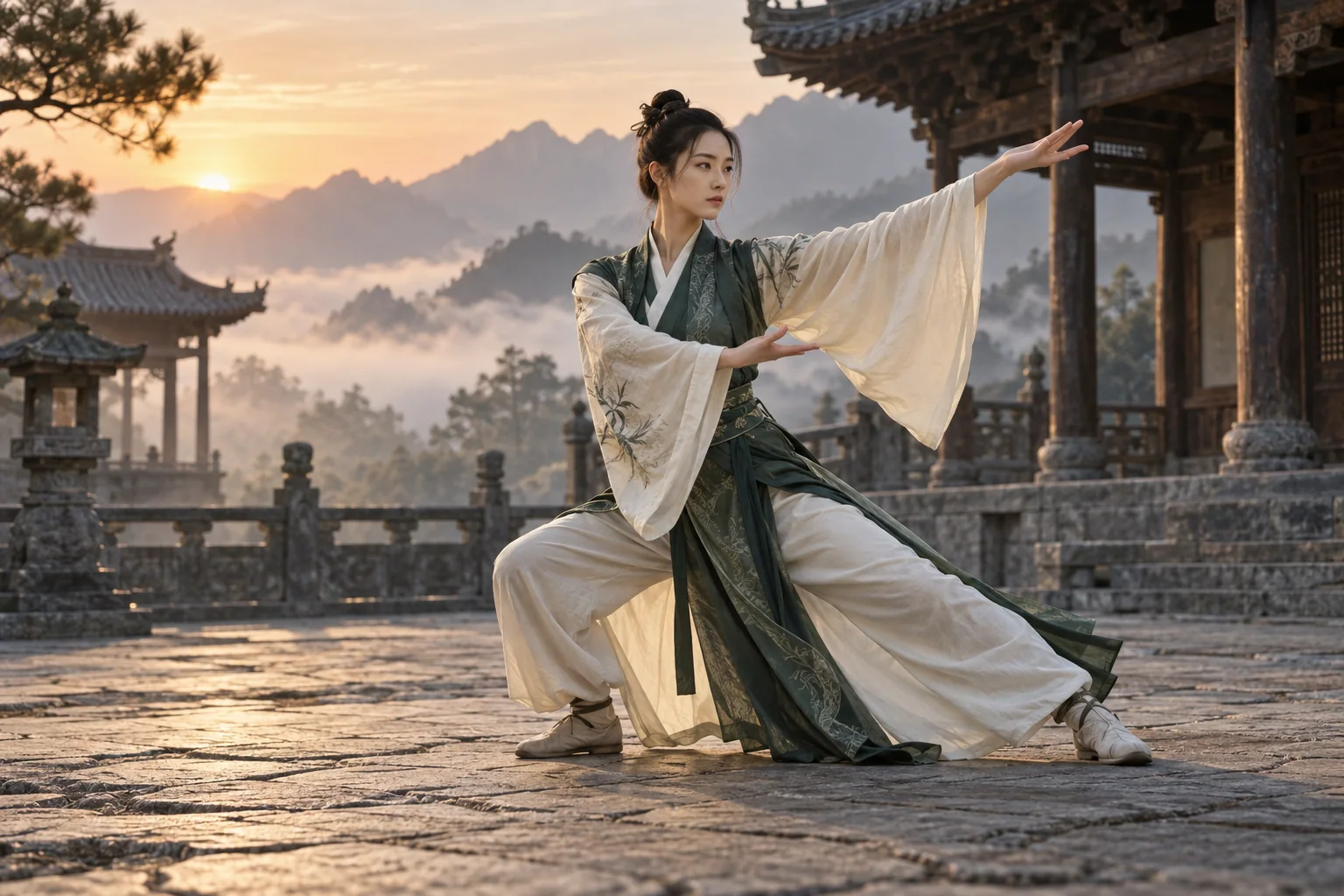
Stage Solo Martial Arts

Action can work without an opponent. The AI Fight Video Generator turns solo forms, shadowboxing, stance transitions, and wushu references into controlled performances for dramatic entrances, training montages, and character-focused martial arts animation.
Stage Solo Martial Arts

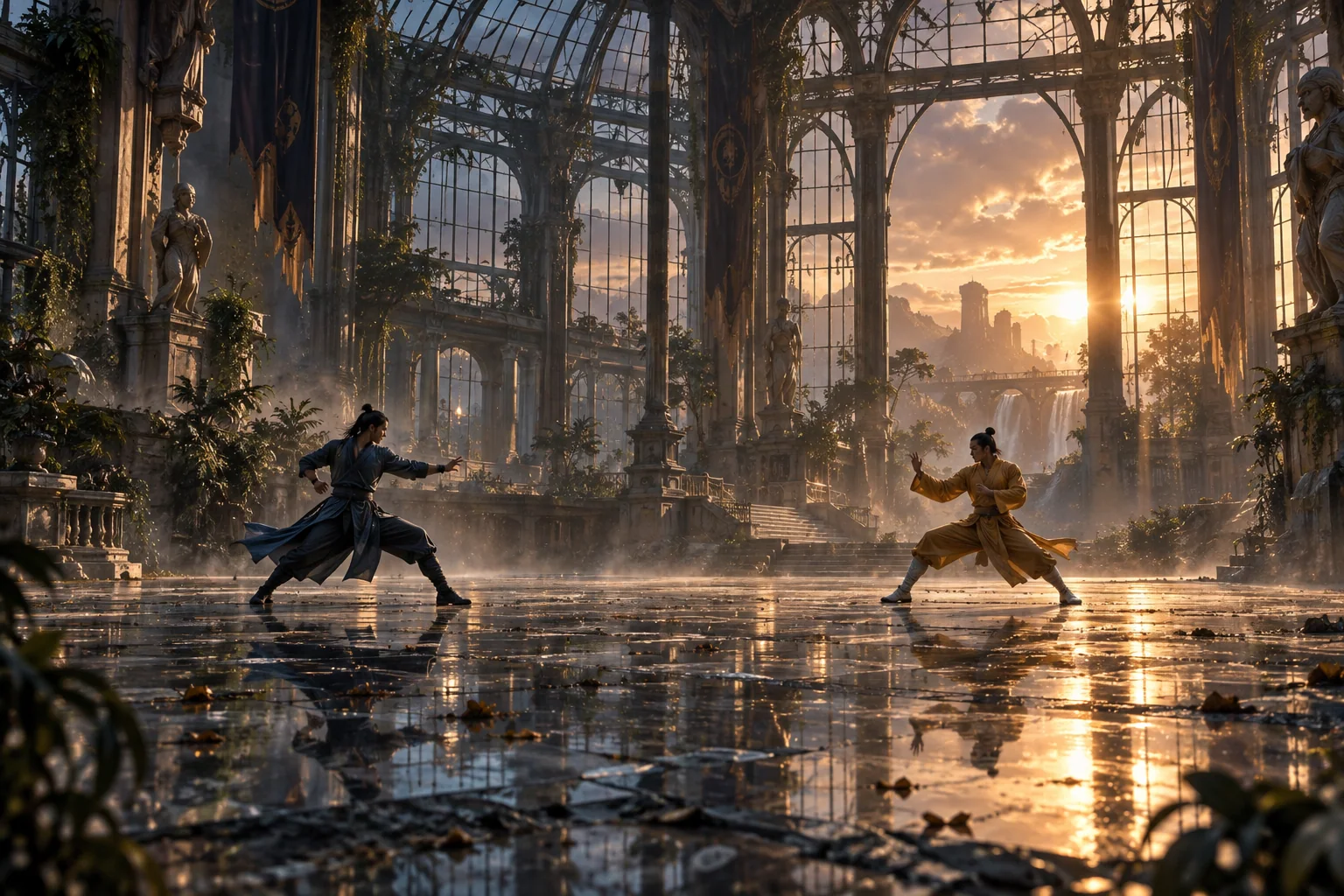
Set a Cinematic Scene

Begin with an image that carries your intended mood. The AI Fight Video Generator animates characters on neon rooftops, quiet courtyards, stylized arenas, or fantasy stages, helping every action shot fit its surrounding story.
Set a Cinematic Scene

How the AI Fight Video Generator Works

Three quick steps keep the focus on character motion.

1

Upload a character

Upload a sharp, full-body character image to the AI Fight Video Generator.

2

Choose a reference

Give the AI Fight Video Generator a clear reference for punches, kicks, blocks, or dodges.

3

Generate and review

Review the AI Fight Video Generator result for body clarity and timing before editing.

AI Fight Video Generator Ideas

Build character stories from short action shots.

Cinematic character edits

Use the AI Fight Video Generator for kicks, dodges, guards, and dramatic trailer transitions.

Anime fight concepts

Use the AI Fight Video Generator to test an illustrated hero before assembling a longer sequence.

Game character clips

Give the AI Fight Video Generator a humanoid avatar for readable combat moves and concept reels.

Social action posts

Turn AI Fight Video Generator results into hooks for vertical edits, reveals, and fan videos.

Why Creators Use This AI Fight Video Generator

Reference-led direction works across styles and scenes.

Motion is easier to direct

The AI Fight Video Generator reads timing, weight shifts, and limb paths from your reference.

Your character stays central

The AI Fight Video Generator begins with your chosen realistic, illustrated, or 3D character.

Clips fit your edit

Treat each AI Fight Video Generator result as one beat, then add sound and surrounding shots.

AI Fight Video Generator FAQ

What does the AI Fight Video Generator need?+
Upload a clear full-body character image and choose a built-in or custom action reference.
Can I make two people fight from two separate photos?+
The AI Fight Video Generator uses one character image and one motion reference. It does not promise a stable two-photo fight; create separate shots and combine them in an editor.
Can the AI Fight Video Generator animate anime art?+
Yes. Use a humanoid anime character with clear limbs and pair it with a readable action reference.
Which martial arts movements work well?+
The AI Fight Video Generator works with clear punches, kicks, blocks, evasive steps, shadowboxing, and solo forms.
Does the AI Fight Video Generator need a long prompt?+
No. Let the motion reference carry the direction; choose a clear image and the pace you want.
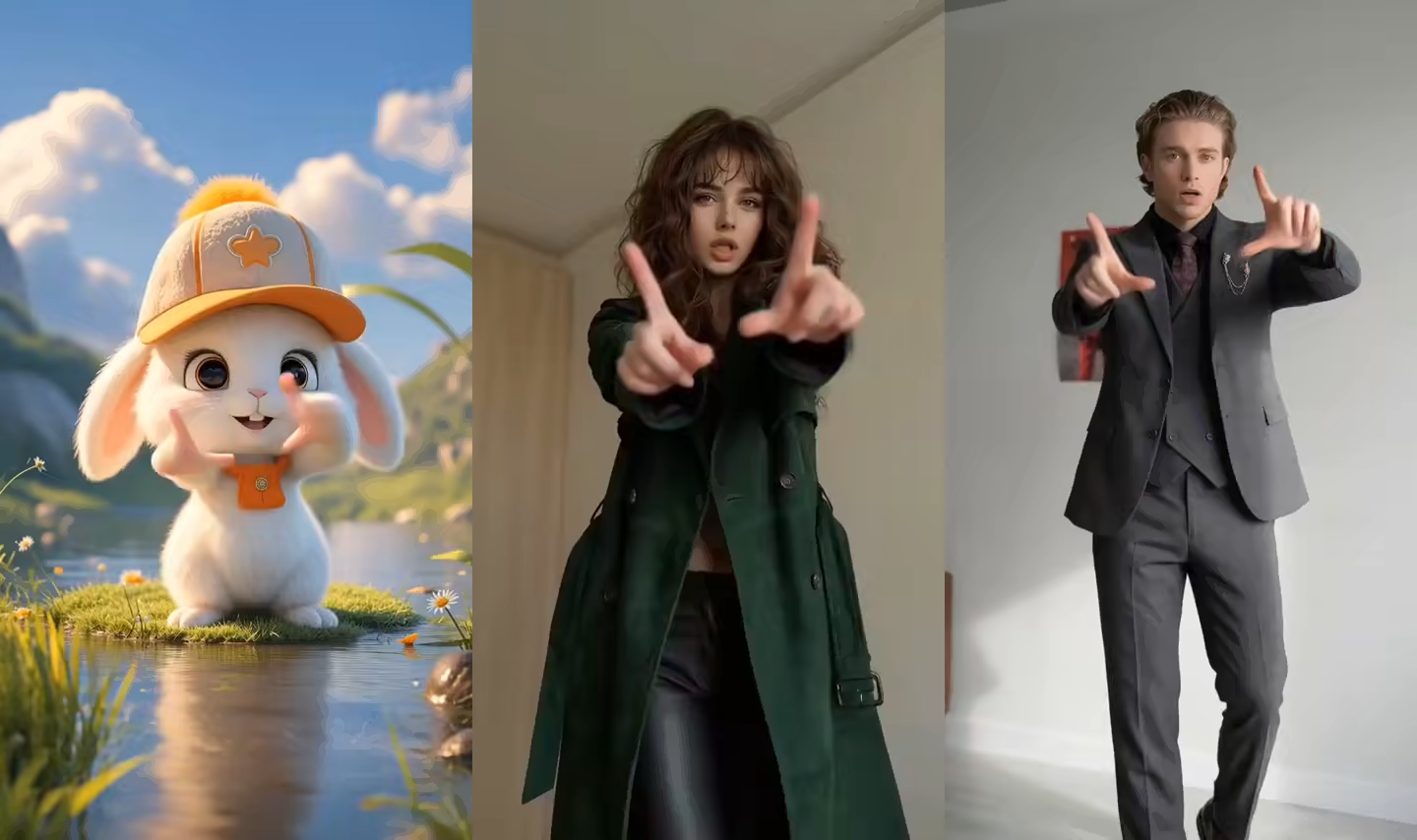
Does the AI Fight Video Generator preview show a fight result?+
No. It is a general motion-control demo of reference-guided animation, not a fight output.
How should I frame the source character?+
Show the AI Fight Video Generator the head, hands, and feet with clear limb separation.
Can I use the output in a longer video?+
Yes. Use an AI Fight Video Generator clip as one beat, then add sound and surrounding shots.

Tools beyond the AI Fight Video Generator

Compare related reference-driven workflows.

AI Dance Generator

Animate choreography from a built-in or uploaded reference.

Explore this workflow →

AI Anime Dance Video Generator

Apply reference motion to illustrated and anime characters.

Explore this workflow →

Kling AI Motion Control

Learn how image and motion inputs connect.

Explore this workflow →

Motion Control AI Examples

Review motion examples before choosing a setup.

Explore this workflow →

Start with the AI Fight Video Generator

Bring one character image and a readable reference to the AI Fight Video Generator, then shape your action.

Open the AI Fight Video GeneratorPricing
LogoMotion Control AI

Email
AI Tools
  • GPT Image 2.5
  • Comic to Video AI
  • Drawing to Video AI
  • Storyboard to Video AI
  • AI Product Rotation Video
  • AI K-pop Dance Generator
  • AI Ballet Dance Generator
  • AI UGC Avatar Generator
  • AI Avatar for Course Creators
  • AI Singing Photo Generator
  • AI Cat Dance Video Generator
  • AI Cartoon Dance Video Generator
  • AI TikTok Video Generator
  • AI Influencer Video Generator
  • AI Recruitment Video Generator
  • AI Book Trailer Generator
  • AI Avatar for Real Estate Agents
  • Frames to Video
  • Image to Image
  • Text to Video AI
  • Reference to Video AI
  • AI Video Editor
  • AI Fashion Model Video Generator
  • All AI Tools
AI Models
  • GPT Image 2.5
  • Kling AI Motion Control
  • Kling 3.0 AI Video Generator
  • MiniMax H3 AI Video Generator
  • Gemini Omni
  • All AI Models
Company
  • About
  • Contact
  • Changelog
Legal
  • Cookie Policy
  • Privacy Policy
  • Acceptable Use Policy
  • Terms of Service
© 2026 Motion Control AI[email protected]We are not affiliated with the model providers. All trademarks belong to their respective owners.