
Storyboard to Video AI
Preview Shots Before You Shoot
Motion presets
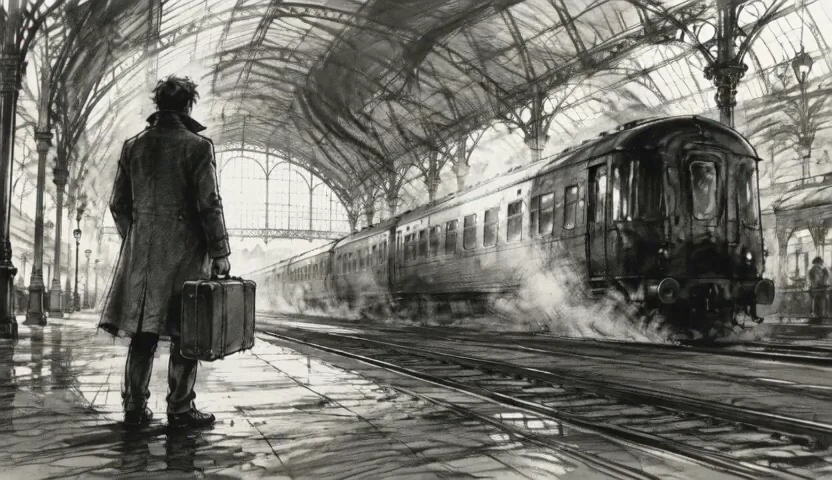
Make your shot idea easier to see
Storyboard to Video AI helps turn a conversation about movement into something people can watch. Start with a board, describe the camera and subject action, and explore a moving version of the shot. Use the preview to discuss pacing, refine a pitch, or choose a direction before production.
Storyboard to Video AI for your creative ideas
Explore the details, movement, and creative possibilities in your starting image.
Preview how the camera carries the shot
A static frame shows composition; movement adds a sense of discovery. Use Storyboard to Video AI to explore a push-in, lateral track, or gradual reveal from your drawn frame. Watch where attention moves and use the preview to explain the camera direction you have in mind.
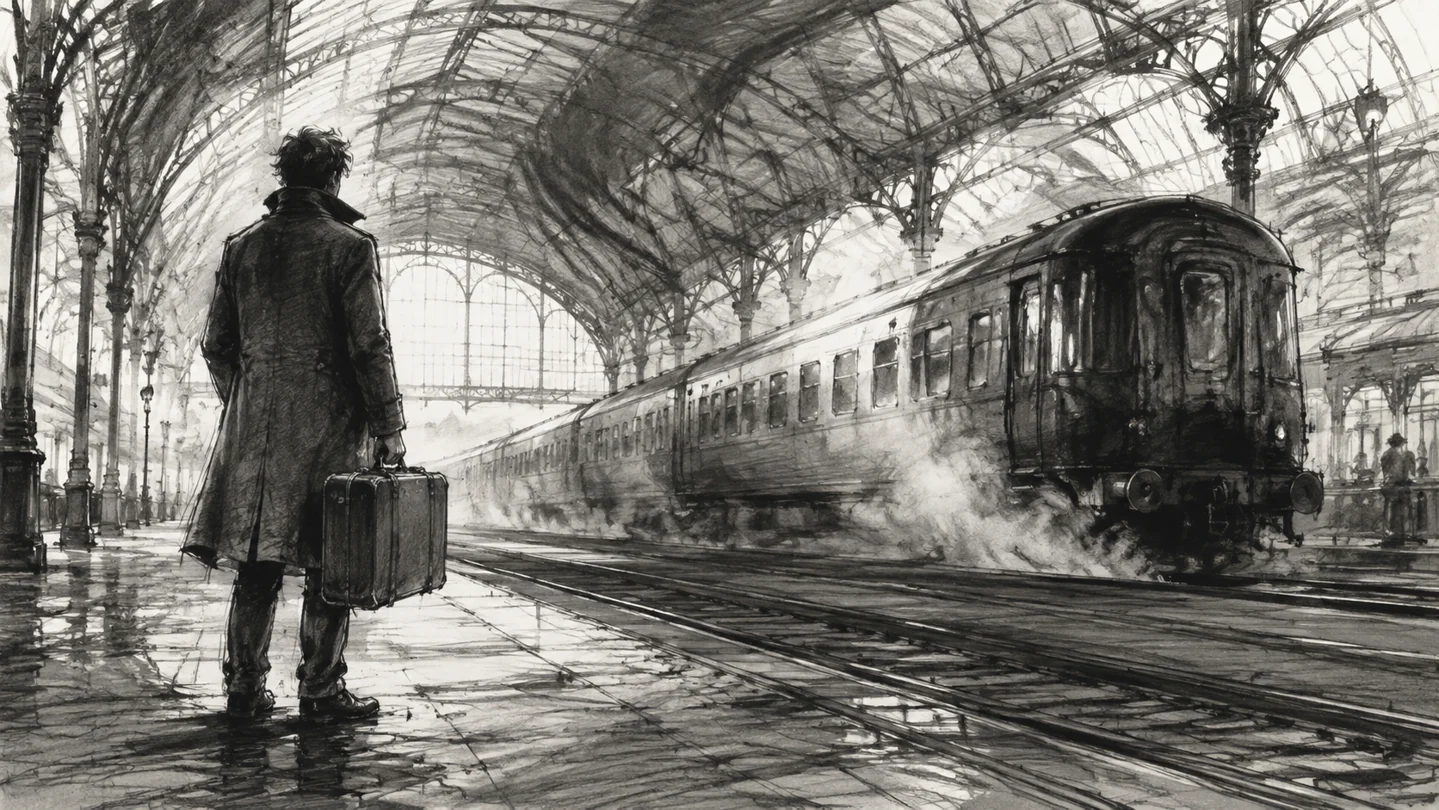
Explore character blocking in motion
Show how a subject moves through the space and how the camera responds. Start with the position established in your board, then describe a walk, turn, or pause. A moving preview gives collaborators a shared reference for discussing the relationship between the performer, setting, and viewpoint.
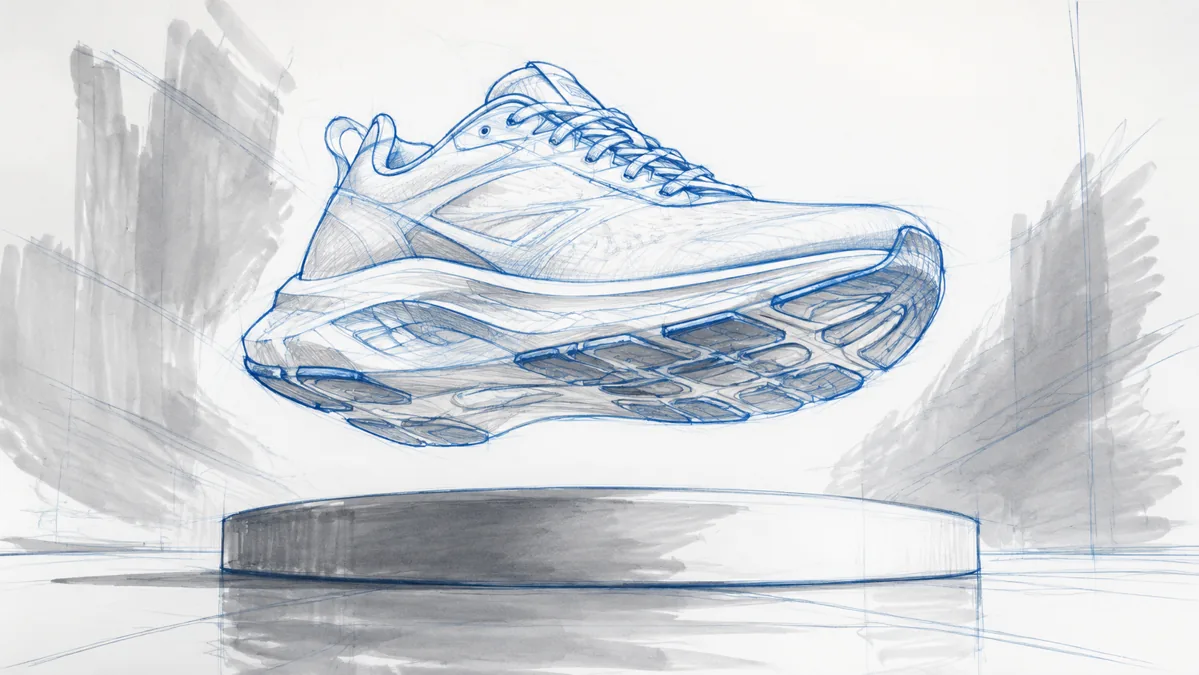
Give commercial concepts a moving reference
Bring an advertising board into motion to demonstrate a product reveal, camera arc, or change in emphasis. Use the clip during creative discussions to communicate how the shot should feel. It can make an abstract treatment easier to understand before the team commits to a production approach.
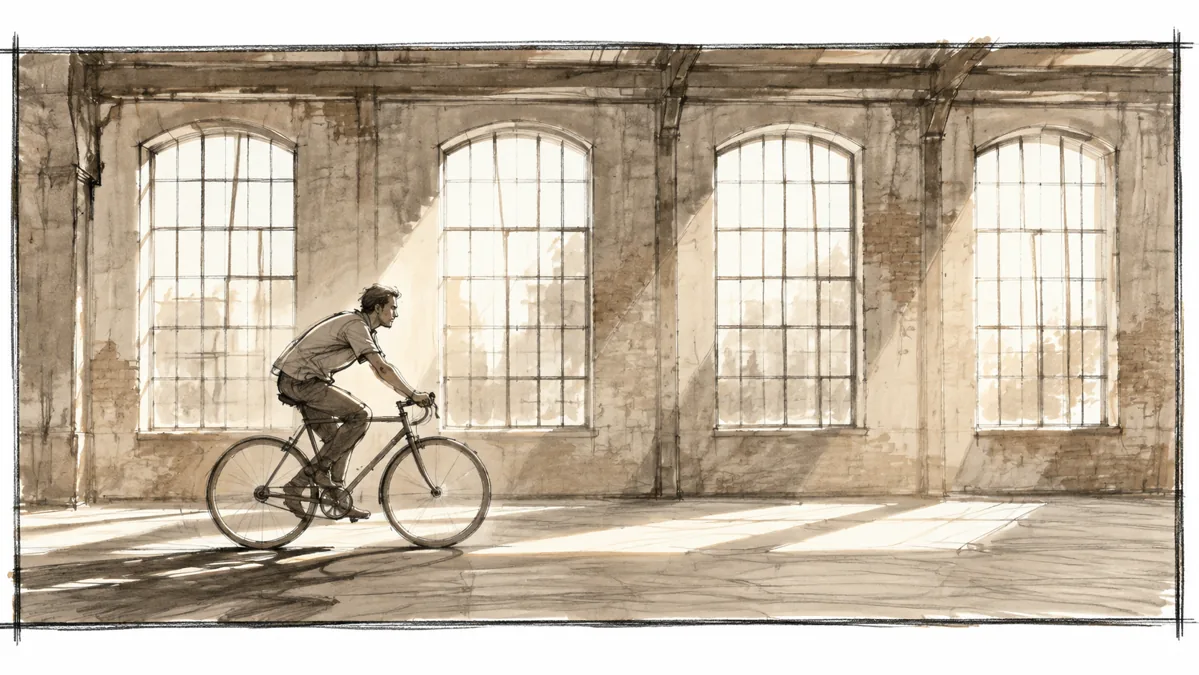
Establish a location before the action
Explore the opening view of a scene with a moving landscape or location board. Storyboard to Video AI helps you try a gradual approach toward a building, a reveal along a road, or a wider environmental shot. Use the result to discuss how the audience first enters the story.

Communicate atmosphere and visual emphasis
Light, staging, and camera movement work together to shape a scene. Describe a quiet window-lit conversation or a dramatic change in attention, then preview a moving interpretation of your board. Give your team a reference for the mood you want to develop through the shot.

How to use Storyboard to Video AI
Start with a visual. Give it direction. See the idea move.
Upload a storyboard frame
Choose the shot you want to explore. A clear subject, camera angle, and foreground-background relationship give the preview a useful visual foundation.
Write your shot direction
Describe the camera move first, then the subject action and atmosphere. For a planned opening and closing composition, explore the first-and-last-frame workflow.
Review with your team
Generate a take and use it to discuss your intended shot. Download selected clips and arrange them in your editing timeline to explore the scene rhythm.
Where Storyboard to Video AI fits your work
Find the approach that matches what you want to create and share.
Film and music video previsualization
Explore selected shots before production and give collaborators something concrete to review. Discuss the camera move, subject action, and intended mood alongside your storyboard and treatment.
Advertising pitches and client reviews
Make a proposed visual idea easier to present. Use moving shot studies to explain a product reveal or scene transition, then gather feedback on the creative direction while the concept is still taking shape.
Animatic and sequence planning
Place your chosen shot previews into an editing timeline alongside other boards and sound. Explore the rhythm of the sequence and decide where a scene needs a pause, reveal, or change of pace.
Why choose Storyboard to Video AI on Motion Control AI?
A direct path from your visual idea to a moving take you can use.
Work from the shot you have drawn
Your board establishes the visual starting point. Develop camera and action ideas from that composition, so the moving reference stays connected to the scene you are planning.
Make creative discussions more concrete
Share a moving interpretation of a shot instead of relying on a verbal description alone. Give directors, creatives, and collaborators a reference they can watch and discuss together.
Refine one shot at a time
Adjust the direction for the frame you are working on and choose a take for your timeline. This gives you a practical way to explore alternatives while keeping the wider sequence in mind.
Your questions, answered
How do I turn a storyboard into a video?
Who is storyboard animation AI useful for?
How should I write an AI storyboard previs prompt?
How do I build a sequence from several panels?
How does this fit into an animatic workflow?
Bring your next shot into the conversation
Use Storyboard to Video AI to turn a drawn idea into a moving reference your team can discuss.