
GPT Image 2.5 Online — Faster Creation. Finer Control.
Credits vary with size, quality, prompt and reference count. The charge is shown before generation.
Checking access
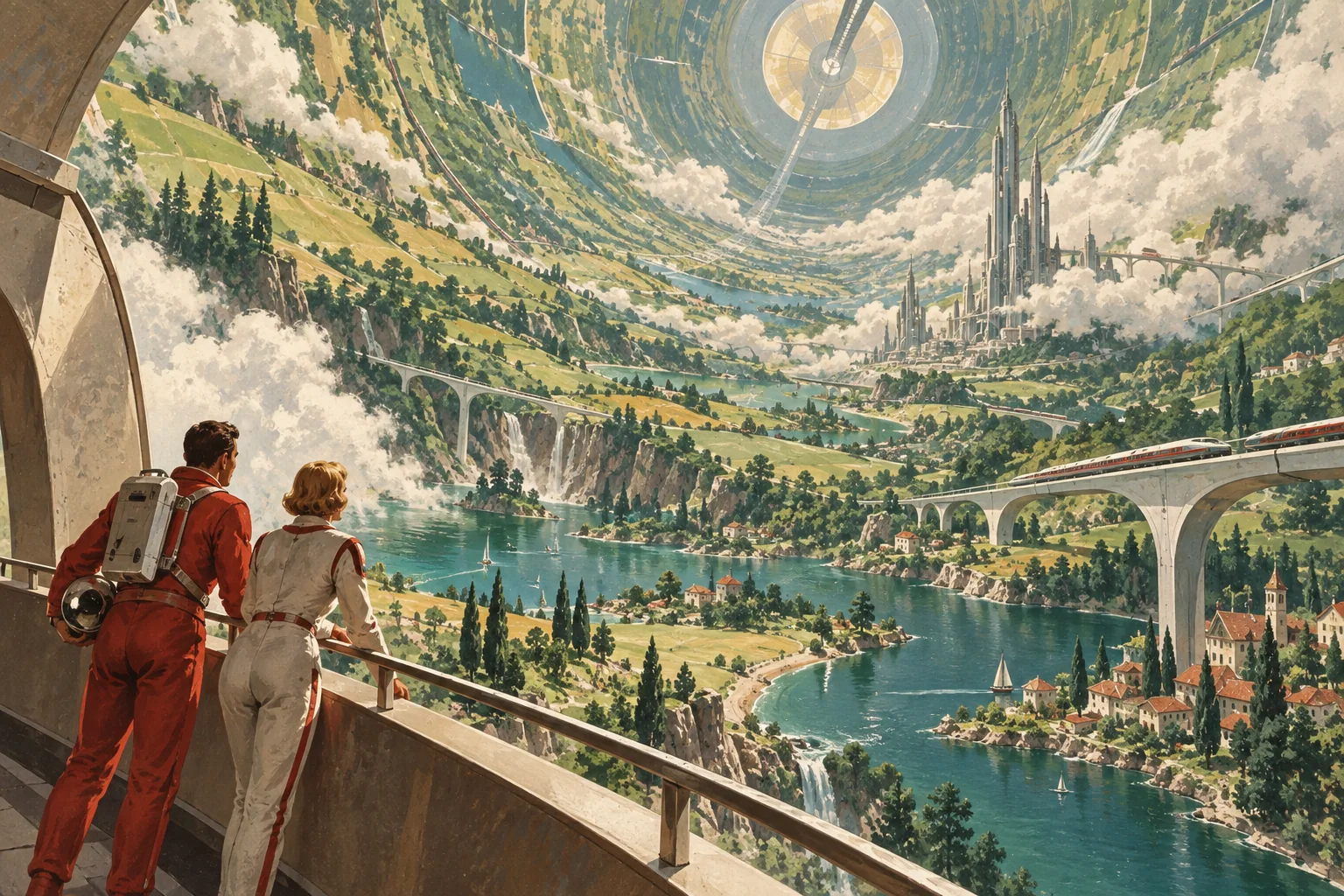
What’s Better in GPT Image 2.5?
More control over the details you change—and the creative decisions you want to keep. AI-created visual examples.
Stronger reference fidelity
GPT Image 2.5 better preserves distinctive subjects across new settings and styles. Keep a character’s appearance more recognizable when exploring costumes, environments or compositions.
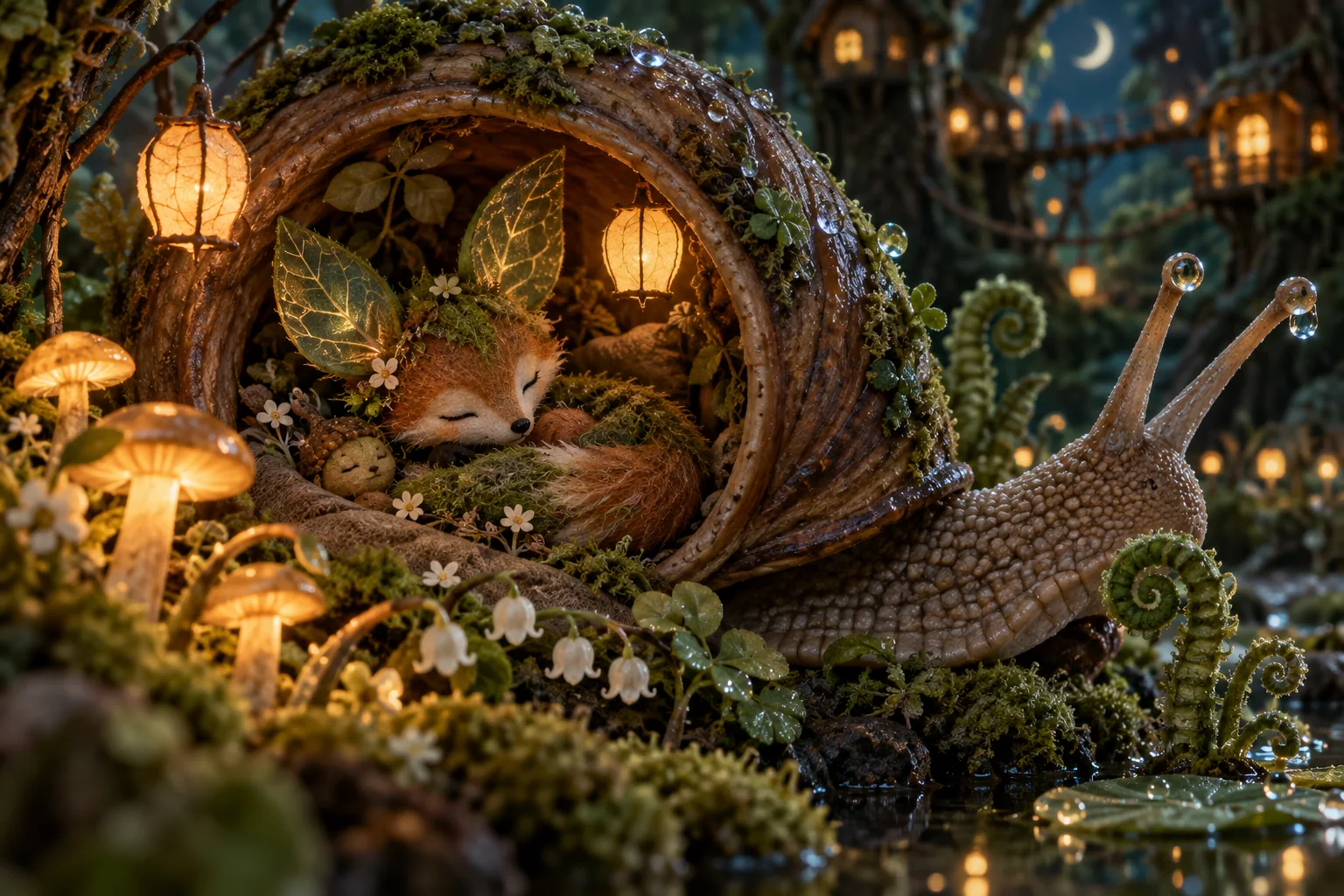
More precise local changes
Change a costume, prop or background with less disruption to the rest of the scene. GPT Image 2.5 follows targeted editing instructions more reliably, even in complex compositions.
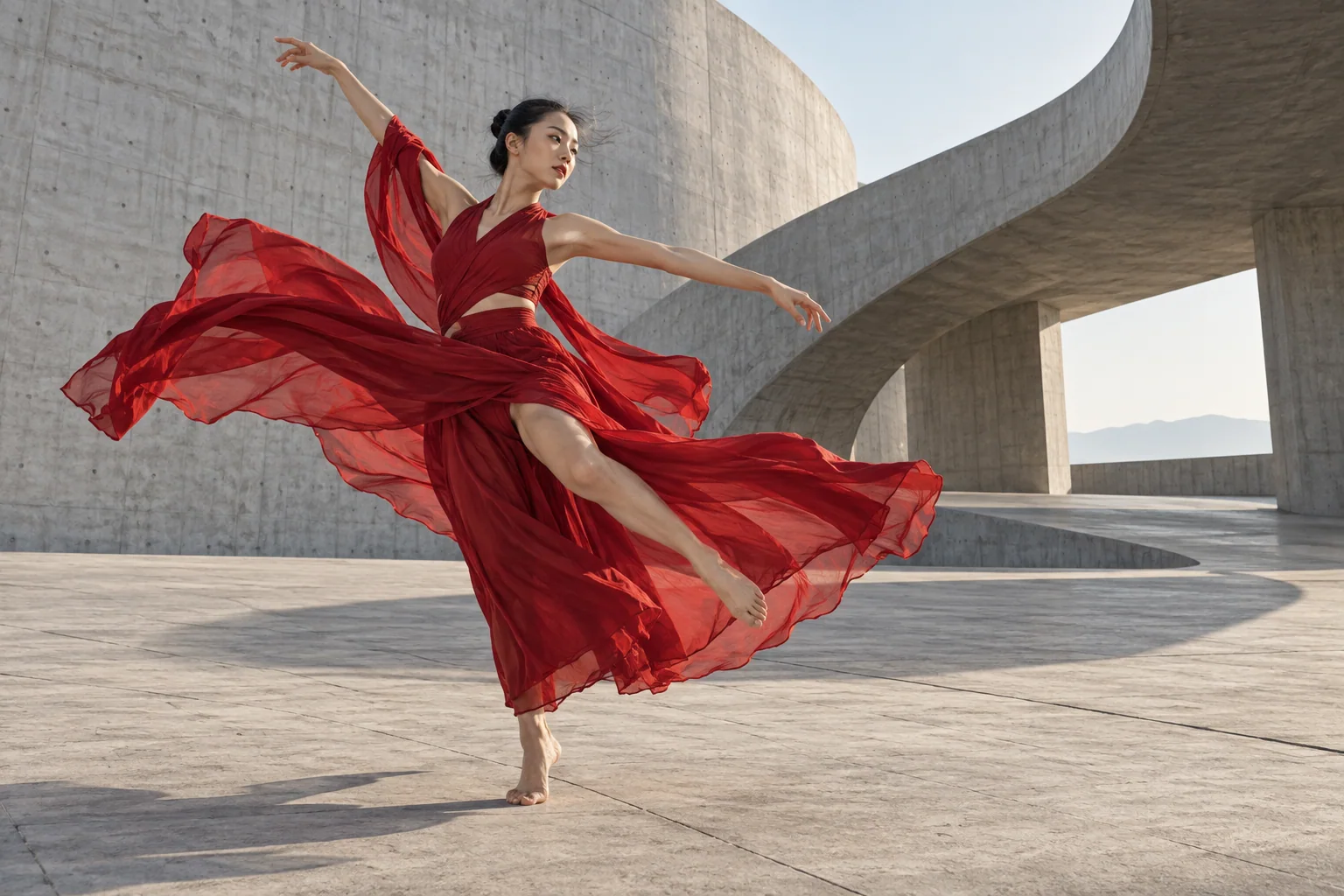
More stable successive edits
Earlier decisions are more likely to carry through each revision. GPT Image 2.5 improves multi-turn consistency, helping creators refine a scene without repeatedly rebuilding its visual identity.
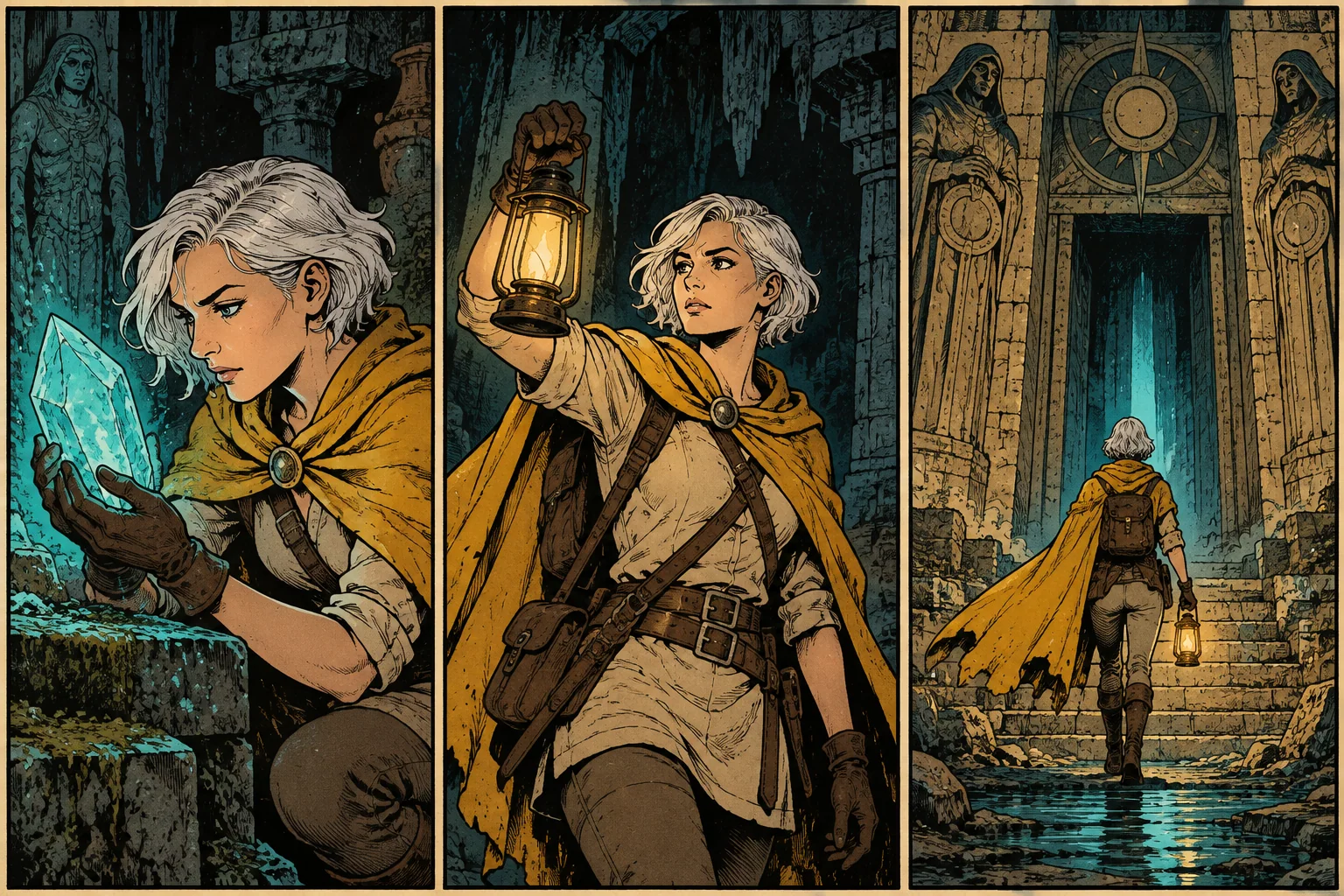
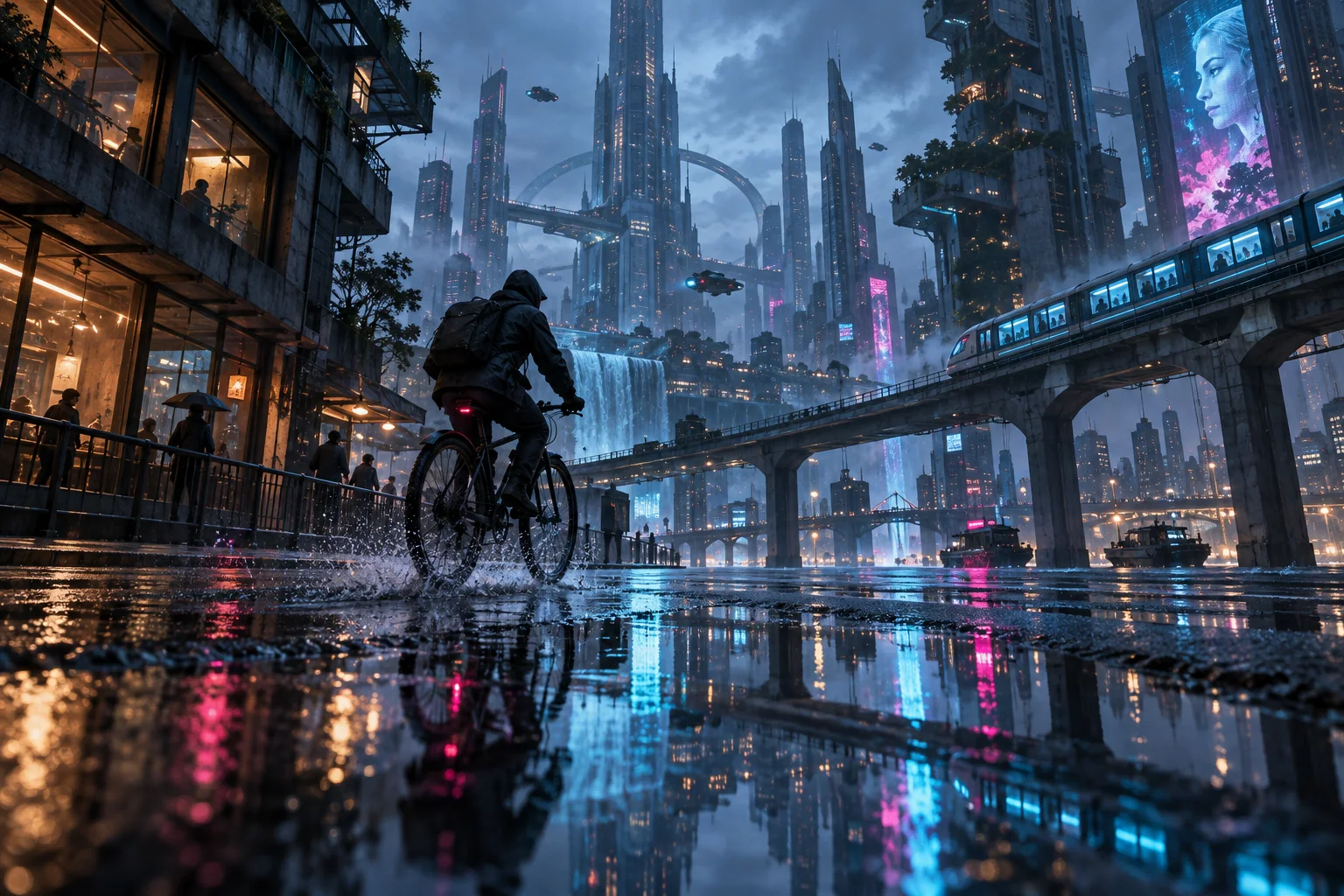
Sharper textures, more natural lighting
GPT Image 2.5 improves fine detail, material texture and natural light. Reflections, fabric and architecture feel more grounded—useful for cinematic key art and detailed concept scenes.
Better visual direction and complex layouts
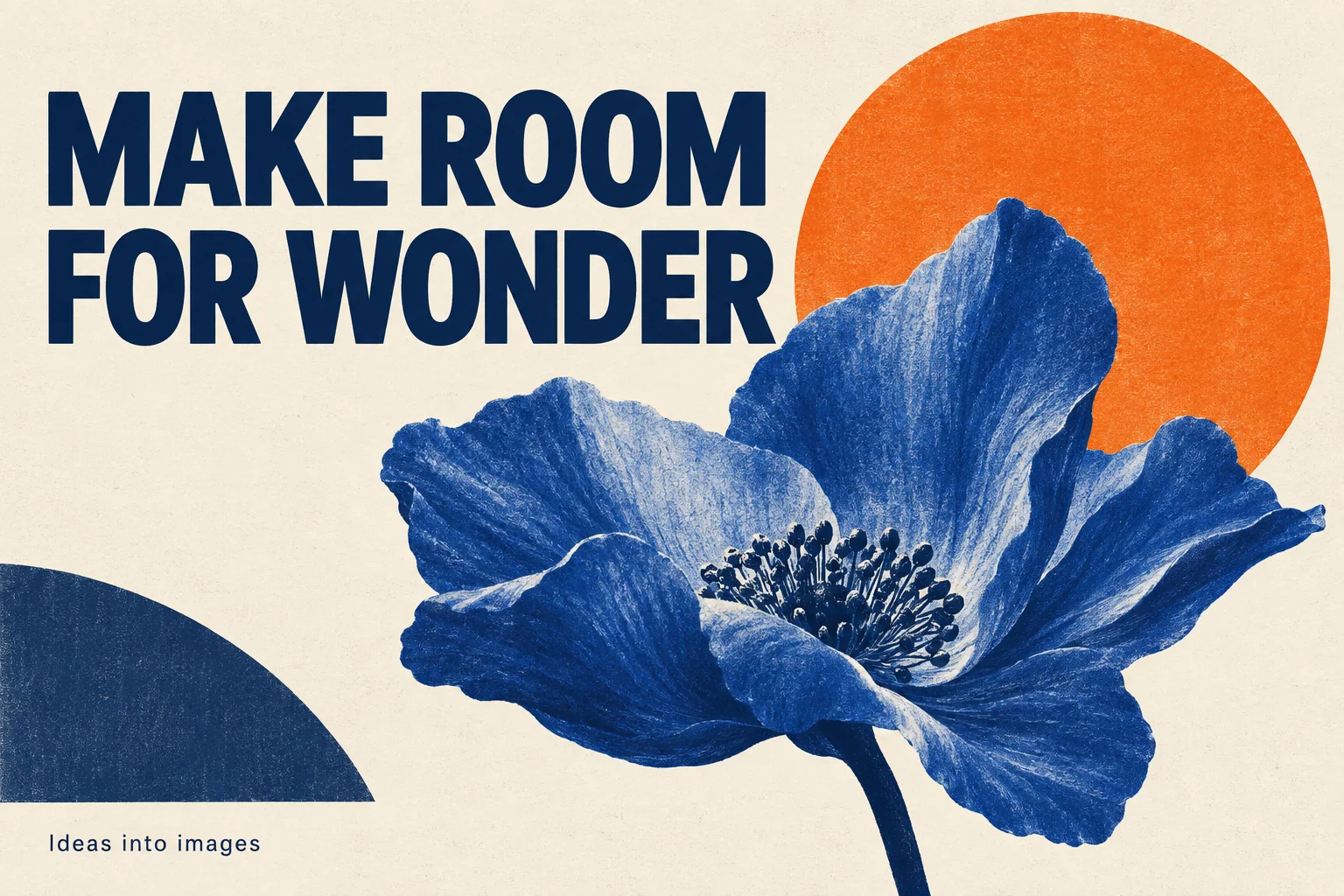
GPT Image 2.5 more reliably follows style, hierarchy and composition together. Build expressive posters, presentation visuals and layered designs, including transparent assets, with closer adherence to your brief.
How to Try GPT Image 2.5 Online
Choose a version, set your direction, then refine.
Start with an idea or reference
Select GPT Image 2.5 Flare or Sunburst. Enter a scene description, or upload reference images to guide an edit.
Set the creative constraints
Tell GPT Image 2.5 what changes and what stays. Pick image size, quality and output format; review the credit estimate before generating.
Review your next version
Download your GPT Image 2.5 image. Reuse a result as the next reference when you want another focused refinement.
Where GPT Image 2.5 Fits Your Creative Work
For creators, designers and visual storytellers—from the first concept to a finished still.
Character design & reference sheets
Explore outfits, expressions and settings with GPT Image 2.5 while keeping the subject’s defining features central to the brief.
Storyboards & scene planning
Use GPT Image 2.5 compositions and recurring character references to plan shots, environments and visual continuity before producing a video.
Game worlds & concept art
Develop environments, props and character concepts with GPT Image 2.5. Carry a chosen aesthetic across iterations and detailed briefs.
Posters & creator thumbnails
Combine an expressive subject, clear visual hierarchy and short headlines. Adjust copy or one design element without restarting the whole composition.
Campaign variations
Explore different moods, layouts and backgrounds for a creative concept. GPT Image 2.5 makes reference-led variations easier to direct.
Presentation & UI concepts
Translate structured ideas into diagrams, slide illustrations and interface concepts. Better layout understanding helps preserve the relationships between individual elements.
Why Use GPT Image 2.5 Here?
The upgraded model, with direct controls for your workflow.
Explore faster with Flare
OpenAI reports up to 50% lower generation latency versus Images 2.0. GPT Image 2.5 Flare suits rapid creative exploration; actual waiting time varies.
Refine with Sunburst
Choose GPT Image 2.5 Sunburst for detailed briefs and precision-focused edits, with longer generation times. Switch versions in the same form.
Know the cost before creating
See credits update with size, quality and reference inputs. Access both models after a qualifying purchase, without managing a personal API key.
Export for your next step
Choose PNG, JPEG or WebP, five quality levels and sizes up to experimental 4K. Transparent output supports compositing and layered design.
GPT Image 2.5: Your Questions
How is GPT Image 2.5 different from GPT Image 2?
Which GPT Image 2.5 version is right for me?
Can GPT Image 2.5 keep a character consistent?
How many references does GPT Image 2.5 accept?
Is GPT Image 2.5 free to try here?
Does GPT Image 2.5 support 4K and transparency?
Does GPT Image 2.5 include Sketch and templates here?
Can I animate a GPT Image 2.5 scene?
What should I check in GPT Image 2.5 results?
Put GPT Image 2.5 to Work on Your Next Idea
Start with a scene, a character or a reference. Explore the upgrade for yourself.