
AI Fashion Model Video Generator
Give Every Look a Movement of Its Own.
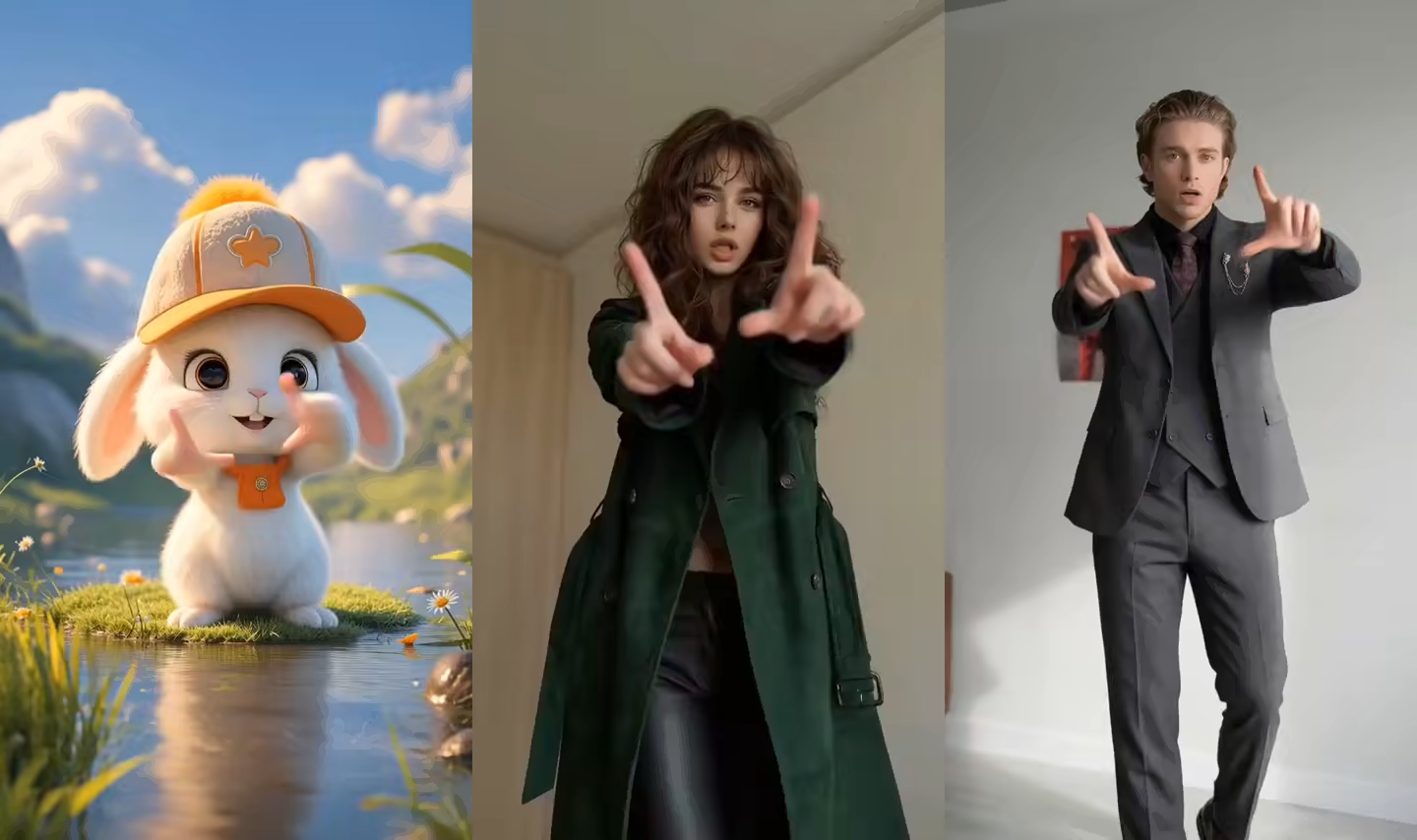
Upload the character image and motion reference together before generating.
Describe the setting, light, mood, and camera style while the reference clip directs the movement.
Match orientation in the video · up to 30s reference.
What You Can Create with an AI Fashion Model Video Generator
Start from the approved model image and use a real reference performance to shape the walk, timing, pose, visual energy, and final AI fashion model animation.
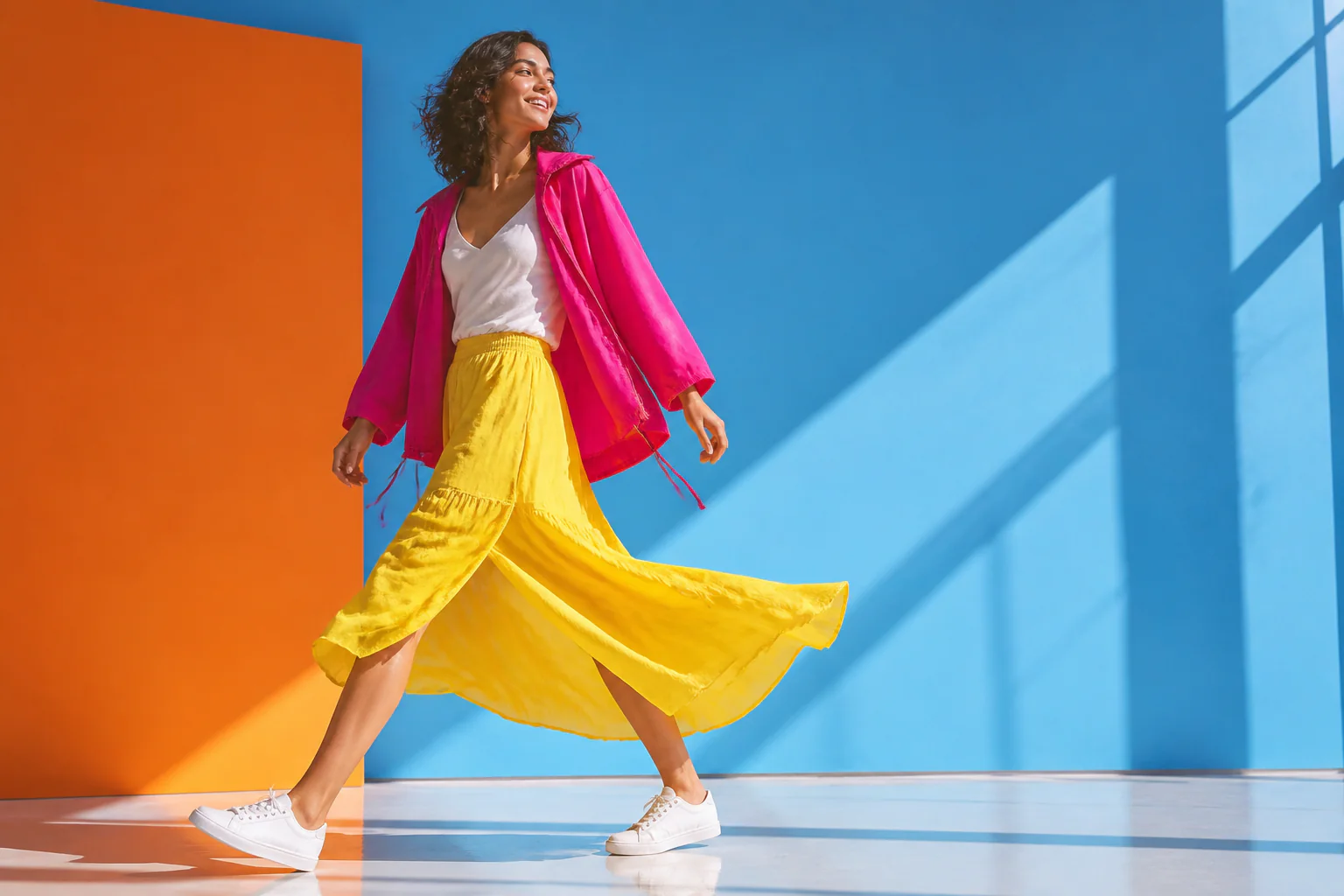
Turn a fashion model photo into a walking video
Upload one clear on-model image and pair it with a walking reference to create movement from a still fashion photo. This fashion model image to video workflow lets teams animate fashion model photos for product pages, campaign concepts, social posts, and collection stories without beginning from a blank video prompt.
Direct the walk with your own motion reference
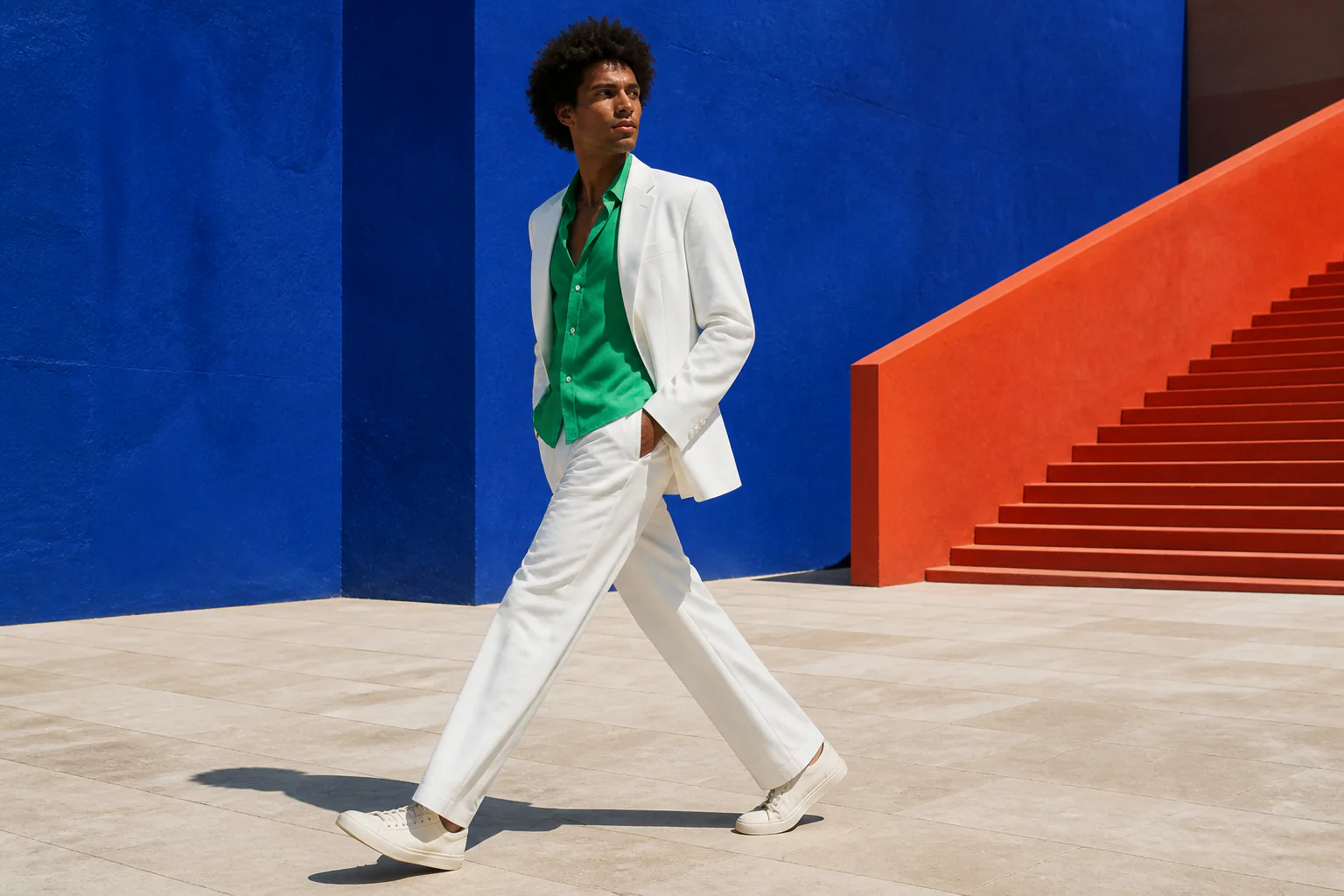
Upload a 3–30 second MP4 or MOV reference and let the visible performer supply the pace, steps, pauses, gestures, and timing. The AI model walking video generator follows a concrete motion source, so you can choose a calm studio walk, a confident entrance, a gentle pose shift, or another performance that fits the collection.
Create catwalk, runway, and lookbook video styles
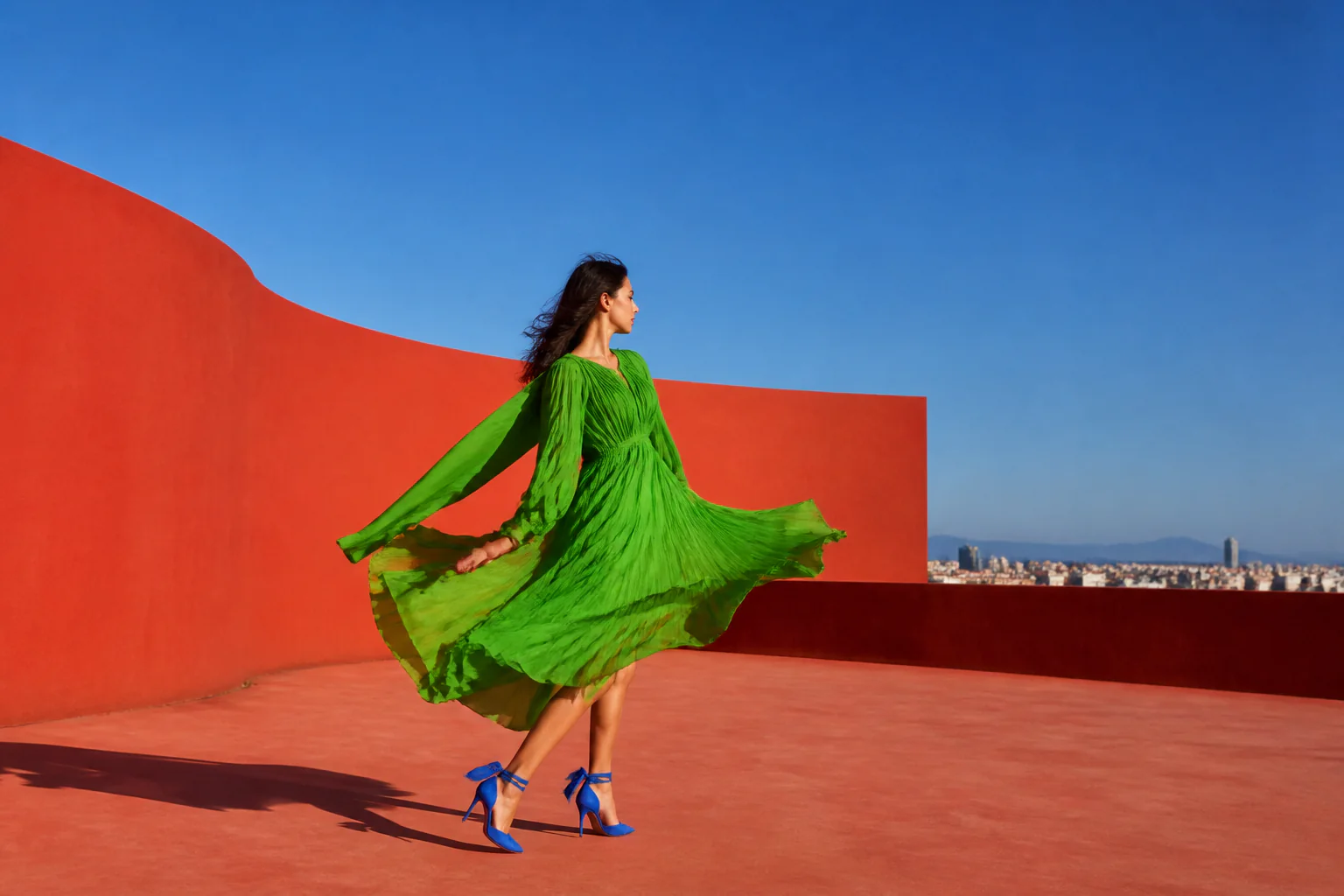
Use a runway walk, catwalk turn, studio pose, or editorial movement as the reference for your next clip. An AI catwalk video generator can follow an energetic walk, while the same reference-led controls work as an AI runway video generator or AI lookbook video generator when you choose the movement and rhythm that fit the outfit, mood, and channel.
Keep the garment at the center of the composition
Begin with a clear product image and choose a steady motion that keeps the outfit visible through the take. Full-body walks, gentle turns, and simple pose changes make the clothing the visual anchor while background, light, and camera direction shape the atmosphere around it. This creates garment-focused fashion motion instead of a generic character effect.
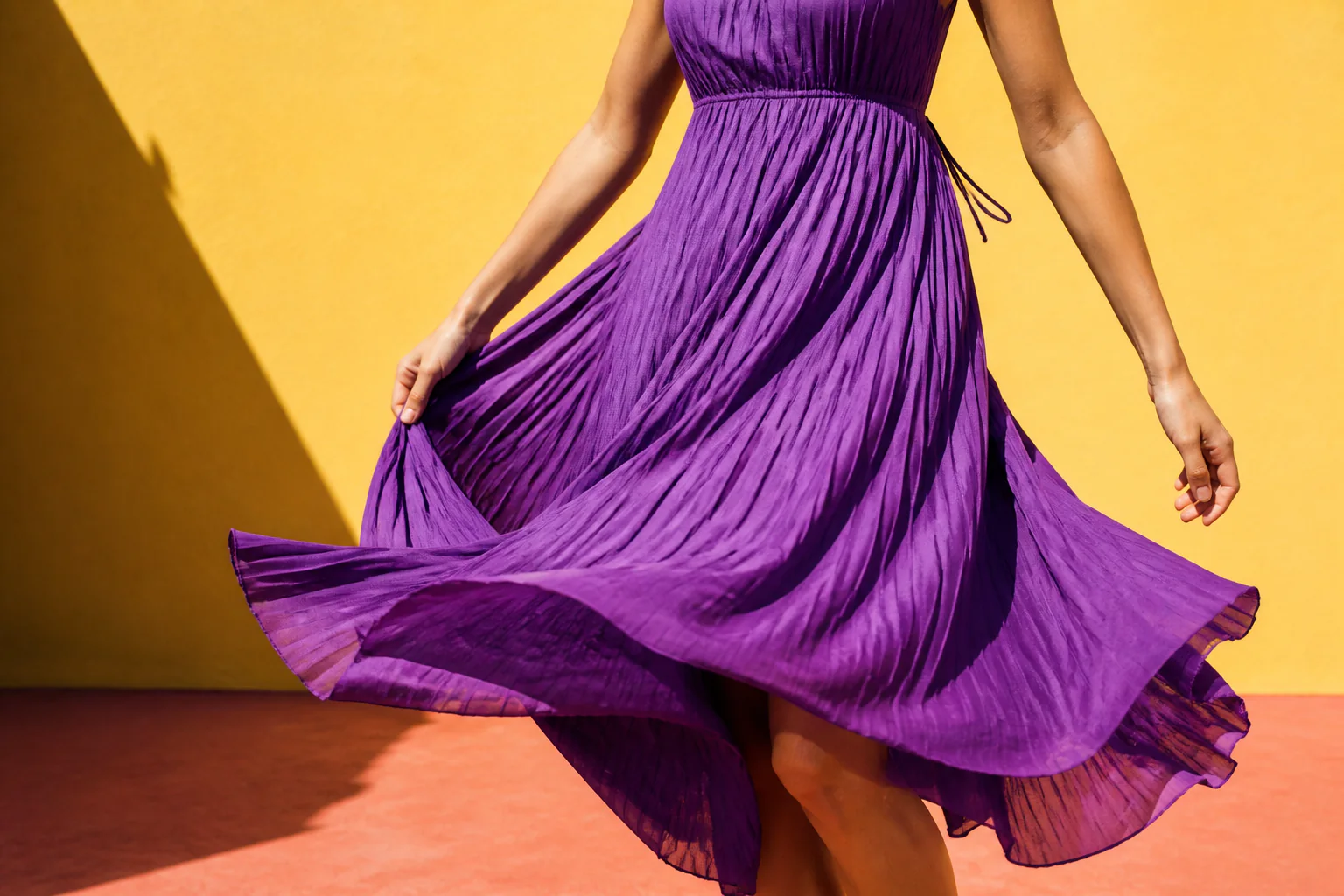
Match the fashion photo to the movement you want
Pair a full-body source with a full-body walk, or use a three-quarter image with a closer pose and gesture reference. Similar framing makes the creative direction easier to understand before generation. Choose whether orientation follows the image or video and whether the new background draws from the source photo or the motion clip.
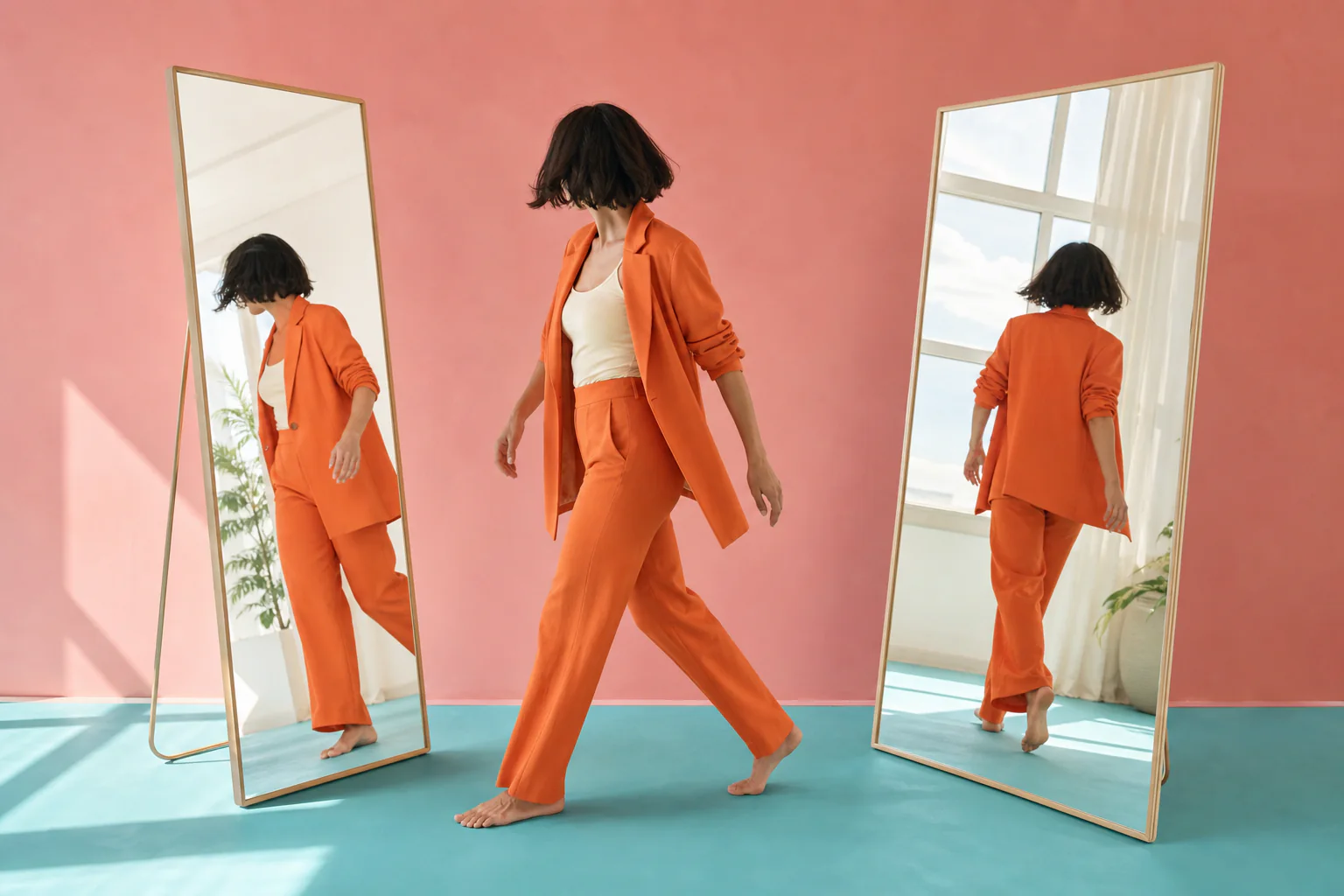
Create fashion content for product pages, ads, and social
Turn a model photo into a walking video for a product detail page, collection launch, paid-social test, marketplace listing, short-form post, or dynamic lookbook. Choose Standard 720p for a faster concept or Professional 1080p for higher-detail output, with the current credit estimate visible before generation.
How to Use the AI Fashion Model Video Generator
Direct a fashion model image with one clear movement reference in three simple steps.
Upload an on-model fashion photo
Choose one clear JPG or PNG image showing a single model in the final outfit, with framing that fits the movement you want to create.
Add a walking or posing reference
Upload one steady 3–30 second MP4 or MOV clip, then use the optional prompt to set the studio, light, mood, and camera direction.
Generate and download the fashion video
Choose the orientation, background direction, and 720p or 1080p quality, confirm the credit estimate, then generate and download the rendered video.
AI Fashion Model Video Generator Use Cases
Give one approved fashion image a motion treatment designed around the placement, campaign, and audience that need it next.
Product detail page video
Add a short walking or pose-driven clip beside the approved product photography to give shoppers another way to experience the silhouette and overall look.
AI catwalk social reel
Pair the model image with a confident walking reference and create an energetic fashion clip for a collection reveal, short-form post, or creator collaboration.
Paid social creative
Test a different opening walk, pause, gesture, or visual mood around one approved look and build several motion directions for a campaign concept.
Dynamic lookbook
Use slower pose shifts, clean framing, and an editorial reference to bring a seasonal lookbook or designer story into motion.
Collection launch teaser
Create a vivid first glimpse for a new drop, capsule, color story, or collaboration using the model image and movement that best express its energy.
Marketplace product video
Prepare a concise model walking video for product listings, storefront updates, seller campaigns, and other commerce placements that accept video.
Why Choose Our AI Fashion Model Video Generator?
Bring a specific fashion performance to the model image with a real motion reference and practical controls for the final look.
Reference-directed movement
Use a visible real performance to guide pace, gestures, poses, turns, and timing instead of describing the complete movement in text.
Fashion-centered creative direction
Start with the final on-model image and shape the setting, light, camera, and motion around the look you already chose.
Image or video framing controls
Choose whether orientation and background direction follow the fashion image or the reference video for each new take.
720p and 1080p output choices
Move from a faster Standard concept to higher-detail Professional output with the current credit estimate shown before generation.
AI Fashion Model Video Generator FAQ
What is an AI fashion model video generator?
How do I turn a fashion model photo into a walking video?
Can I upload my own catwalk or runway reference?
What type of fashion model photo works best?
Can I create an AI catwalk video from one photo?
Can I make an AI lookbook video?
Which fashion video quality can I choose?
Can the background follow my fashion photo?
Can the framing follow the model photo or the video?
What garments can I animate?
Can I use AI fashion model videos for ecommerce and ads?
Is the AI fashion model video generator free?
Create Your First AI Fashion Model Video
Upload an on-model photo, add the fashion movement you want, and direct the next walking, catwalk, runway, or lookbook take.