
MiniMax H3 AI Video Generator
Quick starts
Upload reference images for video generation.
Choose an output length from 4 to 15 seconds.
Checking access
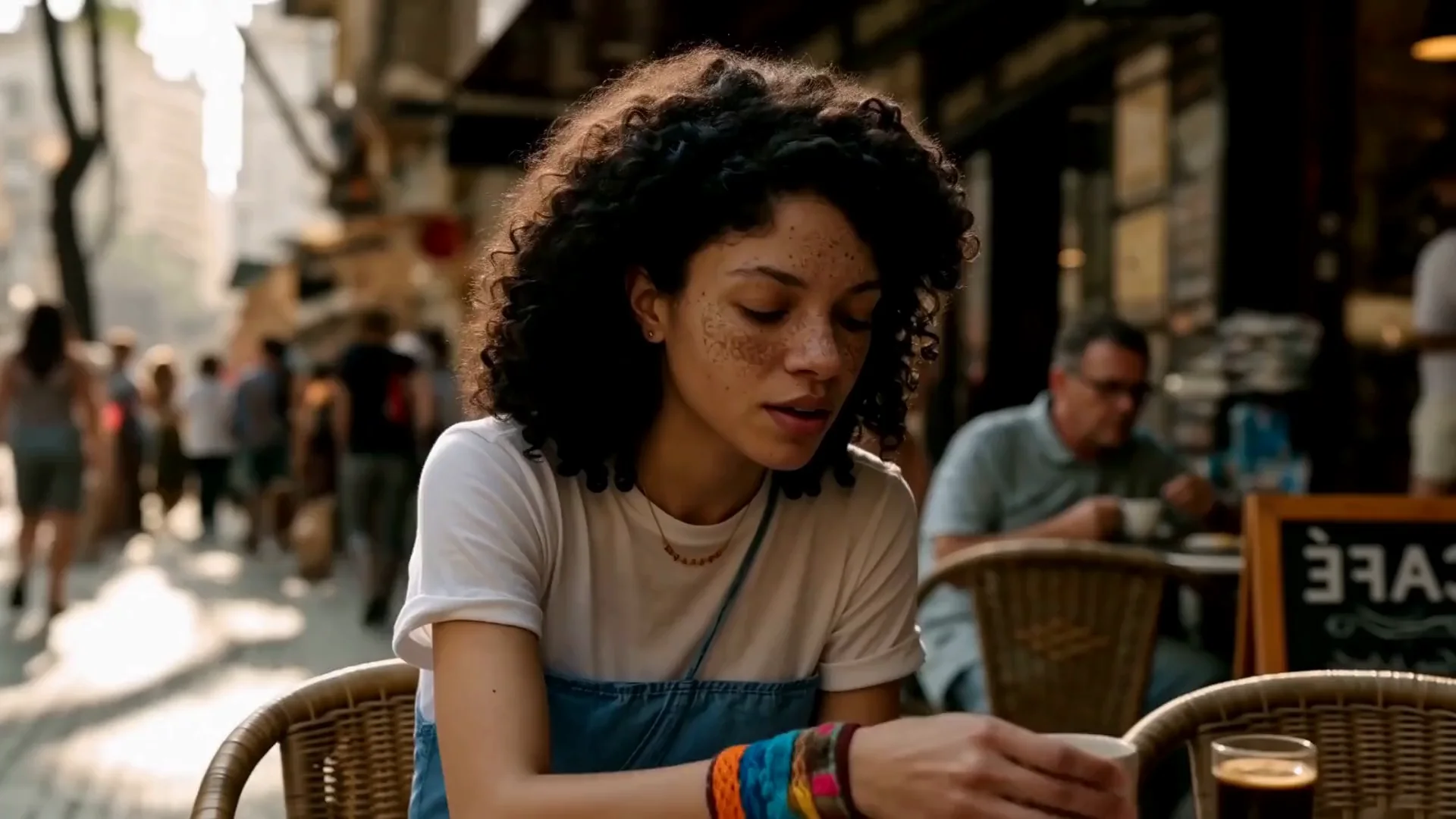
What Can the MiniMax H3 AI Video Generator Create?
Move from a simple sentence to video that already feels directed. The MiniMax H3 AI Video Generator combines visual generation, performance, motion, camera language, and stereo sound in one creative workflow.
Text to Video With Native Stereo Sound
Describe the action, setting, camera, mood, dialogue, sound effects, and ambience in one prompt. MiniMax H3 develops the picture and stereo sound together, helping every shot feel more complete from the first generation and reducing the amount of post-production needed before you can share an idea.
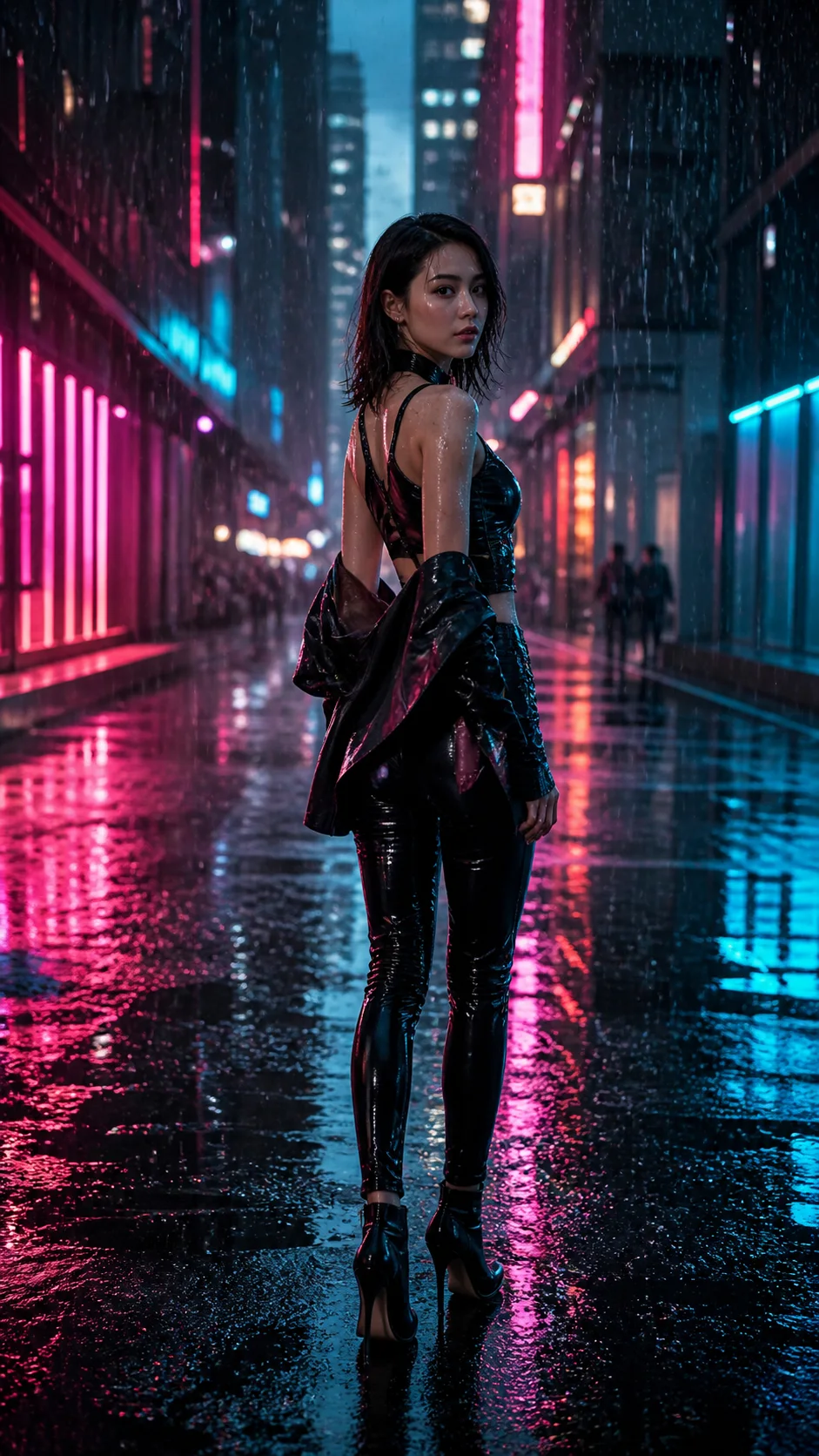
Product Videos Built to Capture Attention
Turn a product concept into a premium commercial moment with controlled camera movement, material detail, liquid motion, lighting changes, and sound design. Create scroll-stopping product reveals, ecommerce visuals, launch teasers, and advertising directions without organizing a physical shoot.

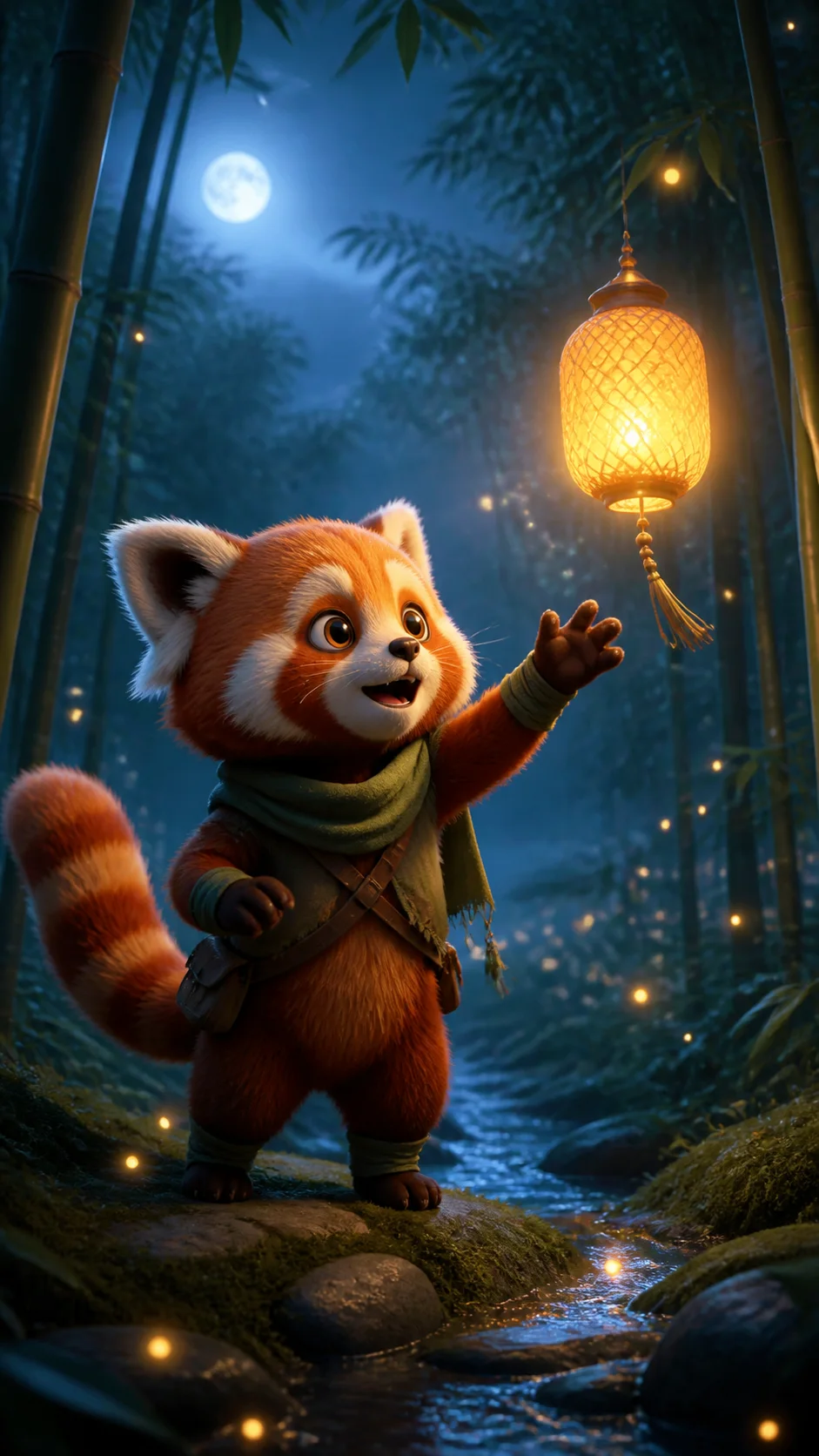
Characters That Stay Recognizable
Use character references and clear performance direction to create expressive scenes that preserve the subject's visual identity across movement. It is ideal for animated mascots, story characters, creator concepts, branded worlds, and recurring vertical-video personalities.
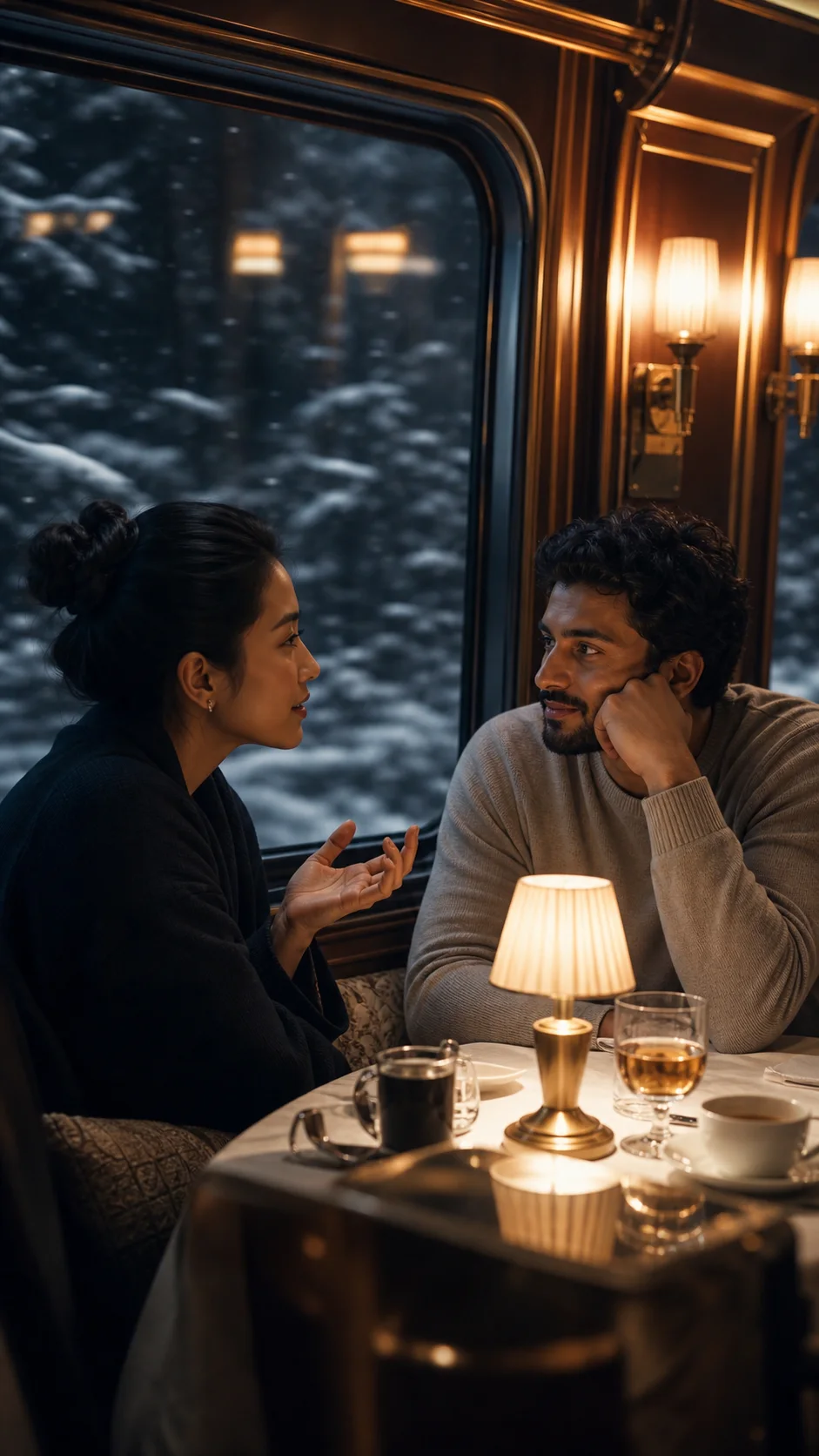
Dialogue and Performance in 11 Languages
Create story moments with spoken performance, facial expression, body language, environmental sound, and music direction working together. Official model support covers stable dialogue in English, Chinese, Spanish, French, German, Italian, Japanese, Korean, Portuguese, Russian, and Arabic.
Reference-Led Motion and Camera Direction
Guide the result with images, first and last frames, or reference video, then describe how the subject, camera, and scene should move. This gives creators a practical bridge from an existing design, product shot, character, or movement idea to a fresh generated sequence.
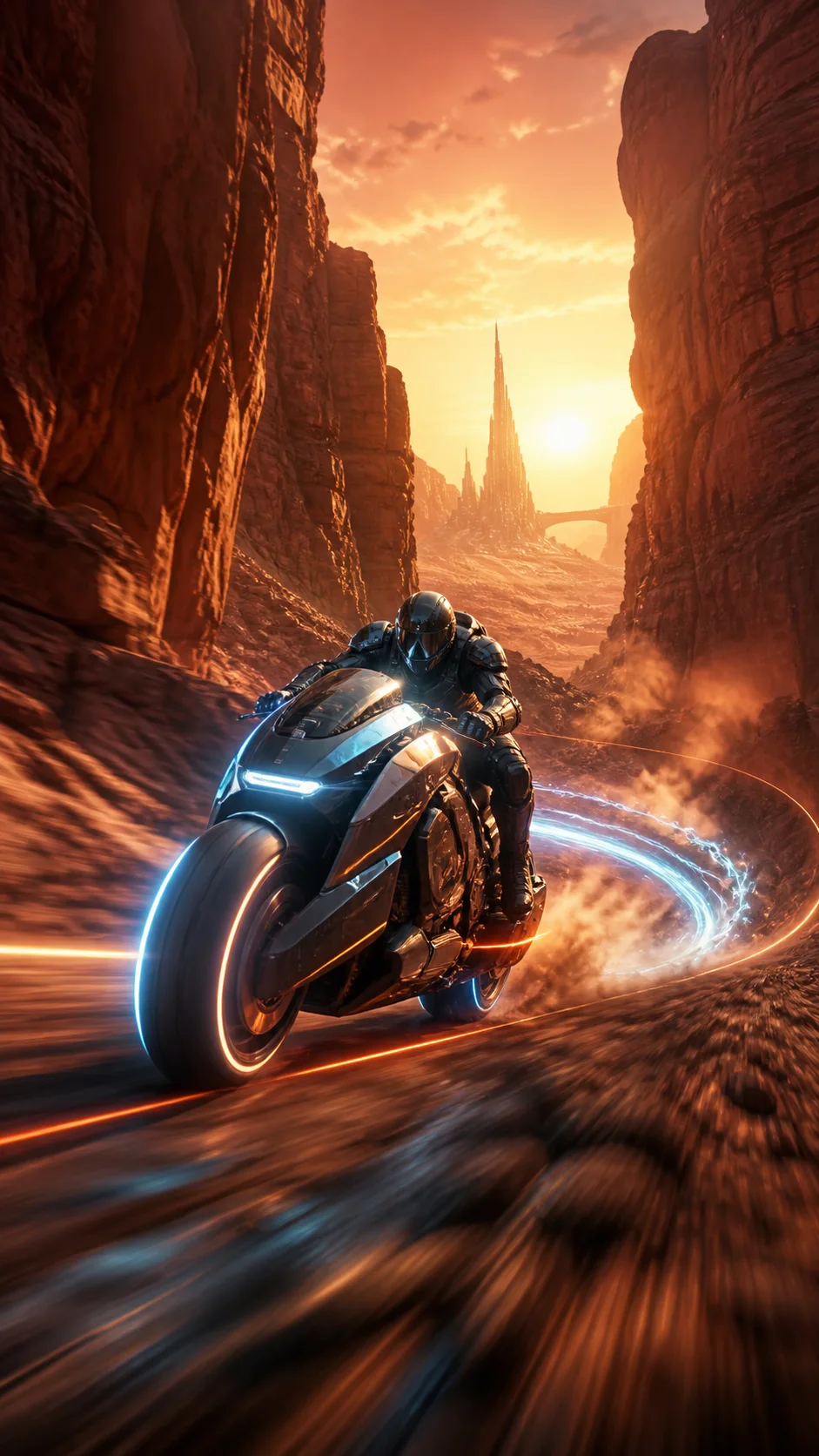
Vertical, Square, Widescreen, and Cinematic Output
Create for the destination from the beginning. Choose 9:16 for TikTok, Reels, and Shorts; 1:1 or 3:4 for social feeds and commerce; 16:9 or 4:3 for presentations and YouTube; or 21:9 for a wide cinematic frame. Generate in 768P or 2K for fast exploration or polished delivery.
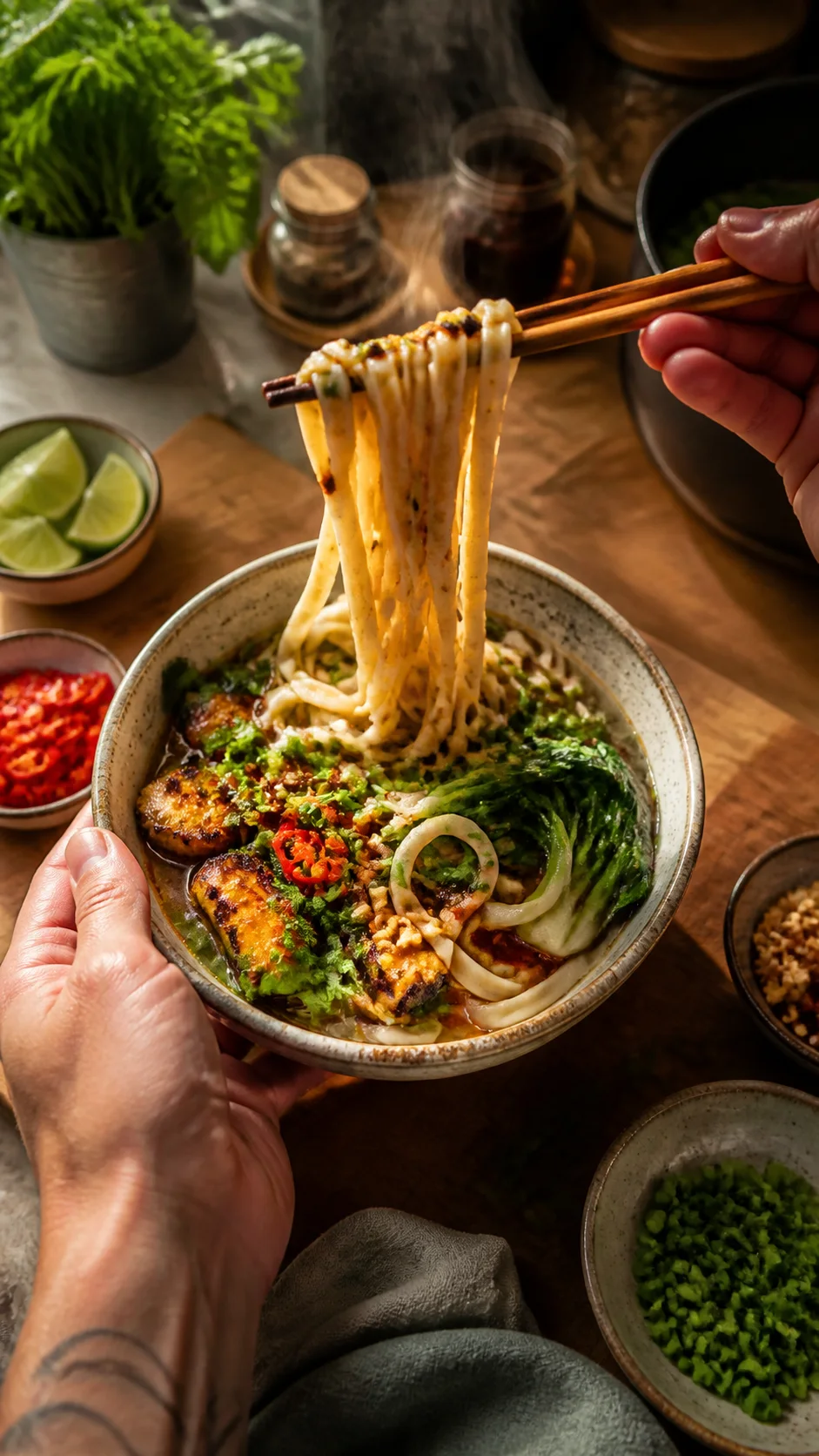
How to Use the MiniMax H3 AI Video Generator
Start with the fastest path: write one clear prompt, choose the format, and generate. References are available whenever you want more visual direction.
Describe the moment you want
Write the subject, action, location, camera movement, lighting, and mood. Add spoken words, ambience, music direction, or sound effects when sound is part of the idea. A natural sentence is enough to begin, and the example prompts can give you a quick starting structure.
Choose the shape and creative controls
Select a 4–15 second duration, 768P or 2K quality, and the aspect ratio that fits your channel. Stay with pure text for the lowest-friction workflow, or add first-frame, last-frame, character, product, style, or motion references to guide the result more closely.
Generate, review, and build the next shot
Generate your video, preview the motion and sound together, and download the result. Reuse the strongest visual direction in a new prompt to create another angle, continuation, close-up, or campaign variation while your idea is fresh.
A Faster Path From Idea to Watchable Video
The MiniMax H3 AI Video Generator brings the model, prompt workflow, references, quality controls, and your generated results into one browser-based workspace built for creating rather than configuring.
Prompt First, Create Faster
The MiniMax H3 AI Video Generator opens in text-to-video mode with MiniMax H3 already selected. You can begin with only an idea, then bring in images or video references when they add value. Fewer decisions stand between inspiration and your first result.
Picture and Sound Together
Treat dialogue, ambience, effects, music direction, movement, and cinematography as parts of the same scene. Native stereo audio makes concepts feel ready to review, pitch, and share much earlier in the creative process.
Controls That Match the Brief
Choose duration, resolution, and six useful aspect ratios without leaving the workflow. Create a fast 768P draft, a 2K hero shot, a vertical social concept, or a widescreen scene using the same prompt-led process.
One Model, Many Starting Points
Move naturally between text-to-video, first and last frame animation, multi-image references, and video-guided creation. The same workspace supports quick ideation and more directed production as your concept becomes specific.
Create Video for the Work You Already Do
MiniMax H3 fits the moments where creators and teams need an idea to become visible, audible, and easy to evaluate quickly.
Advertising and Product Launches
Create product reveals, brand films, ecommerce clips, campaign mood pieces, and UGC-style creative directions. Explore more visual ideas before committing to a shoot or use generated clips as polished digital campaign assets.
Short Films and Story Previsualization
Turn scene descriptions into cinematic shots with dialogue, atmosphere, camera movement, and emotional pacing. Build openings, transitions, close-ups, and alternate takes that make a story easier to pitch and plan.
TikTok, Reels, and YouTube Shorts
Generate vertical hooks, food moments, fashion concepts, visual transformations, creator intros, and short narrative beats in 9:16. Pair attention-grabbing motion with sound from the start instead of treating audio as an afterthought.
Game, Animation, and Character Worlds
Animate an original hero, mascot, creature, vehicle, environment, or concept design. Explore gameplay cinematics, character entrances, story cutscenes, stylized movement, and world-building moments from text and visual references.
Design, UI, and Creative Prototypes
Show how a product interface, spatial concept, exhibition idea, or future experience could feel in motion. Use generated scenes to communicate timing, interaction, atmosphere, and intent before investing in full production.
MiniMax H3 AI Video Generator FAQ
What is MiniMax H3?
Can I generate a MiniMax H3 video from text only?
Can I use images with MiniMax H3?
Does MiniMax H3 generate audio?
What video duration and quality can I choose?
Which aspect ratios does the generator support?
How do I write a strong MiniMax H3 prompt?
Is MiniMax H3 the same as Hailuo 3?
Can I create longer stories with MiniMax H3?
What can I create for commercial and client workflows?
Your Next Scene Can Start as One Sentence
Open the MiniMax H3 AI Video Generator, describe what the audience should see and hear, and generate a 4–15 second video in the format your idea needs.