
Drawing to Video AI
Bring Your Artwork to Life
Motion presets
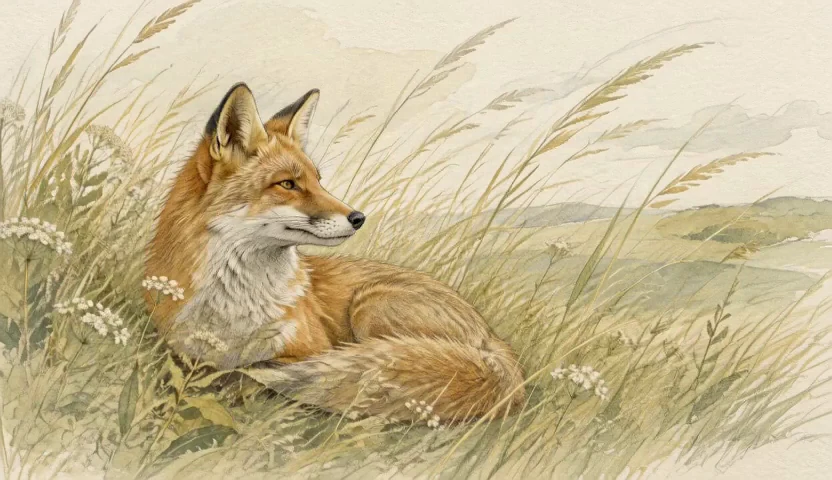
Let the little details come alive
Drawing to Video AI gives finished artwork a sense of presence. A fox can blink, grasses can sway, and clouds can drift through a painted landscape. Start with a movement that belongs in your scene, then describe the pencil texture, brushwork, or colors that make the piece yours.
Drawing to Video AI for your creative ideas
Explore the details, movement, and creative possibilities in your starting image.
Give hand-drawn characters a little life
A blink, an ear flick, or a gentle head turn can reveal the personality inside a still drawing. Drawing to Video AI gives you a way to explore these small performances from finished artwork. Describe the action alongside the pencil shading, watercolor washes, or linework that define the piece.
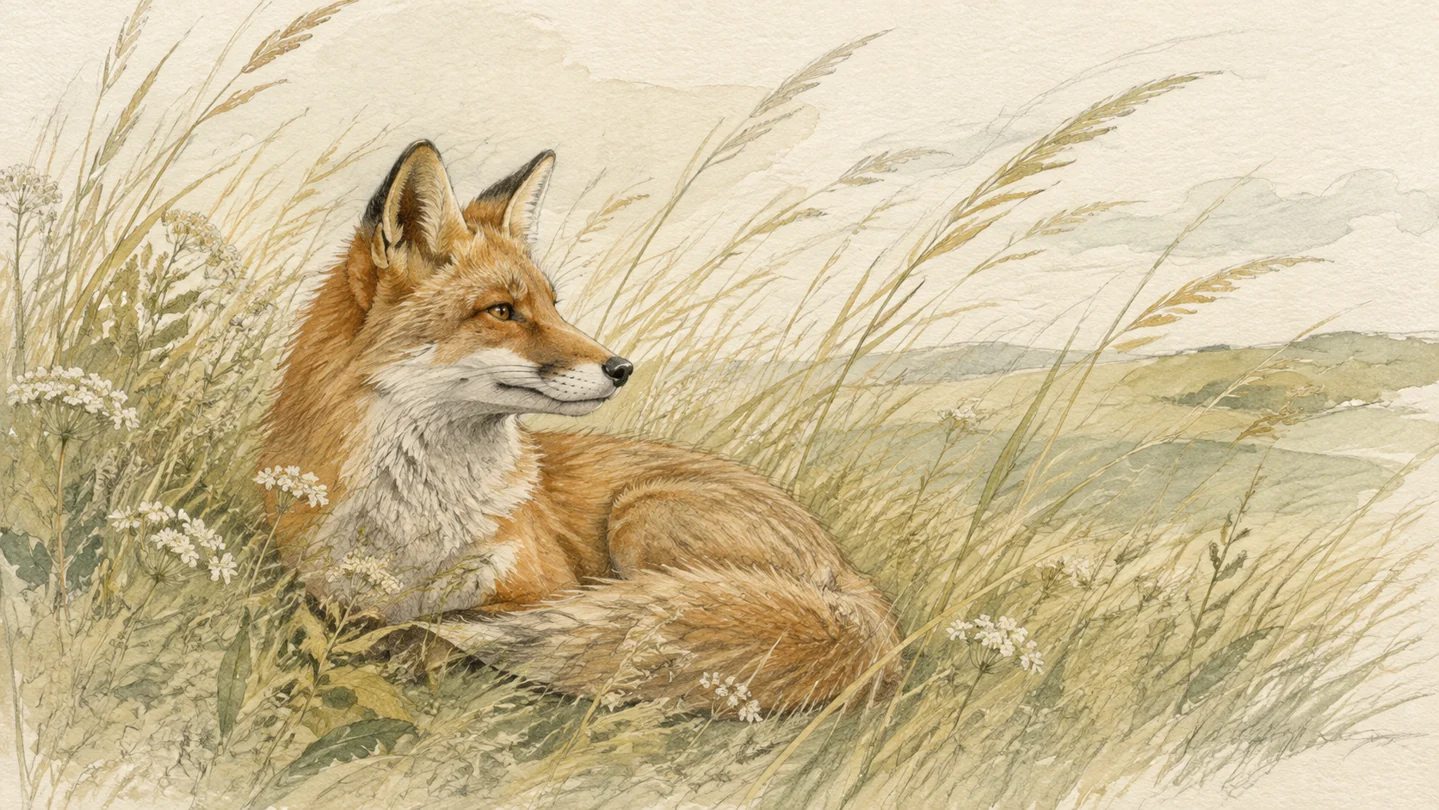
Bring painted landscapes into motion
Let a lake ripple, clouds cross a mountain, or reeds sway at the edge of a painted scene. Environmental movement can add depth to a quiet landscape and guide the viewer through its composition. Use a gentle camera move to explore the place you painted from a fresh perspective.

Animate digital illustrations for your portfolio
Turn a digital artwork into a moving feature with character gestures, drifting shapes, or changing atmosphere. Start with the original illustration and describe a movement that suits its visual language. A lively editorial piece and a calm character study can each have their own rhythm.
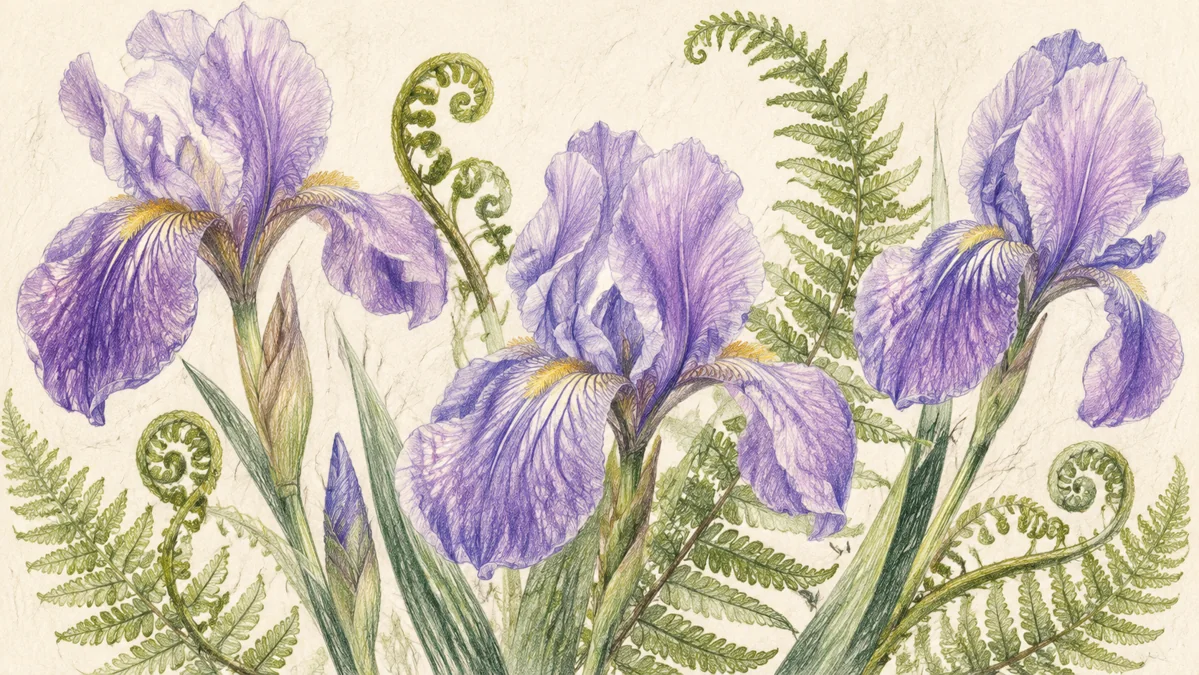
Explore the movement in botanical drawings
Give flowers and leaves a natural sense of presence with a soft breeze or a gradual camera reveal. Drawing to Video AI can help you explore how a botanical composition feels in motion. Mention colored-pencil texture and delicate shading while directing attention toward the details you want people to notice.
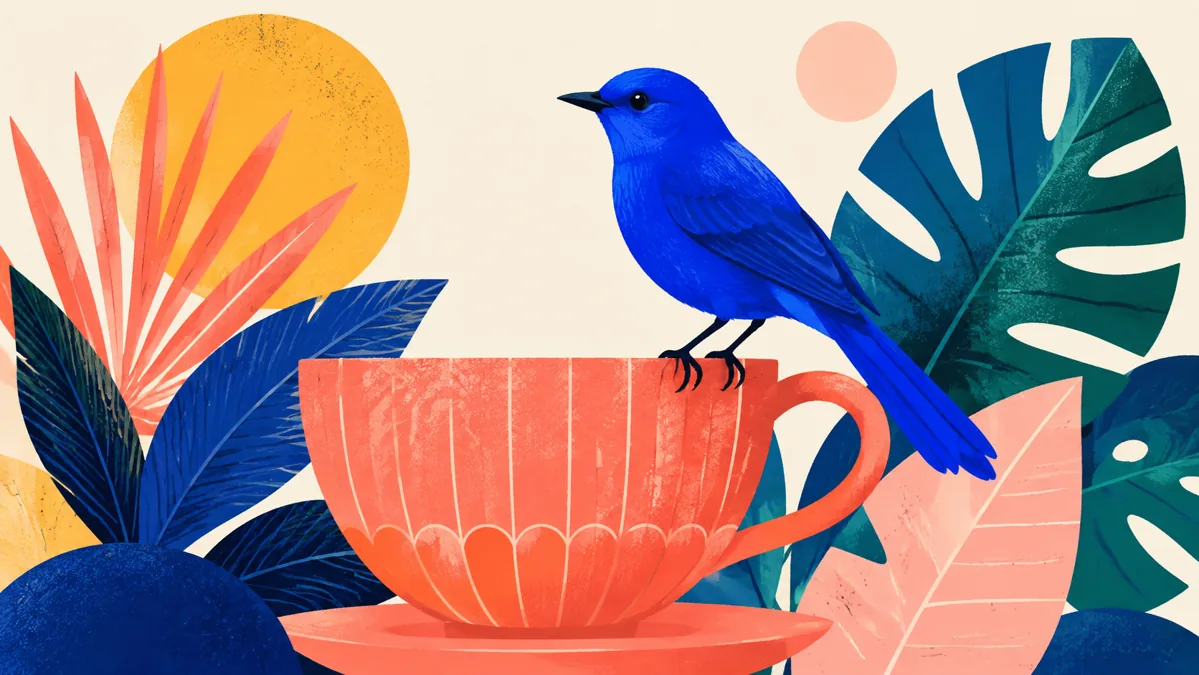
Turn imaginative drawings into little adventures
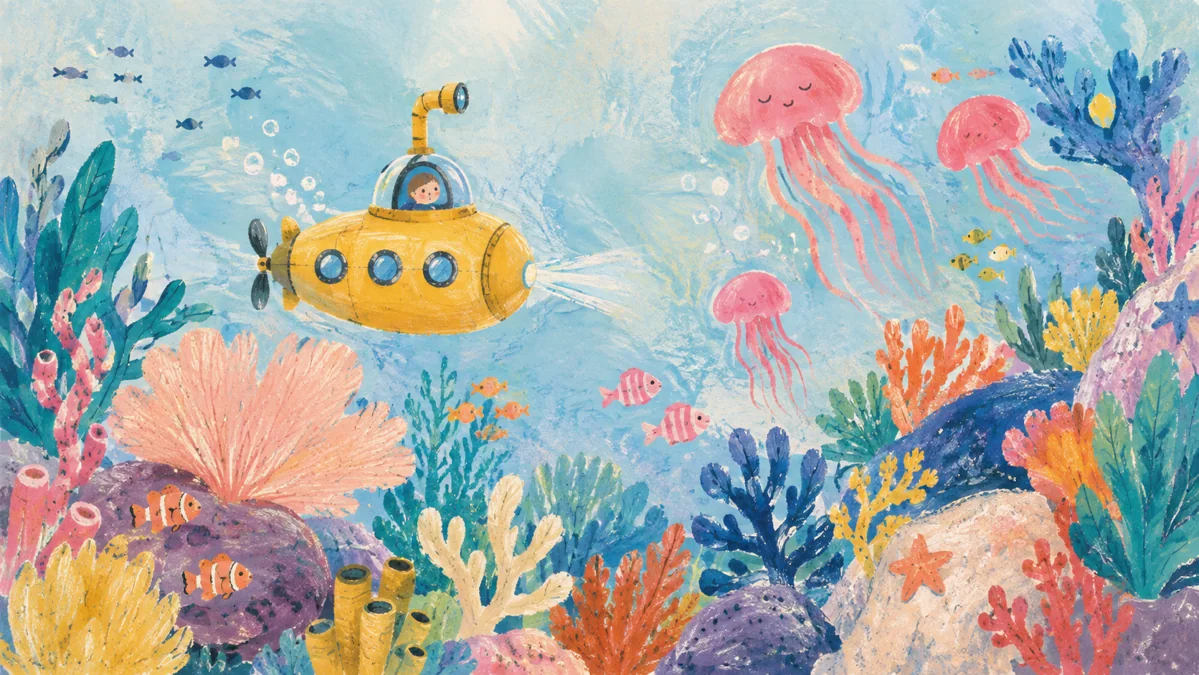
A submarine can drift through a reef, a paper-like creature can look around, or a painted world can reveal a surprising detail. Build the movement around the story already suggested by the drawing. This is a playful way to revisit a sketchbook idea and share it as a moving piece.
How to use Drawing to Video AI
Start with a visual. Give it direction. See the idea move.
Choose a drawing you love
Upload your finished artwork. For a piece on paper, photograph it in even light so the illustration and its textures are easy to see.
Describe a natural movement
Choose one clear action: a blink, a head turn, or a breeze through leaves. Include the artistic medium and the mood you want to express.
Preview your animated artwork
Generate, compare your idea with the result, and refine the motion. Download your chosen take for an art post, portfolio feature, or personal project.
Where Drawing to Video AI fits your work
Find the approach that matches what you want to create and share.
Artists and illustrators
Give a portfolio piece another way to connect with viewers. Place an animated version beside the original drawing to show atmosphere, character, and your interpretation of the movement within the image.
Print collections and art announcements
Introduce a new painting, illustration collection, or art release with a moving visual. Use gentle animation to draw attention to a piece, then add your announcement and collection details in your usual publishing workflow.
Sketchbook and personal projects
Bring a favorite animal study, botanical page, or imaginative doodle into motion. Explore an idea for the pleasure of seeing it move, or share the finished clip with friends and your creative community.
Why choose Drawing to Video AI on Motion Control AI?
A direct path from your visual idea to a moving take you can use.
Start with your own artistic voice
Use a drawing you have already made as the visual starting point. Your composition, subject, and choice of medium give you a clear foundation for directing the animation.
Make motion part of the artwork
Choose movement that fits the piece: a subtle blink for a quiet study, a breeze for a landscape, or a playful gesture for an illustration. Direct the feeling as well as the action.
Create something ready to share
Review your moving artwork and download the take you like. Use it in an art post, collection announcement, or portfolio presentation alongside the work and story you want to share.
Your questions, answered
How do I animate a drawing with AI?
Is sketch to video AI useful for paper drawings?
What kinds of drawings make good animation ideas?
How can I give the animation a hand-drawn feeling?
How can artists use the finished clips?
See what your artwork does next
Try Drawing to Video AI with a favorite sketch, painting, or illustration and give it a little life.