LogoMotion Control AI
  • Motion Control AI
    • Text to Video
    • Image to Video
    • Reference to Video
    • Video to Video
    • Frames to Video
    • Lip Sync
    • Video Edit
    • Motion Control
    • Kling 2.6
    • Kling3.0
    • Kling O3
    • Grok Imagine
    • Gemini Omni
    • Seedance 1.5 Pro
    • Seedance 2.0
    • Seedance 2.0 Fast
    • Seedance 2.0 Mini
    • HappyHorse 1.0
    • HappyHorse 1.1
    • PixVerse V6
    • MiniMax H3
    • LTX-2.3 Fast
    • LTX-2.5 Fast
    • LTX-2.5 Pro
    • LTX-2.3 Pro
    • Veo 3.1 Lite
    • Veo 3.1 Fast
    • Veo 3.1 Quality
    • Text to Image
    • Image to Image
    • GPT Image 2.5 Flare
    • GPT Image 2.5 Sunburst
    • Nano Banana
    • Nano Banana Pro
    • Nano Banana 2
    • Nano Banana 2 Lite
    • GPT Image 2
    • Z-Image Turbo
  • Pricing
  • Blog
New user bonus

20 Free Credits

Then 5 credits per check-in for 3 days

Sign up free
LogoMotion Control AI
  1. Motion Control AI
  2. AI Photo to Video
  3. AI Rap Video Generator

AI Rap Video Generator

Make Your Photo Rap.

Use the AI Rap Video Generator to turn a still image into a rap visual, or pair a portrait with your own audio for a lip-synced performance—without setting up a camera shoot.

Use one permitted, mostly front-facing person or original character with a clear, unobstructed mouth.

Upload an owned or licensed MP3, WAV, or M4A up to 50 MB. A clear, vocal-forward section works best.
Public
Private
Photo lip synced to rap audio
Preparing generatorControls will be ready in a moment.

Create More with the AI Rap Video Generator

Build the performer, sound-led moment, and visual direction around the rap content you already have.

Make Your Photo Rap

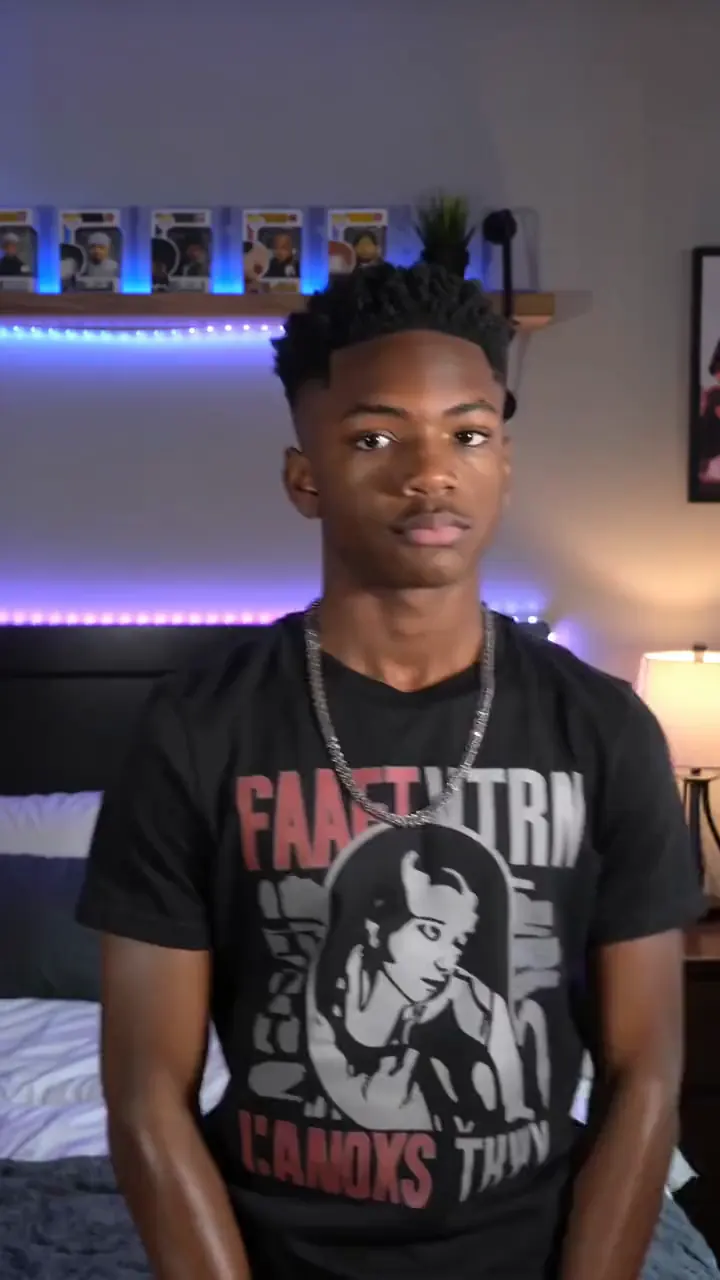
Put your own image at the center of the performance. The AI Rap Video Generator can animate a portrait or original character to the rap recording you upload, giving a still face expressive mouth and facial movement without asking you to record a new camera take.
Make Your Photo Rap

Bring Your Own Rap Audio

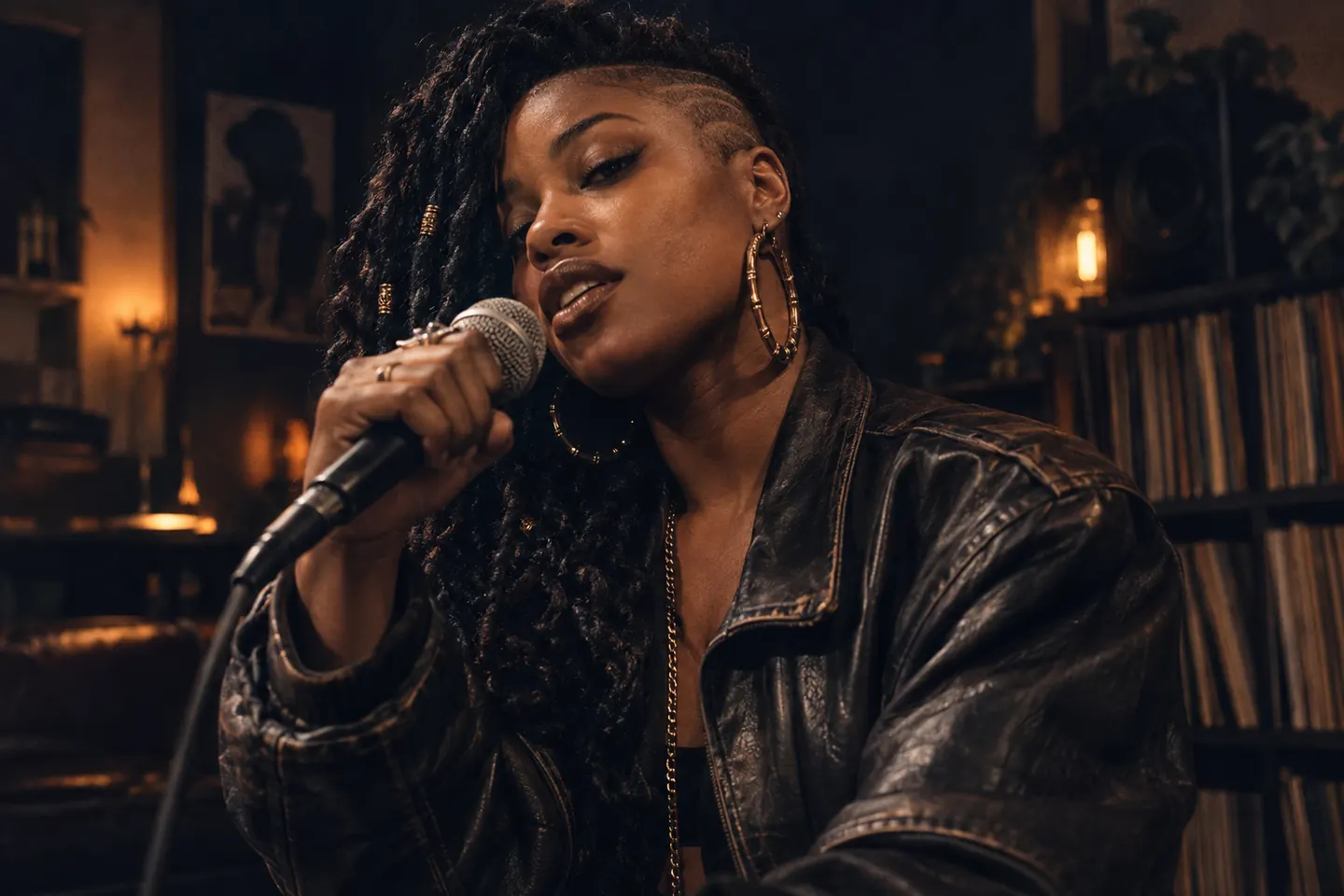
Start with the verse, hook, or freestyle you want people to hear. The AI Rap Video Generator accepts MP3, WAV, and M4A audio for photo lip sync, so your cadence and delivery lead the visible performance instead of a generated voice.
Bring Your Own Rap Audio

Create an Original Virtual Rapper

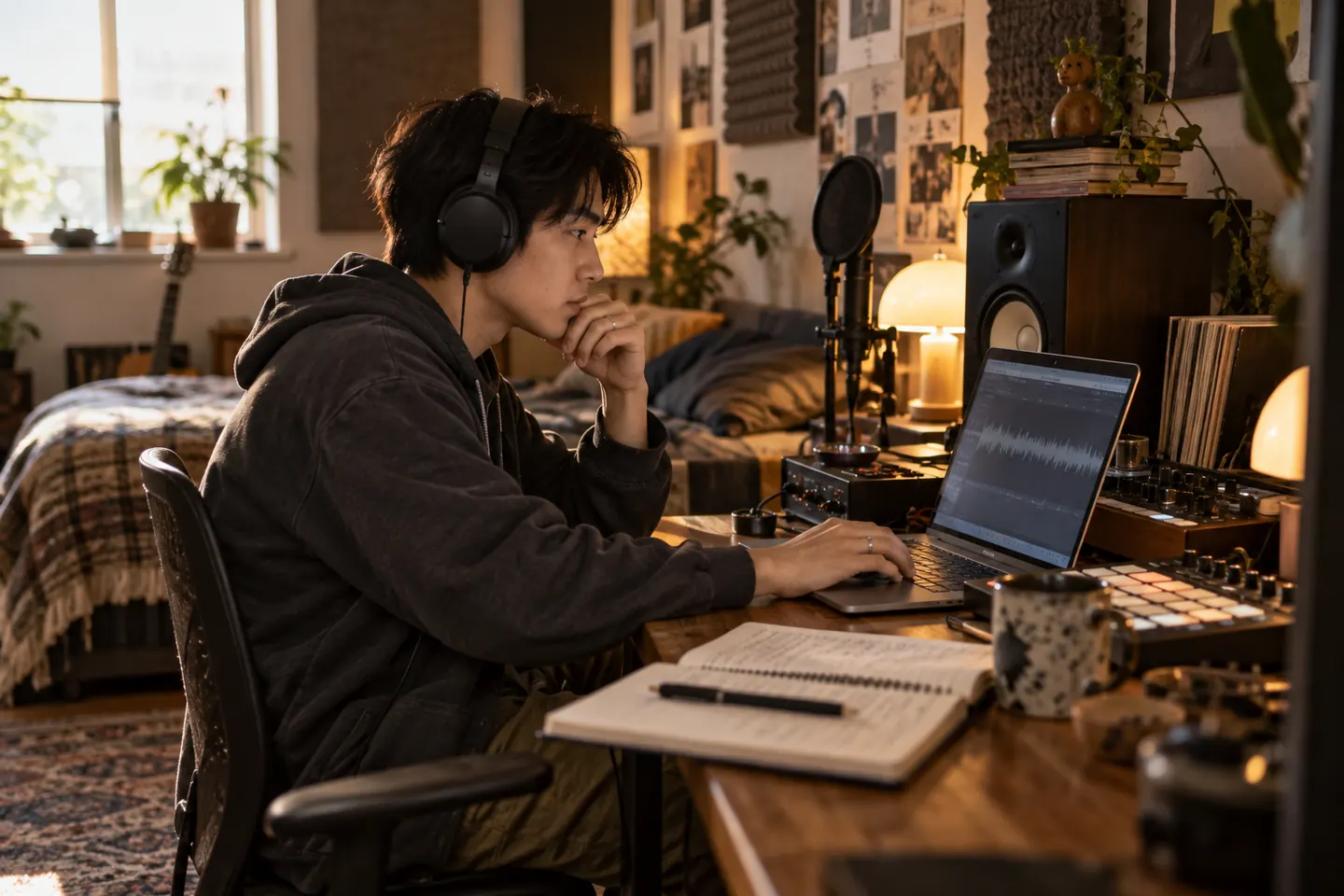
Give an original anime, cartoon, mascot, or 3D character a stage presence of its own. The AI Rap Video Generator works best with a clear humanoid face and visible mouth, helping creators turn distinctive character art into short music-led identity pieces.
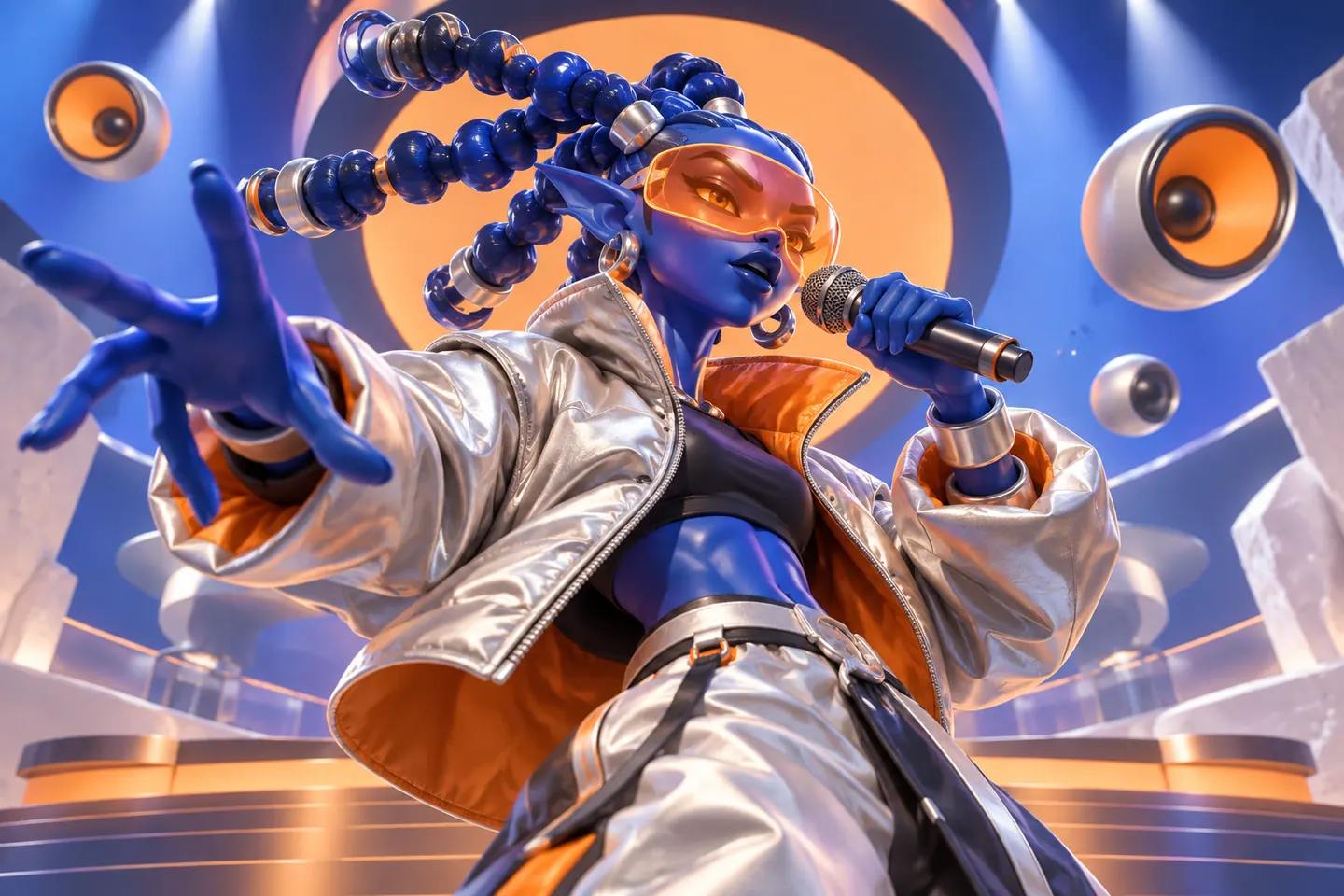
Create an Original Virtual Rapper

Give Your Rap a Visual Style

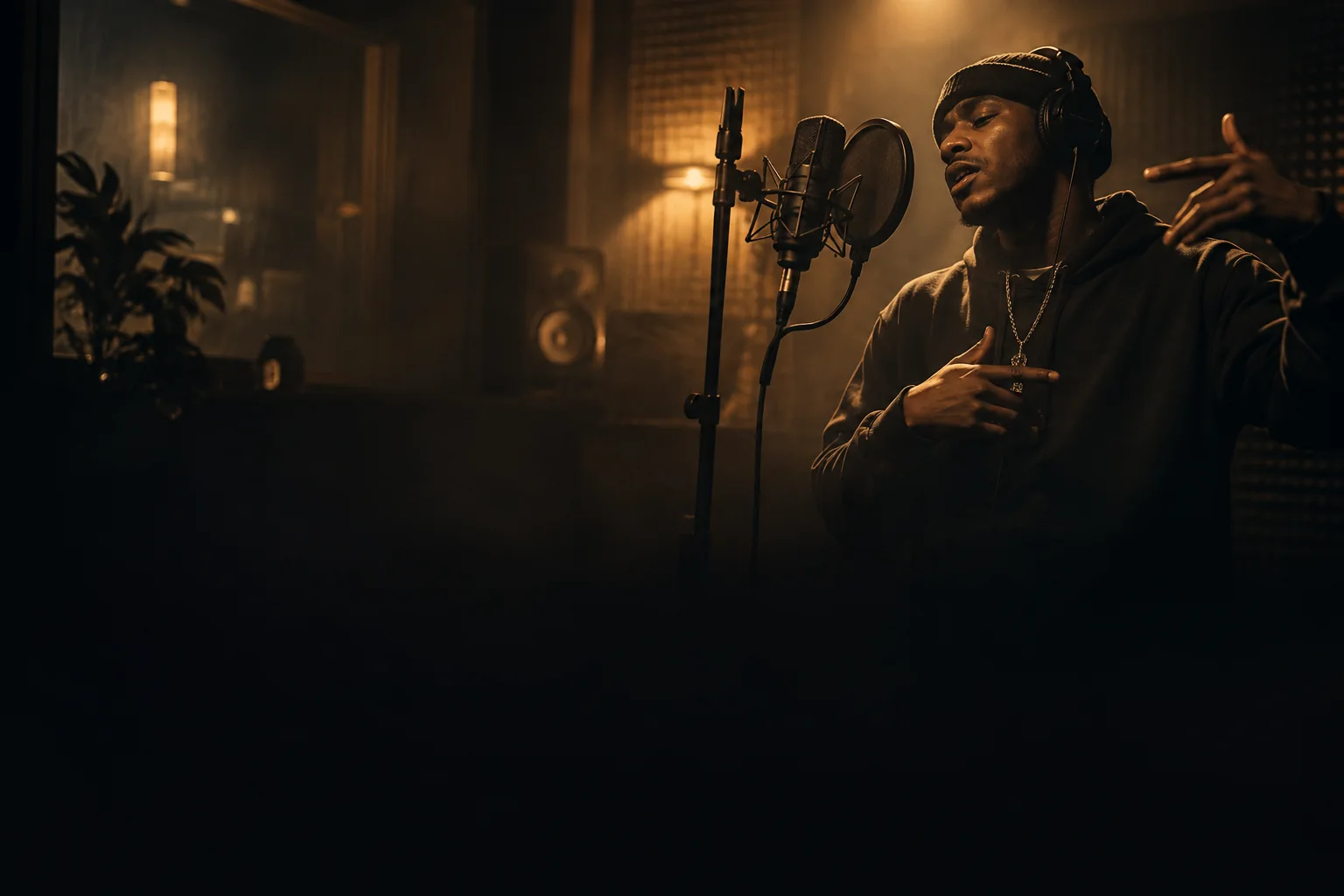
Use Rap Video mode when the look and movement matter more than exact mouth timing. The AI Rap Video Generator can animate a still into a street performance, intimate studio moment, stylized stage shot, or cinematic music clip guided by a concise visual direction.
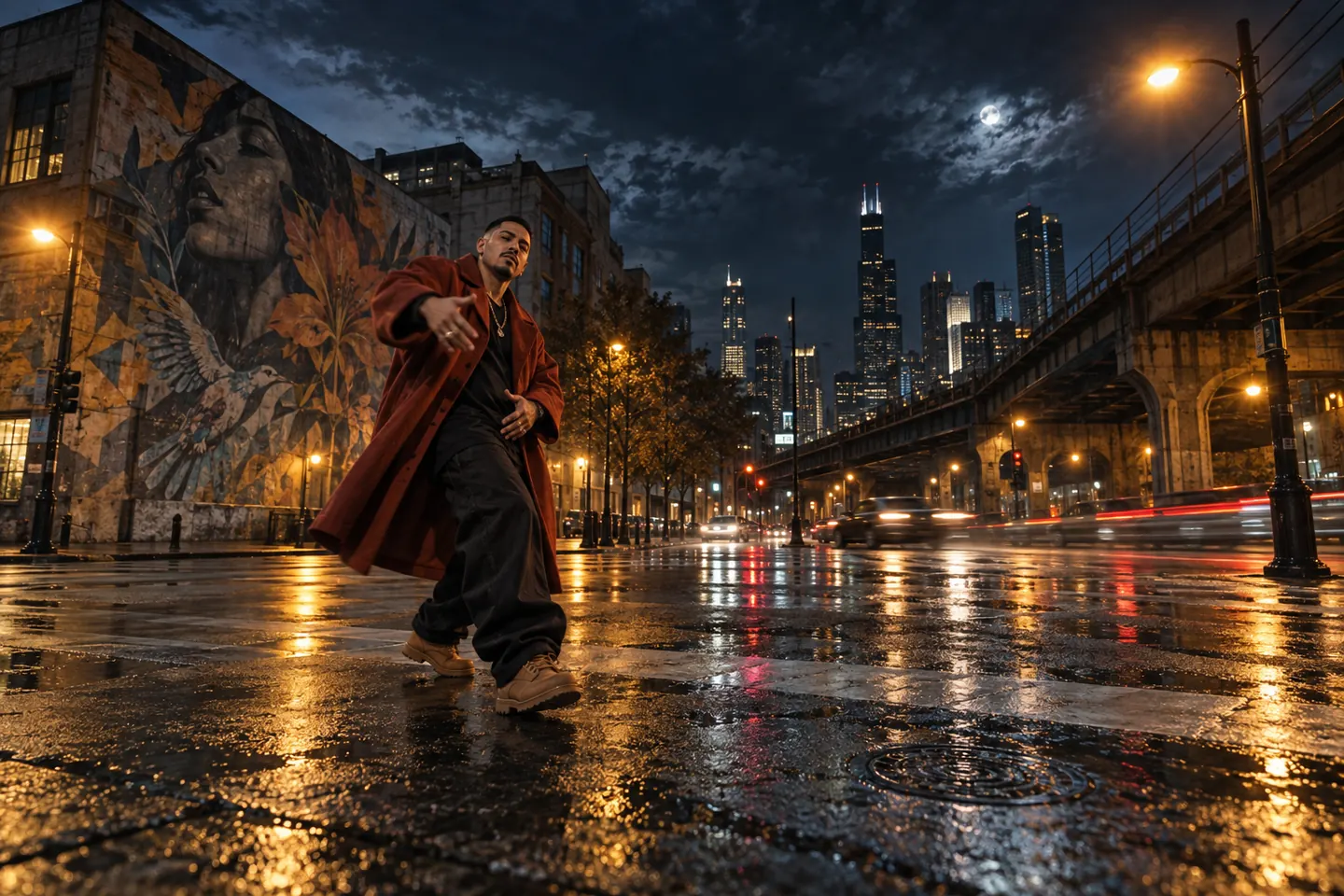
Give Your Rap a Visual Style

Turn Your Hook into a Social Clip

Build a compact visual around the strongest part of a release, freestyle, or character track. The AI Rap Video Generator helps turn one image into a shareable starting point for a teaser, Reel, Short, or TikTok edit, ready for captions and final formatting.
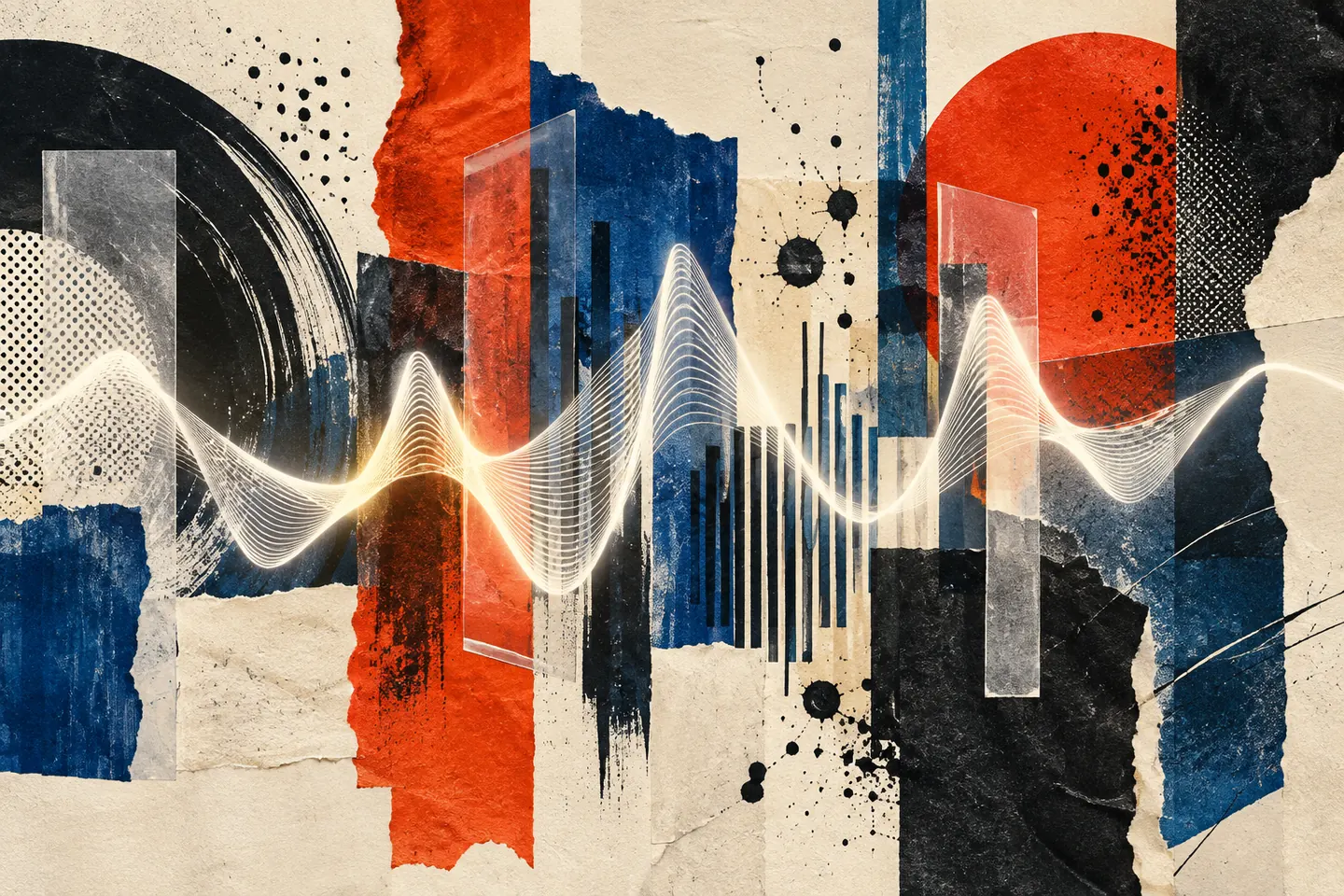
Turn Your Hook into a Social Clip
01 / THE PROCESS

How to Use the AI Rap Video Generator

Choose the kind of rap clip you want, add the matching inputs, and review the full result.

  1. 01

    Upload a clear image

    Give the AI Rap Video Generator a sharp portrait for lip sync or a strong still image for a wider visual performance.

  2. 02

    Choose Rap Video or Make a Photo Rap

    Add visual direction for image-to-video, or upload owned rap audio when you want the mouth to follow your performance.

  3. 03

    Generate, review, and download

    Run the AI Rap Video Generator, inspect the full take, and download the MP4 for captions, music, and final editing.

02 / CREATIVE DIRECTIONS

AI Rap Video Generator Ideas

Use one strong moment to support a release, character, or channel.

IDEA 01

Hook and release teasers

Use the AI Rap Video Generator to give a chorus, hook, or release announcement a visual centerpiece for short-form promotion.
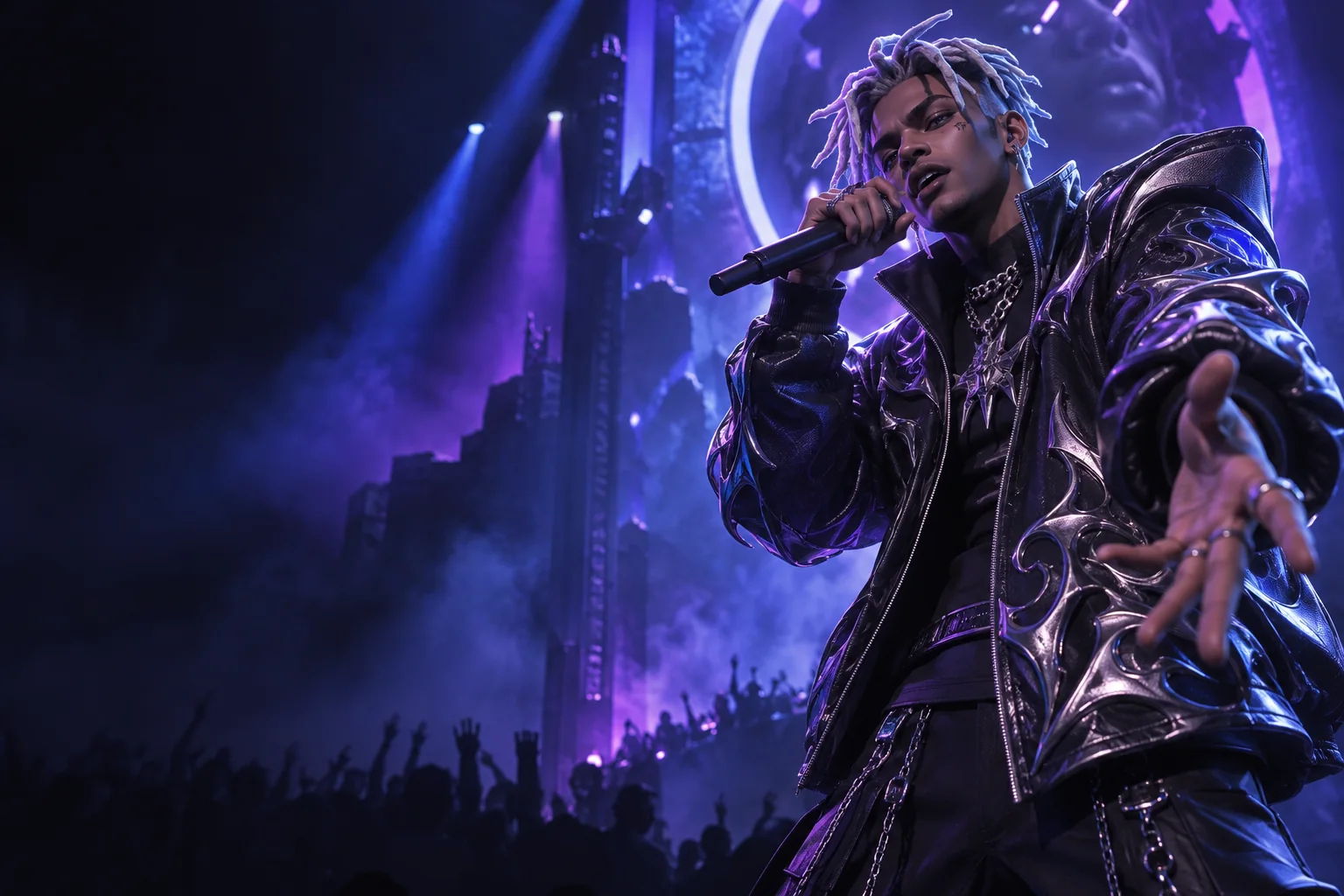
IDEA 02

Virtual rapper content

Use the AI Rap Video Generator to build recurring clips around an original illustrated or 3D performer while keeping the character identity in focus.
IDEA 03

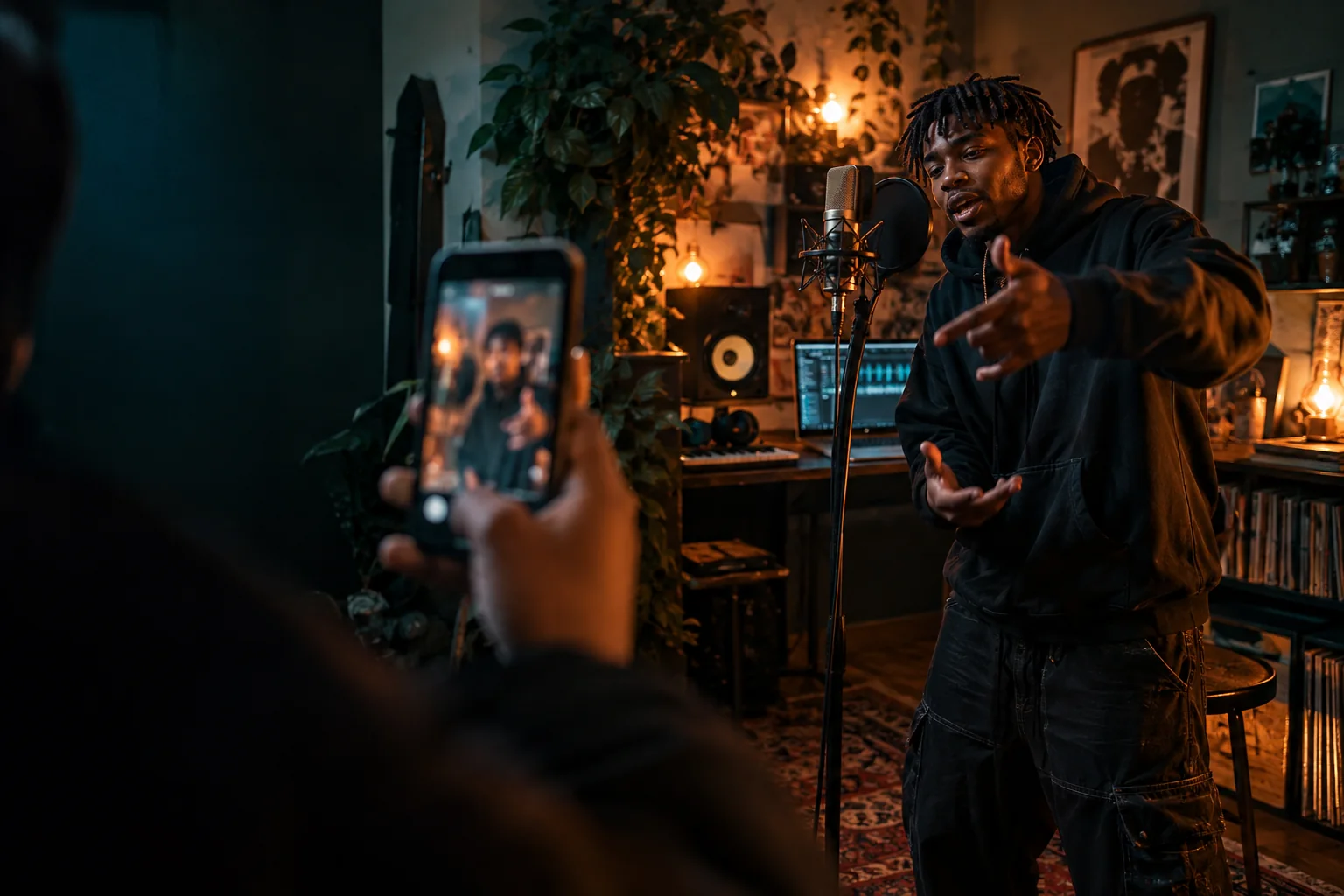
Freestyle and social posts

Turn an AI Rap Video Generator result into a visual post, then add subtitles and platform-safe framing in your editor.

03 / WHY IT WORKS

Why Choose This AI Rap Video Generator?

Two clear workflows keep the setup close to the result you want.

IMAGE + DIRECTIONPHOTO + AUDIO
  • 01

    Visuals or lip sync

    Choose a prompt-led rap visual or use the AI Rap Video Generator with your own audio for a mouth-synced portrait.

    ↗
  • 02

    Your image stays central

    The AI Rap Video Generator begins with your photo or original character instead of a stock performer from a fixed library.

    ↗
  • 03

    No new camera shoot

    Create an AI Rap Video Generator performance online, then use your usual editor for captions, release copy, and final sound design.

    ↗

AI Rap Video Generator FAQ

What does the AI Rap Video Generator create?+
The AI Rap Video Generator can animate a still image into a rap-style visual, or animate a portrait to follow rap audio you upload. The two modes use different inputs and create different kinds of movement.
Can I make my own photo rap to an MP3?+
Yes. In the AI Rap Video Generator, choose Make a Photo Rap, upload one clear portrait and an MP3, WAV, or M4A file you can use, then generate a lip-synced portrait video.
Does the AI Rap Video Generator make lyrics or beats?+
No. The AI Rap Video Generator does not write lyrics, produce a beat, or generate a rap vocal. Bring your own audio for lip sync, or add music to a Rap Video result in your editor.
Can I create an anime or virtual rapper?+
Yes. The AI Rap Video Generator can use original character art with a clear, front-facing humanoid face and visible mouth. Review the full result because highly stylized faces can vary.
Will fast rap stay perfectly lip synced?+
Very fast syllables, dense backing tracks, overlapping vocals, and obscured mouths can reduce AI Rap Video Generator timing stability. Start with a short, clear, vocal-forward section and review the entire take before sharing.
Which image and audio formats can I upload?+
The AI Rap Video Generator accepts JPG, JPEG, PNG, or WebP images. Make a Photo Rap accepts MP3, WAV, or M4A audio up to 50 MB.
What video quality can I download?+
The AI Rap Video Generator offers 720p or 1080p MP4 output in Make a Photo Rap. Rap Video options depend on the image-to-video model selected in the live generator.
Is the AI Rap Video Generator free?+
Creating a video uses credits. The live generator shows the current credit estimate before you submit, and if you are not signed in, it asks you to sign in before generation.

More Tools for Music and Character Video

Continue with a related photo, lip-sync, or short-video workflow.

AI Singing Photo Generator

Pair the AI Rap Video Generator with a workflow for song and vocal audio.

Explore this workflow →

AI Lip Sync Generator

Move beyond the AI Rap Video Generator to photo, character, and existing-video lip sync.

Explore this workflow →

AI Photo to Video

Expand an AI Rap Video Generator idea across a wider set of image-to-video models.

Explore this workflow →

Create with the AI Rap Video Generator

Bring one image to the AI Rap Video Generator, choose the workflow that fits your idea, and turn the next hook or character concept into a video.

Open the AI Rap Video GeneratorPricing

AI Rap Video Generator for Photos, Audio, and Virtual Rappers

The AI Rap Video Generator is an online tool for turning one image into a rap-style visual or making a permitted portrait perform owned or licensed rap audio. Use it as an AI rap video maker, a photo rap lip-sync tool, or a starting point for short music video edits featuring your face or an original virtual rapper.

LogoMotion Control AI

Email
AI Tools
  • GPT Image 2.5
  • Comic to Video AI
  • Drawing to Video AI
  • Storyboard to Video AI
  • AI Product Rotation Video
  • AI K-pop Dance Generator
  • AI Ballet Dance Generator
  • AI Fight Video Generator
  • AI UGC Avatar Generator
  • AI Avatar for Course Creators
  • AI Singing Photo Generator
  • AI Cat Dance Video Generator
  • AI Cartoon Dance Video Generator
  • AI TikTok Video Generator
  • AI Influencer Video Generator
  • AI Recruitment Video Generator
  • AI Book Trailer Generator
  • AI Avatar for Real Estate Agents
  • Frames to Video
  • Image to Image
  • Text to Video AI
  • Reference to Video AI
  • AI Video Editor
  • AI Fashion Model Video Generator
  • All AI Tools
AI Models
  • GPT Image 2.5
  • Kling AI Motion Control
  • Kling 3.0 AI Video Generator
  • MiniMax H3 AI Video Generator
  • Gemini Omni
  • All AI Models
Company
  • About
  • Contact
  • Changelog
Legal
  • Cookie Policy
  • Privacy Policy
  • Acceptable Use Policy
  • Terms of Service
© 2026 Motion Control AI[email protected]We are not affiliated with the model providers. All trademarks belong to their respective owners.