
AI Video to Video Generator
Guide a New Creative Video with Your Footage and Prompt
Transformation directions
Required. Use it to define the target video and how references should be used.
Optional. Up to 7 images. Each image must be 20MB or smaller.
Optional references share a 7 unit input quota: each image counts as 1, one source video counts as 2, and each character ID counts as 1.
Used when no source video is provided. Source-video runs let the model decide duration.
720P and 1080P share the same credit tier. 4K uses the higher tier.
Everything Your Video to Video Generator Can Do
Six ways to guide a creative video variation with source footage, prompts, and optional reference images.
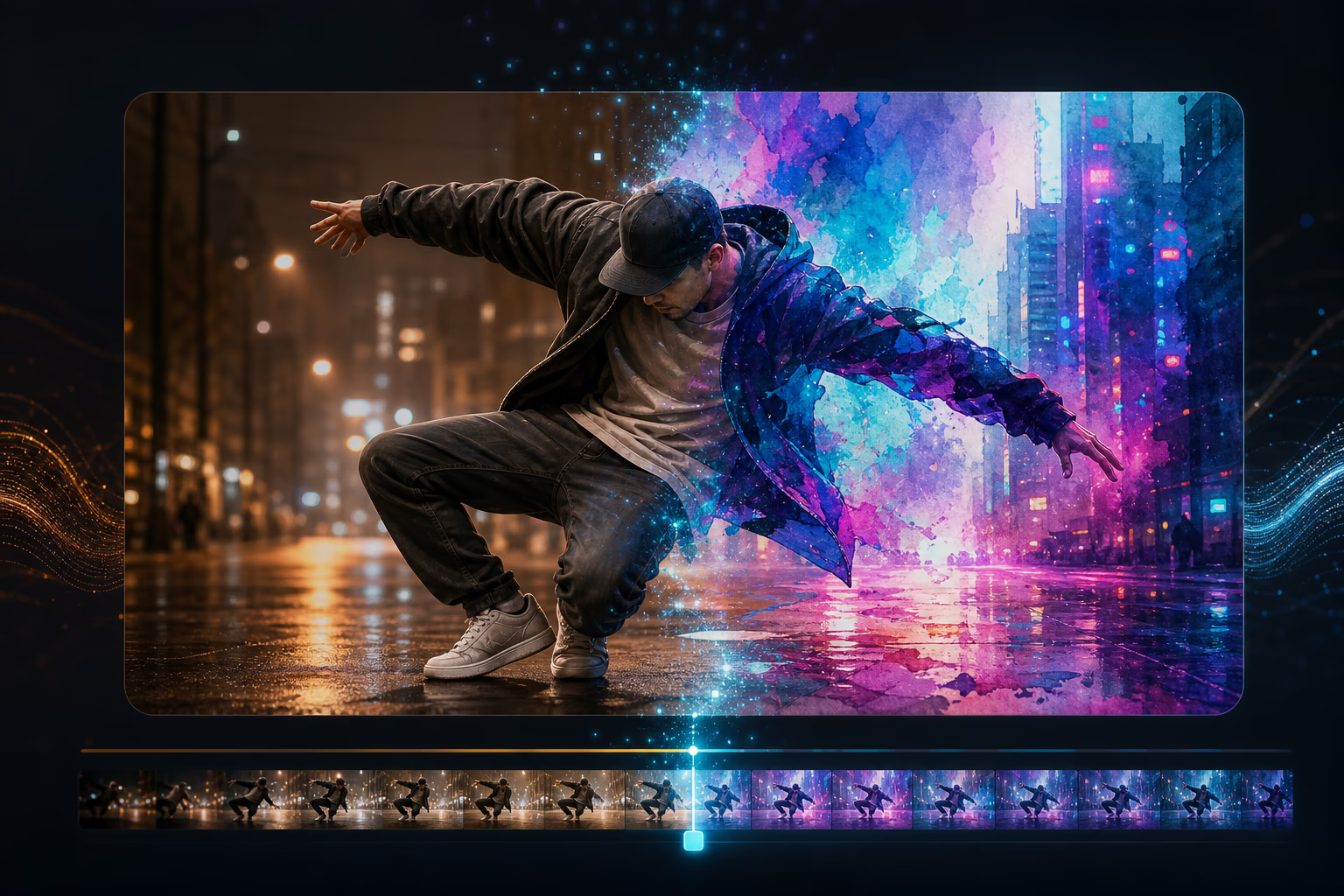
Prompt-Powered Video Transformation
Describe your vision in plain English — "make this feel like a watercolor painting" or "reimagine this as a cyberpunk night scene." Optional reference images can further guide color, texture, lighting, characters, or composition.
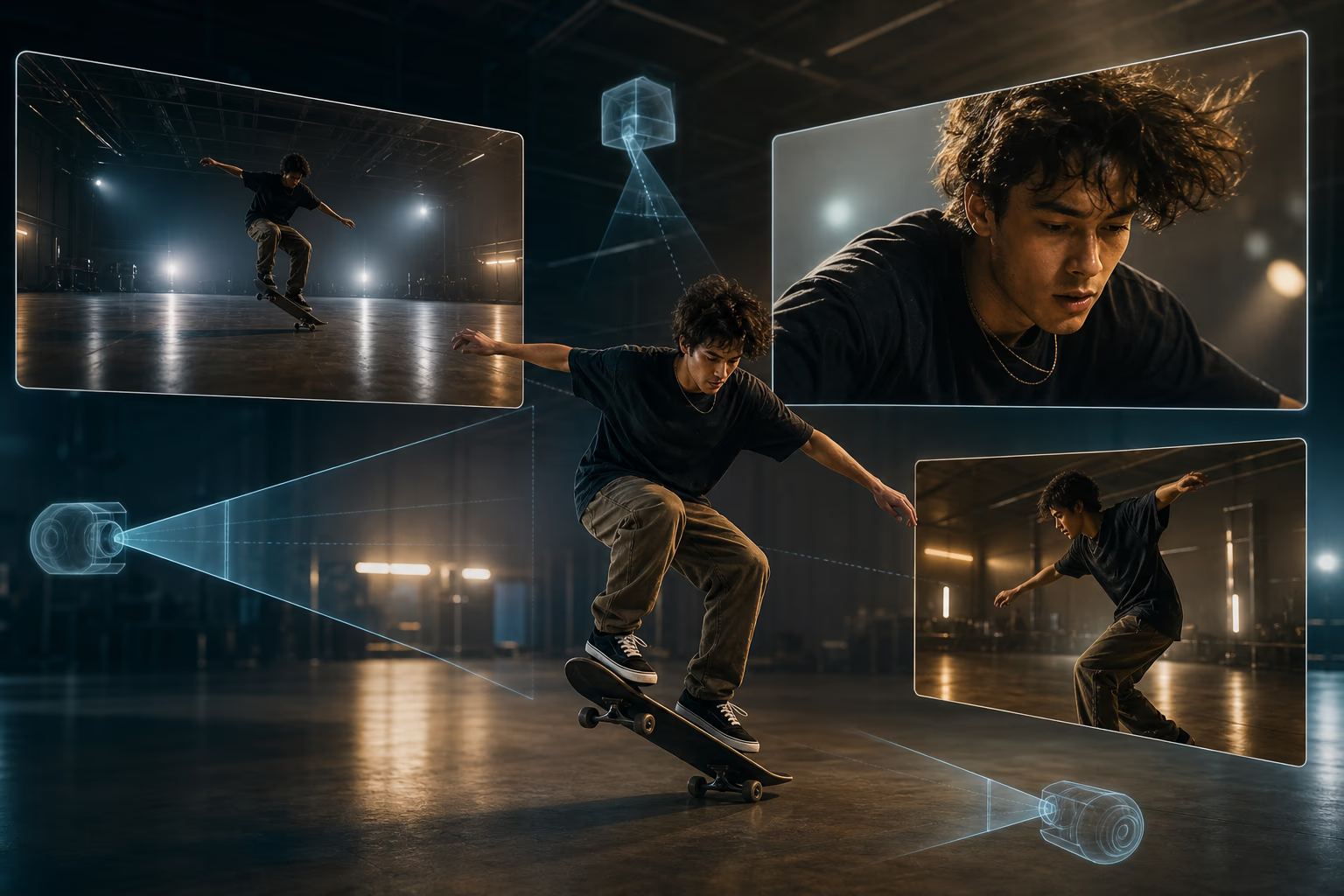
Explore New Framing and Perspectives
Ask for a closer view, wider composition, or different perspective in your prompt. Use the source motion and scene context to guide a fresh visual interpretation.
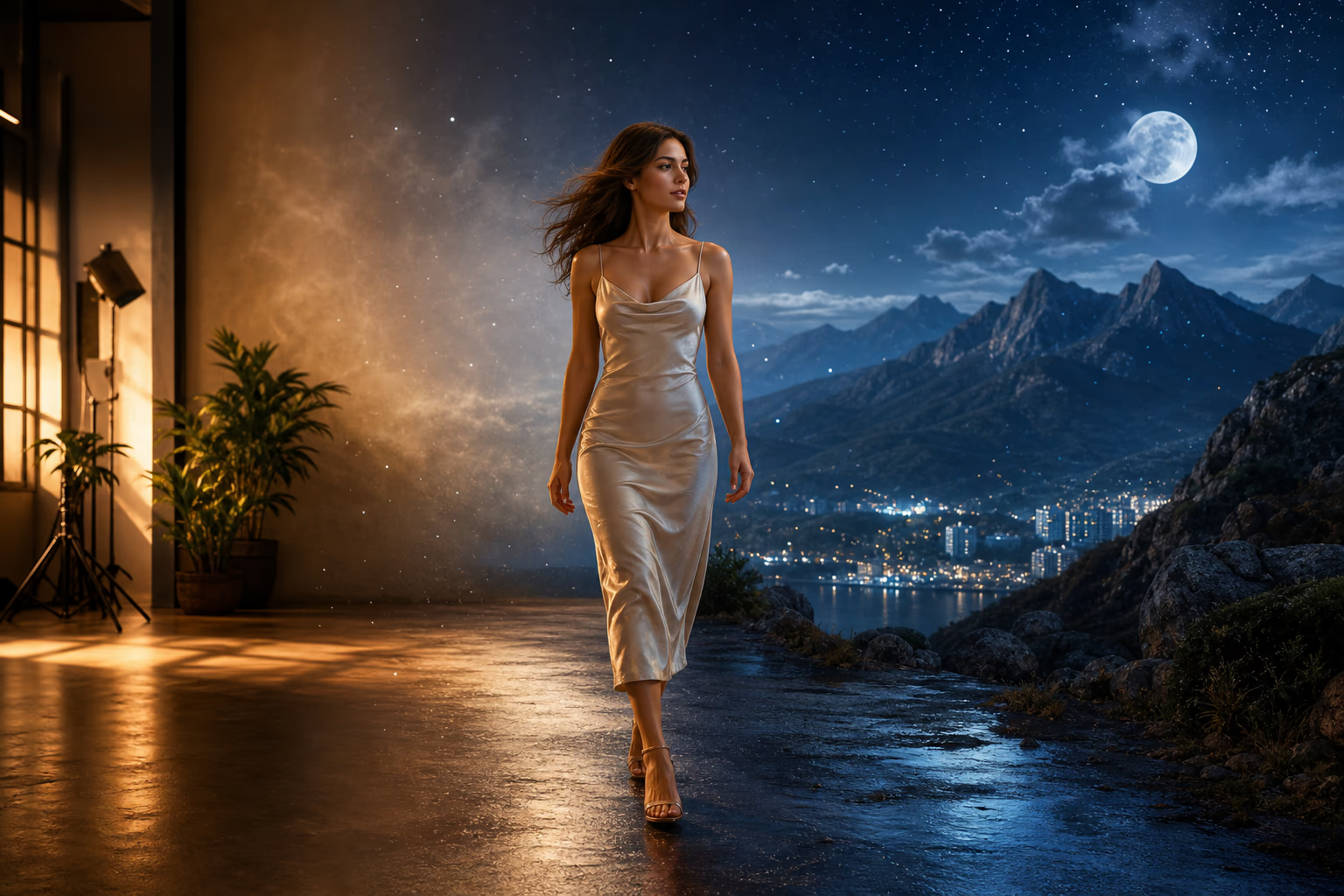
Transform Scenes and Environments
Use prompts and references to explore an outdoor setting, a day-to-night treatment, or a different background. The source clip provides context, while subjects, motion, depth, and lighting may change in the generated result.
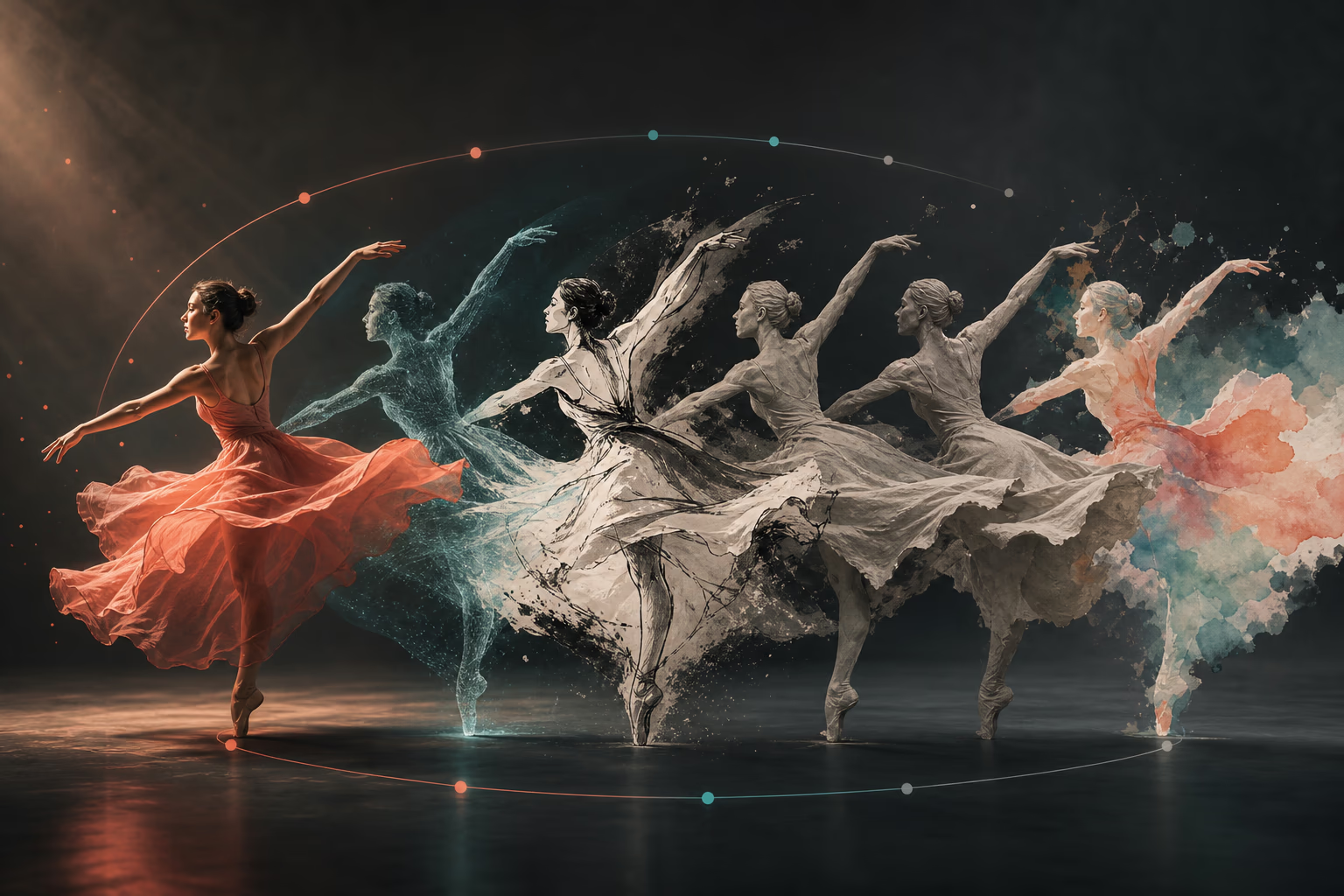
Use Source Motion as Guidance
The uploaded clip gives the model motion, timing, and composition cues. The generated video can follow those cues while creatively reinterpreting movement and scene details.
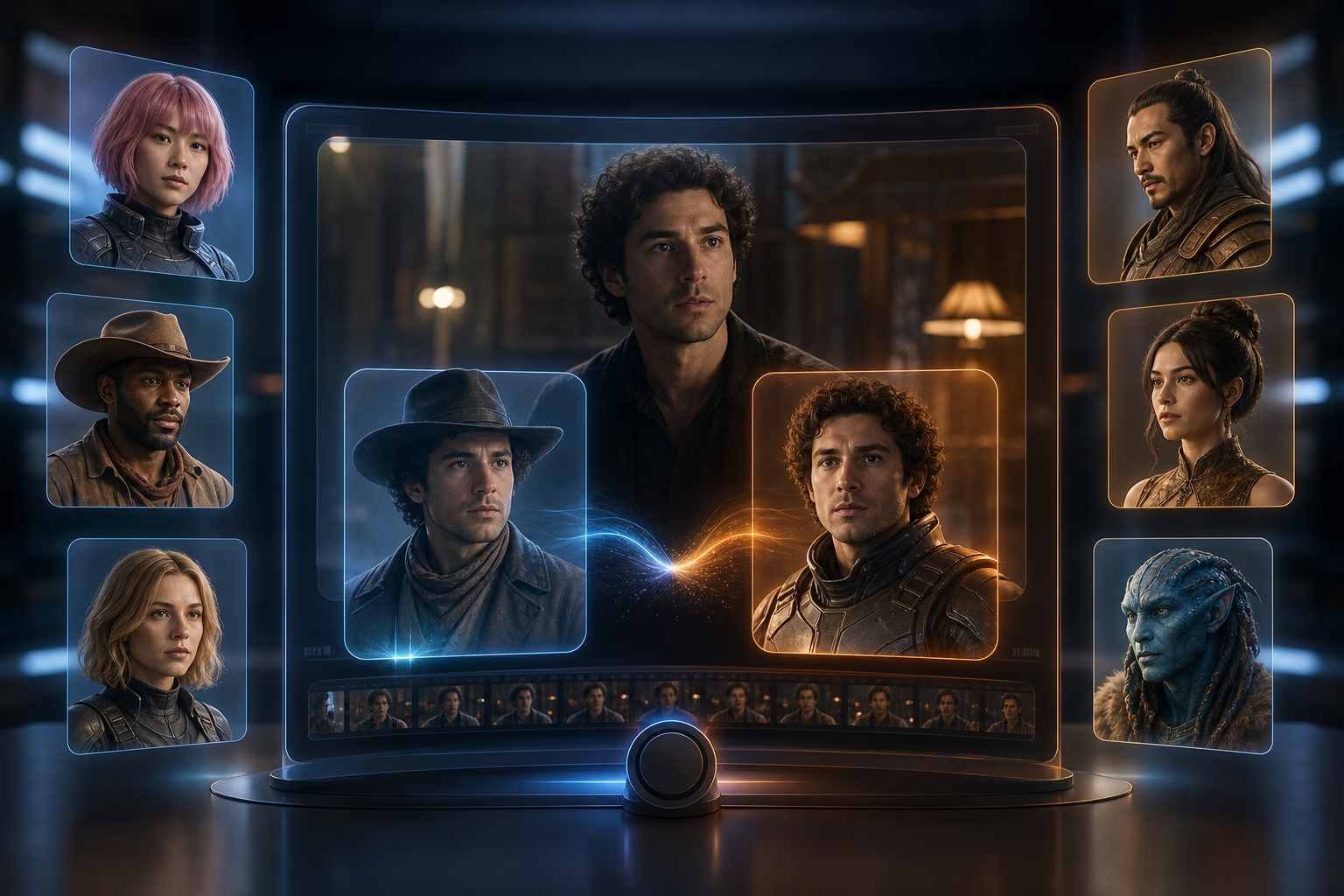
Swap Faces and Characters
Use a prompt and images you have permission to use to guide alternate faces or characters. Results are generative and may vary between attempts, making this best suited to creative exploration.
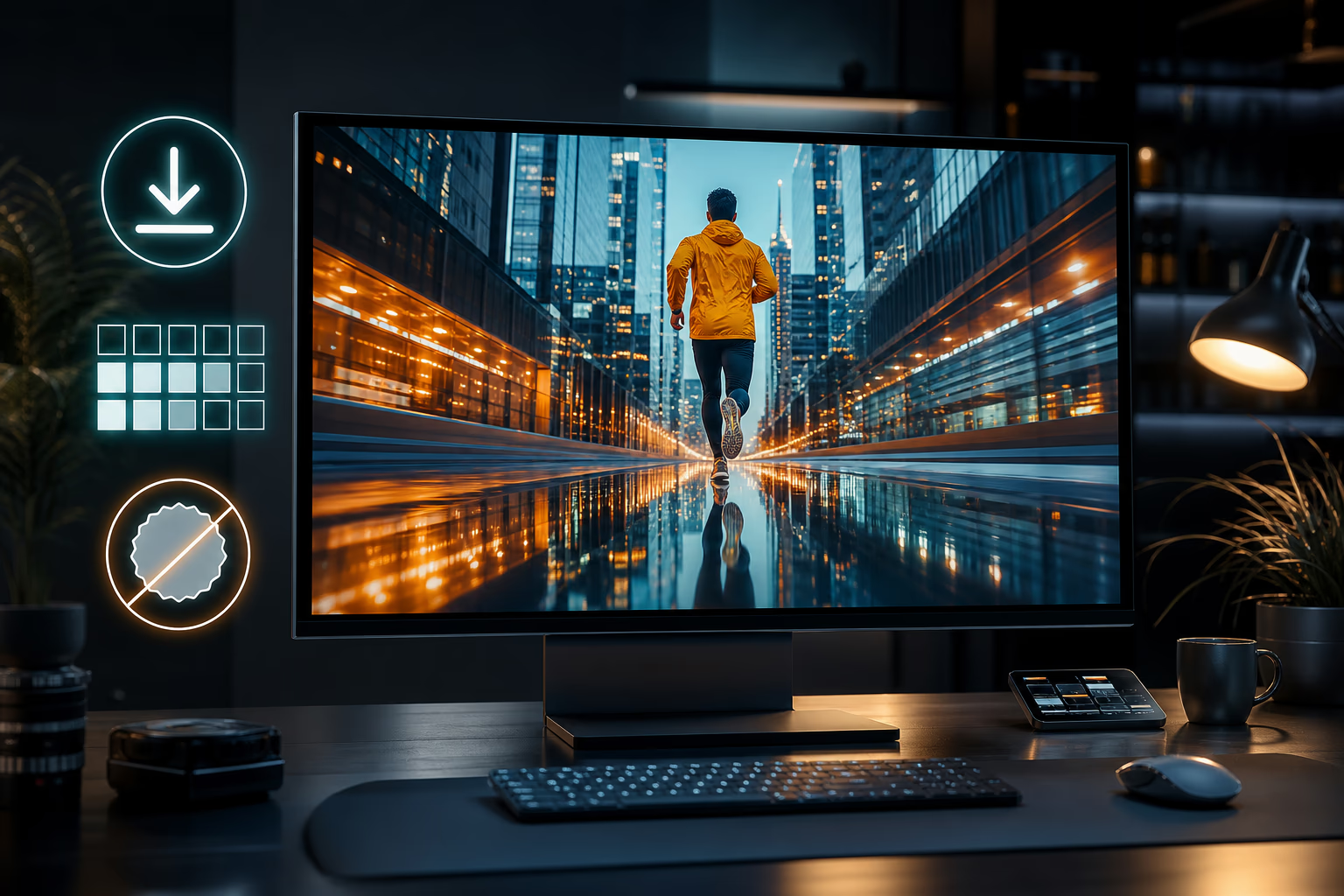
Flexible Output Options
Choose from the resolutions and aspect ratios available for the selected model, then download the generated result. Export quality, branding, and usage terms can vary by model and plan.
How to Transform a Video in 3 Steps
Upload the source clip, describe the intended transformation, add optional visual references, and download the generated variation.
Upload Your Video
Drag and drop your source clip or click to upload. Supported formats, file sizes, and clip limits are shown in the generator. Uploaded media is handled according to our current privacy policy.
Describe Your Vision
Describe a style, mood, scene, camera language, or character action. Add optional reference images to guide the look. Generation time varies with the selected model, clip, settings, and service load.
Preview and Download
Review the generated result, refine your prompt or references, and generate another variation when needed. Download options, resolution, and any branding depend on the selected model and plan.
What Is Video to Video AI?
Video to video AI uses an uploaded clip as a visual and motion reference for generating a new video. A prompt and optional reference images can guide style, scene, character, lighting, and composition while the model creates a fresh interpretation of the source.
Your footage supplies motion, timing, framing, and scene context. Describe the transformation in plain language, add reference images for visual direction, then compare the generated result with the original and refine the inputs.
Who Uses a Video to Video Generator
From content creators to filmmakers — anyone with footage they want to restyle can use video-to-video AI.
Content Creators & Influencers
Turn one video into multiple styles for TikTok, YouTube Shorts, and Instagram Reels. Explore anime, vintage, cinematic, branded, or platform-specific visual directions from the same source clip.
E-Commerce Brands & Marketers
Use product demo footage to guide seasonal or brand-inspired variations. Prompts and optional references can help explore several directions for different channels without starting every concept from an empty canvas.
Filmmakers & Video Production Teams
Test different visual treatments and moods before committing to expensive shoots. Change a daytime scene to night, switch from realistic to stylized, or see how a location looks in different weather — all from existing footage. Speed up pre-vis and creative pitch decks.
Social Media Managers
Adapt horizontal footage into vertical formats with AI — and restyle it to match each platform's aesthetic in the same step. From one master video, create native content for TikTok, Reels, YouTube, and LinkedIn without touching a timeline.
Game Developers & Animators
Use video-to-video AI to turn live-action reference footage into stylized animation that matches your game's art direction. Speed up pre-visualization and concept iteration.
Why Creators Choose Our Video to Video Generator
Five practical reasons to use a source clip, prompt, and optional images for reference-guided video generation.
Guide the Result with Your Footage
Your source clip supplies motion, timing, framing, and scene cues while the model creates a new visual interpretation around your prompt.
Prompt and Reference Control
Describe the intended style, mood, scene, or action, then add optional images to guide colors, characters, textures, lighting, composition, and other visual details.
Free Credits to Explore
Create an account to access the currently available free credits and test the workflow. Model access, resolution, clip limits, queue priority, and output branding can vary by plan.
Multimodal Creative Inputs
Start with Gemini Omni and combine a required prompt and source video with optional reference images. Each input gives the model another signal for shaping the generated result.
Built for Real Workflows
Download supported outputs for further editing or publishing. Available formats, resolution, retention, and permitted uses depend on current product, model, and plan terms.
Trust & Quality
Privacy Information
Review the current privacy policy for details about how uploaded media is processed, stored, and retained.
Usage Terms
Commercial-use permissions depend on the selected model, plan, source material, and applicable provider terms.
Frequently Asked Questions
Is this video to video generator free?
Will my video have a watermark?
What video formats are supported?
How long does it take to transform a video?
Do I need video editing experience?
Is my uploaded video stored or shared?
Can I use the output for commercial purposes?
What is the difference between video to video and text to video?
Can I use my own reference image for style?
How is the quality compared to manual editing?
What if I am not happy with the result?
Transform Your Video Now — Free to Start
Create an account, upload a source clip, describe your creative direction, and generate a new reference-guided video for publishing or further editing.