
Free AI Photo to Video Generator Online
Motion presets
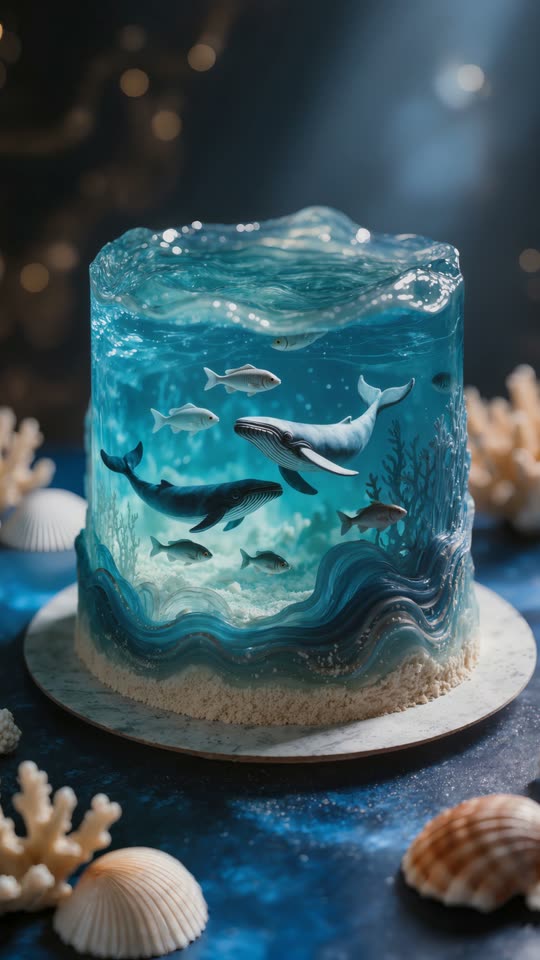
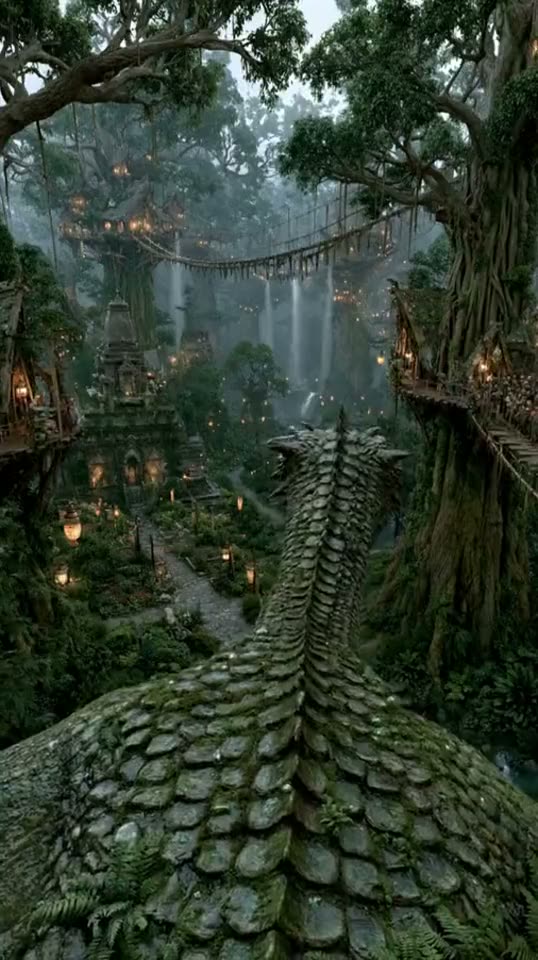
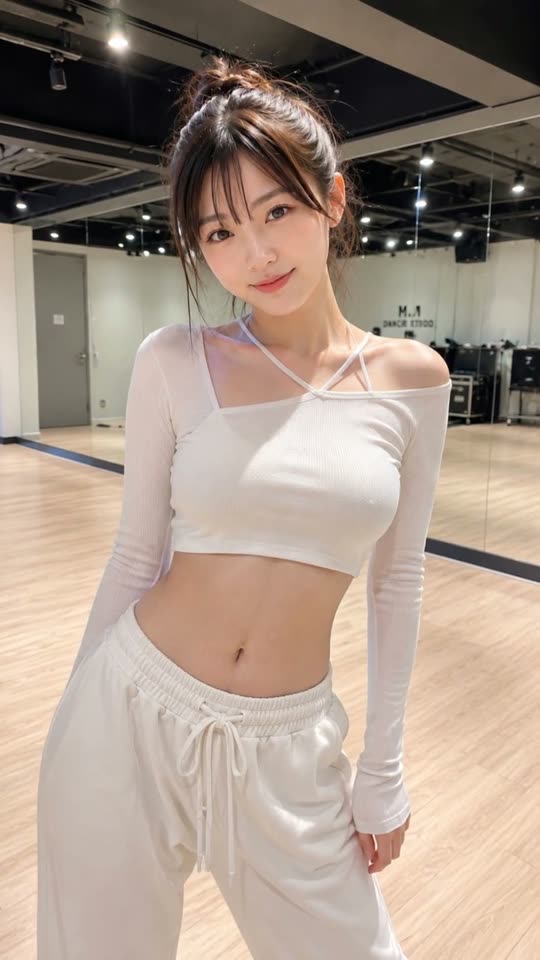
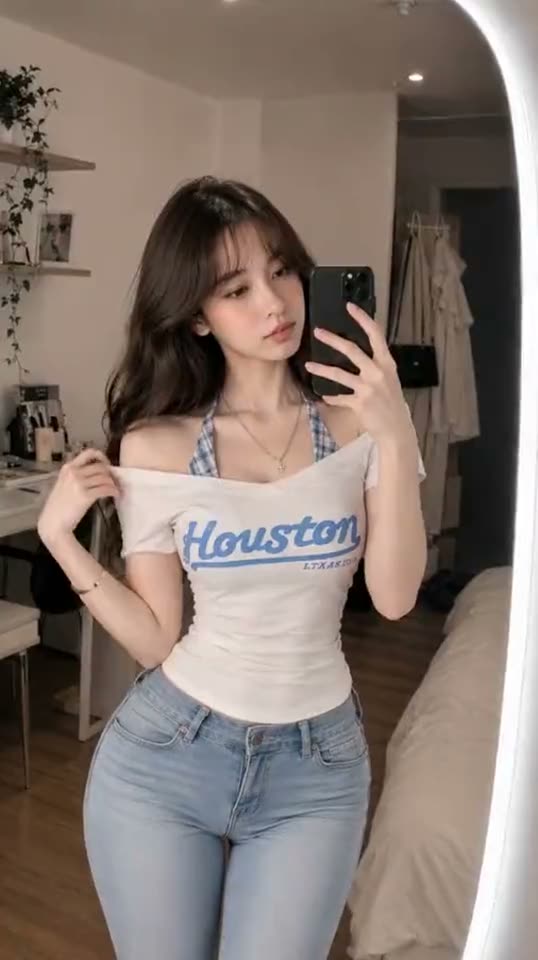
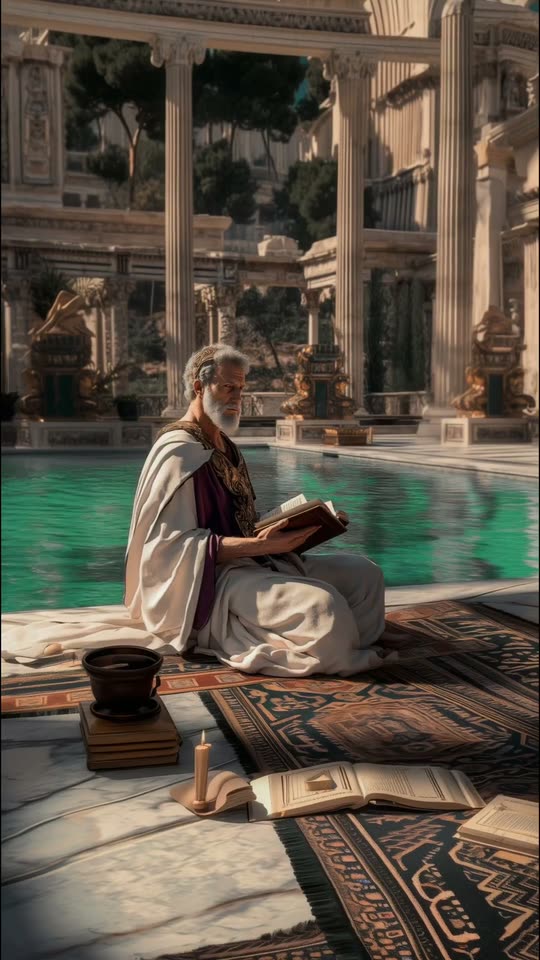
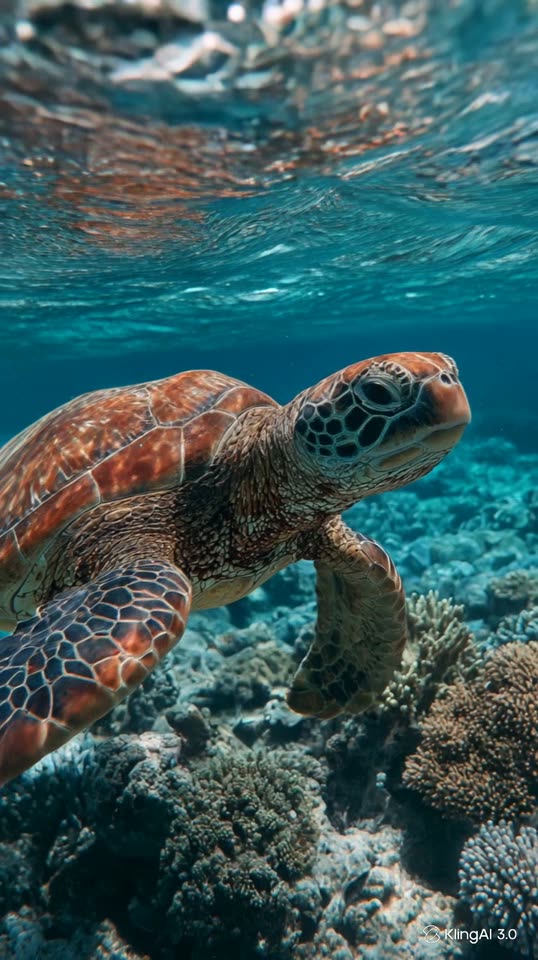
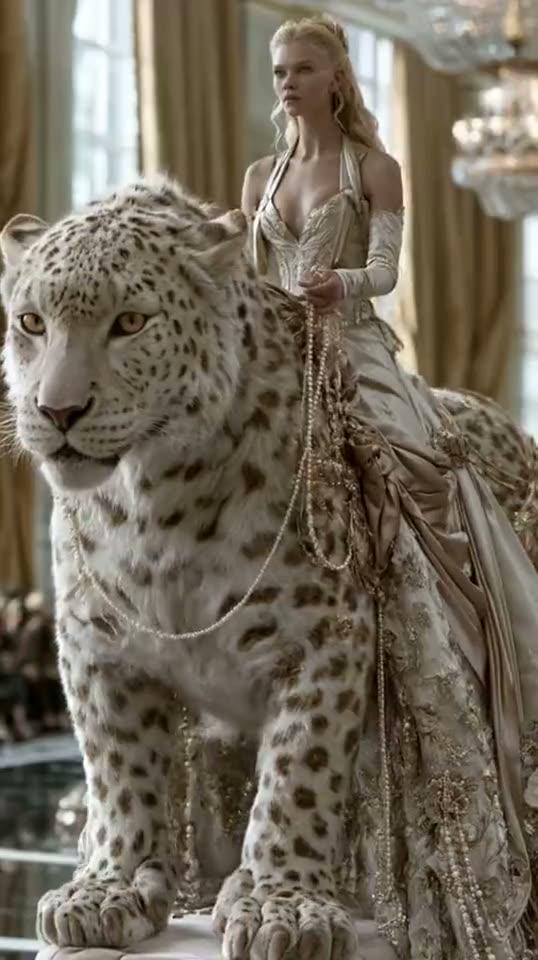
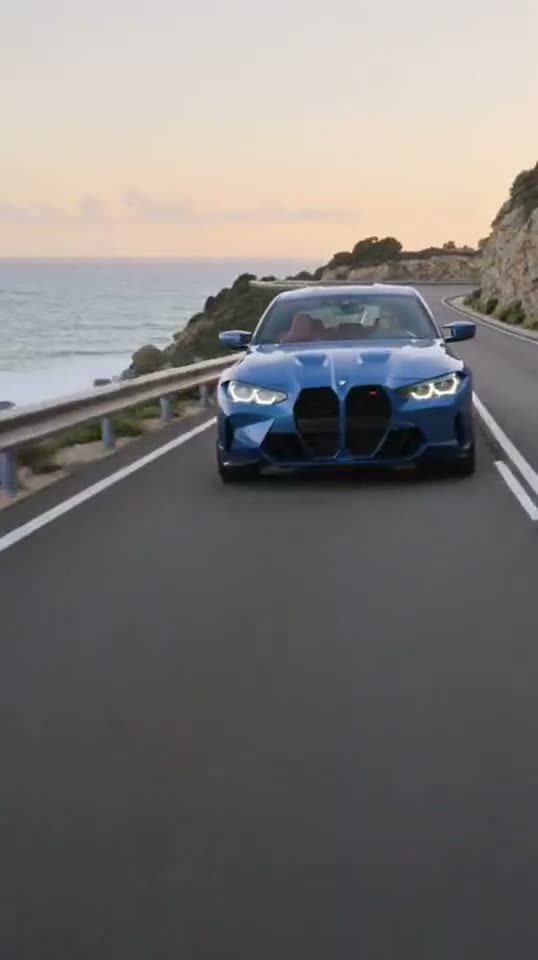
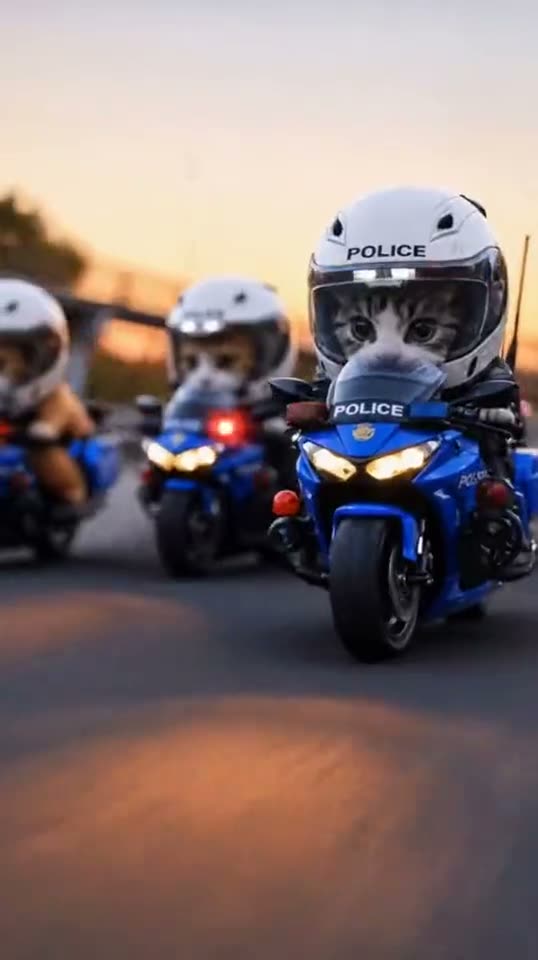
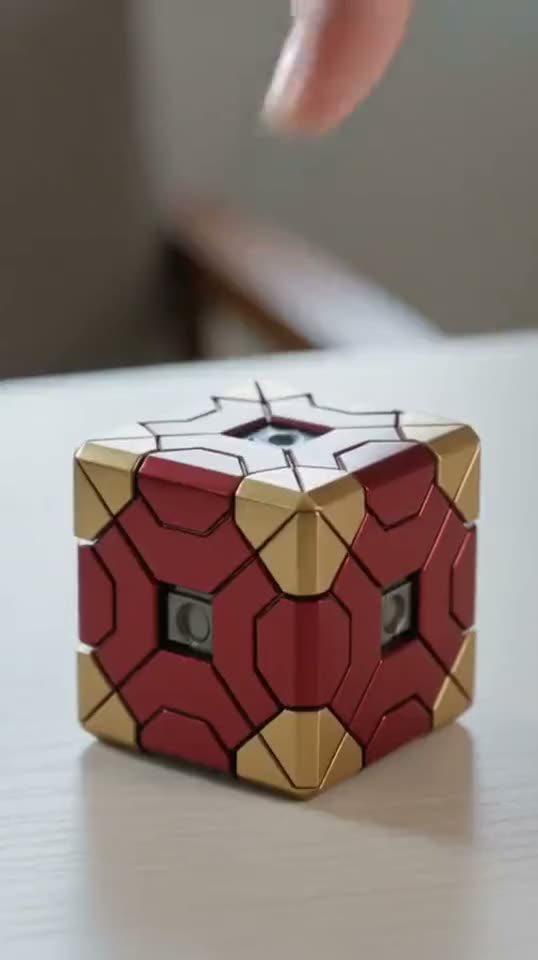
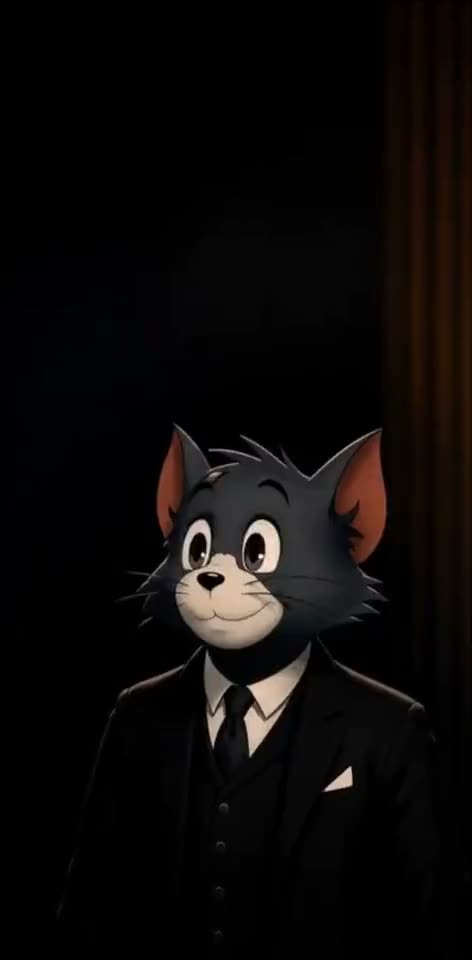
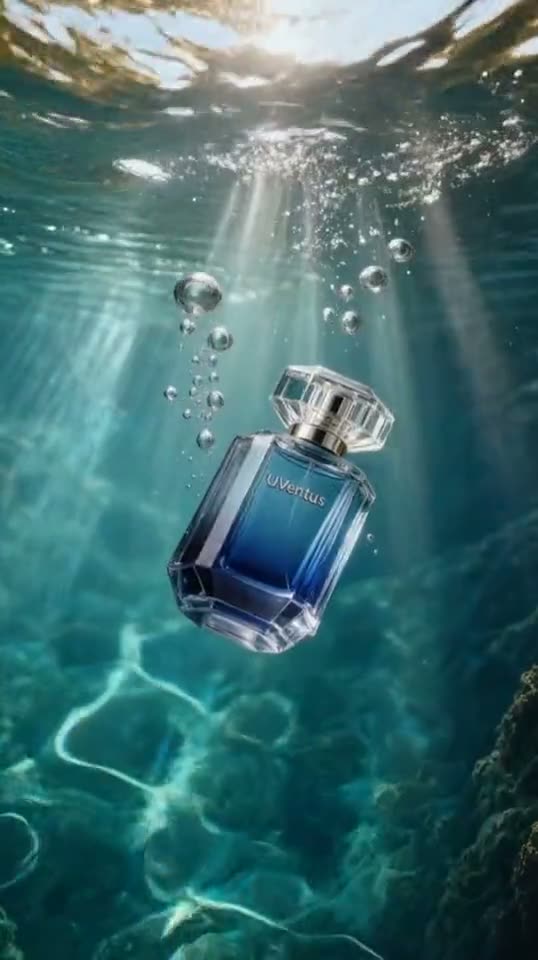
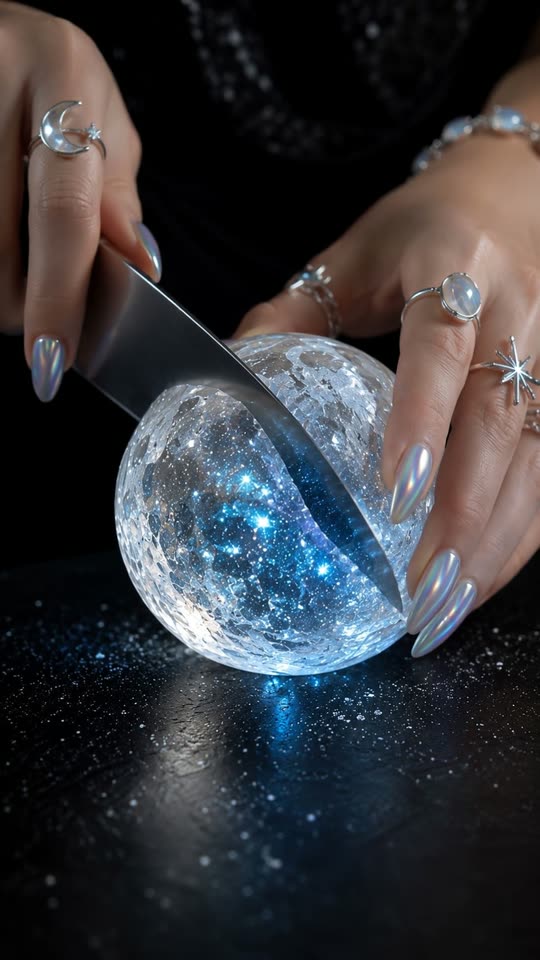
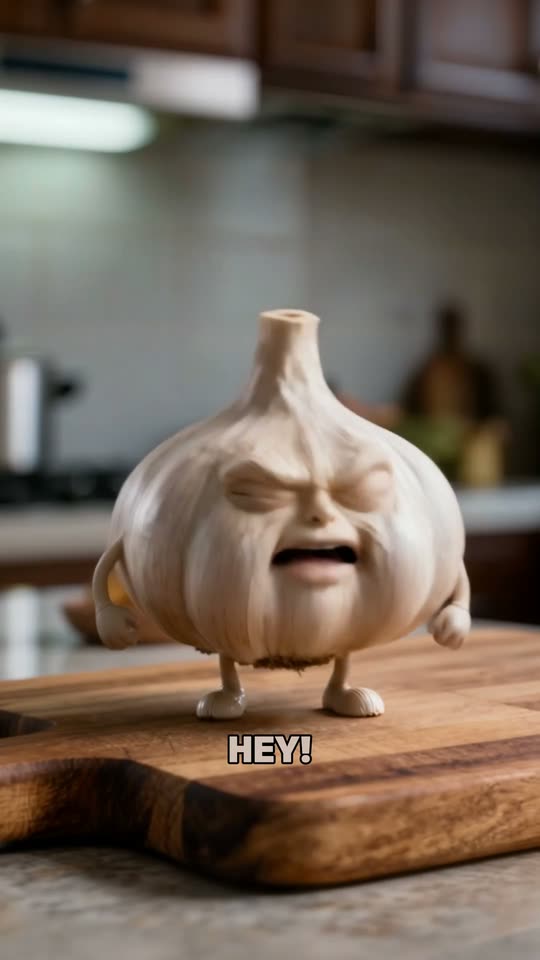
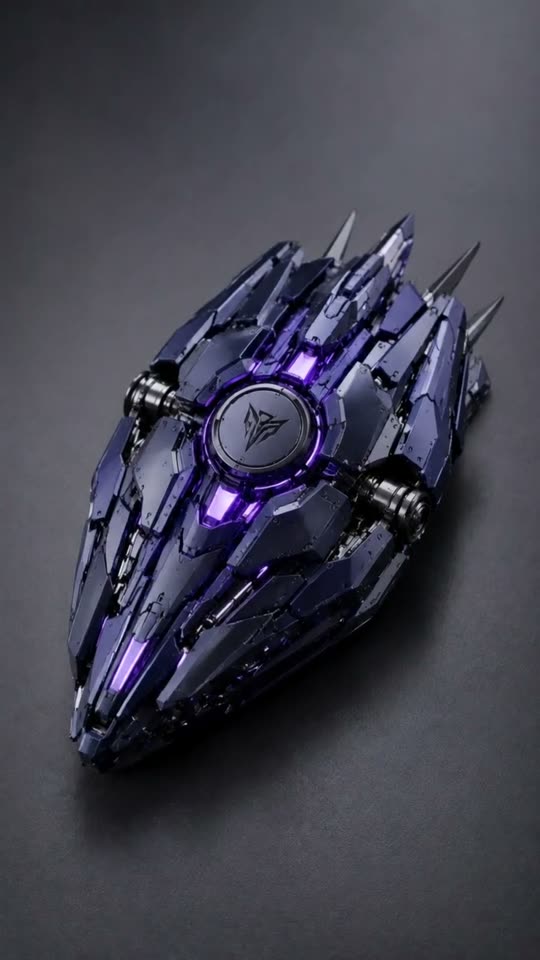
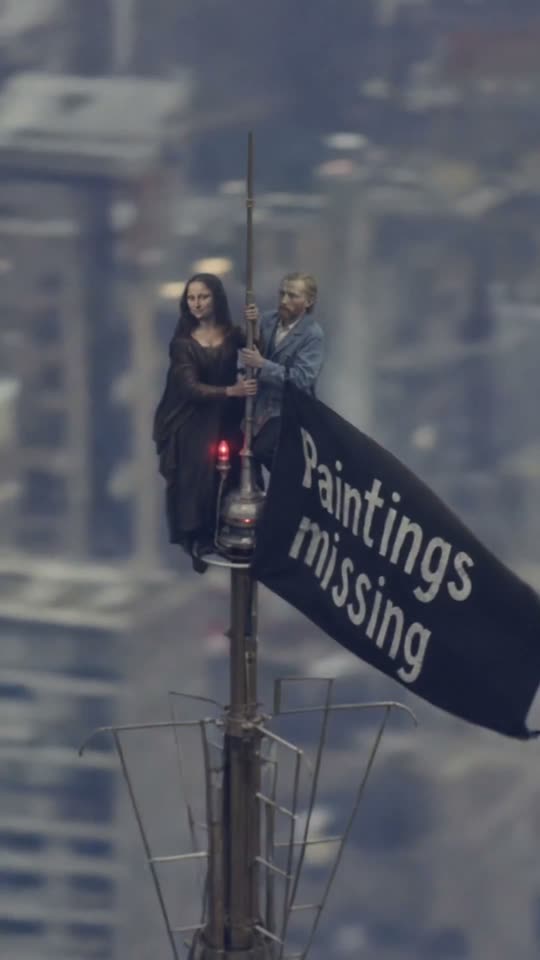
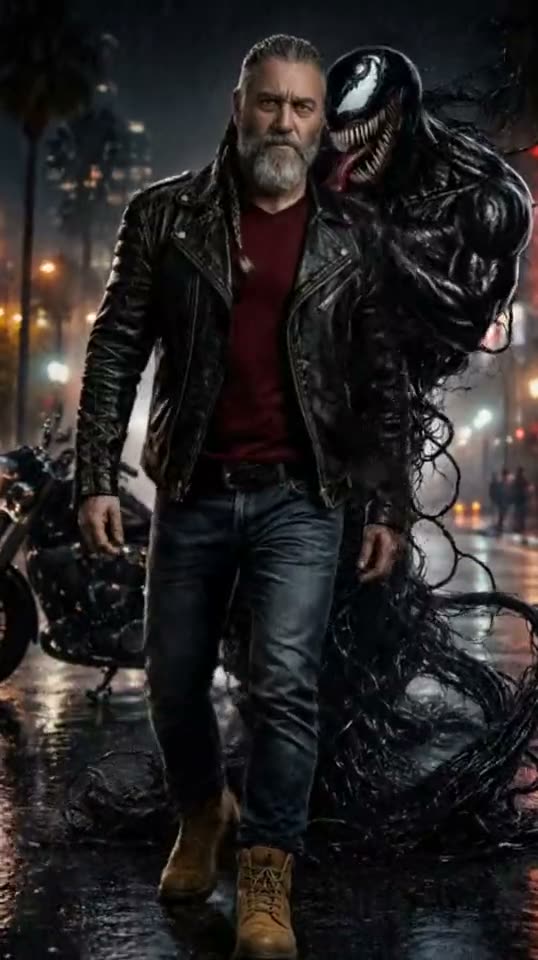
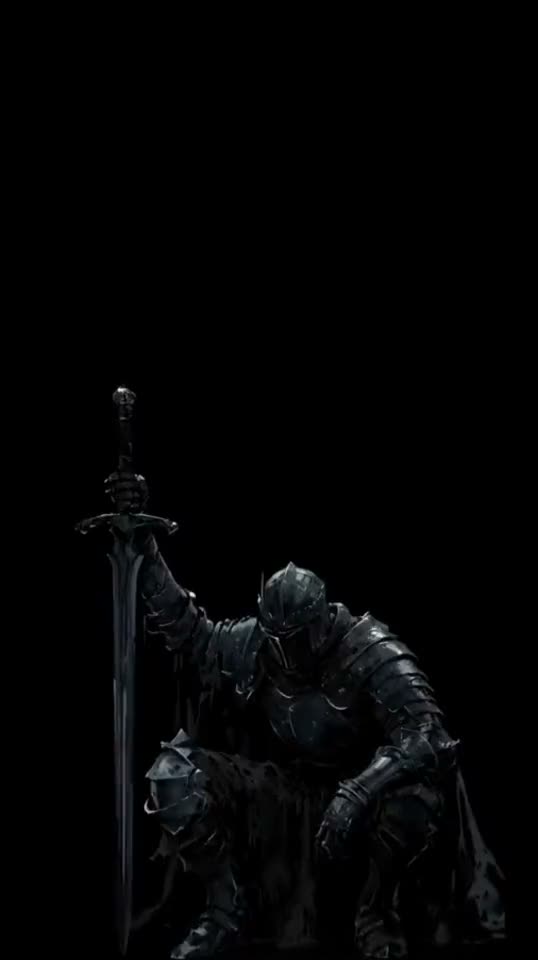
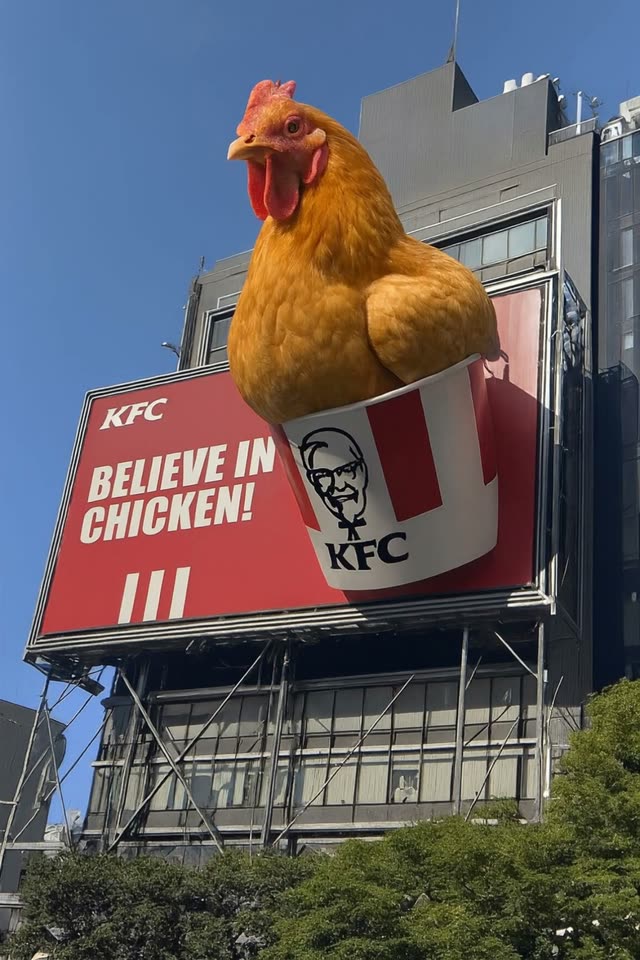
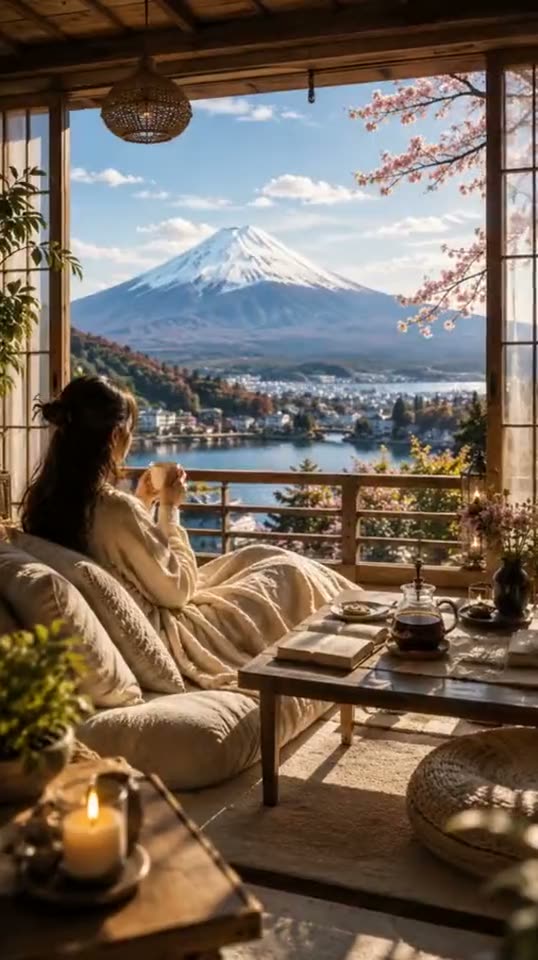
Key Features of Our AI Photo to Video Generator
Six capabilities that make this the best AI photo to video experience — built for creators who want natural, controllable motion from multiple leading AI models.
Animate Any Still Photo
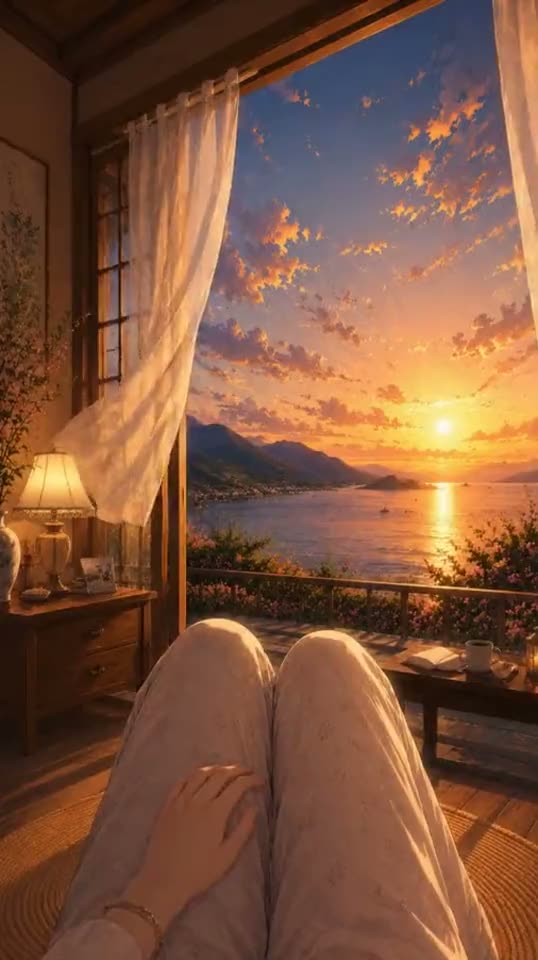
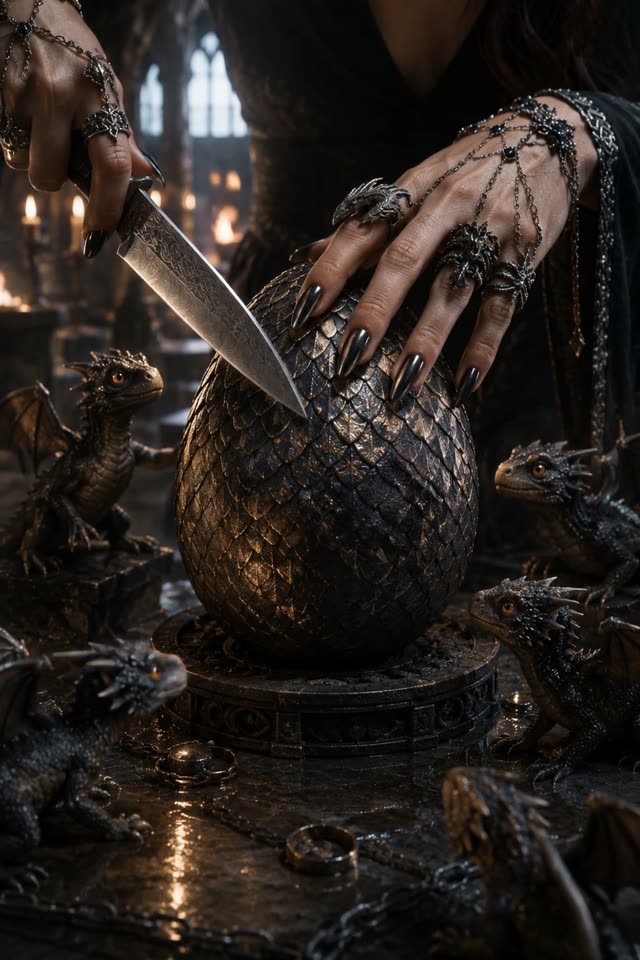
Turn portraits, product shots, landscapes, or old family photos into moving videos. Our AI photo to video generator detects subjects and applies natural, believable motion — no jerky movements, no uncanny-valley effects. Whether it's a person, object, or scene, the AI understands context and generates motion that respects the original composition.
Control Motion with Natural-Language Prompts
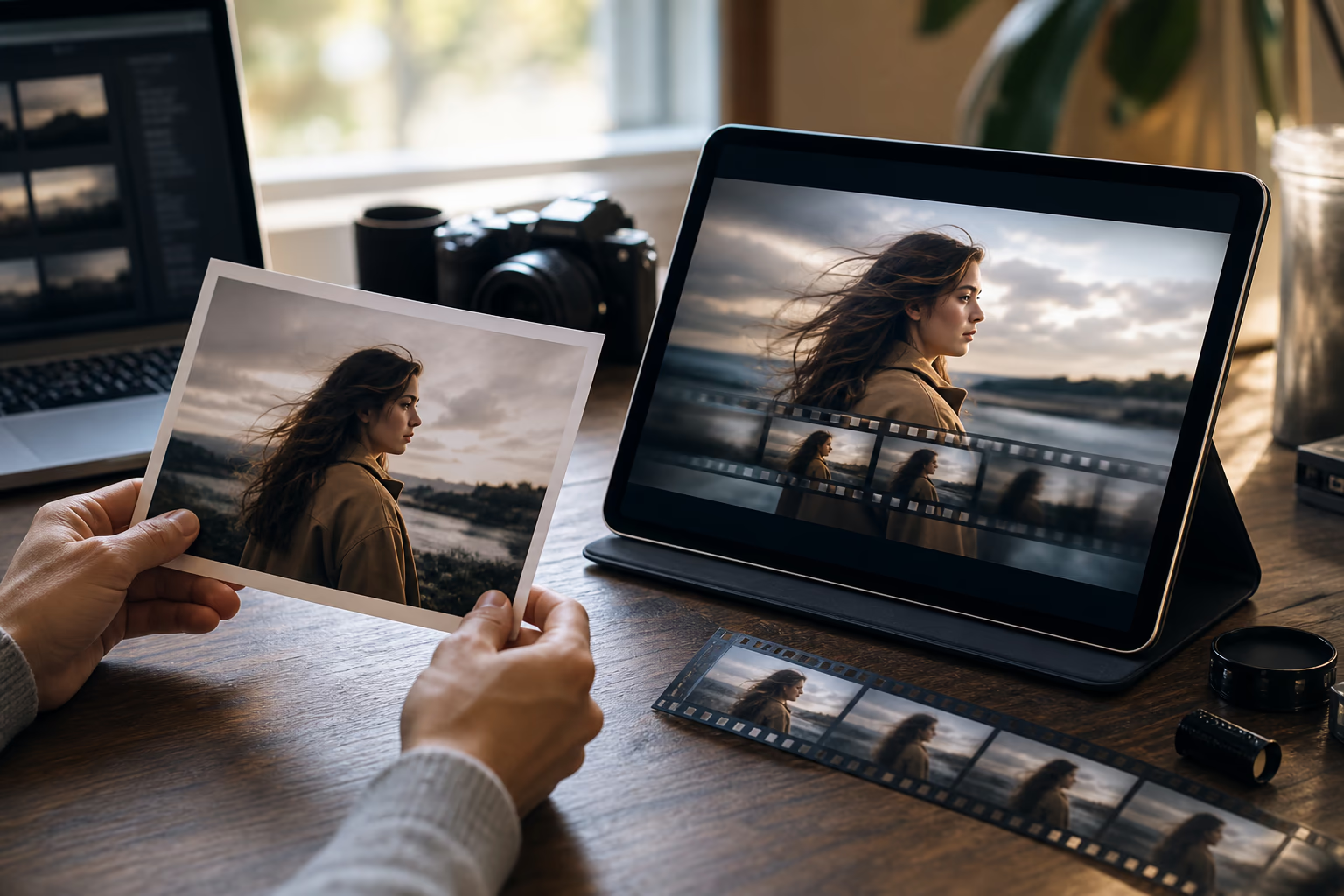
Describe how you want the subject, camera, and scene to move. Use plain language for actions, camera direction, pacing, and atmosphere, then refine the prompt and regenerate until the result matches your idea.
Multi-Model AI Engine
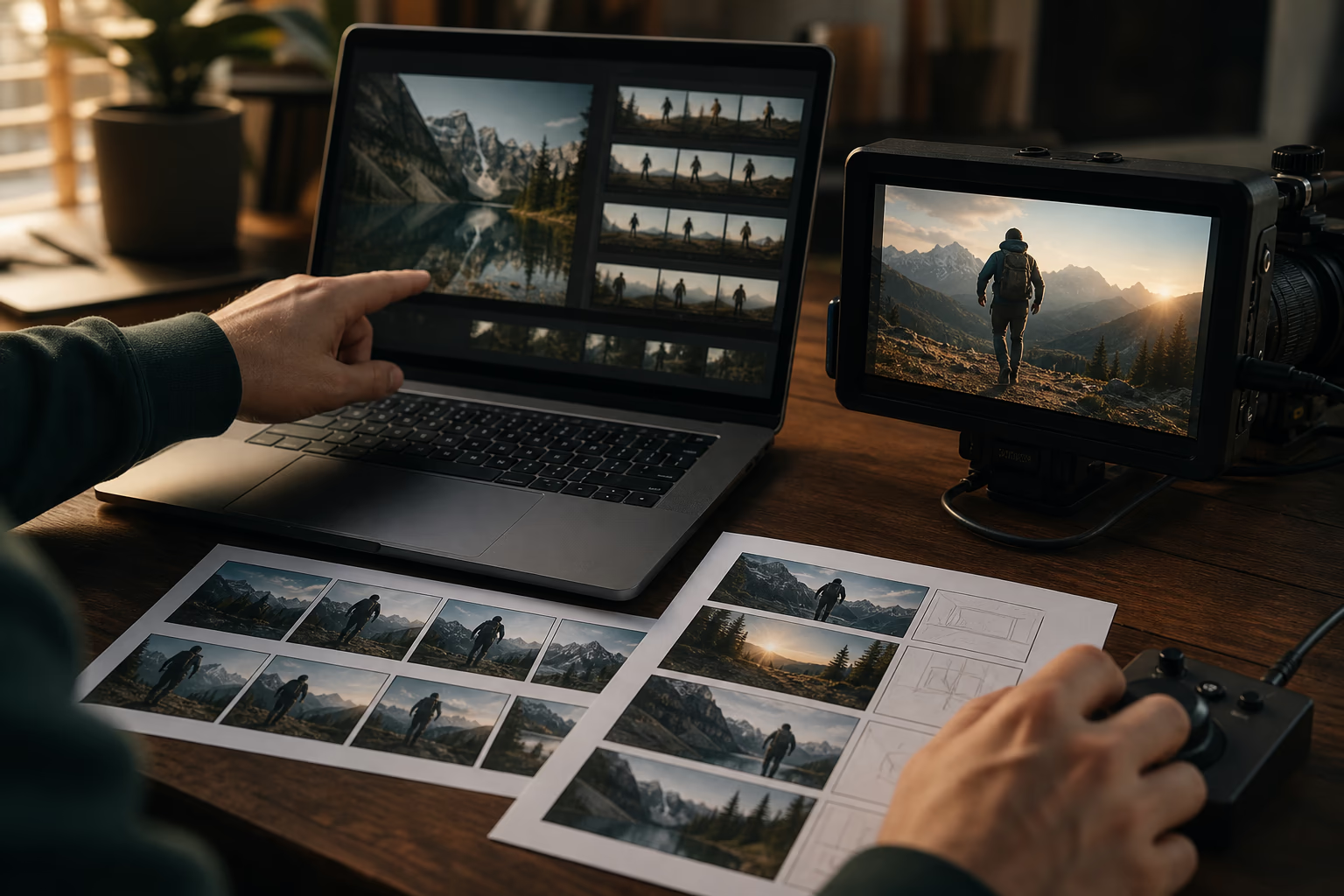
Switch between leading AI video models — including Veo 3.1, Seedance, Kling, and LTX-2 — all from one interface. Each model excels at different styles: realistic cinematography, smooth animation, or artistic stylization. Pick the one that fits your vision, or try multiple to compare results side by side.
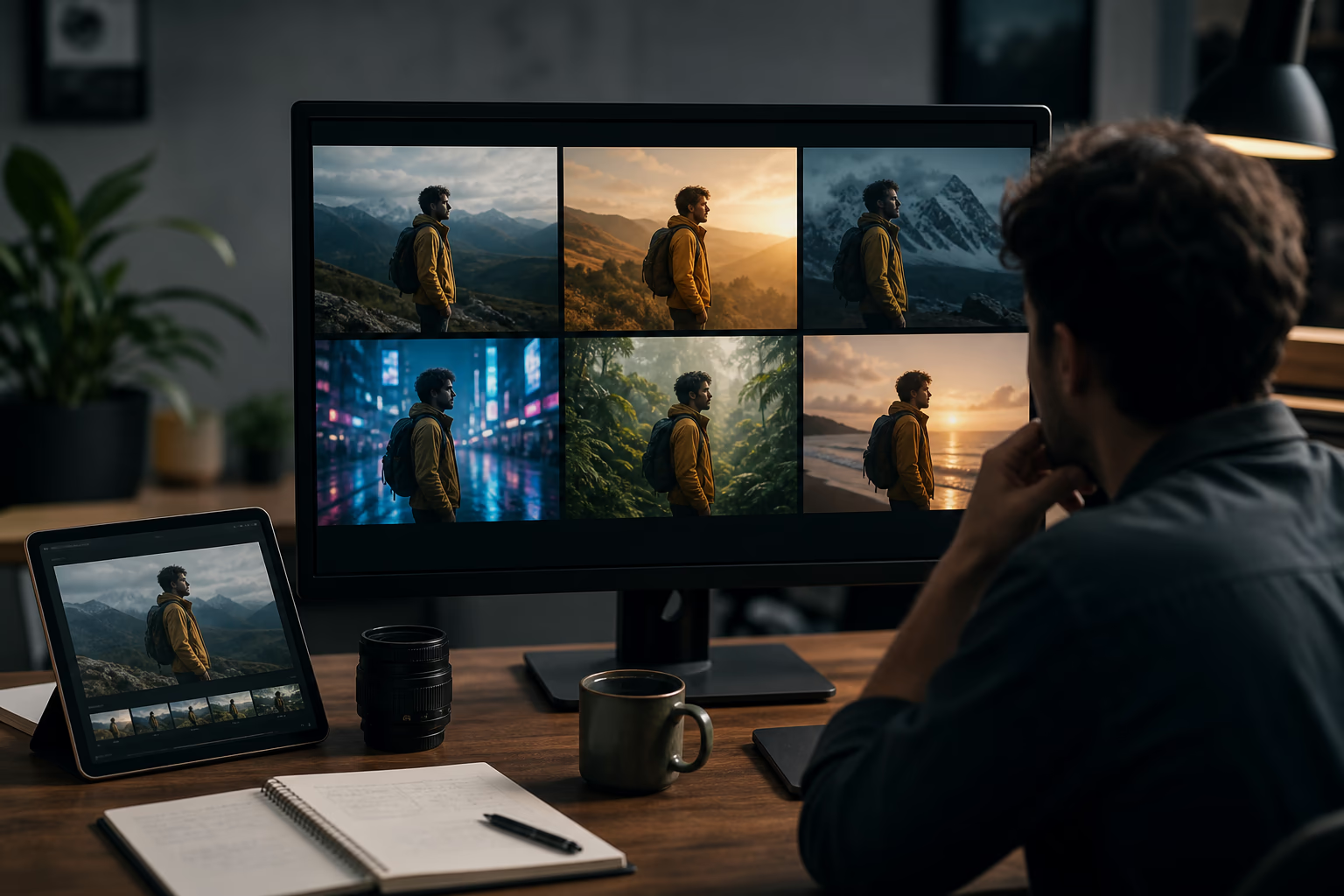
HD Quality Export
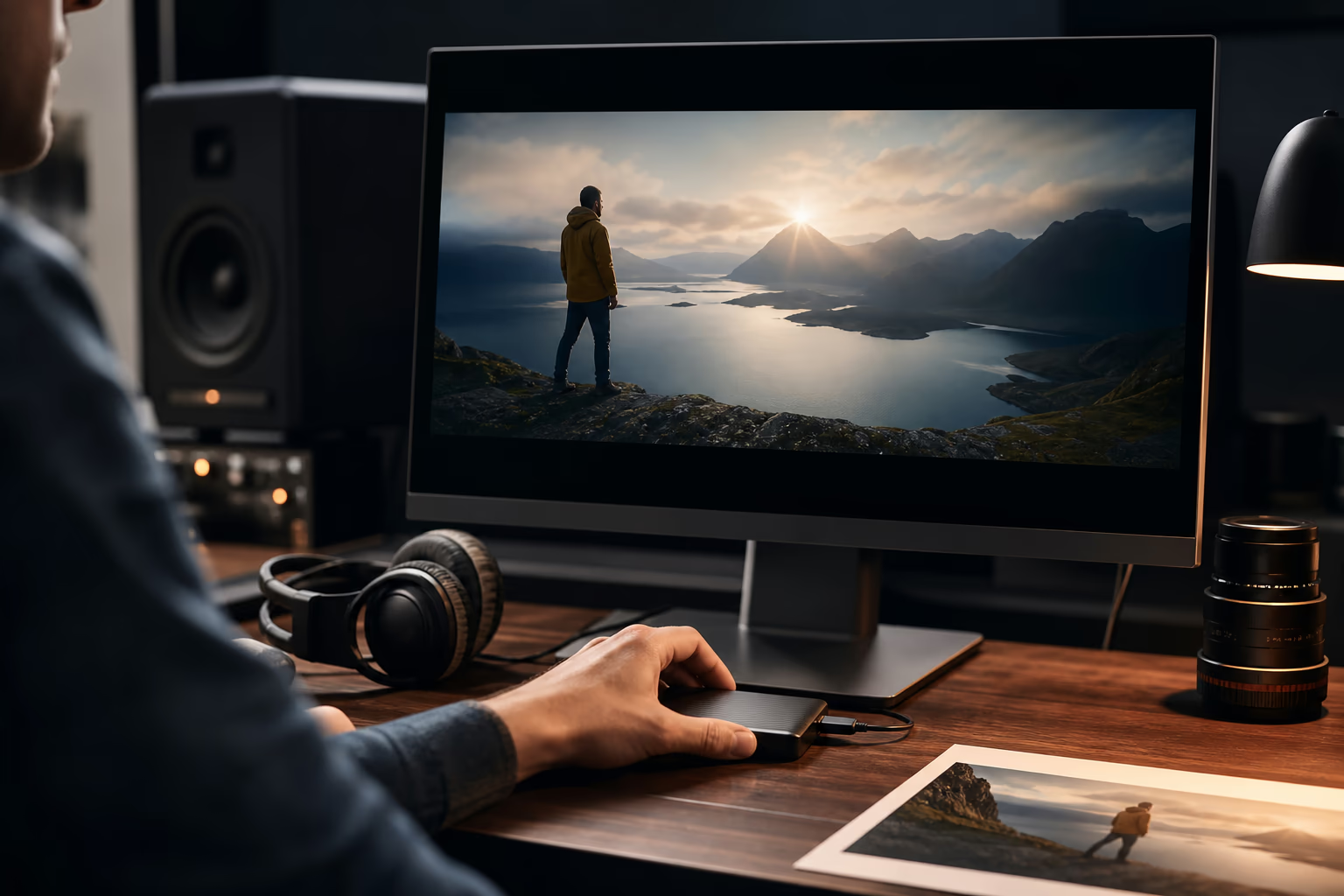
Download your AI-generated videos in crisp HD quality. Your content stays yours, ready to post, share, or use commercially. Upgrade to a paid plan for watermark-free output and priority processing. Every generation preserves your original photo's detail while adding fluid, natural motion.
Instant Social-Ready Formats
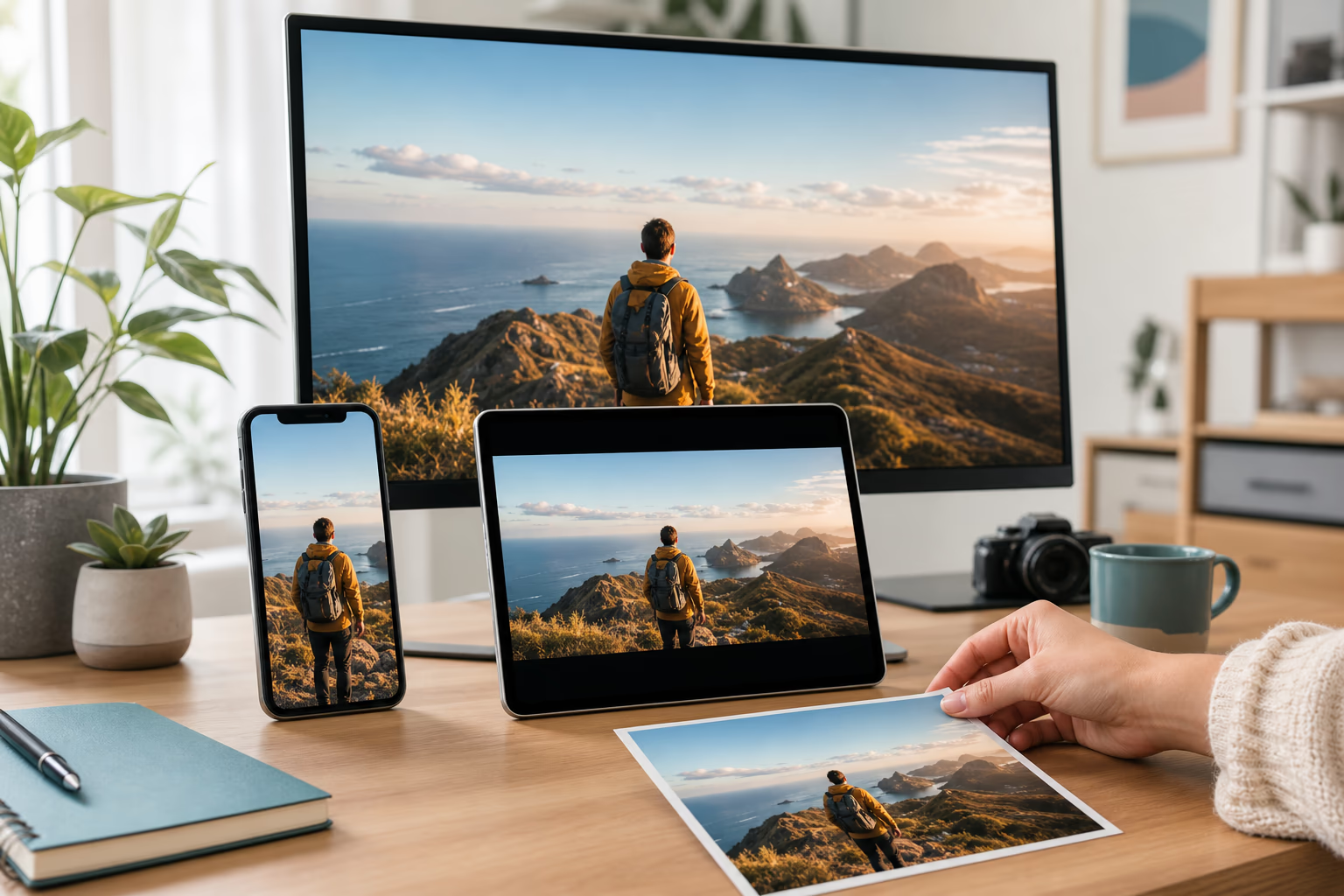
Generate videos in the perfect aspect ratio for any platform — 9:16 for TikTok and Reels, 1:1 for Instagram posts, 16:9 for YouTube. No manual cropping or reformatting needed. One click switches the output to fit where you're posting. Your AI photo to video output is always platform-ready.
Natural Motion, Realistic Results
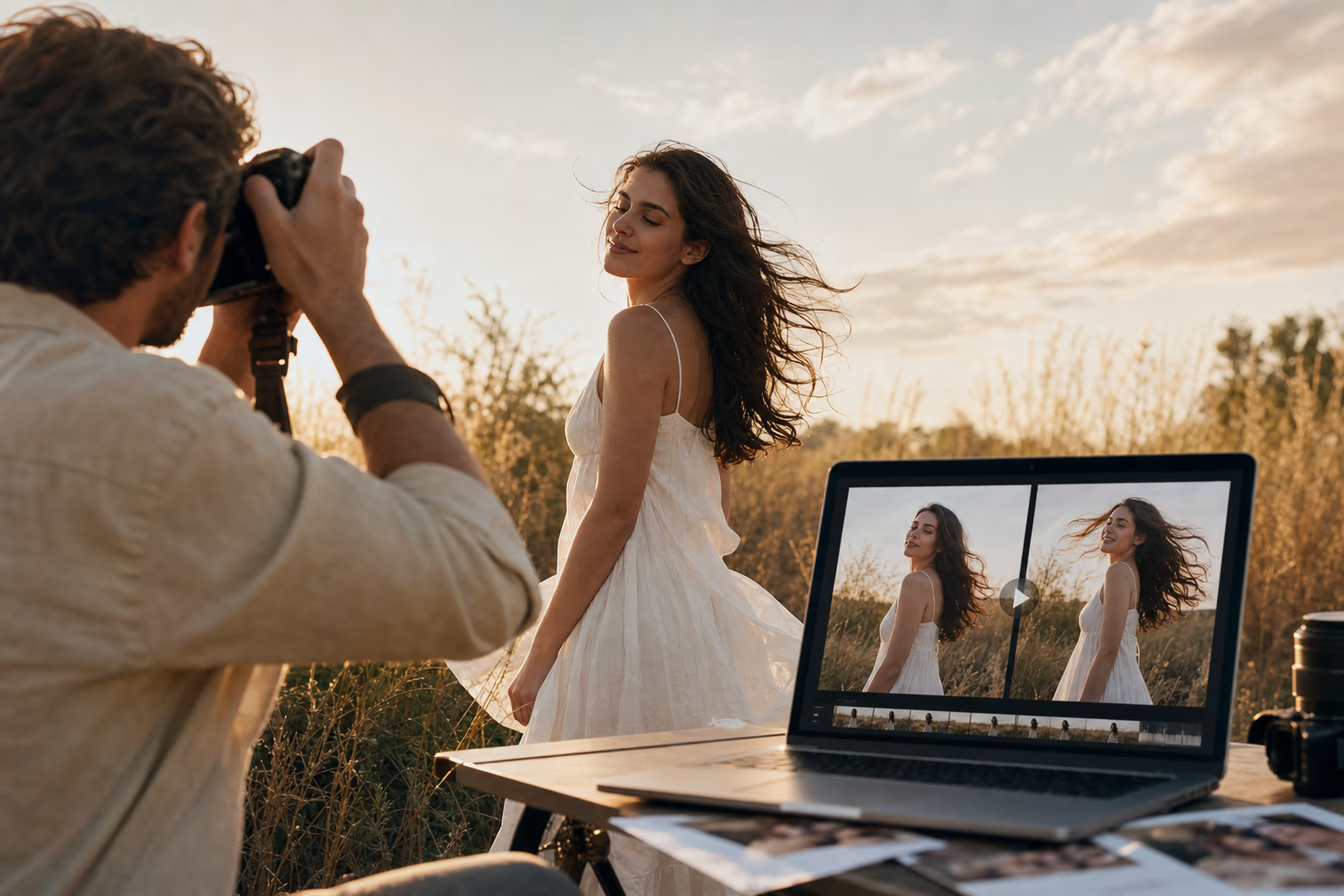
Our AI photo to video engine analyzes your image's depth, subjects, and lighting before applying motion — so portraits smile and blink naturally, products rotate smoothly, and landscapes flow with believable environmental movement. No jerky animations, no uncanny-valley faces, no distorted backgrounds. The AI respects your photo's original composition and only moves what makes sense — delivering results that look filmed, not generated.
How AI Photo to Video Works
Turn a photo into a video in three steps: upload the image, describe the motion and camera, then review and download the generated clip.
Upload your photo
Sign up for free to claim your daily credits, then drag and drop, paste from clipboard, or click to upload — supports JPG, PNG, and WebP up to 20MB. Product photos, portraits, landscapes, illustrations, old family pictures — the AI photo to video engine handles any image type. Your files are processed securely and auto-deleted after generation.
Describe the motion you want
Tell the AI how your photo should move. Be as specific or simple as you like — "a gentle smile spreading across the face" works just as well as "camera slowly orbiting around the subject." Choose an available AI model, aspect ratio, video duration, and quality setting. Generate a preview, adjust the prompt or settings based on the result, and regenerate when needed.
Preview, download, and share
Watch your generated video instantly — most AI photo to video generations complete in 5-15 seconds. Not quite right? Adjust the prompt or switch models and regenerate. Once satisfied, download in HD. Upgrade to a paid plan for watermark-free output and higher resolutions. Every generation stays in your history for later access.
What Is AI Photo to Video?
AI photo to video is a technology that uses artificial intelligence to analyze a still image and generate realistic motion — turning a single photograph into a short animated video. Unlike traditional video creation that requires filming, editing, and motion graphics skills, an AI photo to video generator works from just two inputs: your photo and a text description of how you want it to move.
The AI understands what's in your image — faces, objects, backgrounds, lighting — and applies motion that respects the scene's physics and context. A portrait can smile and blink naturally. A product can rotate as if on a turntable. A landscape can come alive with drifting clouds and flowing water. Where traditional animation took hours of manual work, AI does it in seconds — no skills required. Our AI photo to video generator gives you access to multiple leading AI models so you can choose the one that produces the most natural, realistic motion for your specific photo.
AI Photo to Video Use Cases
From social media creators to e-commerce sellers, AI photo to video fits into any workflow that needs video content — without the time and cost of filming.
Social Media Creators & Influencers
Your feed runs on motion — but not every post needs a full video shoot. Turn your best still photos into eye-catching animated clips for TikTok, Instagram Reels, and YouTube Shorts. Animate a portrait for a reveal effect, add cinematic camera movement to a flat photo, or turn stills into smooth slideshow videos — all in minutes, no filming required.
E-Commerce Sellers & Dropshippers
Static product photos don't convert like video does — but producing professional product videos for every SKU costs thousands. Upload product images and let AI generate rotating, zooming, and panning showcase videos. White background shots become turntable-style demos; flat-lay photos become lifestyle vignettes. Boost conversion rates without hiring a video team.
Families & Memory Keepers
Old family photos sit in albums and cloud folders, rarely seen. Bring them back to life — animate your grandparents' wedding photo with a gentle smile, turn your child's first steps into a flowing memory sequence, or create a birthday tribute from decades of photos. The emotional impact of a moving memory is something no static album can match.
Digital Artists & Illustrators
You spend hours creating stunning illustrations — but static portfolios don't showcase your full skill. Turn artwork into living pieces: add flowing hair, drifting particles, glowing effects, and subtle ambient motion to your digital paintings and character designs. Use animated versions in your portfolio, on social media, or as NFT previews to attract more attention.
Marketers & Small Business Owners
You need fresh video content for ads, emails, and landing pages — but you don't have a design team or video budget. Turn product images, team photos, and brand assets into short promotional videos. Create a month's worth of video content from the photos you already have — no outsourcing, no stock subscriptions, no video editing skills required.
Why Choose Our AI Photo to Video Generator
Here's what sets this AI photo to video tool apart — built specifically for photos, with access to the latest AI models, and free credits to get started.
Built for Photos, Not an Afterthought
Most AI video tools are text-to-video engines first — their photo features are secondary and often produce unnatural, jerky results. Our AI photo to video generator is purpose-built for still images: the AI models are optimized specifically for photo-to-motion conversion, so faces stay natural, objects move believably, and backgrounds remain consistent.
Free Credits, Genuine Value
Sign up and claim free daily credits to try the full AI photo to video workflow — no credit card needed. Test different models, experiment with prompts, and find the motion style that works for your photos. If you need more generations, watermark-free output, or higher resolutions, paid plans unlock those extras. But the free tier gives you real, usable results from day one.
You Choose the AI Model, Not the Other Way Around
Different AI video models excel at different things — some are cinematic, some are smooth, some handle faces better, some nail product shots. Instead of locking you into one engine, we give you access to multiple leading models (Veo 3.1, Seedance, Kling, LTX-2, and more) and let you pick. Your photo, your model choice, your results.
Your Content, Your Rights, Your Privacy
Uploaded photos are encrypted in transit, processed temporarily, and deleted immediately after generation. We never use your images for AI training, never share them, and never claim ownership over your outputs. Commercial use is fully allowed — the videos you create are yours to sell, post, and use however you want. No fine print, no royalty claims, no surprises.
Trust & Clarity
Independent AI Photo to Video Guide
This page helps you understand AI photo to video workflows and is not affiliated with any model provider.
Privacy Protected
Your uploaded photos are processed in real time and deleted immediately after video generation.
AI Photo to Video FAQ
What is an AI photo to video generator?
Is this AI photo to video tool free to use?
Do I need to create an account?
Will my video have a watermark?
How do I get the best, most realistic results from AI photo to video?
What image formats are supported?
How long does it take to generate an AI photo to video?
Can I use the AI-generated videos for commercial purposes?
Are my uploaded photos private and secure?
How is this different from other AI video generators?
What AI models are available for photo to video generation?
Can I generate videos from multiple photos at once?
Explore AI Photo to Video
Choose a focused workflow inside the AI Photo to Video collection.
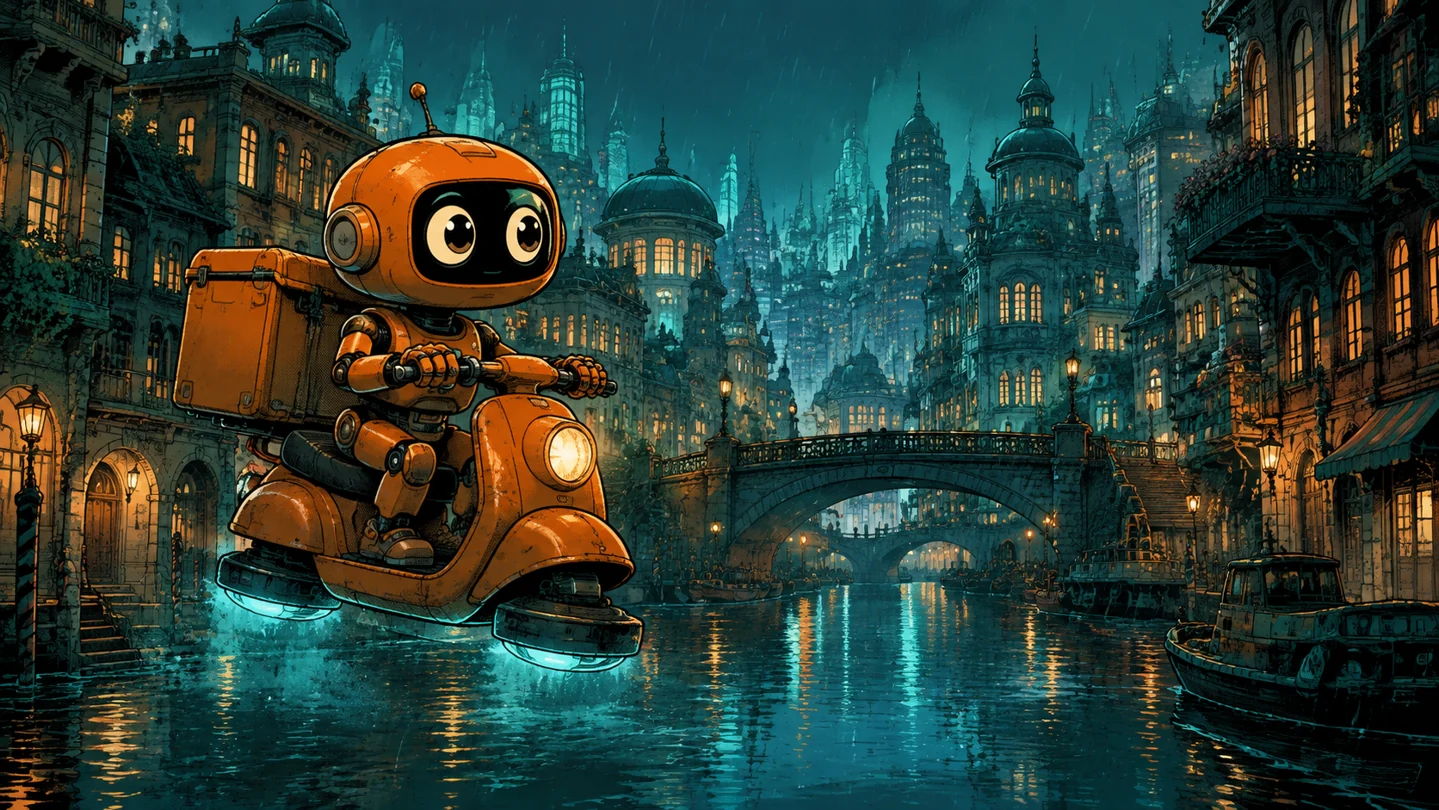
Comic to Video AI
Comic to Video AI turns panels into moving teasers. Animate manga, webtoons, and character reveals with your own motion direction. Bring your next chapter to life.
Open tool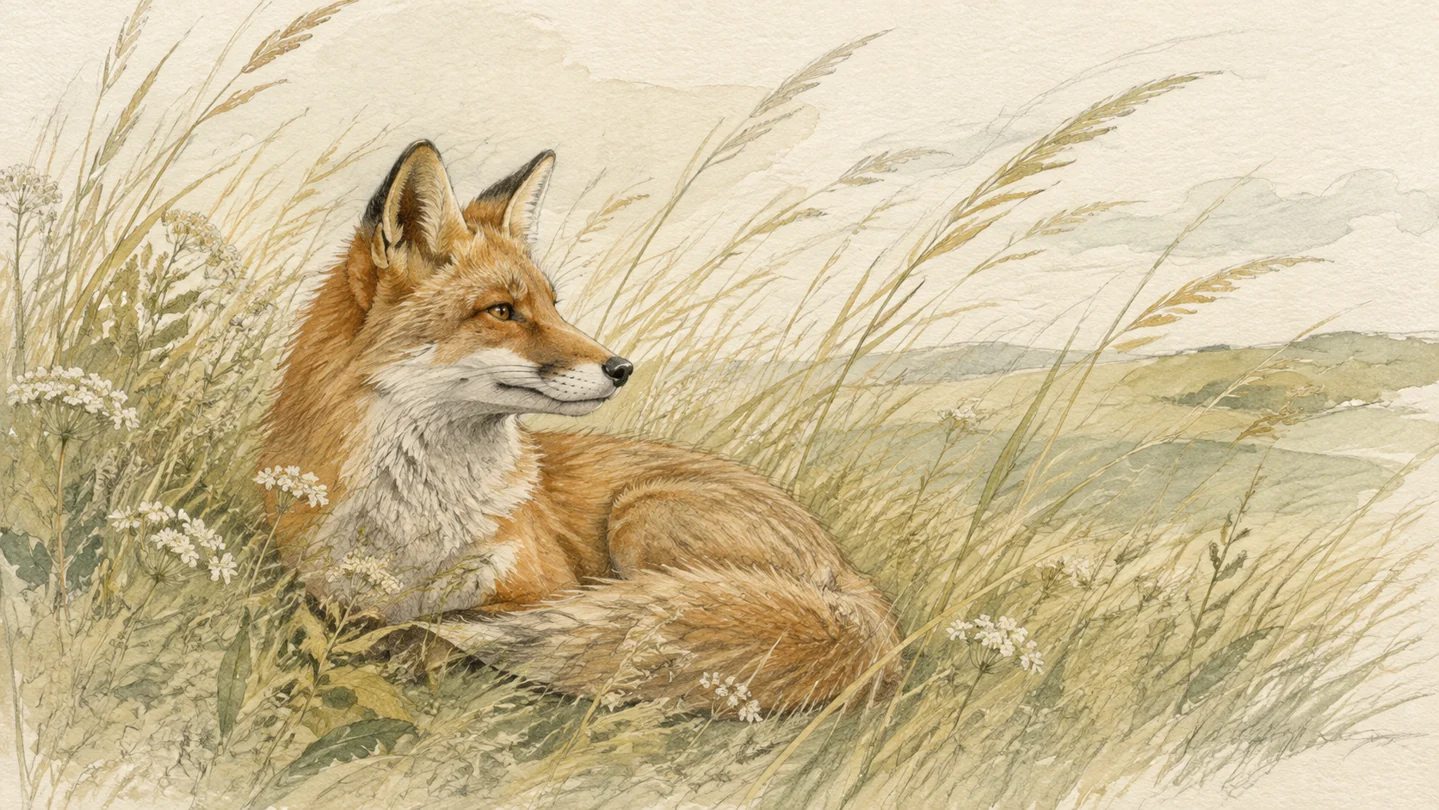
Drawing to Video AI
Drawing to Video AI brings sketches, paintings, and illustrations to life. Add expressive motion to your art and create a moving piece worth sharing.
Open tool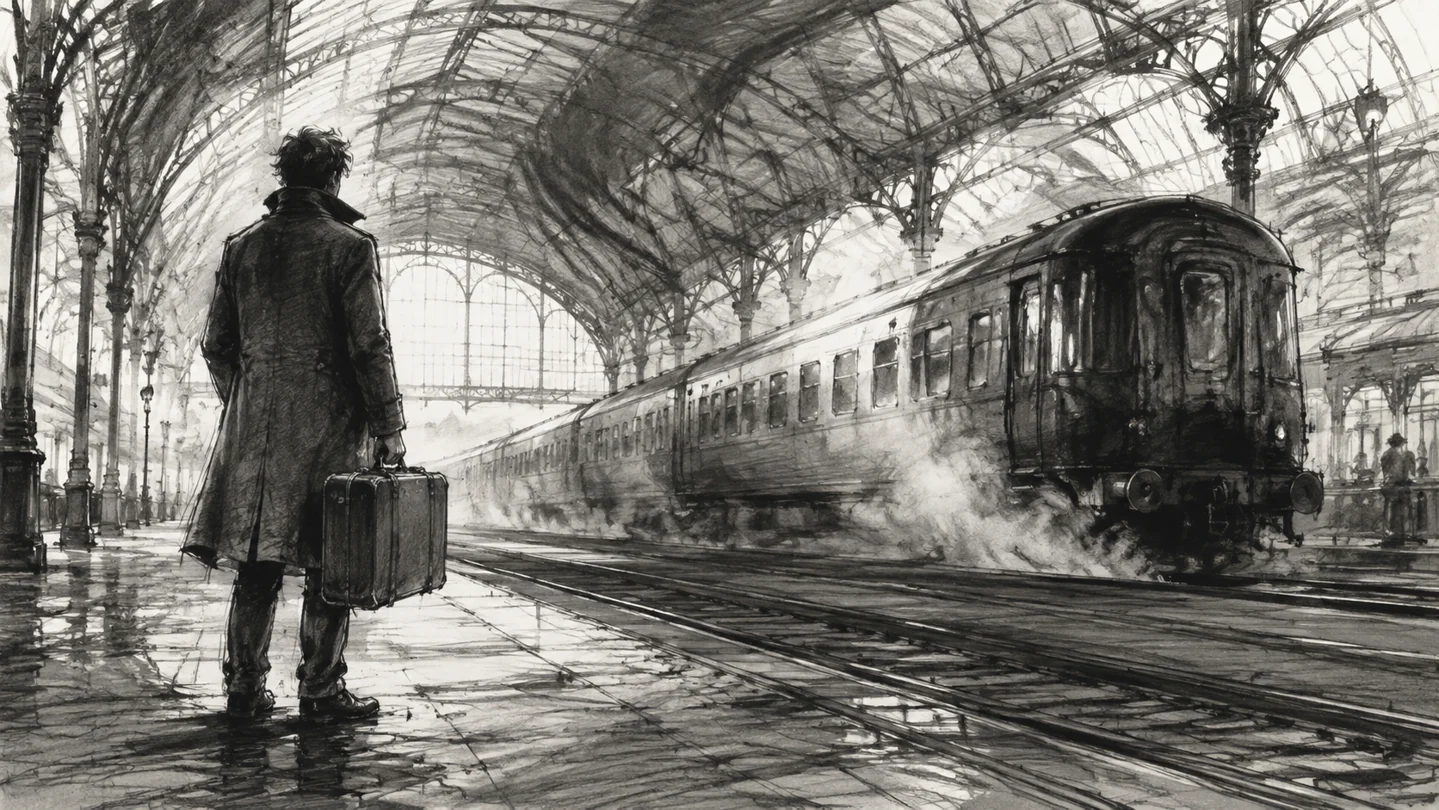
Storyboard to Video AI
Storyboard to Video AI turns drawn frames into moving shot previews. Explore camera movement and staging, sharpen your pitch, and see the scene before you shoot.
Open tool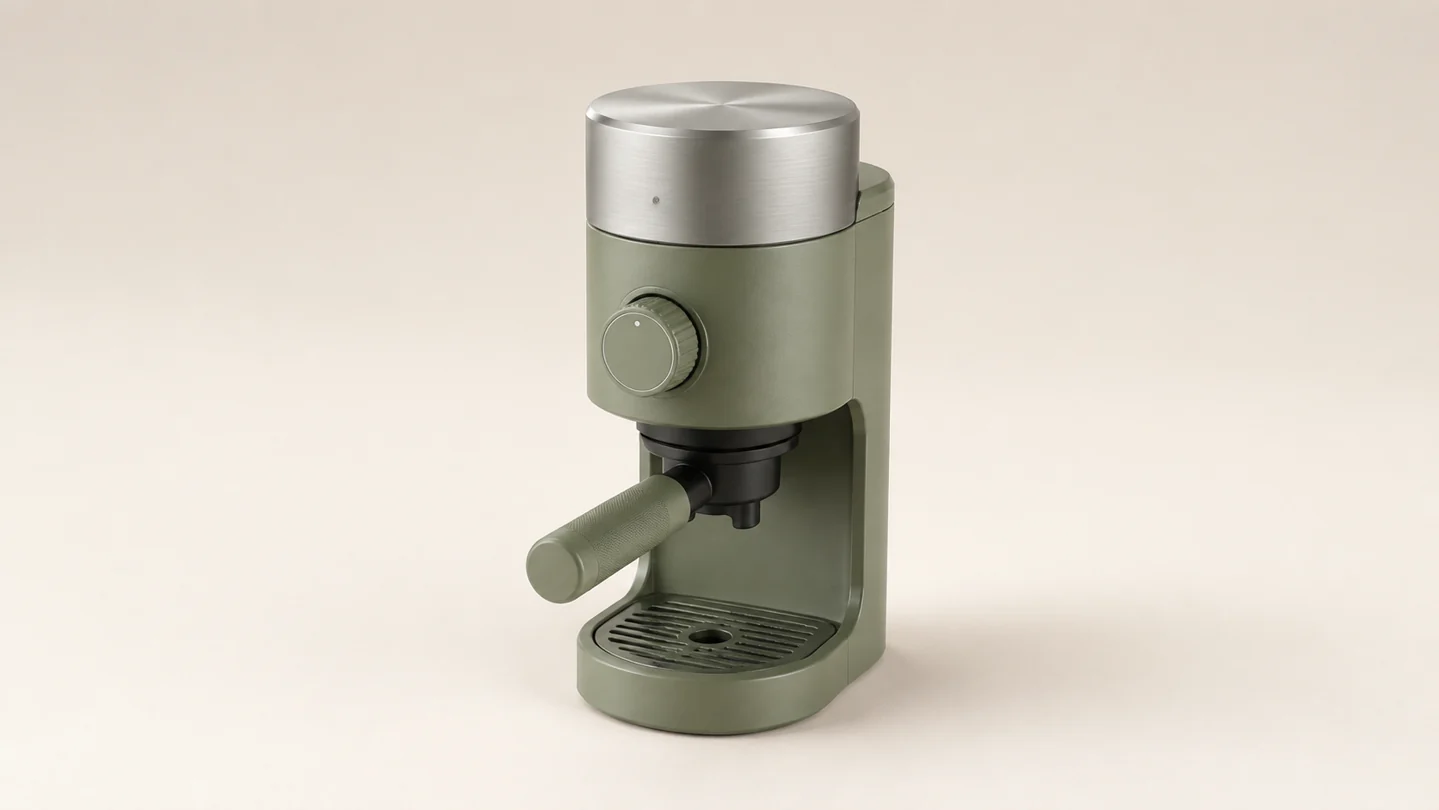
AI Product Rotation Video
Create an AI Product Rotation Video from a product photo. Direct smooth spins, reveal materials, and make your next ecommerce showcase move. Try your hero image.
Open tool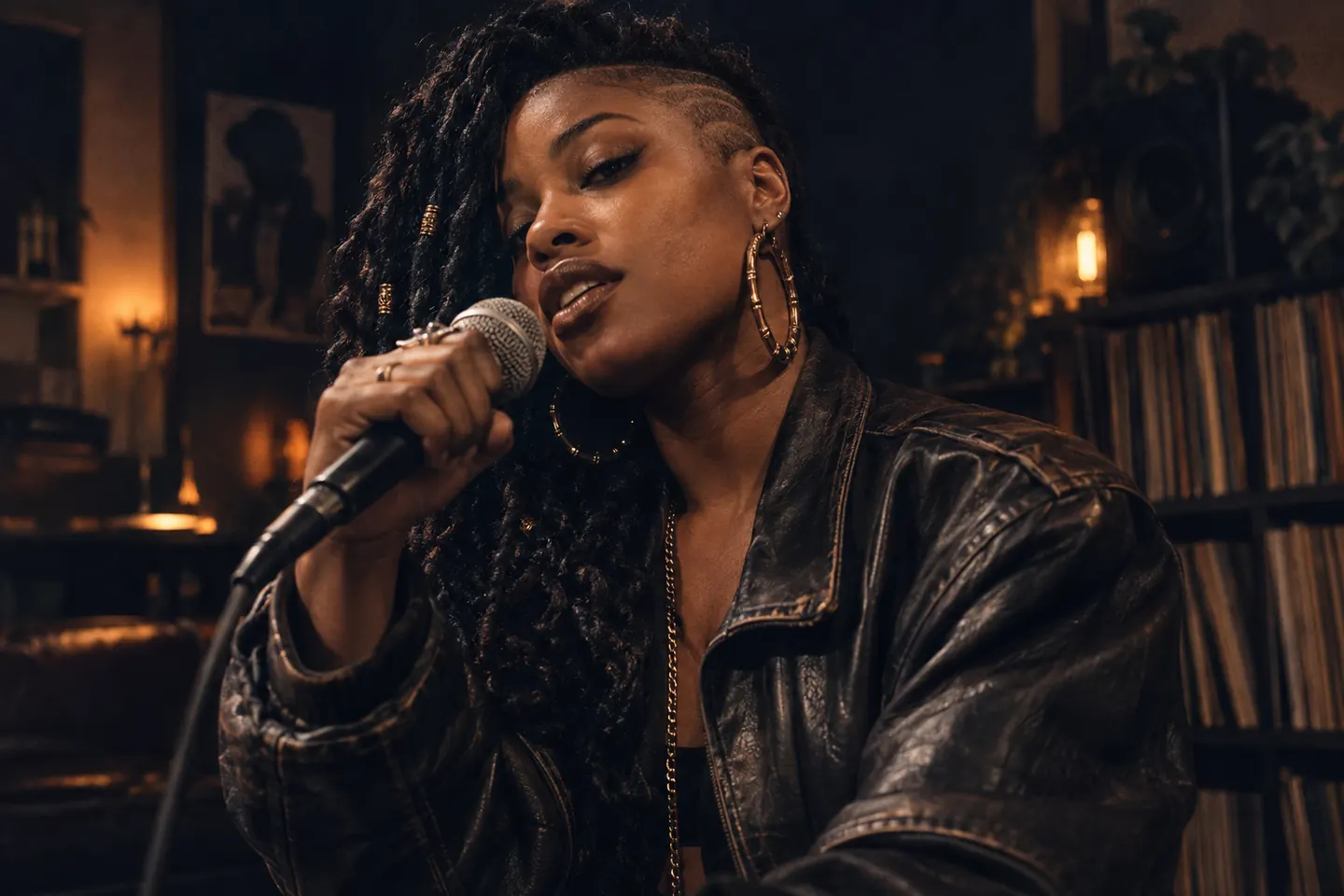
AI Rap Video Generator
Create rap videos with the AI Rap Video Generator. Make your photo rap to your own audio, animate original characters, and create music clips without filming.
Open toolTurn Your Photos Into Videos with AI — Free to Start
Sign up, claim your free credits, pick from multiple AI models, and download your video. The most flexible free AI photo to video generator available — Veo 3.1, Seedance, Kling, and more.