LogoMotion Control AI
  • Motion Control AI
    • Text to Video
    • Image to Video
    • Reference to Video
    • Video to Video
    • Frames to Video
    • Lip Sync
    • Video Edit
    • Motion Control
    • Kling 2.6
    • Kling3.0
    • Kling O3
    • Grok Imagine
    • Gemini Omni
    • Seedance 1.5 Pro
    • Seedance 2.0
    • Seedance 2.0 Fast
    • Seedance 2.0 Mini
    • HappyHorse 1.0
    • HappyHorse 1.1
    • PixVerse V6
    • MiniMax H3
    • LTX-2.3 Fast
    • LTX-2.5 Fast
    • LTX-2.5 Pro
    • LTX-2.3 Pro
    • Veo 3.1 Lite
    • Veo 3.1 Fast
    • Veo 3.1 Quality
    • Text to Image
    • Image to Image
    • GPT Image 2.5 Flare
    • GPT Image 2.5 Sunburst
    • Nano Banana
    • Nano Banana Pro
    • Nano Banana 2
    • Nano Banana 2 Lite
    • GPT Image 2
    • Z-Image Turbo
  • Pricing
  • Blog
New user bonus

20 Free Credits

Then 5 credits per check-in for 3 days

Sign up free
LogoMotion Control AI
  1. Motion Control AI
  2. AI Dance Generator
  3. AI K-pop Dance Generator

AI K-pop Dance Generator

Turn One Photo Into Your Next Dance Cover

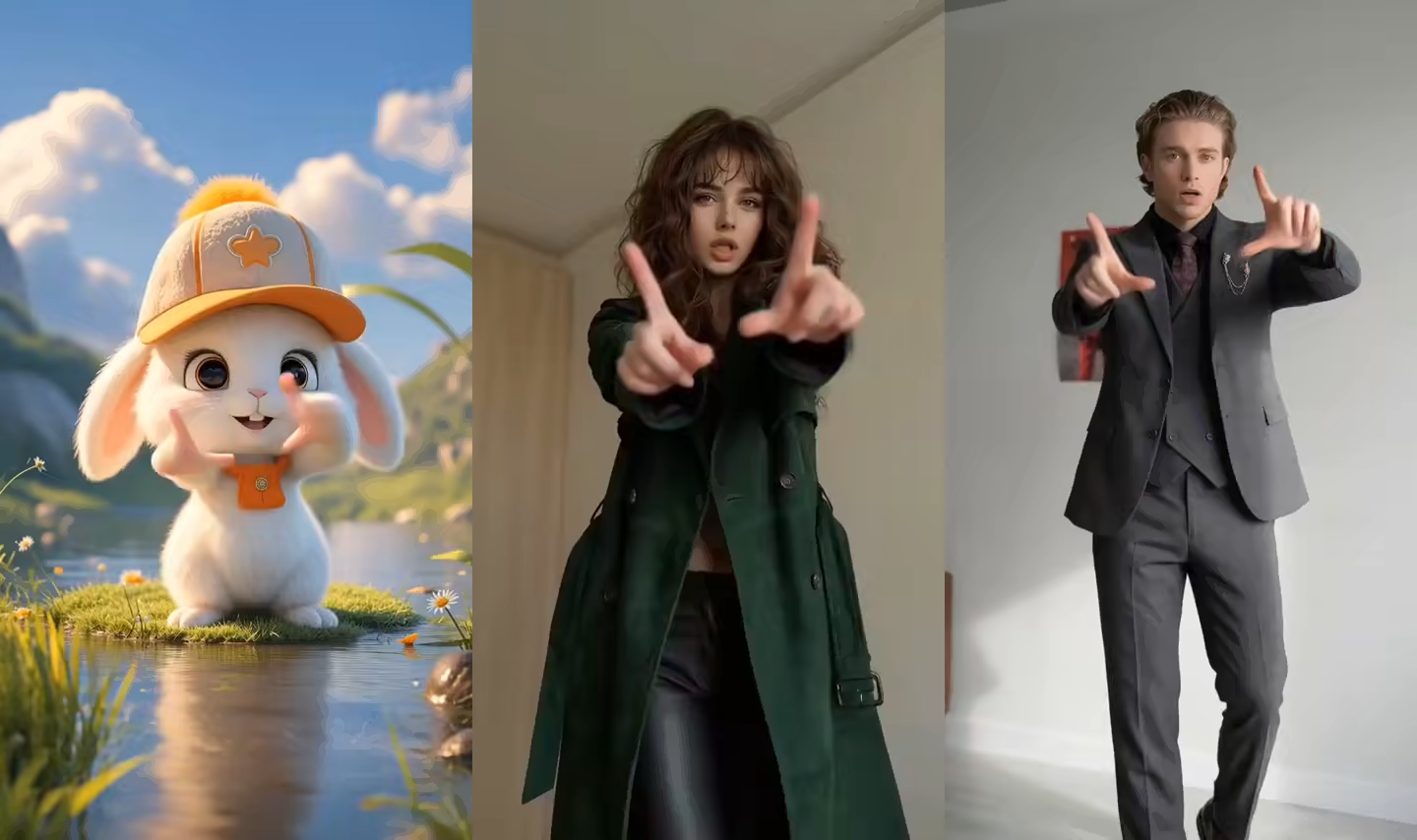
The AI K-pop Dance Generator pairs one character image with a built-in or custom reference, shaping a performance around your routine and visual mood.
One Image + One Dance ReferenceBuilt-in or Custom ChoreographyReal, Anime, and Virtual Characters
PNG, JPG · 1 image
MP4, MOV, MKV · 1 video

Upload the character image and motion reference together before generating.

Match orientation in the video · up to 30s reference.

Optional: add style, camera, or scene notes

Optional. Motion comes from the video; prompt refines the look.
Public
Private
Demo 01
Preparing generatorControls will be ready in a moment.

What the AI K-pop Dance Generator Helps You Create

Choose a character, guide the movement, and give each dance cover a clear visual direction.

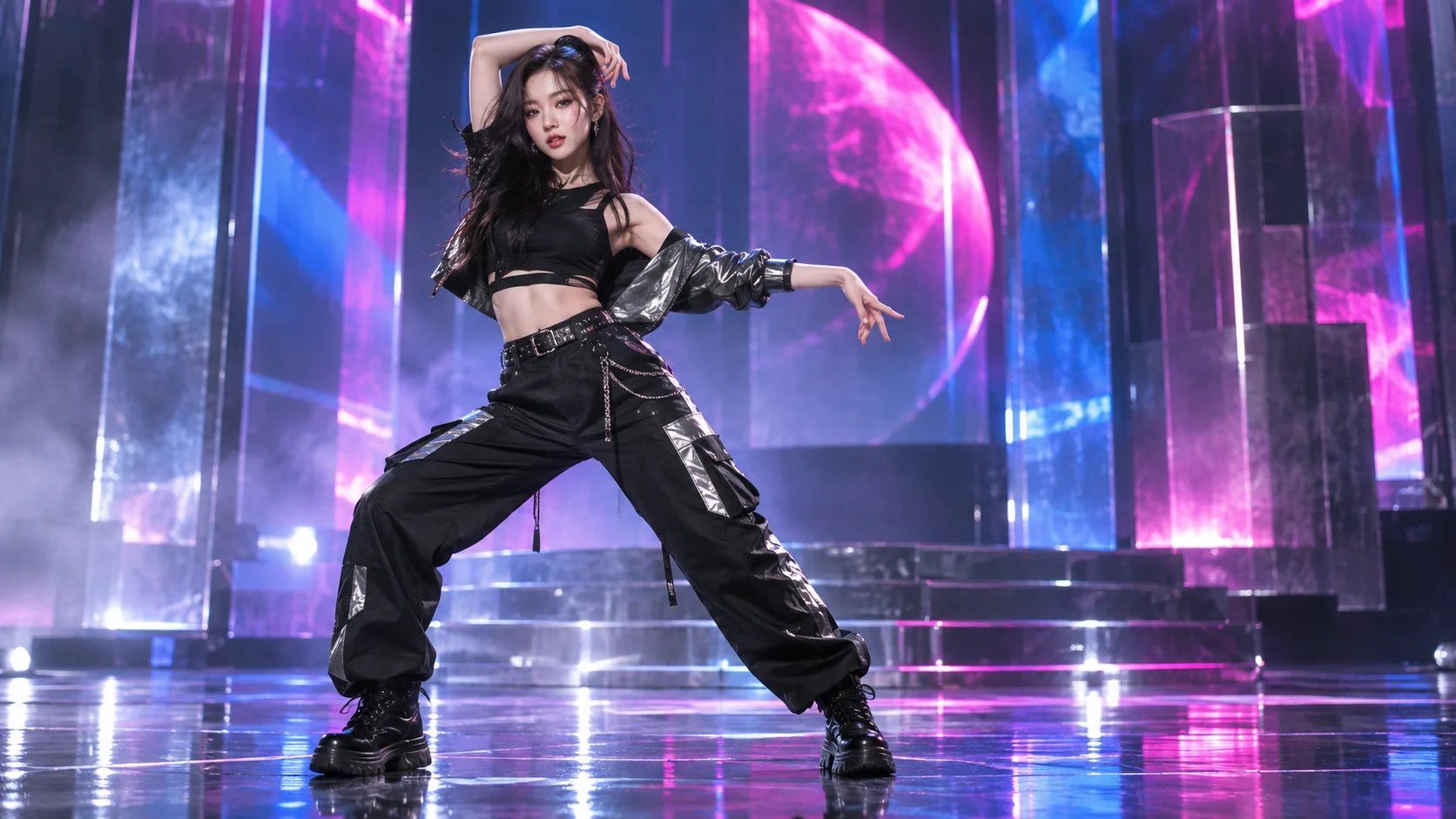
Turn a Photo Into a Dance Cover

The AI K-pop Dance Generator turns one clear portrait into a performance-led concept. Start with a person, avatar, or original character, then use visible reference motion to move beyond a static image without arranging a live shoot.
Turn a Photo Into a Dance Cover

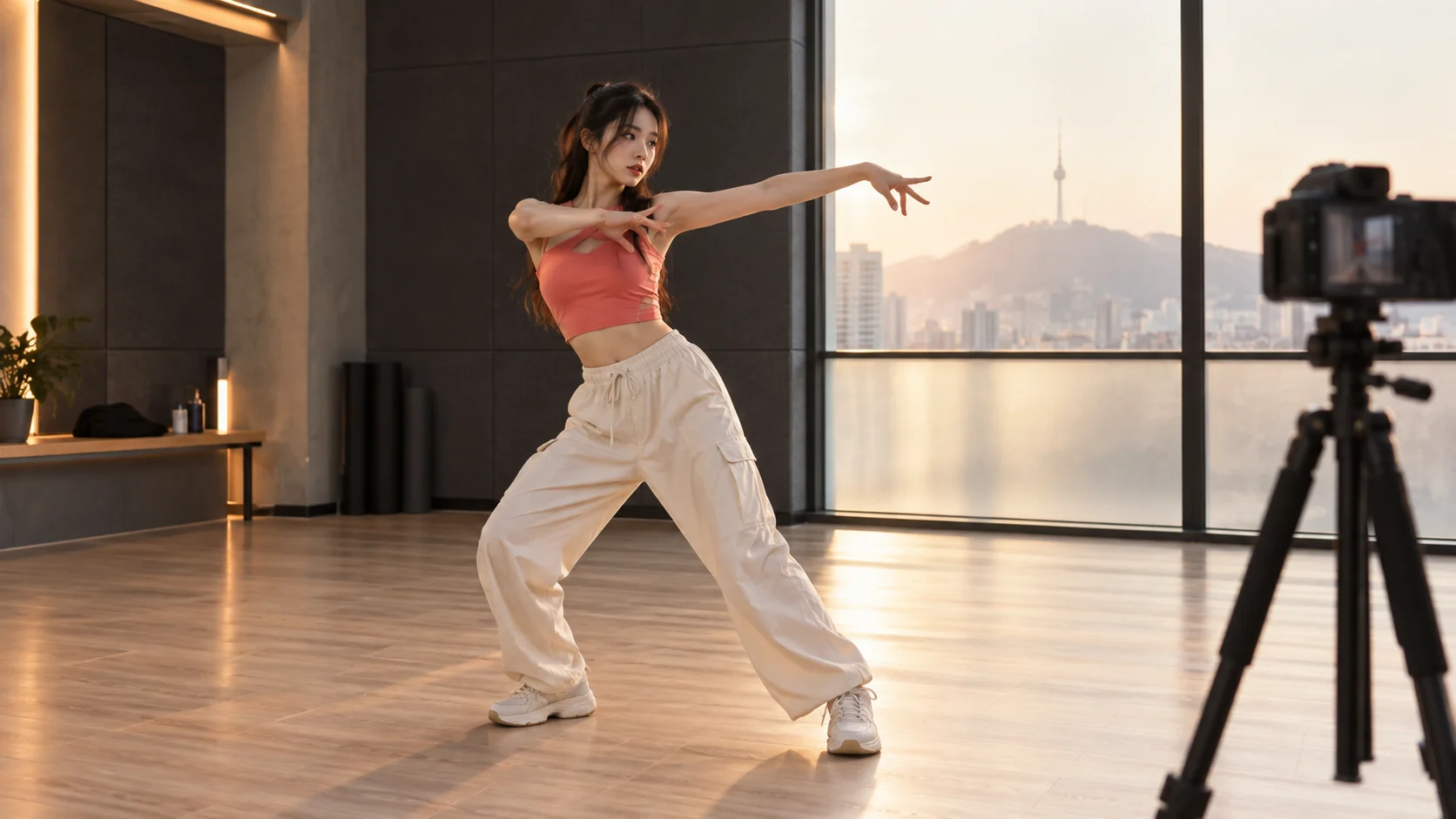
Direct Your Own Choreography

The AI K-pop Dance Generator accepts a built-in motion or your short reference clip. A stable full-body recording directs timing, gestures, steps, and turns, so your Kpop dance maker workflow needs no long choreography prompt.
Direct Your Own Choreography

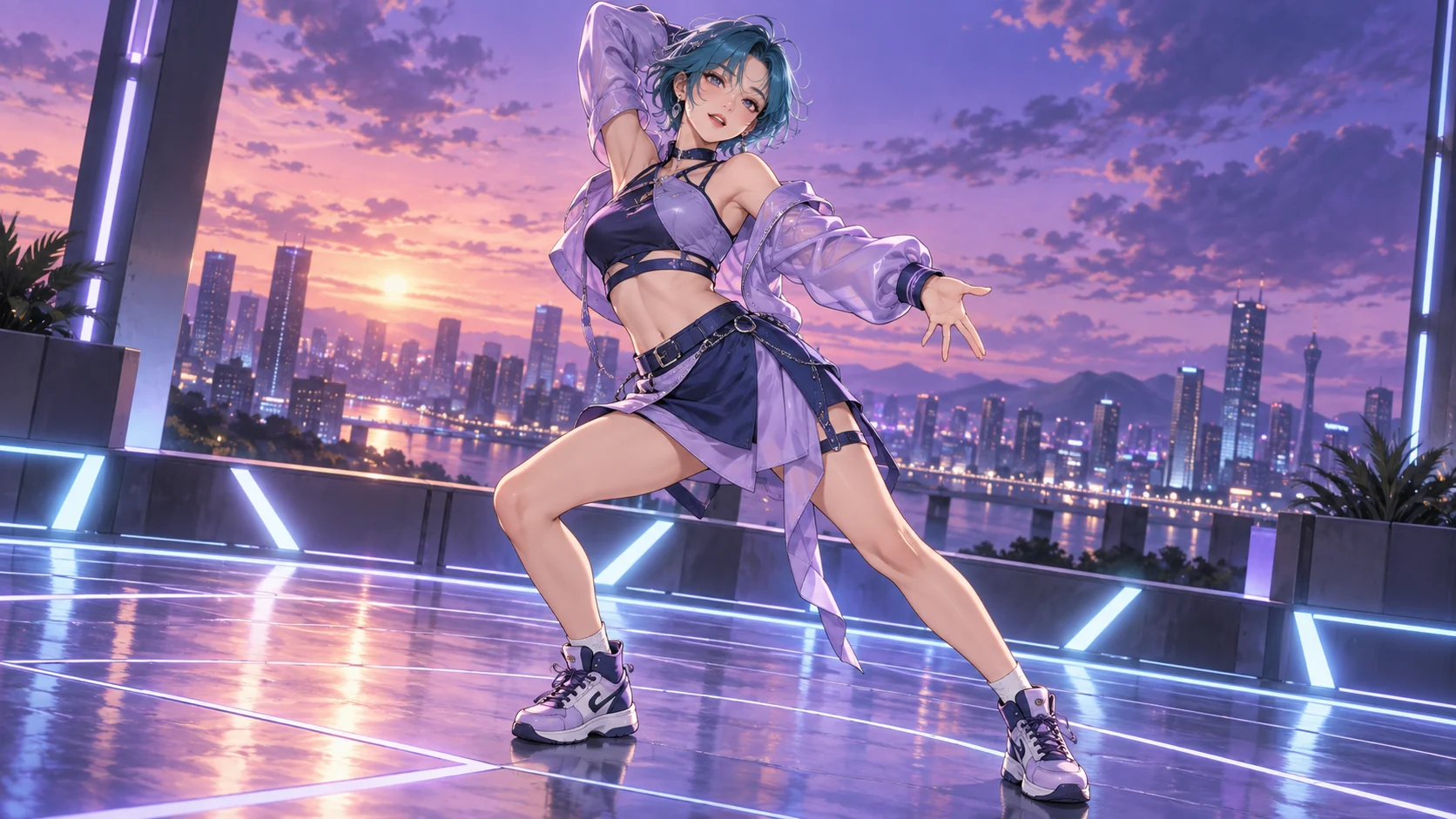
Animate Real, Anime, and Virtual Performers

The AI K-pop Dance Generator works with realistic portraits, original anime designs, 3D avatars, and other humanoid characters, opening space for fan edits, character showcases, and stylized dance concepts without manual rigging.
Animate Real, Anime, and Virtual Performers

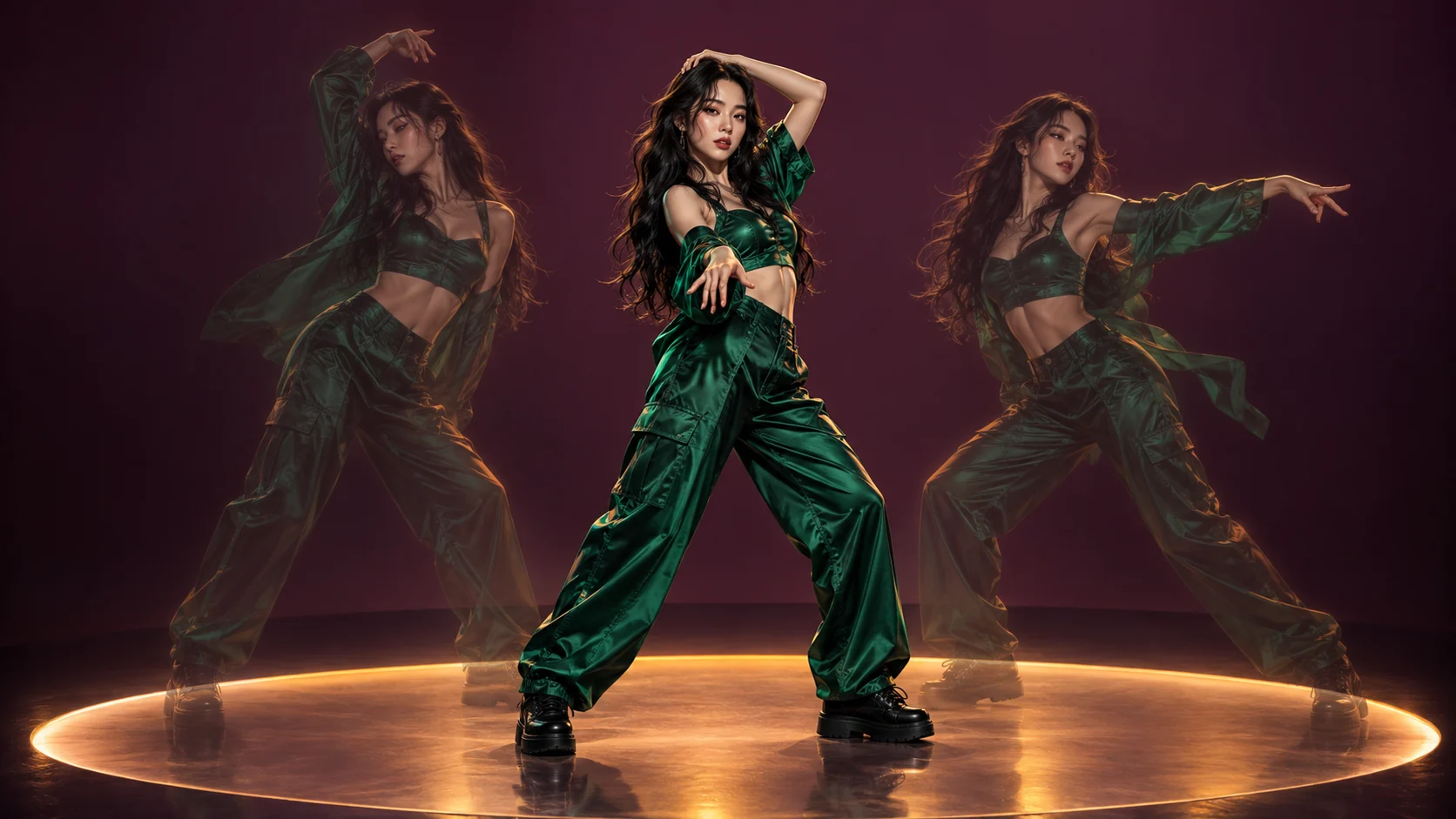
Give One Character New Routines

Reuse a strong image in the AI K-pop Dance Generator and change the reference for a new hook, chorus, or dance cover. Short, readable motions make variations easy to compare while the character stays central.
Give One Character New Routines

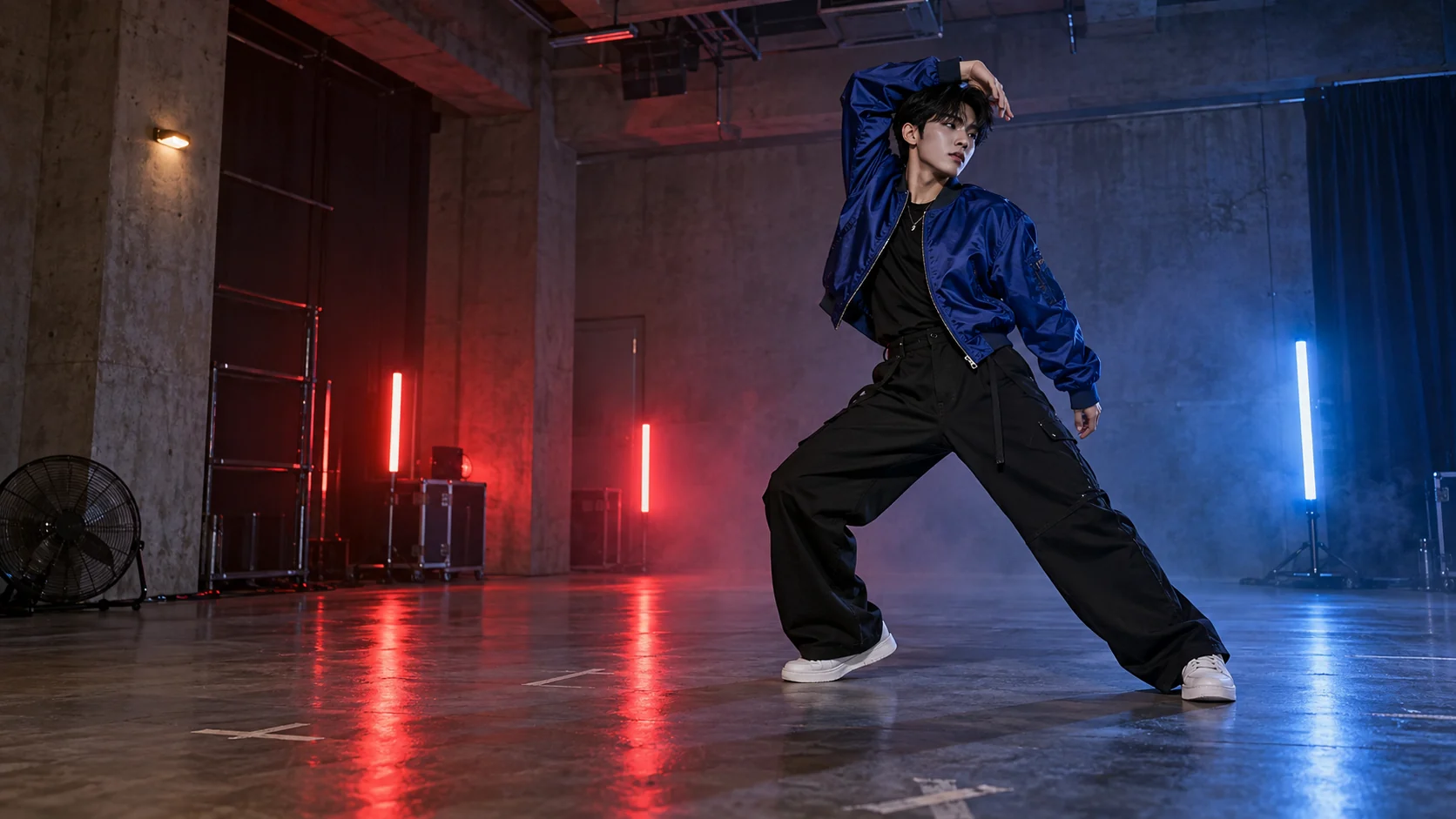
Set a Stage or Practice-Room Mood

Use the AI K-pop Dance Generator with scene direction for stage lighting, a rehearsal room, an urban set, or a fan-cam mood. A simple environment keeps attention on the performer and makes the idea feel intentional.
Set a Stage or Practice-Room Mood

How the AI K-pop Dance Generator Works

One image and one readable reference keep the setup focused.

1

Upload one character image

Give the AI K-pop Dance Generator one sharp character photo. Full-body framing helps when the routine includes footwork.

2

Choose the dance reference

Guide the AI K-pop Dance Generator with a built-in motion or a short clip showing one dancer and steady framing.

3

Generate and review

Run the AI K-pop Dance Generator, then review identity, limbs, turns, framing, and background consistency before sharing.

Use the AI K-pop Dance Generator for Creator Projects

Build short performance ideas for characters and social edits.

Social dance covers

Use the AI K-pop Dance Generator for a character-led clip for TikTok, Reels, Shorts, or a fan account.

Anime and avatar edits

The AI K-pop Dance Generator gives an illustrated or virtual performer motion for a character showcase or creative edit.

Comeback concept tests

Test stage colors, styling, and routines with the AI K-pop Dance Generator before developing a larger creative package.

Personal keepsakes

Create a profile or celebration concept with the AI K-pop Dance Generator and a permitted photo.

Why Creators Choose This AI K-pop Dance Generator

Keep choreography visual, character-led, and easy to iterate.

Reference-led control

The AI K-pop Dance Generator reads visible timing and movement, making direction clearer than a long routine description.

Character-first ideas

Start the AI K-pop Dance Generator with the character central to your concept, without manual rigging.

Fast variations

Reuse one image in the AI K-pop Dance Generator with new references to compare performance ideas.

AI K-pop Dance Generator FAQ

How do I use the AI K-pop Dance Generator?+
Upload a character image, choose a dance reference, generate, and review the result.
Can the AI K-pop Dance Generator use my reference video?+
Yes. Choose a steady shot with limited blur and one visible dancer.
Does it choreograph automatically from music?+
The AI K-pop Dance Generator transfers reference motion; it does not invent synchronized choreography from music.
What characters work with the AI K-pop Dance Generator?+
Realistic people, original anime characters, 3D avatars, and readable humanoid designs can work.
Can the AI K-pop Dance Generator reuse one character?+
Yes. Keep one source image and change the reference to compare routines.
What makes a good character image?+
The AI K-pop Dance Generator benefits from sharp details, a clear face, visible limbs, and suitable framing.
Can it make a synchronized group dance?+
The AI K-pop Dance Generator focuses on one character and does not promise stable group synchronization.
How can I improve fast turns and footwork?+
Give the AI K-pop Dance Generator a shorter reference, visible feet, limited blur, and fewer spins.

Explore Related Dance Workflows

Pair the AI K-pop Dance Generator with broader dance and publishing workflows.

AI Dance Generator

Move from the AI K-pop Dance Generator to broader character and dance styles.

Explore this workflow →

AI TikTok Dance Video Maker

Plan a short vertical dance concept for TikTok, Reels, and Shorts.

Explore this workflow →

AI Anime Dance Video Generator

Extend an AI K-pop Dance Generator idea for illustrated and anime-style characters.

Explore this workflow →

Motion Control AI Examples

Compare motion-transfer examples before choosing an image and reference video.

Explore this workflow →

Create With the AI K-pop Dance Generator

Bring the AI K-pop Dance Generator one character image and one readable dance reference.

Make a K-pop Dance VideoPricing
LogoMotion Control AI

Email
AI Tools
  • GPT Image 2.5
  • Comic to Video AI
  • Drawing to Video AI
  • Storyboard to Video AI
  • AI Product Rotation Video
  • AI Ballet Dance Generator
  • AI Fight Video Generator
  • AI UGC Avatar Generator
  • AI Avatar for Course Creators
  • AI Singing Photo Generator
  • AI Cat Dance Video Generator
  • AI Cartoon Dance Video Generator
  • AI TikTok Video Generator
  • AI Influencer Video Generator
  • AI Recruitment Video Generator
  • AI Book Trailer Generator
  • AI Avatar for Real Estate Agents
  • Frames to Video
  • Image to Image
  • Text to Video AI
  • Reference to Video AI
  • AI Video Editor
  • AI Fashion Model Video Generator
  • All AI Tools
AI Models
  • GPT Image 2.5
  • Kling AI Motion Control
  • Kling 3.0 AI Video Generator
  • MiniMax H3 AI Video Generator
  • Gemini Omni
  • All AI Models
Company
  • About
  • Contact
  • Changelog
Legal
  • Cookie Policy
  • Privacy Policy
  • Acceptable Use Policy
  • Terms of Service
© 2026 Motion Control AI[email protected]We are not affiliated with the model providers. All trademarks belong to their respective owners.