AI Video Maker TikTok DanceTurn Photos into Viral Dances

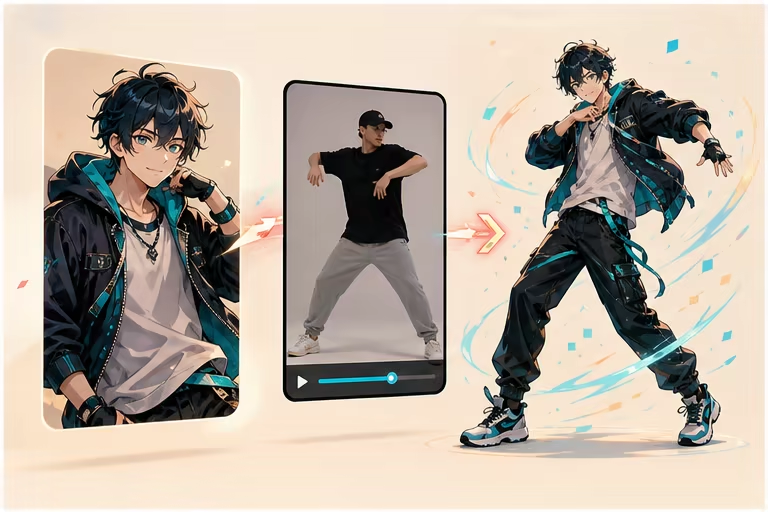
Upload a photo, pick a trending TikTok dance, and watch AI turn it into a smooth, realistic dance video. Free to try, no watermark, ready in under a minute — optimized for TikTok, Instagram Reels, and YouTube Shorts.
Photo to TikTok Dance in Under a MinuteNo Watermark · HD ExportUpload Your Own Dance Reference

Upload a JPG or PNG image larger than 300px.

Upload a 3-30 second MP4, MOV, or MKV clip. The allowed max length depends on character orientation.

Upload the character image and motion reference together before generating.

Match orientation in the video · up to 30s reference.

Optional. Motion comes from the video; prompt refines the look.
Billed video 5s | first 5s = 60 credits | extra +10/s | total 60

AI TikTok Dance Video Maker Demo

What the AI Video Maker TikTok Dance Can Do

Five capabilities that turn your photo into a shareable TikTok dance video — more than just an AI clip generator.

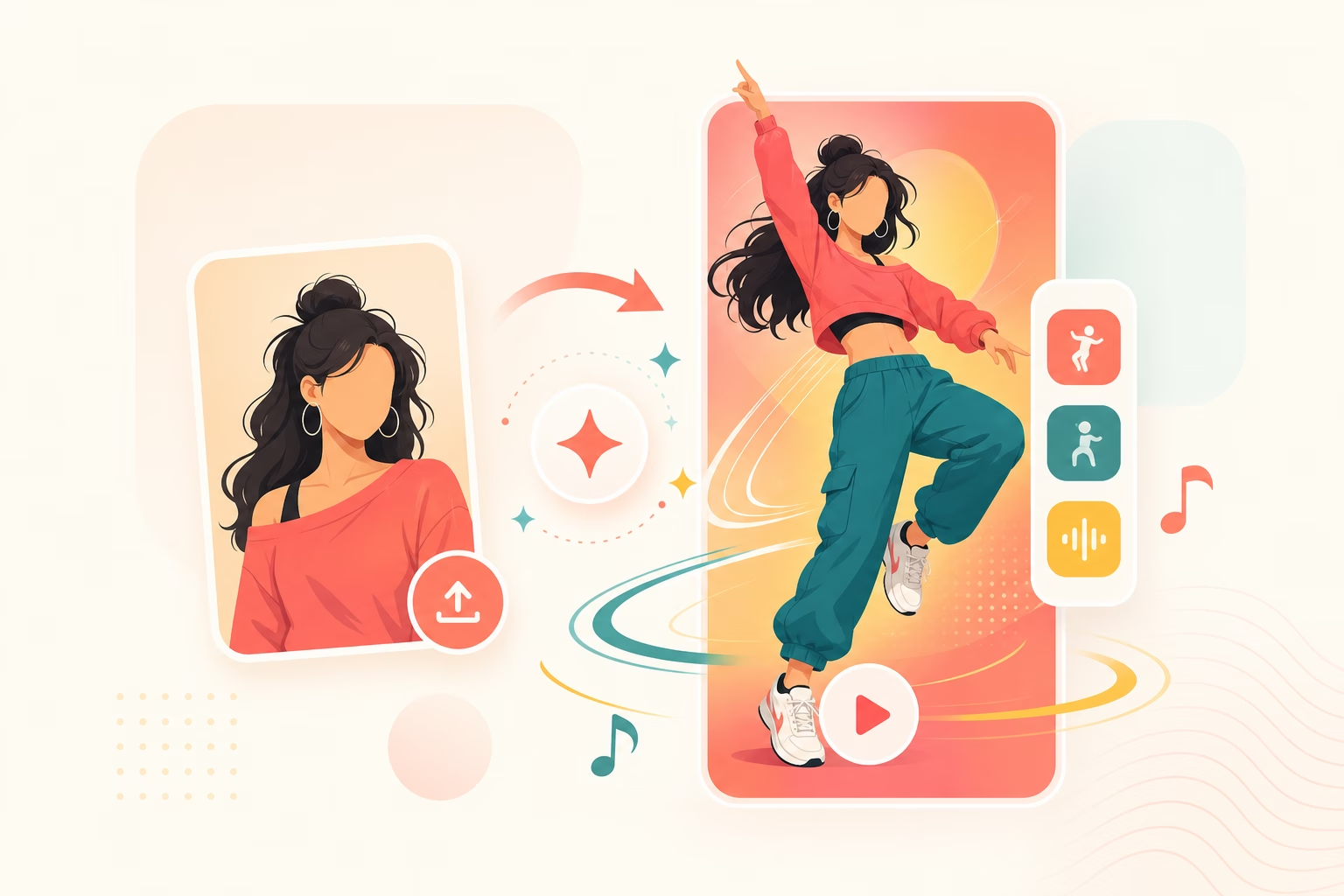
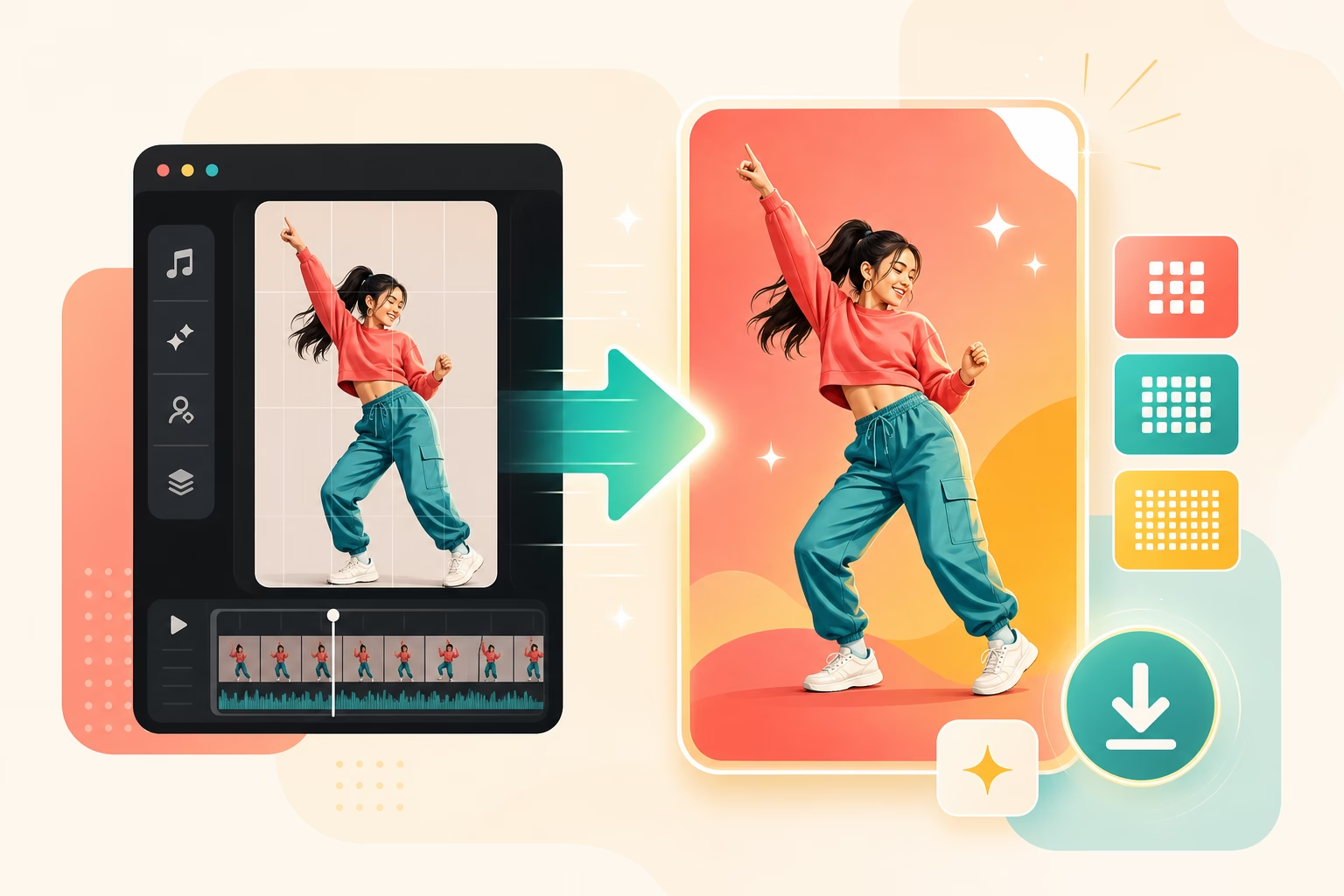
Photo to TikTok Dance in One Shot

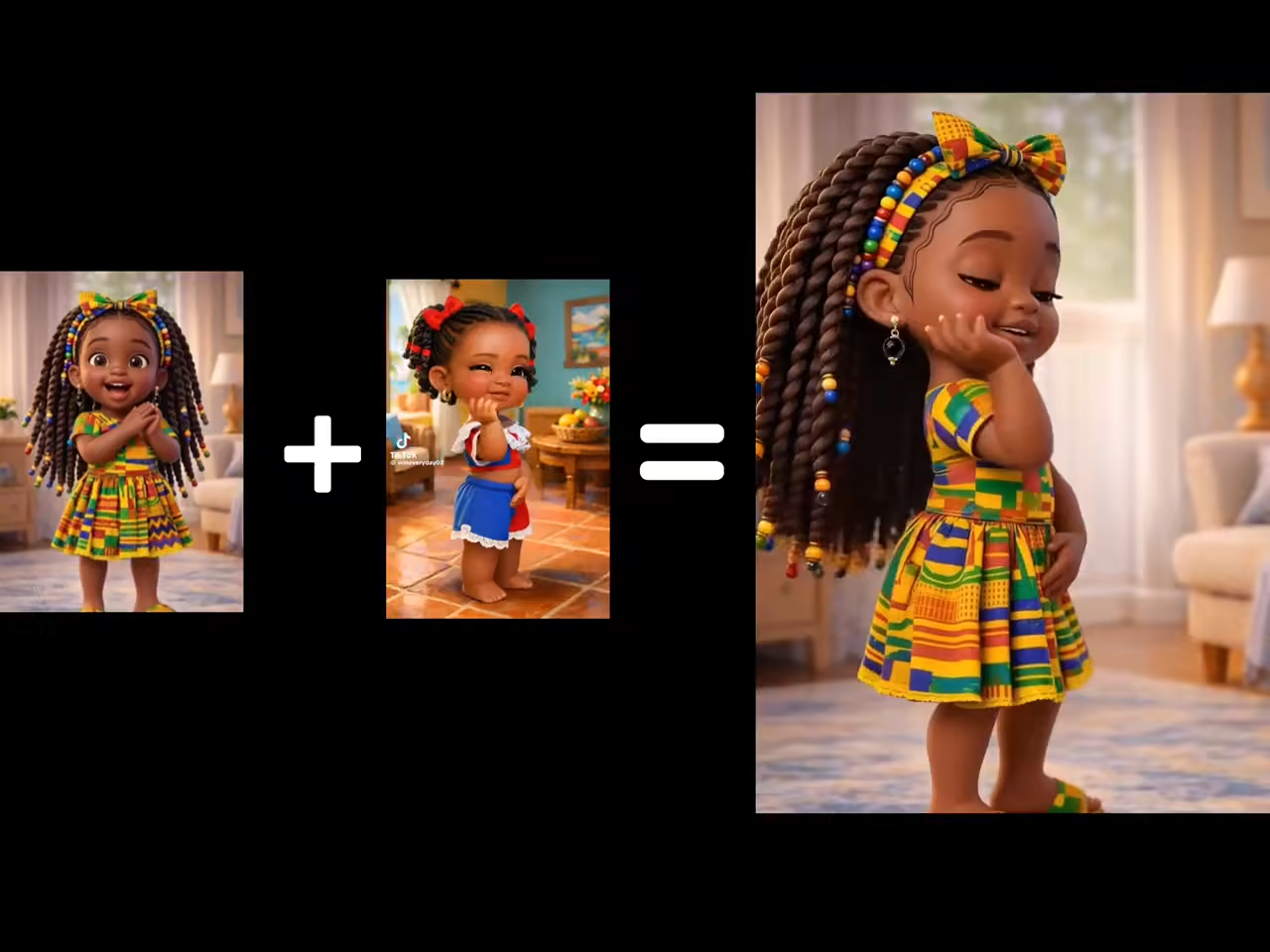
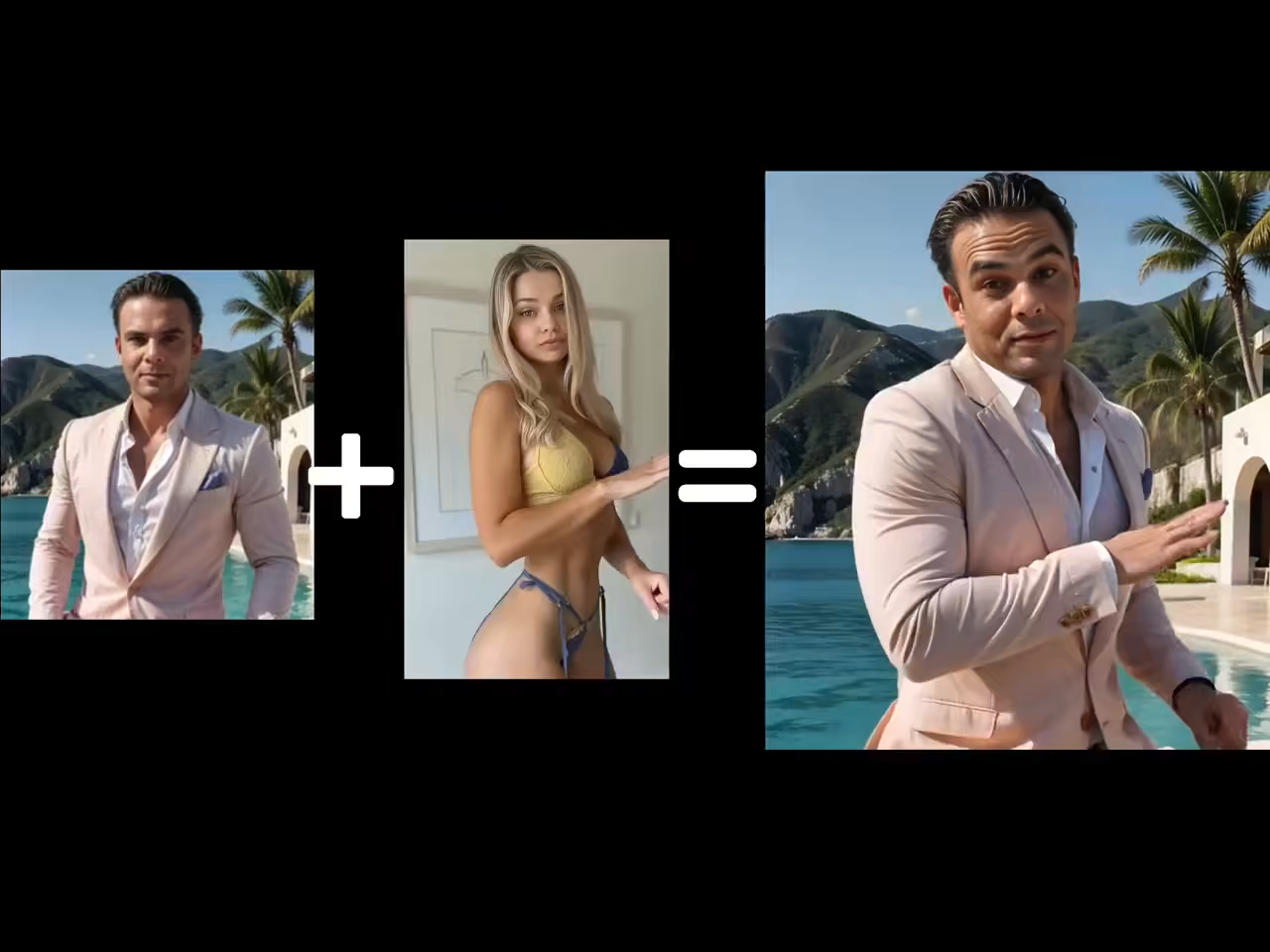
Upload a single image and get a full-body dance video with natural motion, optimized for TikTok's 9:16 vertical format. No dancing skills, no multi-step pipeline — one photo, one dance reference, one viral-ready video.

Photo to TikTok Dance in One Shot

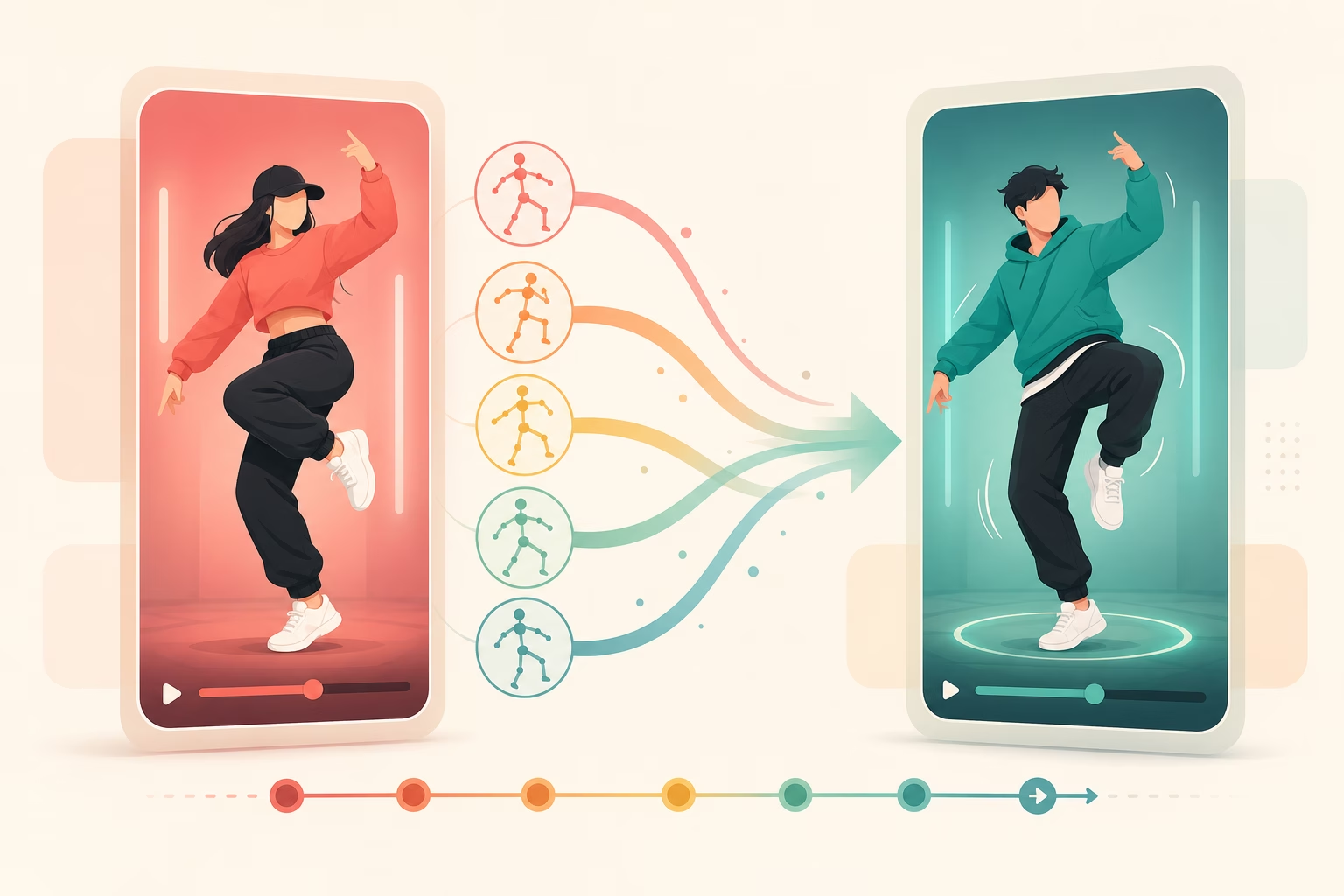
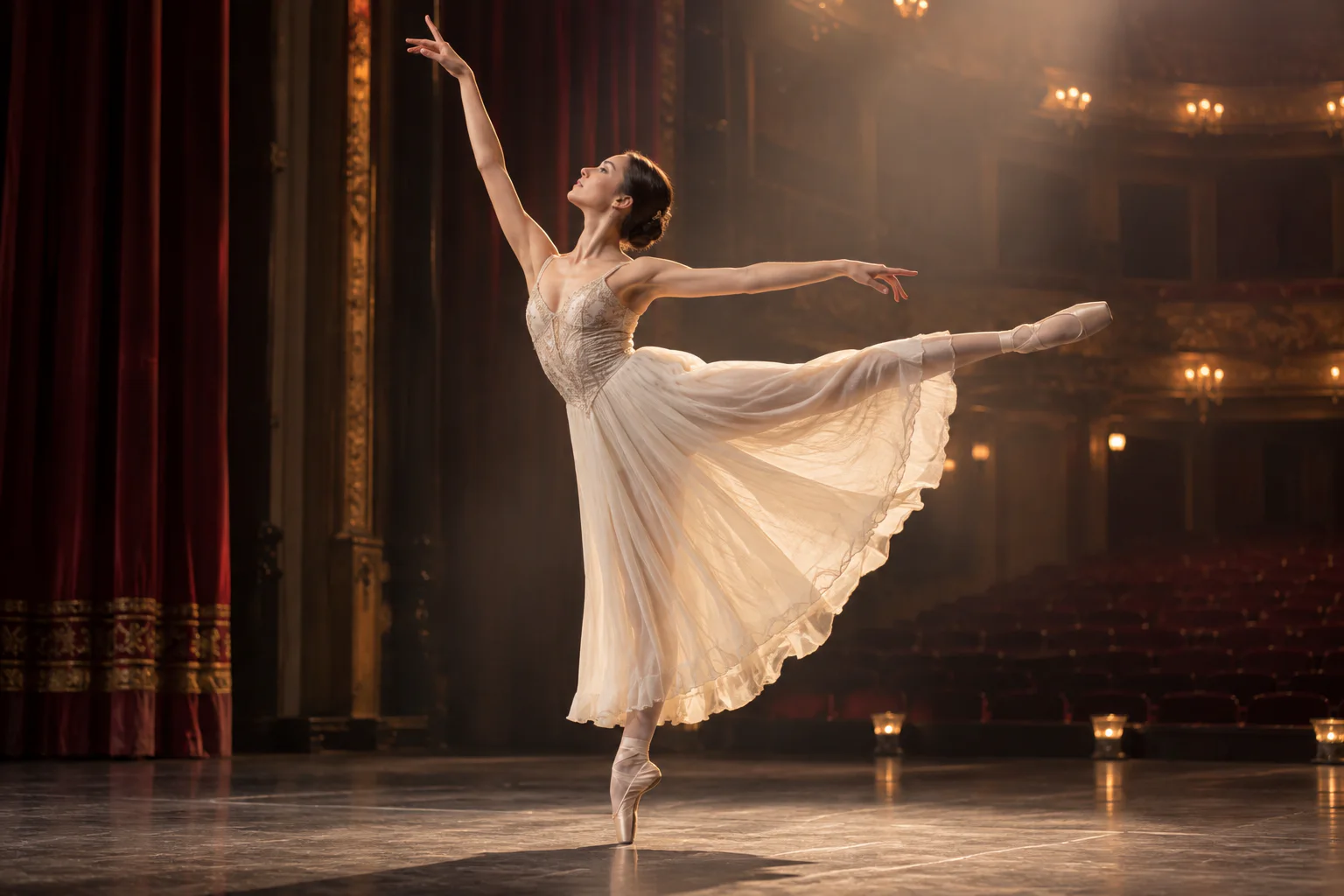
Upload Your Own Dance as Reference

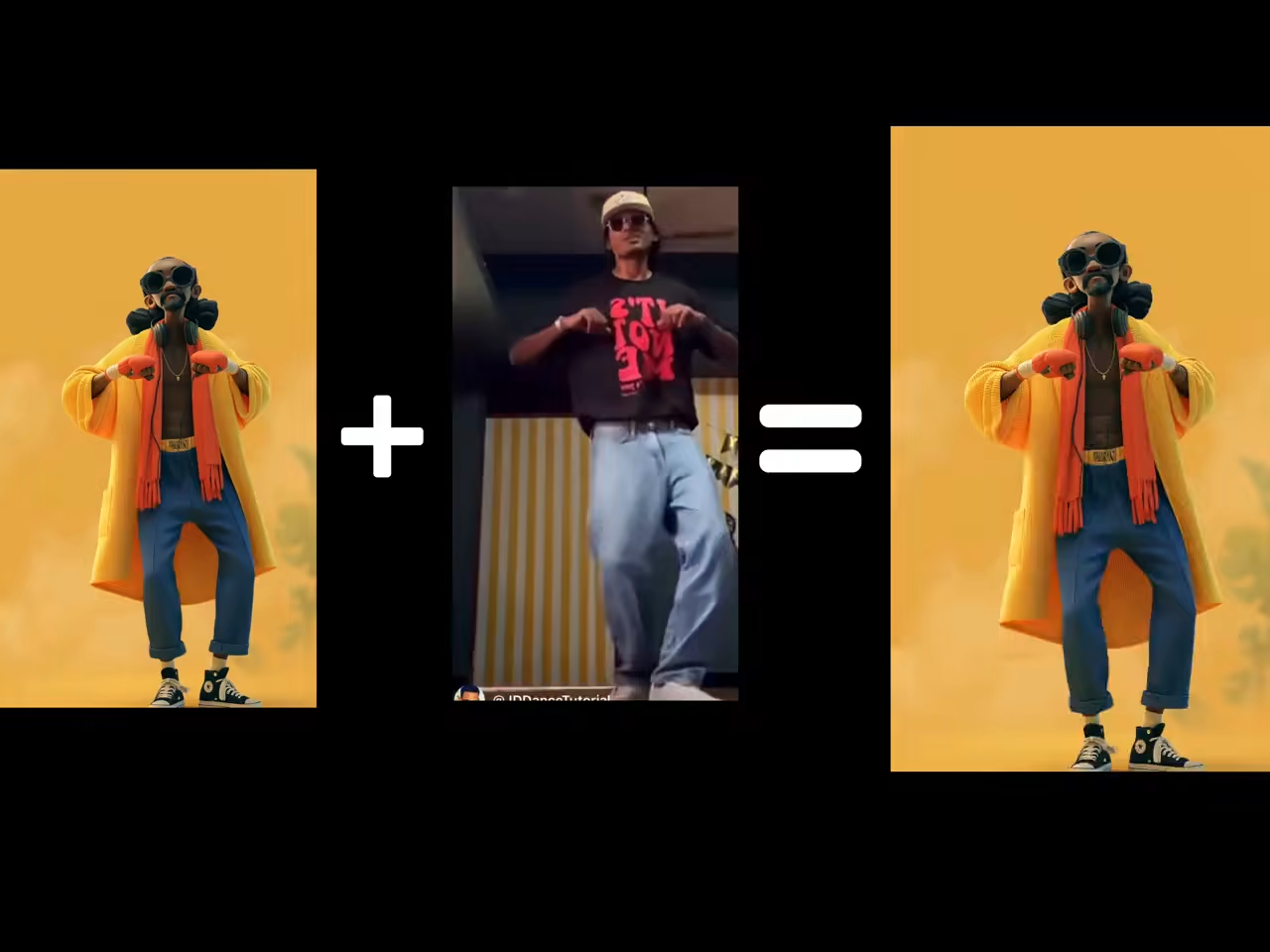
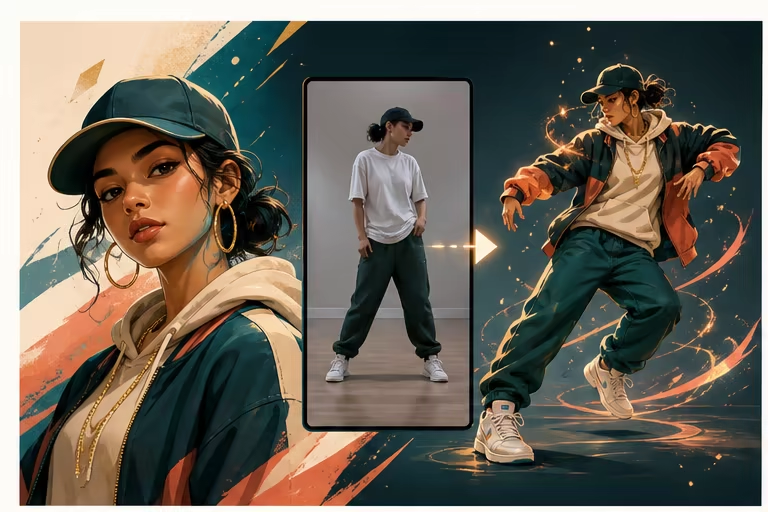
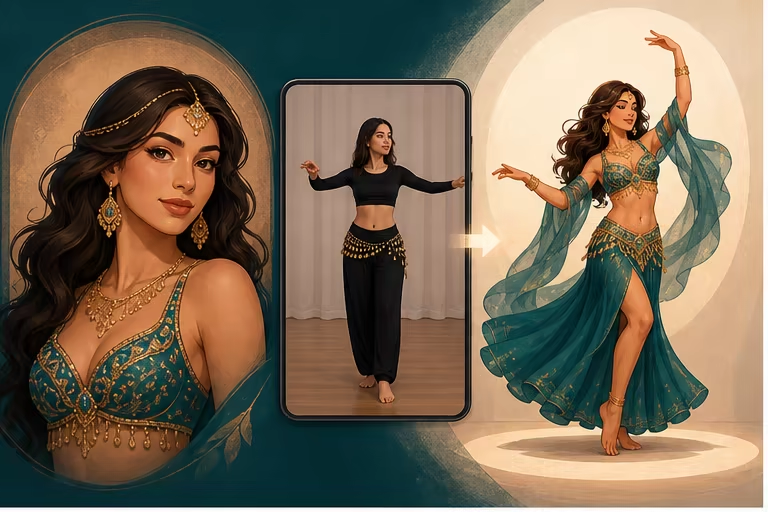
Found a TikTok dance you love? Upload any dance video as a custom motion reference. The AI maps those exact moves onto your photo — your character performs that exact choreography, your way.

Upload Your Own Dance as Reference

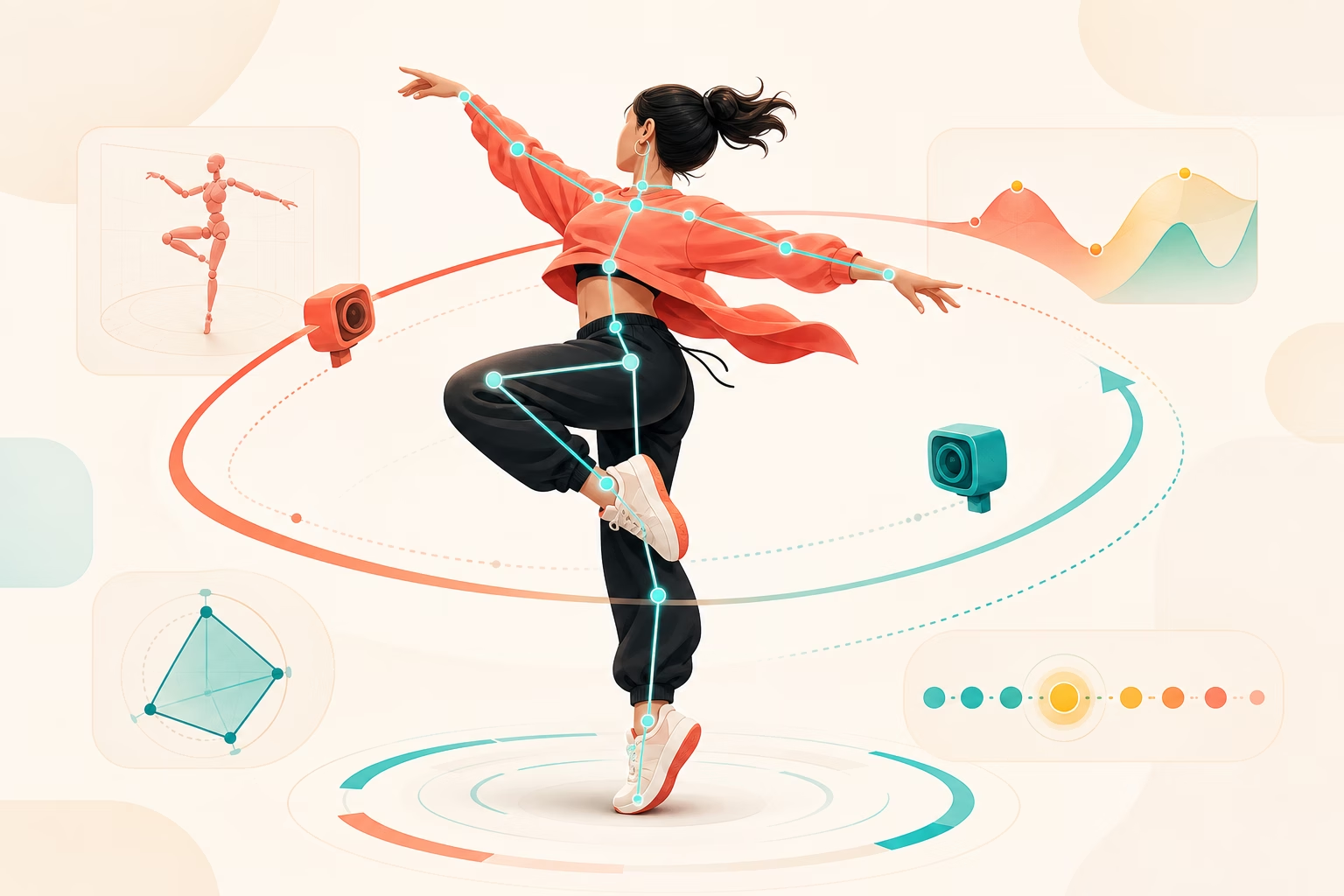
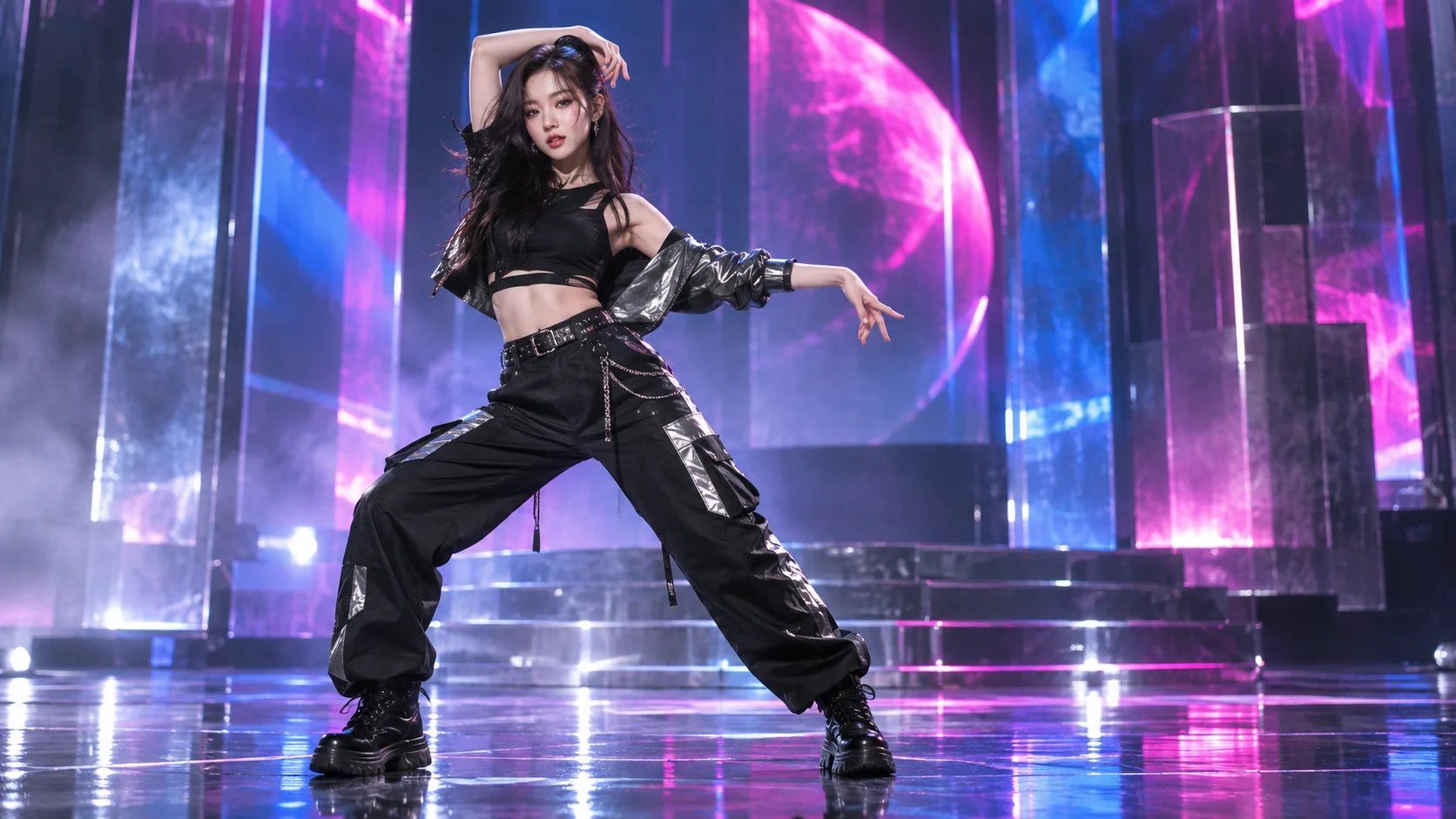
Realistic 3D-Aware Dance Motion

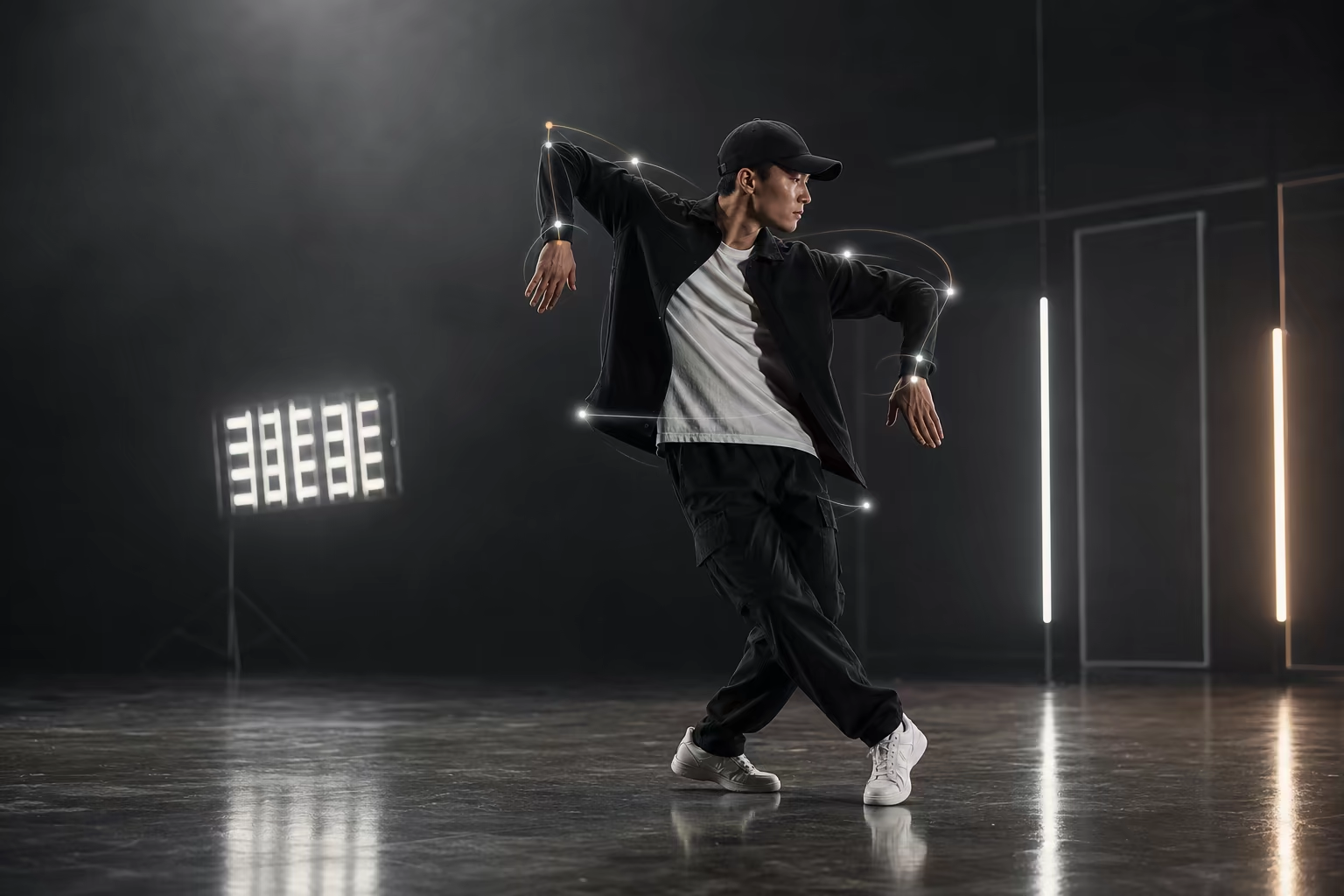
Dance is one of the hardest things for AI — fast spins, overlapping limbs, and beat timing all need to feel right. Our model understands 3D body mechanics, so your character moves naturally without twisted limbs or melting faces, even through complex choreography.

Realistic 3D-Aware Dance Motion

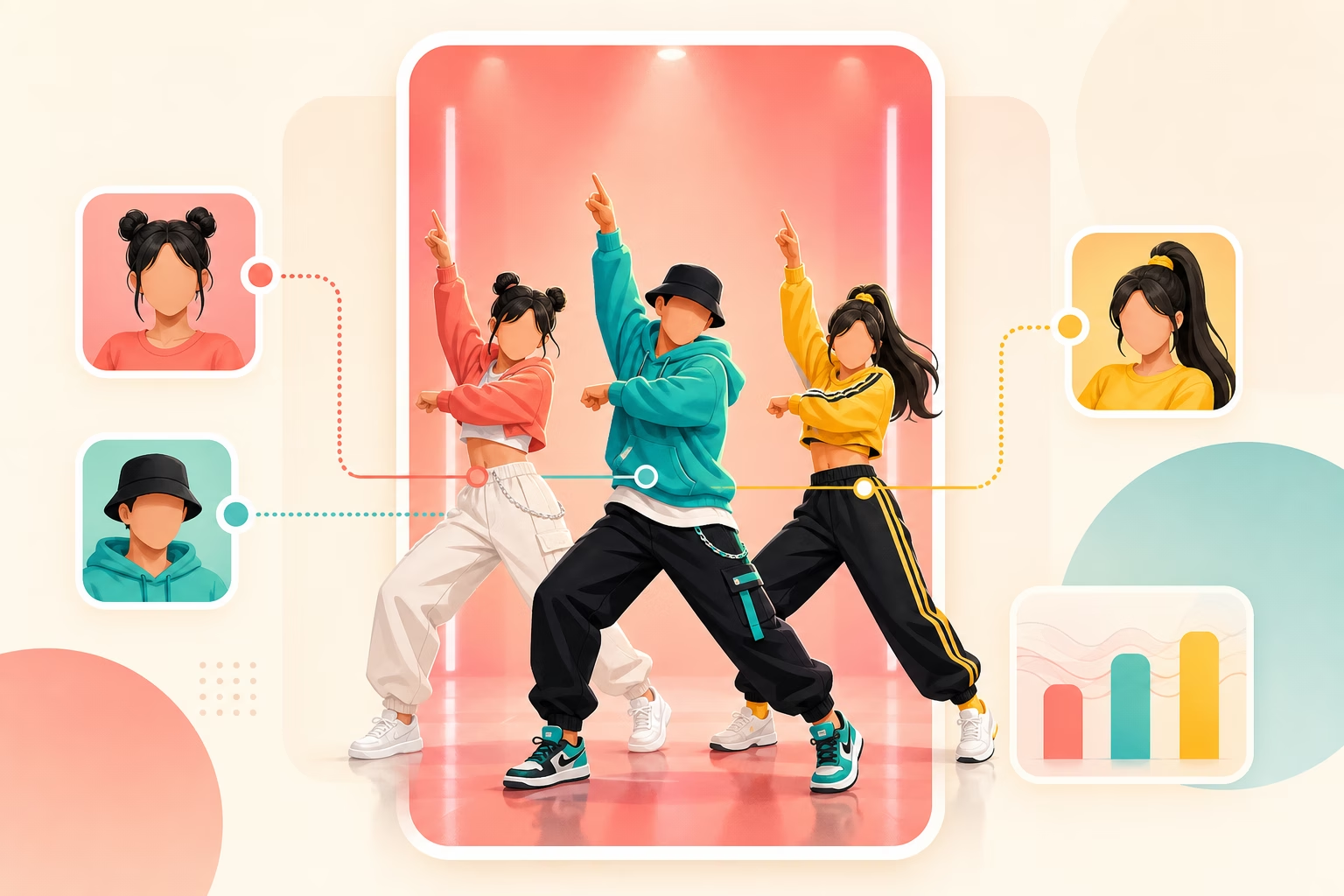
Multi-Character Group Dance

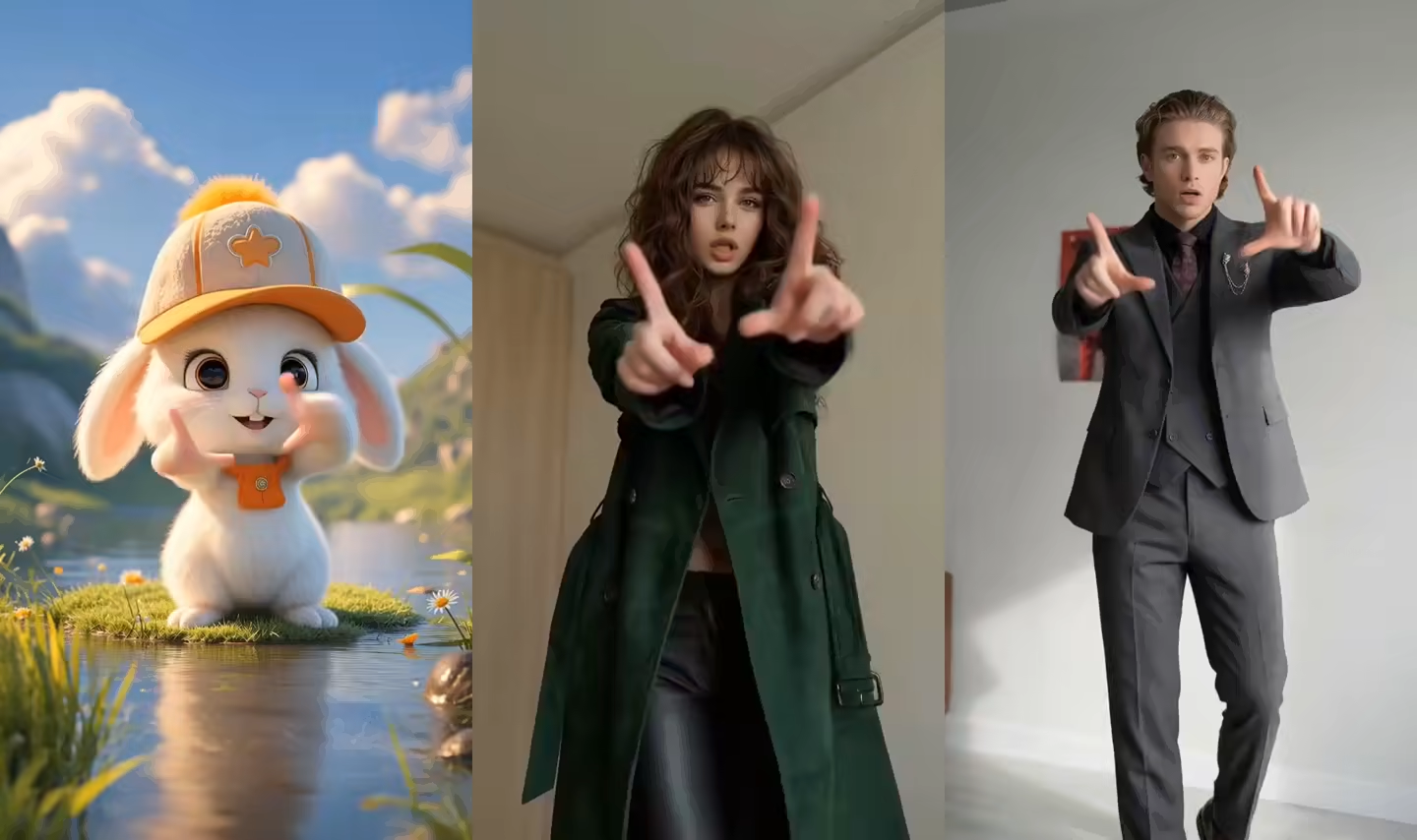
Upload multiple photos and assign different faces to each dancer in the same video. Perfect for group TikTok edits, friend challenges, and fandom content with multiple characters dancing synchronized choreography.

Multi-Character Group Dance

Watermark-Free HD Export for TikTok

Download your dance video as a clean MP4 with no watermark, ready to post. Native 9:16 vertical aspect ratio optimized for TikTok, Instagram Reels, and YouTube Shorts — no compression artifacts, no quality tricks.

Watermark-Free HD Export for TikTok

How the AI TikTok Dance Video Maker Works

Three simple steps to turn any photo into a trending dance video. No choreography skills, no filming yourself, no editing required.

1

Upload a photo

Any JPG, PNG, or WEBP works. Selfies, full-body shots, pet photos, cartoon characters, or brand mascots — upload once and reuse across different TikTok dance styles.

2

Upload a dance reference video

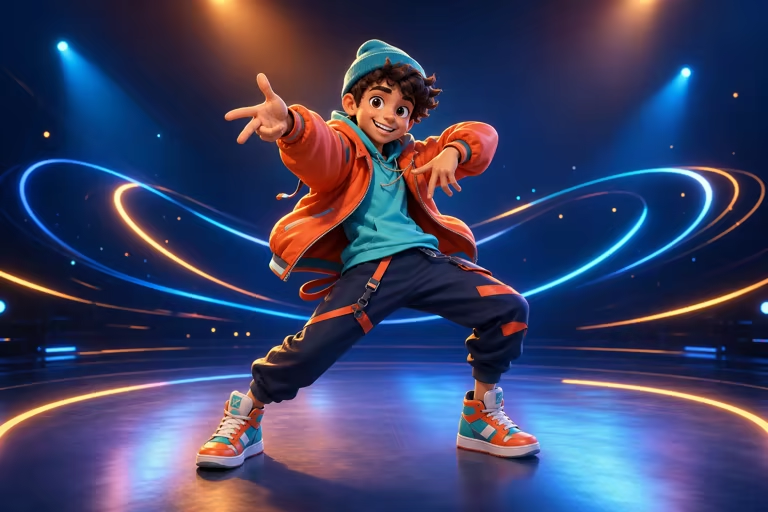
Drop in a short dance video — any TikTok viral challenge, K-pop choreography, hip hop move, or funny meme dance you want your character to perform. The AI maps the exact motion from the reference video onto your photo.

3

Generate and share to TikTok

Your dance video is ready in under a minute. Preview it, download the watermark-free MP4 in 9:16 vertical format, and share directly to TikTok, Instagram Reels, YouTube Shorts, or anywhere.

Motion Control AI Pricing — Basic, Pro, Max

Choose a monthly credit plan for Motion Control AI. Any plan or credit pack unlocks more video and image generation models; use credits for text-to-image, image-to-image, text-to-video, image-to-video, first/last-frame video, and motion control. Exports are watermark-free with full commercial use rights.

Basic

$15.9/month

Unlock video and image generation. With 1,200 credits, generate up to about 600 basic images at 2 credits each.


  • 1,200 credits included every month
  • Up to about 600 basic images at 2 credits per image
  • About 20 standard videos at 60 credits per video
  • Unlock advanced video and image models, including Kling, Veo, Seedance, LTX, Nano Banana, GPT Image 2, and more
  • Supports text-to-image, image-to-image, text-to-video, image-to-video, first/last-frame video, and motion control
  • Full commercial use rights included
  • 24/7 customer support
  • No watermark on exported videos
    Popular

    Pro

    $29.9/month

    For steady image and video production. With 3,000 credits, generate up to about 1,500 basic images at 2 credits each.


    • 3,000 credits included every month
    • Up to about 1,500 basic images at 2 credits per image
    • About 50 standard videos at 60 credits per video
    • Unlock advanced video and image models, including Kling, Veo, Seedance, LTX, Nano Banana, GPT Image 2, and more
    • Supports text-to-image, image-to-image, text-to-video, image-to-video, first/last-frame video, and motion control
    • Full commercial use rights included
    • 24/7 customer support
    • No watermark on exported videos

      Max

      $69.9/month

      For teams and high-volume production. With 8,000 credits, generate up to about 4,000 basic images at 2 credits each.


      • 8,000 credits included every month
      • Up to about 4,000 basic images at 2 credits per image
      • About 133 standard videos at 60 credits per video
      • Unlock advanced video and image models, including Kling, Veo, Seedance, LTX, Nano Banana, GPT Image 2, and more
      • Supports text-to-image, image-to-image, text-to-video, image-to-video, first/last-frame video, and motion control
      • Full commercial use rights included
      • 24/7 customer support
      • No watermark on exported videos
        Top up

        Need more credits?

        One-time purchase. Add credits anytime — works alongside any plan.

        Best value
        $9.9600credits
        Valid for 30 days600 credits that unlock advanced models. Generate up to about 300 basic images at 2 credits each, or about 10 standard videos. Valid for 30 daysCredit packs also unlock advanced video and image generation; only the credit amount and validity differ

        Who Is the AI TikTok Dance Video Maker For?

        From TikTok creators to K-pop fans — anyone can turn a photo into a viral dance video in minutes.

        TikTok & Reels Creators

        A viral dance trend is blowing up but you don't have time to learn the choreo, film yourself, and edit. Find a clip of the dance, upload your photo, and post a dance video in minutes — ride TikTok trends while they're still hot.

        K-Pop Fans & Fandom Editors

        Want to see your favorite character dancing to the latest idol comeback choreography? Find a K-pop dance clip you love, upload a photo, and create fan edits that stand out in your community and on TikTok.

        Anyone Who Doesn't Want to Film Themselves

        Join every viral TikTok dance challenge without stepping in front of a camera. Use an avatar, a character image, or your pet's photo instead. Get all the engagement and fun without the discomfort of filming yourself dancing.

        Social Media Managers & Brands

        Need fresh short-form content on a regular schedule? Generate dance videos starring your brand mascot or product character without organizing a single shoot. Consistent TikTok-ready output, zero logistics.

        Pet Owners

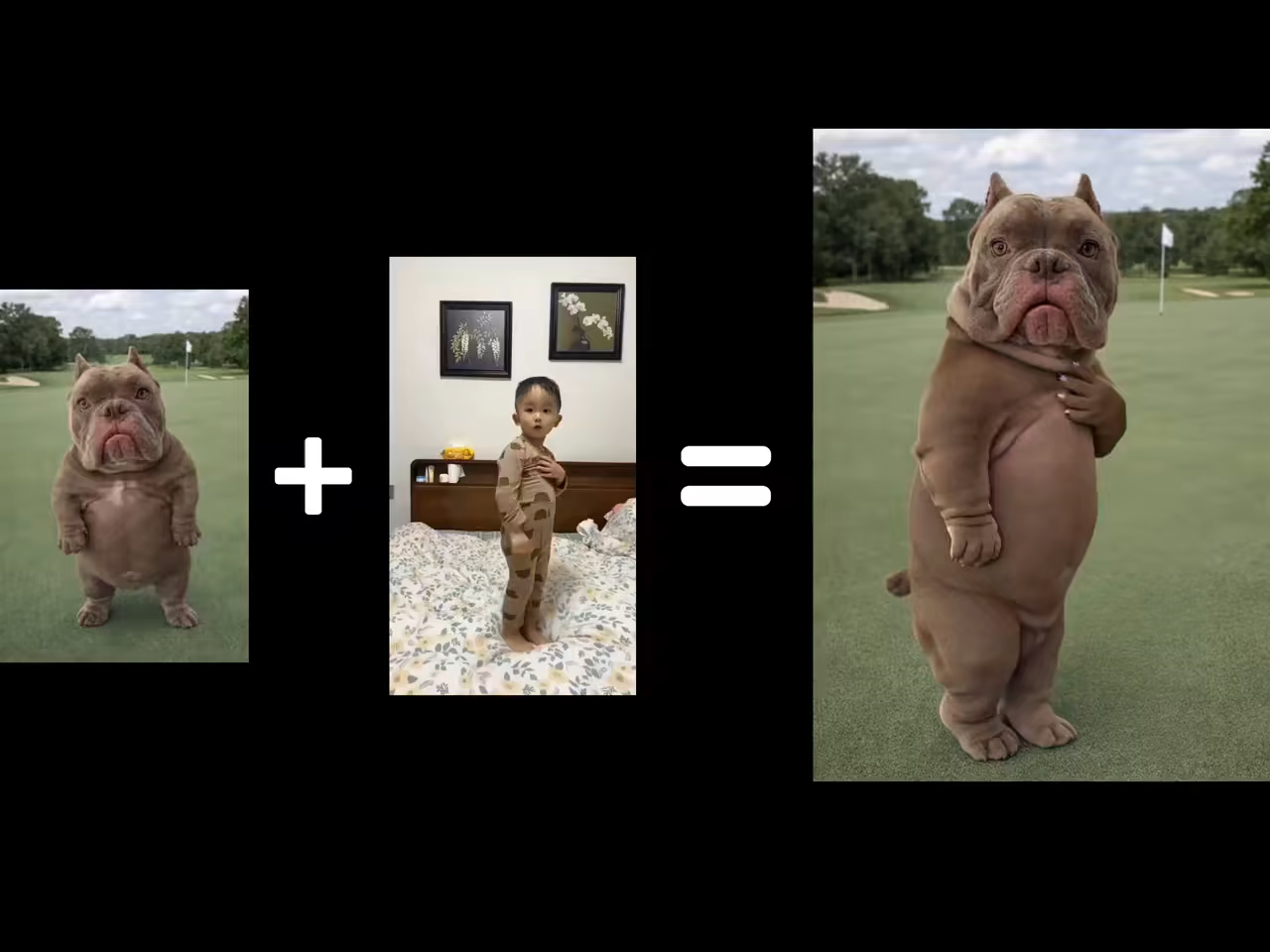
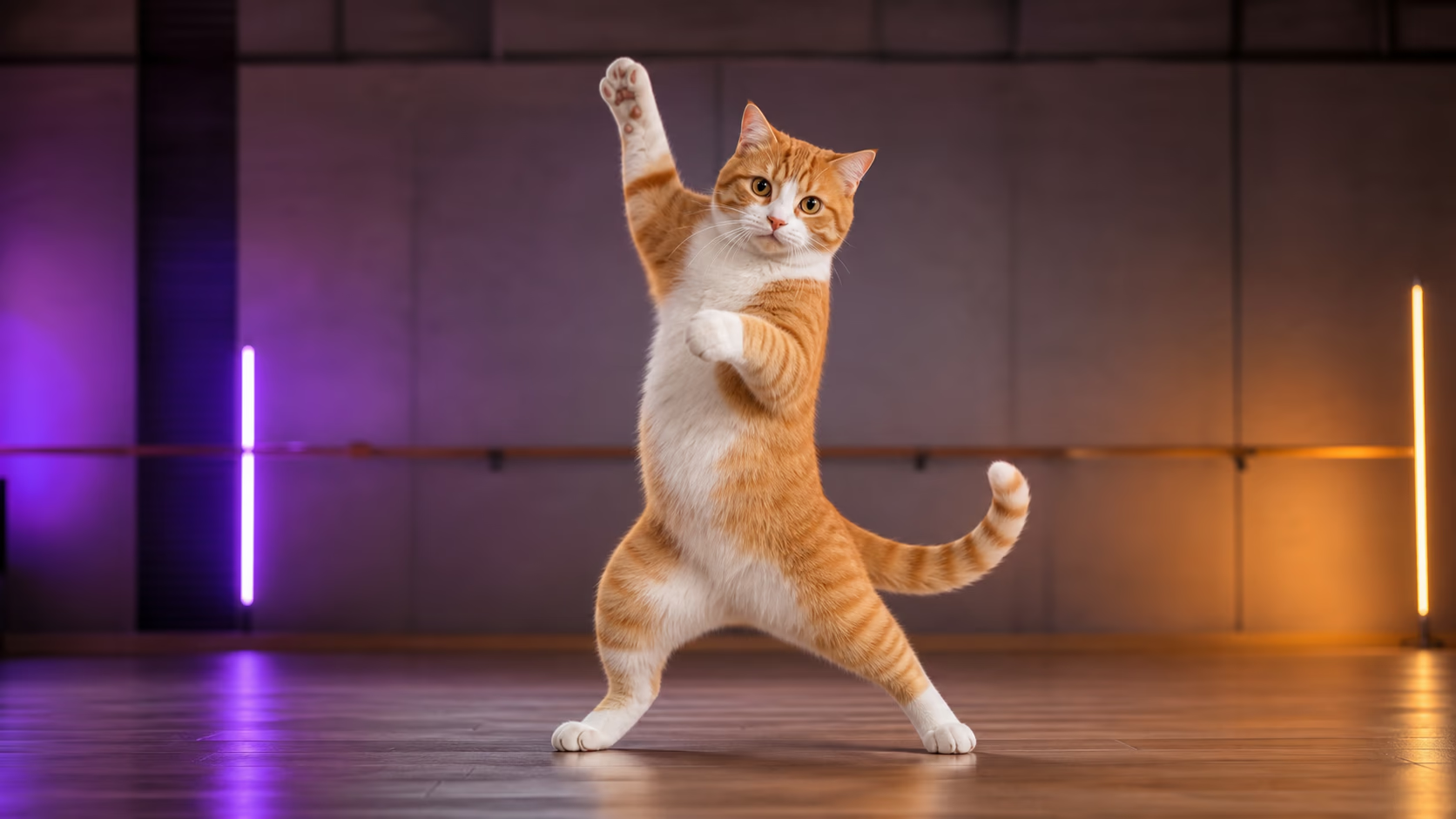
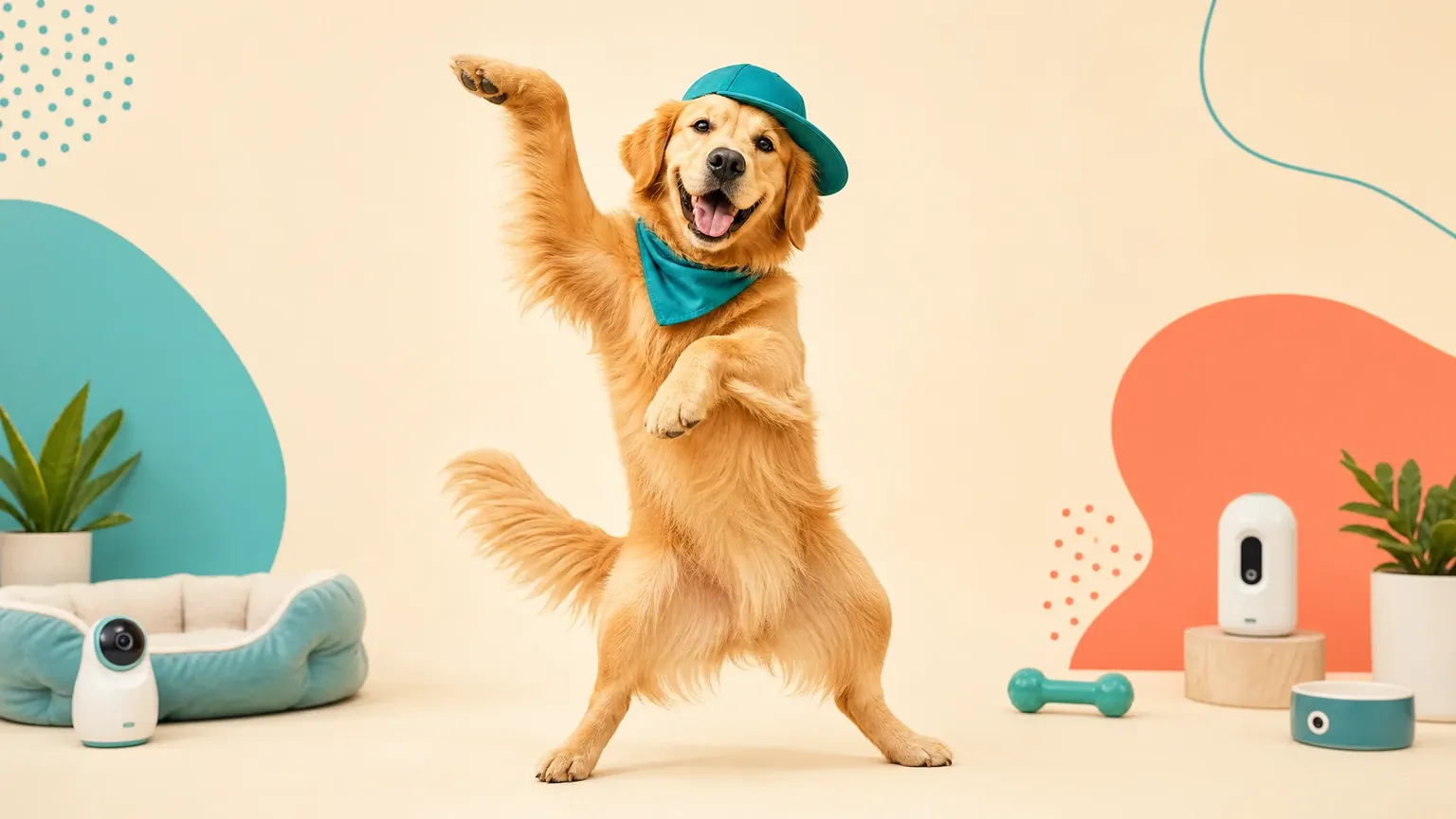
        Your pet has personality — let it go viral. Upload a photo of your dog, cat, or any pet, and the AI maps natural dance motion onto their body. Pet dance videos are among the most shared AI content on TikTok right now.

        Tips for Better AI Dance Video Results

        A short input checklist and common issues — read this before your first generation to get the best TikTok dance output.

        Input Checklist

        • Use a clear front-facing or full-body photo for best results
        • Pick a dance reference with visible, continuous body movement
        • Match framing: full-body photo with full-body dance, half-body with half-body
        • Avoid blurry, backlit, or heavily obscured subjects
        • Keep reference dance clips between 3 and 30 seconds
        • Use photos where the subject's limbs and face are clearly visible

        Common Issues & Fixes

        Problem
        Fix
        Face or body looks different mid-video
        Use a clearer, front-facing character photo with good lighting
        Motion looks jittery or unnatural
        Choose a dance reference with smooth, continuous motion — avoid clips with fast cuts
        Limbs look distorted during fast spins
        Use a full-body photo where arms and legs are clearly visible
        Pet photo produces weird results
        Use a side-view or standing pet photo — front-facing pet shots work best
        Output quality seems low
        Select 1080p resolution and upload a high-resolution source photo

        AI Video Maker TikTok Dance — FAQ

        Is the AI TikTok dance video maker free?
        Yes. New users get free trial credits on signup — no credit card required. You can generate several dance videos for free and test the full workflow. Paid plans unlock more daily generations, priority processing, and higher resolutions.
        Do I need to create an account to use the AI dance video maker?
        Yes, a free account is required. Signing up takes less than a minute and gives you free trial credits to start creating immediately — no credit card needed. Your account also lets you save your videos and access generation history.
        How does the AI TikTok dance video maker work?
        Upload a photo of a person, character, or pet. Then upload a dance video as a motion reference — any TikTok trend, K-pop choreography, or dance clip you find. The AI analyzes the body pose in your photo and maps the dance motion onto it, creating a video where your subject performs the choreography with natural, realistic movement — all optimized for TikTok's 9:16 format.
        What kind of photos work best for AI dance videos?
        Clear front-facing shots produce the best results — whether it's a selfie, full-body photo, or character image. Avoid photos where the subject is heavily obscured, blurry, or in extreme poses. JPG, PNG, and WebP formats are all supported.
        Can I upload my own TikTok dance video as a reference?
        Yes. You can upload any short dance clip as a custom motion reference — whether it's a TikTok trend you found, a choreography you filmed, or a music video move. The AI extracts the choreography and applies it to your photo — your character performs that exact dance.
        How long does it take to generate a dance video?
        Most dance videos are generated in under a minute. Processing time depends on video length, resolution, and current queue volume. Paid plans include priority queue access for even faster turnaround.
        Are the generated TikTok dance videos watermarked?
        No. All generated dance videos are watermark-free. You get clean MP4 output in 9:16 vertical format — ready to download and share directly on TikTok, Instagram Reels, YouTube Shorts, or anywhere your audience lives.
        Can I make my pet dance for TikTok?
        Yes! Upload a photo of your dog, cat, or any pet, upload a trending dance video as a motion reference, and the AI applies the choreography to them. Pet dance videos are one of the most viral and shareable types of AI content on TikTok — perfect for getting views and likes.
        Are my uploaded photos private and secure?
        Yes. Photos you upload are processed securely and are never stored publicly or shared with third parties. They are only used to generate your dance video and are handled in accordance with our privacy policy.
        What makes this different from other AI dance video generators?
        Three things: realistic 3D-aware dance motion that preserves your character's proportions without warping or twisted limbs even through fast choreography, the ability to upload your own TikTok dance video as a custom reference for exact move mapping, and multi-character group dance support for synchronized choreography across multiple characters in one video.
        Can I create group TikTok dance videos with friends?
        Yes. Upload multiple photos to assign different faces to each dancer in the same video. Perfect for group TikTok edits, friend challenges, and fandom content — everyone dancing synchronized choreography without anyone actually needing to dance.
        Can I use the generated dance videos for commercial purposes?
        Yes. Outputs from paid plans are cleared for commercial use — social media ads, brand content, product promotions, and client deliverables — all with watermark-free exports. You retain full rights to the videos you create. Just make sure you only upload photos you have the rights to animate.

        Turn Your Photo into a Viral TikTok Dance Now

        Upload a photo, pick a trending dance, and generate your first AI TikTok dance video in under a minute. Free trial credits on signup — no credit card, no watermark, no filming required.