
AI VTuber Video Generator
Make Your Original VTuber Move or Talk.
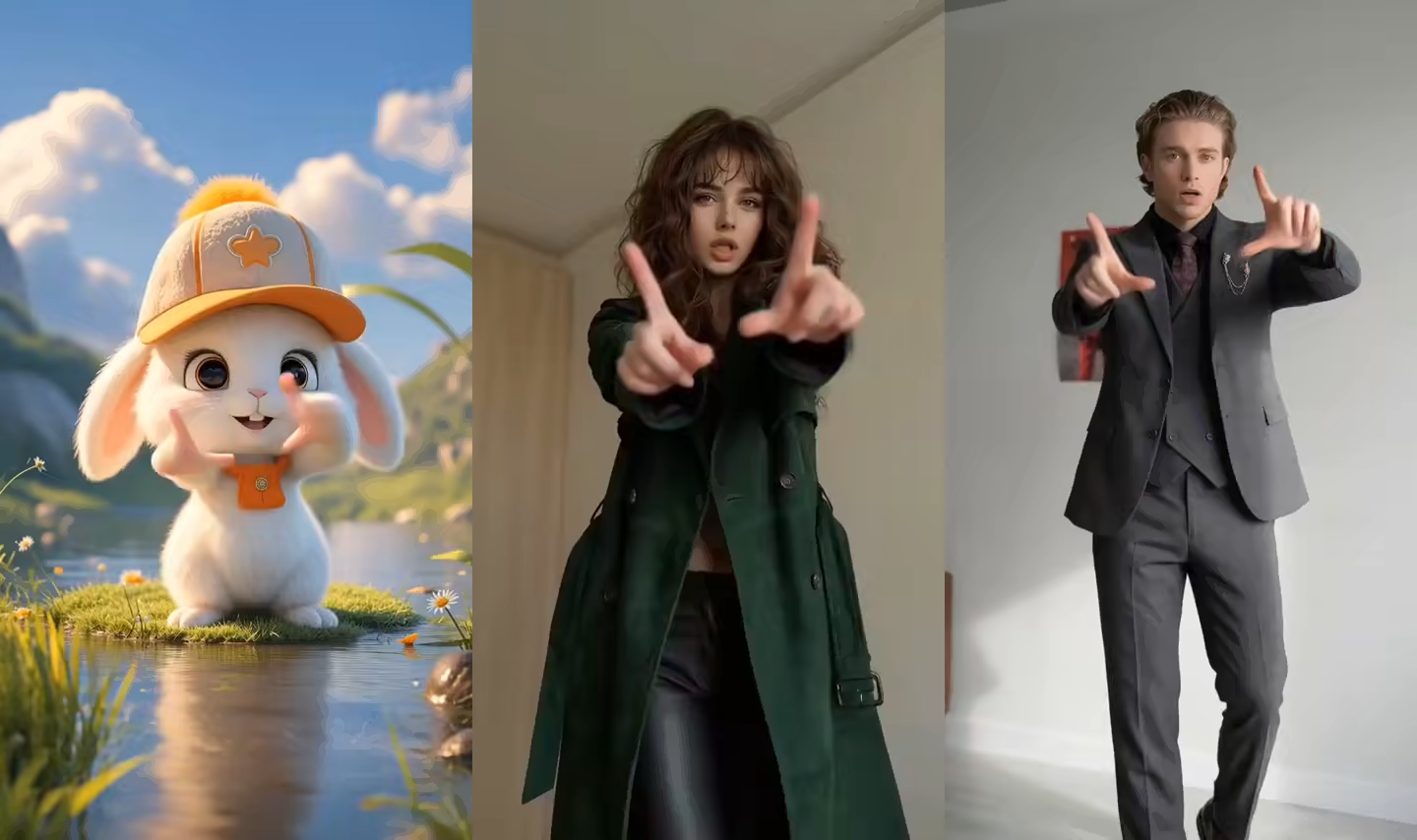
Animate VTuber image with a reference video
Pair one full-body or three-quarter VTuber image with a visible action. The same uploaded character carries across when you switch modes.
Upload the character image and motion reference together before generating.
Describe appearance and camera guidance; the reference clip supplies the visible movement.
Match orientation in the video · up to 30s reference.
What does an AI VTuber Video Generator create?
An AI VTuber Video Generator turns one original or licensed character image into a rendered video. Move mode uses the image for character appearance and a reference clip for body timing, gestures, head movement, and visible choreography. Talk mode uses the portrait for appearance and combines it with a typed script and selected voice, or with an uploaded speech recording. Both routes are designed for creators who already have a character image and need a finished take without drawing every frame.
Create downloadable VTuber videos for channel intros, reactions, stories, lore, creator updates, gameplay edits, Shorts, TikTok, and Reels. Use Move when the performance and choreography matter, or Talk when the exact message and delivery matter. Finish each MP4 with captions, gameplay, music, and channel graphics in your editor.
Two practical workflows inside the AI VTuber Video Generator
Choose motion when performance is the priority and speech when the exact message is the priority.
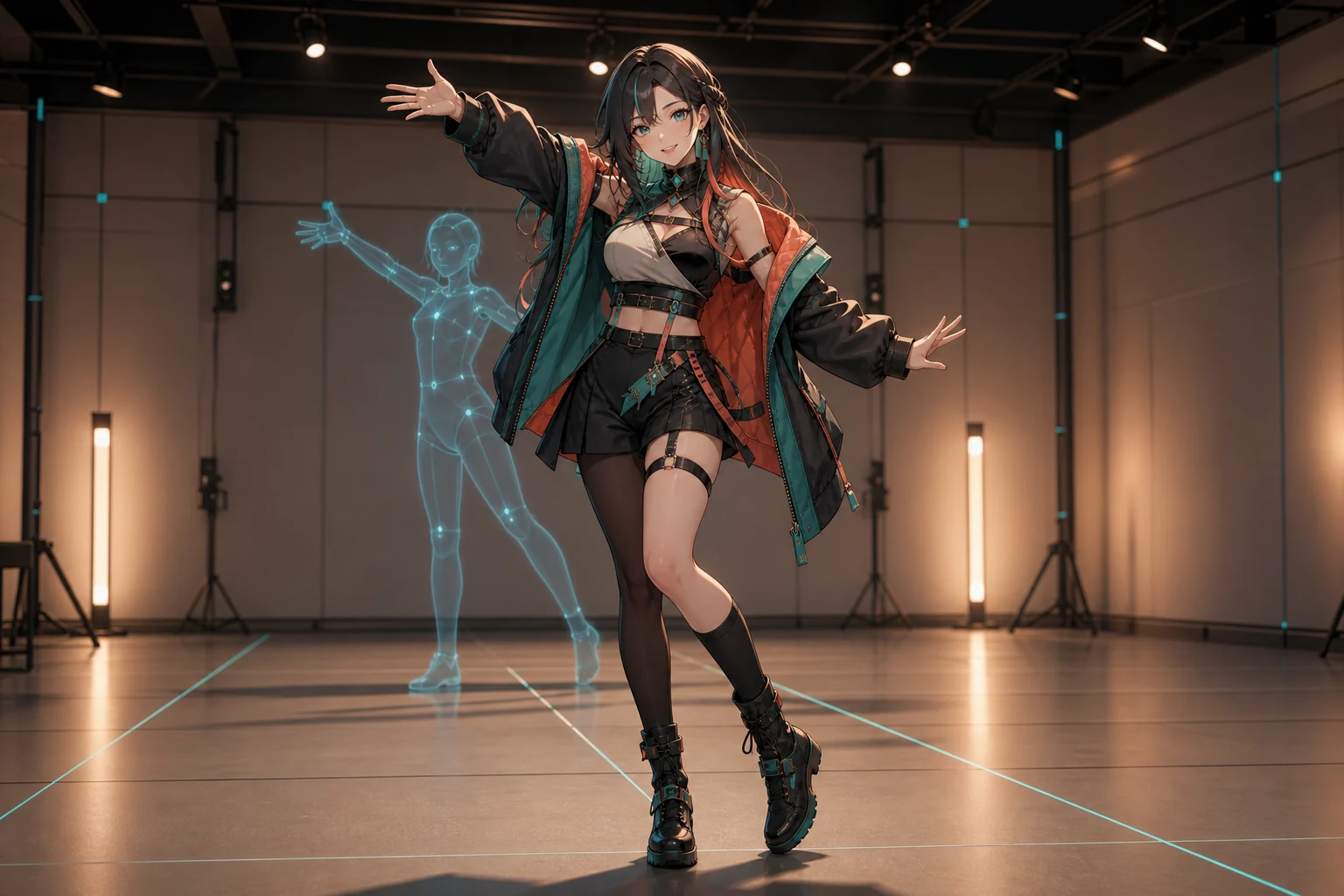
VTuber animation from image and reference motion
Use the AI VTuber Video Generator in Move mode for a wave, presentation gesture, reaction, walk, dance, or performance. Upload clear full-body or three-quarter art, then choose a built-in action or steady reference video. Match the pose and orientation to reduce missing limbs, costume drift, and awkward framing.
Use a talking VTuber generator from text
Use Talk for an intro, channel update, lore line, reaction, or call to action. Type a short script and choose an available voice and language. Deliberate punctuation and a front-facing mouth usually produce a cleaner first test than a long paragraph with several emotional turns.
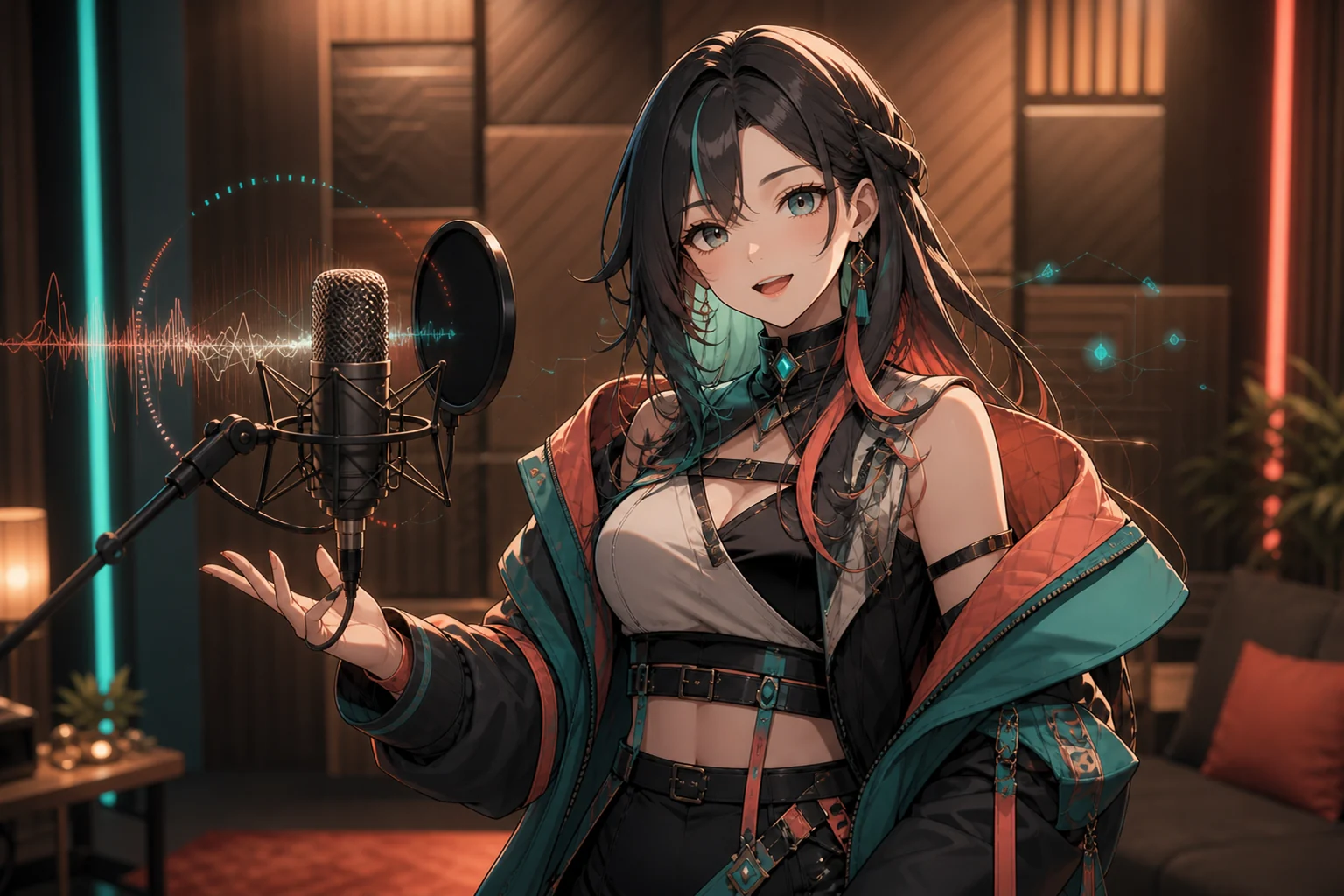
Make VTuber character talk with your own audio
Upload MP3, WAV, or M4A speech to carry your pronunciation, timing, emphasis, and emotion into the VTuber performance. A clean single-speaker recording with little background music gives the mouth movement a clearer rhythm. Inspect timing, eyes, jawline, and expression throughout the result.
Reuse one original character across short videos
Keep the same source image for a debut series, reaction format, lore sequence, or weekly update. Reusing the identical file provides a familiar anchor; store it with your preferred settings, scripts, and references, then compare hair, eyes, outfit, accessories, hands, and proportions after every render.
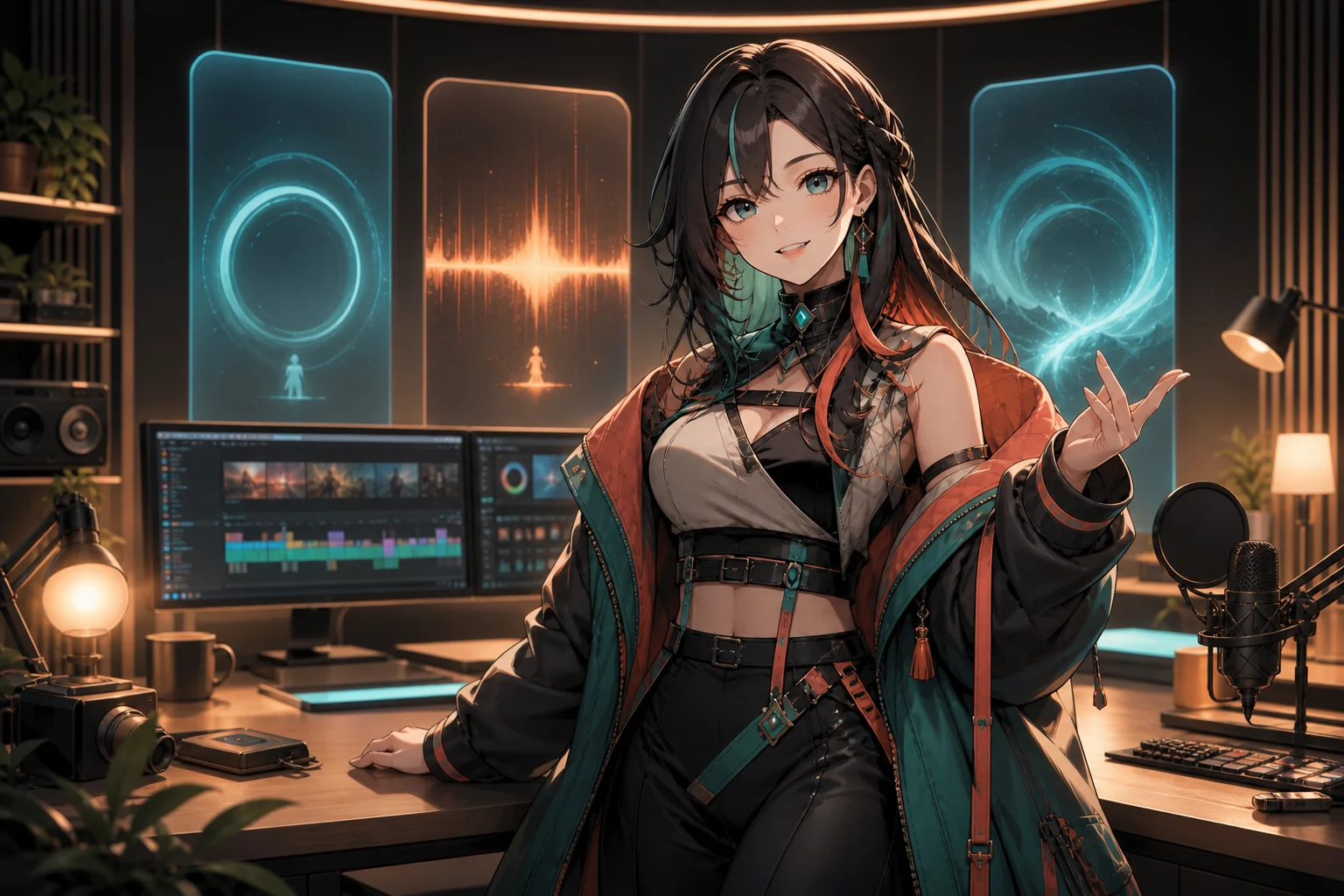
How to use the AI VTuber Video Generator
Start with one clear creative goal, test a short take, and refine the source pairing before producing a series.
Upload your original VTuber image
Use art you own or are licensed to animate. Show the full body and visible limbs for movement, or a sharp front-facing face with an unobstructed mouth for speech.
Add motion, text, or authorized audio
Choose Move for a 3–30 second reference performance. Choose Talk for a typed script with an available voice or one clean speech recording.
Generate, review, and download
Watch the full take for facial stability, hands, costume details, lip timing, and framing. Regenerate from a cleaner source before downloading the MP4 for your edit.
Pre-recorded VTuber video ideas and long-tail workflows
Each format begins with the same original character image, then changes the performance or message for a specific publishing job.
VTuber intro generator
Create a short channel welcome, debut hook, stream recap opener, or recurring segment intro. Put the most recognizable phrase early and leave longer lore for the next clip.
VTuber short video generator
Make a concise reaction, joke setup, opinion, teaser, or creator update for TikTok, YouTube Shorts, and Reels. Choose a source and reference framed for the aspect ratio you plan to edit.
Gaming reaction and commentary
Create a reaction line or expressive movement, then combine the downloaded VTuber take with gameplay, captions, sound effects, and channel graphics in your editor.
Lore and character storytelling
Turn a prepared backstory beat, prophecy, in-character diary line, or reveal into a repeatable visual format. Keep names and pronunciation consistent across separate scripts.
Language-specific creator messages
Prepare the message in your target language, select a suitable voice, and review names, pronunciation, pacing, and meaning before publishing each language version.
AI VTuber animation tests
Prototype a wave, dance, dramatic pose, or spoken character concept before investing in a larger production. Use the generated clip to compare performance ideas, visual direction, framing, and audience response.
Who uses an AI VTuber Video Generator?
The workflow fits creators who want repeatable, edited character videos for publishing, storytelling, promotion, and creative testing.
New and pre-debut VTuber creators
Test an original character in a welcome, reveal, or short performance before building a larger pipeline. The result is a concept video, not proof that a live-ready model exists.
YouTube, TikTok, and Reels creators
Produce repeatable scripted shorts without recording face tracking each time. Add captions, music, gameplay, and platform-safe framing in a separate editor.
Artists and character IP teams
Explore a permitted character in motion or speech for a pitch, social concept, message, or style test. Review design fidelity and rights before commercial use.
Workflow essentials for AI VTuber Video Generator
Inputs, recommended setup, and the most common fixes—summarized in one compact guide.
Inputs and setup
- One original or licensed JPG, JPEG, PNG, or WebP image; Move: 3–30 second MP4 or MOV; Talk: typed text or MP3, WAV, or M4A speech.
- Speech length: Estimated from typed text or detected from uploaded audio.
- 720p or 1080p where shown in the selected workflow; Account and credits required; downloadable rendered video.
- Use sharp approved artwork with one clear character, a simple background, and enough space around every limb needed for the action.
Two quick fixes
AI VTuber Video Generator FAQ
What is an AI VTuber Video Generator?
Can I animate a VTuber image from reference motion?
How do I make a VTuber character talk?
Can I create a VTuber intro or short video?
Can I reuse the same VTuber character across videos?
How can I combine a VTuber video with gameplay?
Can I monetize an AI VTuber animation?
More tools in AI Character Animation
Compare other focused workflows in the same AI Character Animation collection.
View AI Character Animation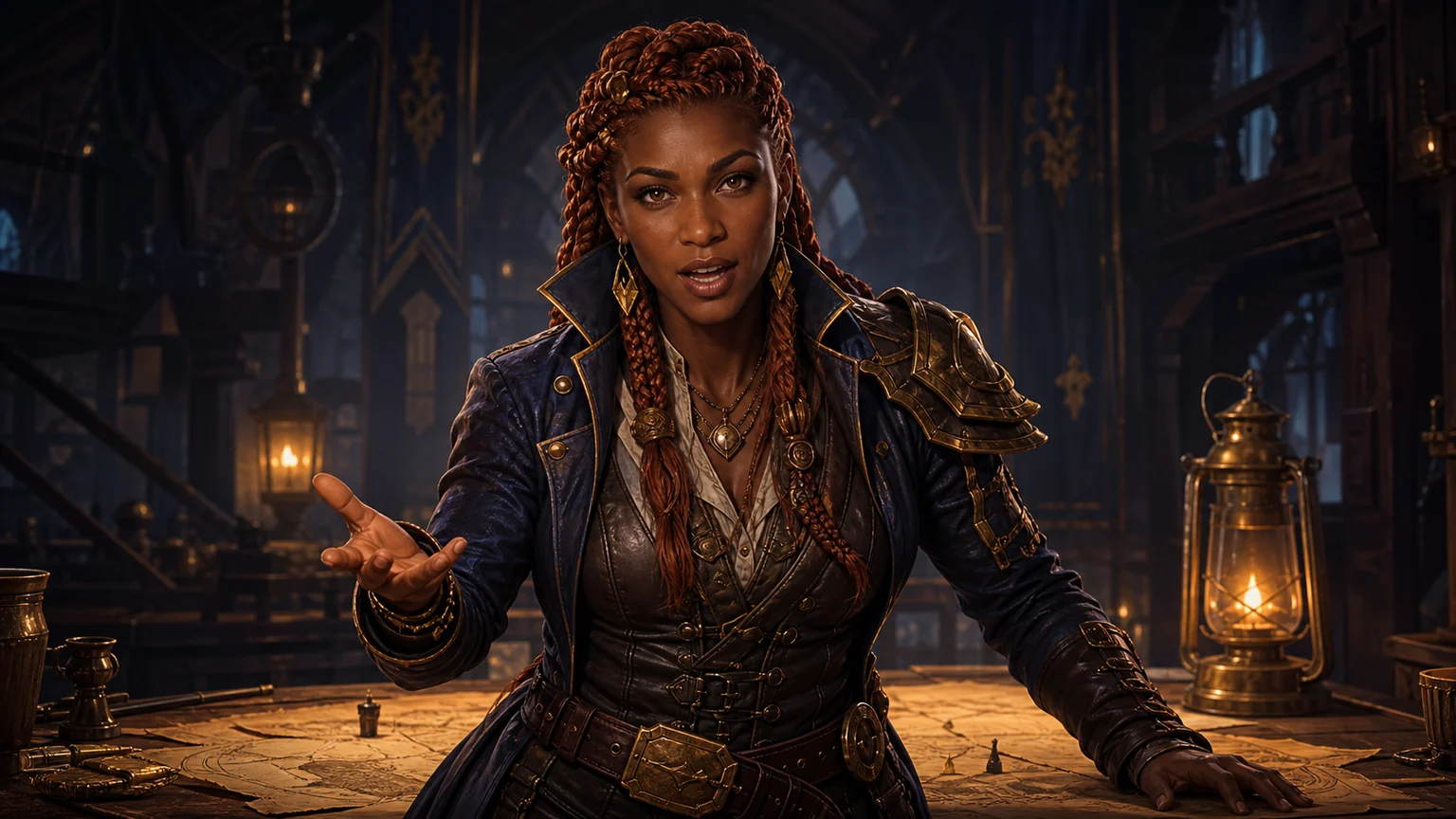
AI NPC Dialogue Video Generator
Upload one game character image, add a script or voice recording, and generate a downloadable NPC dialogue video for quests, cutscenes, trailers, or stories.
Open tool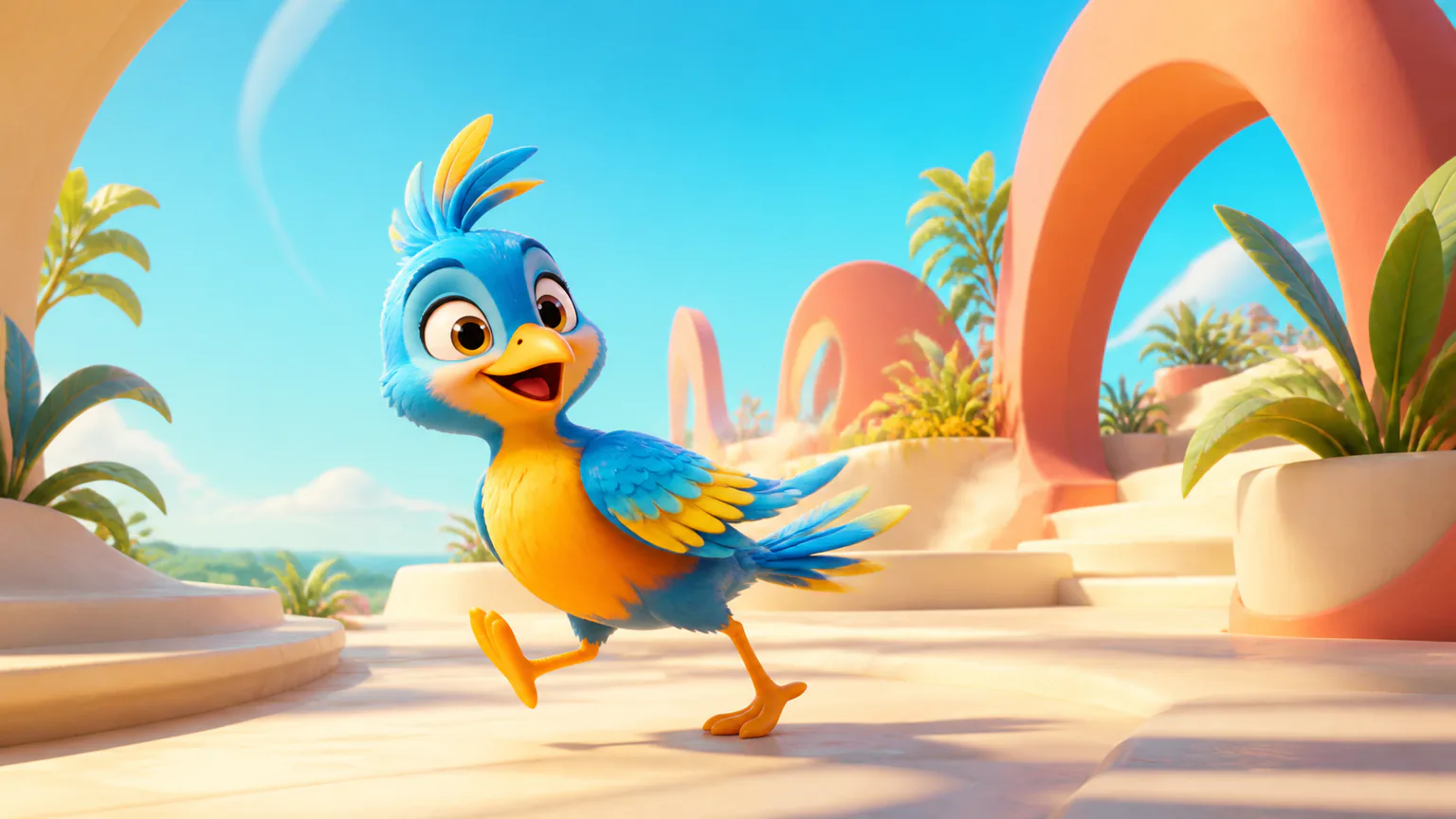
AI Mascot Animation Generator
Upload an existing mascot, copy movement from a reference video, or make the character speak from typed text or authorized audio.
Open toolUse the AI VTuber Video Generator for your next pre-recorded clip
Choose Move for a performance or Talk for a script, then review the take.