
AI Character Animation Generator
Turn Static Character Images Into Animated Videos. Start Free.
Match orientation in the video · up to 30s reference.
Optional. Motion comes from the video; prompt refines the look.
What Can AI Character Animation Do?
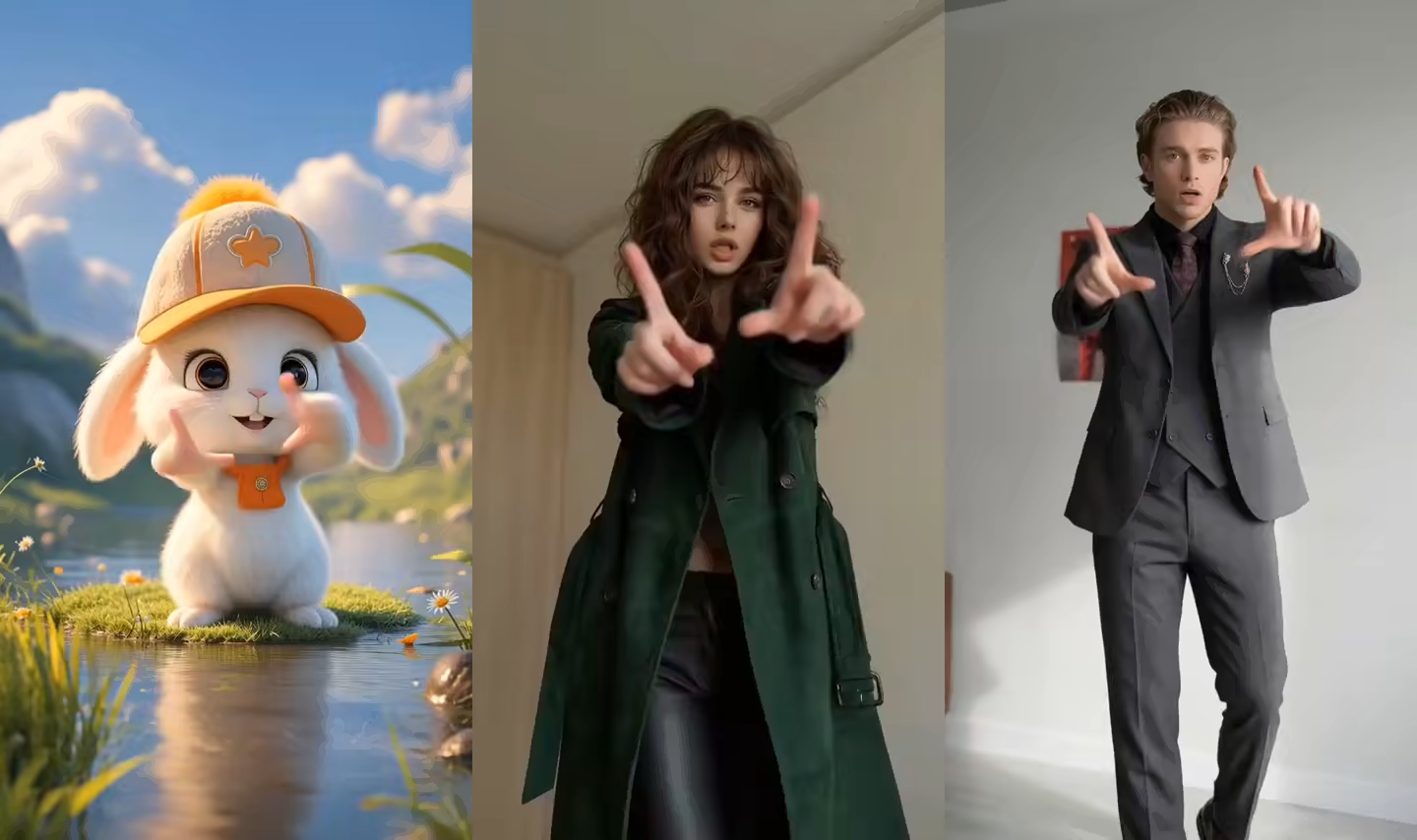
Five core AI character animation capabilities that turn static character images into smooth animated videos — upload a photo and a reference video, and let AI handle the rest.
Photo to Animation
Turn a static character photo, drawing, mascot, or AI-created image into a moving video. Pair the image with a readable reference performance and let its visible timing, poses, and body movement guide the result.
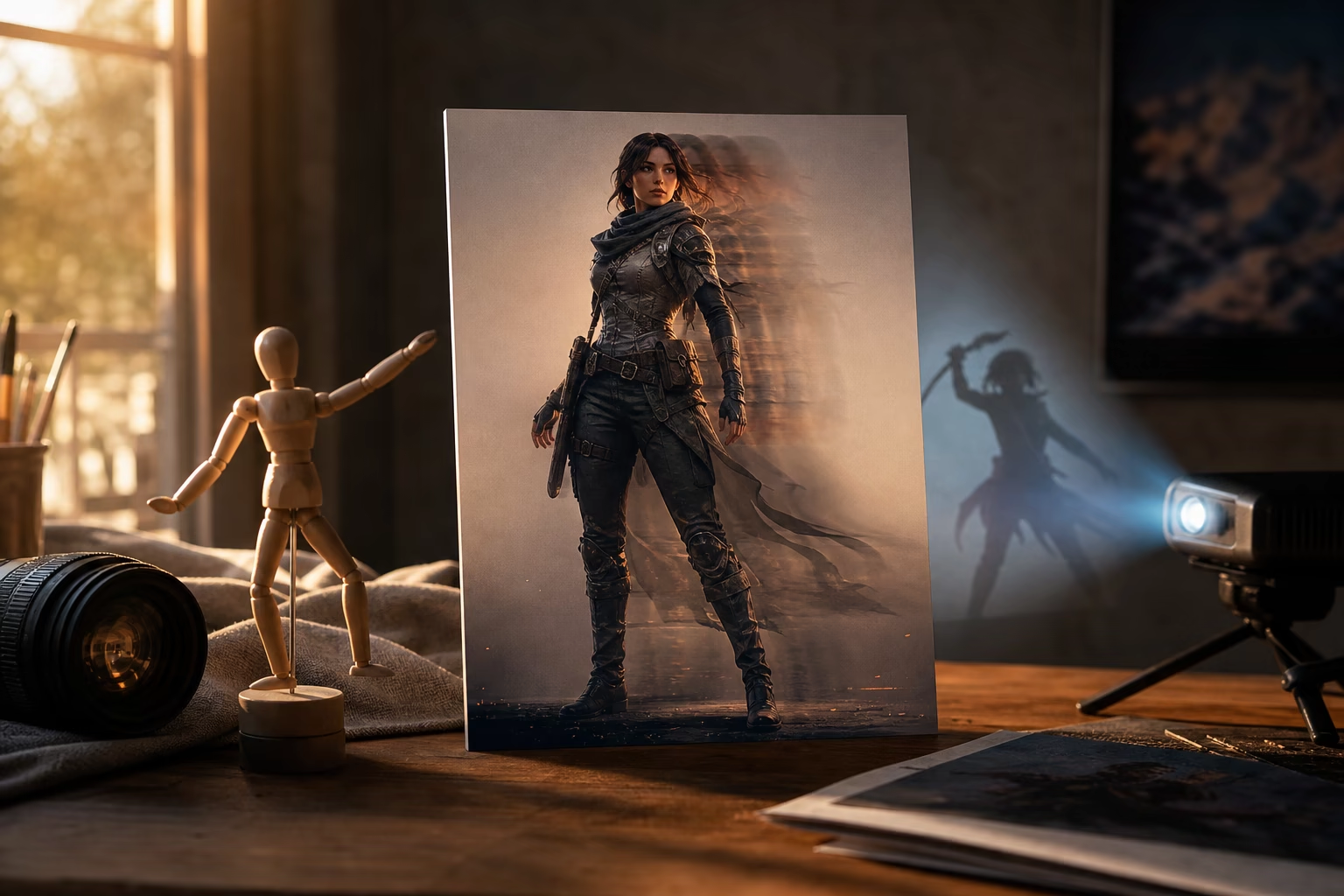
Reference Video Motion Transfer
Upload a reference showing the dance, walk, gesture, fight beat, or action you want. The visible order, timing, posture, arm paths, steps, and body movement direct the generated character performance.
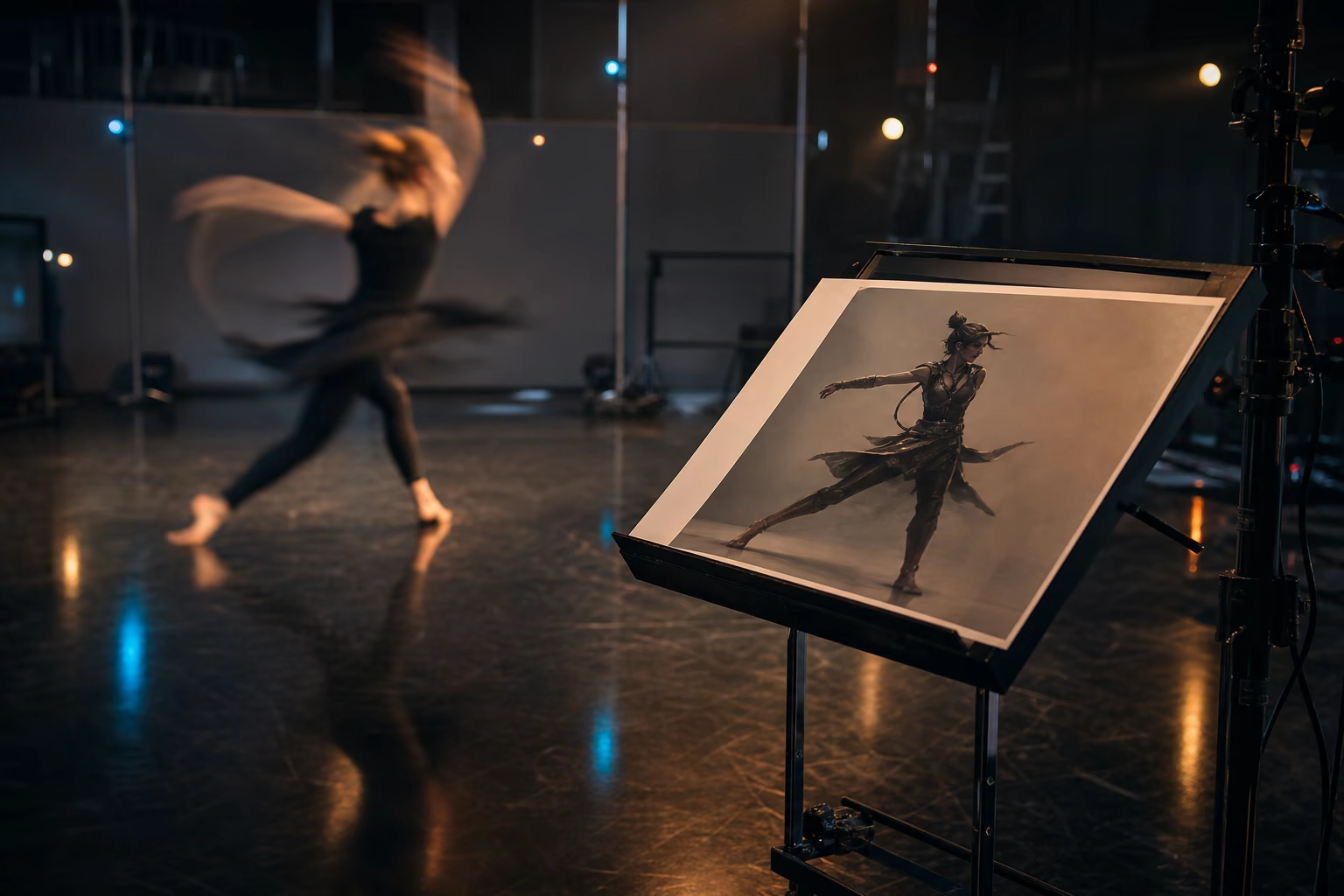
Up to 30 Seconds Output
Generate character animations up to 30 seconds long in a single pass. Perfect for short-form social content, game trailers, product demos, and creative experiments. Need longer content? Chain multiple generations together for extended sequences.
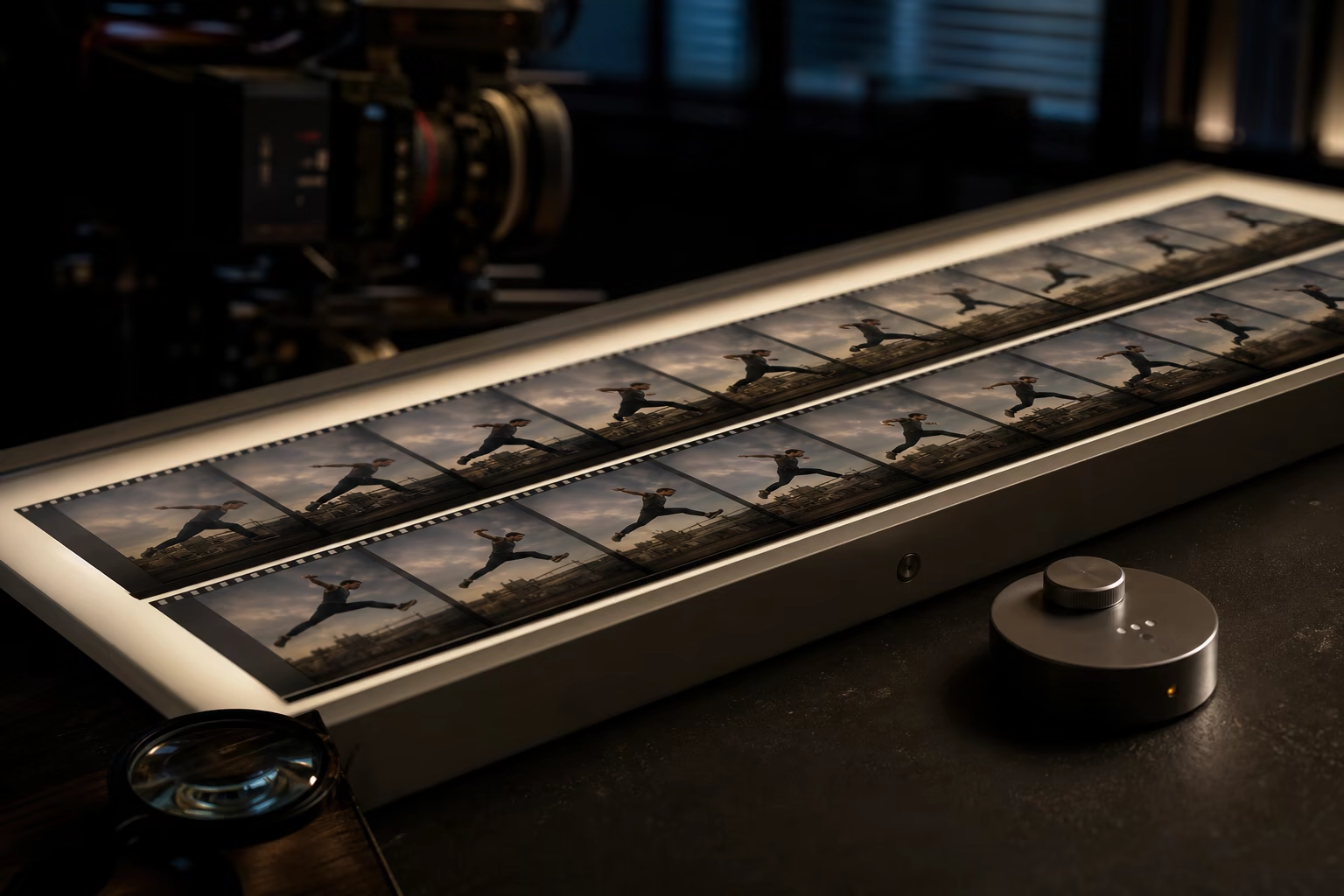
Keep the Source Character at the Center
The uploaded image anchors the face, clothing, proportions, silhouette, and art style. A close pose match and short first test make these details easier to review and refine.
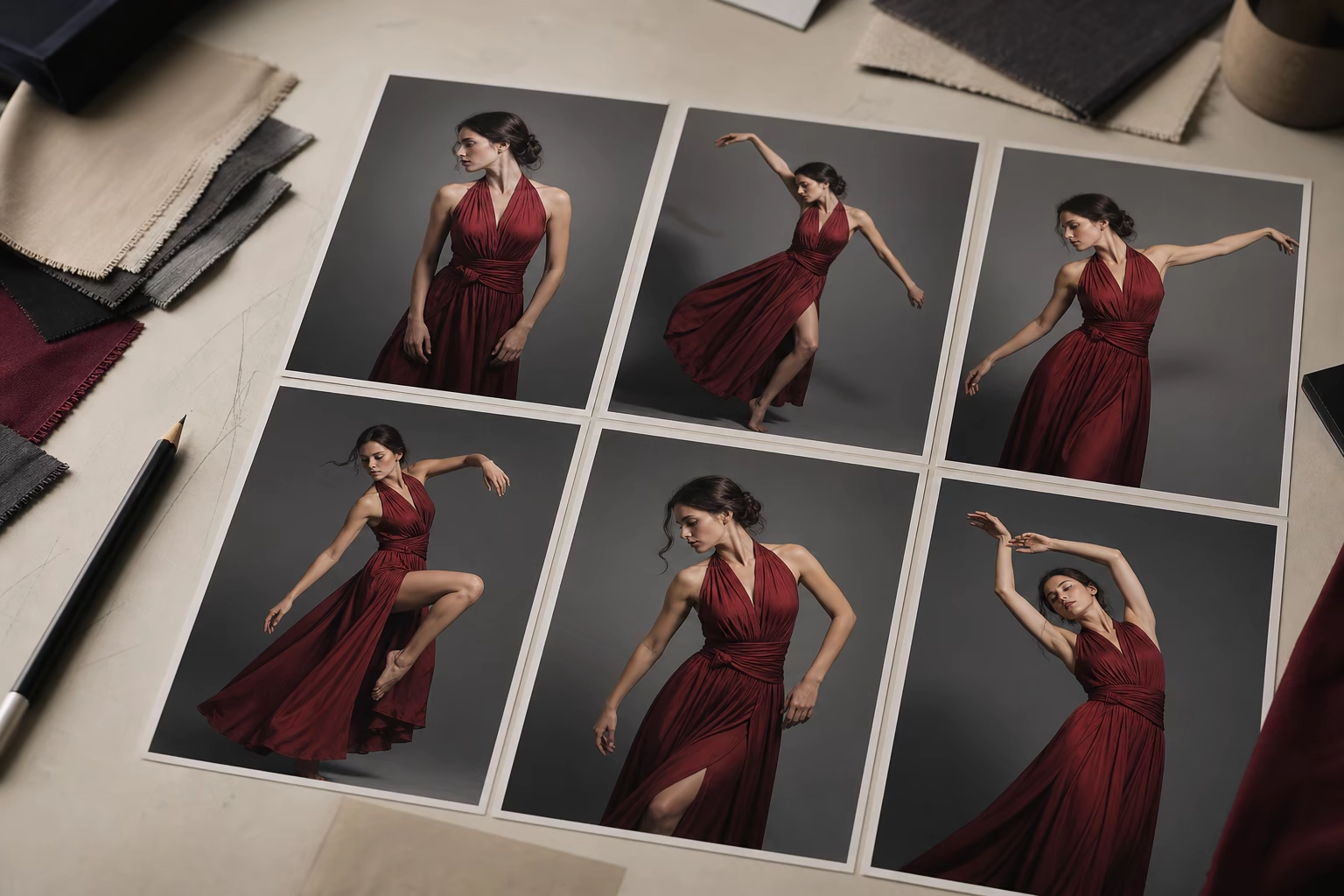
Every Art Style, One Tool
Animate human photos, anime character art, cartoon mascots, pixel art sprites, and 3D-style renders. Match the motion complexity to each character's anatomy, framing, and visible limbs for a stronger result.
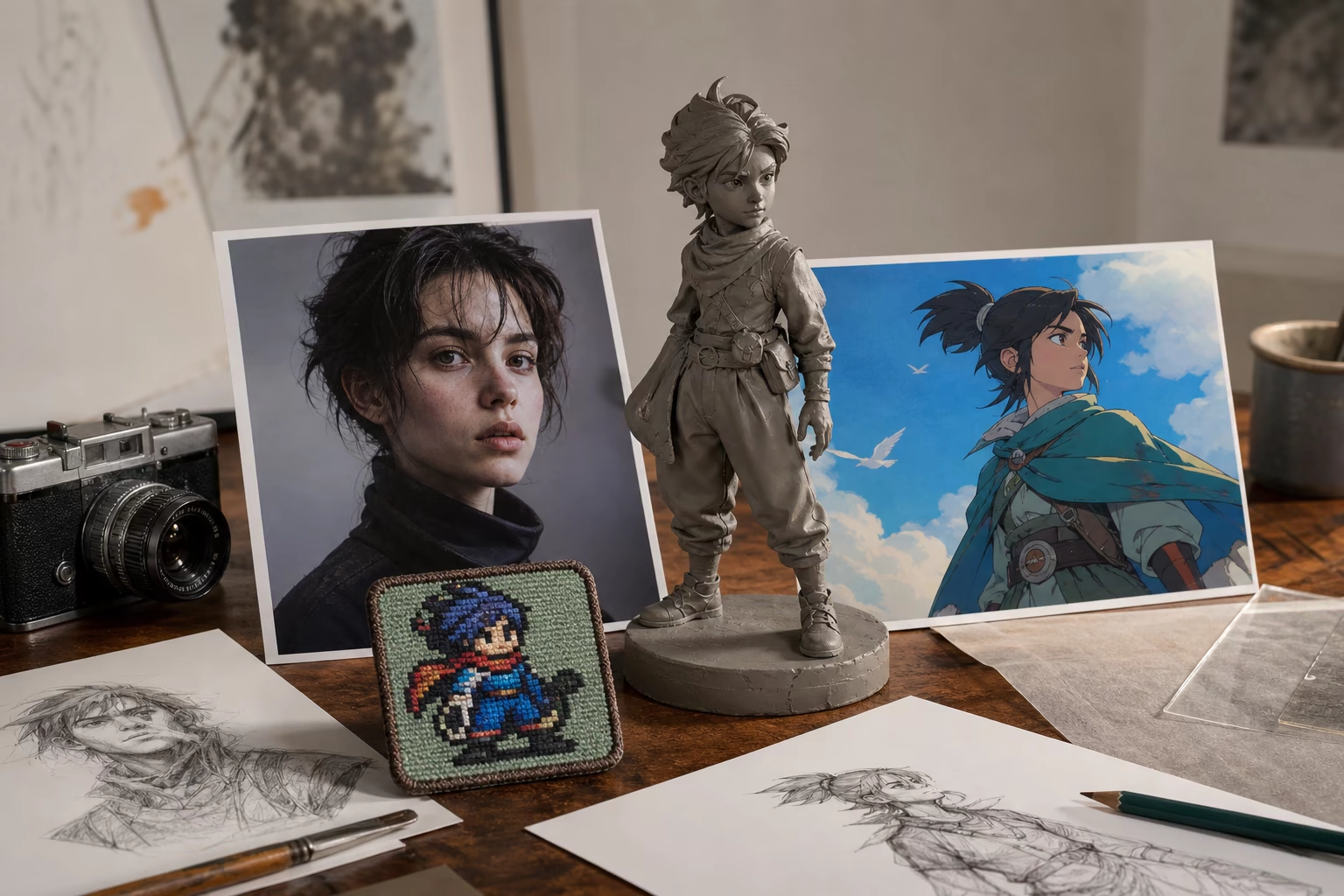
How to Animate a Character with AI
Create AI character animation in three steps: choose the character, choose the visible performance, and review the generated video.
Upload your character image
Drag and drop a character photo, drawing, or render. Use a sharp source with a readable face, visible limbs, a clean silhouette, and enough room for the intended movement.
Upload a reference motion video
Upload a short video showing the dance, walk, gesture, action, or performance you want the character to follow. A steady single-performer clip with visible limbs gives the model clearer motion direction.
Generate and download your animation
Generate the video, review the face, hands, feet, clothing, timing, framing, and background, then download the strongest result. Current credits, watermark status, and export details appear in the product.
Why Choose Our AI Character Animation Tool
A practical workflow for directing character movement, testing creative ideas, and producing downloadable videos from your own source pair.
A Simple Image-and-Reference Workflow
Upload the character, choose a built-in action or reference video, add optional visual direction, and generate. The most important creative decision is matching the character pose and proportions to the performance.
Visible Credits and Export Details
Review the current credit estimate, resolution choices, watermark status, and plan details before generating, then choose the settings that fit a quick test or final output.
Reference Video Motion Transfer
Choose a built-in action or upload a reference for a specific dance, gesture, walk, reaction, or action beat. The visible performance gives you direct control over timing and movement direction.
Work from Your Own Creative Assets
Use your character image and chosen performance to create a result tailored to your story, campaign, game concept, lesson, mascot, or creator format.
Perfect for Every Creator Who Works with Characters
Use AI character animation for social content, character concepts, brand mascots, game previews, educational clips, and creative experiments.
Content Creators & YouTubers
Turn original characters or mascots into videos for YouTube Shorts, TikTok, and Instagram Reels. Record a dance or gesture, pair it with the character image, and refine the strongest take with captions, music, and platform framing.
Indie Animation & Fan Art Creators
Bring anime OCs, cartoon characters, or fan art to life with a reference walk, run, dance, gesture, or emotional performance. Use short tests to compare movement and visual consistency before sharing.
Digital Marketers & Brands
Animate your brand mascot for social media campaigns, email headers, and landing pages. Shoot a quick reference video of someone gesturing or dancing, pair it with your mascot image, and get a polished animated ad in minutes. Create consistent character-driven content at scale — iterate on creatives faster than any production pipeline.
Game Developers
Create character animation previews and promotional trailers for your game. Upload your character concept art and a reference motion video to quickly visualize how your character looks in motion with AI character animation — perfect for pitching, crowdfunding campaigns, and store page trailers. Validate character designs before committing to full production animation.
Educators & Hobbyists
Make educational characters that explain concepts through movement. Animate historical figures, science mascots, or story characters — record a simple gesture video and pair it with any character image. Engage students with moving visuals instead of static slides. Perfect for teachers, trainers, and anyone who wants to make learning more interactive.
AI Character Animation FAQ
Is this AI character animation tool really free?
Do I need animation experience to use this tool?
Will my animations have a watermark?
Can I use the animations commercially?
What file formats do you support?
How long does it take to generate an animation?
Are my uploaded images and videos private?
What types of characters can I animate?
Can I animate multiple characters at once?
How is this different from traditional animation tools like Blender or Adobe Animate?
What is the maximum video length I can generate?
Does this work on mobile or do I need to download software?
Explore AI Character Animation
Choose a focused workflow inside the AI Character Animation collection.
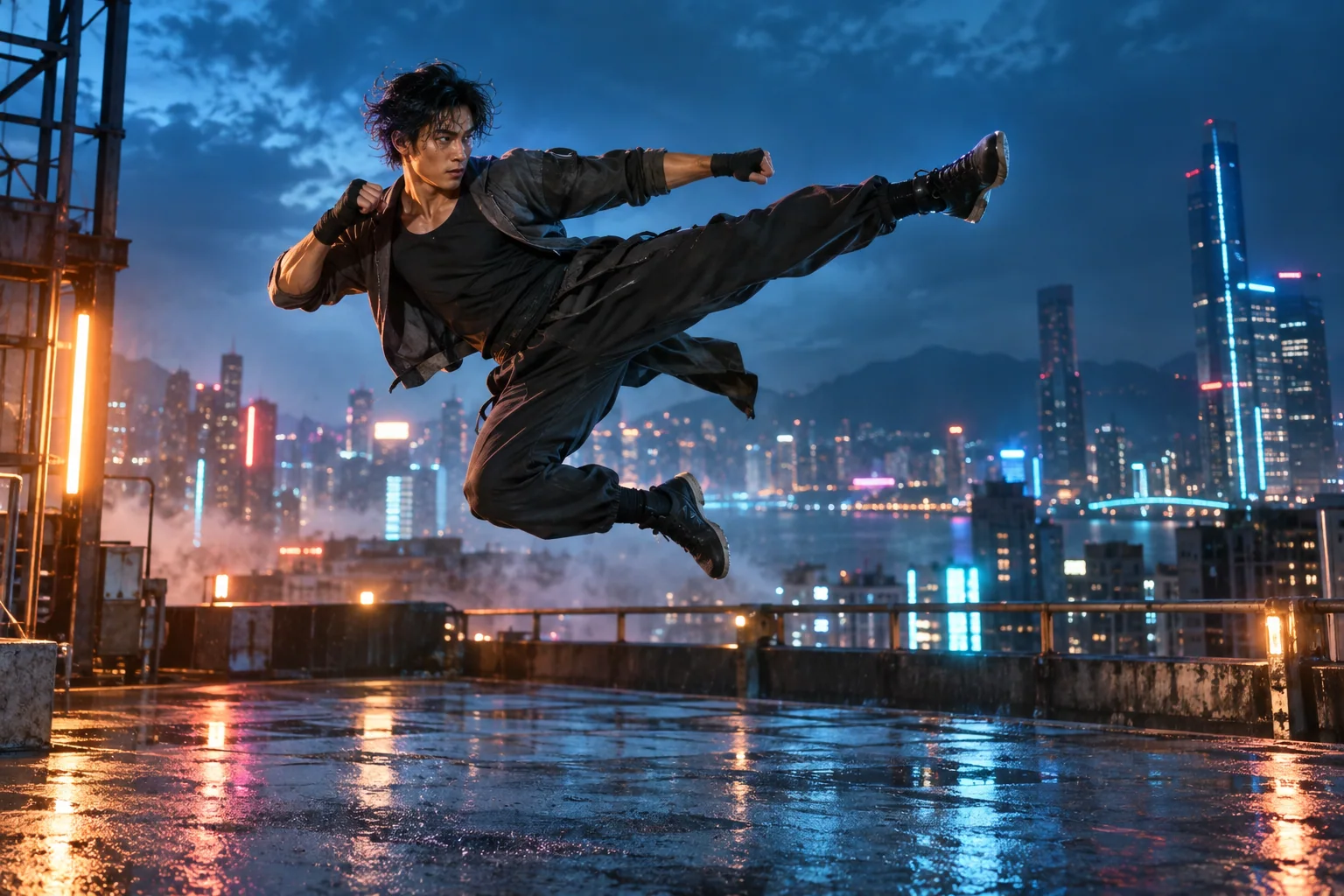
AI Fight Video Generator
Use the AI Fight Video Generator to animate a character photo with a motion reference for kicks, punches, dodges, anime action, and martial arts scenes.
Open tool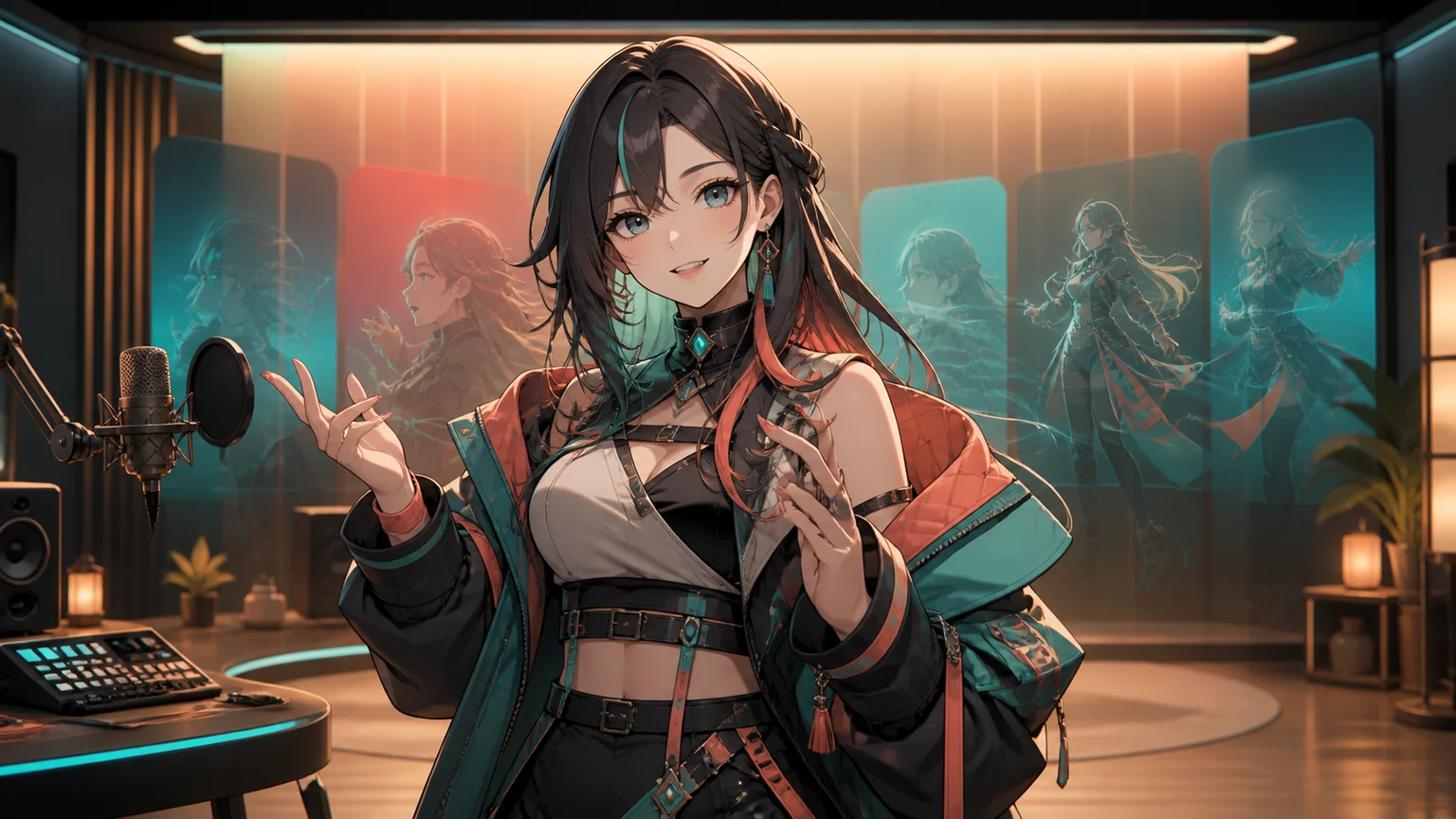
AI VTuber Video Generator
Upload your original VTuber image, then add reference motion, a script, or voice audio to generate a downloadable pre-recorded VTuber video.
Open tool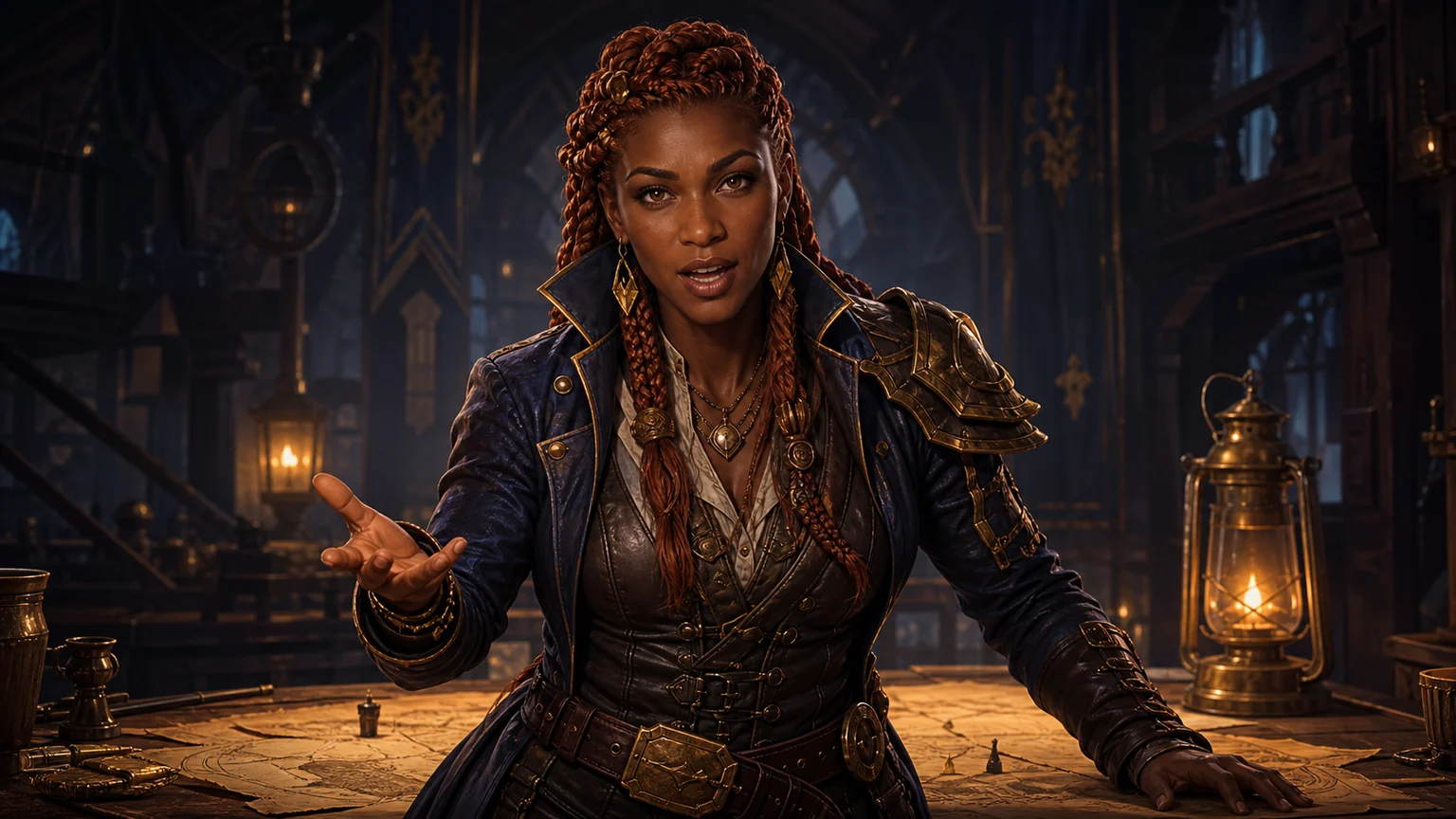
AI NPC Dialogue Video Generator
Upload one game character image, add a script or voice recording, and generate a downloadable NPC dialogue video for quests, cutscenes, trailers, or stories.
Open tool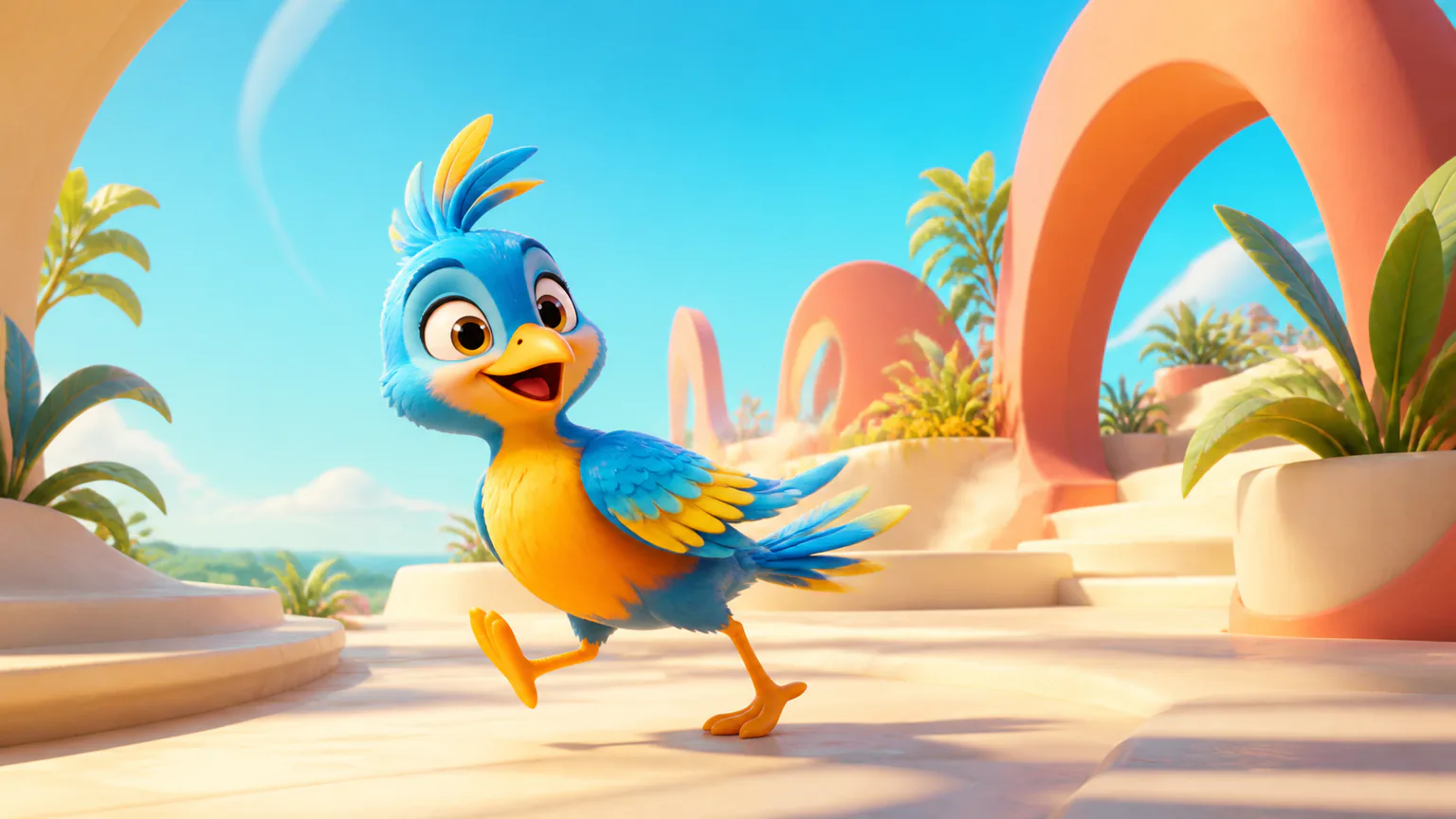
AI Mascot Animation Generator
Upload an existing mascot, copy movement from a reference video, or make the character speak from typed text or authorized audio.
Open toolReady to Bring Your Characters to Life?
Upload a character image and reference motion video, generate a first take, and refine the source pair into a downloadable character performance.