
AI Influencer Video Generator
Create Talking, Dancing, and Short-Form Influencer Videos.
Create a talking influencer from text or audio
Upload a portrait, write the next script or add speech audio, then create an introduction, story, lesson, reaction, or update with the same source character.
Reuse the same portrait for recurring updates, with a sharp front-facing face and an unobstructed mouth.
Keep the first take concise and review every claim before publishing the synthetic performance.
What is an AI Influencer Video Generator?
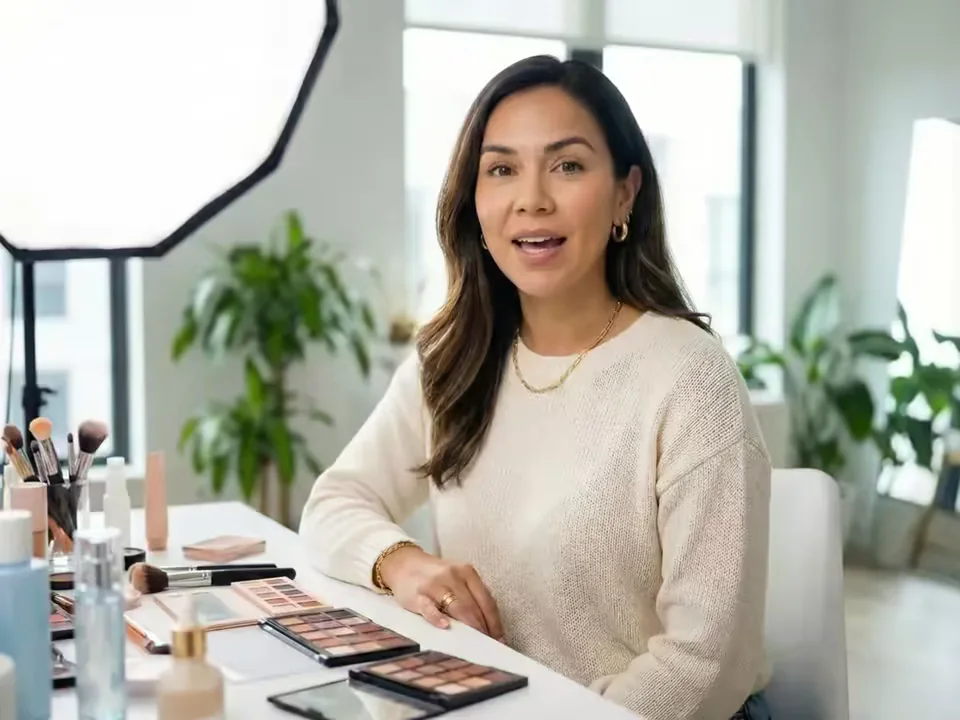
An AI Influencer Video Generator, sometimes searched as an AI Virtual Influencer Video Generator, turns an existing virtual character image into a rendered talking or movement video. Talk combines a front-facing portrait with typed text and a selected voice, or with uploaded speech audio. Move combines a full-body or three-quarter character image with a reference clip for timing, gestures, body movement, and choreography.
Use the identical source image so separate posts share a recognizable face, outfit, and silhouette. Build spoken updates, dances, reactions, stories, lessons, and campaign moments around the same character, then add captions, music, product footage, and final platform formatting in your editor.
What You Can Create with an AI Influencer Video Generator
The AI Influencer Video Generator combines speech, reference motion, character reuse, and practical output controls in one focused workflow.
Make a talking AI influencer from text or audio
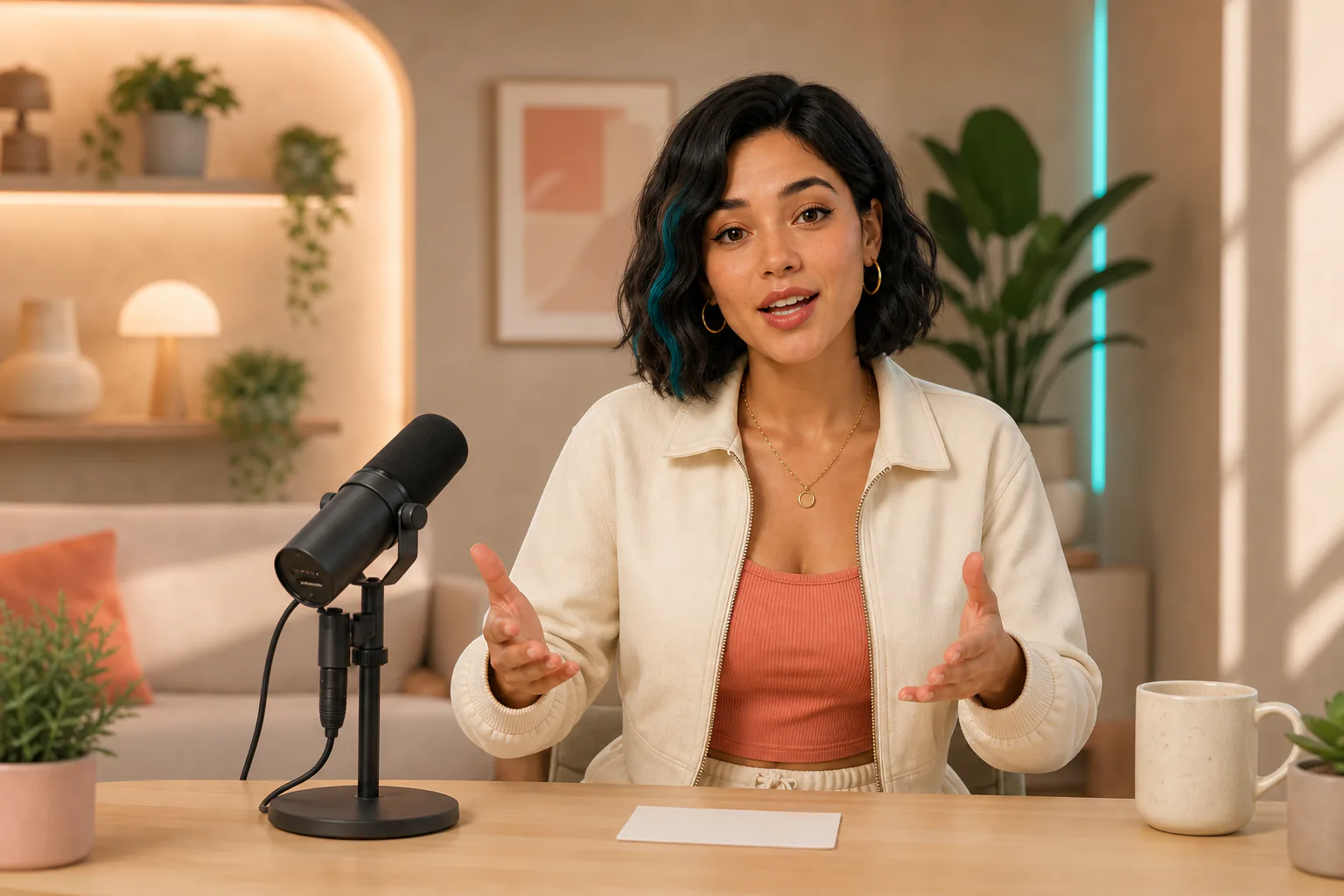
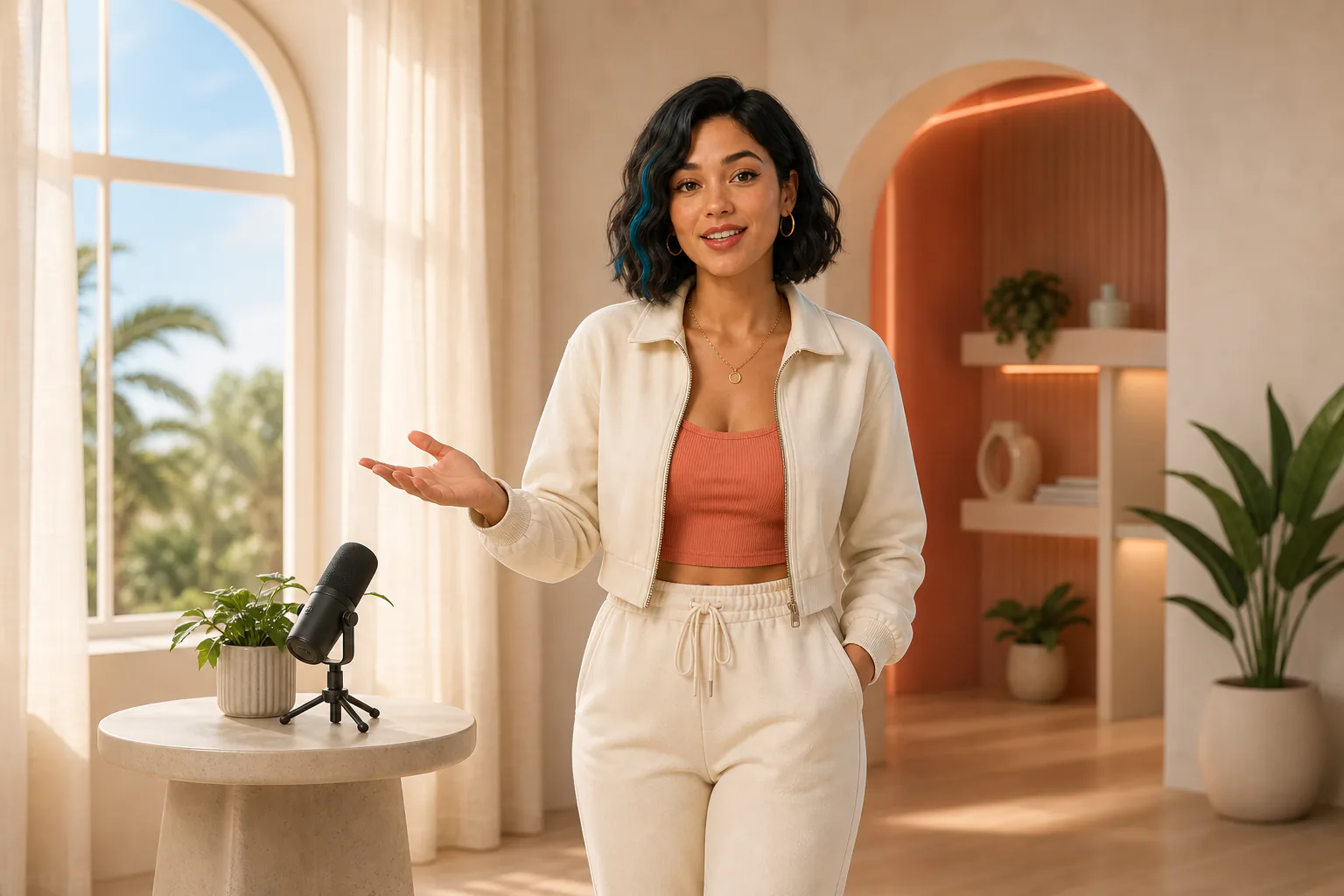
Choose Talk and upload a clear, front-facing portrait. Enter the exact script and select an available voice and language, or add clean speech audio when delivery and pacing matter. Create channel introductions, explainers, stories, opinions, and recurring community updates without recording a new presenter take.
Animate dances, gestures, and reactions from reference motion
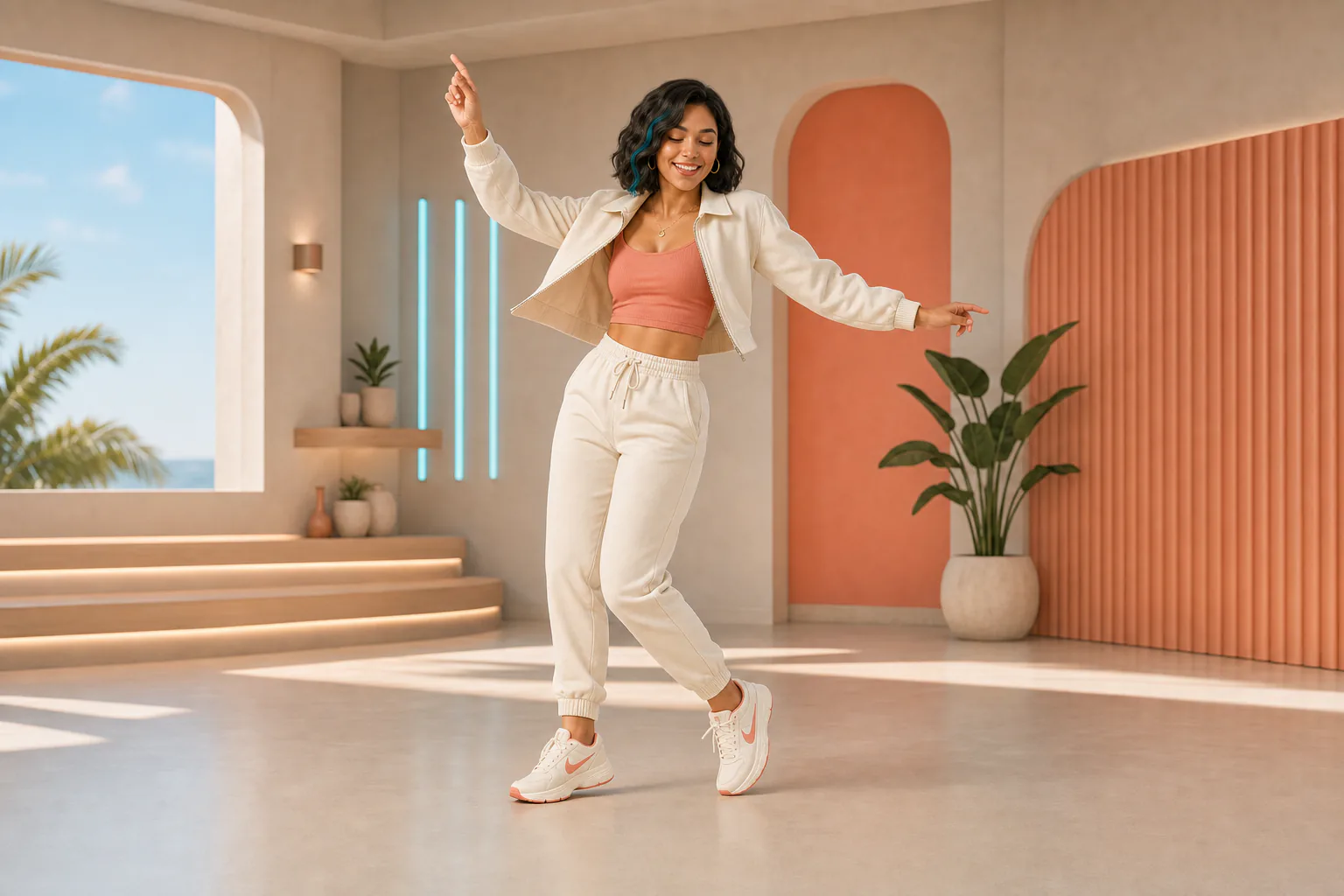
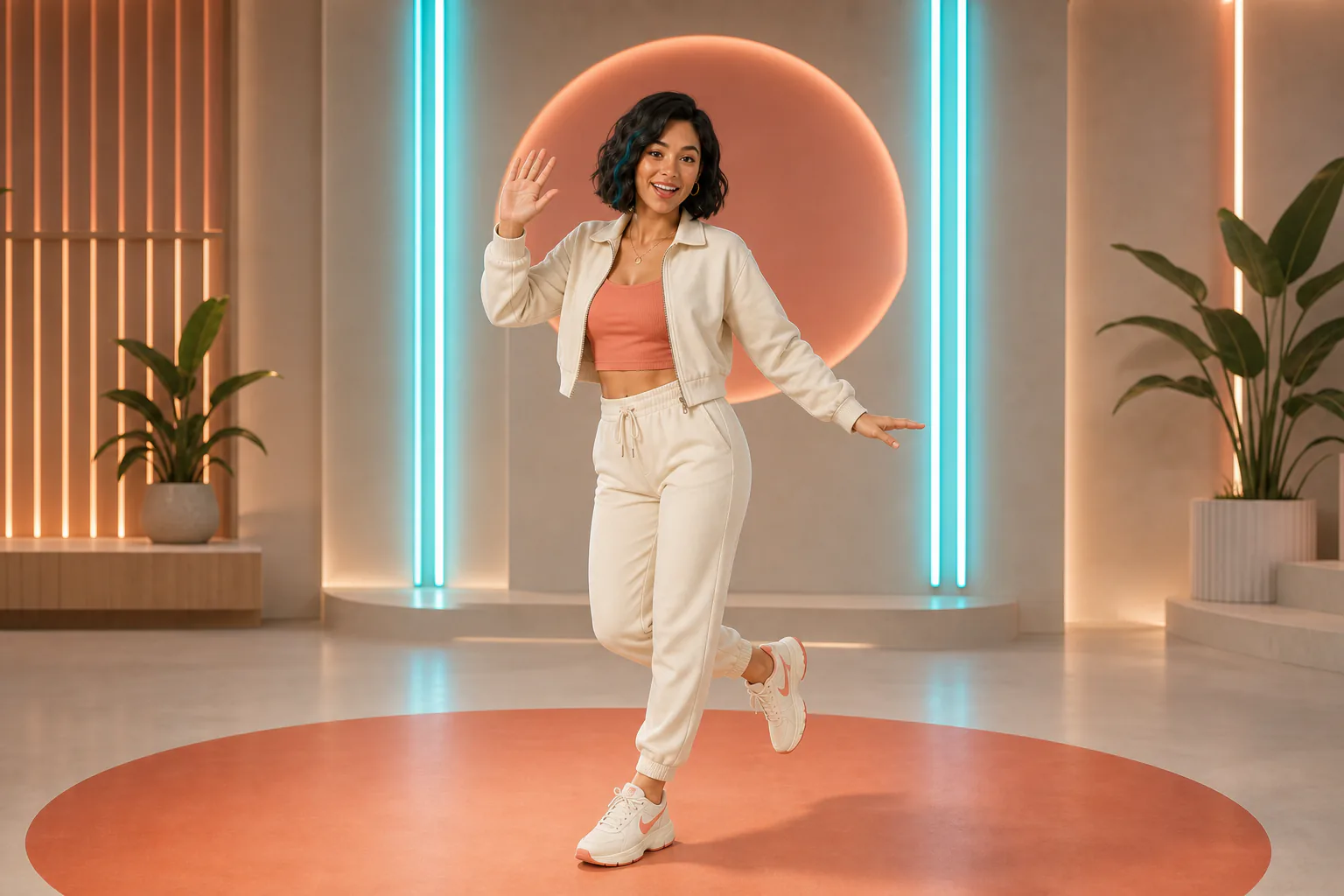
Choose Move and pair a full-body or three-quarter character image with a built-in action or one steady 3–30 second MP4 or MOV reference. The visible performer supplies timing and choreography, making this path useful as an AI influencer dance video generator for challenges, waves, reactions, and celebrations.
Reuse one character image across a content series
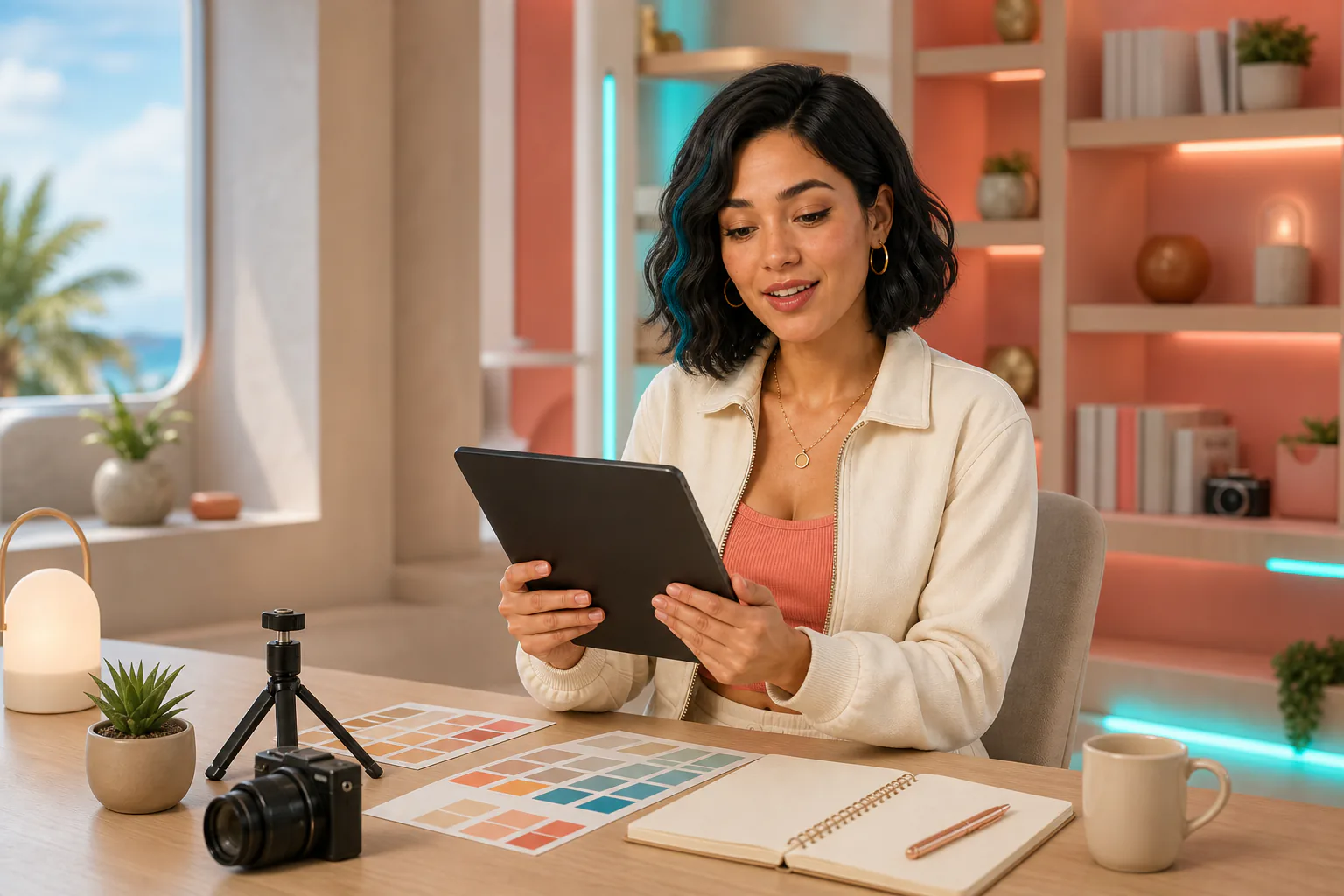
Upload the identical source for each episode to keep a familiar face, hairstyle, outfit, and silhouette at the center of the series. Save the portrait, settings, scripts, and references in your own project files, then change one message, language, gesture, or performance at a time.
Switch between Talk and Move without starting over
The AI Influencer Video Generator carries the character image across the Talk and Move tabs. Keep the visual anchor, then replace a script with a performance or turn a movement idea into a spoken follow-up. Each mode keeps its own directing inputs while sharing the same source character.
Choose voices, languages, and output quality
For typed speech, select an available voice and matching language, then review pronunciation before release. The live form estimates speech duration from the script or detects it from uploaded audio. Choose 720p or 1080p where the selected workflow offers it, with the credit estimate visible before generation.
Direct each clip with simple creative inputs
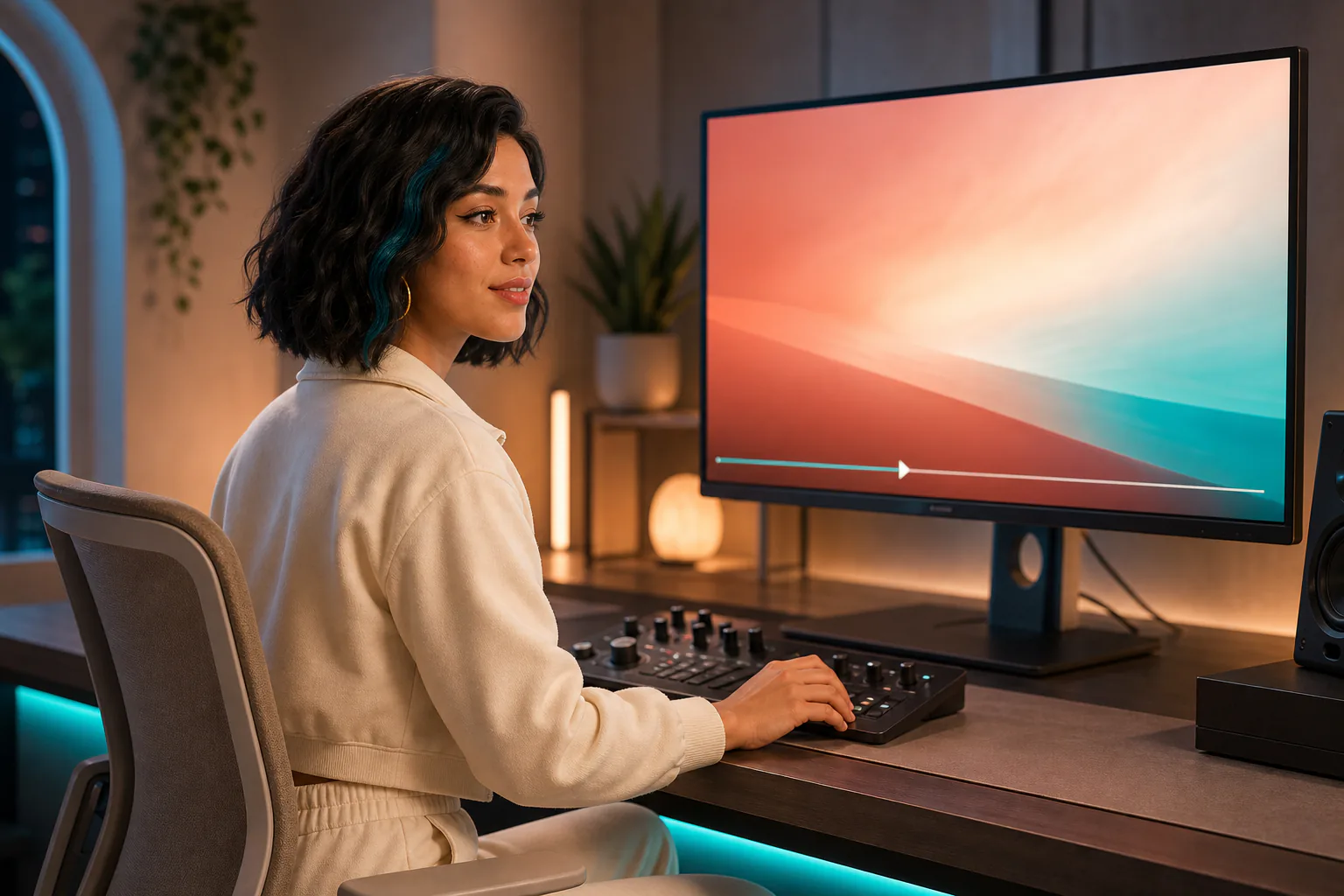
Use a script, speech recording, built-in action, or reference performance to direct the result. Generate the clip, inspect identity, lip timing, motion, hands, and framing, then download the rendered MP4 for captions, music, safe margins, and final platform editing.
How to Use the AI Influencer Video Generator
Start with one character image, choose the result you need, and keep the complete take under review from input to download.
Upload your character image
Use JPG, JPEG, PNG, or WebP. Choose a front-facing portrait for speech or a full-body image with visible limbs and room around the subject for movement.
Choose Talk or Move and add direction
Add text or MP3, WAV, or M4A speech for Talk. For Move, select a built-in action or upload one steady 3–30 second MP4 or MOV performance.
Generate, inspect, and download
Review the complete result for identity, speech, action, hands, framing, and watermark status, then download the MP4 and finish captions or platform formatting in your editor.
AI Influencer Video Generator Use Cases
Use the AI Influencer Video Generator for recurring content jobs where one recognizable virtual character needs a new message, language, gesture, or performance.
Channel introductions and recurring updates
Use Talk to introduce the character, explain the channel promise, announce a new episode, or deliver a weekly community update. Keep the portrait and voice choice stable while changing the script so viewers recognize the format across separate posts.
Trend commentary and social reactions
Create a spoken response to a current topic with Talk, or use Move for a wave, point, celebration, or visual reaction. Focus each clip on one clear idea so it can be trimmed and captioned for TikTok, Reels, or Shorts.
Dance challenges and performance clips
Pair a full-body character image with a short, clearly framed performer for dances, simple choreography, and gesture-led challenges. Match the character and reference orientation, keep the camera steady, and avoid cuts or body occlusion that hide the movement.
Educational explainers and character-led stories
Turn a lesson, product concept, fictional monologue, or short story into a speaking-character clip. Typed scripts make wording easier to control, while uploaded speech audio can carry a particular delivery, rhythm, or emotional emphasis.
Language-specific audience updates
Prepare a separate script in the target language and select a matching voice for regional announcements or community messages. Review wording, pronunciation, names, and claims in every language version before publishing.
Brand announcements and campaign moments
Create a spoken announcement, launch countdown, celebration, or campaign gesture around one focused message. Combine it with accurate product screens, pack shots, logos, captions, and B-roll in your editor for a complete campaign asset.
Why Choose Our AI Influencer Video Generator?
The AI Influencer Video Generator brings talking-character controls, reference-motion animation, character reuse, and practical output settings into one content workflow.
Talk and full-body motion in one workflow
The same character image can move between a speaking workflow and a reference-performance workflow, so one content series can include updates, stories, gestures, reactions, and dances.
Direct the result with the input that fits
Use typed text and a selected voice when wording matters, upload speech audio when delivery matters, or provide a visible reference performance when timing and body movement matter. The AI Influencer Video Generator keeps each directing path clear.
Keep one recognizable source at the center
Reuse the identical source image across modes and episodes to keep a familiar face, outfit, and silhouette at the center. Keeping the image, settings, scripts, and references together also makes visual changes easier to spot and compare.
Work with practical production controls
See the generation inputs and credit estimate before submitting, choose available voice, language, duration, and resolution controls, then inspect and download the rendered MP4. You stay responsible for captions, final edits, and publishing decisions.
AI Influencer Video Generator FAQ
What is an AI influencer video generator?
Do I create a new AI influencer here or upload an existing character?
Can the same virtual influencer talk and follow reference motion?
How do I make an AI influencer dance video?
Can I reuse the same character in a content series?
How consistent will the character look across videos?
Can I make videos for TikTok, Reels, and Shorts?
Is there a free generation, watermark, or credit limit?
Can I use generated influencer videos commercially?
How do I add product visuals to an influencer video?
Create the next clip in your virtual influencer series
Reuse the same character, choose Talk or Move, and review the full take before publishing.