
AI Talking Avatar Generator
One Familiar Face. A New Message Whenever You Need It.
Use one sharp, front-facing person or character with the eyes and mouth clearly visible.
Keep the first version concise, then choose a voice and language below.
What is an AI Talking Avatar Generator?
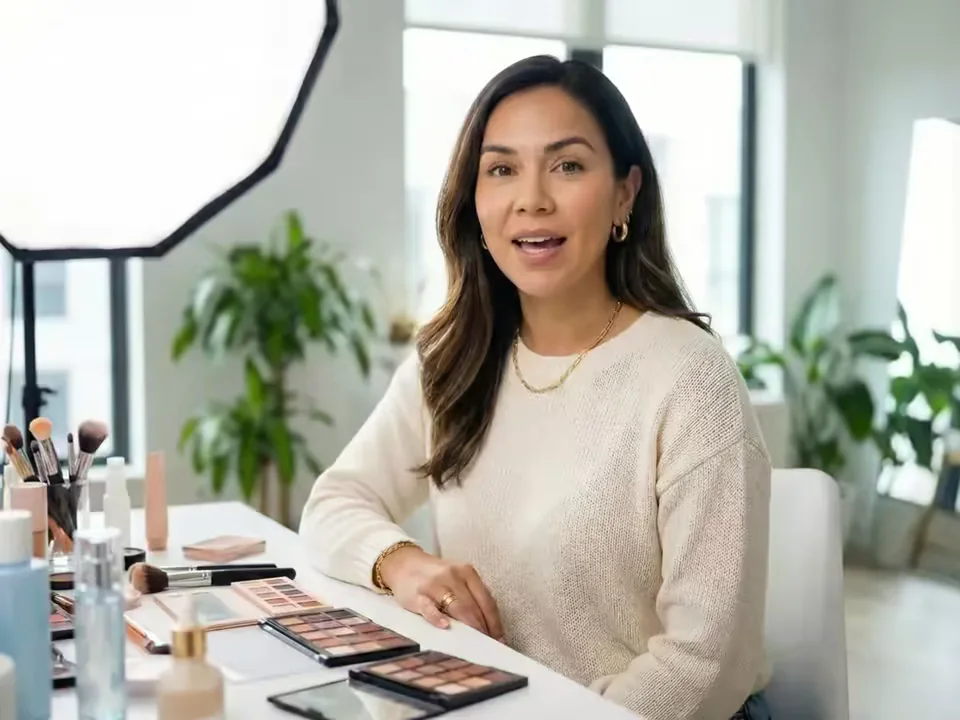
An AI Talking Avatar Generator turns one portrait into a speaking video. The portrait supplies the visible identity; your typed script and selected voice, or your uploaded recording, supplies the words, timing, and delivery. Reuse the same face for creator updates, lessons, announcements, character stories, and audience-specific messages.
Keep the source portrait, preferred settings, scripts, and voice choices together so each new video begins from a familiar visual foundation. Prepare the message in the audience’s language, choose text or audio for the delivery, then download the MP4 for captions, music, graphics, and final platform formatting.
What an AI Talking Avatar Generator creates from text or audio
Choose the speech source that fits the message, then keep the portrait, permission, and output expectations clear.
Turn a prepared script into a speaking avatar
Type the exact line, select a generated voice and one of the languages currently listed in the form, and create a text-to-talking-avatar video. This works well for repeatable intros, concise updates, announcements, and educational transitions where the wording changes more often than the visual identity.
Keep the cadence of your own voice recording
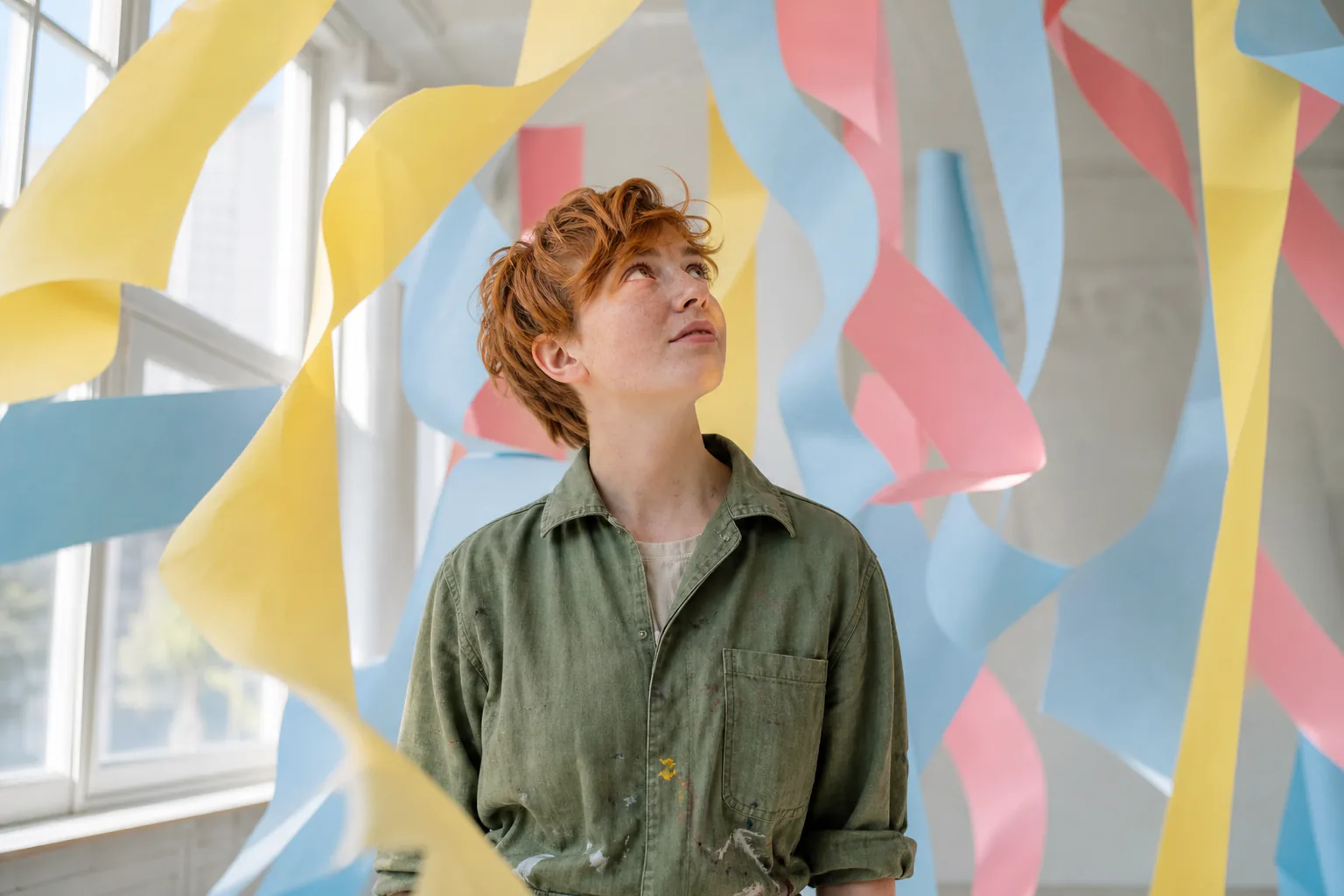
Switch to Audio when pronunciation, emotion, timing, or personal delivery matters. Upload one clean MP3, WAV, or M4A recording and the avatar follows that speech track, carrying its cadence, pauses, and emphasis into the performance.

Reuse one source portrait across a content series
Keep the original image and use it again for a new script or recording. That gives a personal brand, course, or fictional host a familiar visual anchor. Store the portrait, settings, scripts, and voice choices together, then review facial detail and framing across every new render.
Choose voices, languages, and output resolution
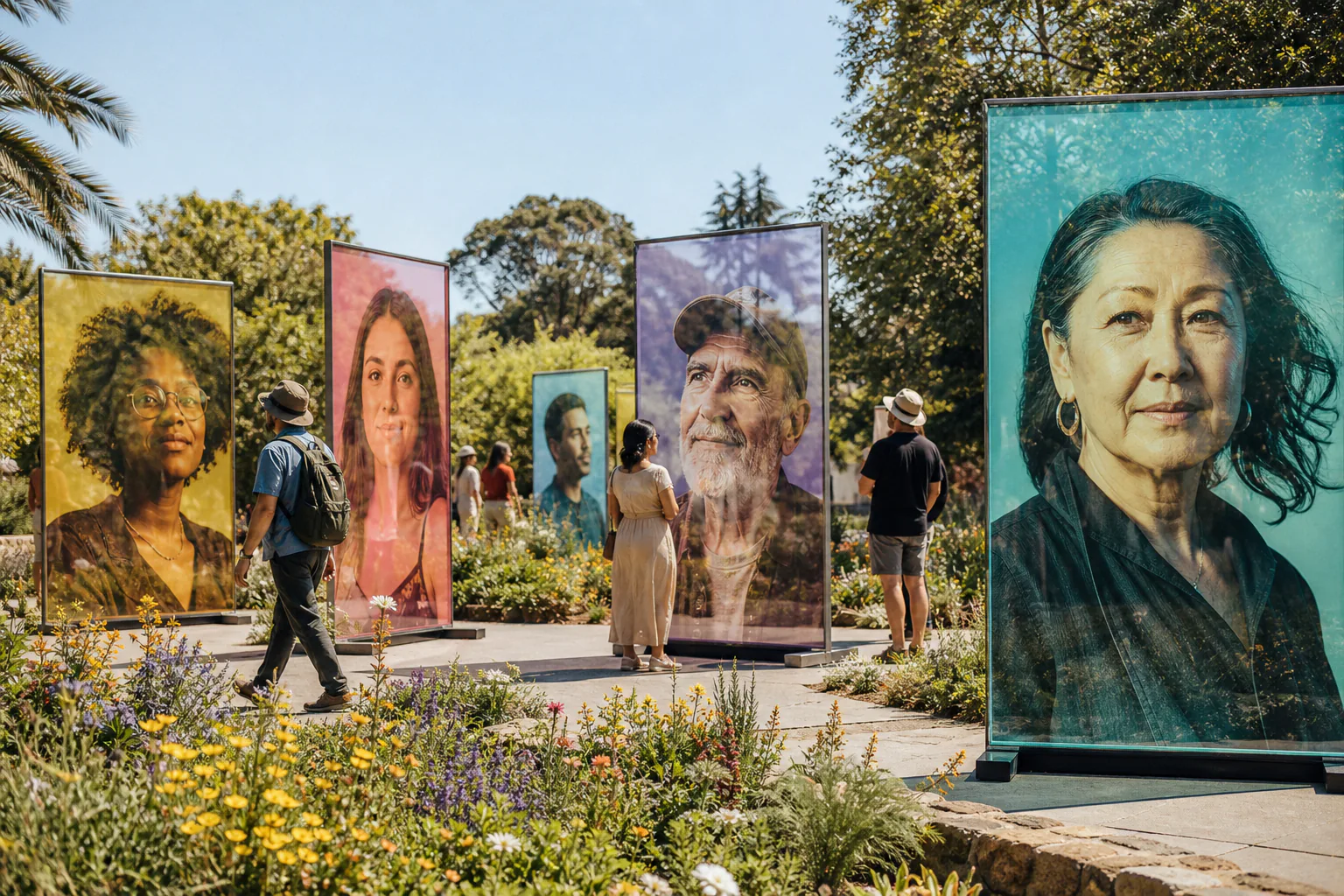
Text mode offers a defined voice list and current language choices including English, Spanish, French, German, Italian, Portuguese, Japanese, Korean, and Hindi. Prepare the script in the target language, choose a matching voice, and select 720p or 1080p before generation.
Work with real people or stylized characters
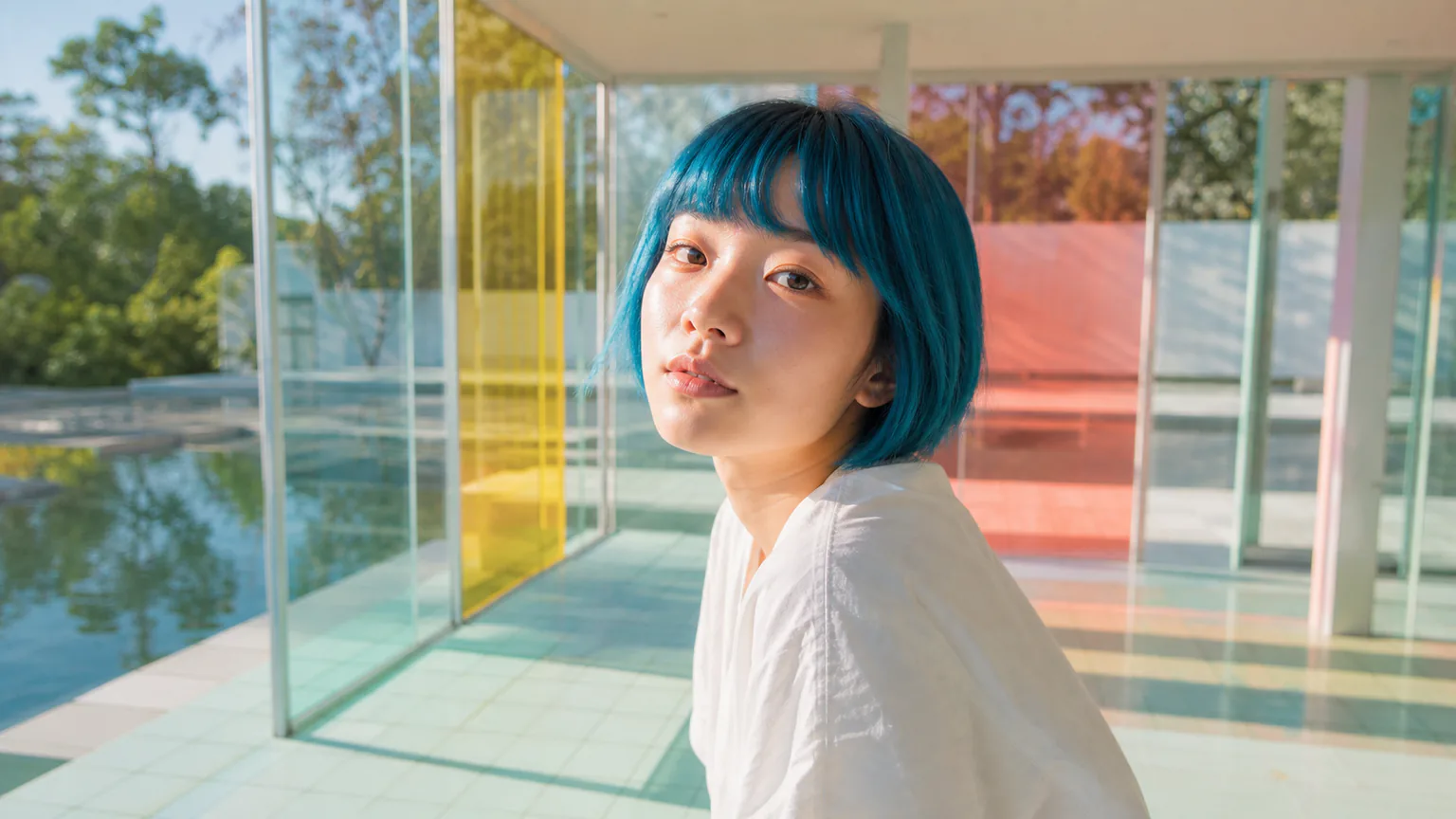
A sharp headshot, illustrated host, or permitted brand character can become an AI speaking avatar when it has one readable face and an unobstructed mouth. Natural results still depend on source quality, so inspect lips, eyes, facial shape, timing, and expression before publishing.
How to create a talking avatar from a photo
Start with one clear portrait and one short message, then refine the image, speech, and pacing as you build the series.
Upload an approved portrait
Choose one front-facing person or character with even light, a sharp face, and a clearly visible mouth. Confirm that you have permission to animate the identity.
Enter text or add speech audio
Use Text for a generated voice and selectable language, or Audio for your own cadence. Keep the first test concise and use one speaker only.
Generate, review, and download
Check mouth timing, blinking, facial stability, pronunciation, and the current credit estimate. Download the MP4 only after the complete unedited result looks right.
Talking-avatar video ideas for recurring content
Use a consistent source portrait while changing the message for each real audience and channel.
Personal brand and creator updates
Prepare a channel welcome, weekly update, event reminder, or short point of view with the same creator portrait. Change the script while keeping the familiar face, voice choice, and visual style consistent across the series.
Educational characters and short explainers
Open a module, introduce a concept, or narrate a short character-led segment. Use simple sentences and confirmed pronunciations, and label generated presenters appropriately when the context could otherwise imply a real recording.
Brand announcements in available languages
Prepare a separate script for each target language and select a matching generated voice. Use concise regional updates, localized welcomes, lesson introductions, or event messages to speak more directly to each audience.
Workflow essentials for AI Talking Avatar Generator
Inputs, recommended setup, and the most common fixes—summarized in one compact guide.
Inputs and setup
- One authorized JPG, JPEG, PNG, or WebP portrait; Typed text with a generated voice, or MP3, WAV, or M4A audio.
- Speech length: Estimated from typed text or detected from uploaded audio.
- 720p or 1080p selected before generation; Account and credits required; downloadable MP4 output.
- Use one sharp, front-facing face with the eyes, jawline, and complete mouth visible.
Two quick fixes
AI Talking Avatar Generator FAQ
What is an AI talking avatar generator?
How do I create a talking avatar from a photo?
Can I type a script or upload my own audio?
Can I reuse the same portrait for more videos?
Which voices and languages are available?
What image makes the most natural talking avatar?
Is there a free generation, watermark, or credit limit?
Can I use an AI talking avatar commercially?
How are uploaded portraits and audio handled?
How is a talking avatar different from a talking photo or lip-sync tool?
Explore AI Talking Avatar Generator
Choose a focused workflow inside the AI Talking Avatar Generator collection.

AI Spokesperson Video Generator
Turn an approved portrait and reviewed business script or audio into a lip-synced presenter video for introductions, welcomes, and updates.
Open tool
AI UGC Avatar Generator
AI UGC Avatar Generator turns one creator photo and an ad script or voice recording into a lip-synced UGC-style video for TikTok, Reels, and Meta ads.
Open tool
AI Avatar for Course Creators
AI Avatar for Course Creators turns an instructor photo and lesson script or voice recording into course welcomes, module intros, updates, and teaching clips.
Open tool
AI Recruitment Video Generator
AI Recruitment Video Generator turns an authorized recruiter photo and approved job script or voice recording into hiring videos for career pages and recruiting posts.
Open tool
AI Avatar for Real Estate Agents
Create an AI avatar for real estate agents from one headshot and script. Make market updates, introductions, listing announcements, open-house invites, and FAQ videos.
Open toolGive one familiar portrait its next message
Start with a short script or clean recording, check the live credit estimate, and review the complete talking-avatar result before you share it.