
Kling AI Motion Control
Transfer Motion to Any Character
Upload the character image and motion reference together before generating.
Match orientation in the video · up to 30s reference.
Optional. Motion comes from the video; prompt refines the look.
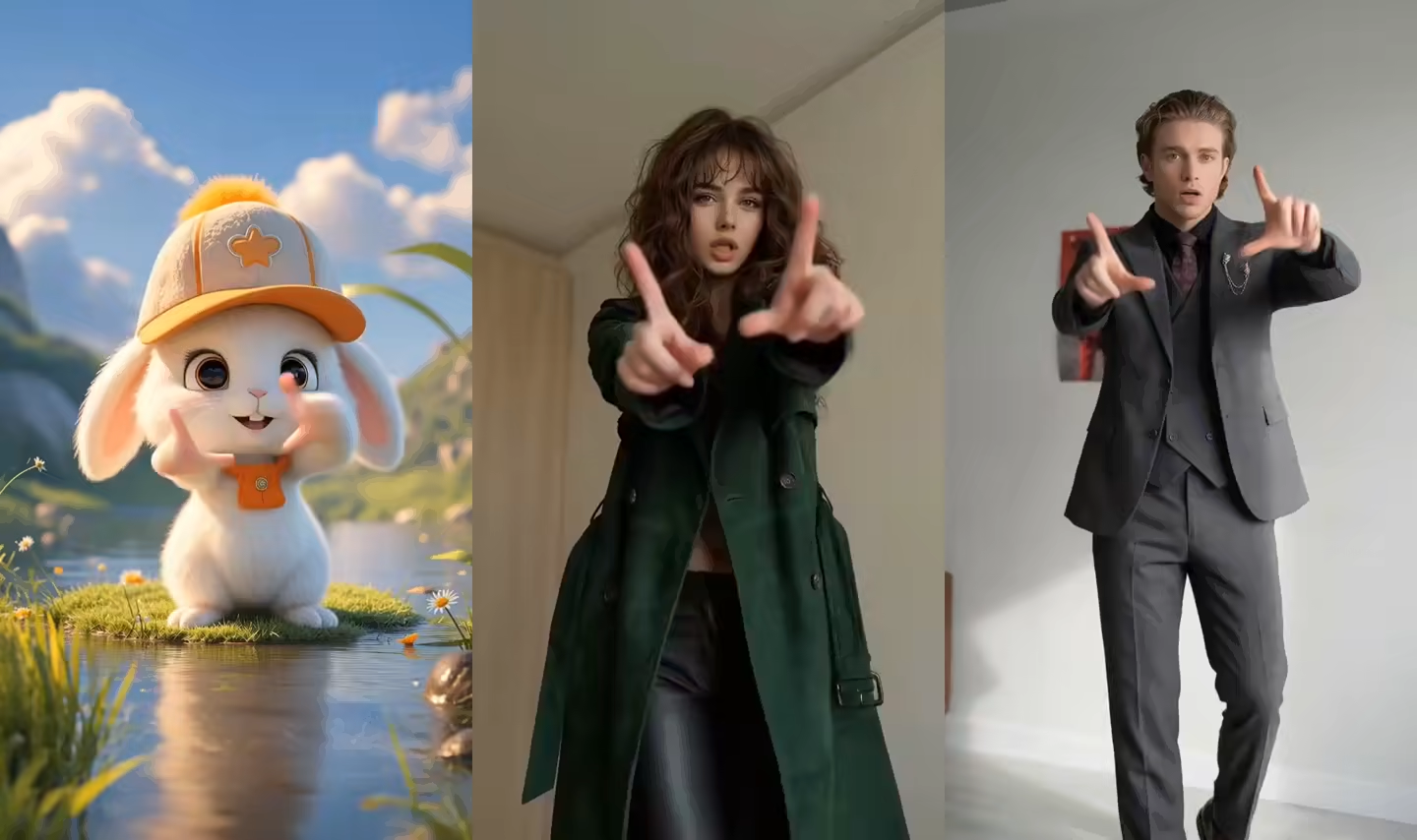
See Kling AI Motion Control in Action
Real outputs generated from a reference video and a character image. Every demo below was produced through the same Kling motion control AI workflow.
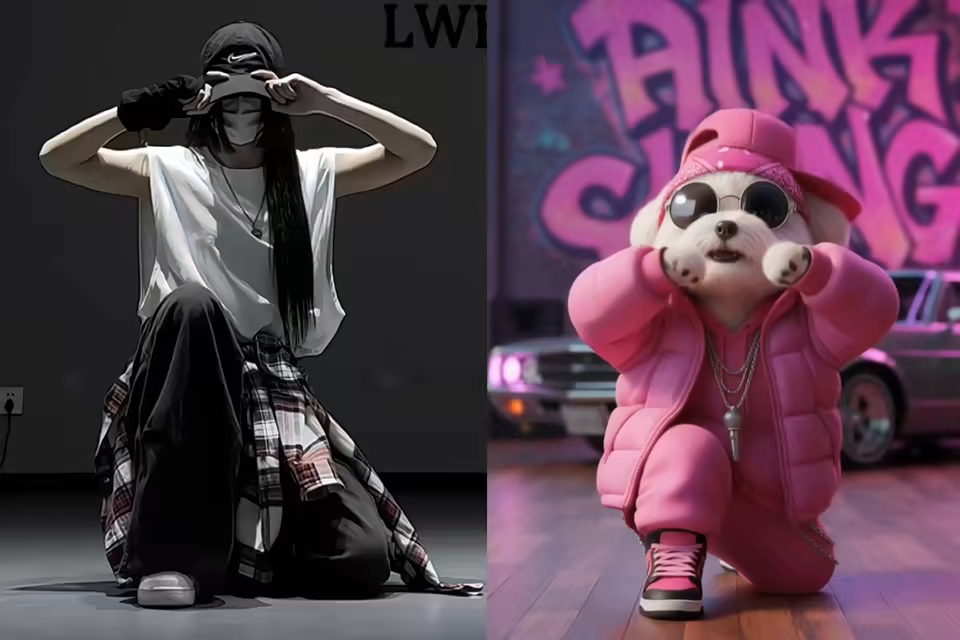
Dance & Performance
Full-body dance choreography, walking, posing, and expressive movement transferred from a reference video onto a still character image.
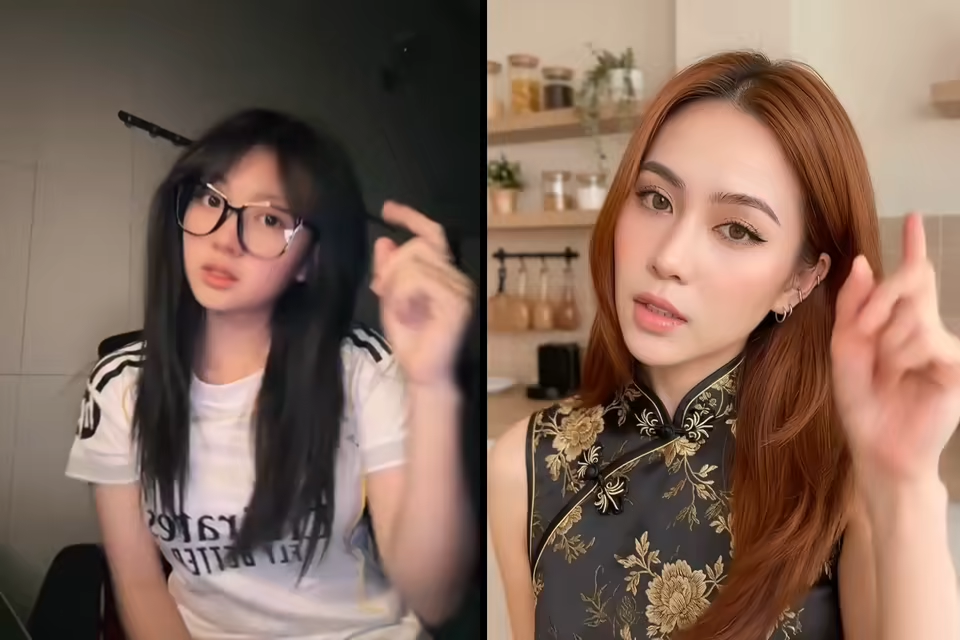
Hand Gesture Detail
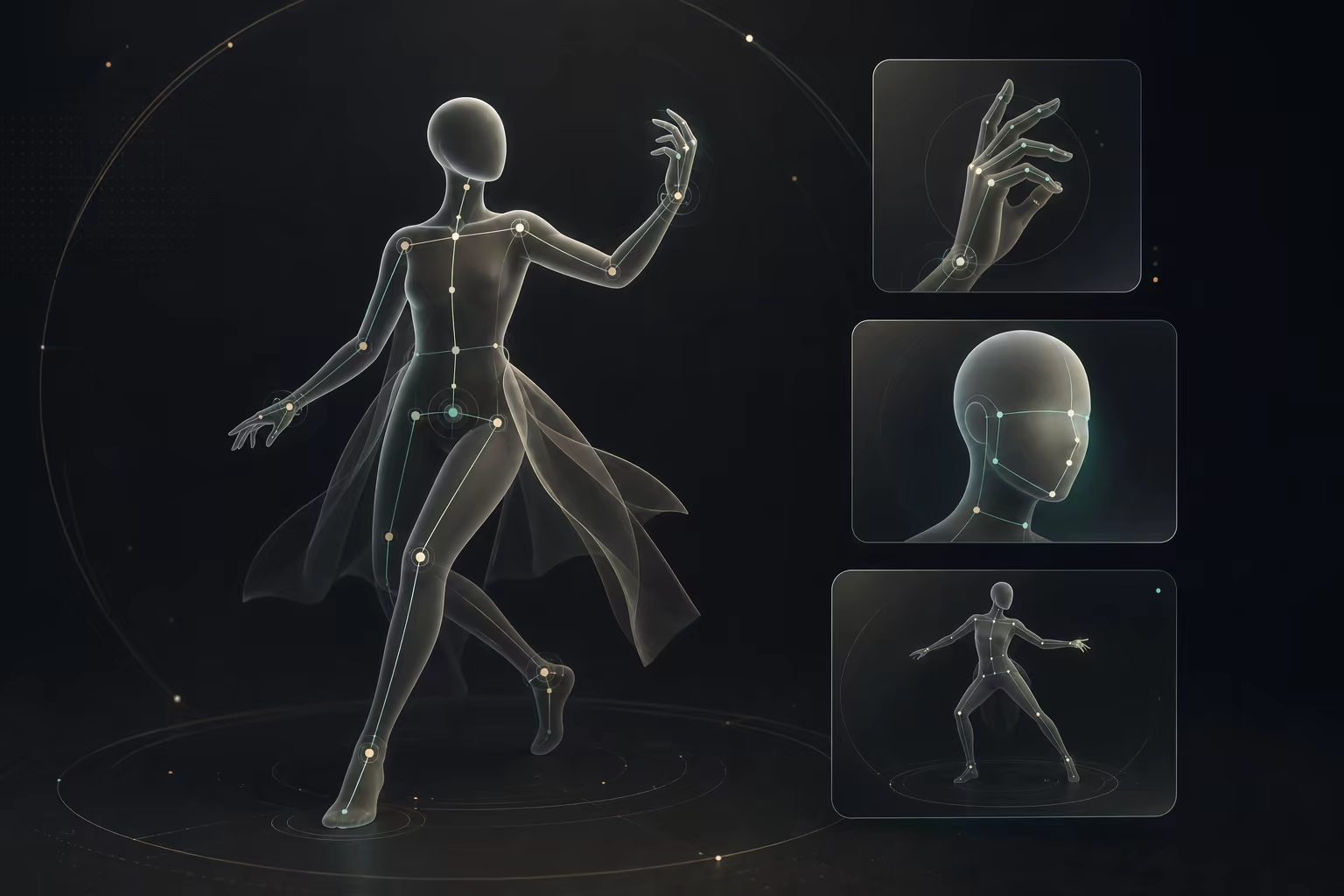
Finger-level hand gestures preserved from the reference clip — clean even on stylized characters.
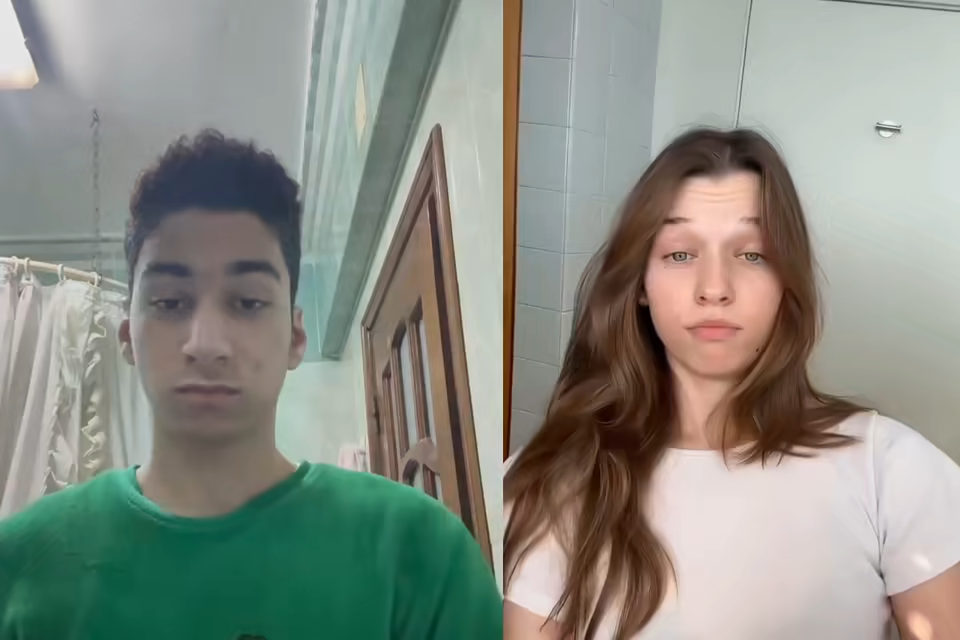
Lip Sync / Talking Head
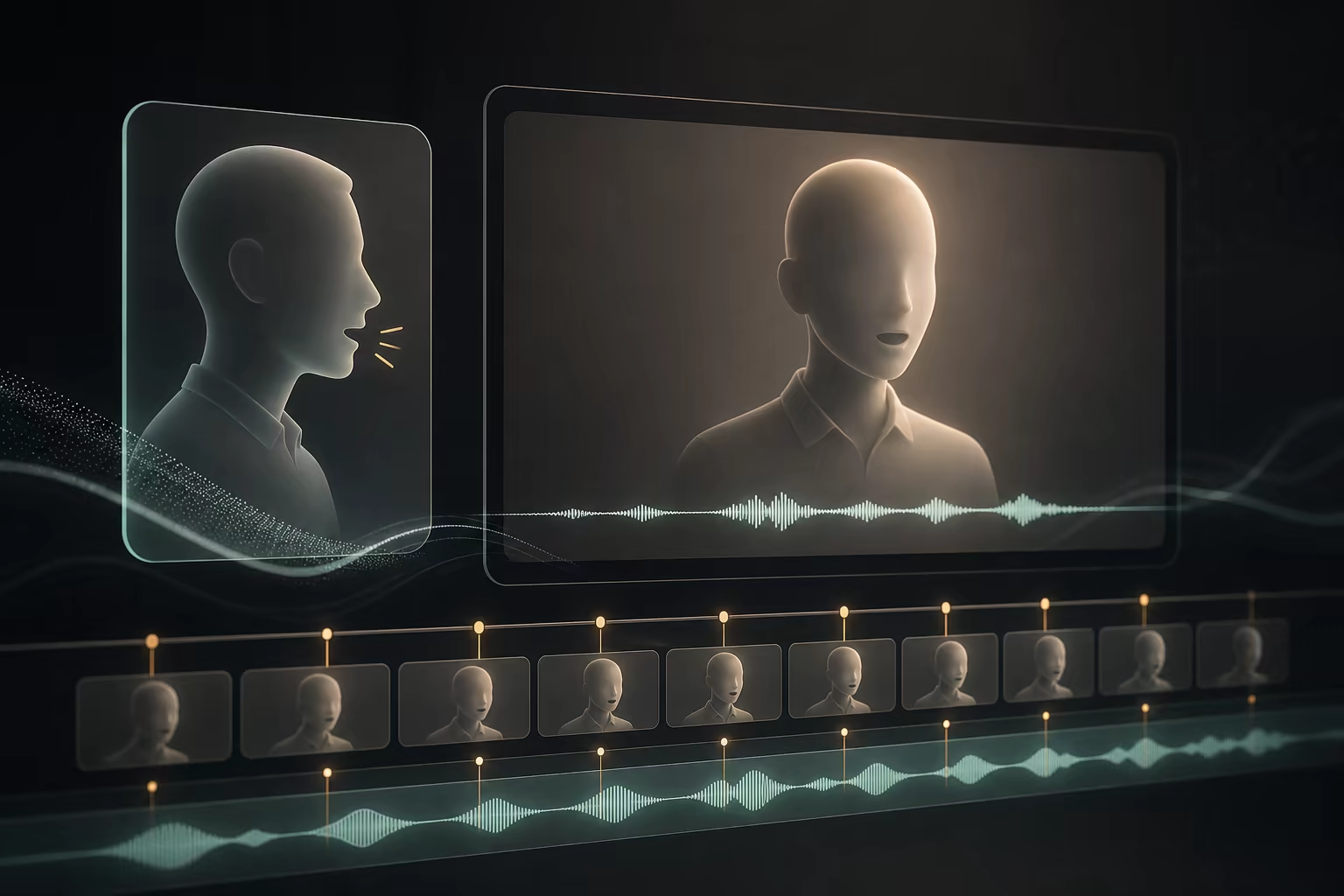
Lip sync and audio preservation from the reference video — ideal for talking avatars and explainer videos.
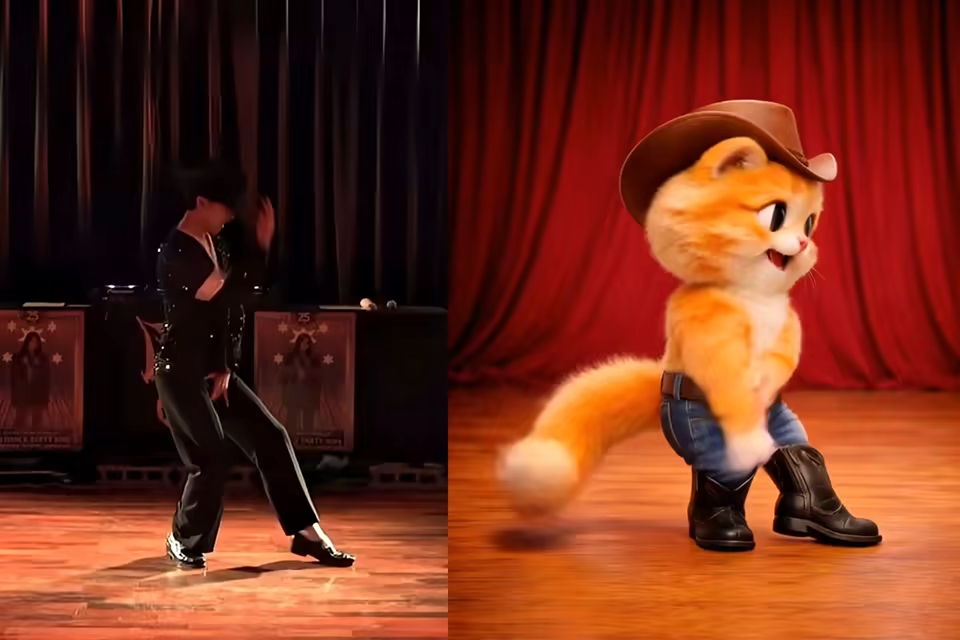
Anime Character Animation
Anime and stylized characters animated with the same Kling AI Motion Control workflow as photorealistic subjects.
Key Features of Kling AI Motion Control
Six capabilities that make the Kling AI Motion Control model a complete reference-to-character video workflow — not just another AI clip generator.
Reference-Based Motion Transfer
Instead of asking AI to guess motion from a text prompt, Kling AI Motion Control extracts real movement from your reference video. The result is predictable, controllable, and dramatically reduces trial-and-error generations.
Full-Body, Hand & Facial Animation
Walking, dancing, hand gestures, and facial expression — Kling AI Motion Control transfers full-body posture and detailed gesture work in a single pass. No separate body and face passes, no manual cleanup.
Lip Sync with Audio Preservation
Mouth movement aligns to the reference video, and the original audio is preserved by default. Use Kling AI Motion Control for talking avatars, virtual hosts, and explainer videos with clean voice tracks out of the box.
Prompt-Guided Scene Styling
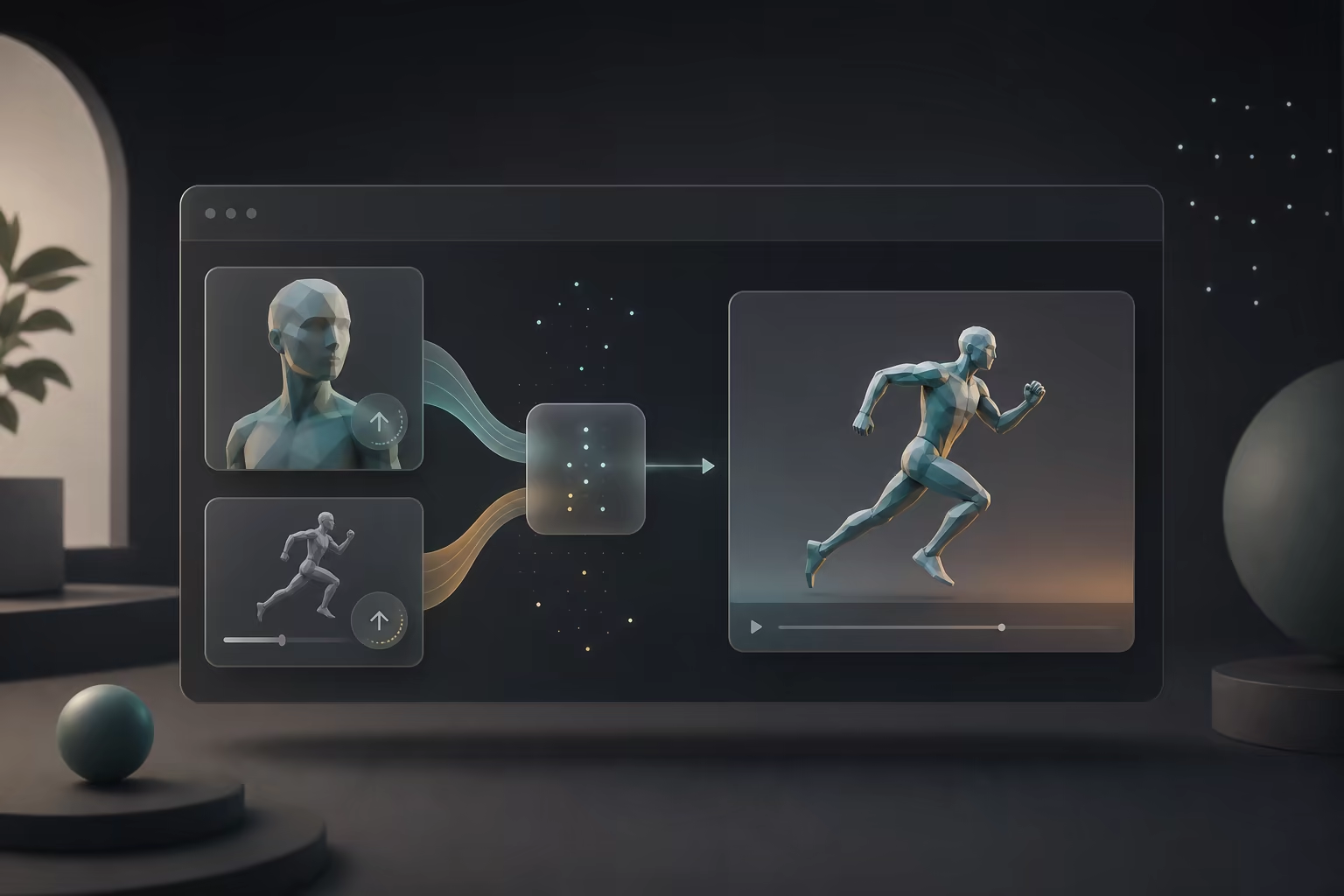
Use prompt-guided Kling AI Motion Control generation to refine scene direction, background details, lighting, mood, and visual style. Motion comes from the reference video, while the prompt helps shape the atmosphere around your character.
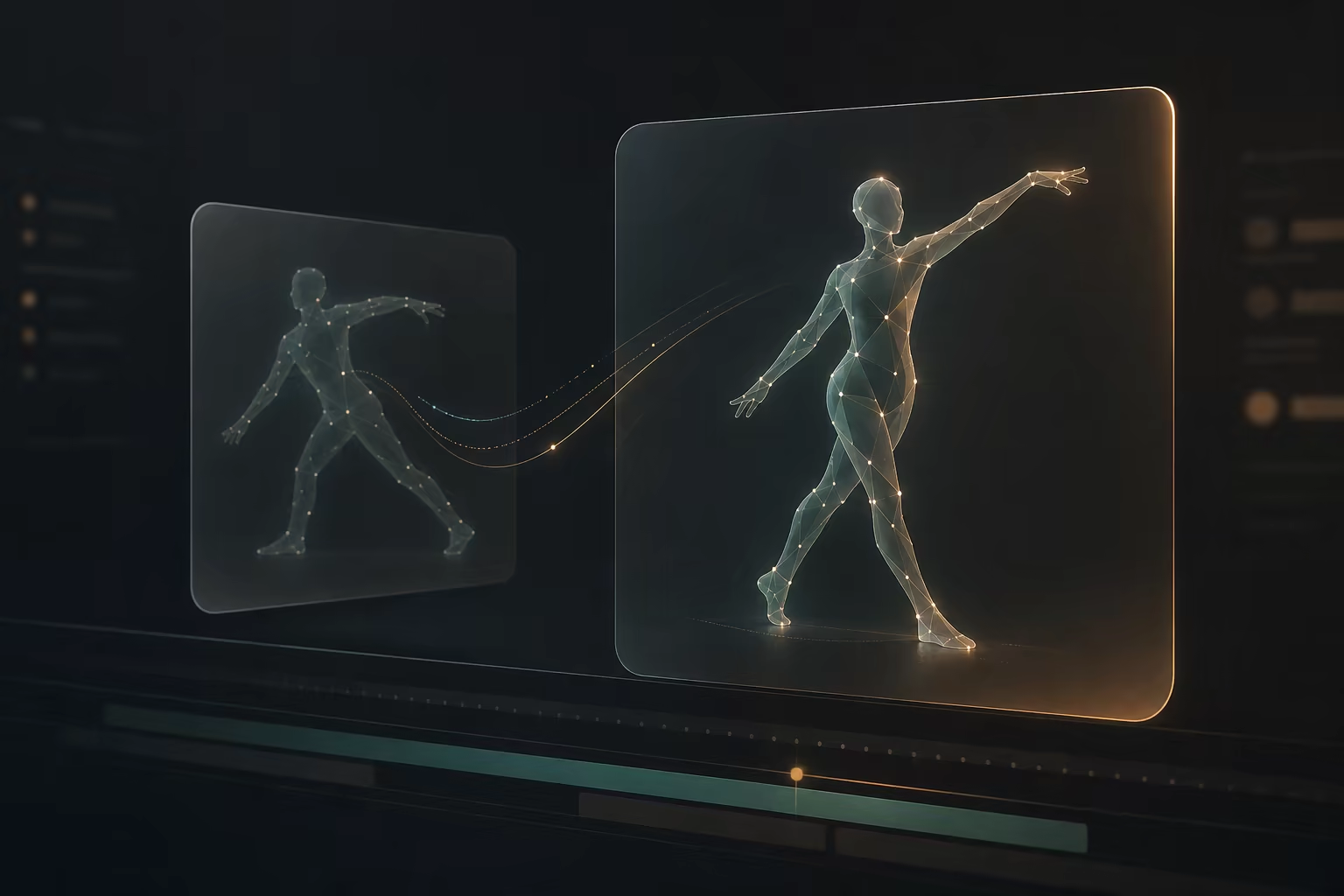
Kling AI 3.0 Motion Control & Kling 2.6 Engine, 720p/1080p, Up to 30s
Choose Kling AI Motion Control 2.6 for full-body 30-second one-shot generations, or the Kling AI 3.0 Motion Control model for the strongest character identity and expression fidelity. Output up to 1080p, with 720p available for faster previews.
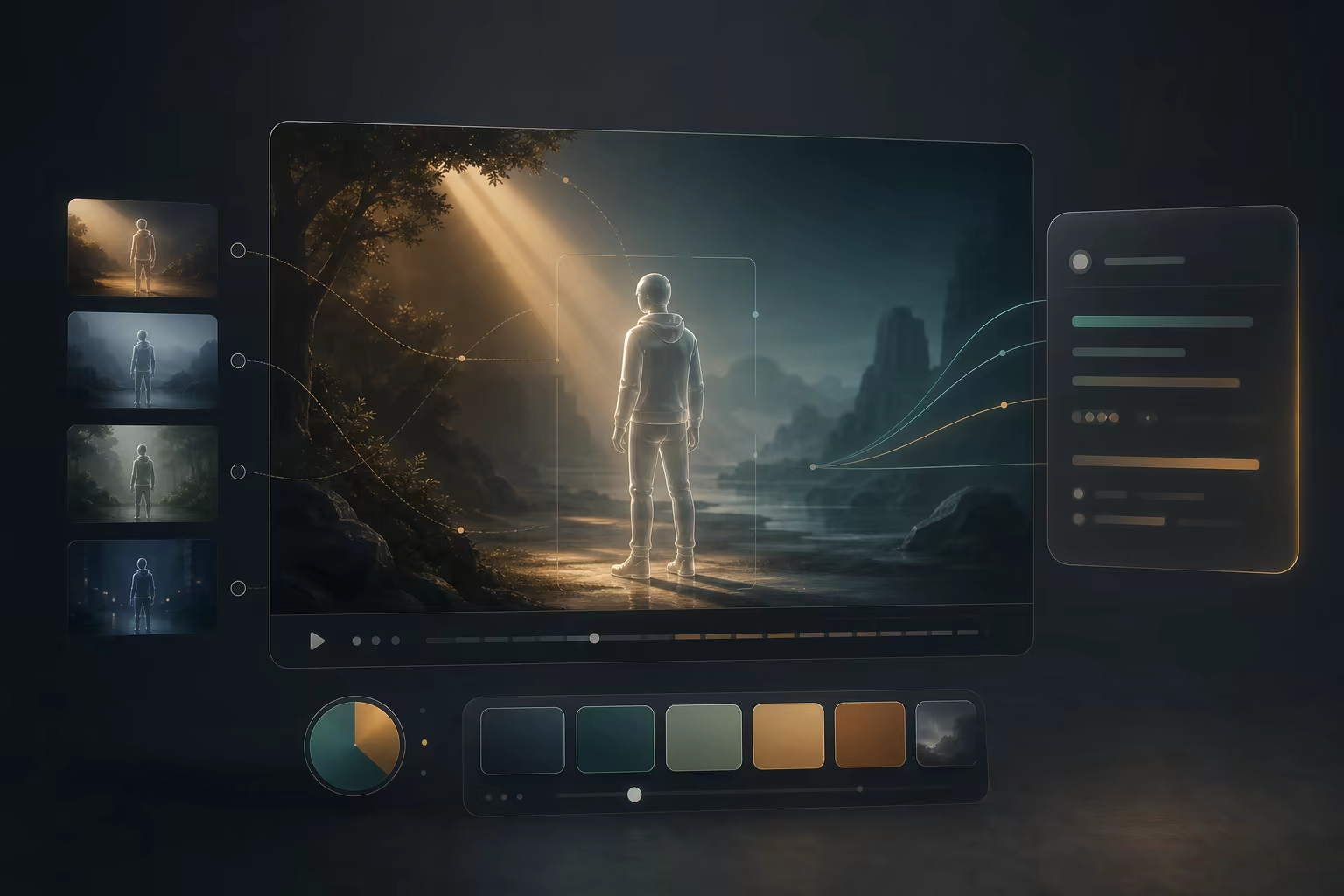
Motion Control Kling AI — Reference-Video Character Animation
Open the browser workflow, upload a character image and reference video, choose the available motion, quality, orientation, and background controls, then generate a character performance.
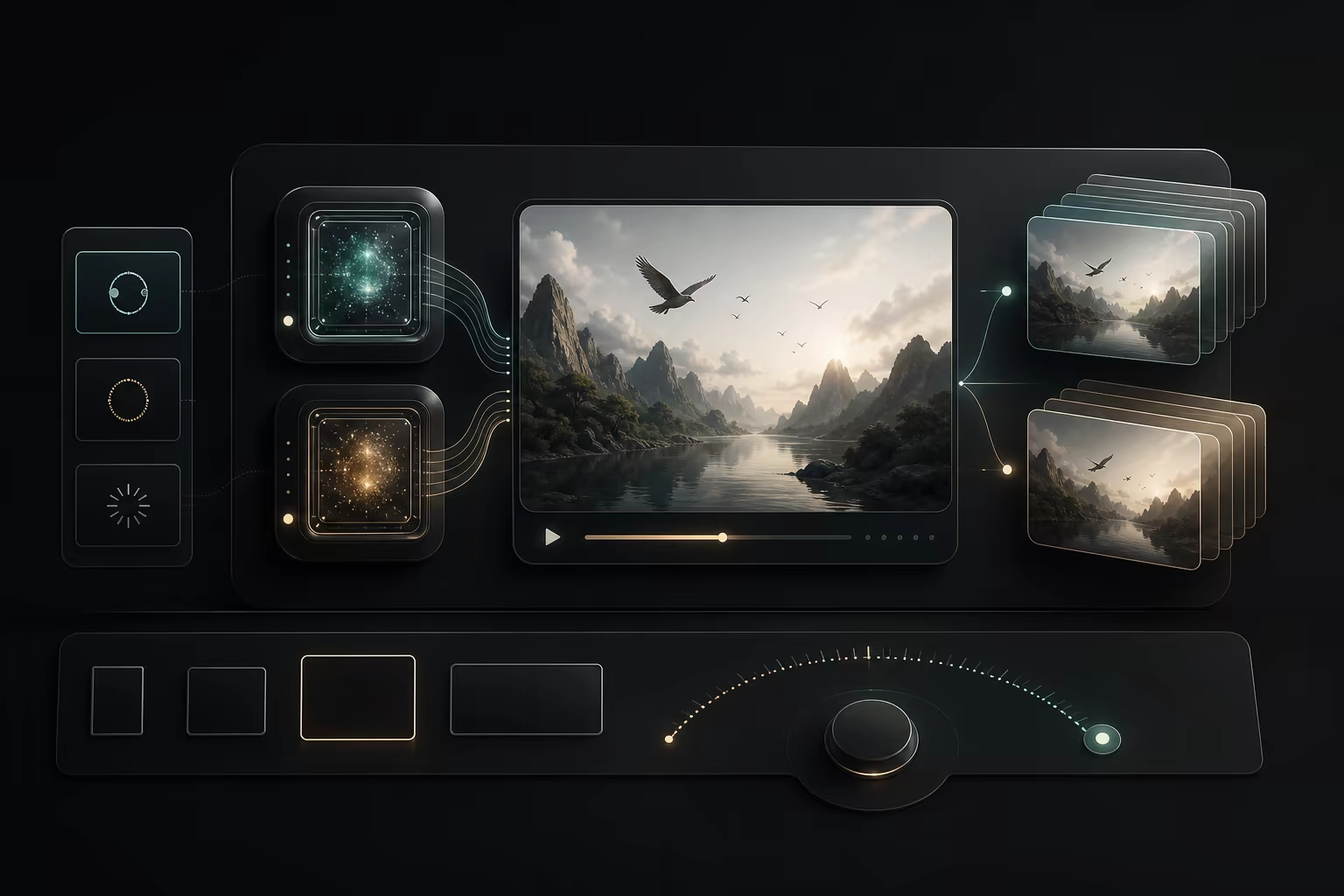
How Kling AI Motion Control Works
To use Kling AI Motion Control, upload a character image and a 3–30 second reference video, choose Kling 2.6 or 3.0, then generate. The reference controls the motion; an optional prompt controls the scene, lighting, and style.
Upload a character image
Any JPG, PNG, or WEBP works with Kling AI Motion Control. Portraits, full-body shots, anime characters, mascots, or brand avatars — upload once and reuse forever.
Upload a reference motion video
Drop in a 3–30 second reference video. Kling AI Motion Control extracts pose, gesture, expression, and audio so you never have to rig or keyframe anything.
Generate and download
Choose Kling 2.6 or 3.0, pick 720p or 1080p, and generate. Your Kling motion control AI video is ready in minutes — clean, watermark-free, ready to publish.
Motion Control AI Pricing — Basic, Pro, Max
Choose a monthly credit plan for Motion Control AI. Any plan or credit pack unlocks more video and image generation models; use credits for text-to-image, image-to-image, text-to-video, image-to-video, first/last-frame video, and motion control. Exports are watermark-free with full commercial use rights.
Basic
For image and video creation.
- 1,200 credits included every month
- Up to 600 images per monthBased on our lowest-cost image generation: 2 credits per image (Z-Image, 1024 × 1024). Other models and settings use more credits.
- Or up to 40 videos with the same creditsBased on Veo 3.1 Lite at 30 credits per video (8 seconds, 720p). Actual output varies by model and settings.
- Unlock advanced video and image models, including Kling, Veo, Seedance, LTX, Nano Banana, GPT Image 2, and more
- Supports text-to-image, image-to-image, text-to-video, image-to-video, first/last-frame video, and motion control
- Full commercial use rights included
- 24/7 customer support
- No watermark on exported videos
Pro
For image and video creation.
- 3,000 credits included every month
- Up to 1,500 images per monthBased on our lowest-cost image generation: 2 credits per image (Z-Image, 1024 × 1024). Other models and settings use more credits.
- Or up to 100 videos with the same creditsBased on Veo 3.1 Lite at 30 credits per video (8 seconds, 720p). Actual output varies by model and settings.
- Unlock advanced video and image models, including Kling, Veo, Seedance, LTX, Nano Banana, GPT Image 2, and more
- Supports text-to-image, image-to-image, text-to-video, image-to-video, first/last-frame video, and motion control
- Full commercial use rights included
- 24/7 customer support
- No watermark on exported videos
Max
For image and video creation.
- 8,000 credits included every month
- Up to 4,000 images per monthBased on our lowest-cost image generation: 2 credits per image (Z-Image, 1024 × 1024). Other models and settings use more credits.
- Or up to 266 videos with the same creditsBased on Veo 3.1 Lite at 30 credits per video (8 seconds, 720p). Actual output varies by model and settings.
- Unlock advanced video and image models, including Kling, Veo, Seedance, LTX, Nano Banana, GPT Image 2, and more
- Supports text-to-image, image-to-image, text-to-video, image-to-video, first/last-frame video, and motion control
- Full commercial use rights included
- 24/7 customer support
- No watermark on exported videos


Kling AI Motion Control Use Cases
From short-form social content to character-driven storytelling, Kling AI Motion Control powers a wide range of creative and commercial workflows.
Dance & Performance Videos
Clone choreography from a reference video onto your own character. Dance covers, performance clips, and motion-heavy social content with Kling AI Motion Control.
Anime, Mascot & Brand Characters
Animate anime characters, brand mascots, and illustrated avatars with the same motion-transfer workflow you use for photorealistic subjects.
Talking Avatars & Explainer Videos
Drive virtual hosts, digital presenters, and educational explainer videos with lip sync and audio preservation built into Kling AI Motion Control.
Short-form Social Content
TikTok, Reels, and Shorts — vertical, horizontal, or square clips ready to publish. Kling AI Motion Control follows your input aspect ratio, so any social format works natively.
Storyboarding & Pre-visualization
Test camera blocking, character motion, and scene energy before booking a crew. Kling AI Motion Control turns a single afternoon into a full storyboard pass.
Kling AI Motion Control Specifications
Input formats, output options, engine versions, and the full feature set at a glance.
- Image format
- JPG / PNG / WEBP
- Video format
- MP4 / MOV
- Reference length
- 3–30 seconds
- Output resolution
- 720p / 1080p (selectable)
- Output length
- Up to 30 seconds
- Engine
- Kling AI Motion Control 2.6 / Kling 3.0 (selectable)
- Lip sync & audio
- Supported
- Prompt guidance
- Scene, details, lighting, mood, and style
Tips for Better Kling AI Motion Control Results
A short input checklist and the most common issues — read this before your first generation to save credits and time.
Input Checklist
- Use a single-person reference video with clear, visible body motion
- Keep the reference camera stable — avoid heavy shake or fast cuts
- Match framing: full-body image with full-body video, half-body with half-body
- Use clean audio when running lip sync — background noise can cause drift
- Keep reference clips between 3 and 30 seconds for best results
- Front-facing or three-quarter character images outperform extreme side angles
Common Issues & Fixes
Kling AI Motion Control FAQ
What is Kling AI Motion Control?
How does Kling AI Motion Control work?
What is the difference between Kling 2.6 and Kling 3.0 for Motion Control?
What output resolution and length can Kling AI Motion Control produce?
Does Kling AI Motion Control support lip sync and audio preservation?
What input files do I need for Kling AI Motion Control?
Can I animate anime, mascot, or brand characters with Kling AI Motion Control?
Is there a free version of Kling AI Motion Control?
Can I use videos generated with Kling AI Motion Control commercially?
Is this the official Kling AI tool?
How long does Kling AI Motion Control take to generate a video?
Why does Kling AI Motion Control sometimes fail or look distorted?
How to use Kling AI Motion Control free?
Start Your First Kling AI Motion Control Video
Upload a character image and reference video, use available trial credits to test the source pair, and refine the result before a final generation.