Reference to Video AI
What Reference to Video AI Can Keep Consistent
Reference to Video AI gives the model visual evidence instead of asking a text prompt to repeatedly describe the same identity, object, scene, or style.
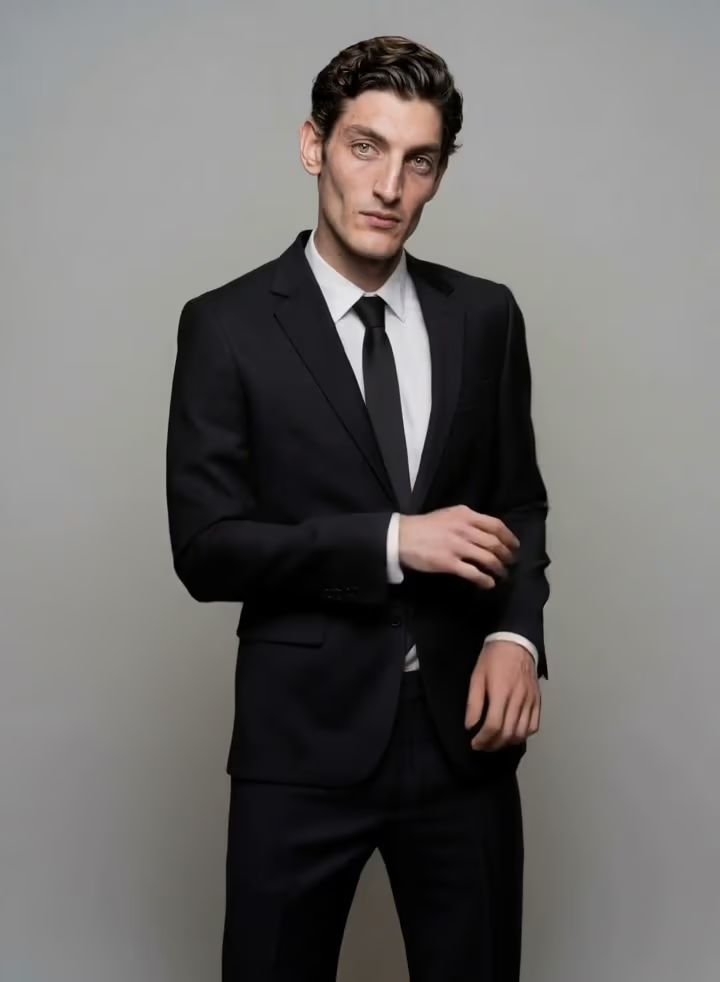
Consistent Characters Across New Actions
Give Reference to Video AI clear views of a face, hairstyle, outfit, body shape, and signature details. Then prompt a new performance or camera setup while asking the model to preserve the identity cues that make the character recognizable.
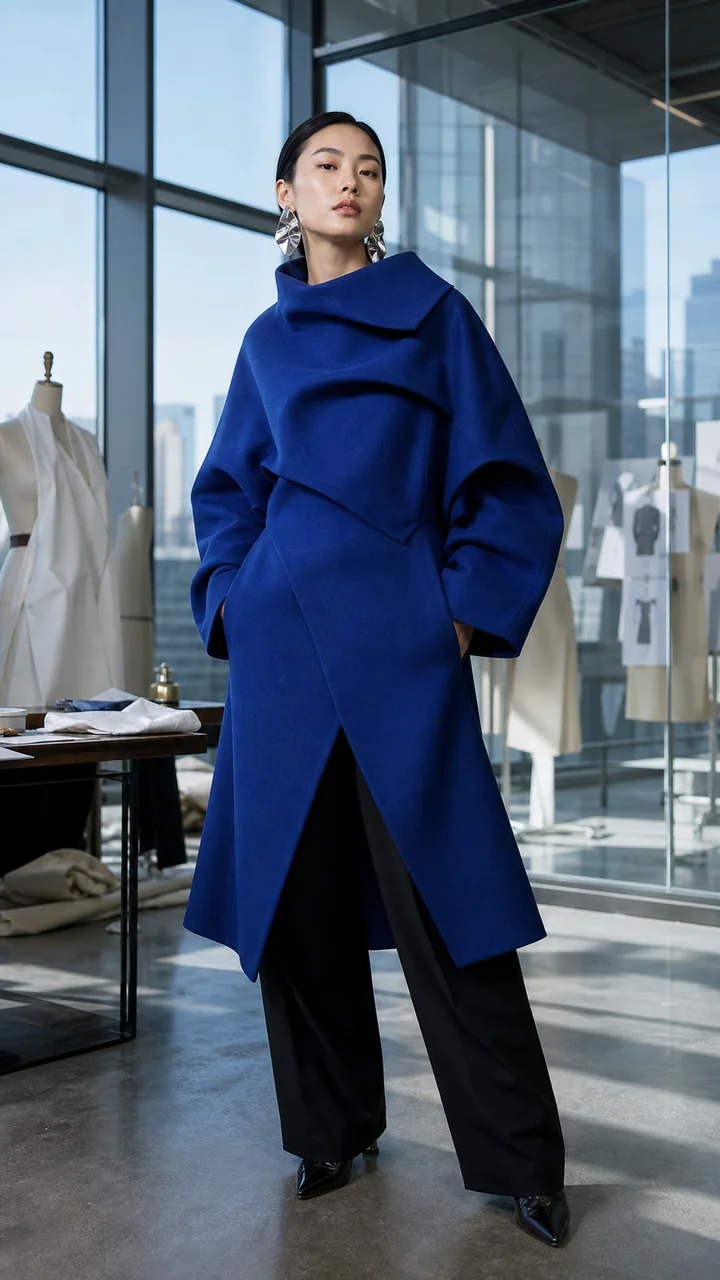
Multiple Reference Images in One Brief
Combine several assets when one image cannot explain the whole brief. Reference to Video AI can use different views, character details, products, environments, or style anchors, with the maximum count determined by the selected model.
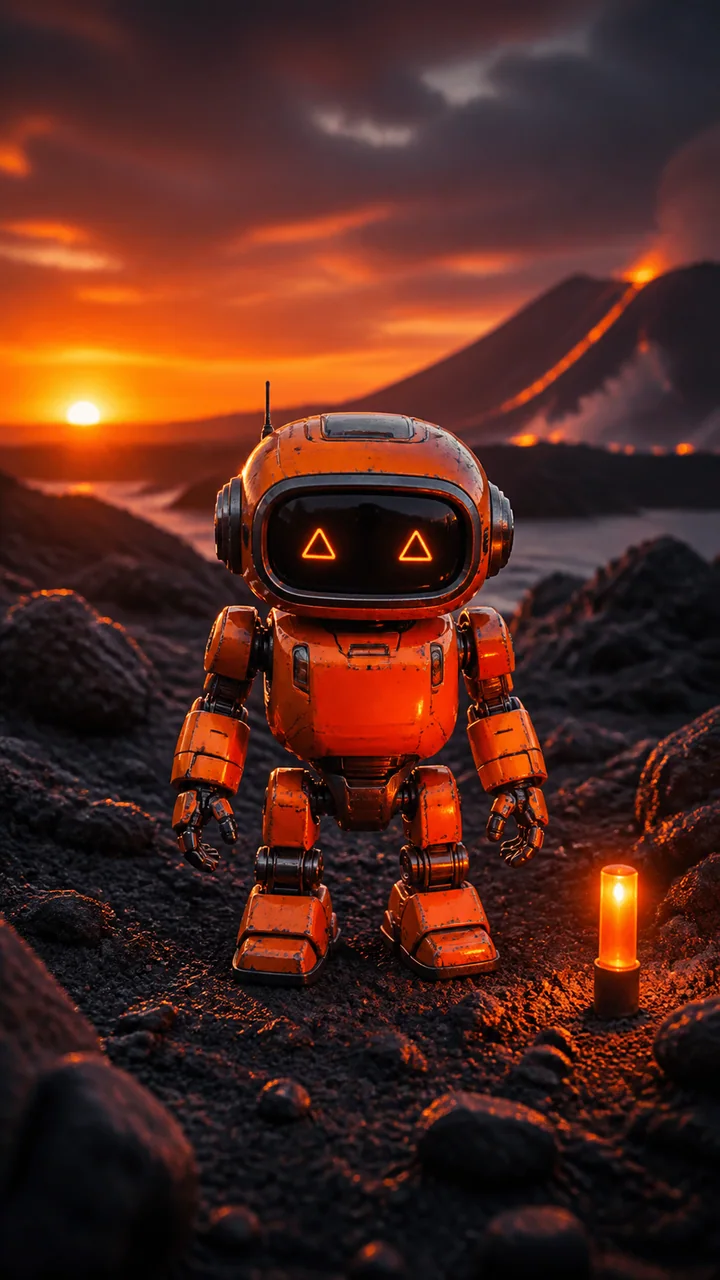
Products, Packaging, and Brand Details
Use Reference to Video AI for a product reference to video workflow that carries shape, materials, label colors, and visual identity into a new commercial scene. Clear product views reduce guesswork before the model stages motion and lighting.

Scene and Style Continuity
Reference to Video AI can anchor palette, texture, architecture, illustration language, lighting, and atmosphere. This is useful for serialized stories and campaigns where every new clip should feel like it belongs to the same visual world.

Image and Optional Video References
Some Reference to Video AI models accept a source video in addition to images. Use the live upload fields to see whether the selected option supports image-only guidance, multiple references, or a combined source-video workflow.

Less Random Than Text-Only Generation
Text explains intent, but references show identity. Reference to Video AI combines both: the assets define what should remain recognizable, while the prompt defines action, camera, setting, mood, and what is allowed to change.
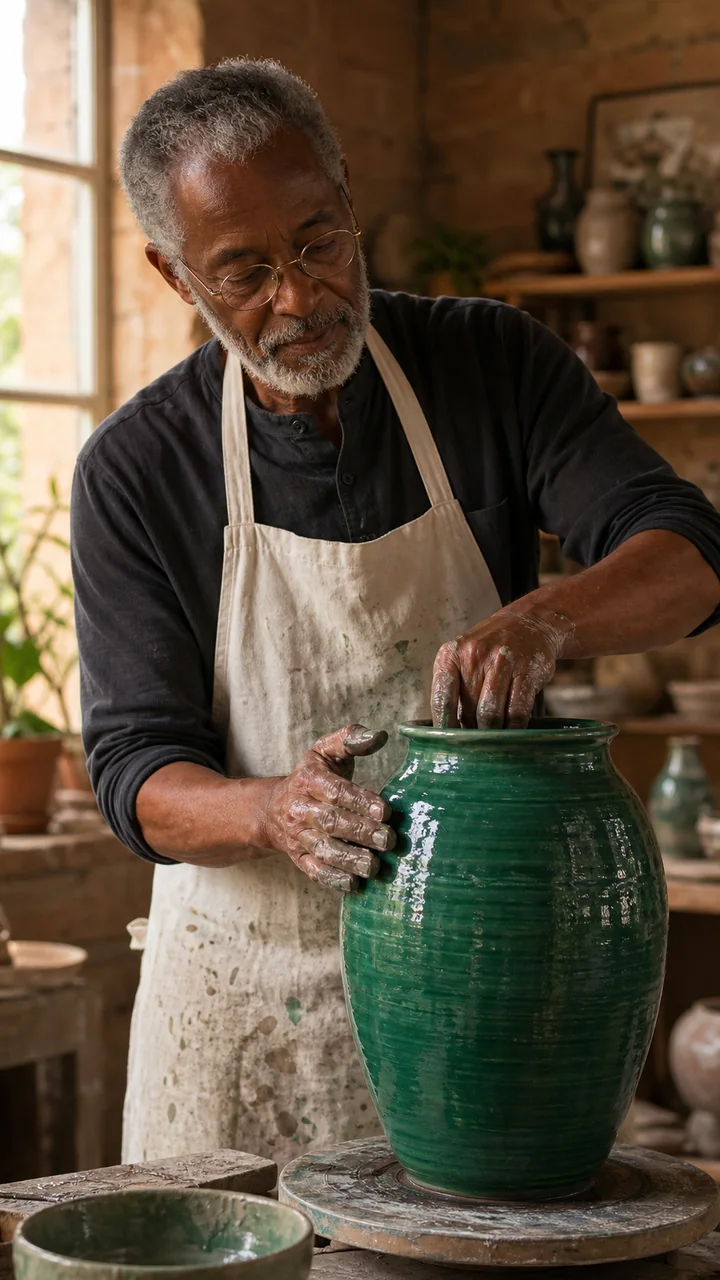
How to Use Reference to Video AI
Reference to Video AI works best when each uploaded asset has a clear job and the prompt separates what to preserve from what to change.
Upload Focused References
Add the clearest character, product, scene, or style assets first. Reference to Video AI benefits from unobstructed subjects, useful angle coverage, compatible lighting, and references that do not contradict one another.
Write Keep, Change, Preserve
Tell Reference to Video AI what must stay recognizable, what new action should happen, and what scene or camera qualities should remain stable. Specific identity anchors are more useful than simply saying make it consistent.
Choose a Model and Generate
Compare reference limits, optional video support, duration, resolution, sound, and credits. Reference to Video AI updates the controls for the selected model so you can review the real workflow before submitting.
What Is Reference to Video AI?
Reference to Video AI is a generative video workflow that uses one or more uploaded images—and, on supported models, optional video—to guide a new clip. The references can define a character, product, object, scene, visual style, or creative world while the prompt directs the new action.
Reference to Video AI is not the same as basic Image to Video. Image to Video usually animates one starting composition; Reference to Video AI can combine several visual facts and create a different shot. Motion Control follows movement from a source clip, while AI Video Editor changes an uploaded video.
Choose a Reference to Video AI Model
Choose by reference capacity, source-video support, speed, and output controls.

Kling O3
Flexible multi-image guidance with optional source video.
- Up to 7 reference images
- Optional source video

HappyHorse
More references for products, outfits, and environments.
- Up to 9 reference images
- 720p and 1080p

Seedance 2 Family
Compare speed and quality across reference-led variants.
- Reference-aware generation
- Fast and quality options

Veo 3.1 Fast
Fast reference-led iteration with familiar Veo controls.
- Reference image support
- Fast iteration
Who Uses Reference to Video AI?
Reference to Video AI is for creators who already know what a character, product, or world should look like and need new motion without losing that visual direction.
Character and Story Creators
Use Reference to Video AI to place one recognizable hero, avatar, or mascot into new actions and locations across a serialized story.
Ecommerce and Product Marketing
Use Reference to Video AI to turn approved product images into campaign concepts while protecting key packaging and material cues.
AI Influencers and Social Series
Creators use Reference to Video AI to reduce identity drift when a recurring personality appears in multiple short-form scenes.
Games, Animation, and Previs
Artists use Reference to Video AI to test concept characters, props, environments, and art direction before a full production pass.
Agencies and Brand Teams
Teams use Reference to Video AI to create visual variations from approved assets instead of restarting the brief from text each time.
Why Choose Our Reference to Video AI?
Our Reference to Video AI combines several reference-aware models with task-specific upload rules, visible costs, and a generator you can use directly on the landing page.
More Than One Starting Image
Reference to Video AI supports model-dependent multi-image workflows instead of treating every request as single-image animation.
Multiple Reference-Aware Models
Compare Kling O3, HappyHorse, Seedance, Veo, and other enabled Reference to Video AI options in one interface.
Inputs Match the Selected Model
Reference to Video AI changes its fields and limits to reflect the images, video, audio, duration, and quality options the model supports.
Clear Before You Generate
See reference requirements, output settings, and the credit estimate before Reference to Video AI begins the generation.
Reference to Video AI FAQ
What does Reference to Video AI mean?
Can Reference to Video AI use multiple images?
Can I use a video as a reference?
Is Reference to Video AI free online?
Can I use Reference to Video AI with no sign up?
What is the difference between reference image to video and Image to Video?
How do I keep a character consistent?
Can Reference to Video AI be used commercially?
Keep the Character. Change the Scene.
Open Reference to Video AI, upload the visual details that matter, describe the new action, and compare the models built for reference-led generation.