
Image to Video Motion Control AI
Animate Any Character with a Reference Video
Upload the character image and motion reference together before generating.
Match orientation in the video · up to 30s reference.
Optional. Motion comes from the video; prompt refines the look.
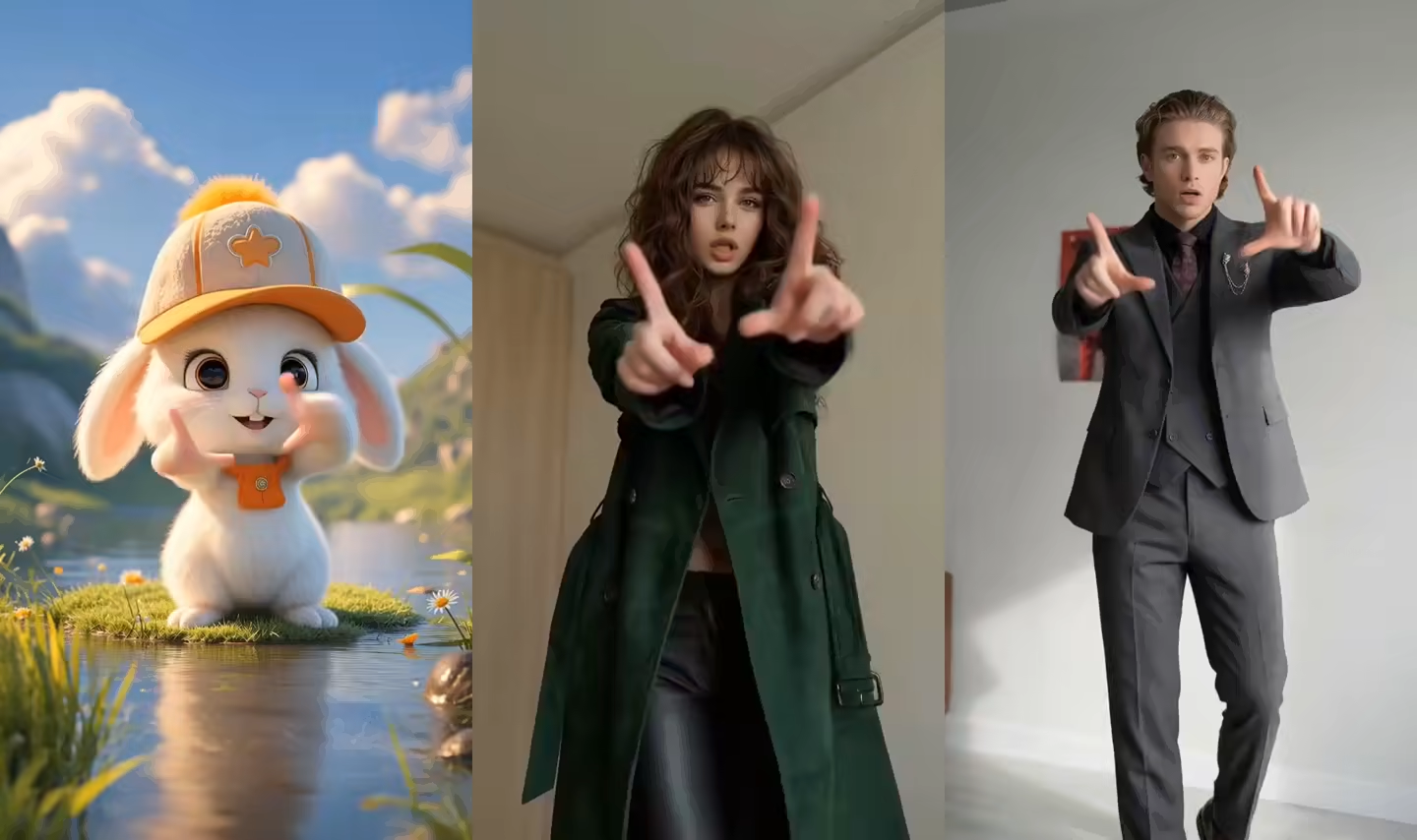
Image to Video Motion Control Examples
Each example combines a still character image with a separate reference video. The result keeps the character while following the reference performance.
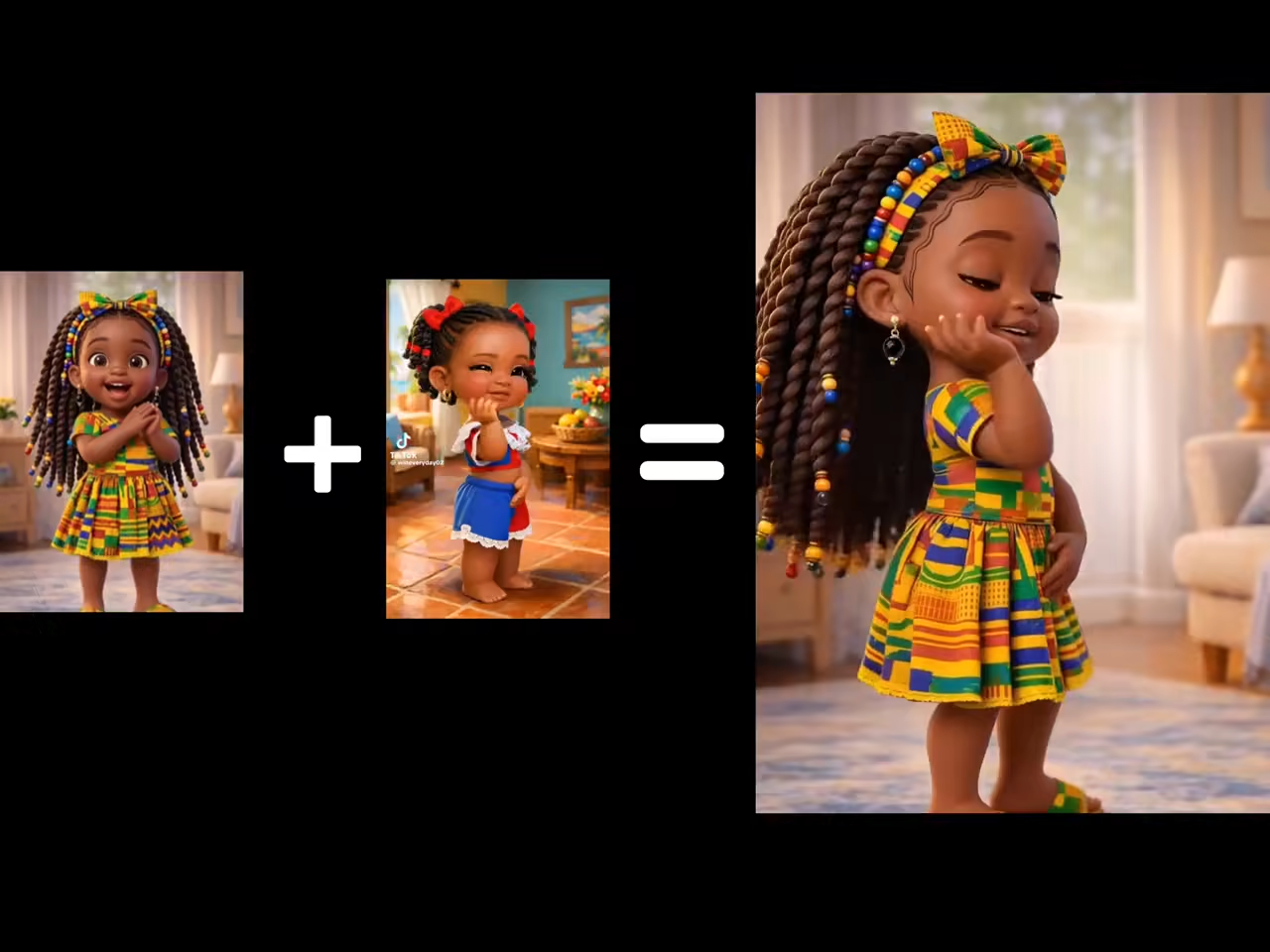
Dance Motion Transfer
A still character image follows full-body choreography from a clean dance reference video.
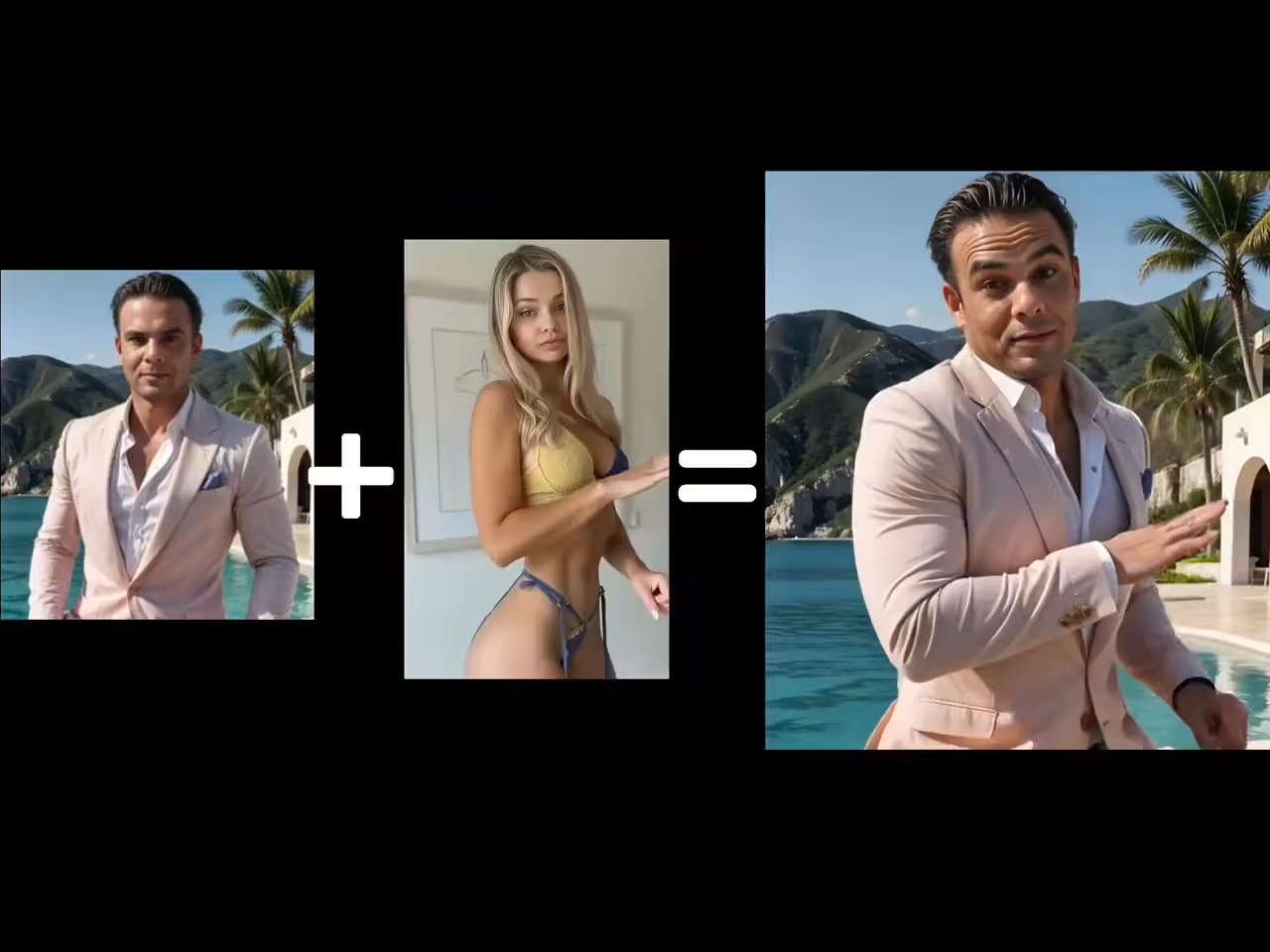
Talking Character Performance
Facial expression, hand gestures, timing, and audio drive a presenter-style character video.
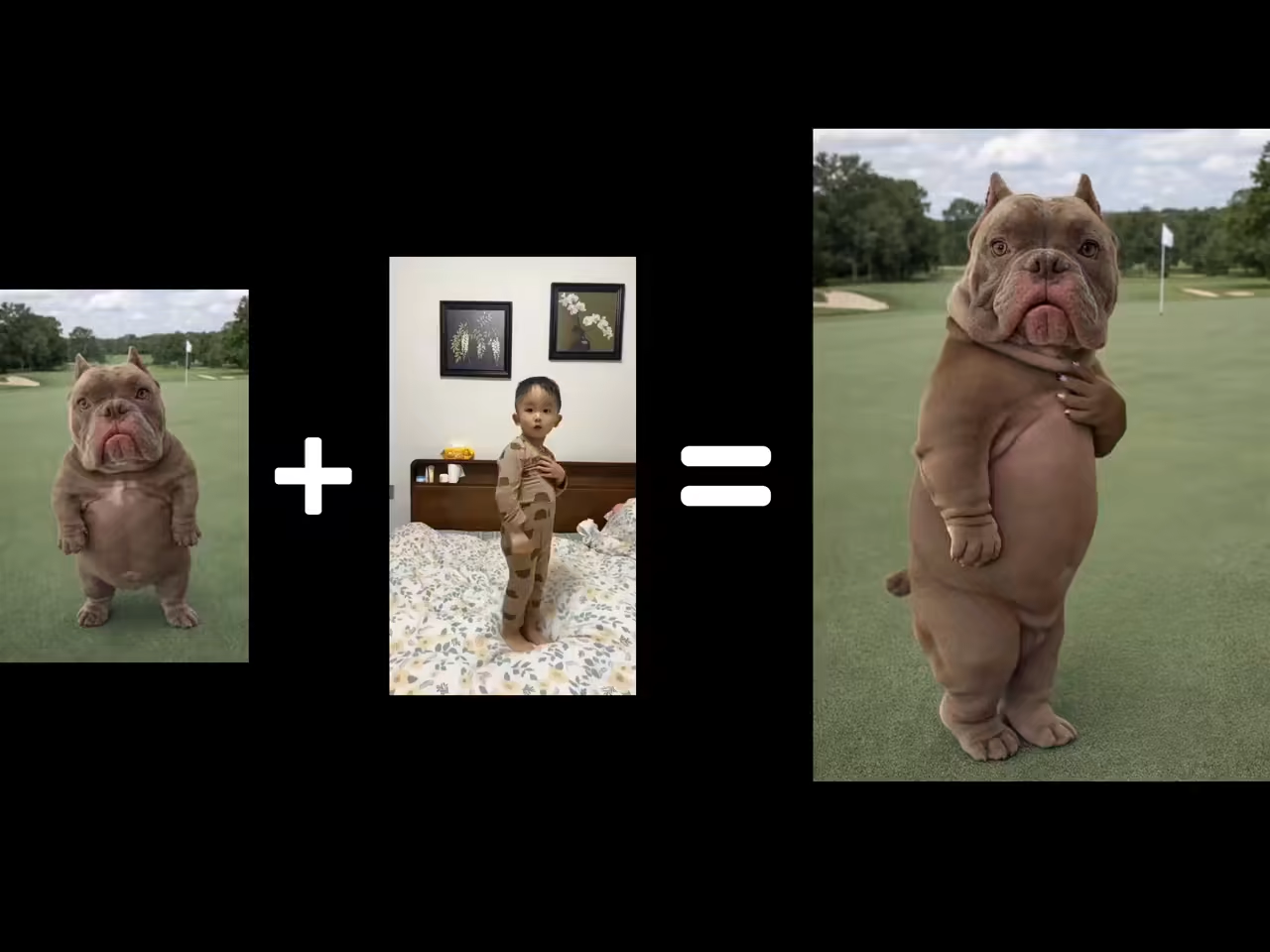
Stylized Character Animation
The same reference-video workflow animates illustrated, anime, mascot, and 3D characters.
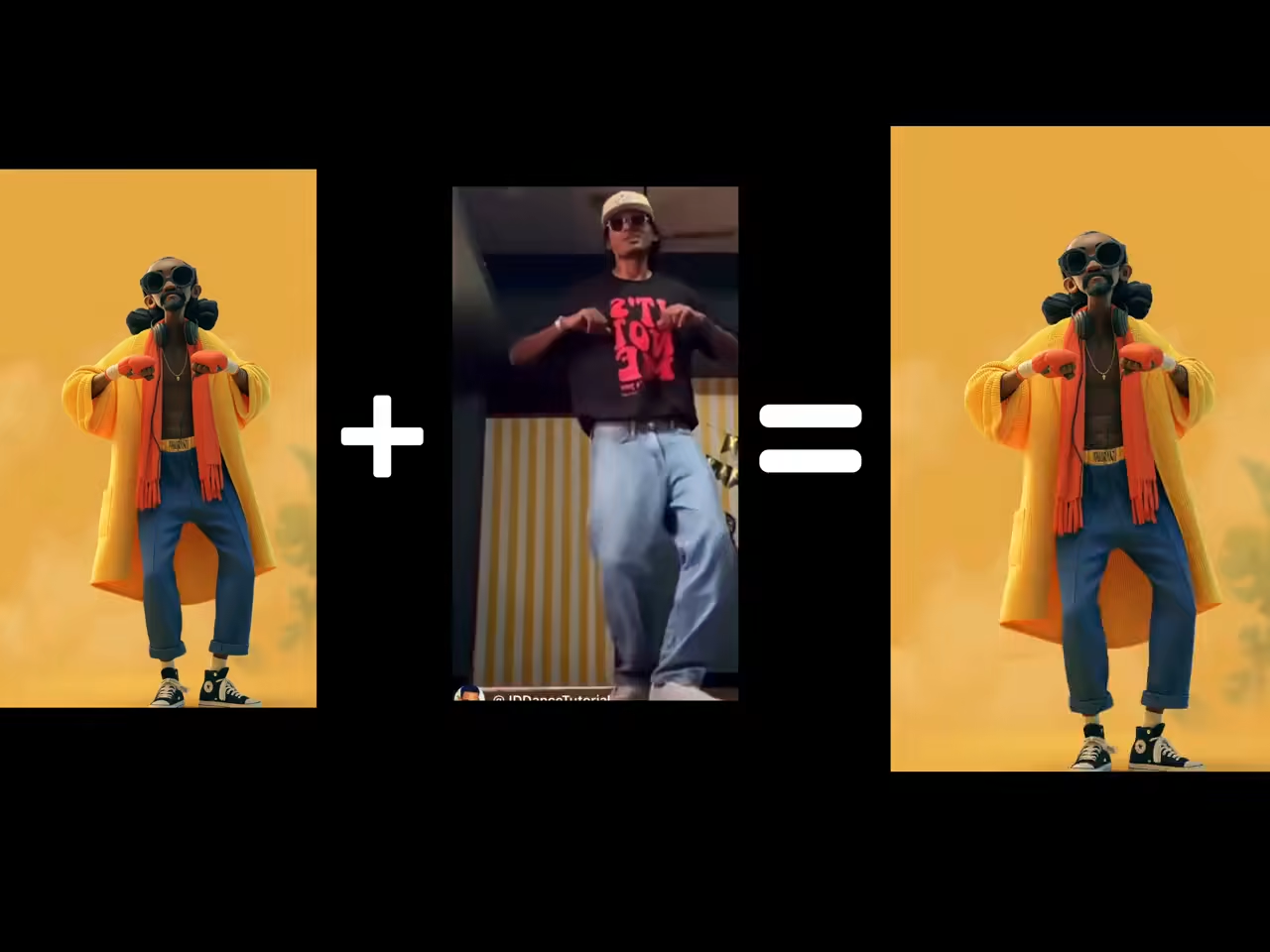
Full-Body Action Transfer
Walking, performance, and action motion transfer to a new character without manual rigging or keyframes.
Image to Video Motion Control Features
Built for creators who need a specific performance from a still image, not random movement generated from a vague prompt.
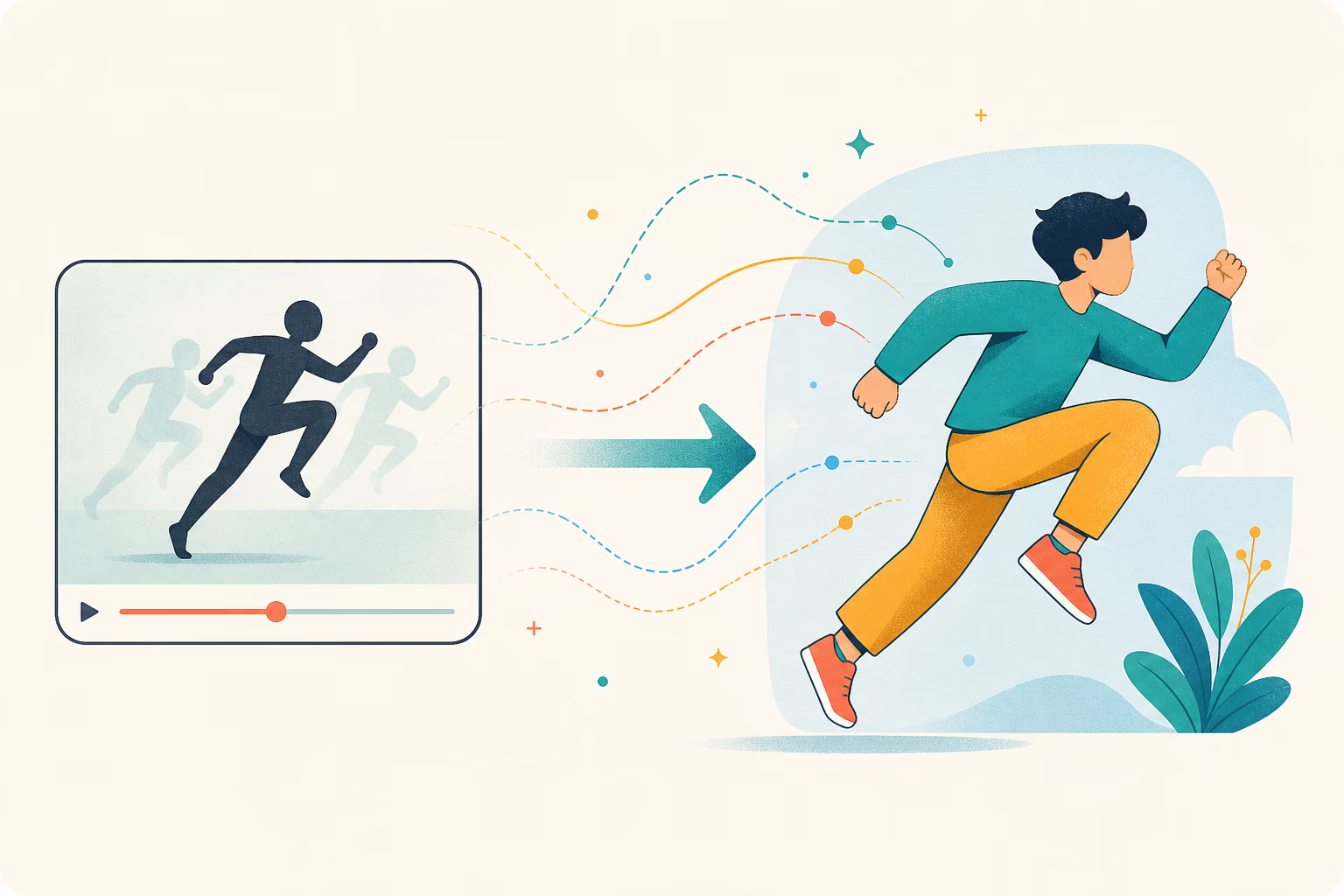
Reference-Video Motion Transfer
Use a real video to direct how the character moves. The system follows the reference pose, timing, gestures, and expression so the result is more predictable than ordinary prompt-only image-to-video generation.
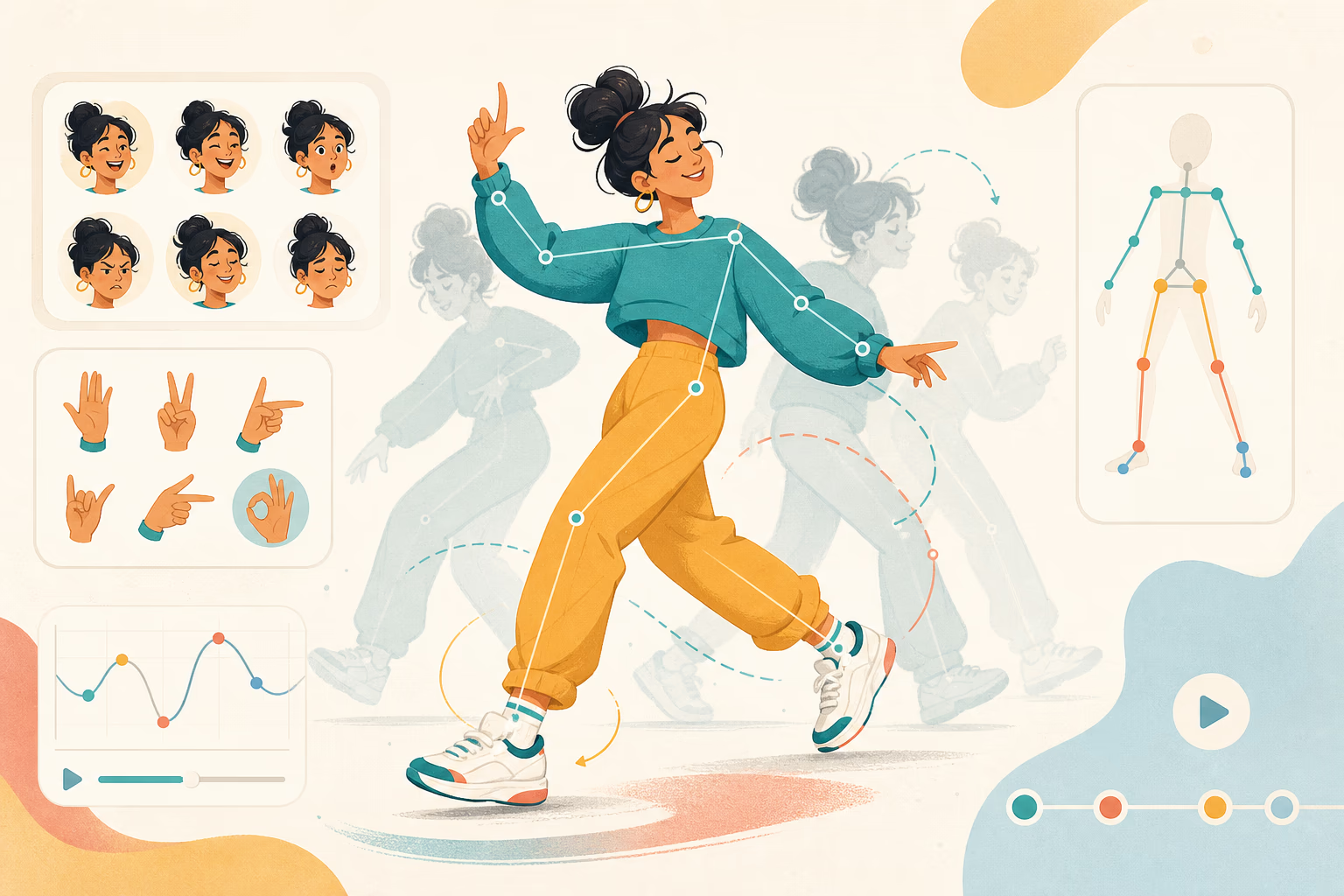
Full-Body, Hand & Facial Motion
Transfer walking, dancing, arm movement, hand gestures, head turns, and facial performance in one workflow. Clear single-person references produce the most faithful motion.
Free Trial with Clear Export Options
New users receive free trial credits with no credit card required. Free-tier generations include a small watermark; paid plans unlock clean watermark-free exports and additional generation capacity.
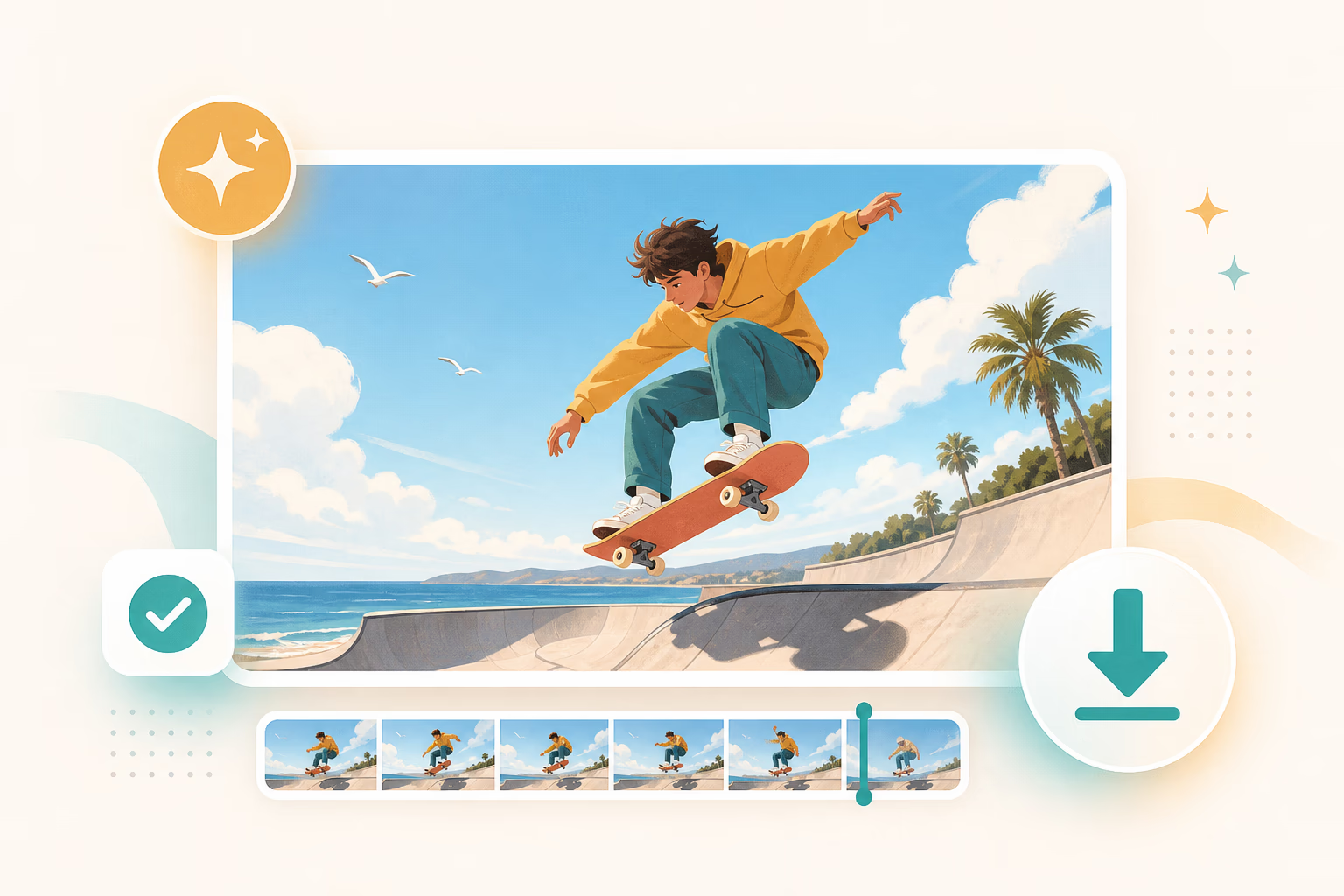
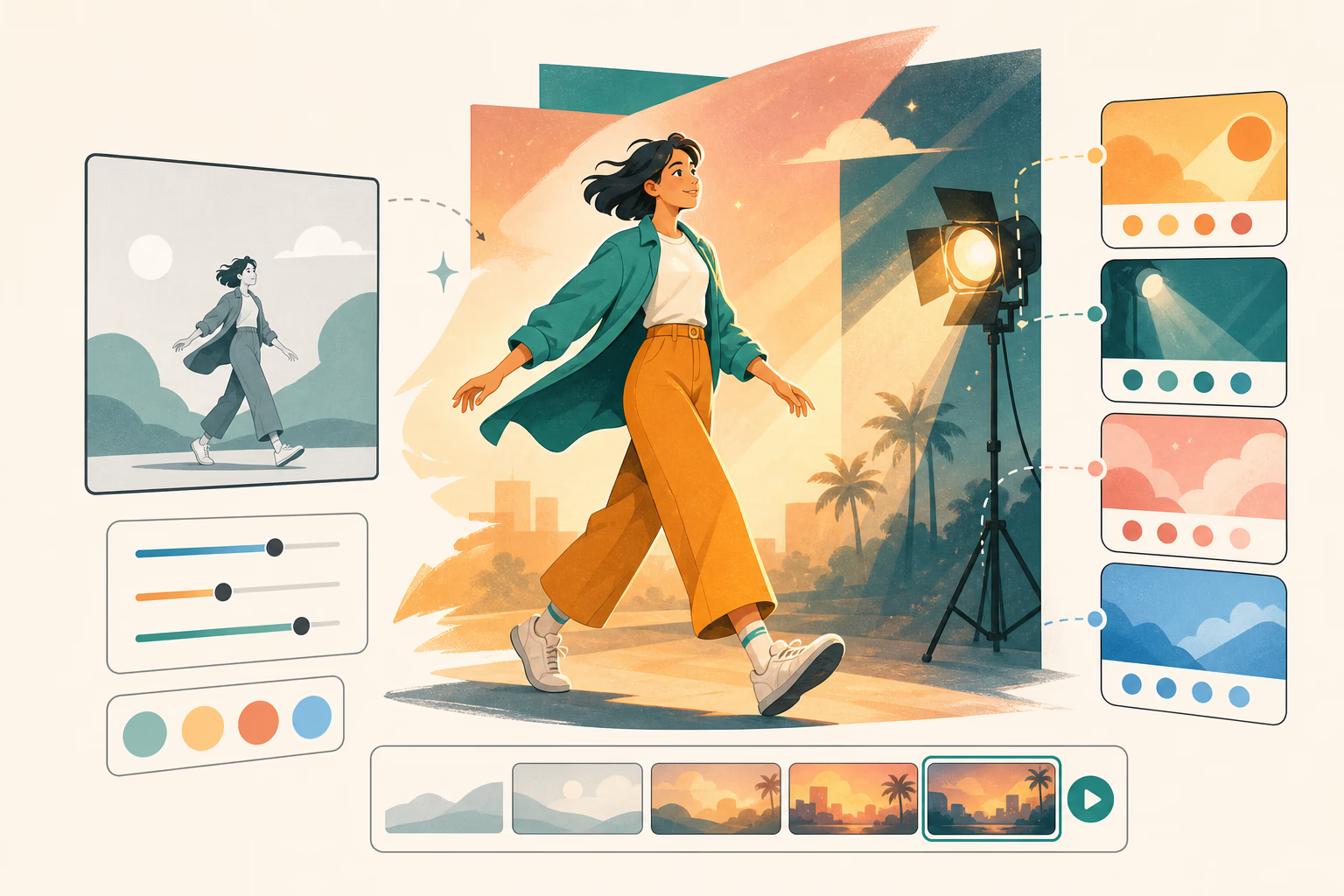
Optional Prompt-Guided Styling
The reference video controls motion, while an optional prompt can guide background, lighting, atmosphere, and visual style. You can restyle the scene without asking the model to invent the performance.
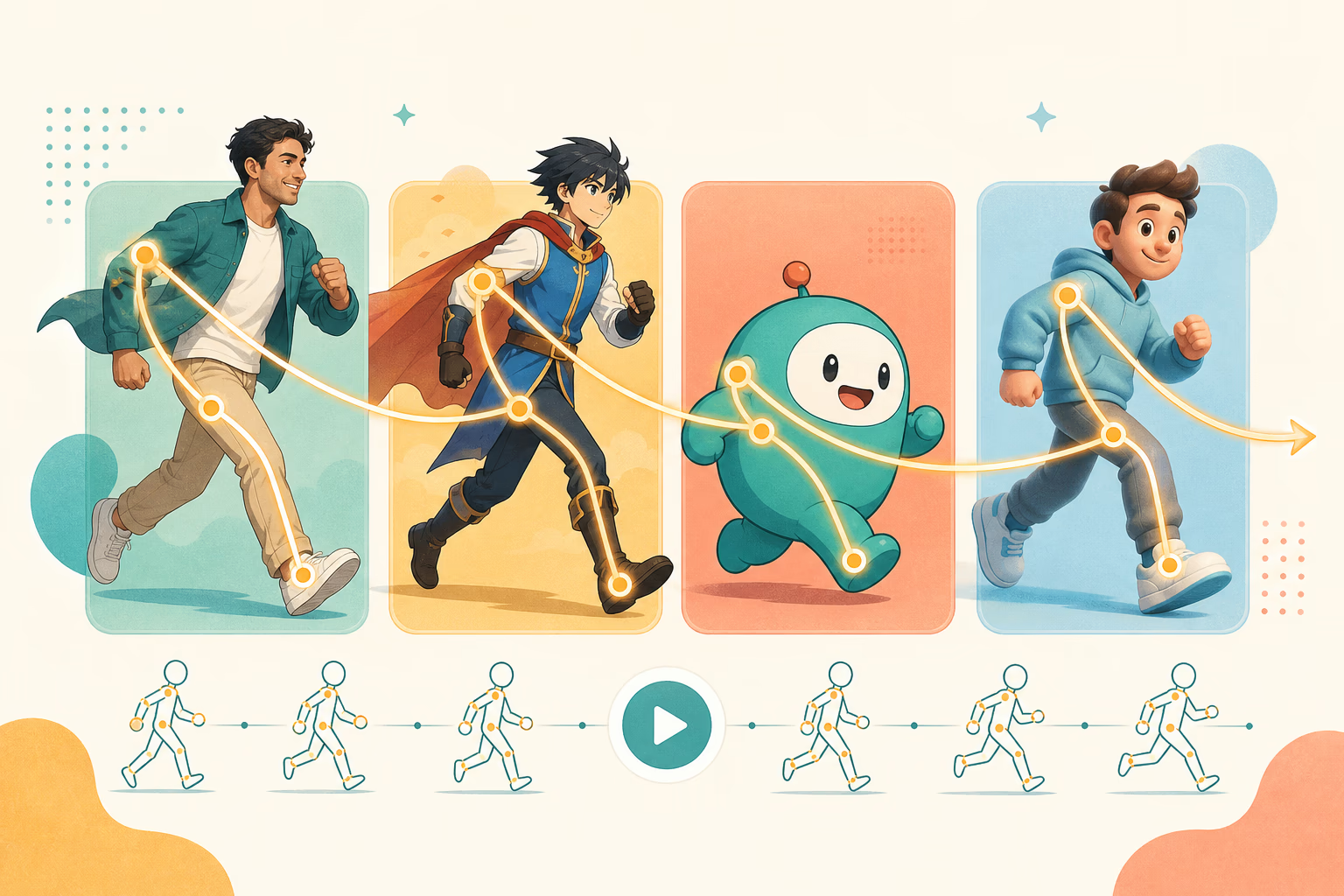
Animate Many Character Styles
Create motion-controlled videos from portraits, full-body photos, anime art, illustrations, mascots, avatars, and 3D characters. Match body proportions and framing for the strongest result.
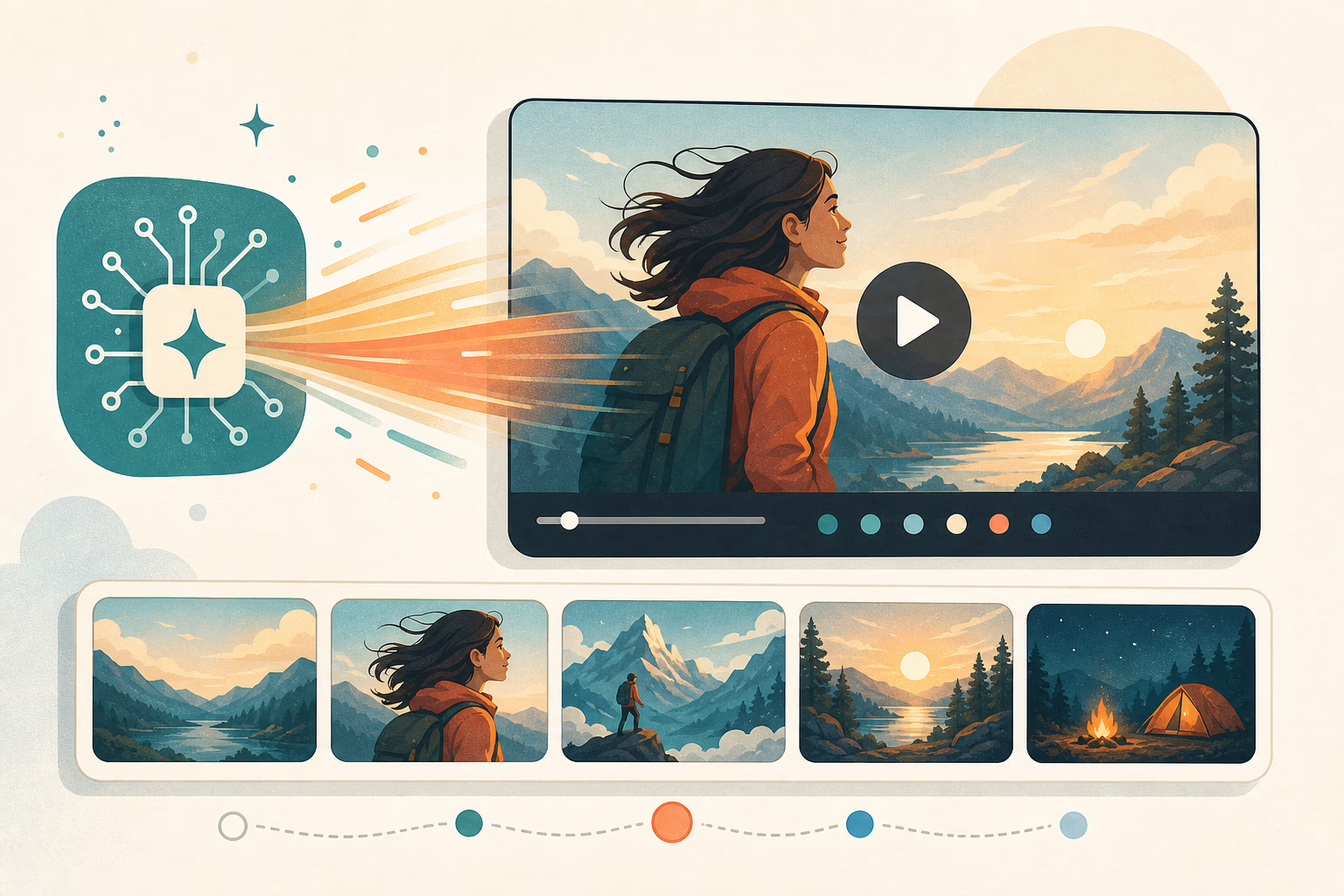
Model and Quality Controls
Choose from the available motion control engines and output options. Use a faster preview setting while testing inputs, then switch to higher quality when the motion and character framing are ready.
How Image to Video Motion Control AI Works
Turn a still character image into a motion-controlled video in three steps. The reference video directs the performance while your image defines the character.
Upload your character image
Choose a clear JPG, PNG, or WEBP showing one character. Match the image framing to your reference video — use a full-body image for full-body motion and a half-body image for upper-body performance.
Add a reference motion video
Upload a 3–30 second MP4 or MOV with one clearly visible performer. The image to video motion control AI extracts body movement, hand gestures, facial expression, timing, and audio from this reference.
Choose a model and generate
Select the available motion control model and output quality, add an optional prompt for background or style, then generate. Motion follows the reference video instead of being guessed from text.
What You Can Create with Image to Video Motion Control AI
Use a reference performance to turn one character image into repeatable video content for social, storytelling, marketing, and pre-production.
Dance & Performance Videos
Transfer choreography from a reference clip onto a photo, illustration, avatar, or original character for dance covers and performance content.
Anime, Mascot & Character Animation
Give illustrated or branded characters real human movement without building a skeleton, rig, or traditional animation timeline.
Talking Avatars & Presenters
Use a recorded presenter as the motion and audio reference, then transfer the performance to a virtual host or character image.
TikTok, Reels & Shorts
Turn trending gestures and performances into character-led short videos while preserving the visual identity of your uploaded image.
Storyboards & Previsualization
Test blocking, body language, timing, and character performance before committing to a full animation or live-action production.
Tips for Better Motion-Controlled Image to Video Results
Image and reference-video compatibility matters more than a long prompt. Use this checklist before spending credits on a generation.
Input Checklist
- Use one clear character with the face and moving limbs visible
- Match full-body or half-body framing between the image and reference video
- Use a single continuous reference shot without cuts or abrupt camera changes
- Choose moderate, readable movement instead of extremely fast or blurred action
- Keep the performer visible and avoid heavy occlusion, crowds, or objects crossing the body
- Use the optional prompt for scene style only — motion should come from the reference video
Common Issues & Fixes
Image to Video Motion Control AI FAQ
What is image to video motion control AI?
How is motion control different from regular AI image to video?
Can AI copy motion from a video to an image?
What files do I need for image to video motion control?
Is image to video motion control AI free?
Will free image to video motion control videos have a watermark?
How long can a motion-controlled image-to-video clip be?
Can I control the background and style as well as the motion?
What kinds of characters can I animate?
Does motion control preserve audio and lip sync?
Can I use the generated videos commercially?
How do I get the best motion transfer result?
Animate an Image with Reference-Video Motion
Upload a character image and a motion reference, choose a model, and generate your first motion-controlled image-to-video clip with free trial credits.