
AI NPC Dialogue Video Generator
Make One Game Character Deliver the Line.
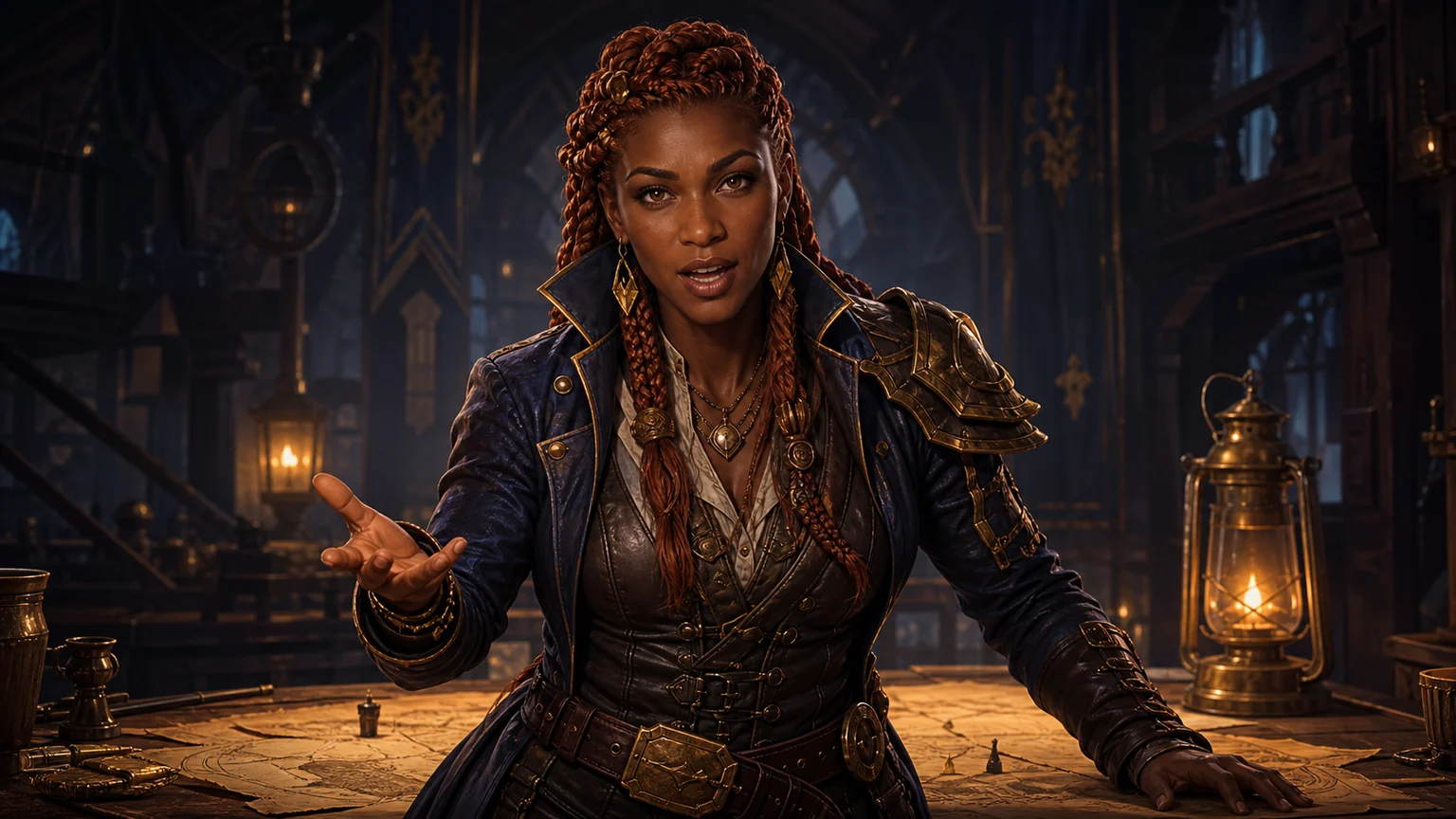
Use one original or licensed game character with a sharp, mostly front-facing face and a visible mouth.
Write one speaker per generation and use punctuation to guide pauses in text mode.
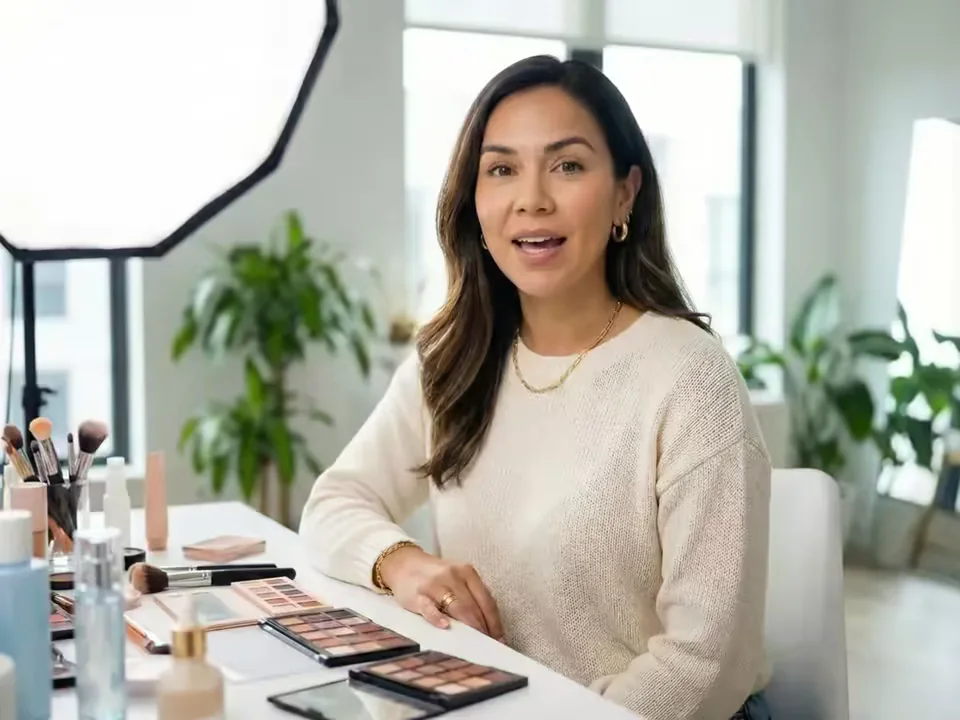
What does an AI NPC Dialogue Video Generator make?
An AI NPC Dialogue Video Generator combines one original or licensed game character image with a prepared line. Text mode turns your exact words and an available voice into a speaking character. Audio mode follows the cadence, emotion, pronunciation, and timing of an authorized performance. Download the result as a standalone NPC take or a shot for a larger edit.
Create focused NPC performances for quest briefings, cutscene concepts, visual novels, trailers, devlogs, tabletop campaigns, and story posts. Generate each speaker or line as a reviewable take, then combine the downloaded videos with subtitles, camera cuts, environments, sound design, and gameplay in your editor or engine.
What the AI NPC Dialogue Video Generator helps you produce
Turn a character portrait and one purposeful line into a clear visual performance for game stories, pitches, campaigns, and video edits.
Make game character talk from a script
Type a quest instruction, warning, greeting, tutorial cue, lore reveal, or dramatic line and select an available voice. Text mode makes alternate takes easy. Keep one speaker per generation, divide long speeches into reviewable beats, and use punctuation for pauses and emphasis.
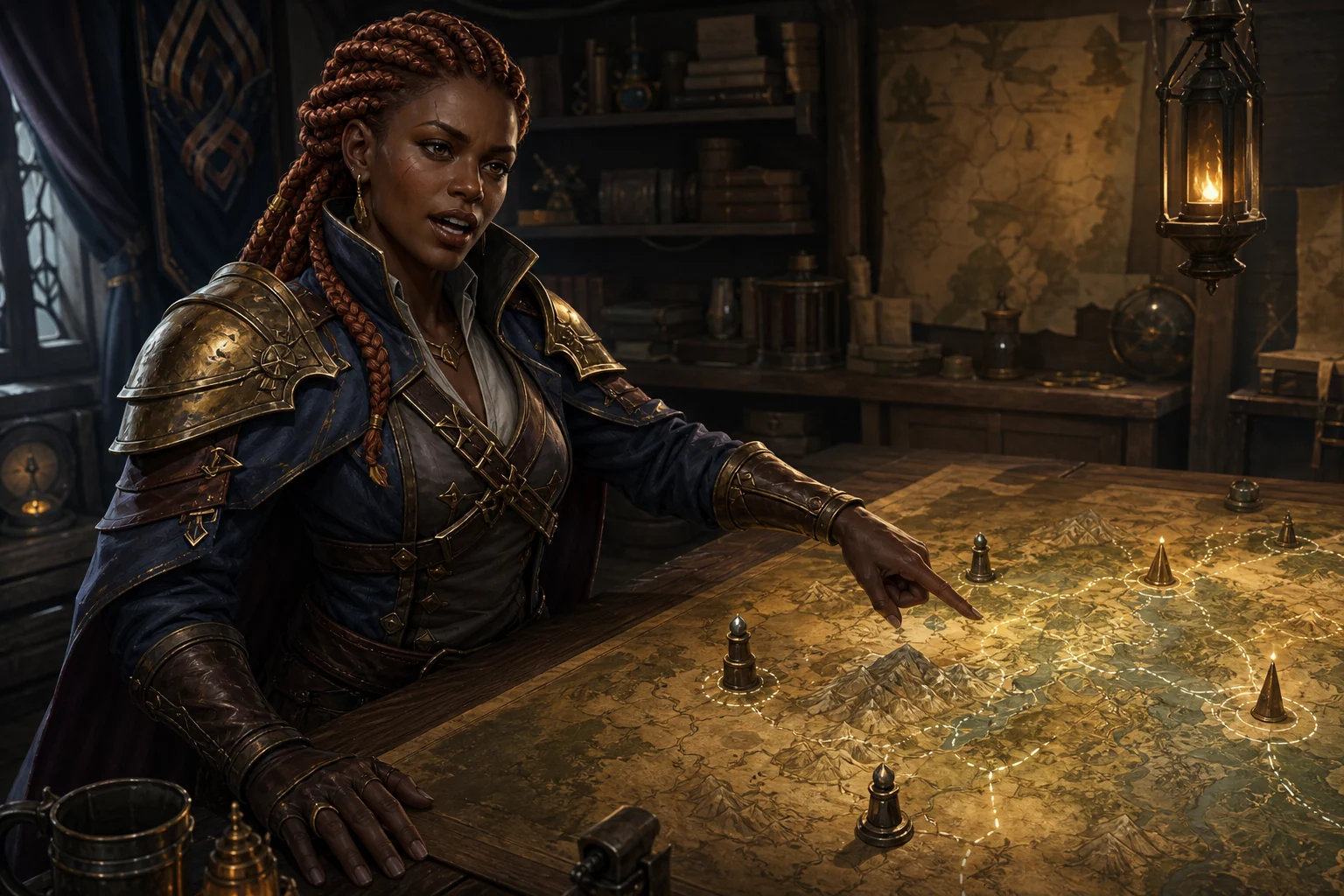
Animate NPC with voice performance you own
Upload a clean recording when acting, accent, timing, or invented names matter. Audio mode carries the performance cadence into the character. One speaker, little echo, and minimal background sound give game character lip sync a clearer source. Review mouth shapes, jaw motion, eyes, and facial stability.
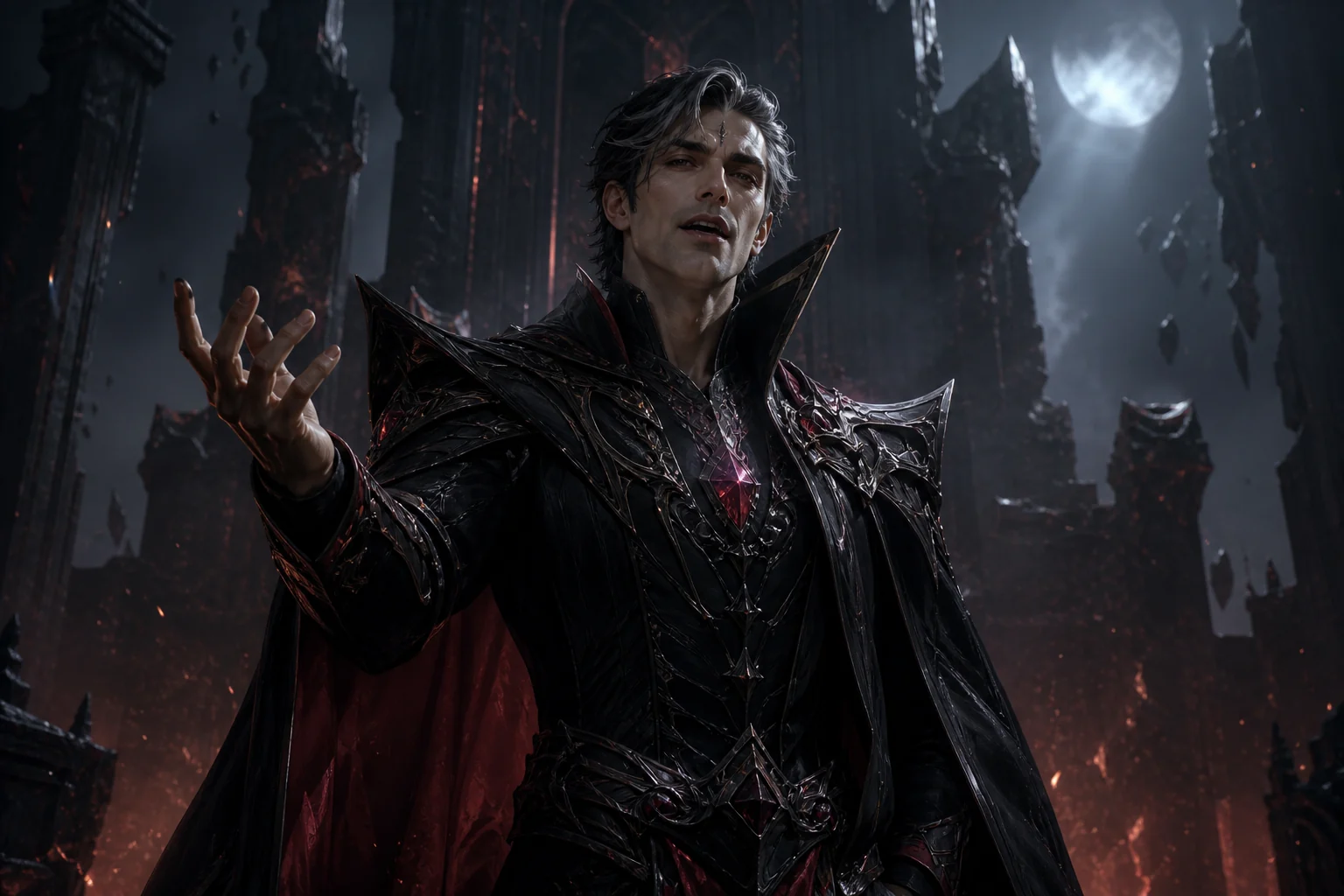
AI game character dialogue video or RPG character dialogue video
Fantasy, sci-fi, cartoon, visual-novel, and stylized characters work best when the face is large and the mouth is visible. Reuse the same portrait for several NPC lines, then compare armor, hair, markings, eyes, and proportions after every render to keep the sequence visually coherent.
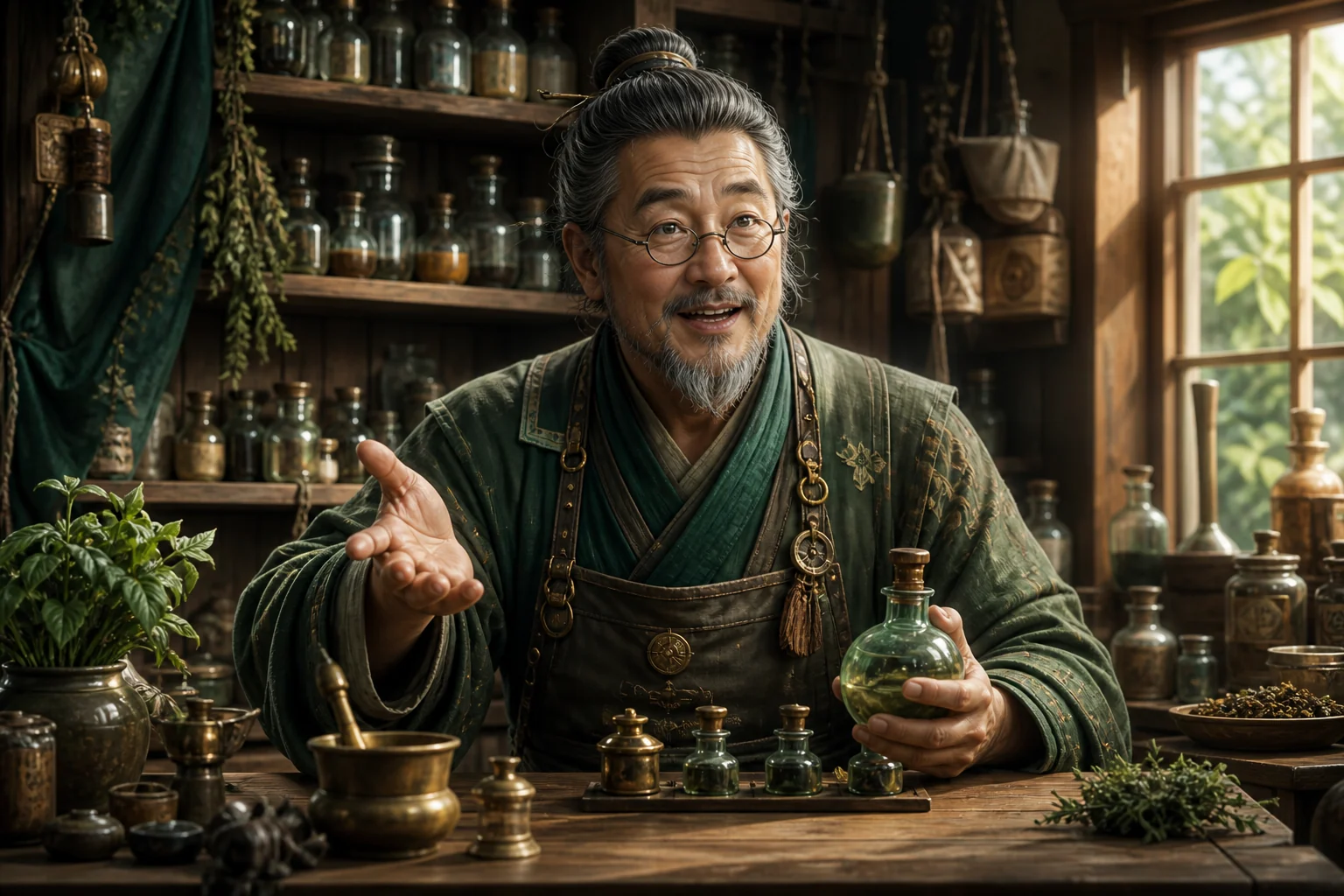
AI character cutscene generator, one shot at a time
Use each take as a dialogue shot for a pitch, trailer, devlog, campaign recap, visual novel, or previsualization edit. Generate alternate speakers, lines, and reactions separately, then assemble them with reverse shots, environments, subtitles, and scene transitions after download.
How to use the AI NPC Dialogue Video Generator
Prepare one readable character, one speaker, and one purposeful line before expanding into a scene.
Upload an original NPC image
Choose one permitted portrait with a sharp face, visible eyes, complete jawline, and unobstructed mouth. Avoid tiny characters, heavy motion blur, masks, and crowded group art.
Enter dialogue or add voice audio
Use Text for a written line and available generated voice, or Audio for your performed delivery. Keep the first test short and use only one speaker.
Generate, inspect, and download
Check pronunciation, mouth timing, expression, character details, and the full unedited take. Download the MP4 only after it fits the planned scene or concept edit.
NPC dialogue video templates for games and stories
Use these focused script briefs to turn one speaker and one story purpose into a stronger, easier-to-review NPC performance.
Quest Briefing
State the objective, location, risk, and next action so the player understands both the story context and what to do next.
Villain Monologue
Deliver a controlled threat, reveal, bargain, or warning. Upload performed audio when pacing and dramatic emphasis matter most.
Shopkeeper Dialogue
Create a welcome, item explanation, shortage notice, or farewell. Generate alternate merchant lines separately for different story states.
Character Introduction
Present a name, role, allegiance, and memorable trait for a trailer, roster reveal, campaign, or visual novel prototype.
Game Tutorial Character
Explain one mechanic per clip, then pair the downloaded take with accurate gameplay and on-screen controls in your editor.
RPG Campaign Message
Turn a prepared line or game-master recording into a talking fantasy character for a recap, invitation, clue, or player message.
Visual Novel Dialogue
Create a voiced story beat from character art, then place the video beside dialogue text, choices, backgrounds, and sound in your visual-novel edit.
Fantasy Character Speech
Deliver a prophecy, tavern rumor, decree, or companion line. Test unusual names with a short script or your own recording.
NPC Warning Message
Let a guard, survivor, pilot, or guide state one urgent hazard, followed by the action the player should take.
Game Lore Narration
Break history, faction context, or world-building into short lines. Reuse source art and reviewed pronunciations across the sequence.
Build NPC dialogue videos for a larger story
Create focused character takes, then shape them into cutscenes, trailers, devlogs, campaigns, or visual-novel edits.
Rendered NPC dialogue takes
Turn a character portrait and prepared line into a downloadable talking-character take for a cutscene concept, trailer, devlog, story post, or tabletop campaign.
One speaker and shot at a time
Keep every performance easy to direct and review by generating separate lines, speakers, reactions, and alternate takes before scene assembly.
Flexible game-video editing
Combine the MP4 with subtitles, gameplay, dialogue UI, environments, camera cuts, and sound design in the editor or engine used by your project.
Who uses an AI NPC Dialogue Video Generator?
The workflow serves teams and creators who need character-led video for stories, production planning, promotion, and community experiences.
Indie game teams and narrative designers
Prototype dialogue, acting direction, pronunciation, and shot framing before final production, or use the rendered take directly in projects that support video playback.
TTRPG and campaign creators
Send an in-character quest, warning, recap, or villain message between sessions using original or permitted campaign art.
Visual novel, trailer, and devlog creators
Add a talking game character to a pitch, story prototype, roster reveal, teaser, visual-novel sequence, or development update.
Workflow essentials for AI NPC Dialogue Video Generator
Inputs, recommended setup, and the most common fixes—summarized in one compact guide.
Inputs and setup
- One original or licensed JPG, JPEG, PNG, or WebP image; Typed text with a generated voice, or MP3, WAV, or M4A audio.
- Speech length: Estimated from typed text or detected from uploaded audio.
- 720p or 1080p selected before generation; Account and credits required; downloadable rendered MP4.
- Use one sharp approved character with a large, mostly frontal face, visible eyes, complete jawline, and unobstructed mouth.
Two quick fixes
AI NPC Dialogue Video Generator FAQ
What is an AI NPC Dialogue Video Generator?
How do I make a game character talk?
Can I create game character lip sync from text or my own voice?
How do I build a multi-character dialogue scene?
How can the dialogue templates help with script planning?
How can I use the downloaded NPC video in a game project?
Which NPC images work best?
Can I use an NPC dialogue video commercially?
More tools in AI Character Animation
Compare other focused workflows in the same AI Character Animation collection.
View AI Character Animation
AI VTuber Video Generator
Upload your original VTuber image, then add reference motion, a script, or voice audio to generate a downloadable pre-recorded VTuber video.
Open tool
AI Mascot Animation Generator
Upload an existing mascot, copy movement from a reference video, or make the character speak from typed text or authorized audio.
Open toolTurn one prepared NPC line into a talking character video
Upload an original character, choose text or authorized audio, and review the result before editing.