
AI Character Dance Generator
Transfer Any Dance from Video
Upload the character image and motion reference together before generating.
Match orientation in the video · up to 30s reference.
Optional. Motion comes from the video; prompt refines the look.
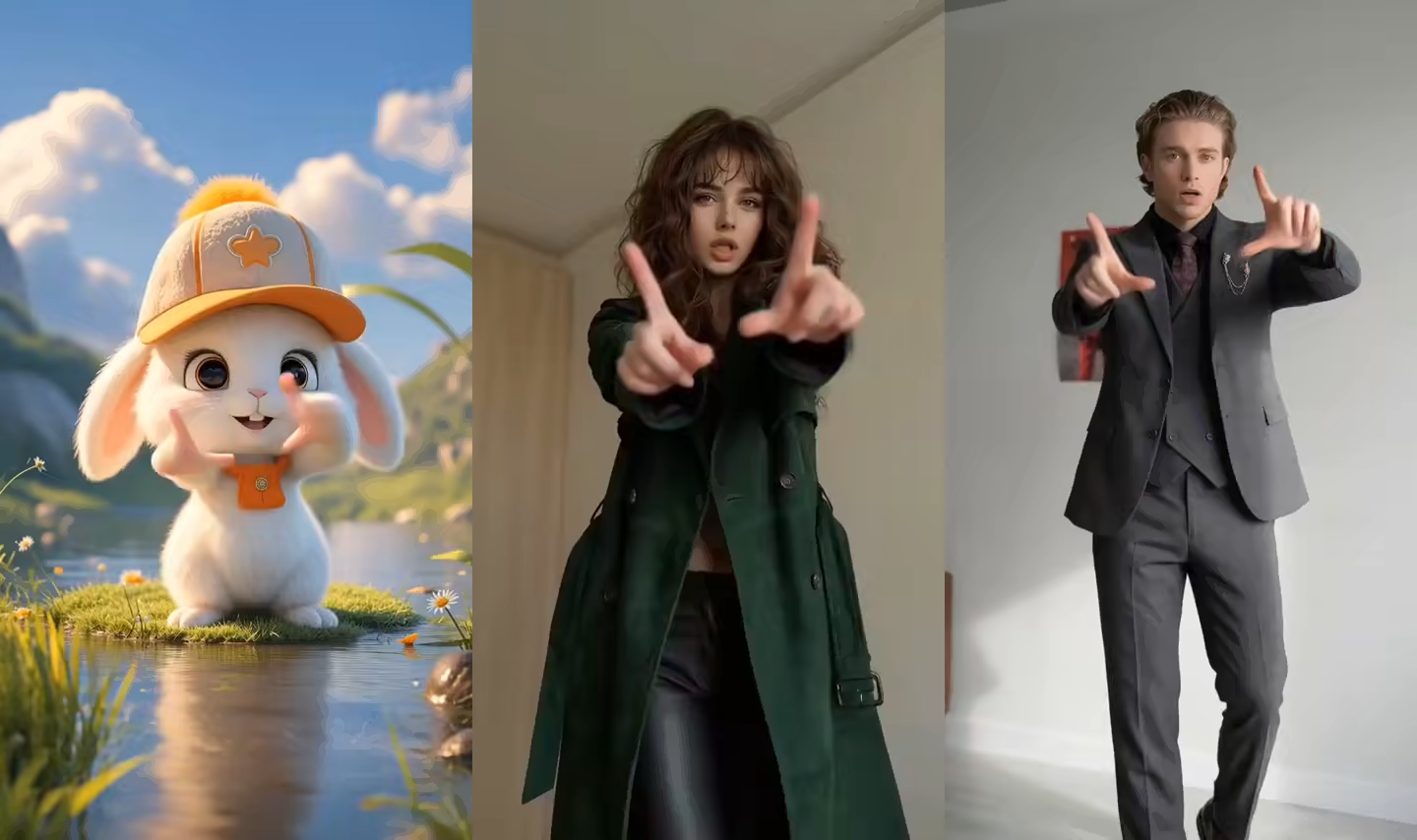
AI Character Dance Video Examples
These clips show different characters animated through the same image-plus-reference-video workflow.
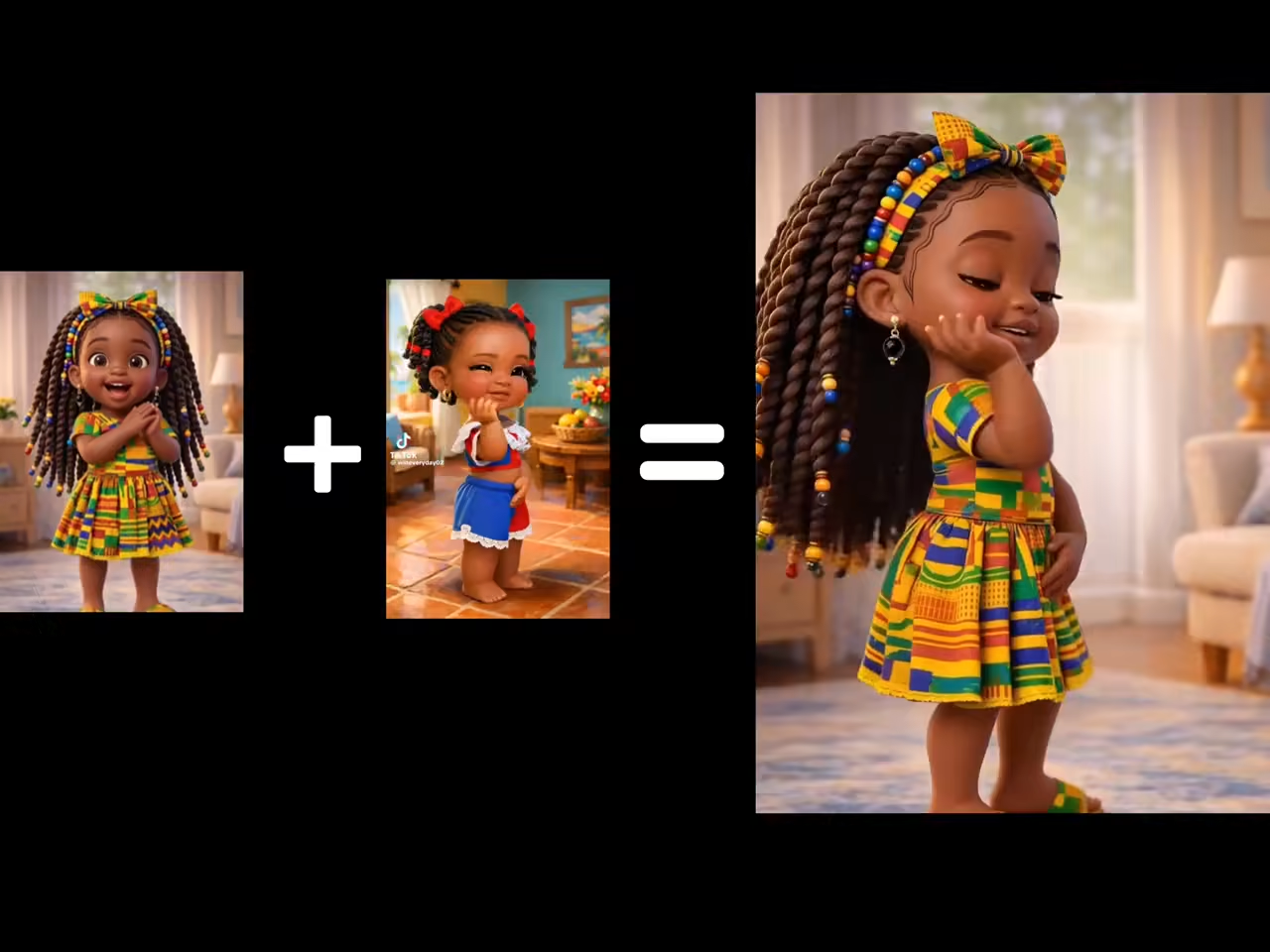
Full-Body Dance Transfer
A single character image follows the body timing and choreography of one visible reference dancer.
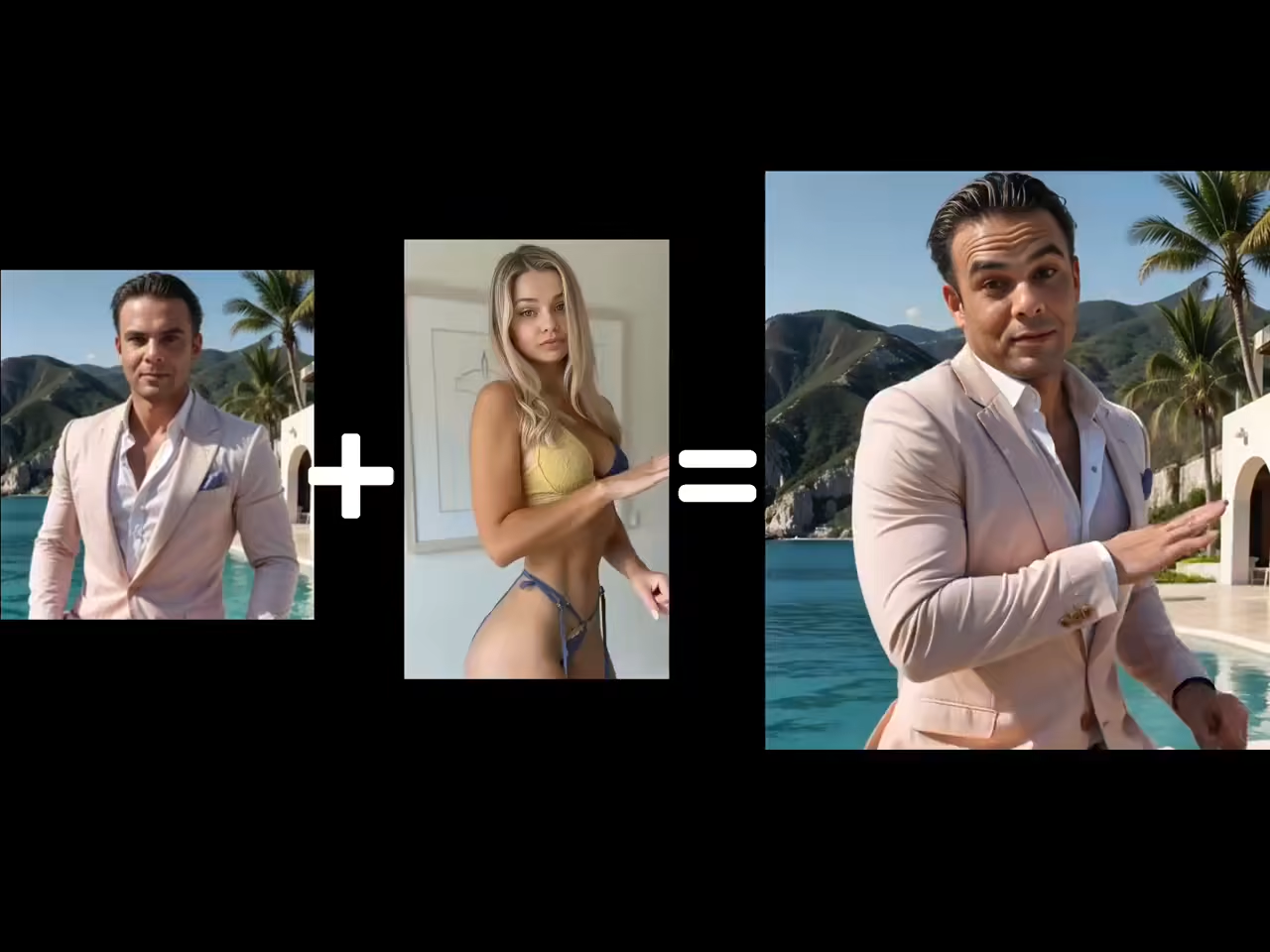
Stylized Character Dance
Illustrated and stylized humanoid characters can be animated while retaining their overall visual identity.
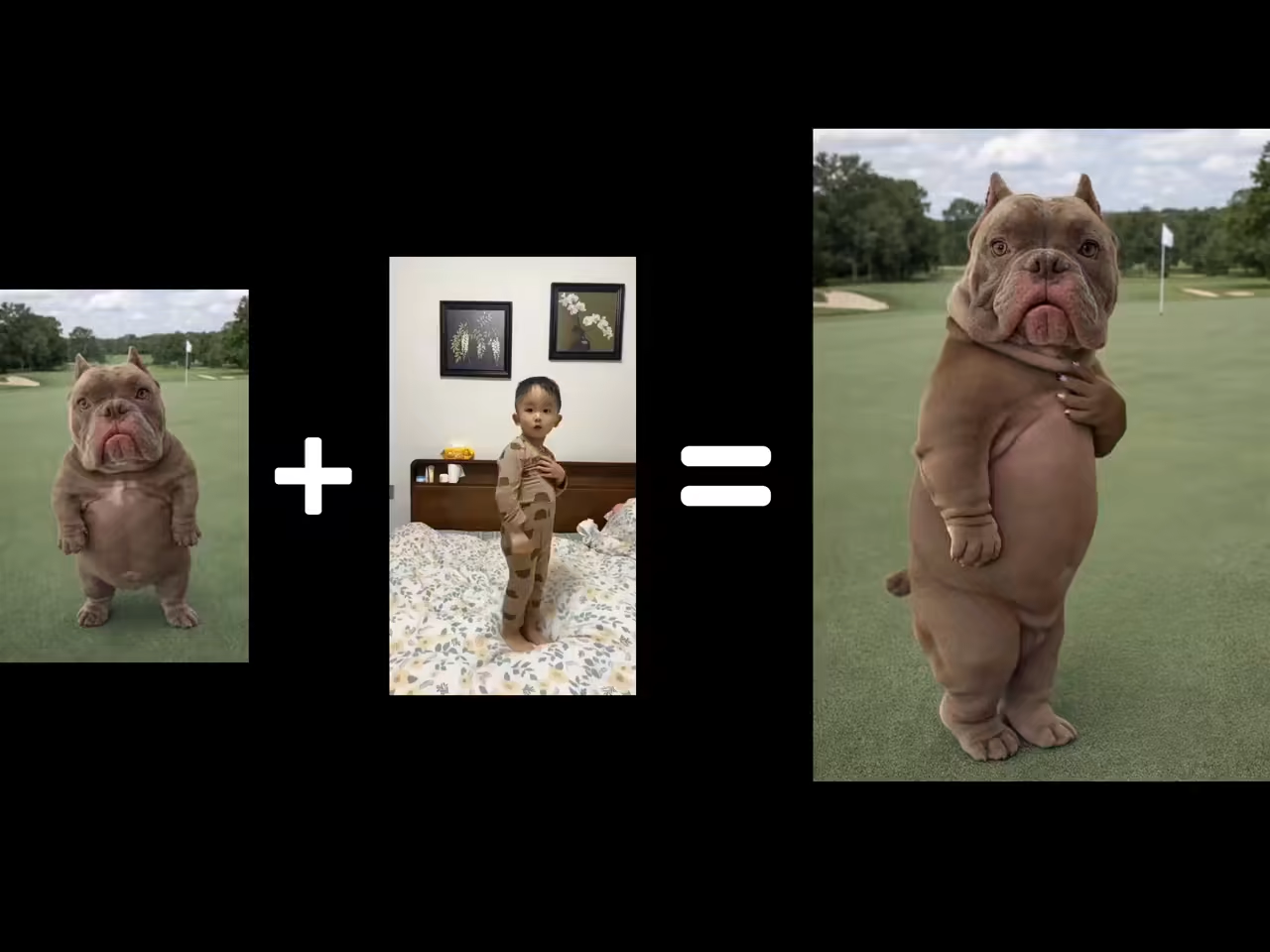
Footwork-Led Motion
A wider source image and an uninterrupted reference help preserve steps that rely on visible feet.
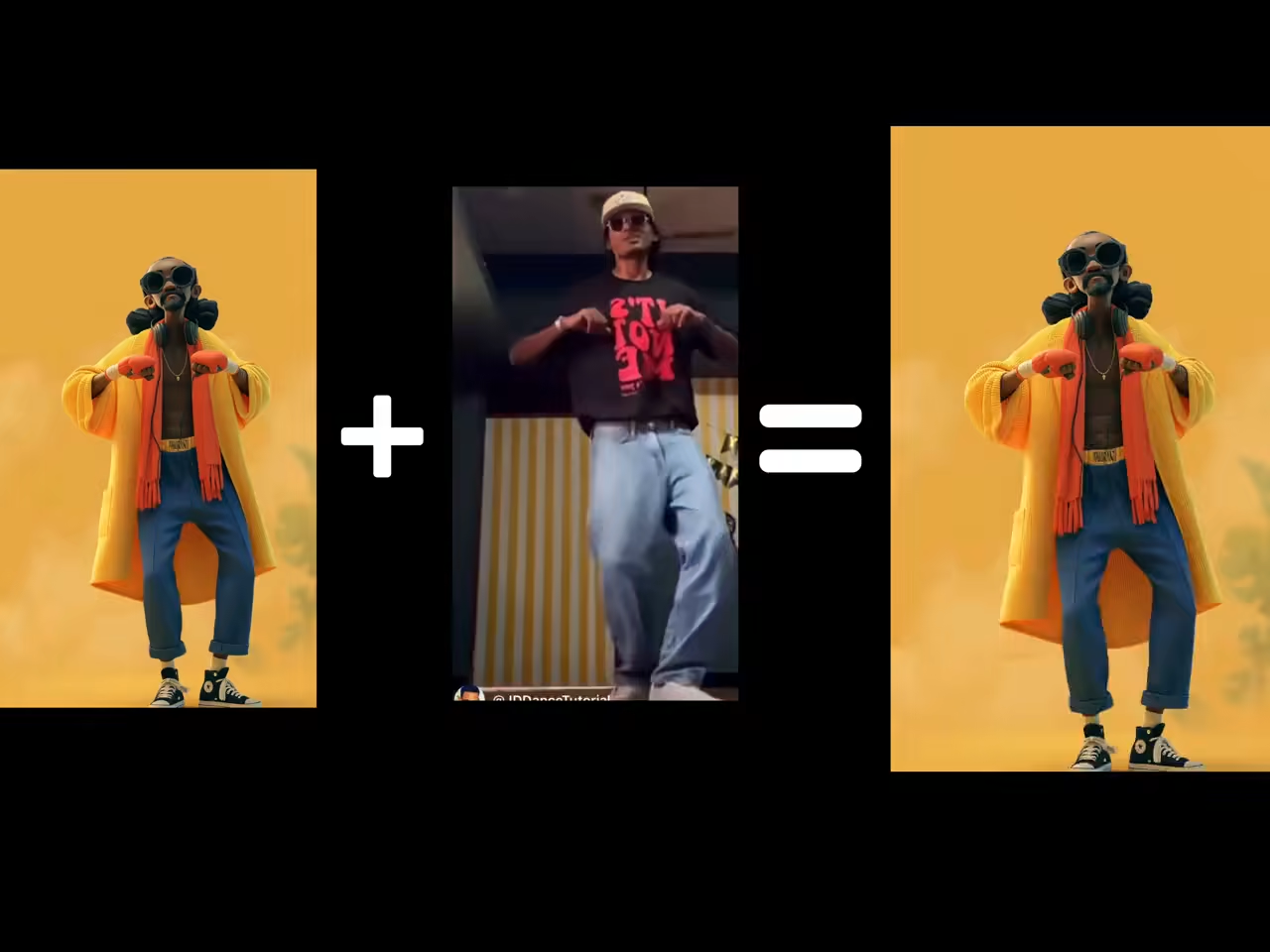
Performance Character
Dance motion can be combined with scene direction for mascots, avatars, and entertainment characters.
What This AI Dance Generator Actually Does
The tool is a reference-driven character animation workflow. These are the capabilities to plan around.
Turn One Image into a Dance Video
Animate one person, avatar, mascot, or humanoid character image without rigging a skeleton or building keyframes by hand.
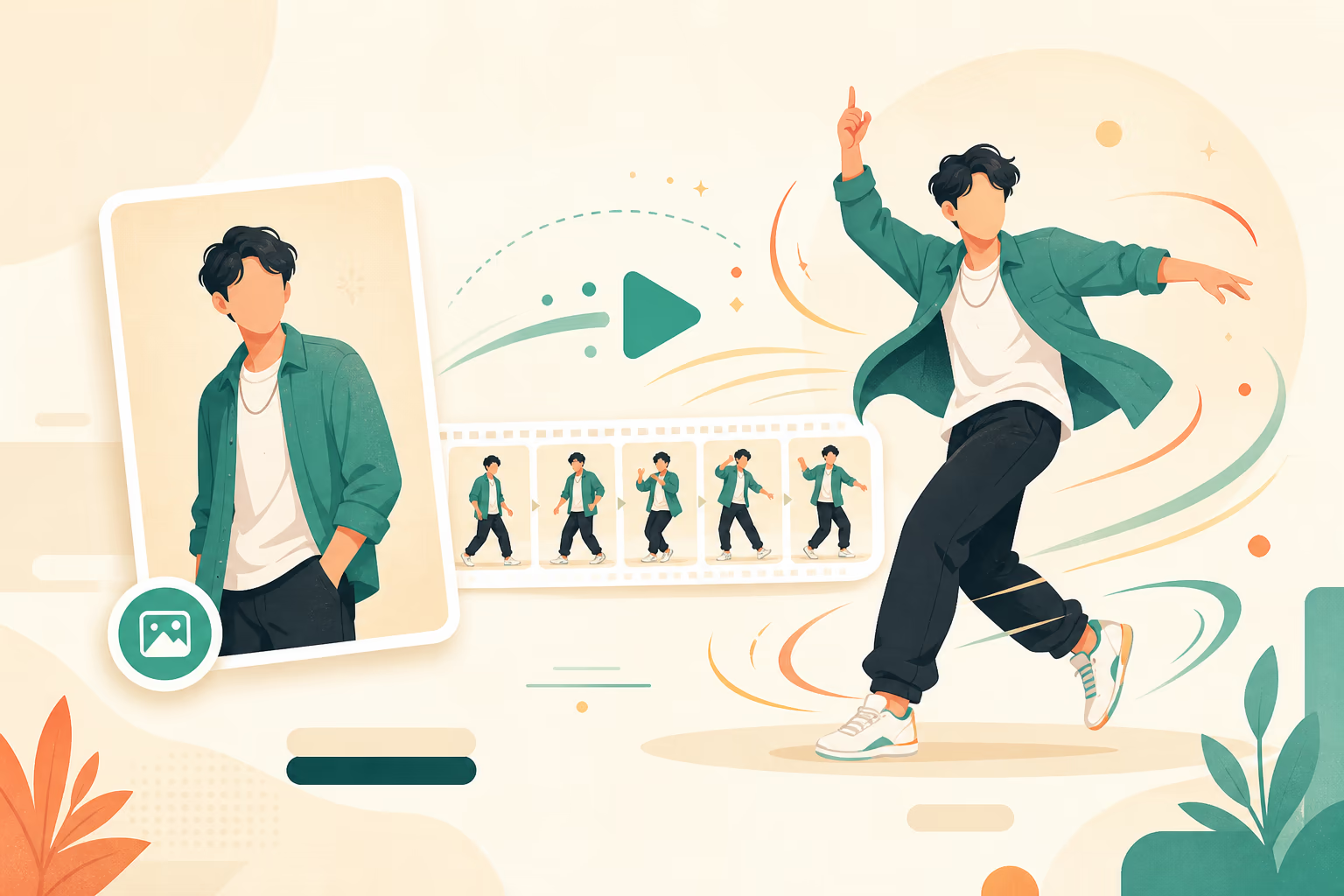
Use Your Own Dance Reference
Upload a short choreography clip to direct a specific idea. Its visible steps, timing, posture, turns, and gestures guide the result.
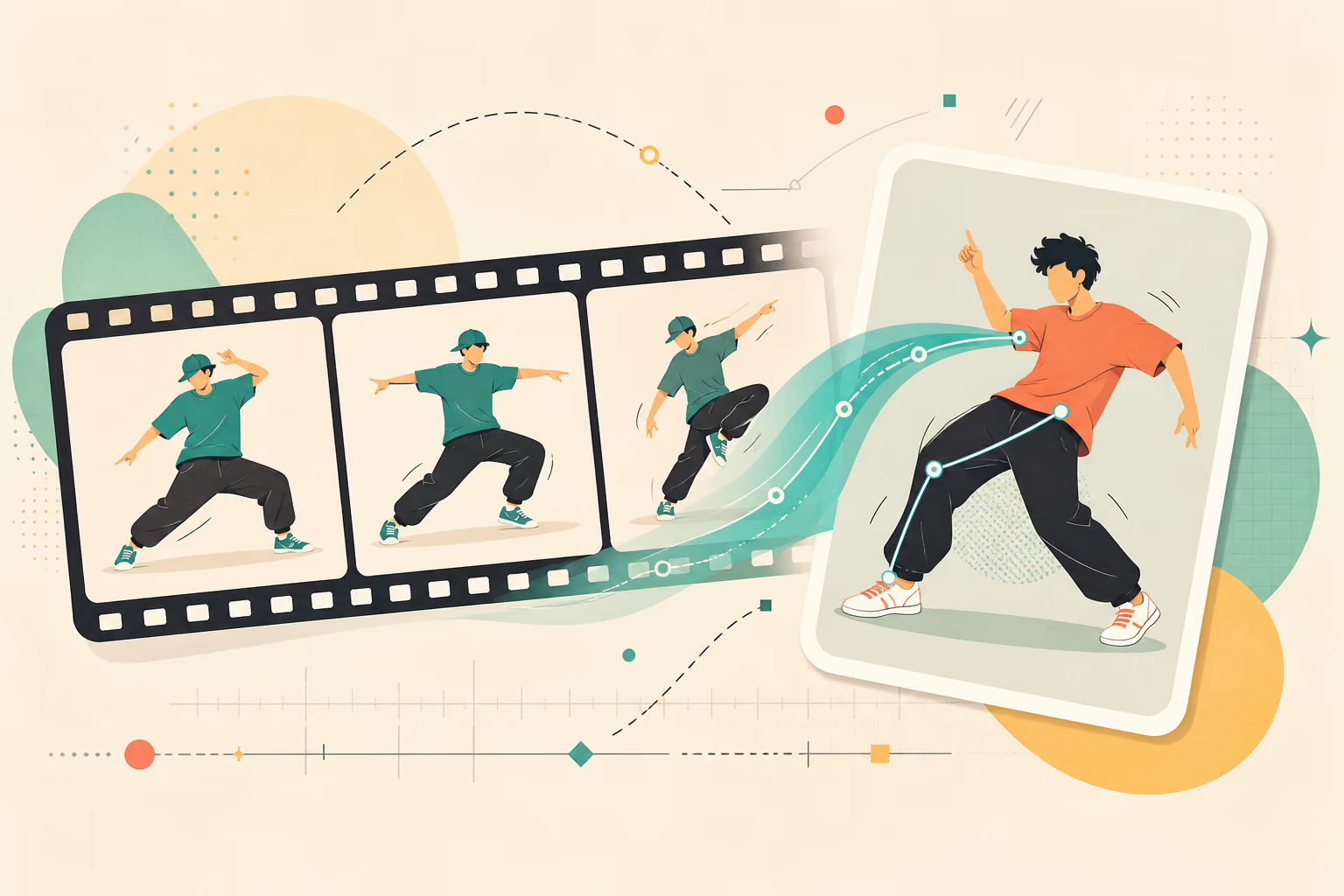
Transfer Whole-Body Performance
The model can use pose, head movement, gestures, turns, and footwork from the reference. Clean visibility matters more than a long text prompt.
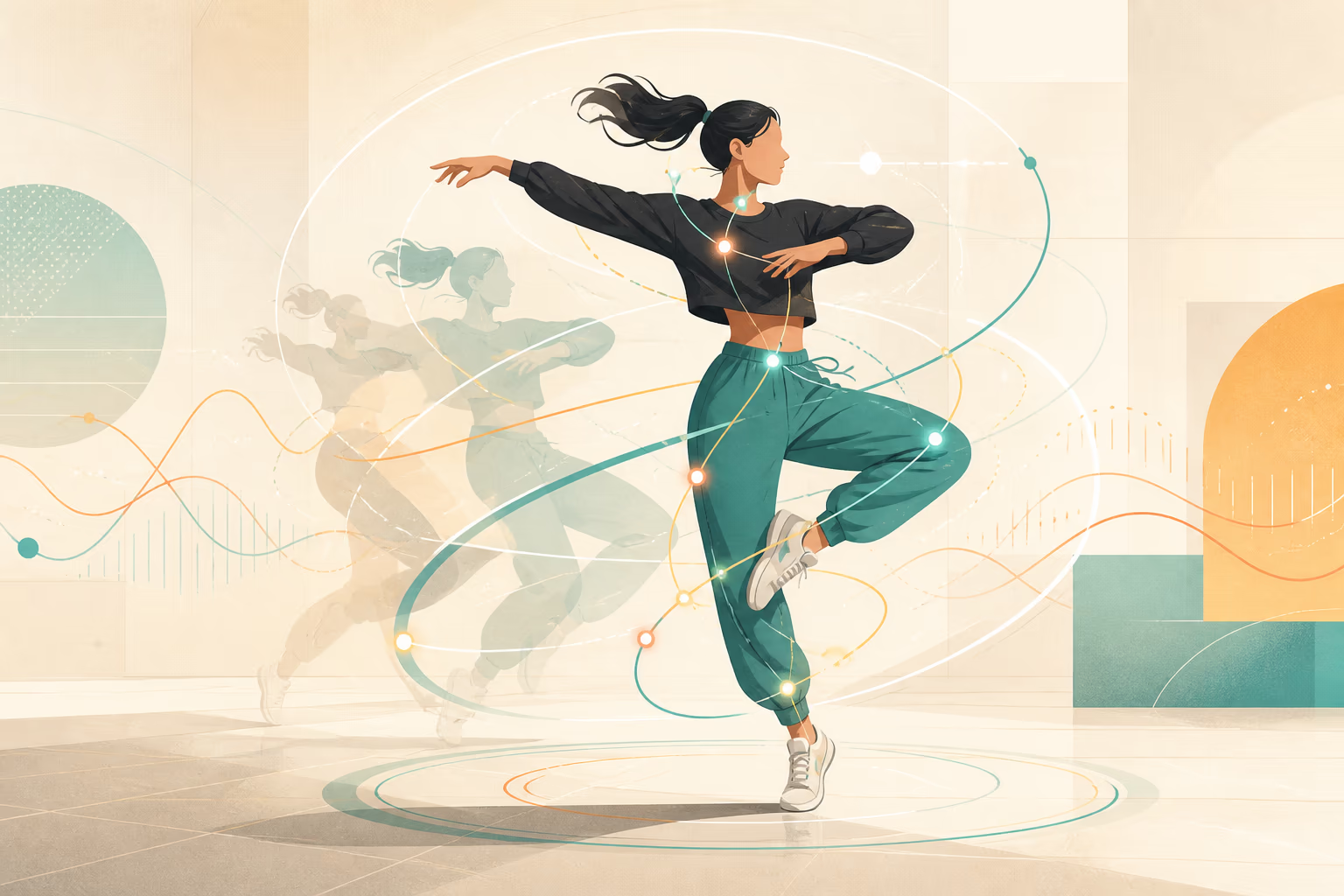
Create Multiple Dance Variations
Reuse a character with different reference videos, or test the same dance with different character images and scene directions.
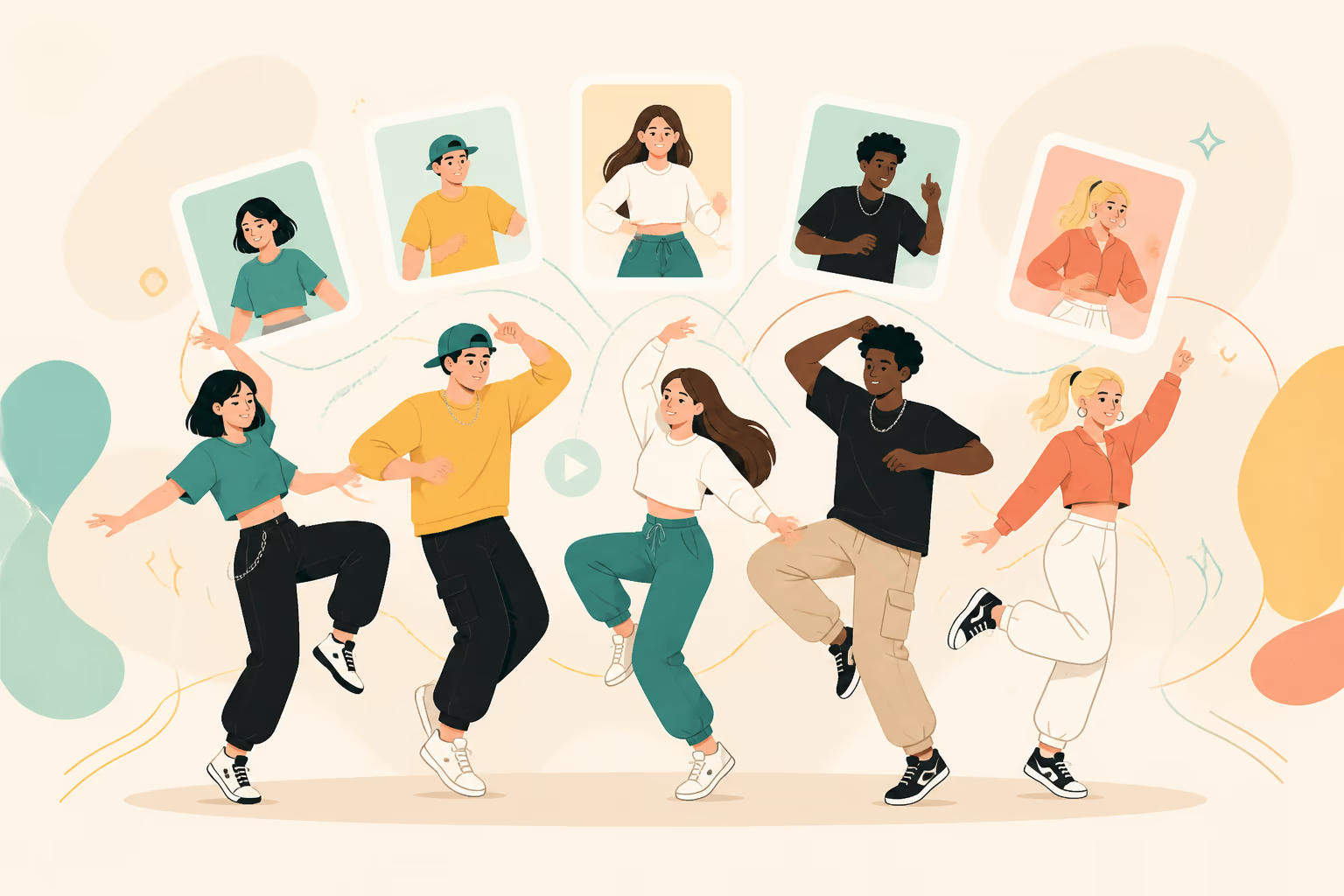
Choose Output Quality and Background Mode
Select the available model, resolution, duration, orientation, and whether the source image or reference video should guide the background.
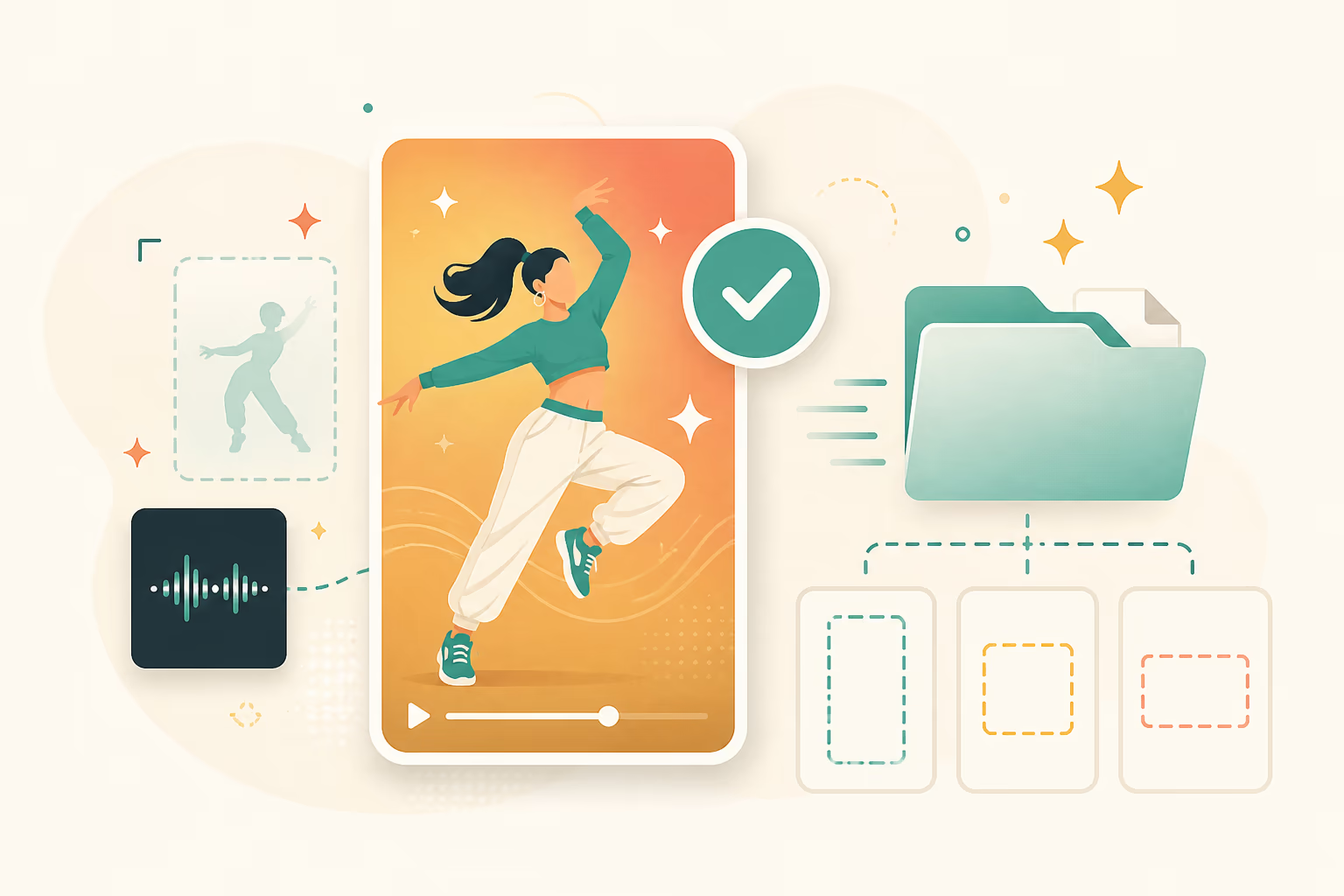
How AI Dance Motion Transfer Works
The dance comes from the reference video, not from a text prompt. Start with a clean source pair before changing style or background.
Upload one character image
Use a clear JPG, JPEG, or PNG. A full-body or three-quarter humanoid character with visible limbs gives the model more information to animate.
Add a dance reference
Choose a built-in motion or upload a 3–30 second clip with one visible dancer, a stable camera, limited cuts, and the choreography you want to transfer.
Generate and review
Choose Kling 2.6 Motion Control or Kling 3.0, generate the clip, then review identity, hands, feet, fast turns, framing, and background consistency.
Choose a More Specific Character Dance Workflow
This page is the parent workflow. Use a focused page when the dance style or publishing format is already known.
Short-Form Social Dance
Create a character-led dance clip, then frame and edit it for TikTok, Instagram Reels, or YouTube Shorts.
Anime and Illustrated Characters
Animate a humanoid anime or illustration with a reference that matches the character's body framing.
Hip-Hop and Footwork
Transfer visible steps, upper-body rhythm, and performance timing from a clean hip-hop reference.
Mascots and Brand Characters
Turn a character asset into a reusable performance clip without scheduling a live-action shoot.
Belly Dance Motion Transfer
Use a full-body belly dance reference with clear torso and arm movement and limited occlusion.
How to Improve Dance Transfer Results
Most failures come from a mismatch between the character image and the reference video.
Reference checklist
- Keep one dancer and one character clearly visible
- Keep the full body visible when footwork matters
- Prefer a fixed camera and one uninterrupted shot
- Match the character crop to the reference dancer's framing
- Start with a short 3–10 second section before testing a longer clip
- Use a sharp image with visible face, hands, arms, legs, and clothing outline
Common issues and fixes
AI Dance Generator FAQ
What is an AI dance generator?
How is the dance motion directed?
Which image formats are supported?
Can I upload my own choreography?
How long can the dance reference be?
Can it animate anime characters or mascots?
How can I build a group dance video?
Can it make pets dance?
How can I improve choreography fidelity?
How long does generation take?
Is every output watermark-free?
Can I use the result commercially?
Explore AI Dance Generator
Choose a focused workflow inside the AI Dance Generator collection.
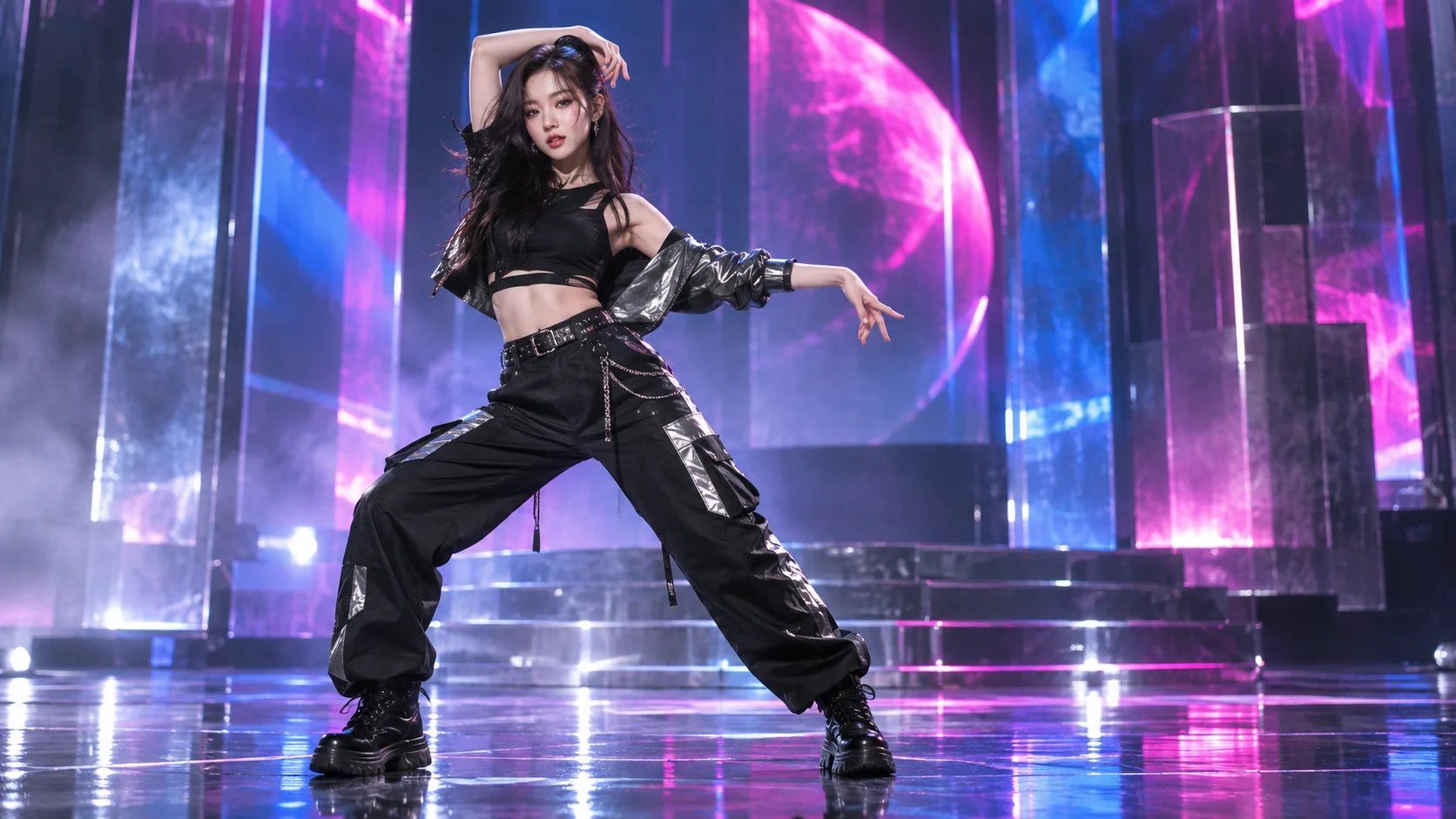
AI K-pop Dance Generator
Use the AI K-pop Dance Generator to animate a person, anime hero, or virtual character from one photo and your chosen dance reference video.
Open tool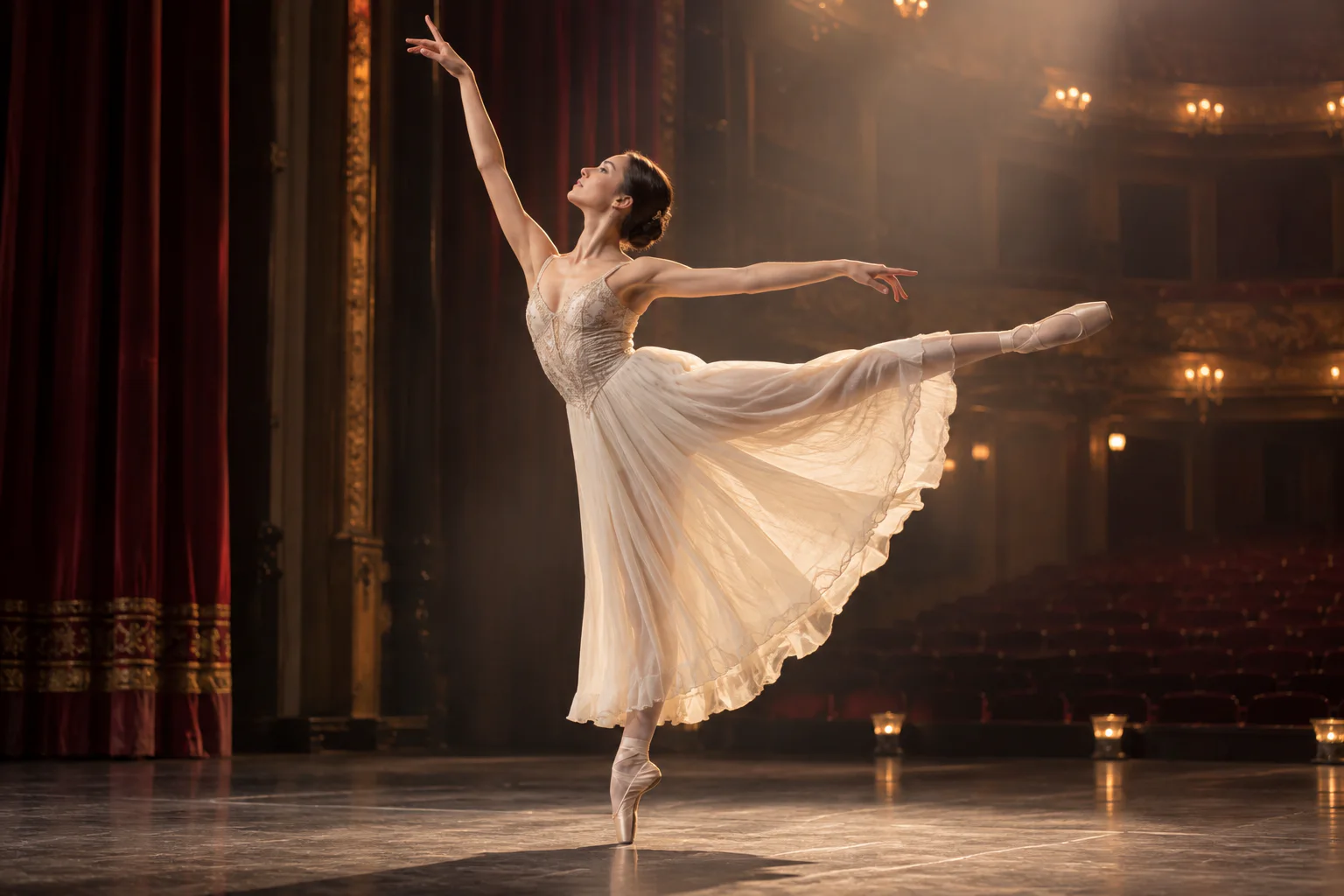
AI Ballet Dance Generator
Use the AI Ballet Dance Generator to turn one photo into a graceful ballet video with your choice of motion reference, character style, and stage mood.
Open tool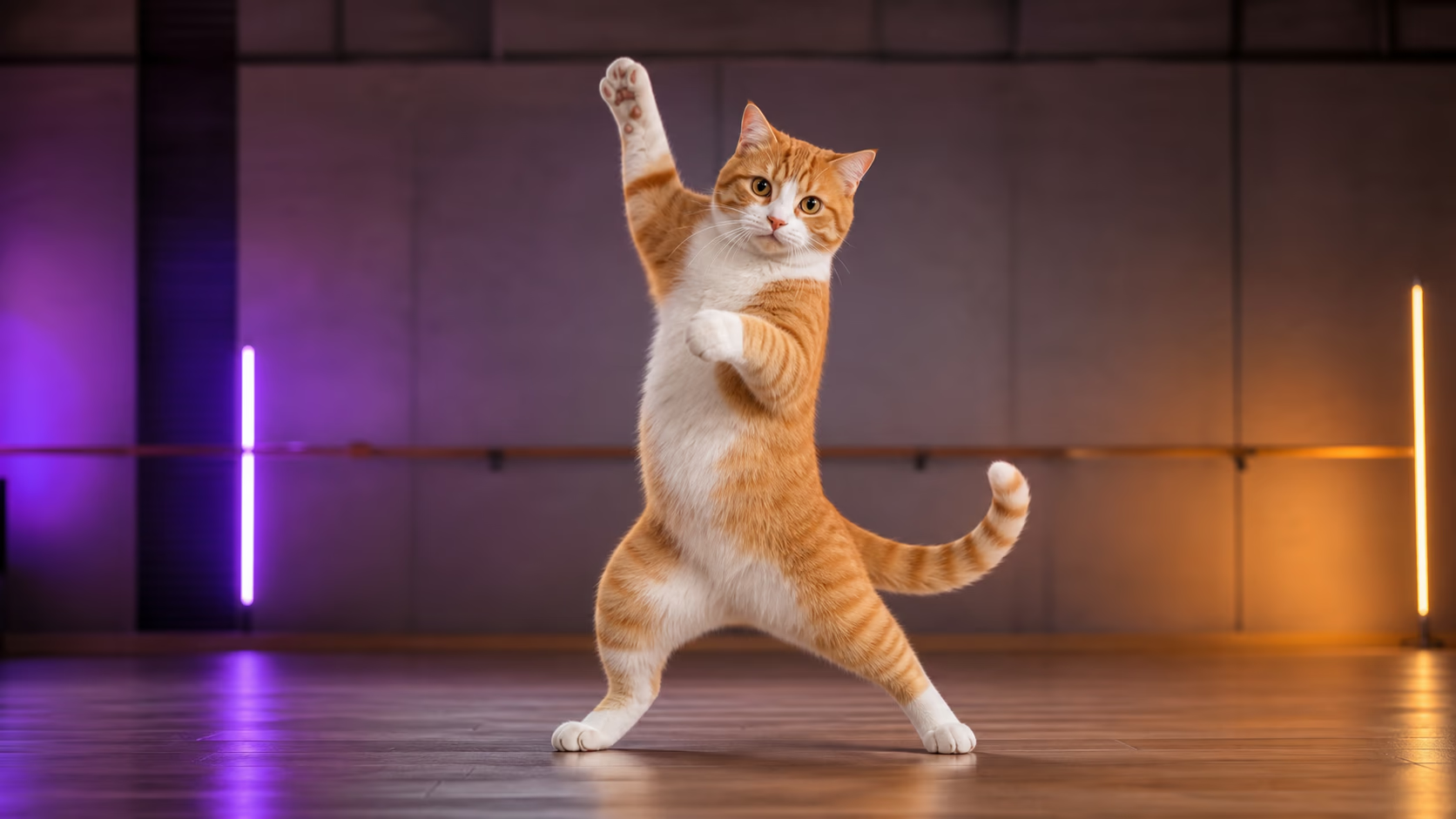
AI Cat Dance Video Generator
Upload a cat photo and a short dance reference video to transfer visible choreography and create a share-ready AI cat dance video.
Open tool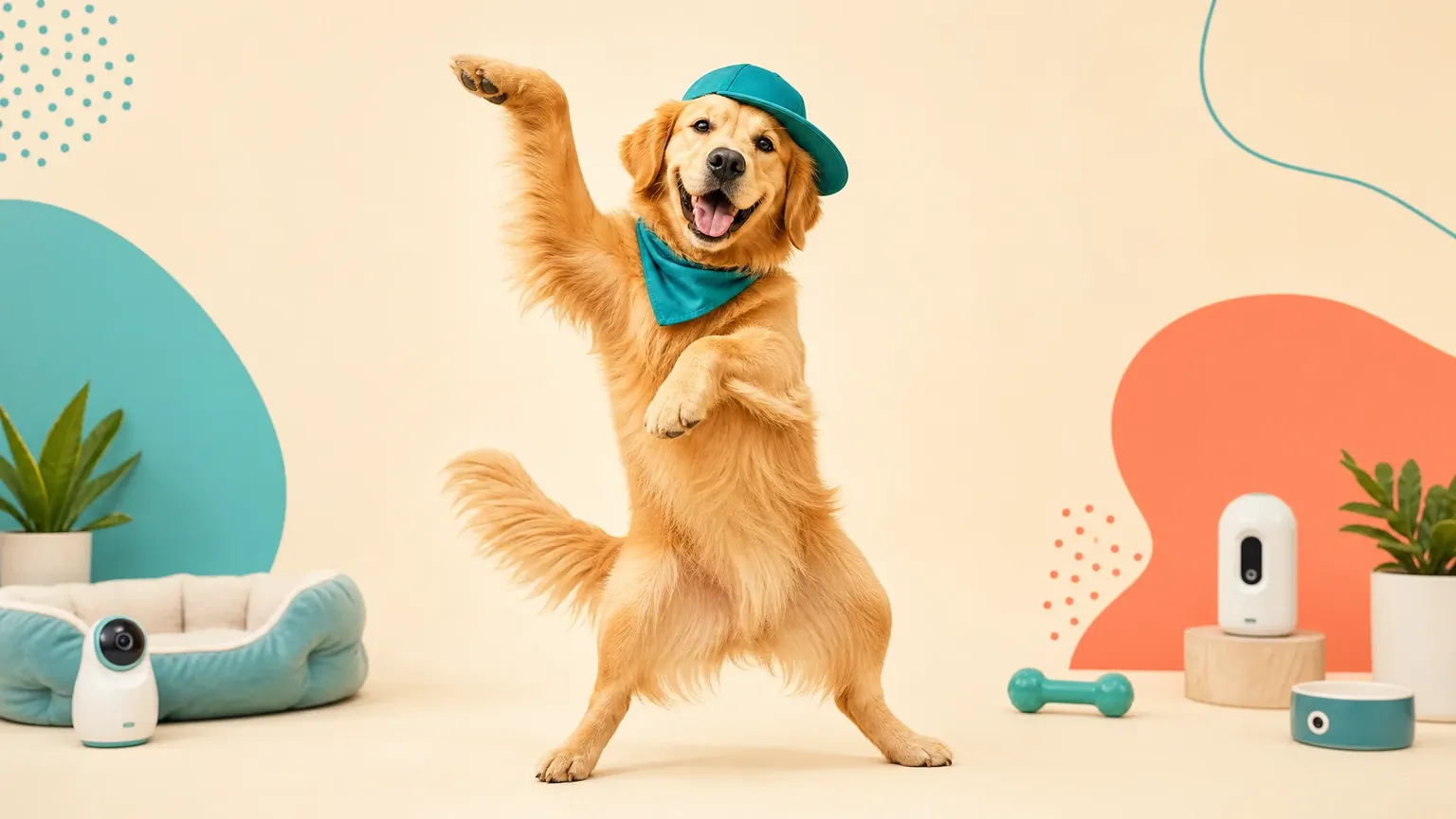
AI Dog Dance Video Generator
Upload a dog photo and a short dance reference video to transfer visible choreography and create a share-ready AI dog dance video.
Open tool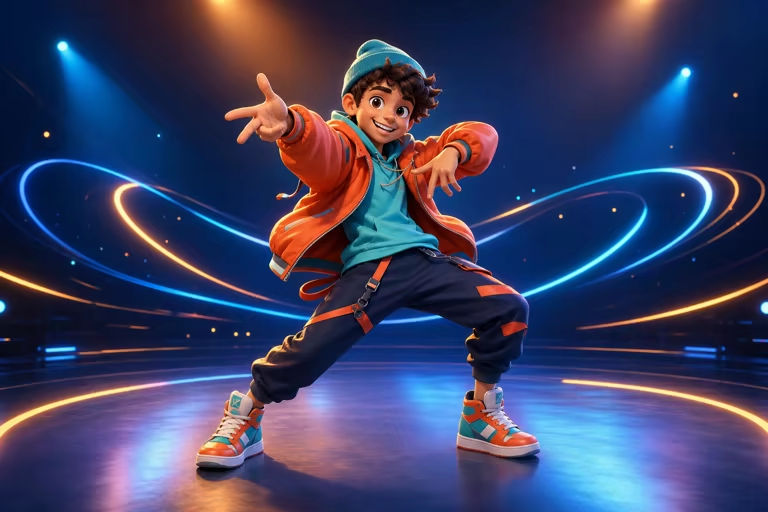
AI Cartoon Dance Video Generator
Make a cartoon character dance from one image and a built-in or custom reference video. Transfer full-body movement to 2D, 3D, and mascot characters.
Open tool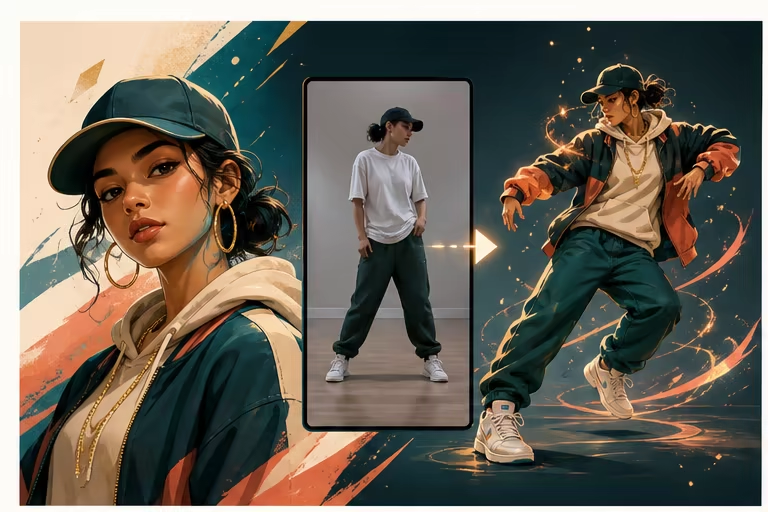
AI Hip Hop Dance Generator
Transfer hip-hop steps and body timing from a short reference video to one character image with AI motion control.
Open tool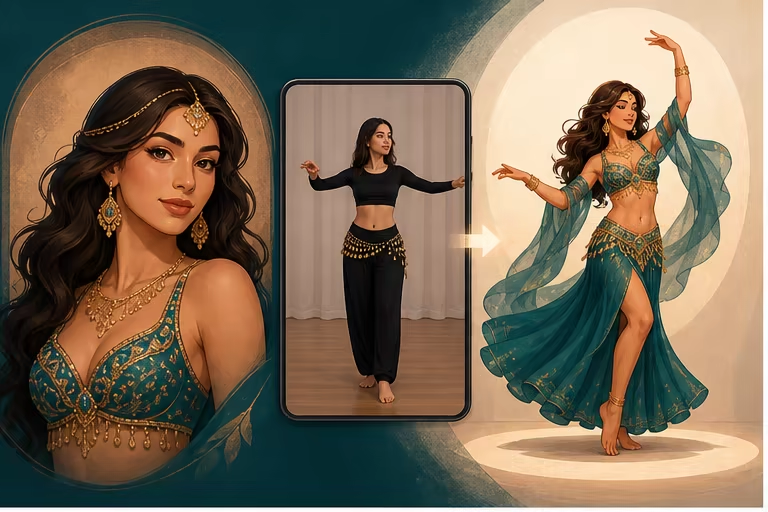
AI Belly Dance Generator
Transfer a short belly dance reference video to one character image with AI motion control. Create a full-body character dance clip online.
Open tool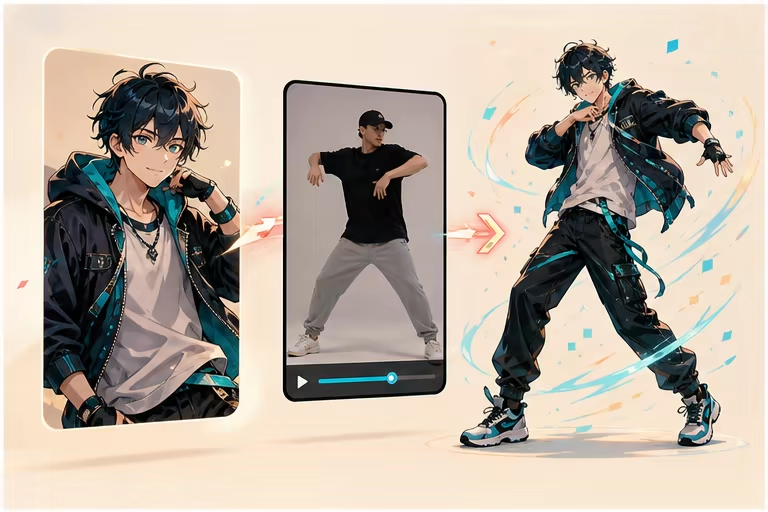
AI Anime Dance Video Generator
Animate an anime character with a short dance reference video. Transfer full-body choreography while keeping the character's visual style.
Open tool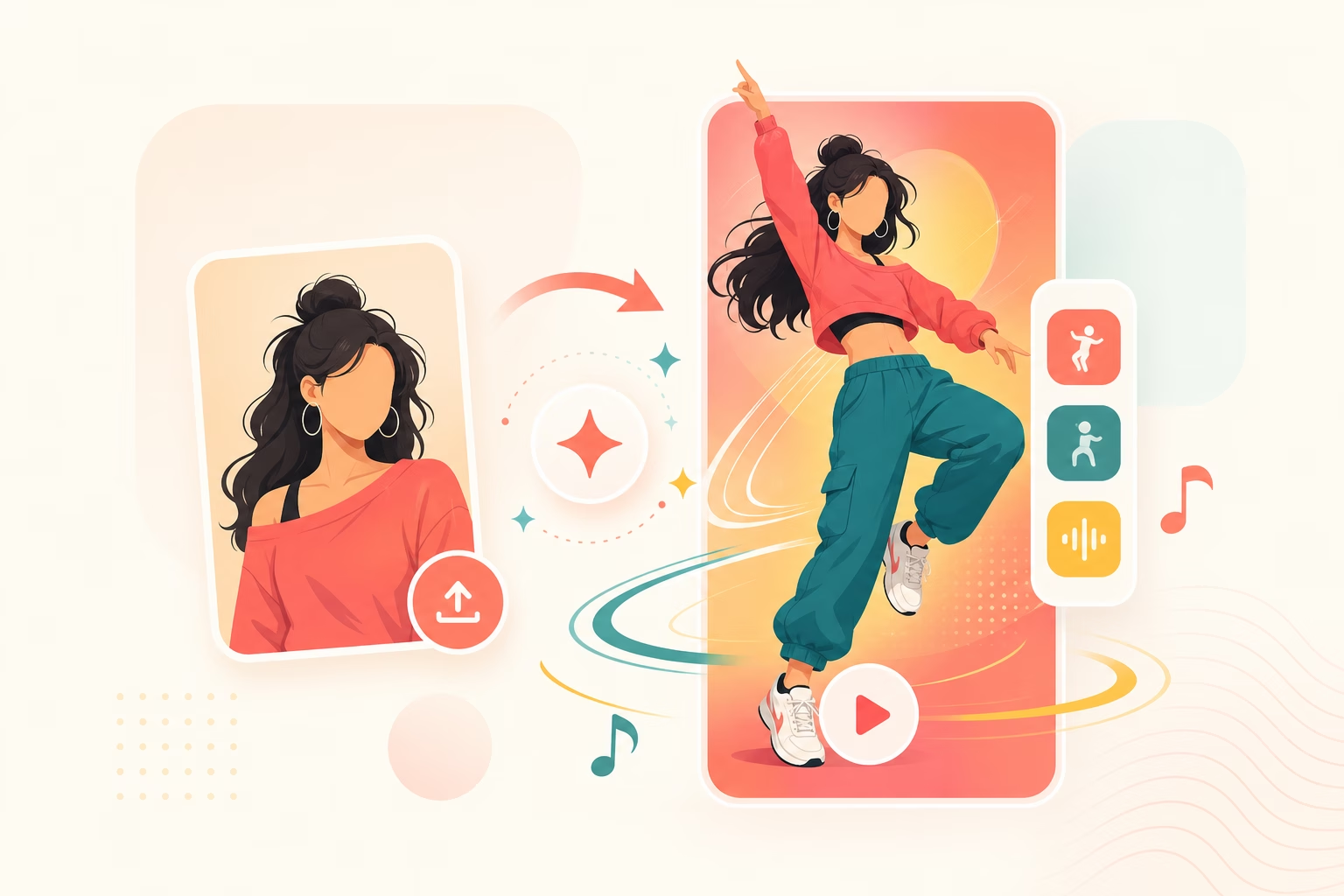
AI Video Maker TikTok Dance
Transfer a short dance reference to one character image, then plan the result for a 9:16 TikTok, Reels, or Shorts post.
Open tool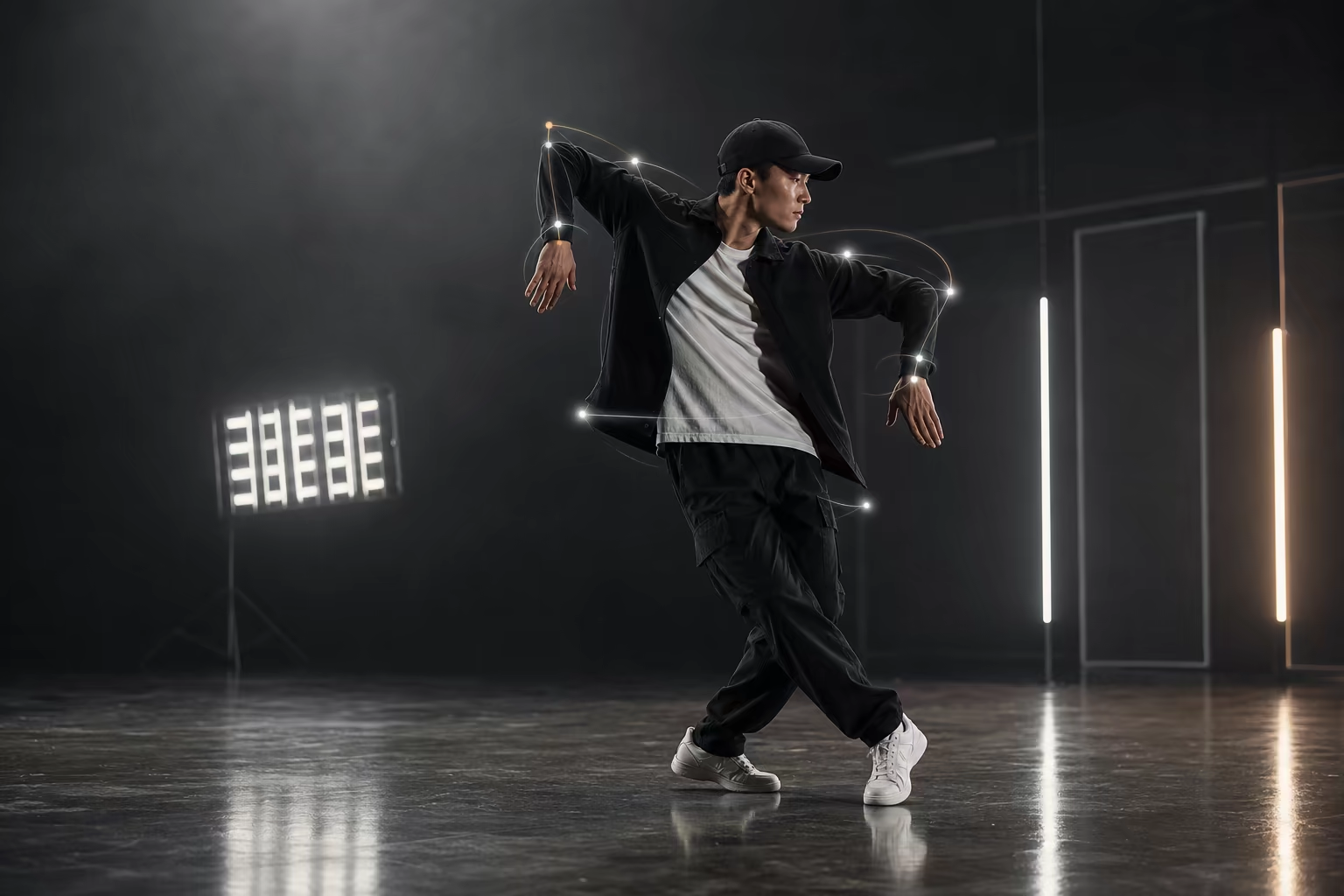
AI Robot Dance Generator
Want your character to do the robot dance without learning the moves yourself? Upload any photo and our AI generates a robot dance video in seconds — free to try, no skills needed.
Open toolCreate a Character Dance from a Reference Video
Start with one clear character image and one short, uninterrupted dance clip. Test the difficult turns and footwork before committing to a longer render.