
Character Swap AI
for Video Character Replacement
Replace a character in a video
Keep the source performance and scene while recasting the visible character from one reference image.
Choose a character
Select a ready-made character or upload your own reference.
Character swap directions
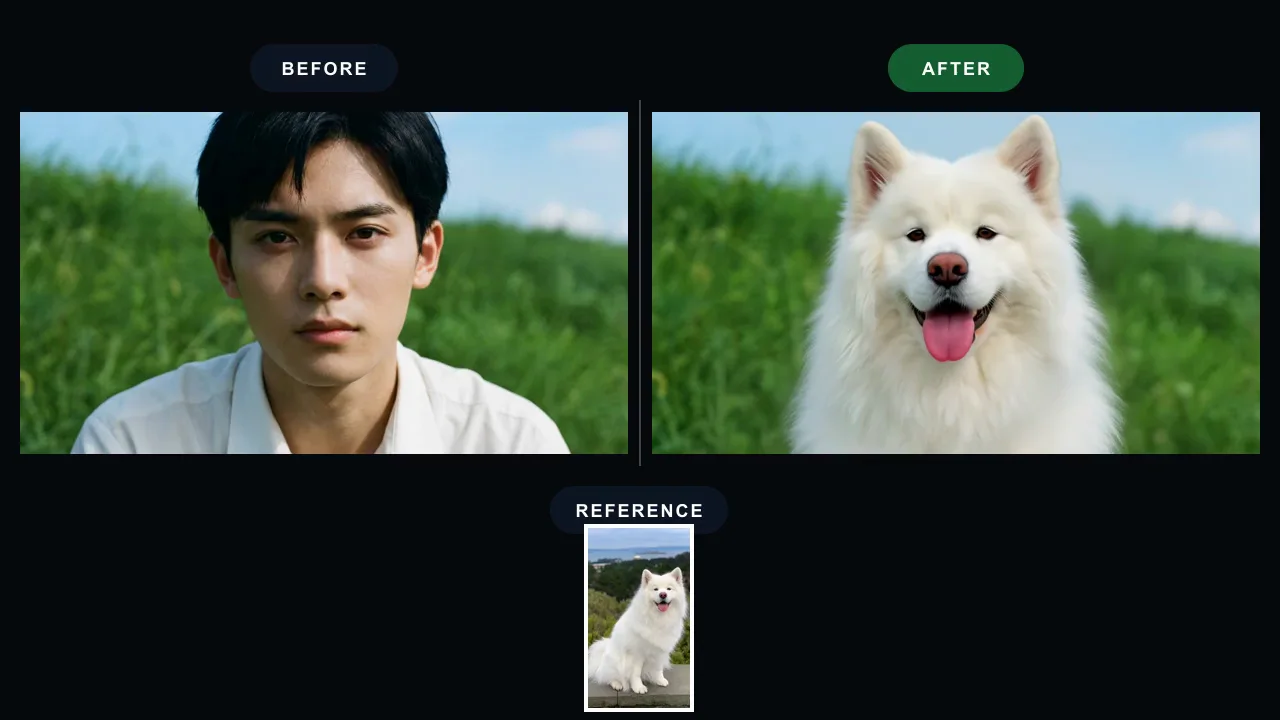
What Character Swap AI Can Do
A video-first character replacement workflow for creators who want a new on-screen character without rebuilding the scene from scratch.
Replace the Person in an Existing Video
Start from the clip whose performance you want to keep, then add the character image you want to appear in the scene. The source video stays the motion guide.
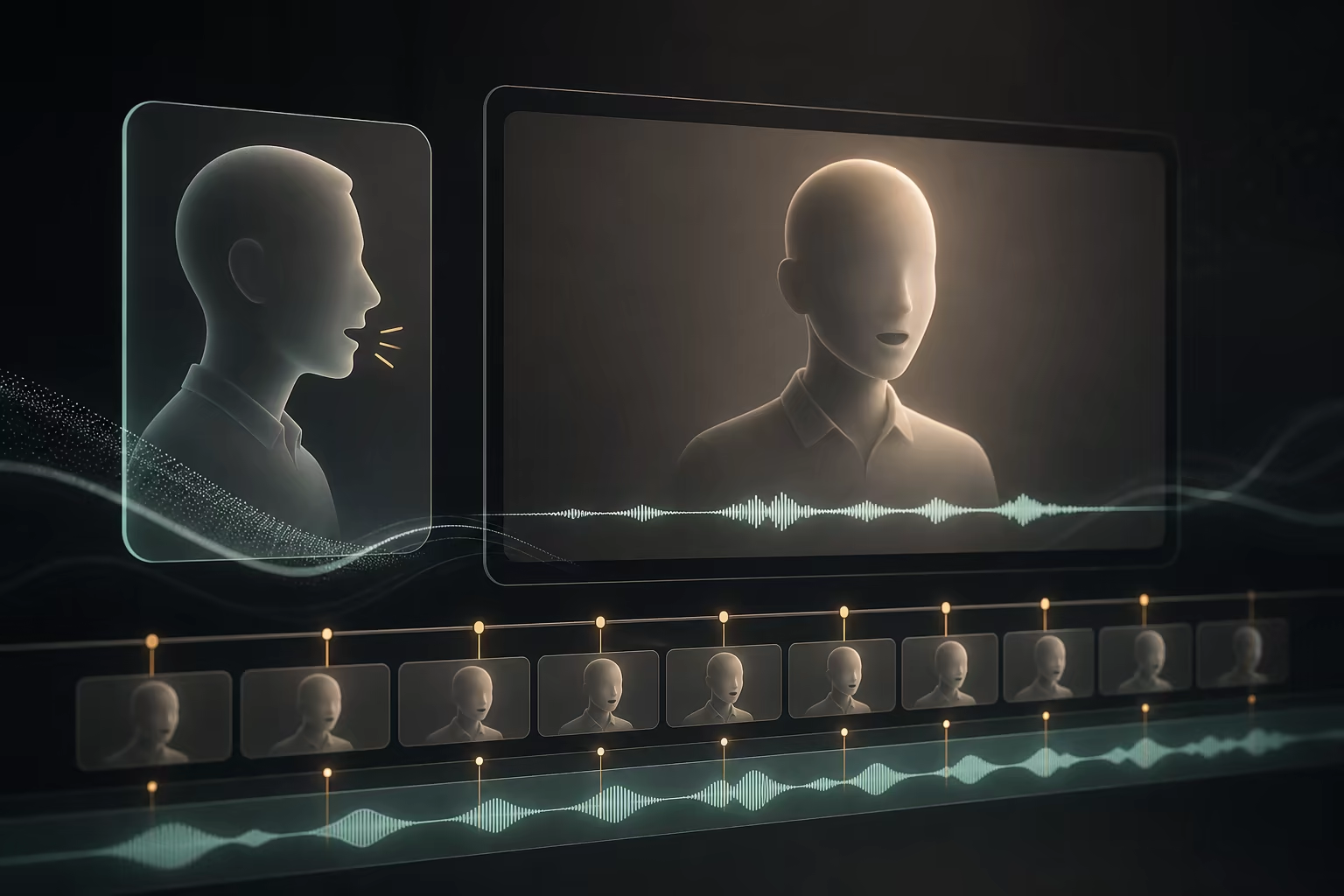
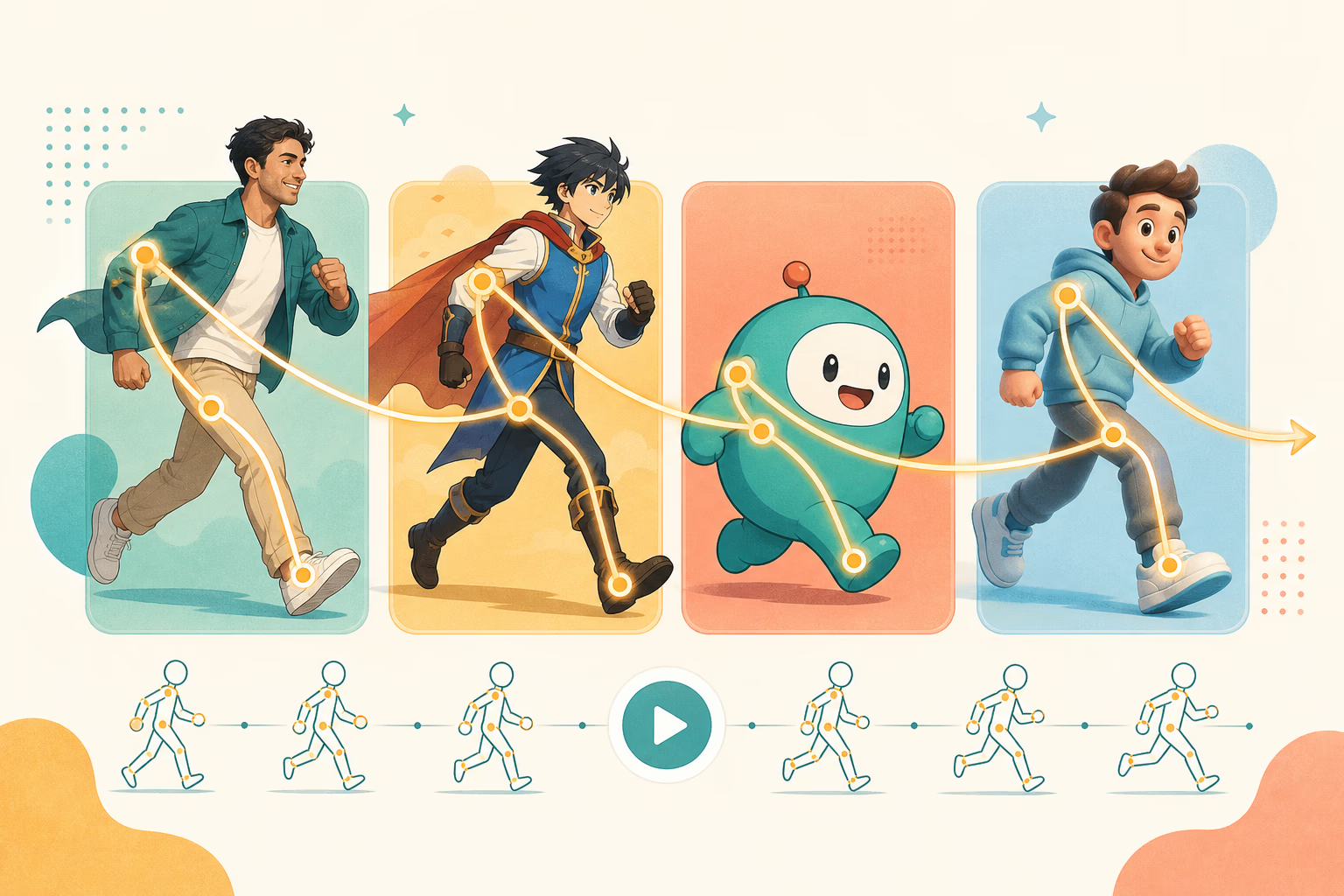
Keep Motion, Pose, and Timing
Character Swap AI is positioned around video recasting. The goal is to make the replacement follow the same body direction, rhythm, and camera movement as the original clip.
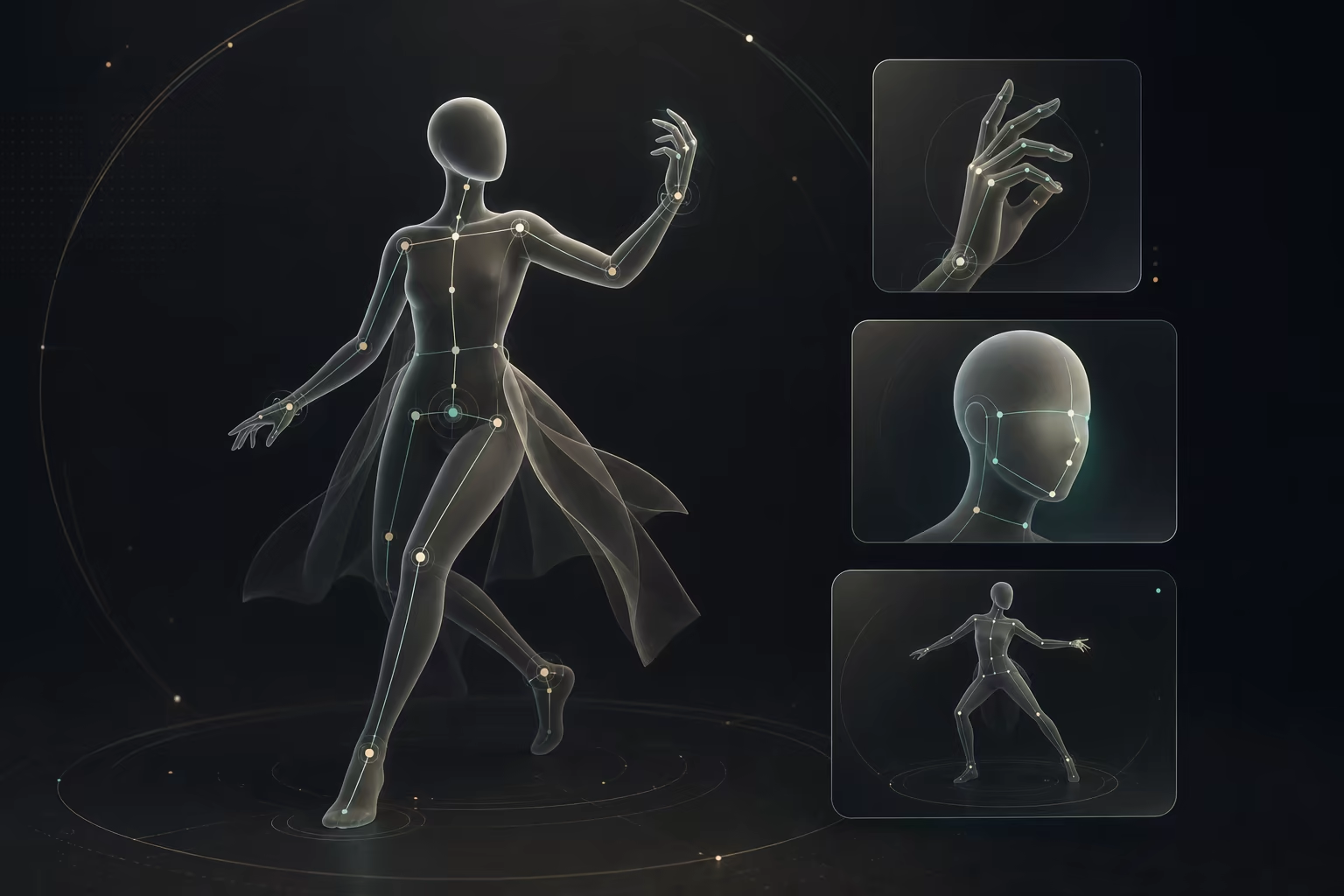
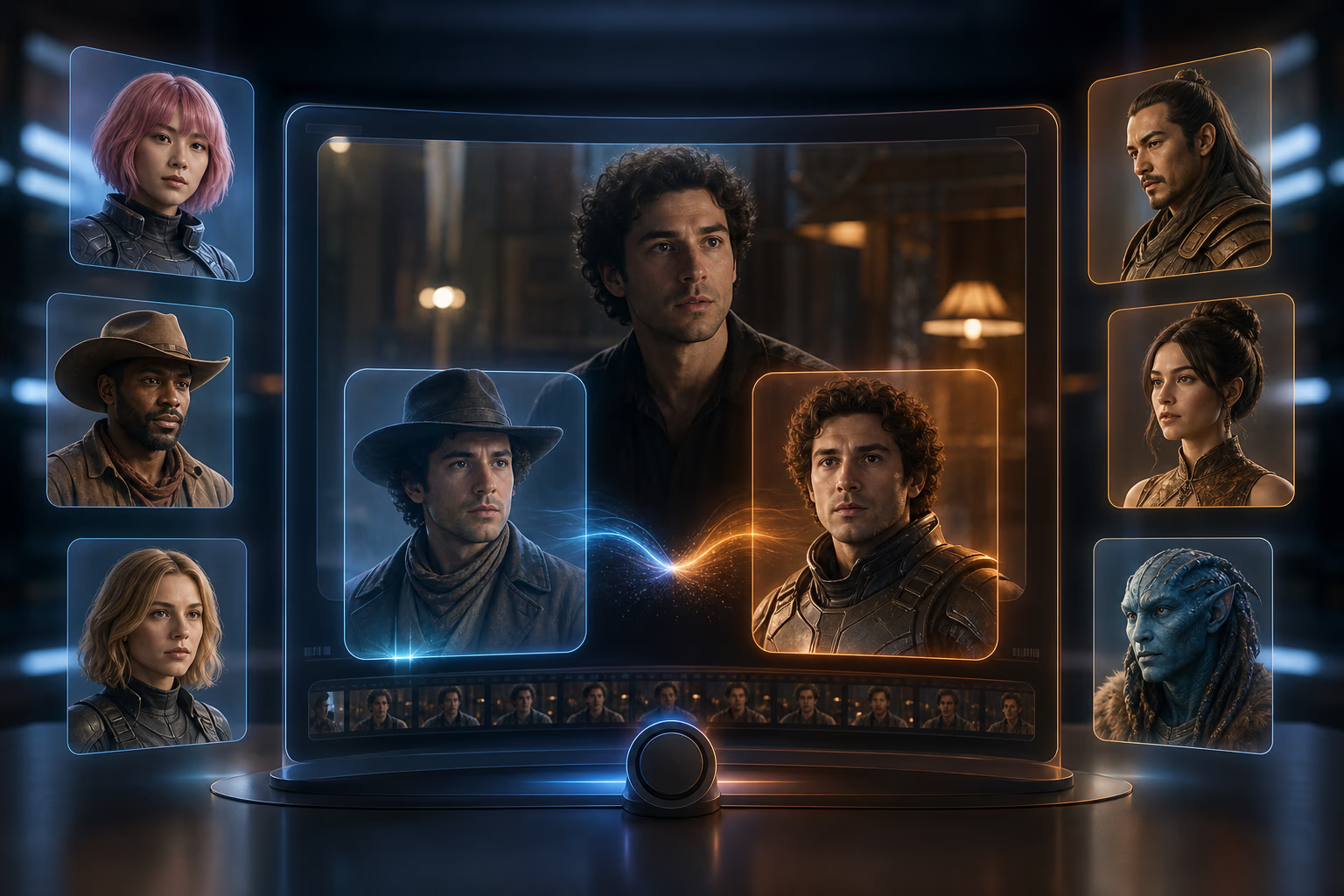
Use a Character Image as Reference
Upload a clear person, avatar, mascot, anime character, or original character reference so the editor has a visual target for the replacement.
Match the Character to the Scene
A character swap should feel integrated with the frame. Use prompts to call out lighting, camera angle, background continuity, and what should stay unchanged.
Avoid Face Swap and Body Swap Confusion
Face swap focuses on the face area. AI Body Swap is better for image-first body replacement. Character Swap AI is for replacing a video character while preserving motion.
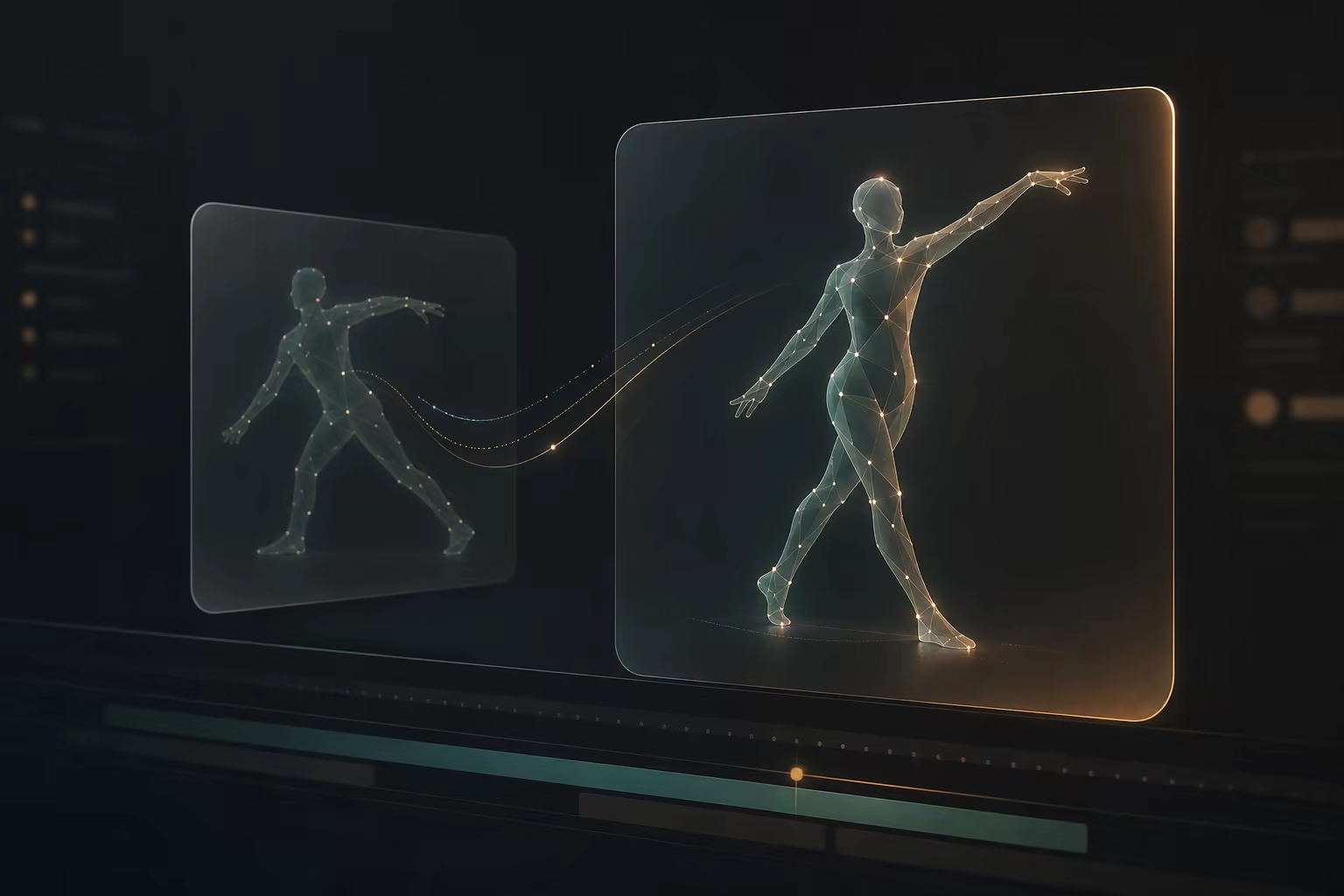
Refine With Prompt Guidance
If the result needs a closer match, adjust the prompt, use a cleaner character image, or choose a simpler source clip before exporting the final video.
How to Use Character Swap AI
Move from source motion to a new character video in four focused steps.
Upload Your Source Video
Choose the clip with the motion, pose, or performance you want to keep. A clear subject and stable framing make the replacement easier to judge.
Add Your Character Image
Upload the character you want to appear in the video. A reference with visible face, body shape, outfit, and style gives the AI more information to follow.
Describe the Replacement
Tell the editor what should change and what should stay: character identity, motion, camera, background, lighting, and any scene details that matter.
Preview, Refine, and Export
Check motion match, scene fit, and character consistency. Review credits and export details in the editor before you generate or download.
What Is Character Swap AI?
Character Swap AI is a video replacement workflow that swaps the visible character in a scene with a new character from your reference image. Unlike a basic face swap, it focuses on the whole on-screen character and aims to preserve the original motion, pose, background, and camera feel.
Use this page when you already have a video with the right movement but need a different person, avatar, mascot, anime character, or original character in the clip. If you want an image-first full-body photo replacement instead, /ai-body-swap is the better AI Body Swap workflow.
Who Uses a Character Swapper for Video?
Character Swap AI helps creators test a new character inside existing motion without manual masking, rotoscoping, or frame-by-frame compositing.
Short-Form Video Creators
Recast dance clips, meme formats, and social trends with a new character while keeping the original motion and pacing.
Filmmakers and Previs Artists
Test a character idea inside an existing scene before committing to a shoot, model, or animation pass.
Anime, Game, and Fandom Creators
Bring an original character, avatar, or fan character into a video scene with matching movement for concepts and edits.
Brand and Marketing Teams
Explore mascot, spokesperson, or campaign character variations from a proven motion clip before planning production.
Virtual Influencer Builders
Keep one character identity active across multiple clips by using a consistent reference image and video-first motion guides.
Why Choose Character Swap AI
This page is shaped around the exact video recast job: a source video, a character reference, and a motion-matched output.
Video-First Character Replacement
Many character tools focus on still images. This workflow puts video motion, pose, timing, and scene continuity at the center.
Clear Input-to-Output Flow
The page presents the task as video in, character reference in, recast video out, so users can understand the workflow quickly.
A Clear Video Character Replacement Path
Start with a source video and a character reference image, then direct how the new character should fit the original motion, framing, lighting, and scene.
Prompt-Guided Creative Control
Use text to describe what the replacement should preserve or change, including camera feel, lighting, scene fit, and character style.
Visible Inputs and Export Details
Check current credits, accepted inputs, generation controls, and export details in the editor before creating the replacement video.
Workflow clarity
Credit visibility
Review credits, current model limits, and export details inside the editor before you continue.
Right workflow routing
Use this page for video recasts, or compare the image-first body swap workflow when that better fits the job.
Character Swap AI FAQ
Is Character Swap AI free to try?
Is this a character swapper for videos?
Does Character Swap AI only swap faces?
How is Character Swap AI different from AI Body Swap?
Will the swapped character keep the original motion?
Can I use an anime character, mascot, or avatar?
Can I swap characters in images too?
What formats and limits are supported?
Will my video have a watermark?
Can I use the result commercially?
Are uploaded files private?
How do I get better character swap results?
Start Character Swap AI
Upload a source video, add a character reference, describe the recast, and review credits before export.