
Talking Pet AIMake Dogs and Cats Talk
Use a front-facing image with a visible mouth, eyes, and enough space around the head.
A steady head-and-shoulders presenter clip is the safest first reference.
Upload the character image and motion reference together before generating.
Match orientation in the video. Recommended.
Choose whether the generated background follows the reference video or the character image.
Optional. Motion comes from the video; prompt refines the look.
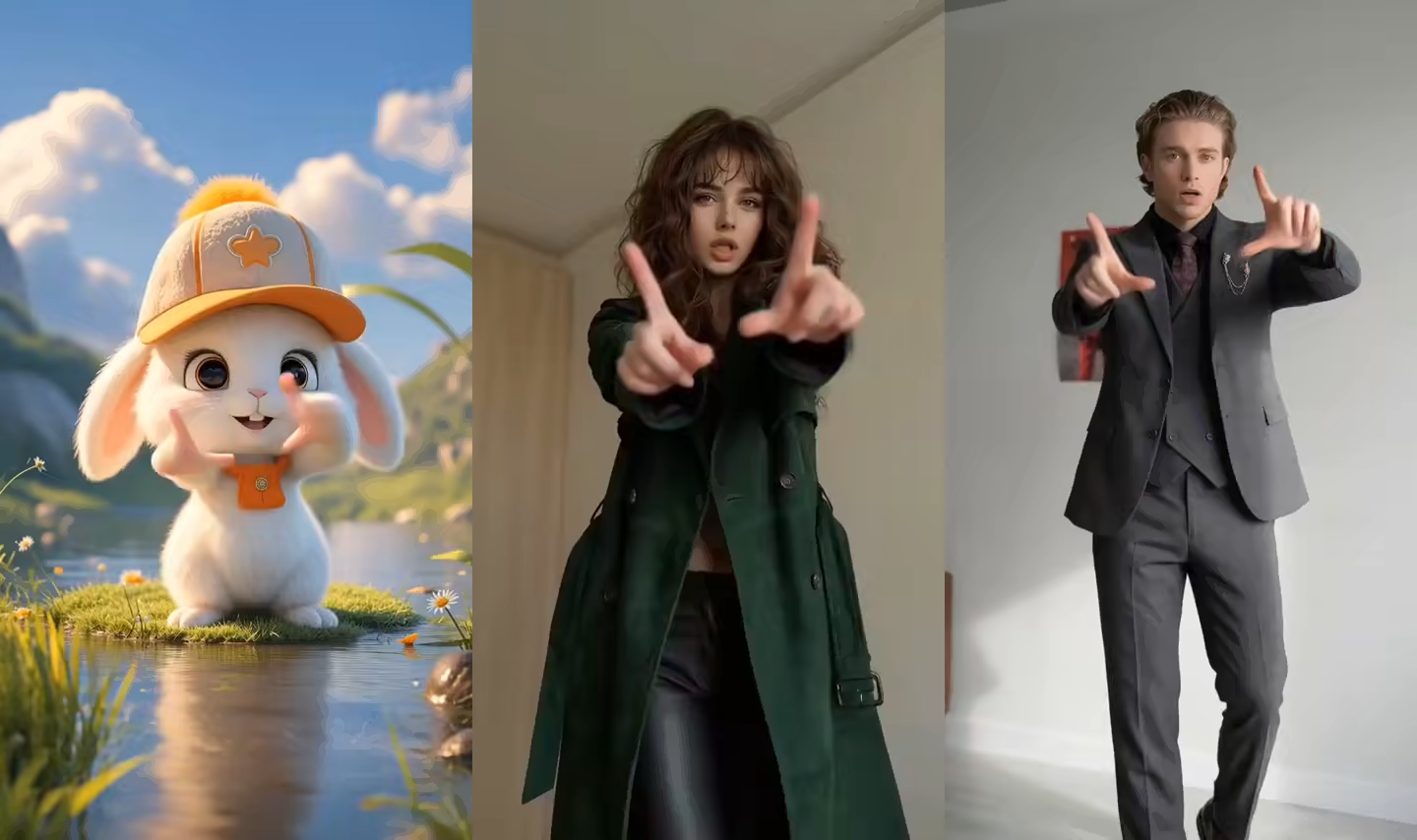
A talking pet page built around the final video
Talking Pet AI transfers the visible delivery of a reference speaker to a pet or animal character image. It is designed for short dog and cat monologues, reactions, pet announcements, and playful social videos.
Realistic pet anatomy differs from a human performer, so front-facing portraits and modest head movement are the best place to start. Stylized or humanoid animal characters can handle broader gestures.
Talking dog, talking cat, and pet photo videos
Choose the branch that matches the animal image instead of treating every pet face like a human presenter.
Talking Dog AI from one dog photo
Use a centered dog portrait with both eyes, ears, nose, and muzzle visible. A short front-facing reference can create a talking dog AI announcement, reaction, greeting, or playful social clip.
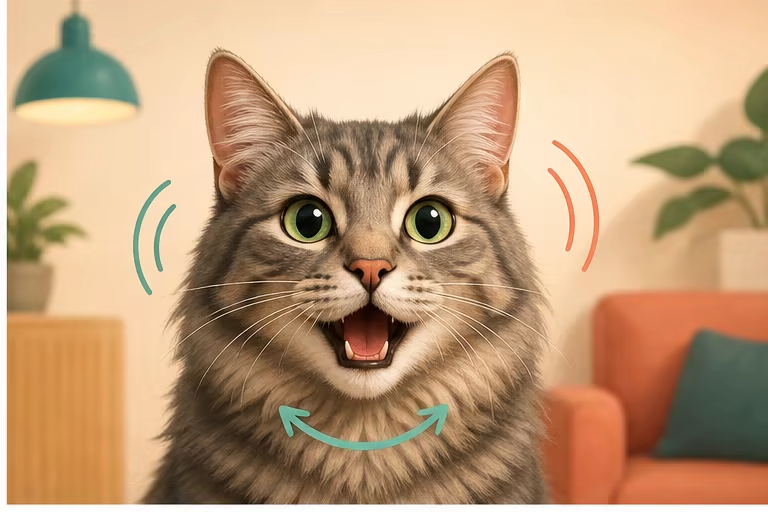
Talking Cat AI with readable whiskers and muzzle
Make a cat photo talk with restrained mouth movement and small head turns. Clear whiskers, open eyes, and an unobstructed muzzle help the talking cat video remain recognizable.
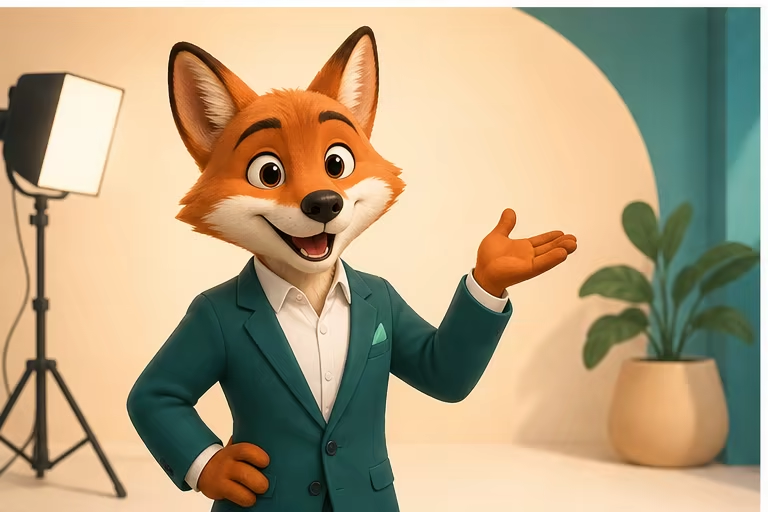
Make a pet photo talk from a reference video
The pet image supplies the animal identity while the reference video supplies visible speech and timing. This is a talking-pet video generator, not a pet translator and not an app that interprets real animal sounds.
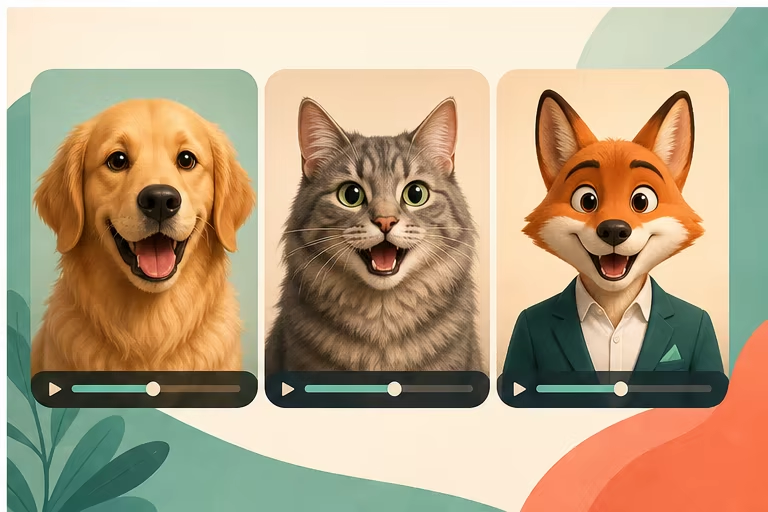
Real pet portraits and anthropomorphic animals
Real dogs and cats are safest with subtle expression and head motion. Illustrated animals and humanoid mascots can usually carry broader gestures, posture, and presenter-style movement.
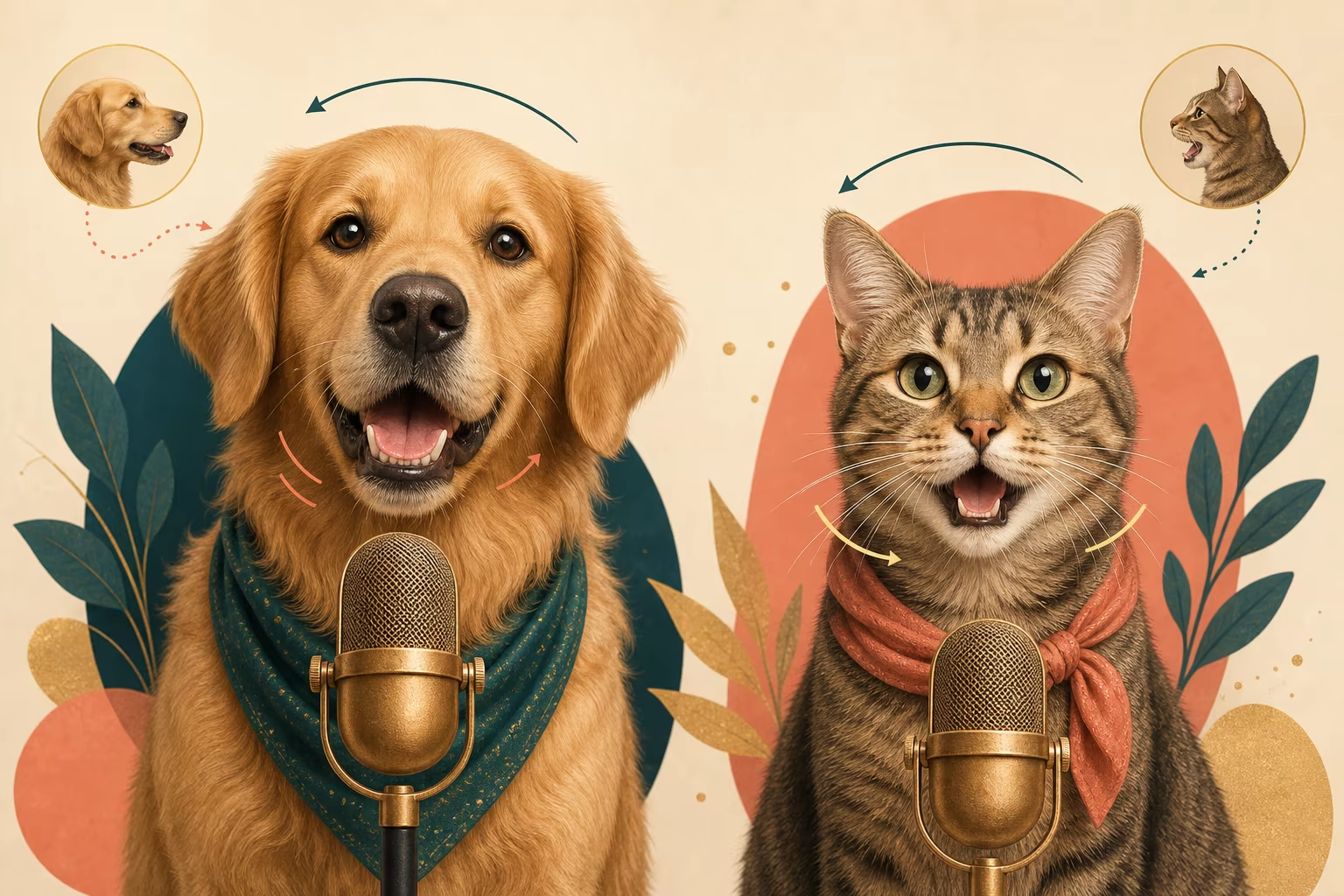
Pet face and muzzle quality checks
Review the muzzle, tongue, teeth, whiskers, eyes, and ears after generation. If the result becomes uncanny, shorten the reference and reduce large mouth shapes, profile turns, or gestures copied from a human body.
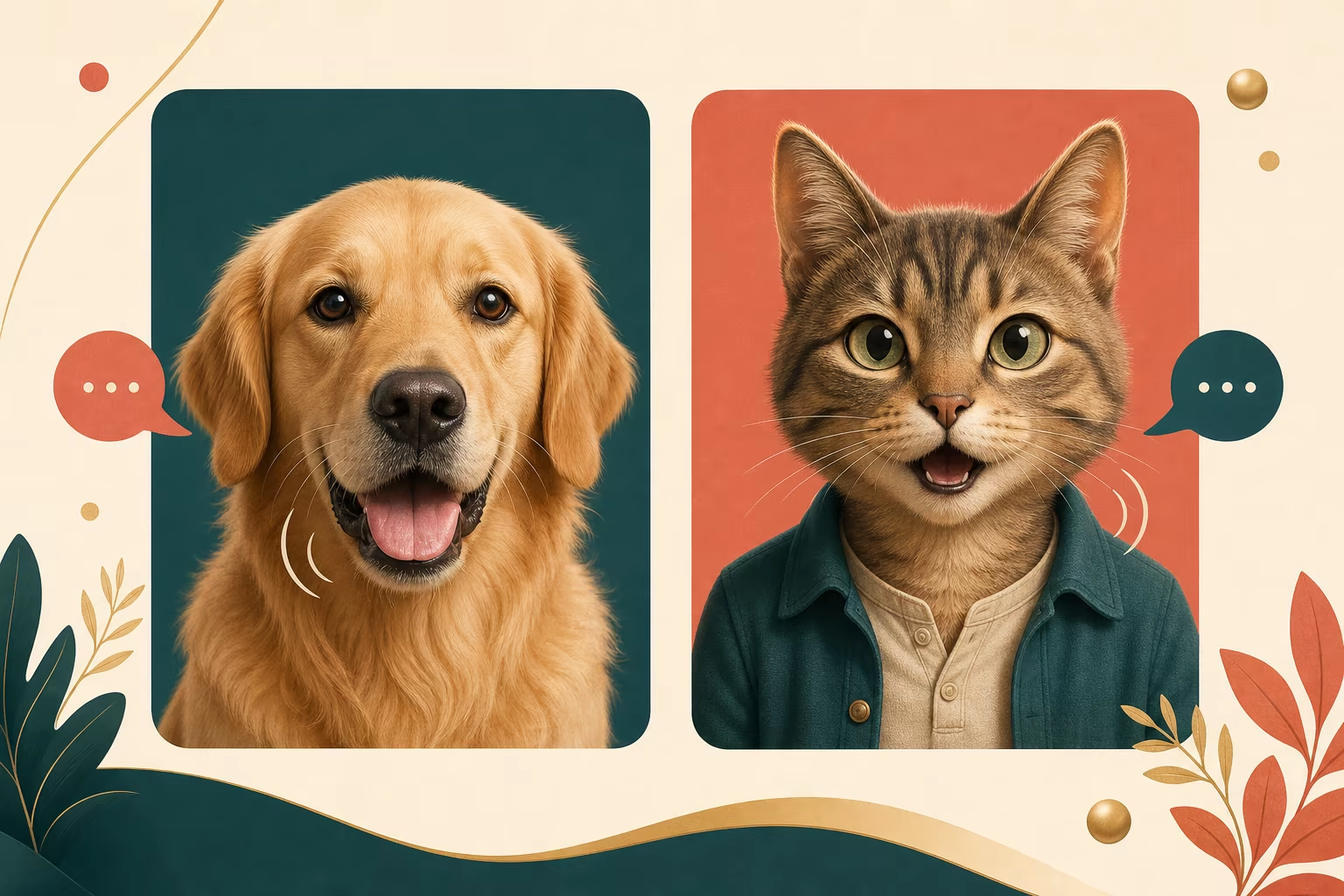
Make a dog, cat, or pet photo talk
Start with a stable portrait and use only the amount of human-like motion the animal design can support.
Upload one pet or animal image
Choose a front-facing dog, cat, pet, illustrated animal, or mascot with a clear face and enough room around the head.
Choose a short talking reference
Use one steady speaker with modest mouth shapes and limited head turns; avoid cuts and hands crossing the face.
Generate and inspect animal anatomy
Review muzzle motion, eyes, ears, whiskers, tongue, teeth, and head stability before sharing the talking-pet clip.
Talking pet video ideas
Package the same core capability around different pet-owner and creator needs.
Dog or cat greeting video
Turn a brief greeting or announcement into a talking dog or talking cat clip for a pet account or personal message.
Pet reaction video
Transfer one clear reaction performance to a direct pet portrait while keeping the mouth movement restrained and readable.
Illustrated animal narrator
Give a fictional animal, cartoon pet, or humanoid mascot a presenter-style performance for a story or social announcement.
Workflow essentials for Talking Pet AI Video Generator
Inputs, recommended setup, and the most common fixes—summarized in one compact guide.
Inputs and setup
- One JPG, JPEG, or PNG image; One MP4, MOV, or supported video clip.
- Reference length: 3–30 seconds, depending on model mode.
- Kling 2.6 Motion Control and Kling 3.0; Rendered character video in 720p or 1080p.
- Keep the pet front-facing with both eyes, ears, nose, muzzle, and whiskers visible.
Two quick fixes
Talking Pet AI FAQ
How do I make my dog or cat talk with AI?
Does Talking Pet AI work with any animal?
Is Talking Pet AI the same as pet lip sync?
Can the pet sing?
Can I create two talking pets in one video?
Is Talking Pet AI a pet translator?
Do I need a special talking-pet app?
Make a pet photo deliver a talking performance
Use a centered pet portrait and a short, steady talking reference.