
AI Anime DanceMake an Anime Character Dance
Use a full-body or three-quarter humanoid character with visible arms and legs.
Use one dancer, a fixed camera, and an uninterrupted 3–30 second clip with visible arms, legs, torso, and feet.
Upload the character image and motion reference together before generating.
Match orientation in the video. Recommended.
Choose whether the generated background follows the reference video or the character image.
Optional. Motion comes from the video; prompt refines the look.
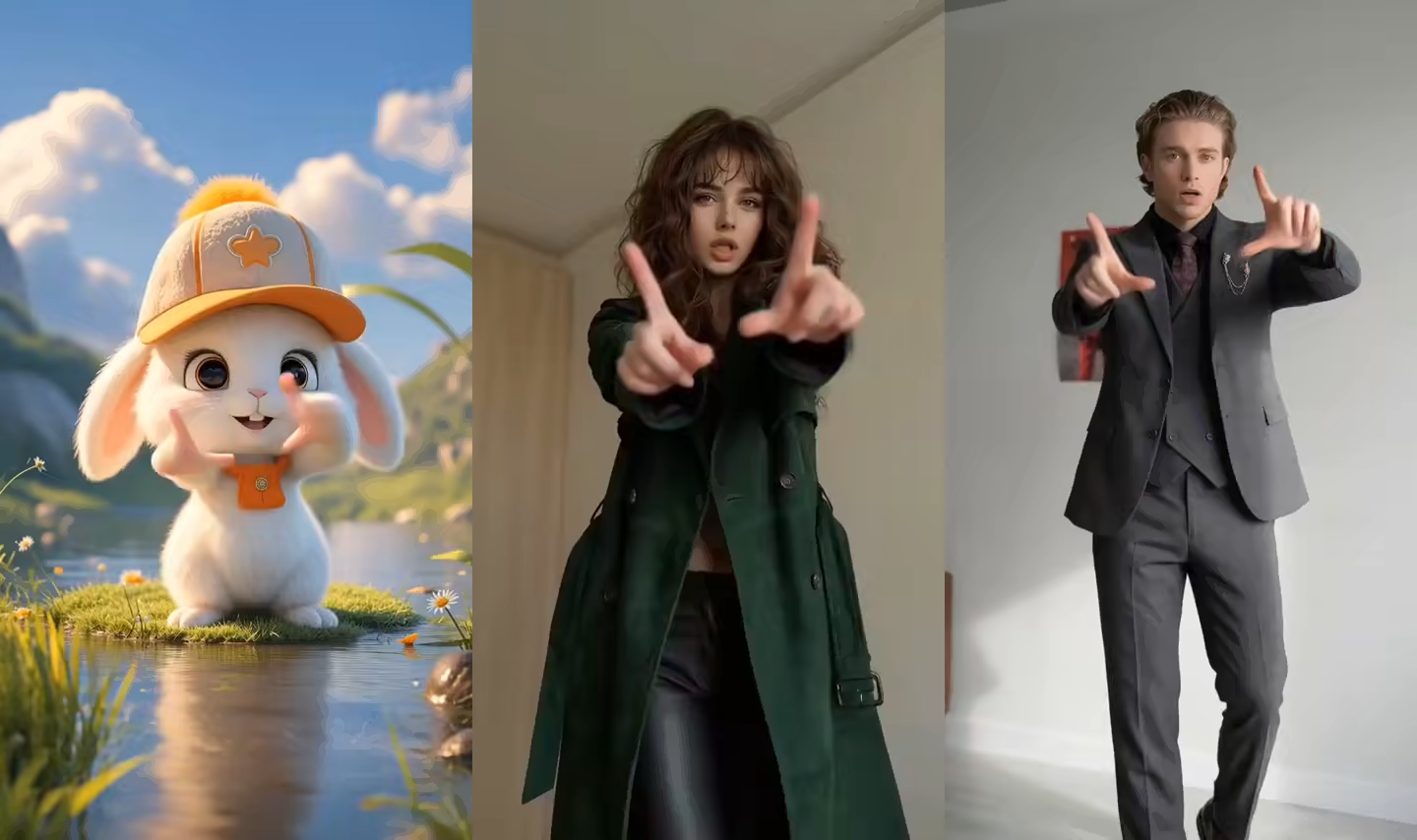
Character dance video examples
These rendered clips show the type of character motion produced by the dance-transfer workflow.
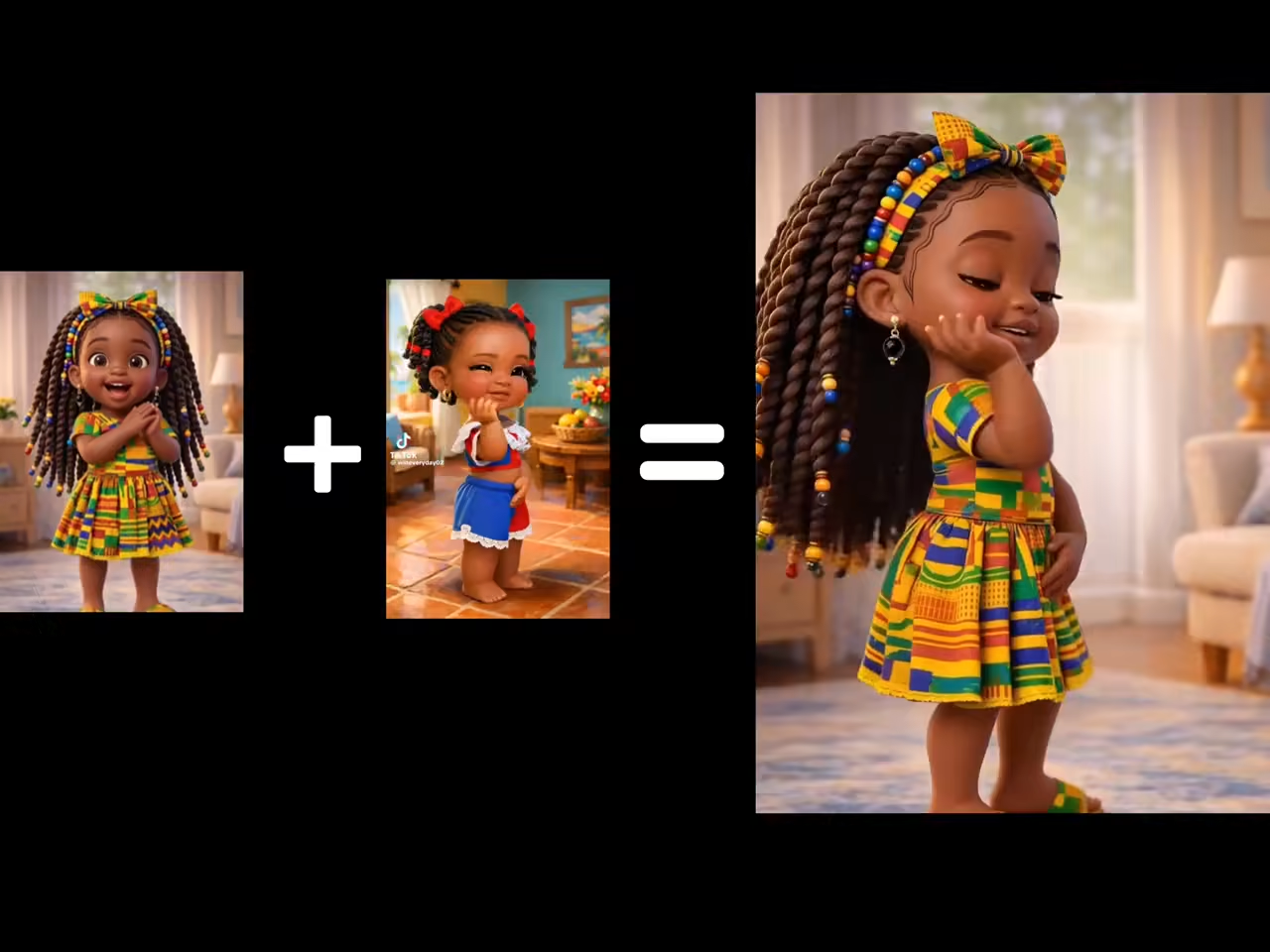
Dance output 01
A character video generated from a still image and a dance reference clip.
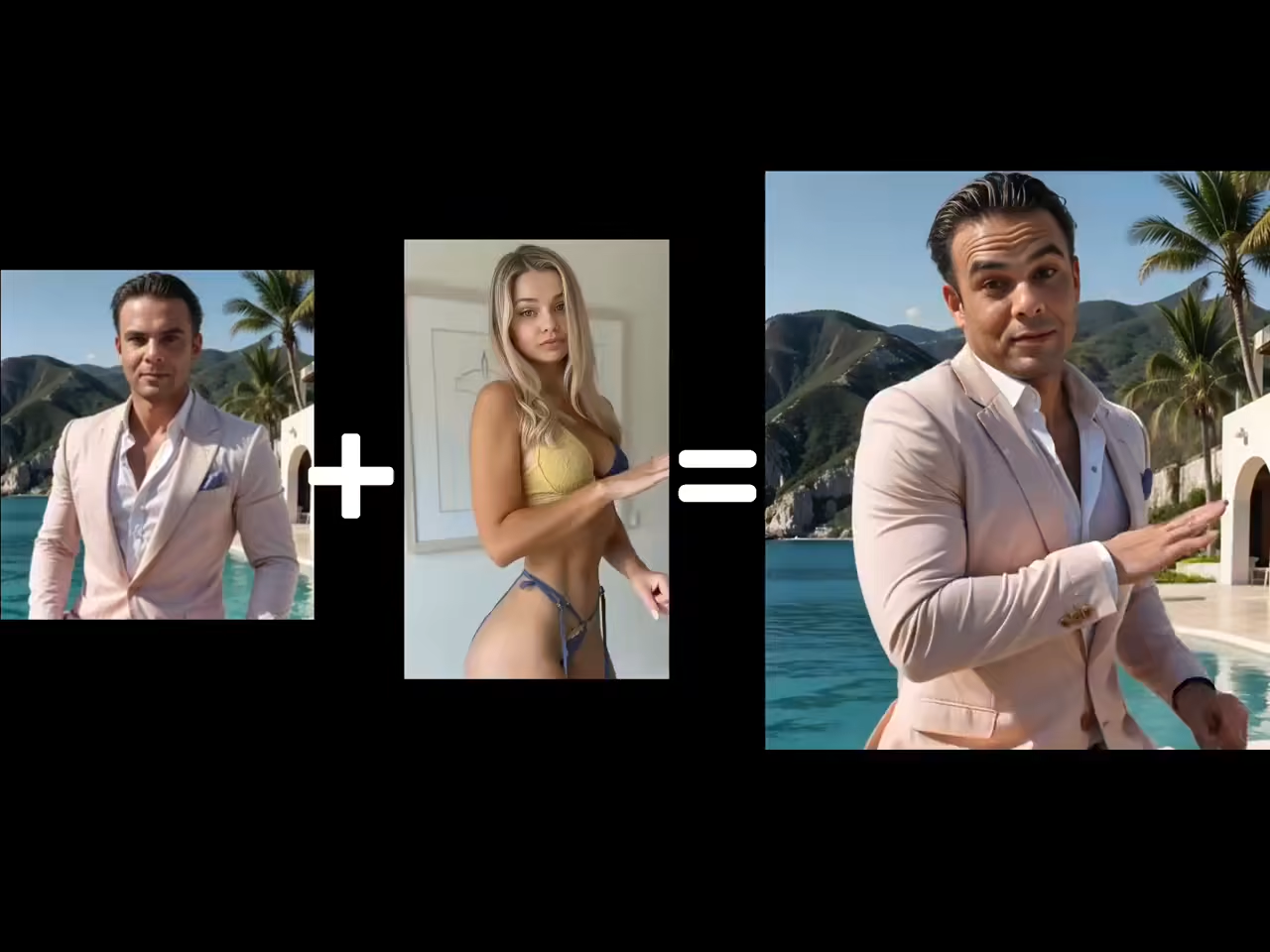
Dance output 02
A character video generated from a still image and a dance reference clip.
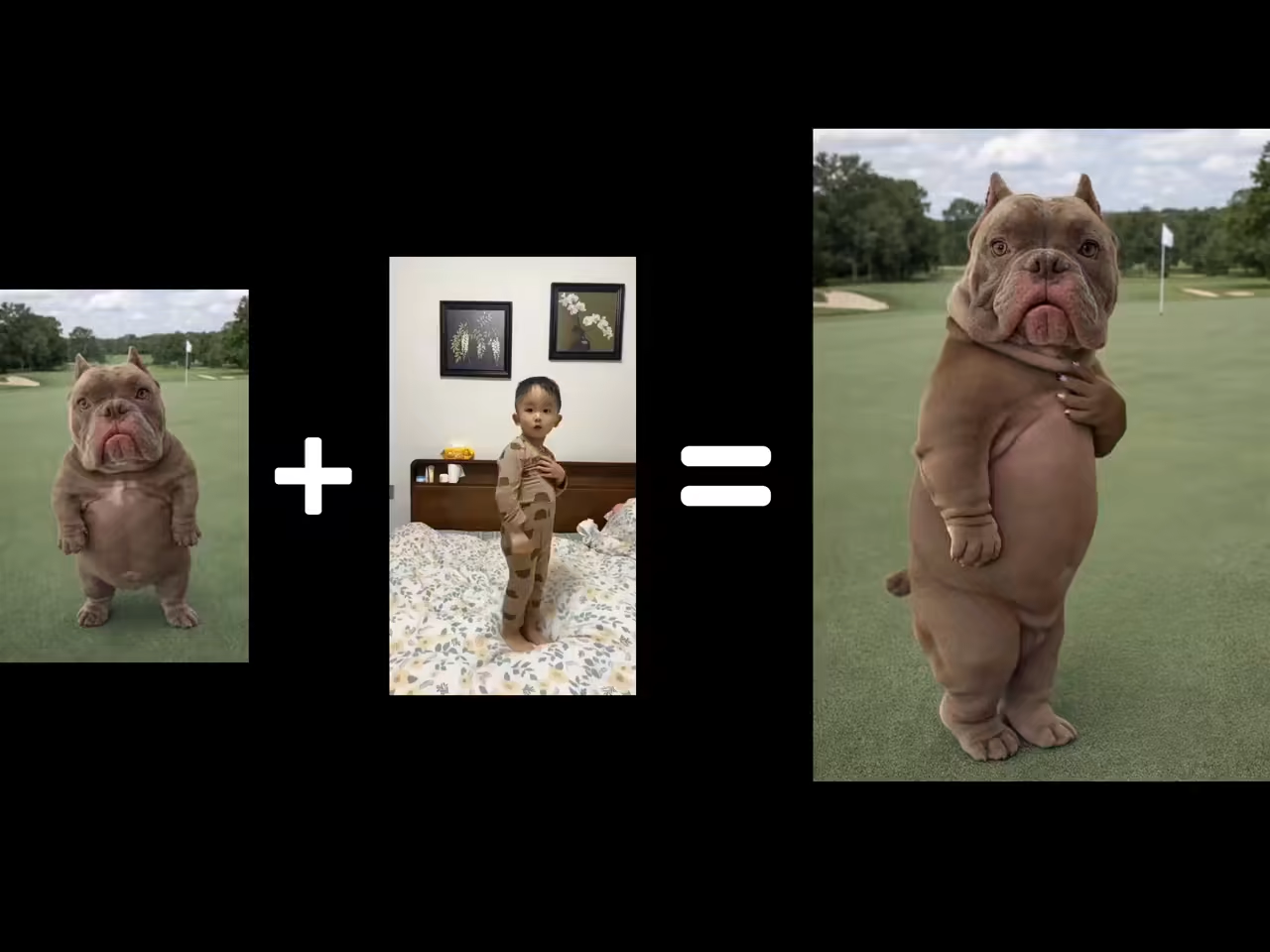
Dance output 03
A character video generated from a still image and a dance reference clip.
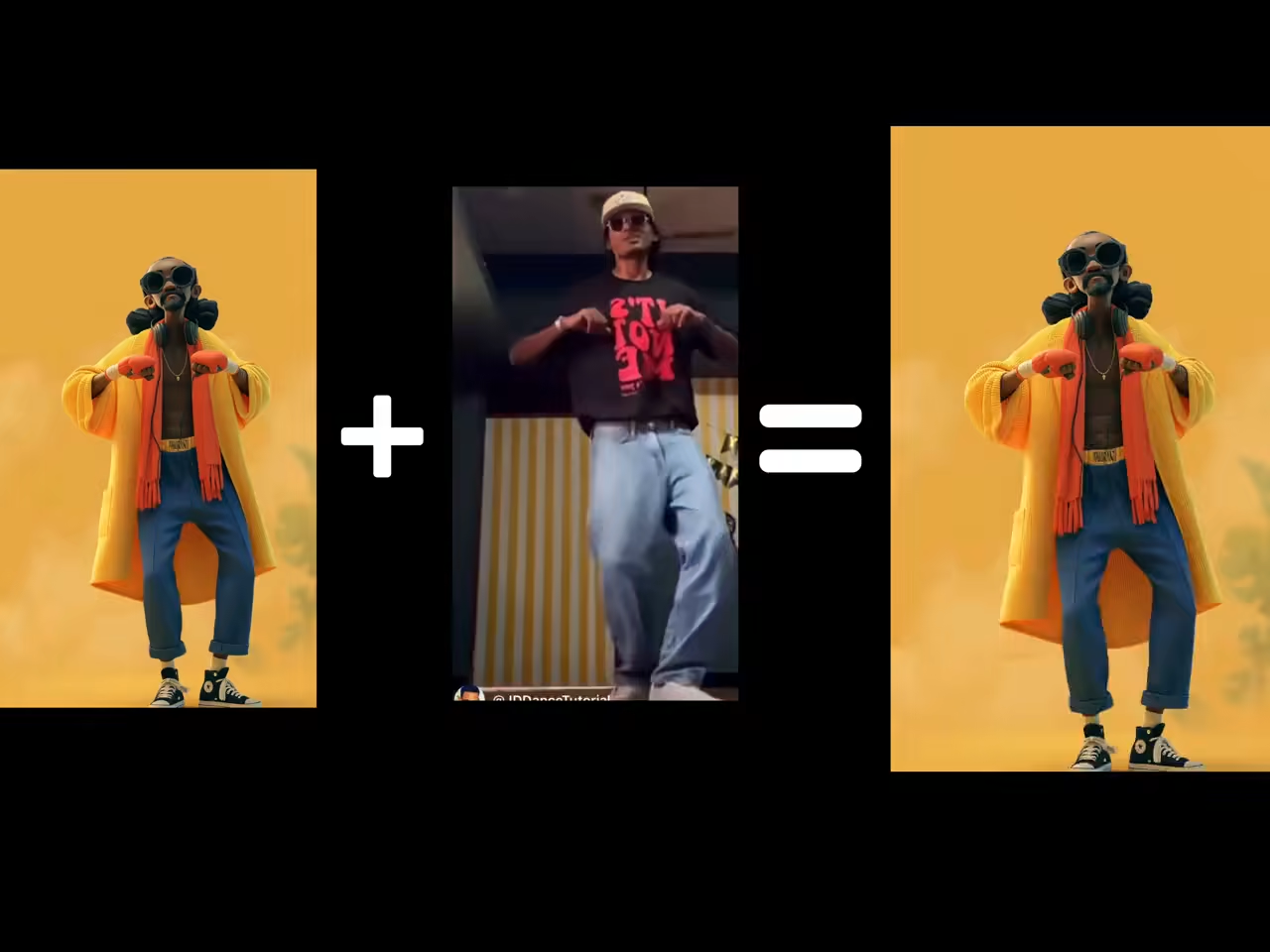
Dance output 04
A character video generated from a still image and a dance reference clip.
What this AI Anime Dance Video Generator page creates
This page combines an anime character image with a dance reference video. It is most reliable for humanoid characters whose arms, legs, face, and torso remain easy to identify.
It creates a rendered anime dance video from reference motion. It does not convert a live-action video into anime, generate an AMV from music, or export a VTuber, Live2D, FBX, or BVH rig.
Make an anime character dance from a reference video
Match the character design and motion complexity before testing faster turns, hair, and accessories.
Make an anime character dance
Upload one humanoid anime character image and a dance reference to create a rendered anime dance video. The character image supplies the visual identity while the reference supplies visible timing, posture, arms, steps, and body motion.
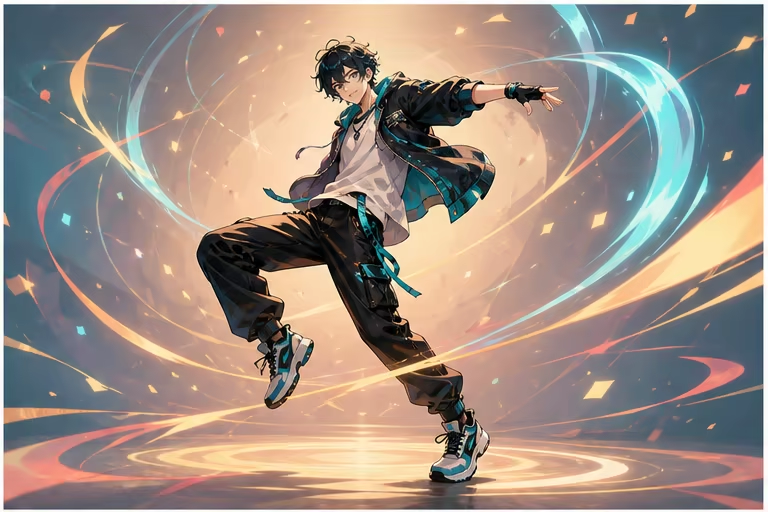
Anime image to dance video with reference motion
Choose a built-in dance for a quick test or upload your own permitted clip for a specific routine. This is image-to-dance motion transfer, not automatic choreography generated from a song or text prompt.
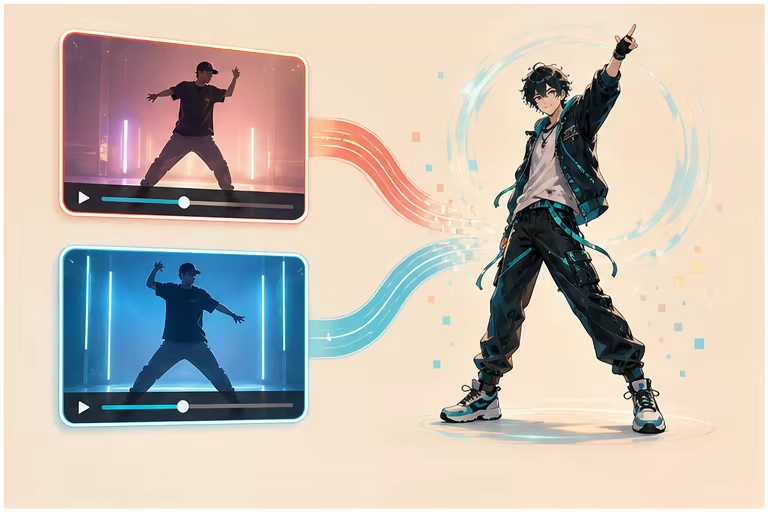
2D, cel-shaded, and 3D-style anime characters
Test original characters, cel-shaded art, game-style renders, or polished 3D anime portraits when the body remains humanoid and readable. Extreme chibi proportions and cropped limbs need simpler references.
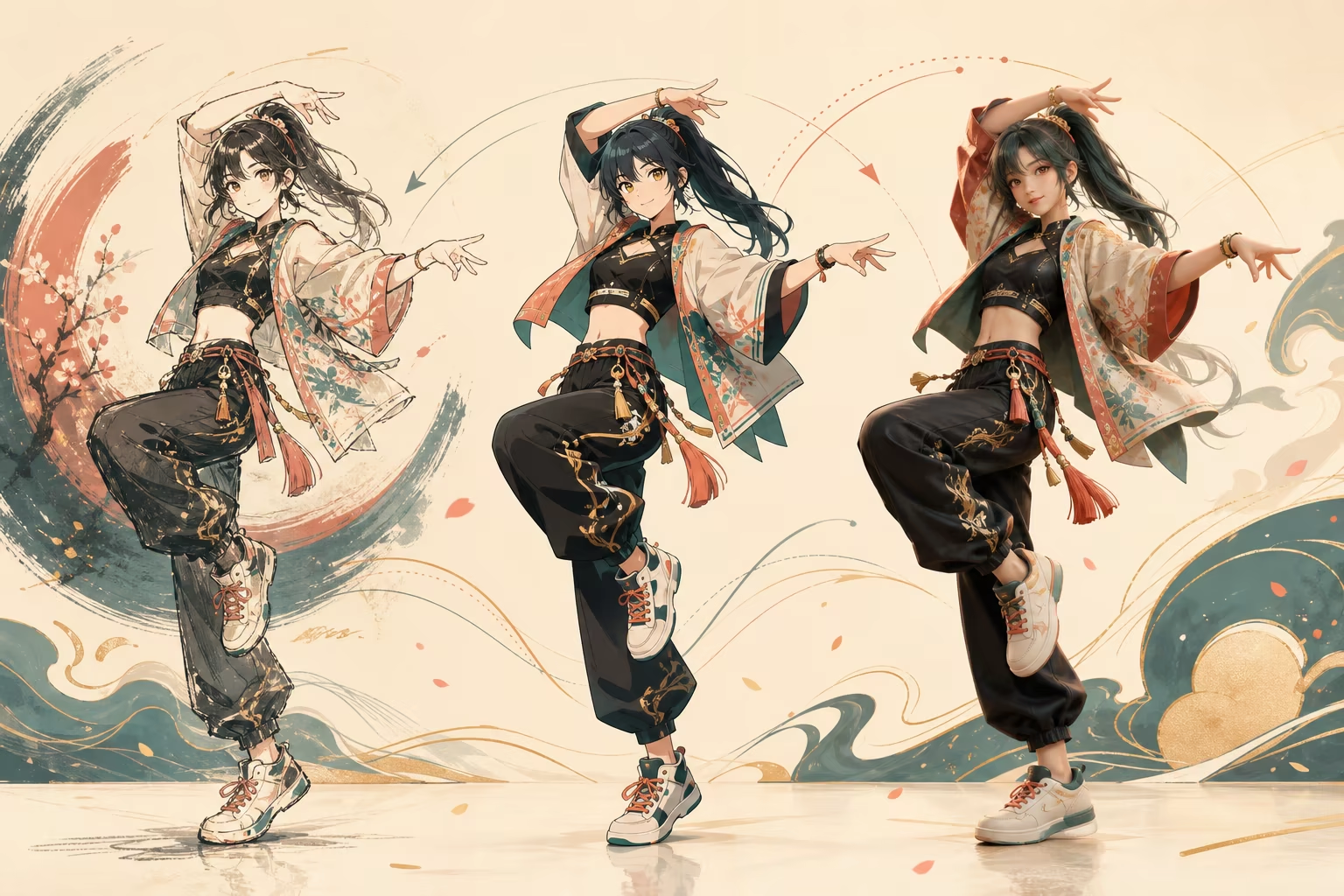
Guide the anime scene and background
Use the optional prompt for a concert, studio, street, or simple stage direction, then choose whether Kling 3.0 follows the reference background or character-image background. Scene direction does not replace the motion reference.
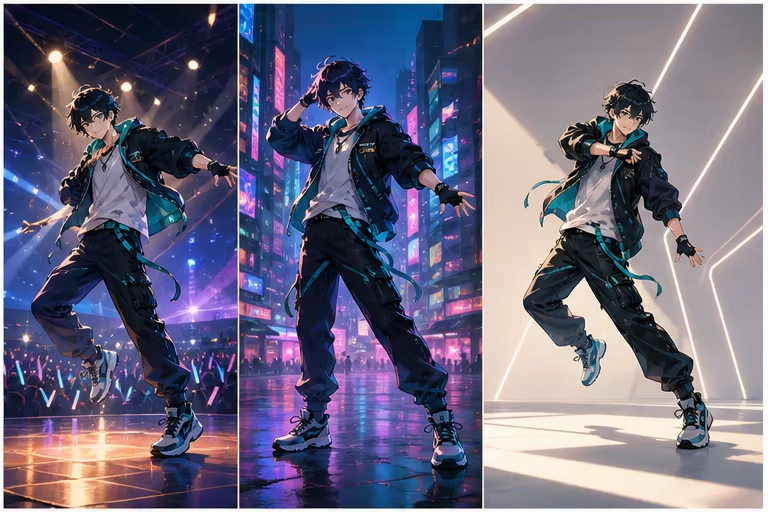
Review face, hair, outfit, and accessory consistency
Long hair, capes, weapons, layered sleeves, and fast spins can hide joints or change the silhouette. Generate a short test and inspect identity, hands, feet, outfit colors, and accessories through difficult turns.
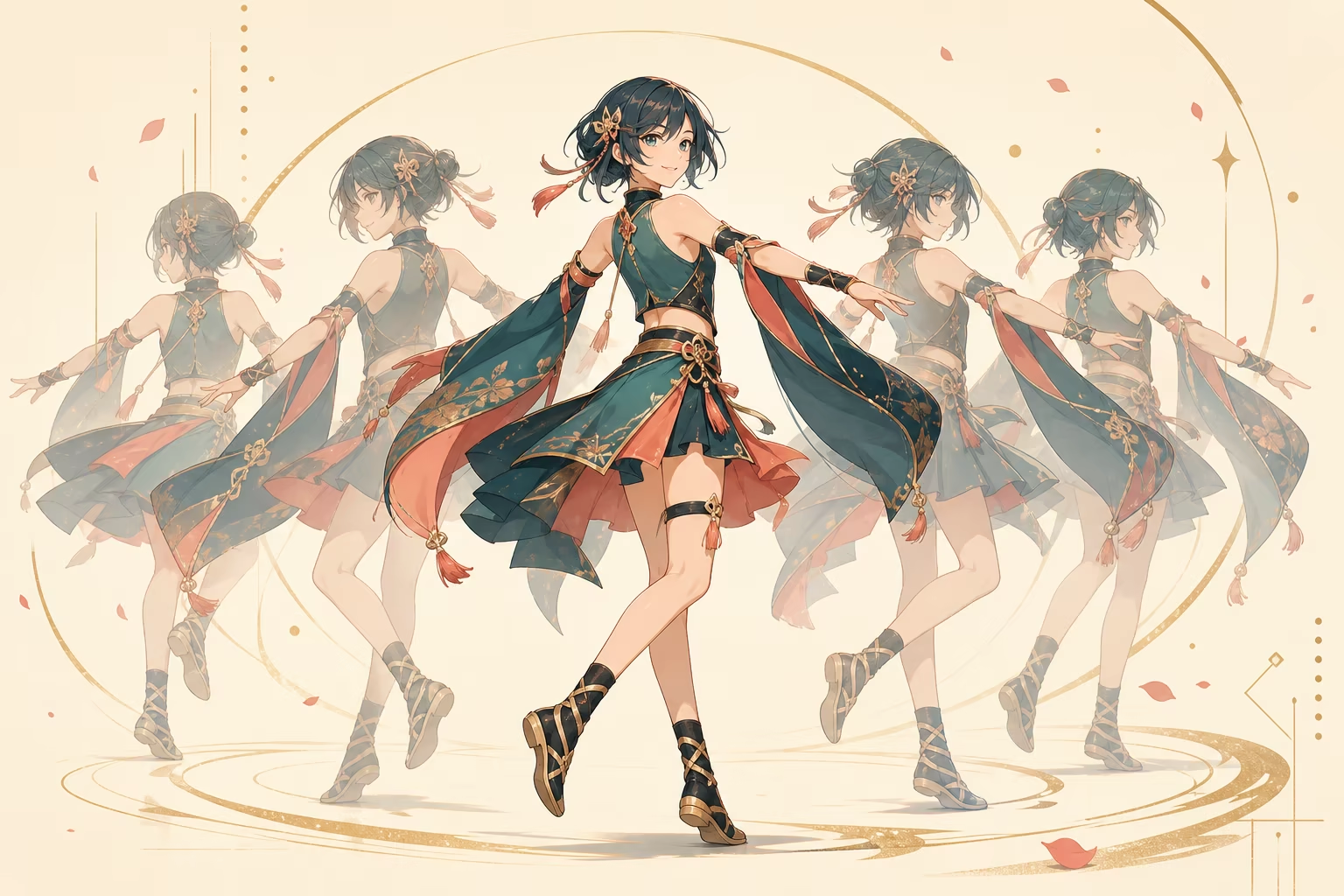
Create an anime dance video in three steps
Start with a readable humanoid character and a short single-dancer reference.
Upload an anime character image
Use an original or permitted character with visible face, torso, arms, legs, and feet; avoid heavy cropping and overlapping accessories.
Choose the dance motion
Pick a built-in reference or upload a permitted clip with one dancer, fixed framing, and motion suitable for the character proportions.
Generate and review design consistency
Inspect the face, hair, outfit, hands, feet, accessories, and background during turns before increasing clip length or complexity.
AI anime dance video ideas
Create original-character and social dance clips without describing the output as an editable animation rig.
Anime original-character dance short
Animate an original humanoid character for a short vertical performance with one readable dance reference.
Anime avatar performance video
Render a pre-produced dance clip for an anime avatar or fictional host; the output is a video rather than a live VTuber rig.
Mascot or game-style character dance
Use a humanoid mascot or game-style render with clear limbs and a routine matched to its body proportions.
Workflow essentials for AI Anime Dance Video Generator
Inputs, recommended setup, and the most common fixes—summarized in one compact guide.
Inputs and setup
- One JPG, JPEG, or PNG image; One MP4, MOV, or supported video clip.
- Reference length: 3–30 seconds, depending on model mode.
- Kling 2.6 Motion Control and Kling 3.0; Rendered character video in 720p or 1080p.
- Use a humanoid anime character with visible face, torso, arms, legs, and feet.
Two quick fixes
AI Anime Dance Video Generator FAQ
How do I make an anime character dance with AI?
Can I use the anime dance generator for free?
Can I upload my own dance video?
Does it convert a live-action video into anime?
Does it create an AMV from music?
Can I export a VTuber, Live2D, FBX, or BVH file?
What anime character style works best?
Create your first AI Anime Dance Video Generator video
Start with one clear character image and a short single-dancer reference.