
Baby Talking AIMake a Baby Photo Talk
Use an image you have permission to animate. A front-facing, clearly visible character works best.
Choose one speaker with a visible face, steady framing, and moderate gestures.
Upload the character image and motion reference together before generating.
Match orientation in the video. Recommended.
Choose whether the generated background follows the reference video or the character image.
Optional. Motion comes from the video; prompt refines the look.
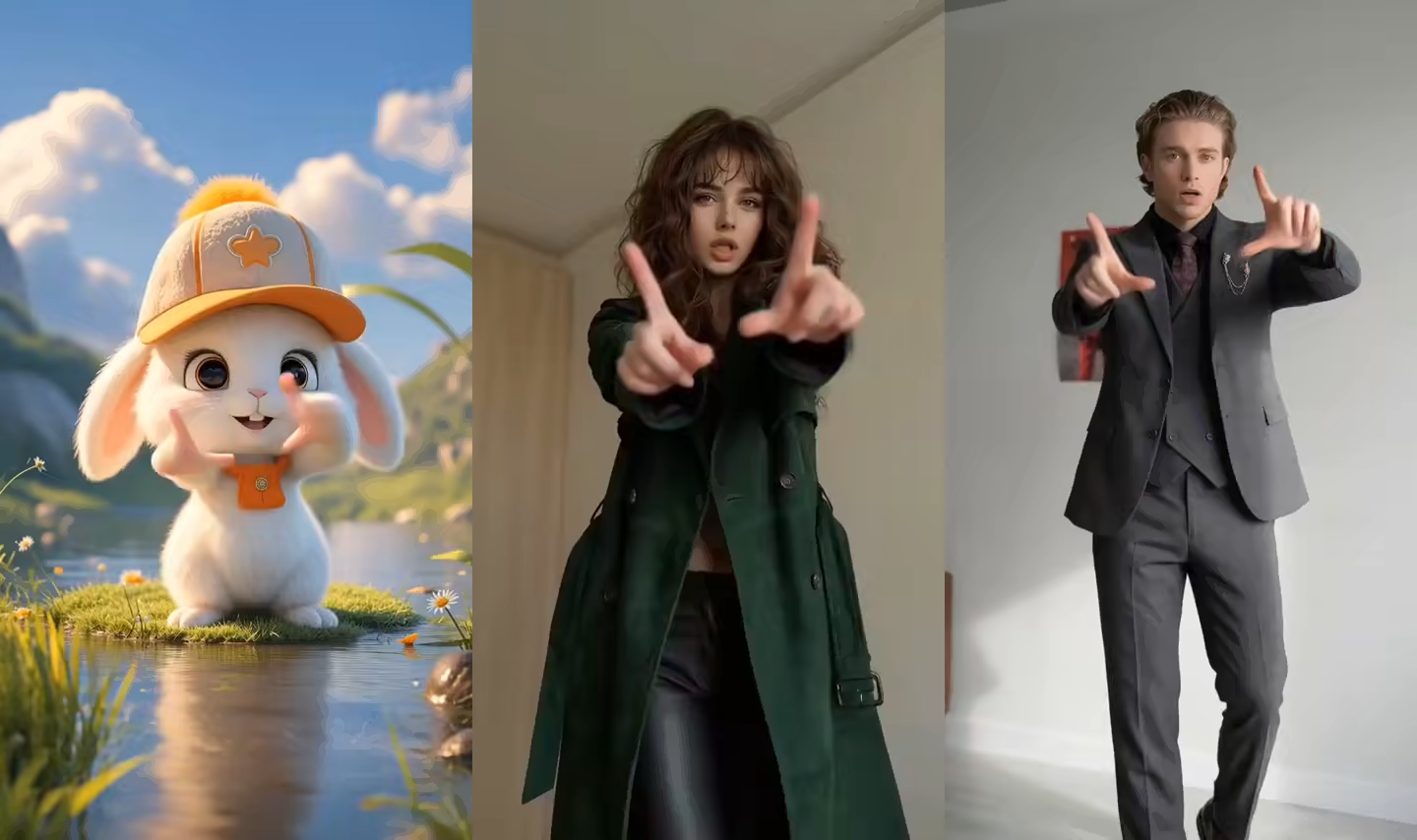
Baby talking and baby podcast videos use the same motion layer
The generator transfers a short talking performance onto a baby character image. Change the character art, setting, prompt, and reference performance to create a baby reaction, monologue, announcement, or podcast-style clip.
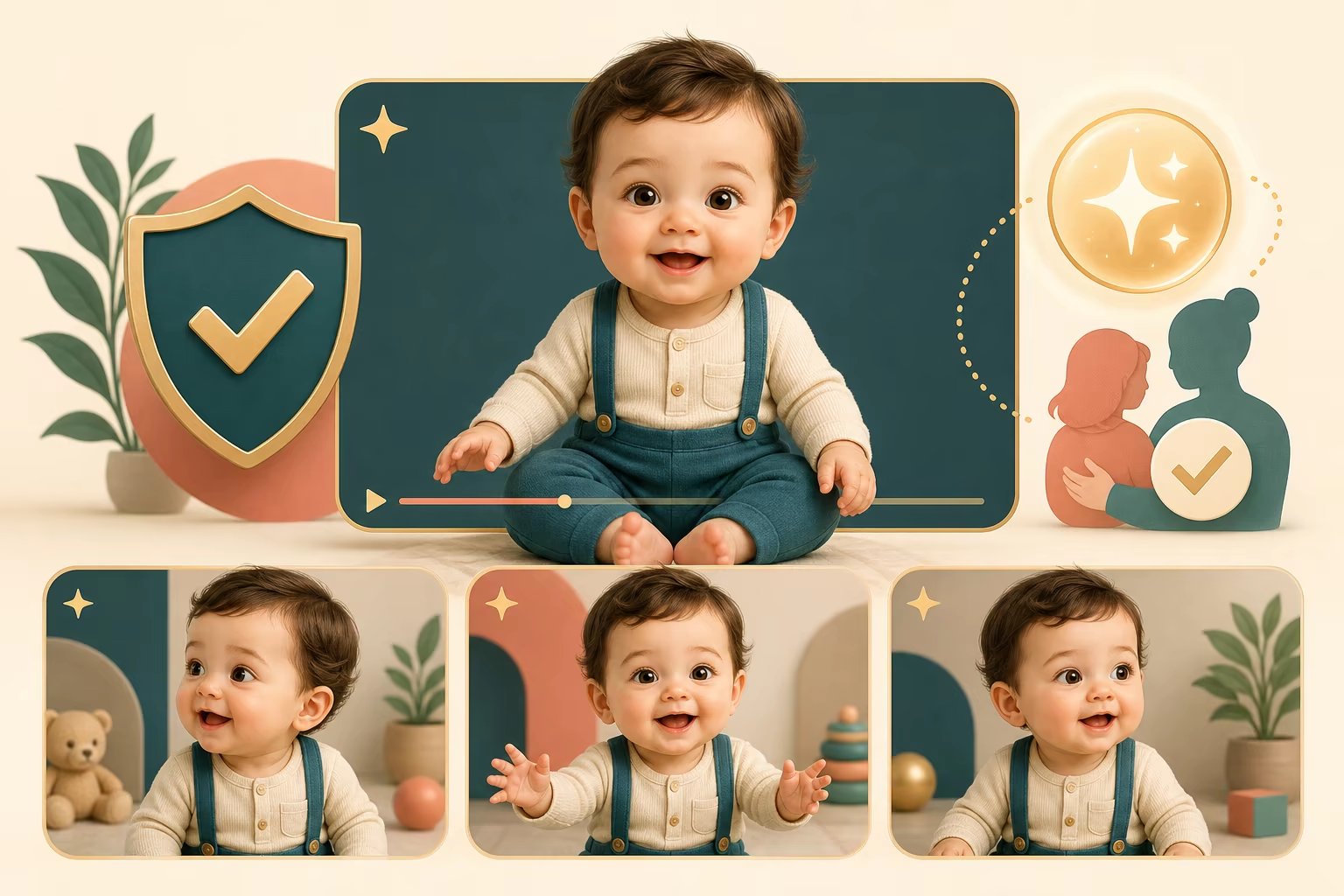
This page does not create a child identity or clone a child voice. Use source images and reference material you have permission to animate, and label synthetic content when the publishing platform requires it.
Baby talking and AI baby podcast video formats
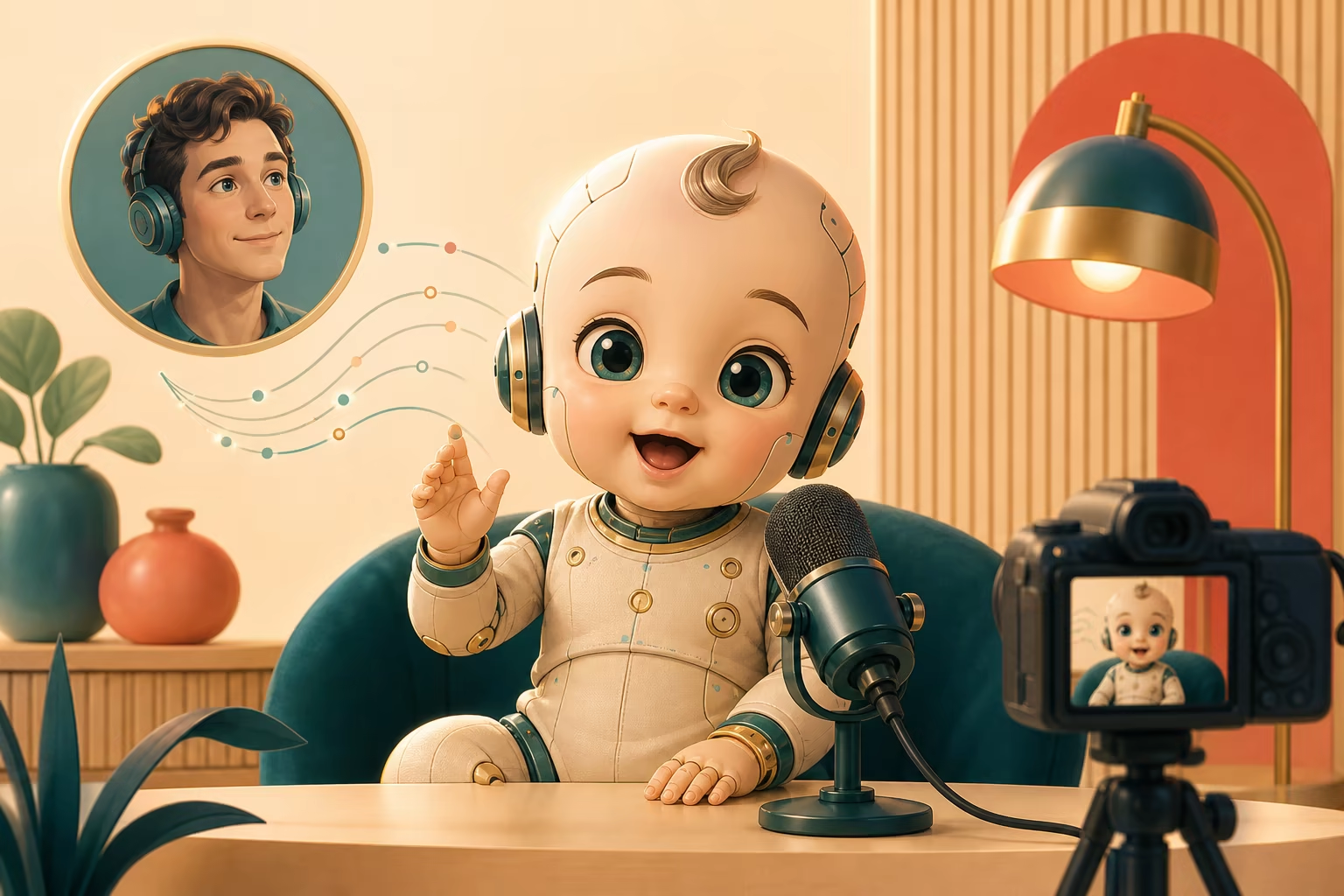
Use the same reference-video motion layer for a short talking-baby clip, single-character podcast, or fictional narrator.
AI baby talking video from a photo
Upload one permitted baby character image and a short talking reference to create an AI baby talking video. The image supplies the character while the reference supplies visible mouth, face, head, hand, and presenter timing.
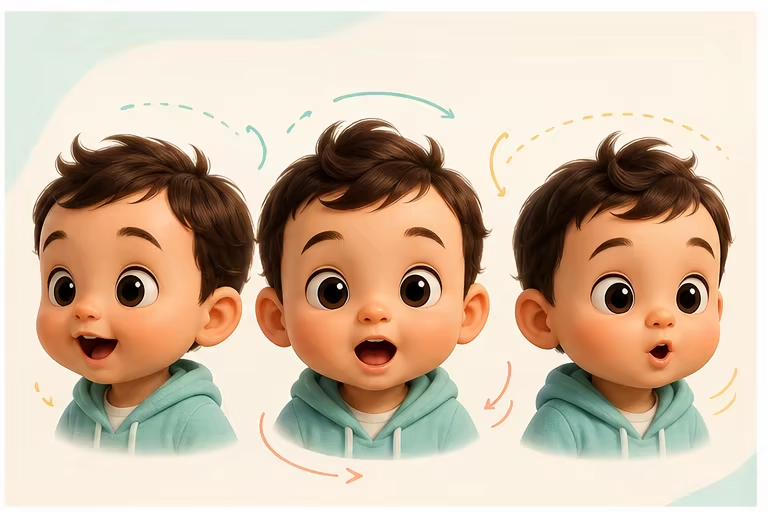
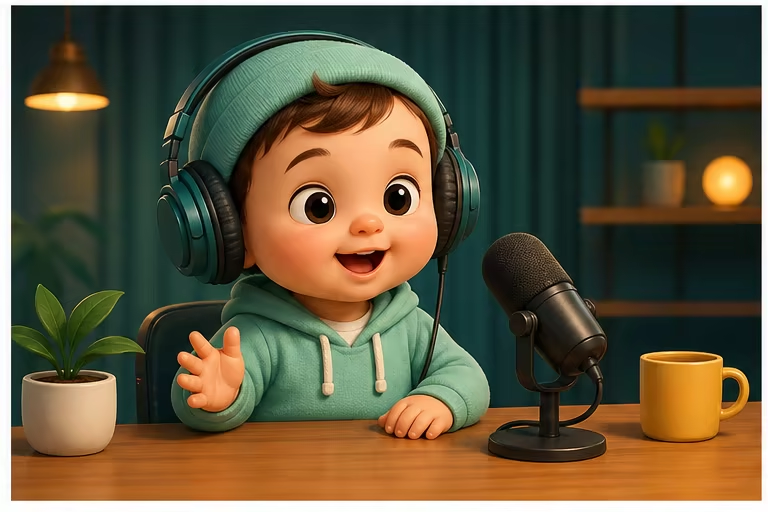
Create a single-character AI baby podcast
Use a seated host reference and a podcast-style scene prompt for an AI baby podcast video. This page animates one character at a time; two-person podcast dialogue should be generated as separate shots.
Talking-baby reactions and short monologues
A short greeting, reaction, announcement, or monologue is easier to review than a long cut-heavy reference. Moderate expression and stable framing help keep baby-character proportions consistent.
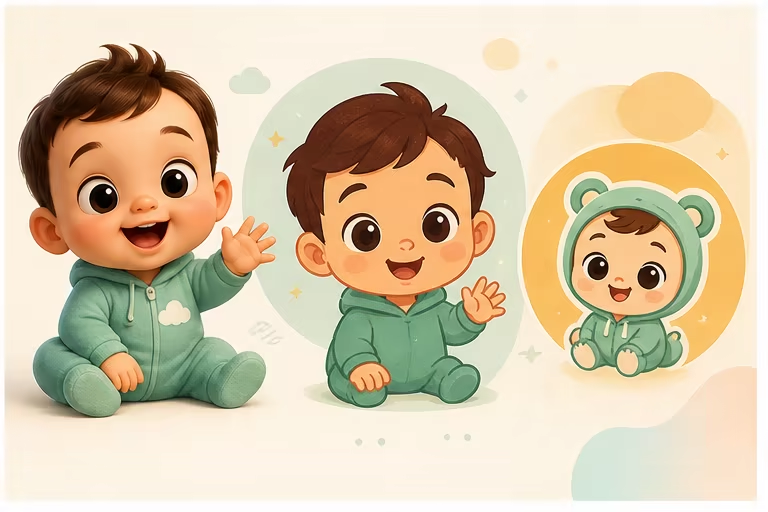
Real baby photo or fictional baby character
Only animate photos and performances you have permission to use. A clearly fictional or illustrated baby character is a useful option for stories and entertainment without imitating a real child identity.
Consent, synthetic labels, and safe publishing
This workflow does not clone a child voice or create a new child identity. Keep source consent records, avoid misleading uses, and label synthetic media when a platform, audience, or context requires disclosure.
Create a talking-baby or baby podcast clip
Use one permitted character image and one stable single-speaker reference.
Choose a permitted baby character image
Use a front-facing photo you may animate or a fictional illustrated character with a clear mouth, eyes, head, shoulders, and hands.
Add a short talking or podcast reference
Choose one speaker, steady framing, moderate expression, and a 3–10 second single shot for the first generation.
Review proportions and publish responsibly
Check the face, hands, teeth, head turns, and body proportions, then add any required synthetic-media disclosure before sharing.
Baby Talking AI use cases
Keep each first test short enough to judge face, mouth, and hand consistency.
AI baby podcast
Turn a seated host reference into a single-character AI baby podcast segment with a microphone or studio scene.
Short comedy reaction
Transfer a compact reaction, greeting, or announcement with limited head turns and a clear expression.
Fictional character story
Animate a clearly fictional baby character as a short narrator or story participant without copying a real child identity.
Workflow essentials for Baby Talking AI Video Generator
Inputs, recommended setup, and the most common fixes—summarized in one compact guide.
Inputs and setup
- One JPG, JPEG, or PNG image; One MP4, MOV, or supported video clip.
- Reference length: 3–30 seconds, depending on model mode.
- Kling 2.6 Motion Control and Kling 3.0; Rendered character video in 720p or 1080p.
- Use only character images and reference performances you have permission to animate.
Two quick fixes
Baby Talking AI FAQ
How do I make a baby photo talk with AI?
Can I create an AI baby podcast?
Does the page generate a baby voice?
Can I use an illustrated baby character?
What reference length should I use?
Does the generator write an AI baby podcast script?
Can I make a two-person baby podcast?
Create a short talking-baby character video
Start with a clear character image and a short, steady reference performance.