
AI Baby Talking Video Generator
Turn a Photo into a Talking Clip
Choose a character
Start with a presenter, stylized character, or mascot.
Optional visual direction for how the person should behave while speaking.
Use the visual prompt without automatic expansion.
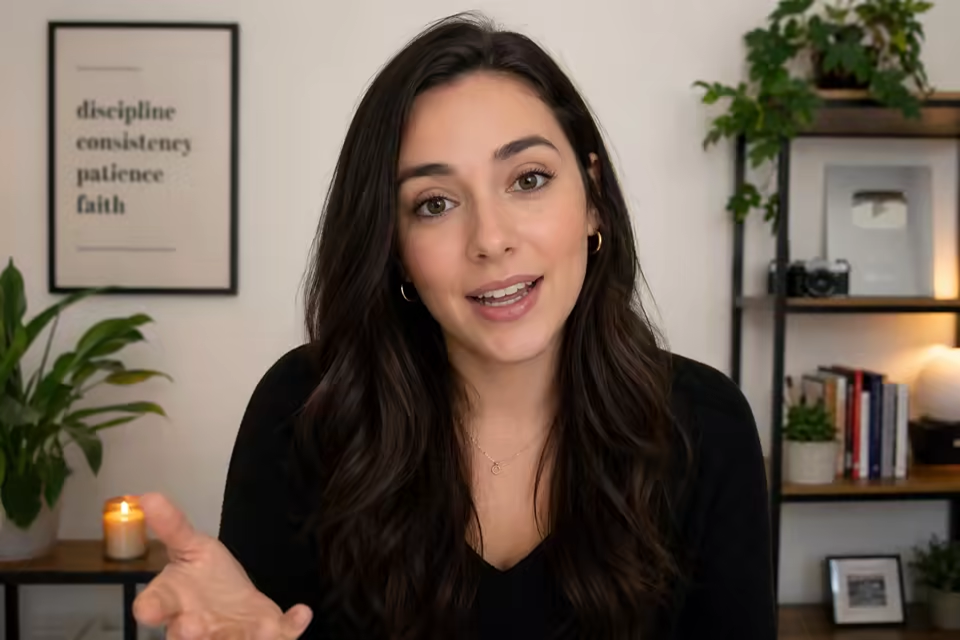
Create baby-talking and baby-podcast clips from one photo
P Video Avatar turns one permitted baby or fictional baby-character photo into a talking video driven by a written line or uploaded speech. For an existing clip, PixVerse Lip Sync can align visible mouth movement with a replacement audio track.
Use this tool responsibly. Only upload media you are authorized to process, and avoid deceptive, harmful, sexualized, or privacy-invasive depictions of minors.
Baby-talking video options
Start from a still photo for a new performance or synchronize speech to an existing clip.
Photo to talking video
Animate one permitted baby or fictional baby-character portrait with speech.
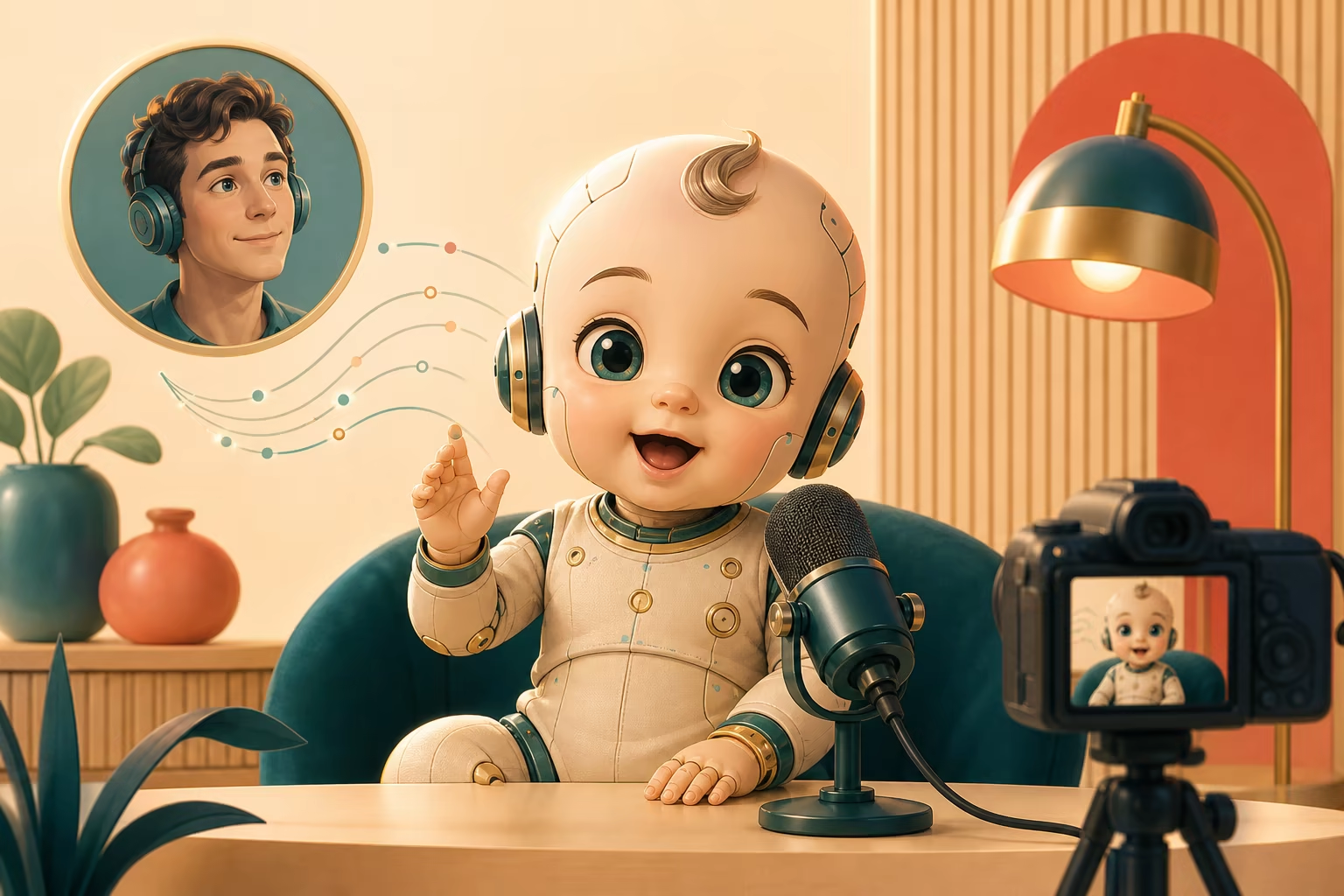
Existing video synchronization
Apply replacement speech to a suitable video with a clearly visible face.
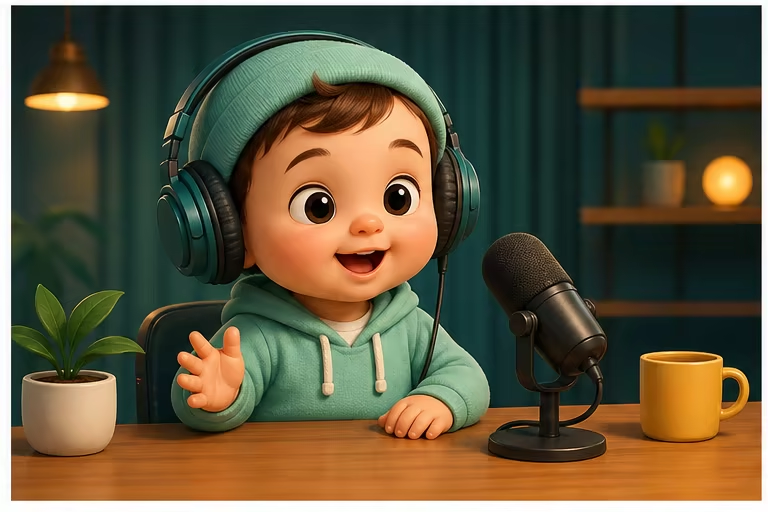
Generated or uploaded voice
Write a short script or provide your own clean, authorized audio recording.
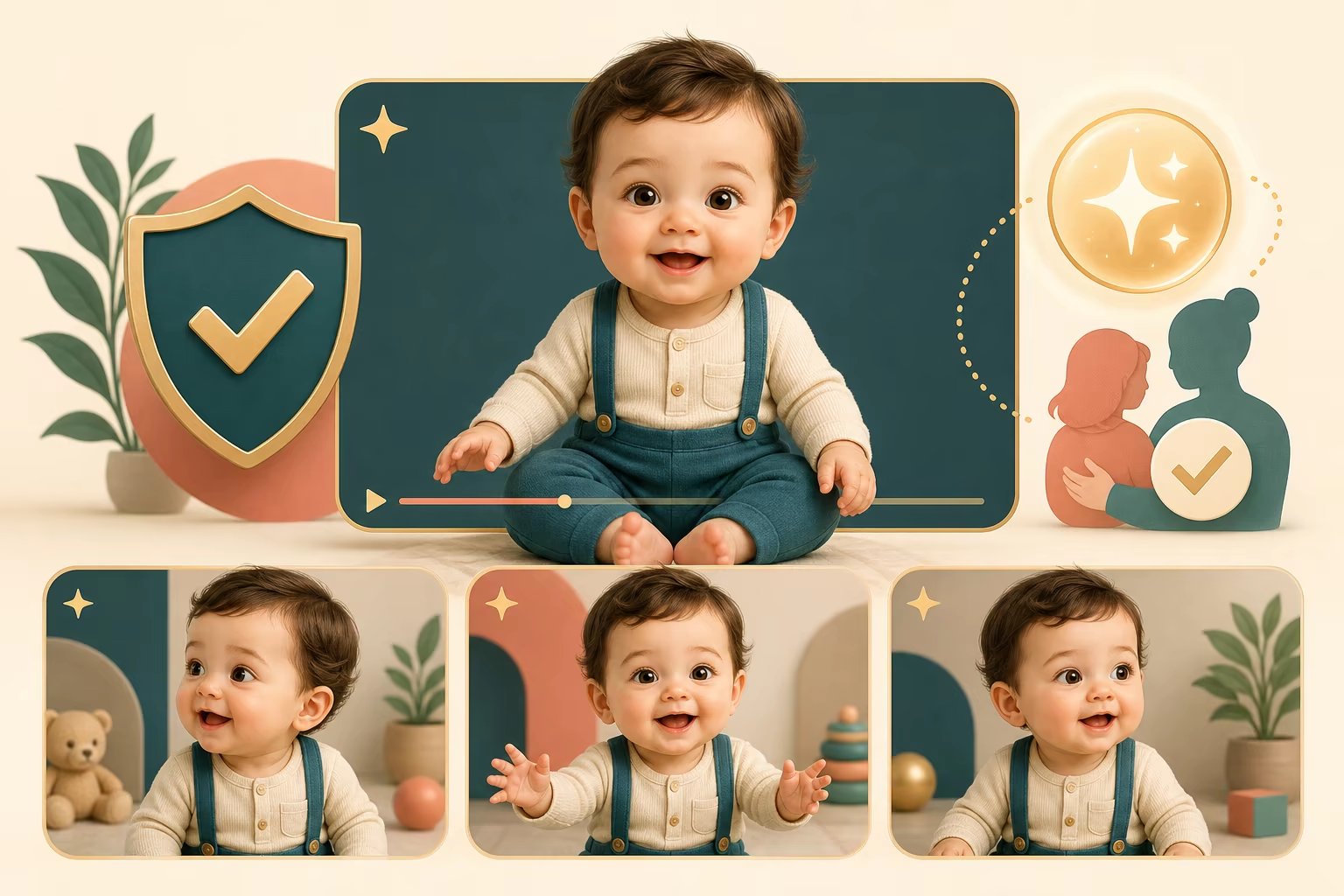
How to make baby character lip-sync videos
Choose the workflow that matches the media you already have. The form changes automatically with the selected model.
Upload a photo or choose video mode
Start with a clear baby character image for P Video Avatar, or switch to PixVerse Lip Sync when you already have a source video.
Add speech
Upload clean audio, or use the photo workflow to write a script and choose a generated voice and language.
Generate and review
Create the video, check mouth timing and identity consistency, then download the finished MP4.
Baby-talking video ideas
Create lighthearted fictional formats while respecting consent, privacy, and platform rules.
Baby podcast parody
Create a short fictional podcast-style monologue or reaction clip.
Family greetings
Make an authorized birthday or holiday message for private sharing.
Fictional baby characters
Animate an original or AI-generated character for sketches and storytelling.
Workflow essentials for AI Baby Talking Video Generator
Inputs, recommended setup, and the most common fixes—summarized in one compact guide.
Inputs and setup
- P Video Avatar — portrait image plus script or audio; PixVerse Lip Sync — existing video plus uploaded audio.
- Image formats: JPG, JPEG, PNG, and WebP.
- Uploaded audio, or script and generated voice in photo mode; 720p or 1080p MP4, selected before generation.
- Use a front-facing baby character with a visible mouth and minimal obstruction.
Two quick fixes
AI Baby Talking Video Generator FAQ
Can I start from a single image?
Can I lip-sync an existing video?
Do I need to record my own voice?
Which model should I choose?
What images work best for baby characters?
Are the preview videos actual model examples?
More tools in AI Talking Photo Generator
Compare other focused workflows in the same AI Talking Photo Generator collection.
View AI Talking Photo Generator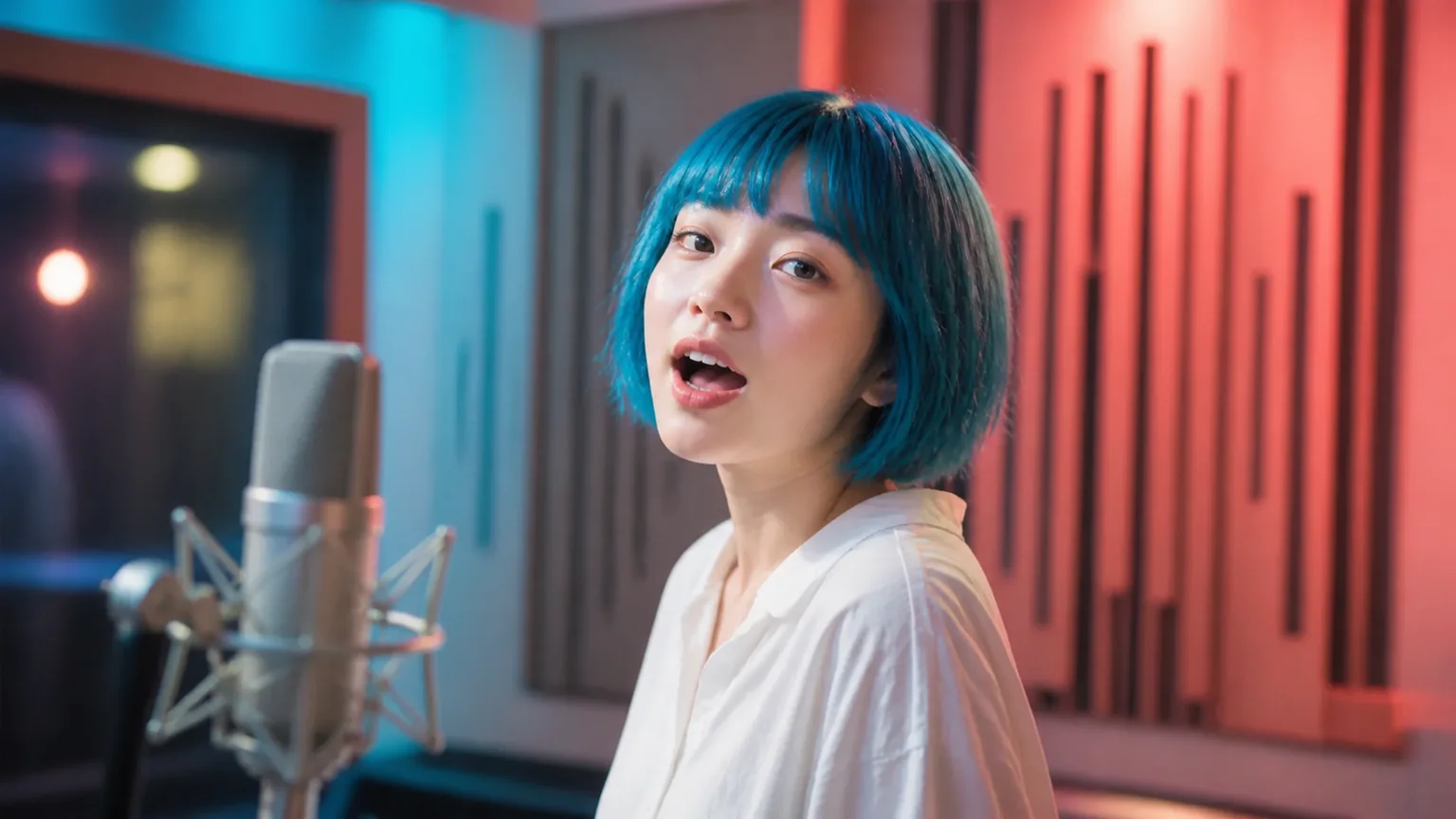
AI Singing Photo Generator
AI Singing Photo Generator turns a photo and owned or licensed song or vocal audio into a lip-synced video for music clips, greetings, and characters.
Open tool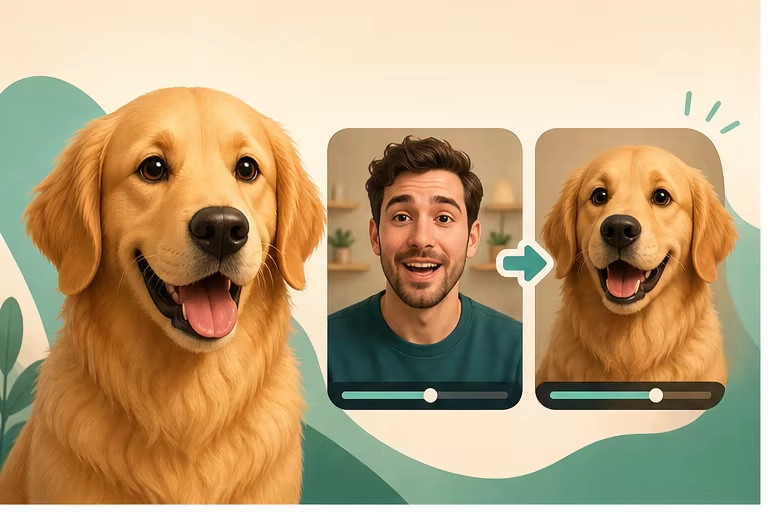
Talking Pet AI Video Generator
Make a pet photo talk with a script or audio, or synchronize an existing pet video to a new voice online.
Open toolCreate your baby character lip-sync video
Start from a photo or an existing video, add speech, and generate the synchronized result in the same form.