
AI Talking Photo Generator
Make Any Photo Talk Naturally
Use one clear, front-facing portrait with the eyes and mouth visible.
Write a short, natural line, then choose the voice and language below.
Describe tone, pacing, accent, or emotion. These words are not spoken.
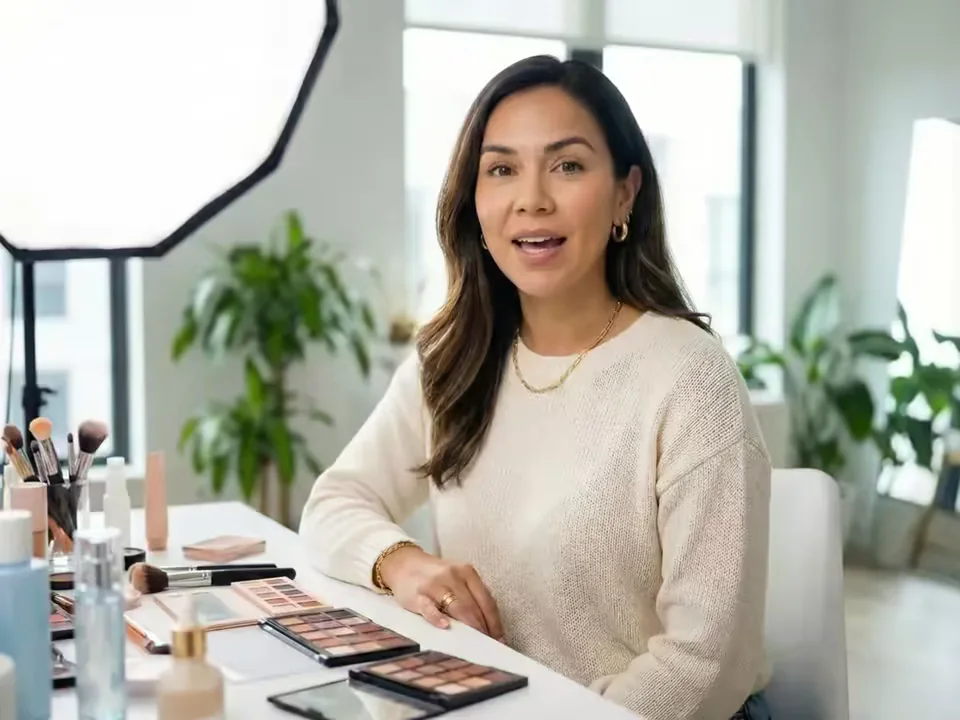
Turn one photo into a talking video from text or audio
AI Talking Photo Generator turns one still portrait into a speaking video. Upload a photo, enter the words you want it to say, and choose a generated voice, or switch to audio mode and upload your own recording. The result combines the original image with synchronized mouth and facial movement.
Use it when you want to make a photo talk, make a picture talk, or create a talking picture with AI without recording source video. If you already have a video and only need to replace its speech, use the separate AI Lip Sync Generator instead.
What people want from an AI talking photo generator
Six common reasons people search for a way to make a photo talk—from giving words to one portrait to preserving a voice and a memory.
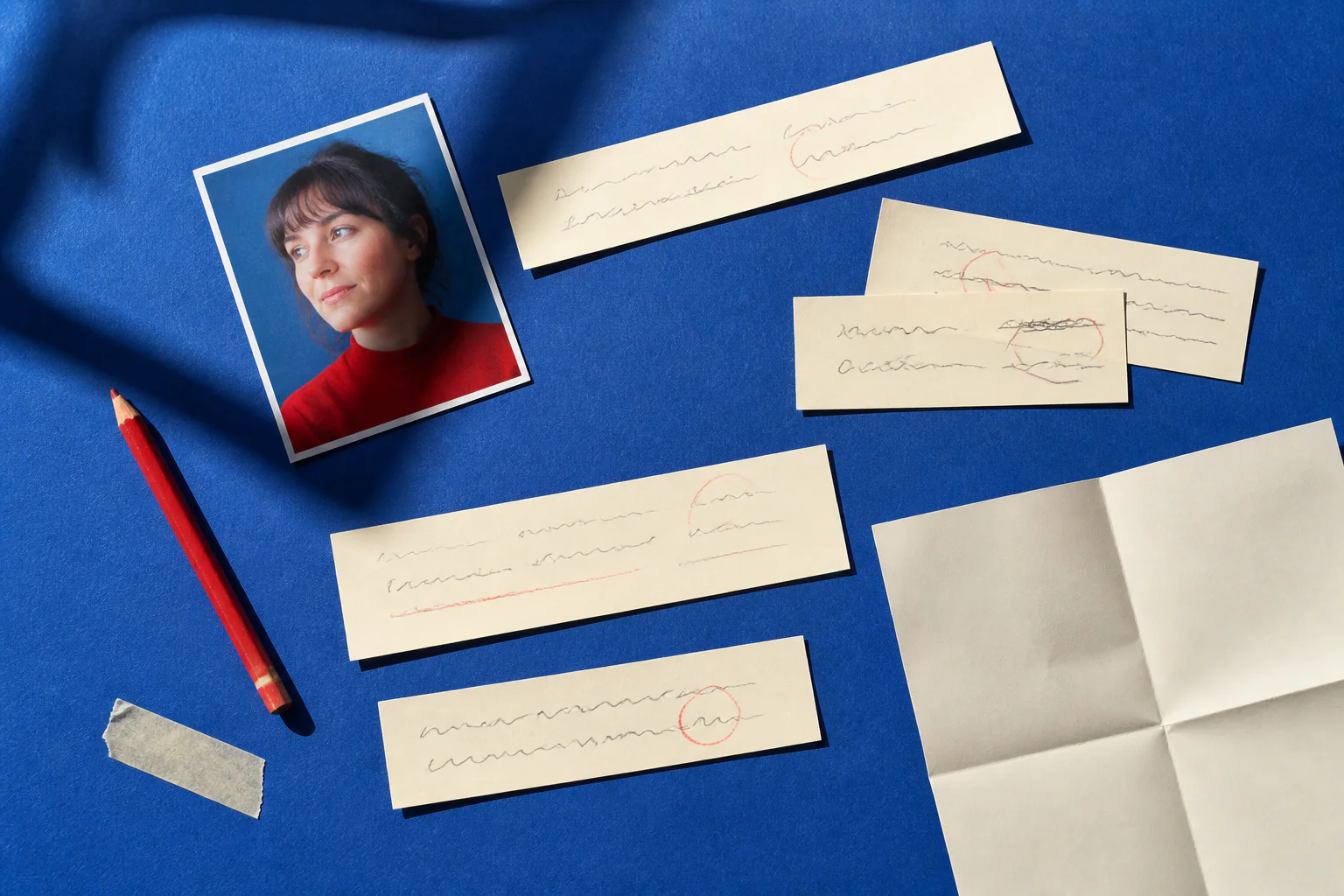
Make a photo talk from text
Have the words but no recording? Type the exact line, choose a generated voice and language, and turn one still photo into a speaking video without filming source footage.
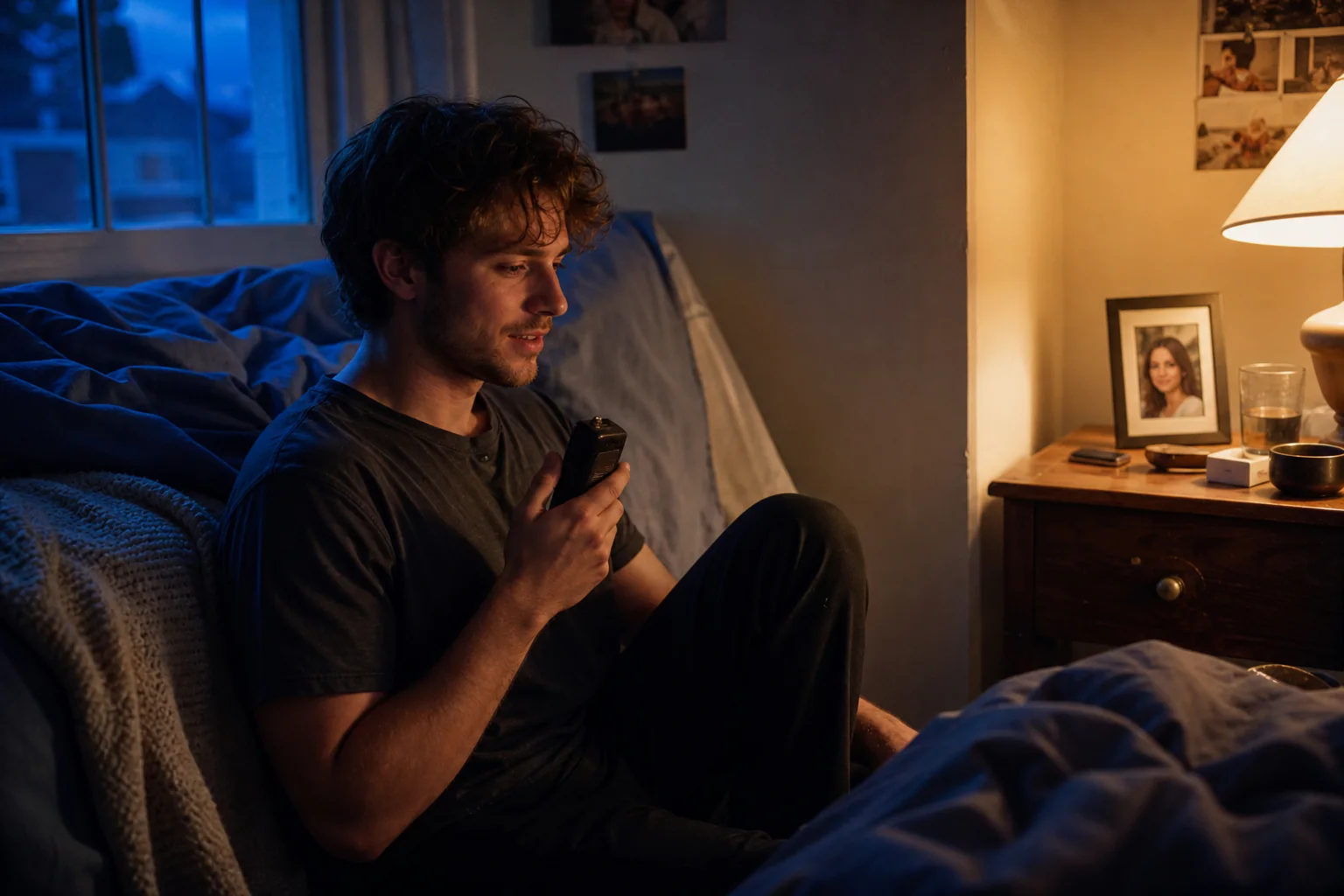
Make a photo talk with your own audio
When the delivery matters as much as the words, upload your own clear voice recording. The talking photo follows its timing, pauses, and rhythm instead of replacing it with text to speech.
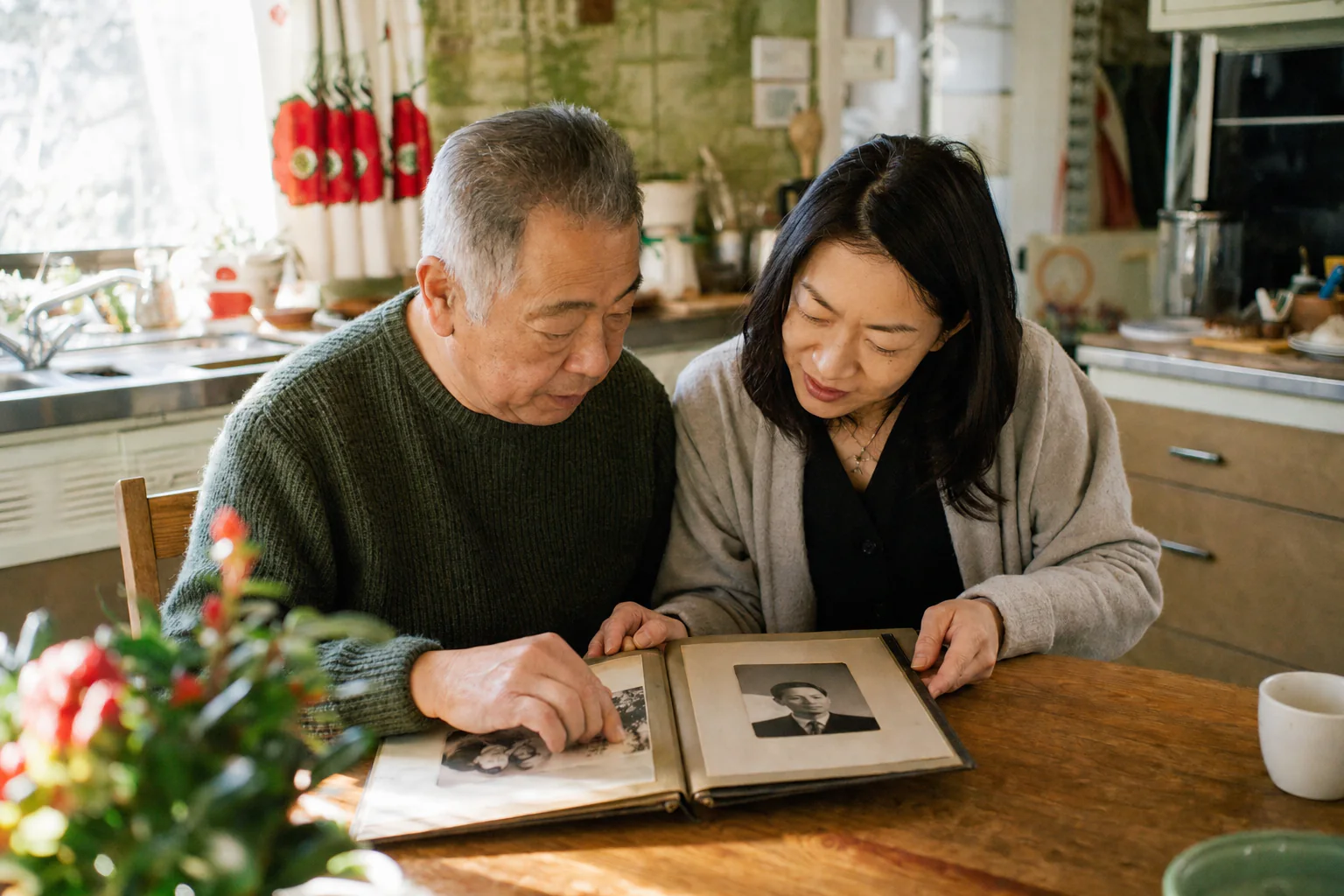
Bring an old photo into a new story
Animate an old family or archival portrait with a short, clearly labeled narration. A sharp scan, visible mouth, and restrained script help the memory feel considered rather than exaggerated.
Create a talking avatar from one portrait
Turn a headshot or authorized avatar into a reusable speaking presence for an introduction, lesson, social clip, or story—without first recording a presenter video.
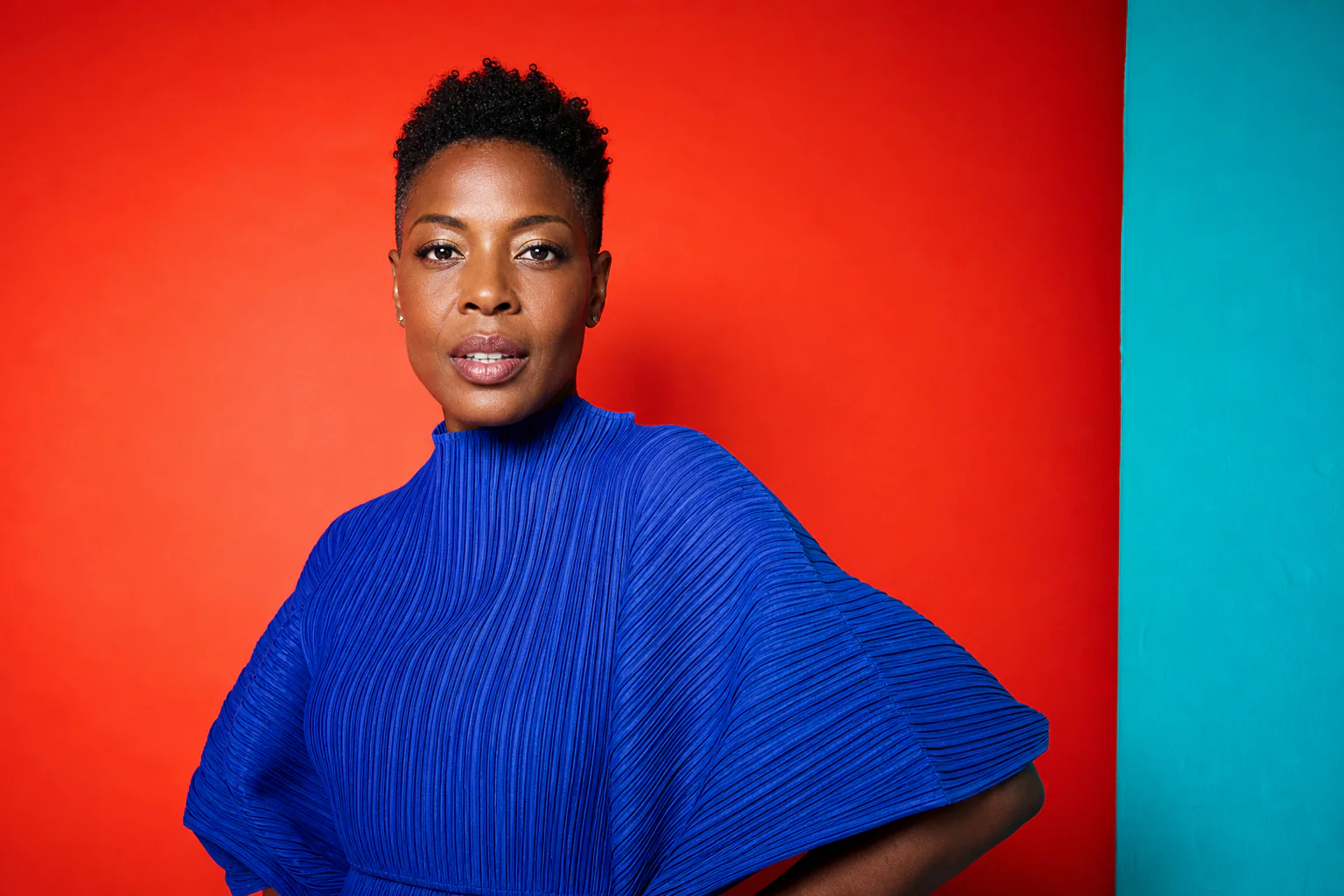
Give illustrations and characters a voice
Use a drawing, mascot, stylized portrait, or AI-created character with a clear face to build expressive, dialogue-led creative clips.
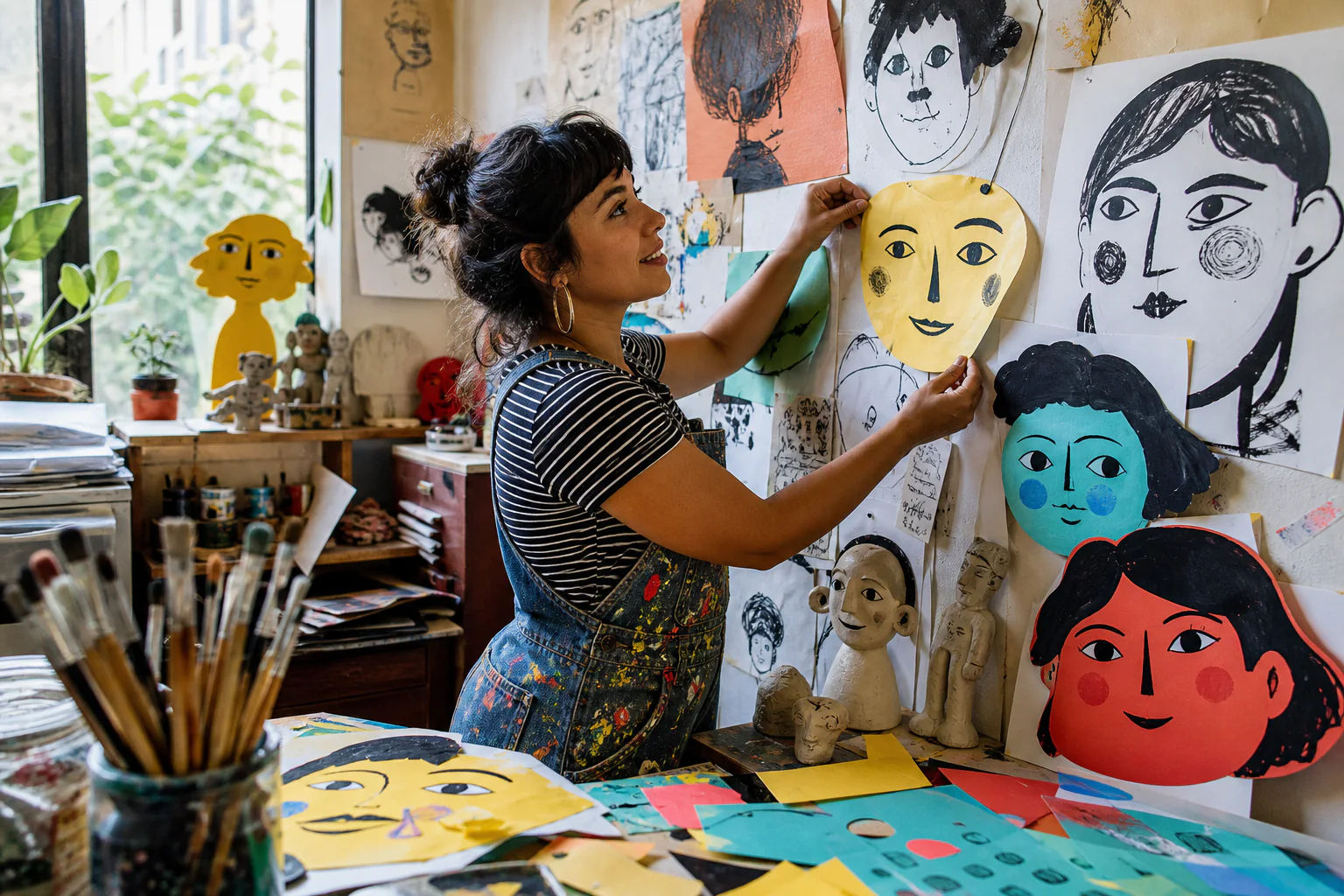
Keep the face recognizable and the speech natural
People notice unstable lips, drifting features, and puppet-like motion immediately. Start with one front-facing face and clean speech so the animation can preserve identity while keeping mouth movement coherent.
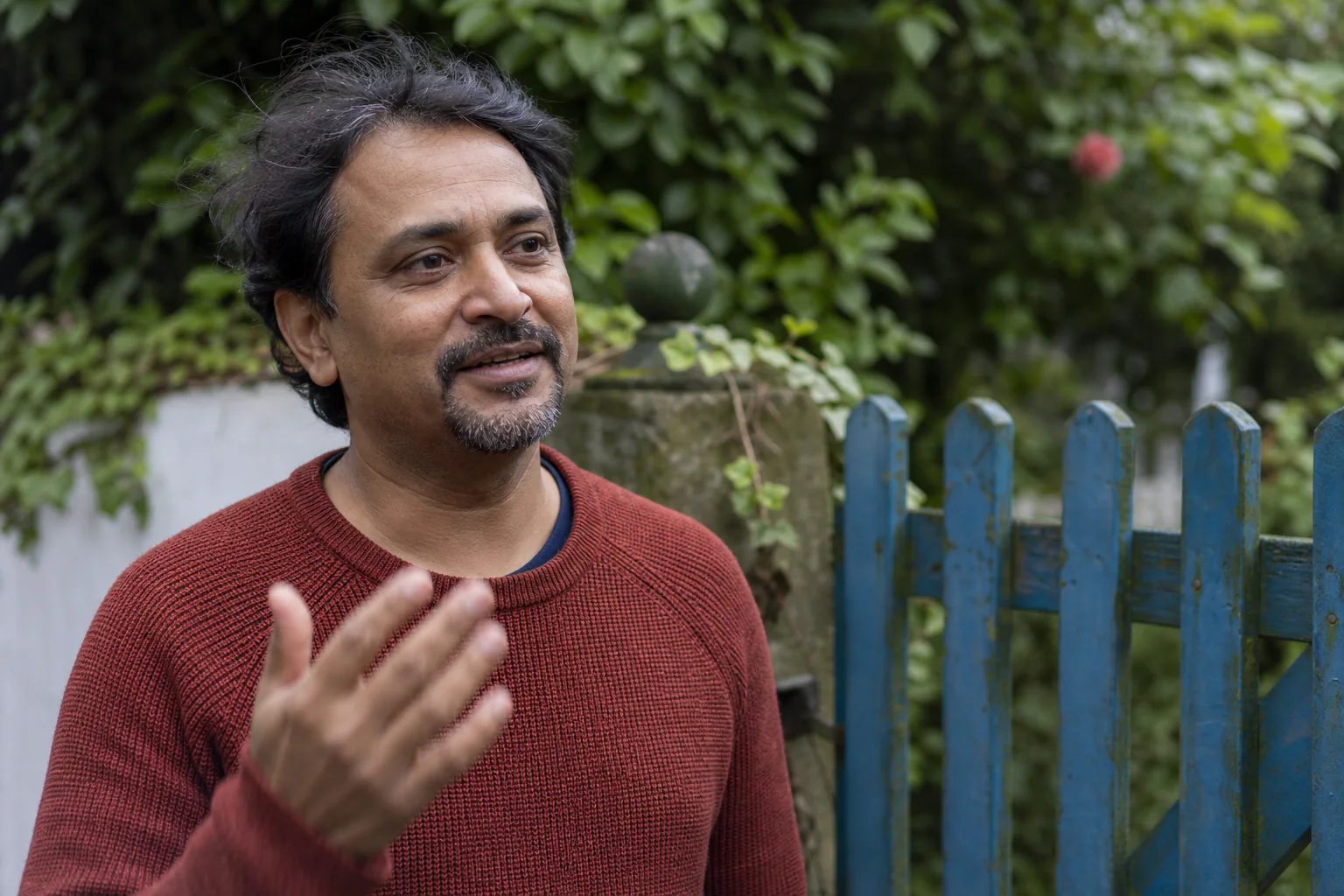
How to make a picture talk with AI
Use the AI Talking Photo Generator in three direct steps from portrait and speech to a downloadable video.
Upload one photo
Choose a sharp portrait with one visible face, an unobstructed mouth, and a simple background.
Enter text or upload audio
Write what the photo should say and select a voice, or switch to audio and add your own recording.
Generate the talking video
Create the animation, review the speech and mouth movement, then download the finished MP4.
Who is this AI Talking Photo Generator for?
People search for a talking photo tool for very different reasons. These are the audiences that benefit most from a focused photo, text, and audio workflow.
Families and memory keepers
An AI Talking Photo Generator can pair an authorized family portrait with a remembered story, greeting, or clearly labeled narration without asking anyone to film new footage.
Creators and social storytellers
Turn a strong portrait into an opening hook, short commentary, or recurring face for Reels, Shorts, and story-led posts when filming is impractical.
Teachers and educational storytellers
Create a concise talking presenter for pronunciation examples, historical context, or educational stories. For module intros, course updates, and instructor workflows, use the dedicated AI Avatar for Course Creators page.
Artists and character designers
Give an illustration, mascot, stylized portrait, or AI-created character a voice while keeping the original visual identity at the center of the clip.
Small brands and independent teams
Produce product introductions, founder messages, onboarding snippets, or localized updates without arranging a full shoot each time a short line needs to change.
Archivists and local historians
Add carefully sourced narration to permitted historical portraits for exhibits, community projects, or digital collections, with clear labeling that separates generated motion from the original record.
Why choose this AI Talking Photo Generator?
The page is designed around the decisions people actually need to make: which portrait to use, what it should say, and how the finished video should feel.
One photo, no source video
The workflow begins with one front-facing portrait, so you can create a new talking video even when no presenter footage or character animation already exists.
Text or your own audio
Write the exact line and choose a generated voice, or upload a clean recording when cadence, emotion, pronunciation, and personal delivery need to remain yours.
A focused photo-to-speech workflow
The AI Talking Photo Generator opens directly with the portrait, text or audio, voice, language, resolution, and generation controls you need.
Better inputs for natural movement
Practical guidance appears where it matters: use one visible face, a clear mouth, concise wording, and clean speech to improve facial stability and timing.
Real or stylized portraits
Use portraits, headshots, old photos, avatars, drawings, mascots, and permitted AI characters instead of being limited to one narrow visual style.
Downloadable MP4 output
Choose 720p or 1080p before generating, review the result, and download a standard MP4 that is ready for editing, publishing, or archiving.
AI Talking Photo Generator FAQ
What is an AI talking photo generator?
How do I make a photo talk?
Can I make a picture talk from text without recording audio?
Can I animate a photo with my own voice?
Can I turn an image into a talking video?
Can I make an old photo talk?
Can I make a drawing or AI character talk?
What is the difference between talking photo and video lip sync?
What kind of photo works best?
Can I animate any person or voice?
Explore AI Talking Photo Generator
Choose a focused workflow inside the AI Talking Photo Generator collection.
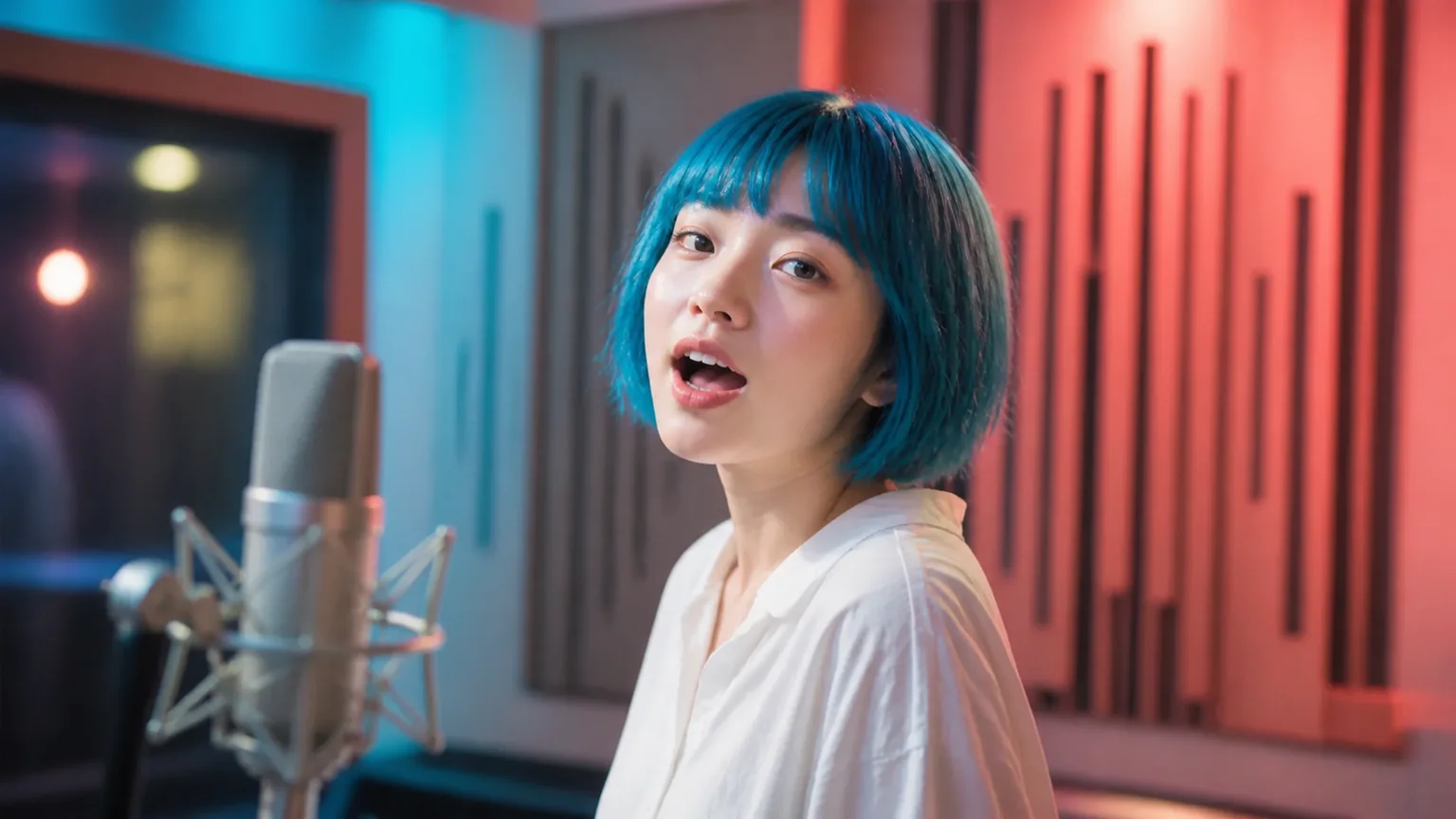
AI Singing Photo Generator
AI Singing Photo Generator turns a photo and owned or licensed song or vocal audio into a lip-synced video for music clips, greetings, and characters.
Open tool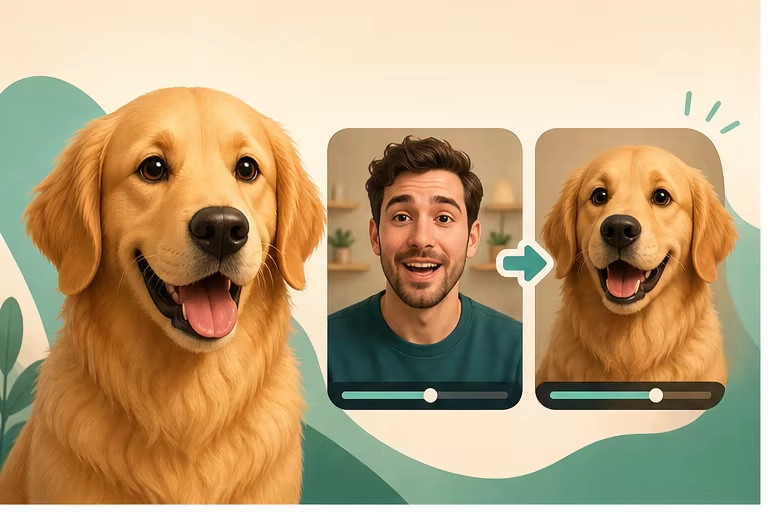
Talking Pet AI Video Generator
Make a pet photo talk with a script or audio, or synchronize an existing pet video to a new voice online.
Open tool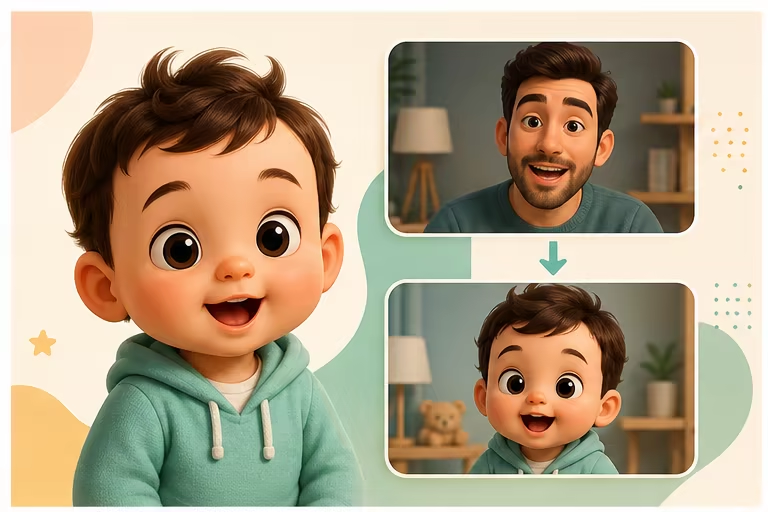
AI Baby Talking Video Generator
Create an AI baby talking video from one permitted photo and a script or audio, or lip-sync an existing baby video to new speech.
Open toolTurn your photo into a talking video
Open the AI Talking Photo Generator, upload one portrait, and choose a script or your own voice audio.