
AI Spokesperson Video GeneratorChange the Message, Not Your Production Schedule.
Use one approved, front-facing person with a clear face and unobstructed mouth.
Use only product, pricing, evidence, and claims your team has reviewed.
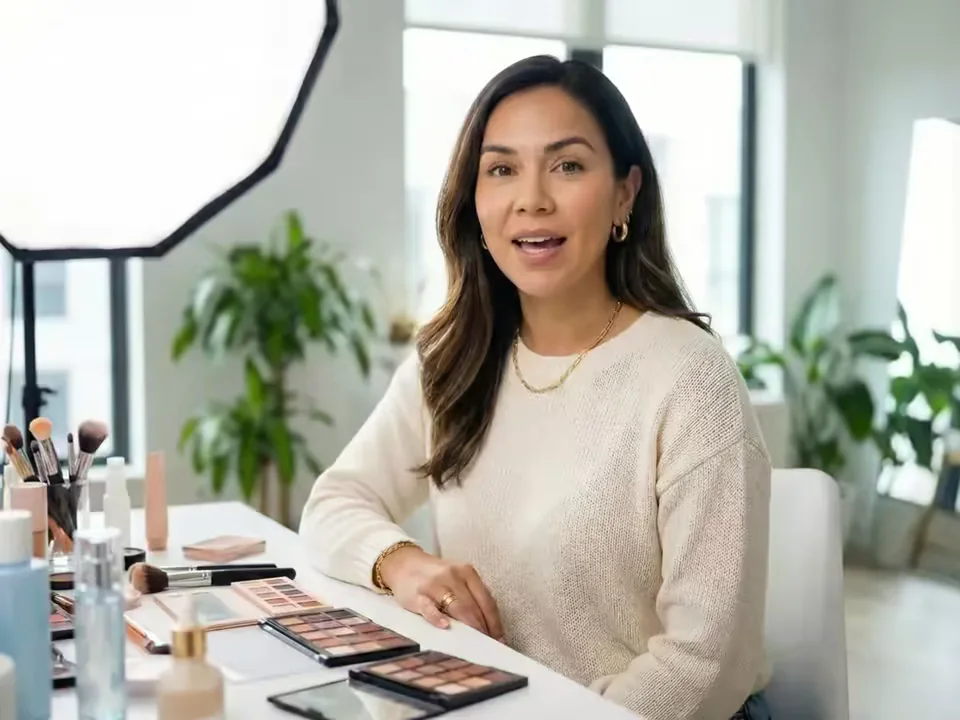
What is an AI Spokesperson Video Generator?
An AI Spokesperson Video Generator turns one authorized portrait and a business message into a lip-synced presenter video. Type a reviewed script and select a generated voice, or upload a permitted recording when tone and pronunciation need to remain yours. The workflow removes the need to schedule a camera, studio, and another full take whenever a short message changes.
This AI presenter video maker is for introductions, announcements, welcomes, recommendations, and updates. It does not create B-roll, screen recordings, subtitles, music, multi-scene edits, testimonials, or product interactions. The presenter will not hold or display a product; plan those elements separately.
What an AI Spokesperson Video Generator creates
Build around an approved message, then verify both the content and the unedited performance before publishing.
Start with a reviewed business script
Use the script field for a SaaS introduction, app update, service welcome, company announcement, or product recommendation. Write only facts your team can support. A concise problem, verified value, one feature, and approved next step usually sounds more credible than a crowded sales monologue.

Use your own authorized voice and pacing
Switch to Audio to preserve cadence, pronunciation, pauses, and emotional emphasis from a clean MP3, WAV, or M4A recording. This is useful for a founder, employee, actor, or voice talent who has explicitly approved the recording and the intended message.
Update time-sensitive messages without another shoot
When a feature, process, event, or approved call to action changes, reuse the original authorized portrait with a revised script. The current product does not save a permanent presenter profile, so keep the source file and review visual consistency in each new result.

Choose the available language, voice, and resolution
Text mode provides a defined voice list and ten current language choices, while both speech modes offer 720p or 1080p. The credit estimate reflects duration and resolution. Language selection synthesizes the script you supply; it is not automatic translation of an existing video.

Judge the complete take, not a fast montage
Watch the full output for lip timing, blinking, facial drift, pronunciation, and pauses. A clean long take reveals presenter quality more honestly than an edit that hides difficult moments behind cuts or unrelated footage.
How to create an AI spokesperson video
Move from an approved portrait and verified claim set to one reviewable presenter take.
Upload an authorized presenter portrait
Choose one sharp, front-facing person with a visible mouth and even light. Obtain consent for the identity, intended script, and publishing context.
Write the business script or add audio
Edit the starter into your real message, or upload a clean authorized recording. Remove unsupported claims, invented evidence, and unapproved offers before generating.
Generate and complete a human review
Check the live credit estimate, render the video, then review the entire take for factual accuracy, lip sync, identity, pronunciation, and plan requirements.
Business script starters for an AI video spokesperson
Use these as structures, not automatic claims. Replace every placeholder with reviewed information from your own business.
SaaS product introduction
Audience problem → product value → one verified feature → approved call to action.
App feature update
What changed → who benefits → where an existing user can try it.
Service welcome
Who you help → how the process works → the correct next step.
Product recommendation
Audience need → supported benefit → evidence supplied by you → clear CTA.
Short social message
One relevant hook → one useful point → one approved next action.
Where an AI spokesperson can support a real business message
Keep each video centered on one spoken task that the current portrait-and-speech workflow can actually deliver.
SaaS, app, and feature introductions
Explain one product value or approved release update in a concise presenter take. Add screen recordings, B-roll, captions, and brand graphics later; this generator does not create those layers.
Service welcomes and next-step videos
Turn a reviewed welcome, appointment explanation, onboarding note, or FAQ into a consistent message. Do not present the generated person as a live employee or real-time representative.
Announcements and recurring updates
Create a new take after a policy, schedule, event, or approved offer changes. Reuse the source portrait, then require human review for the final facts and presentation.
Workflow essentials for AI Spokesperson Video Generator
Inputs, recommended setup, and the most common fixes—summarized in one compact guide.
Inputs and setup
- One authorized JPG, JPEG, PNG, or WebP portrait; Reviewed text with generated voice, or MP3, WAV, or M4A audio.
- Speech length: 1–120 seconds, calculated from the script or uploaded audio.
- 720p or 1080p selected before generation; Account and credits required; downloadable MP4 output.
- Confirm portrait and voice consent, then review every claim, offer, number, and call to action.
Two quick fixes
AI Spokesperson Video Generator FAQ
What is an AI spokesperson video generator?
Can I create an AI spokesperson from my own photo?
Can I type a script or upload my own voice audio?
Can I reuse the same portrait for updated messages?
Which voices, languages, lengths, and resolutions are available?
Is there a free generation, watermark, or credit limit?
Can I use the spokesperson video commercially?
How are uploaded portraits and recordings handled?
Does the presenter hold or display my product?
How is this different from an AI UGC avatar or product avatar?
Turn your next approved message into a presenter take
Upload a consented portrait, edit the script into verified business language, and review the entire result before it represents your brand.