
Motion Control AITransfer Motion to Any Character
Upload a JPG or PNG image larger than 300px.
Upload a 3-30 second MP4, MOV, or MKV clip. The allowed max length depends on character orientation.
Upload the character image and motion reference together before generating.
Match orientation in the video · up to 30s reference.
Optional. Motion comes from the video; prompt refines the look.
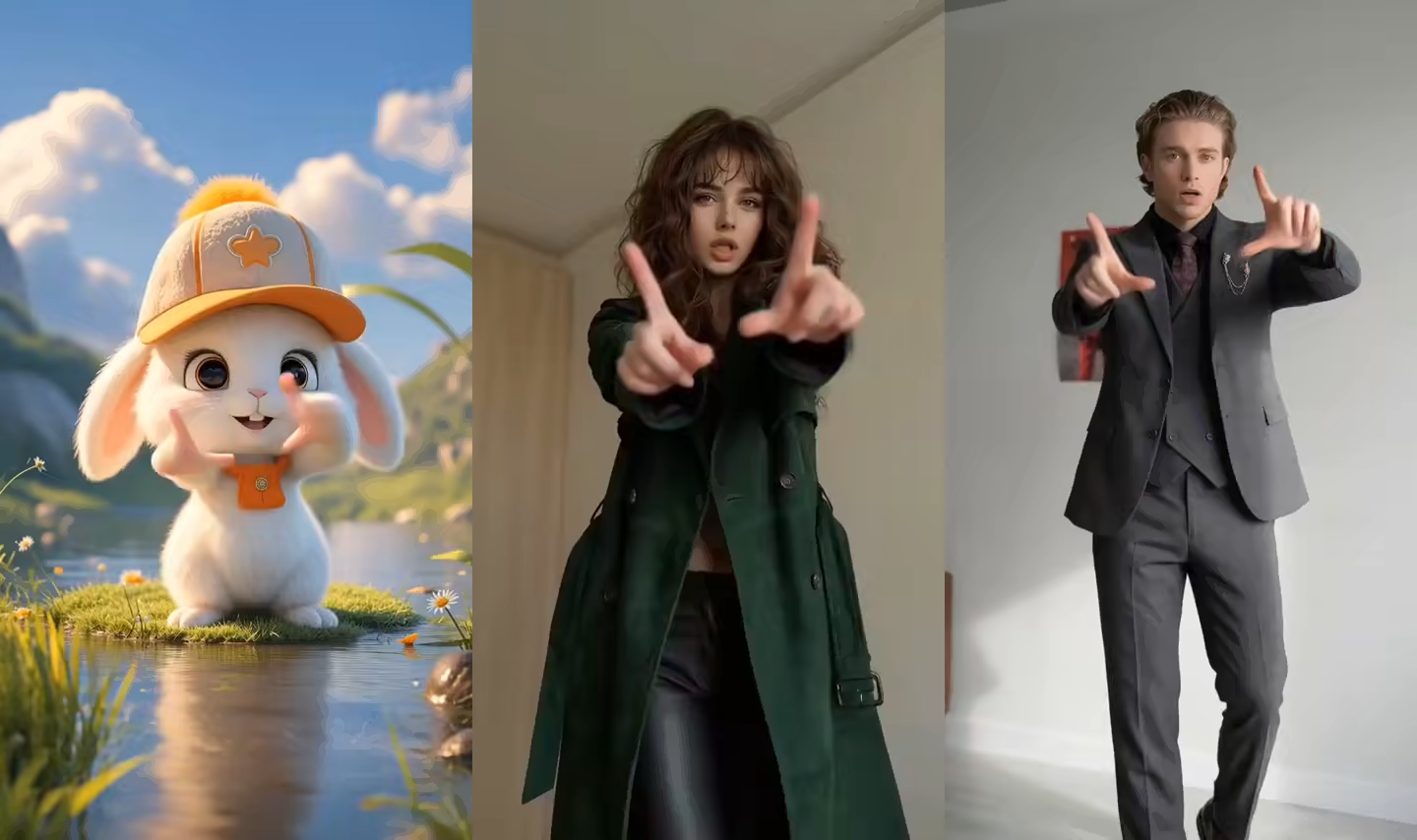
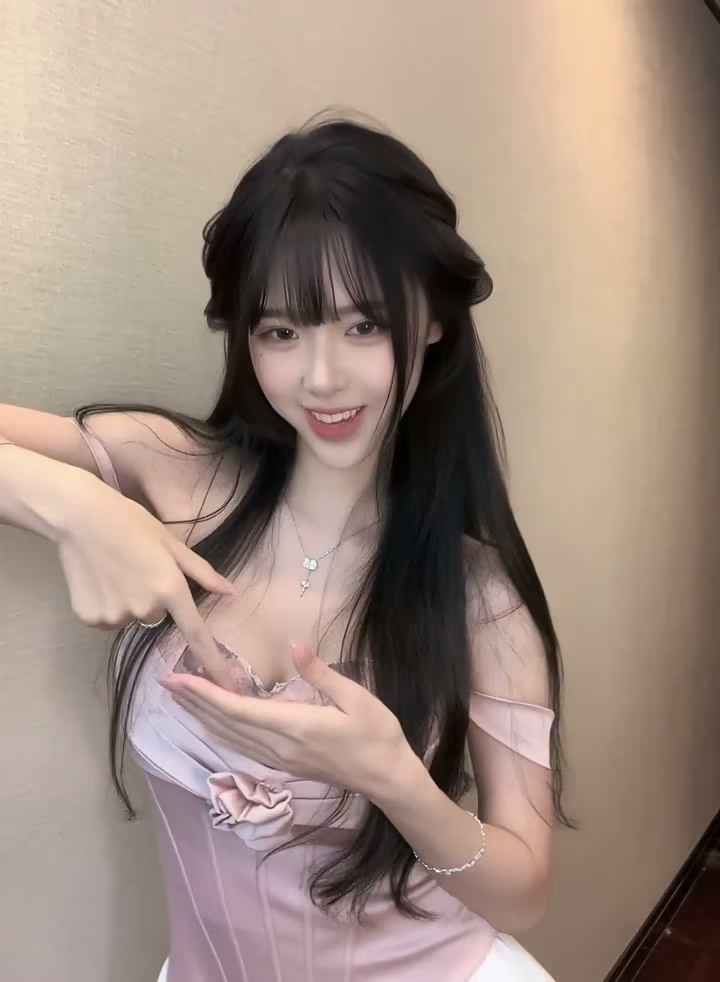
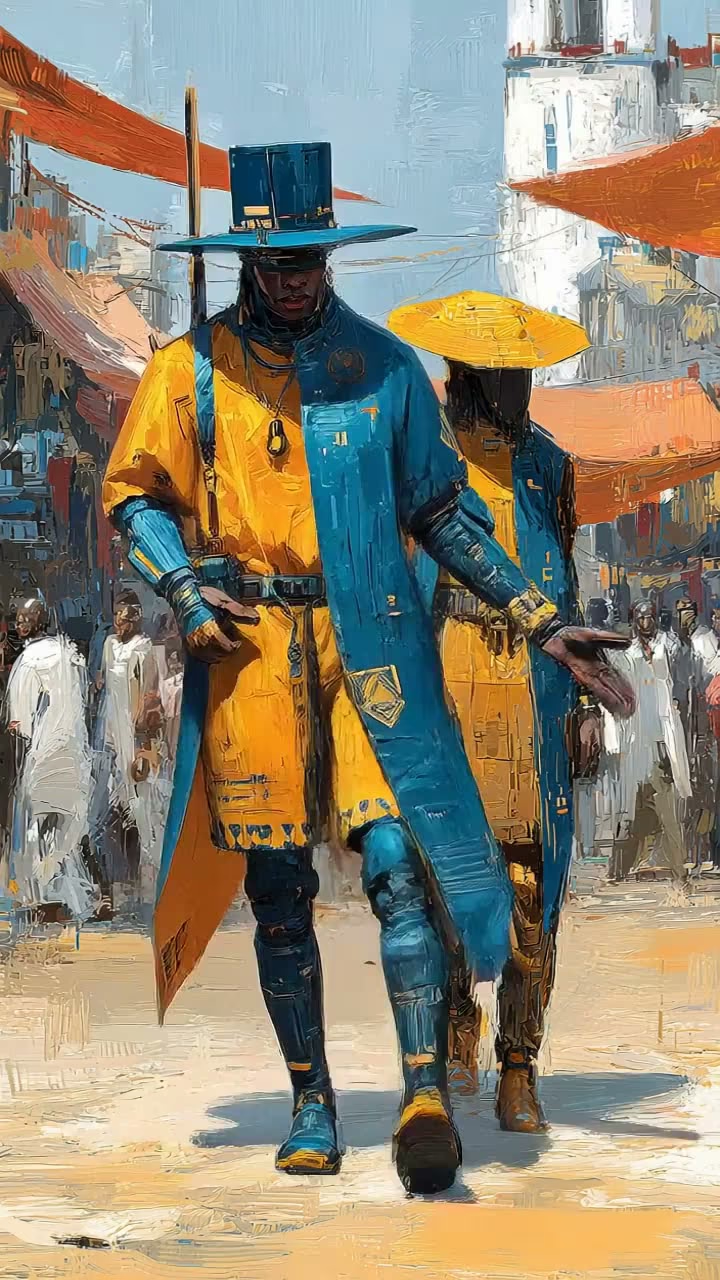
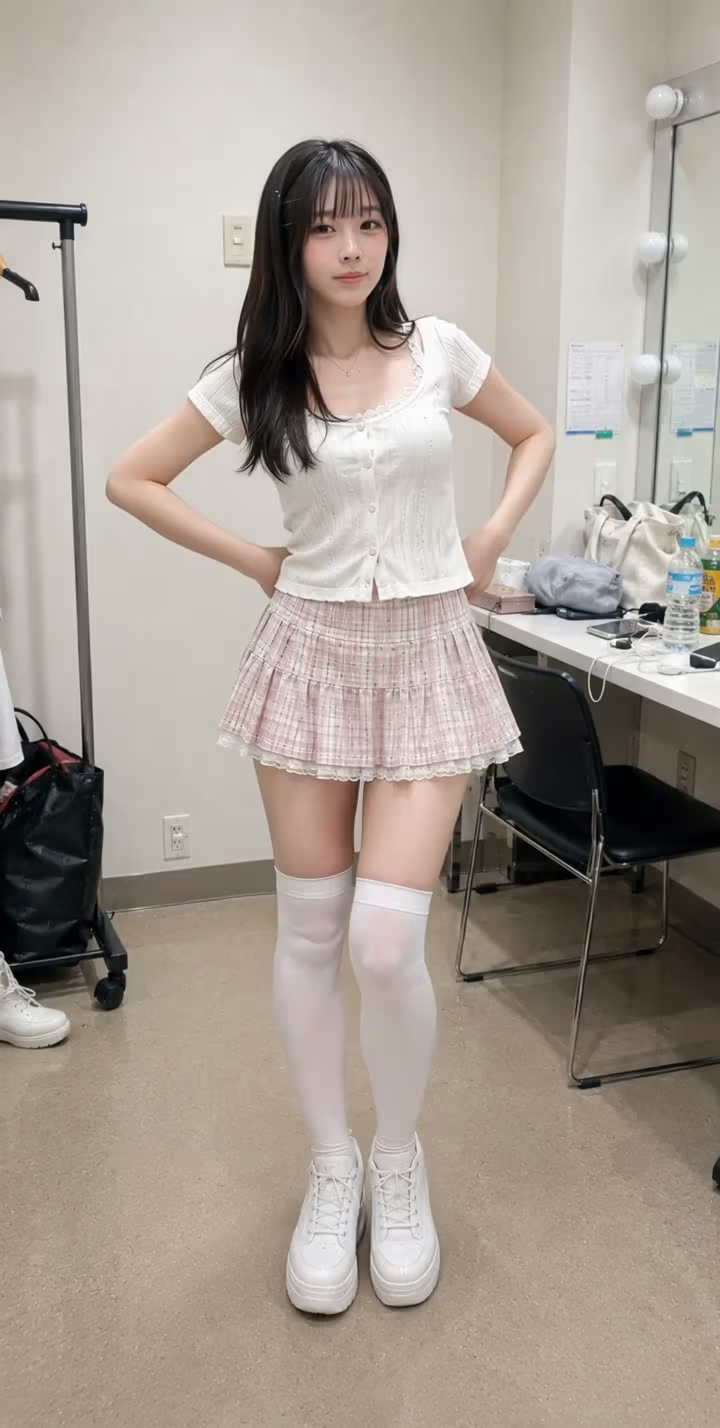
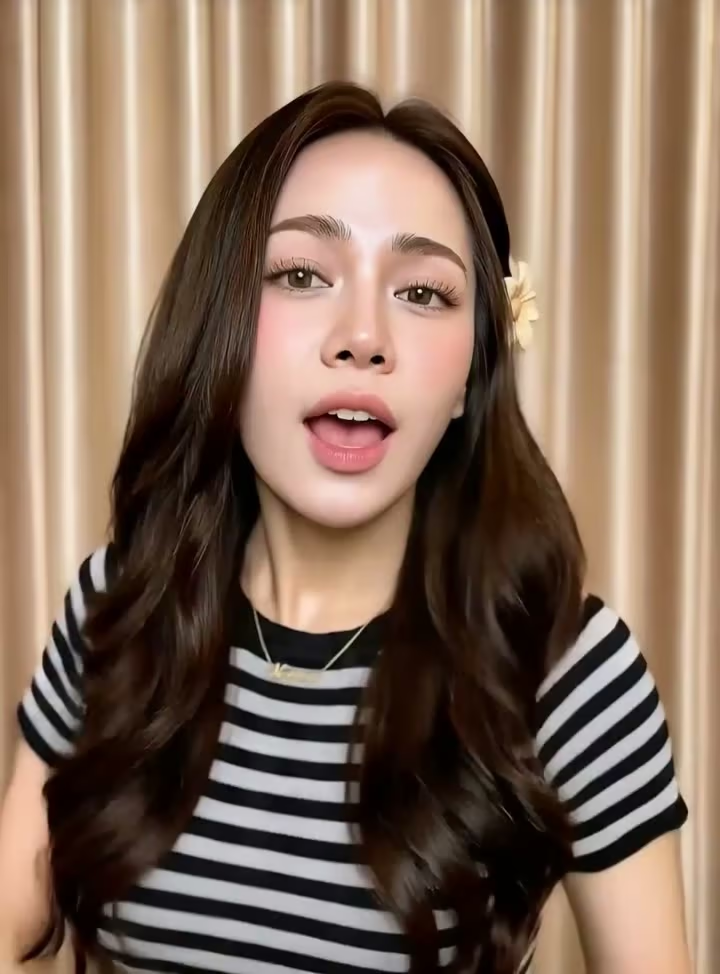
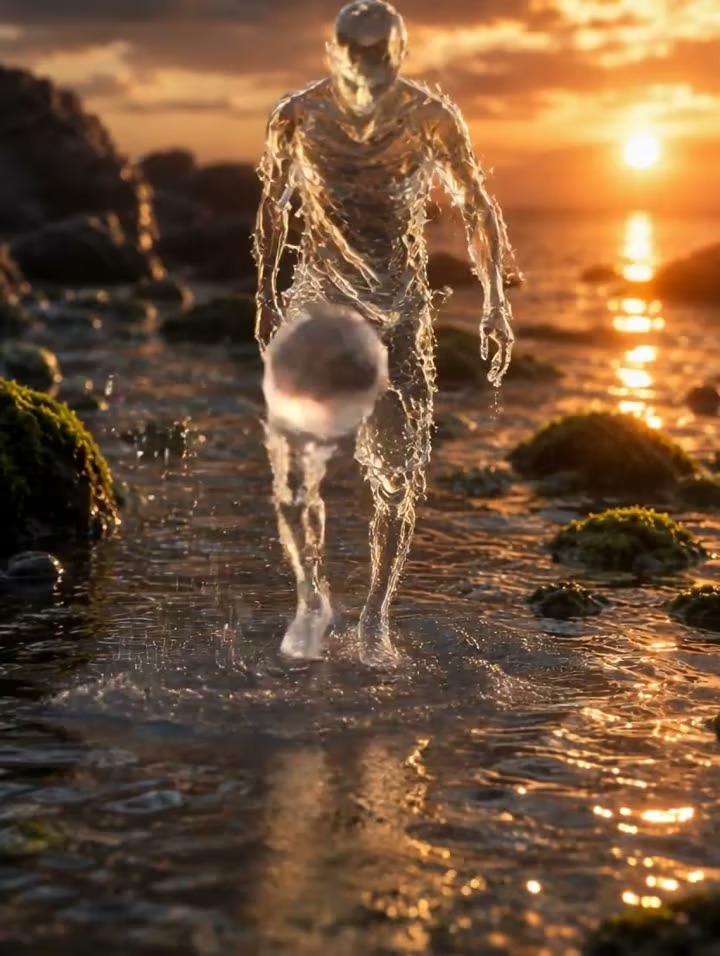
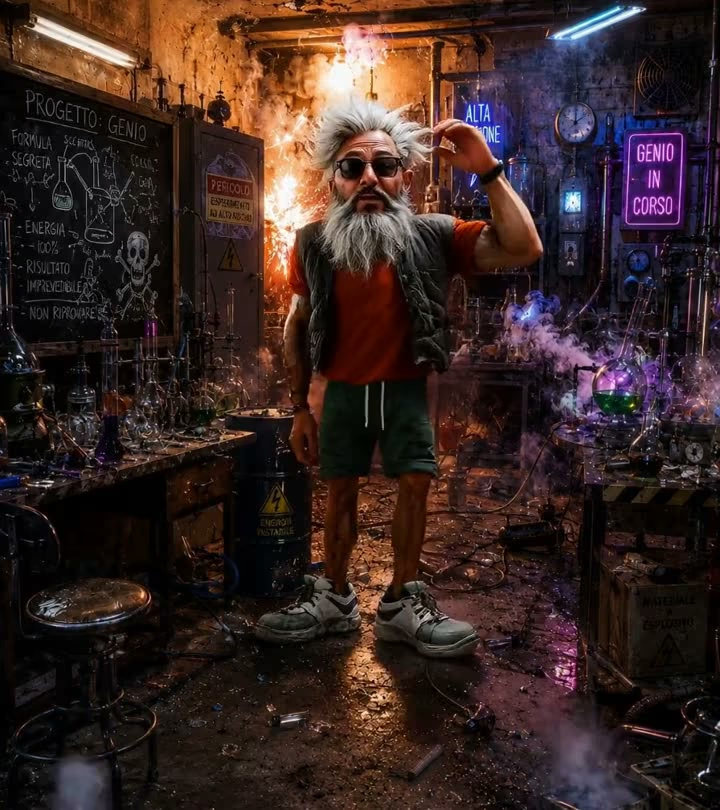
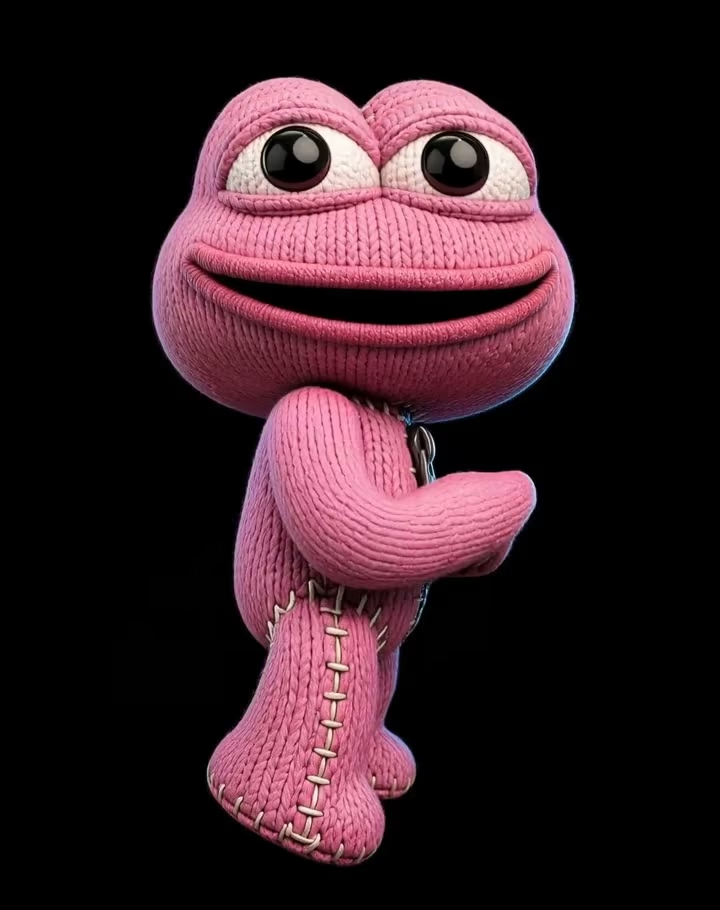
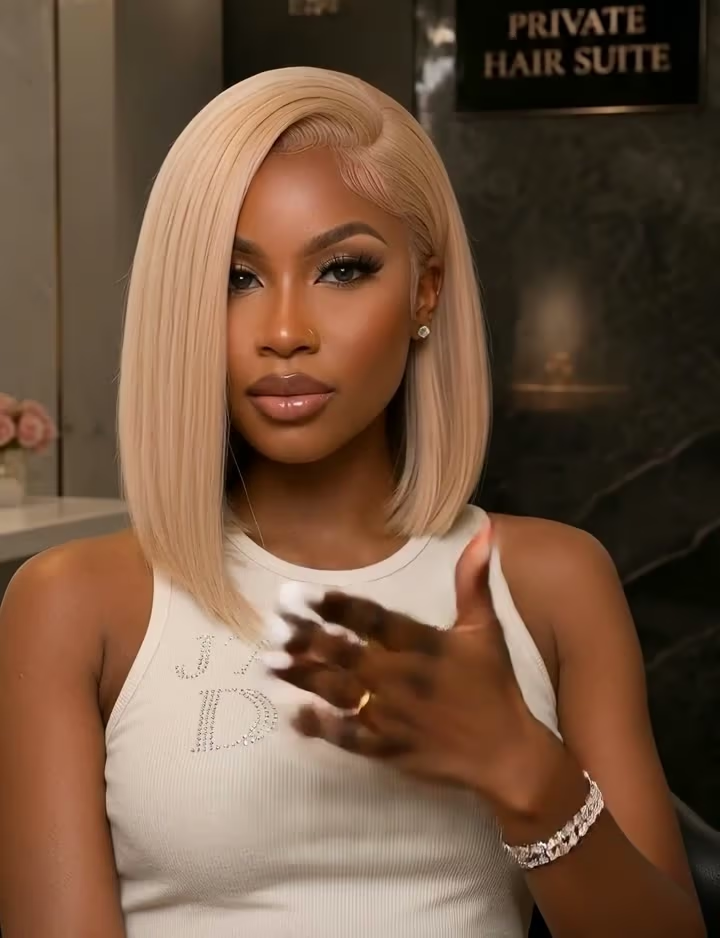
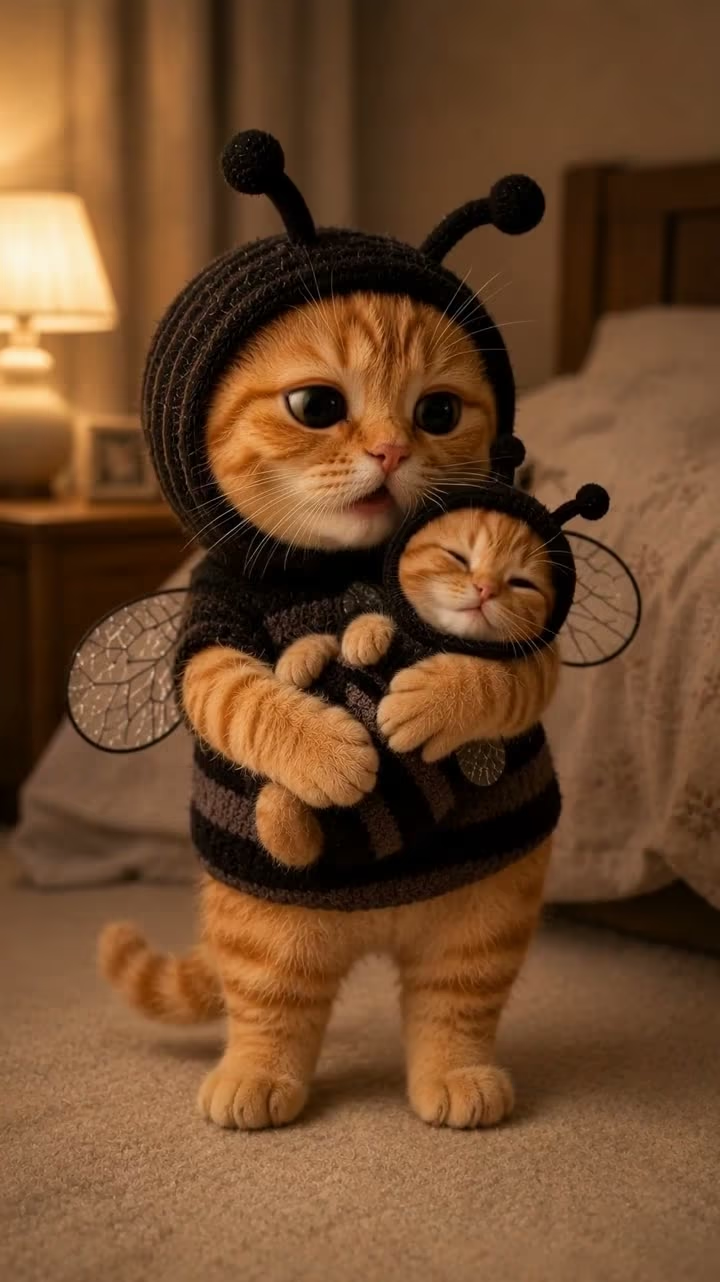
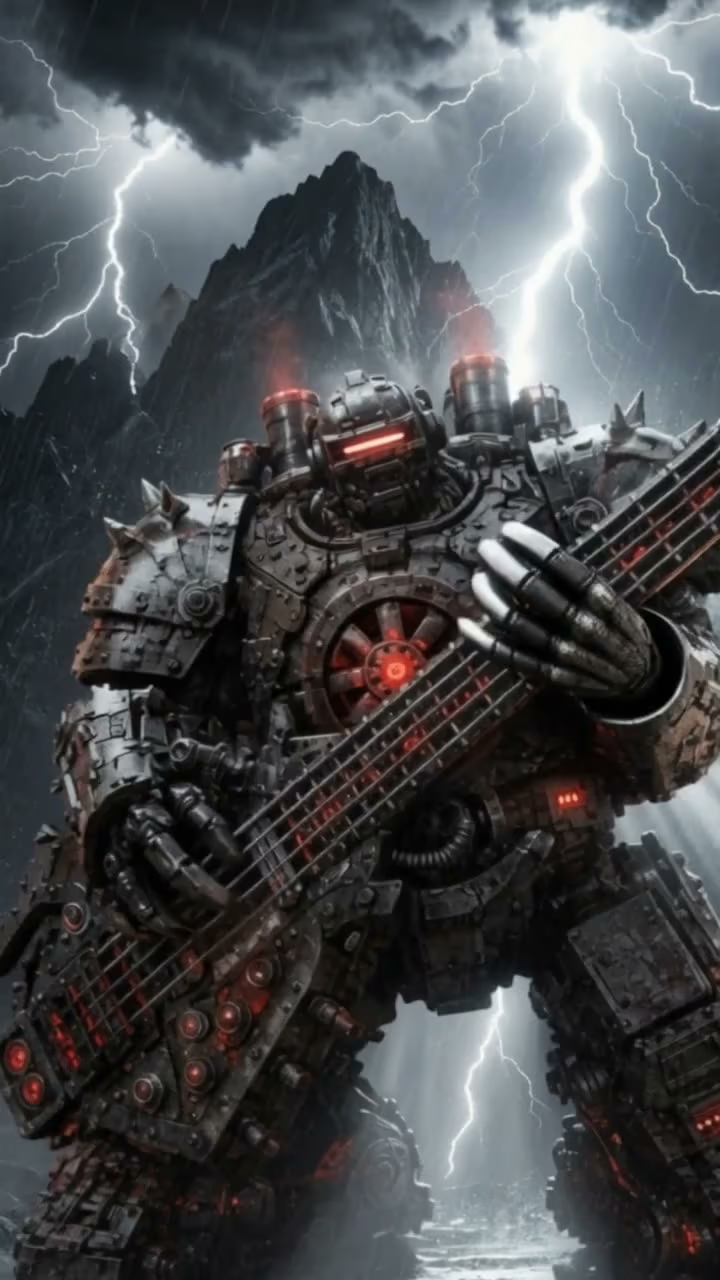
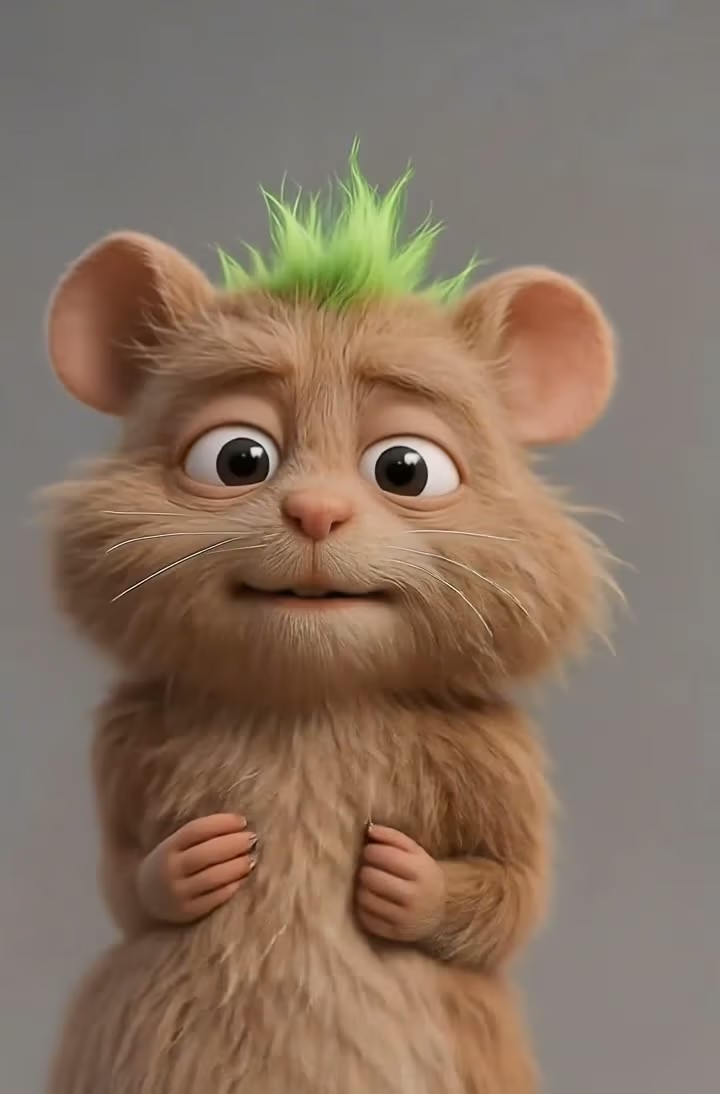
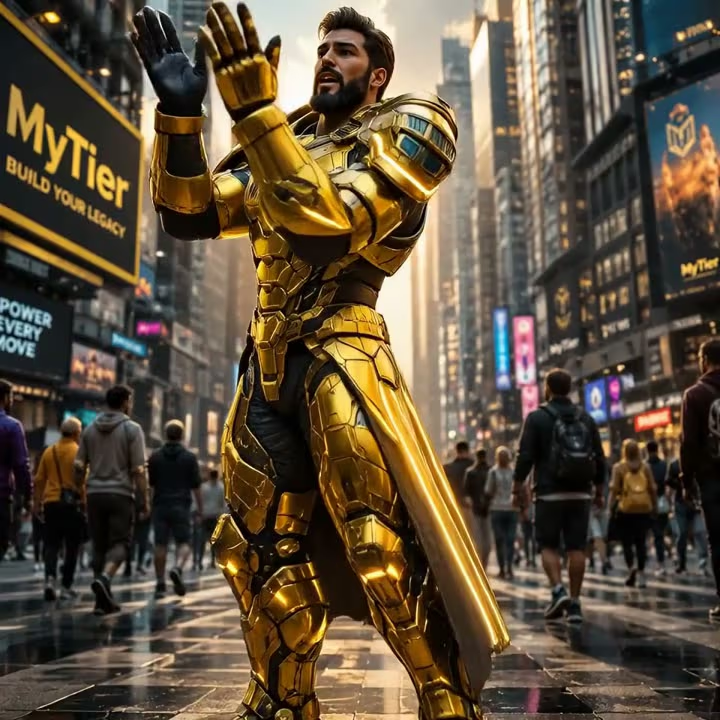
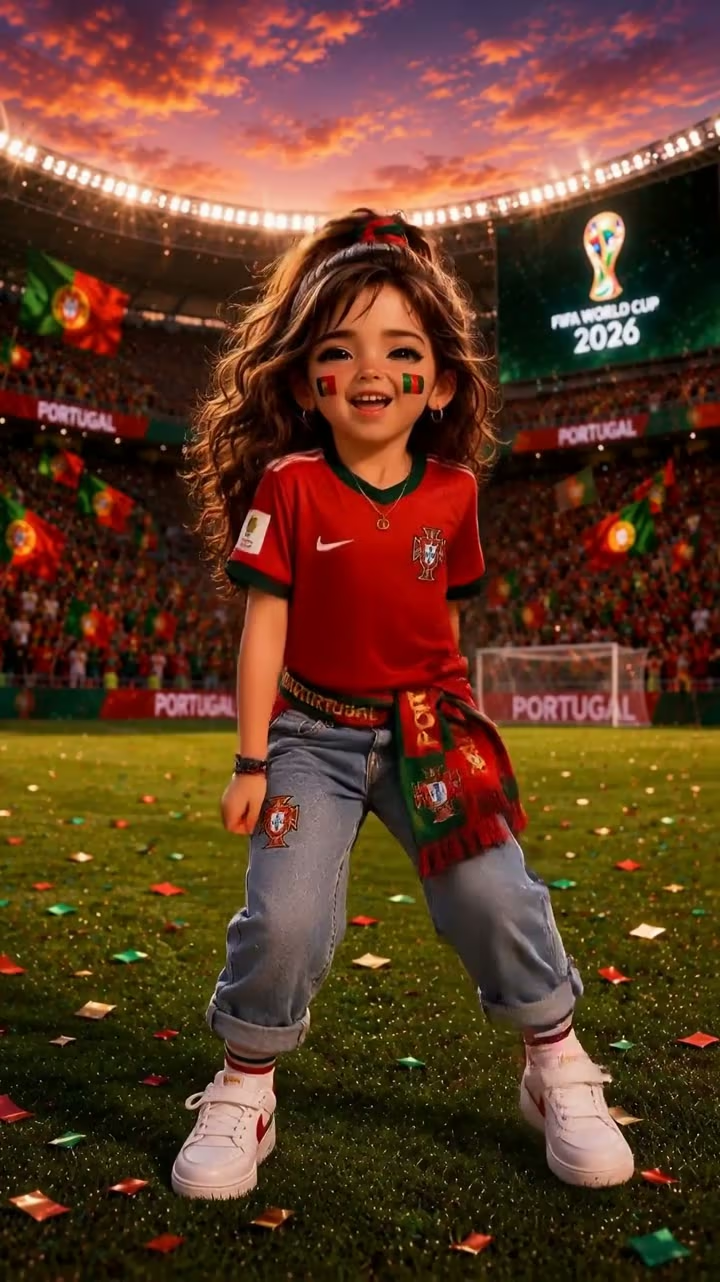
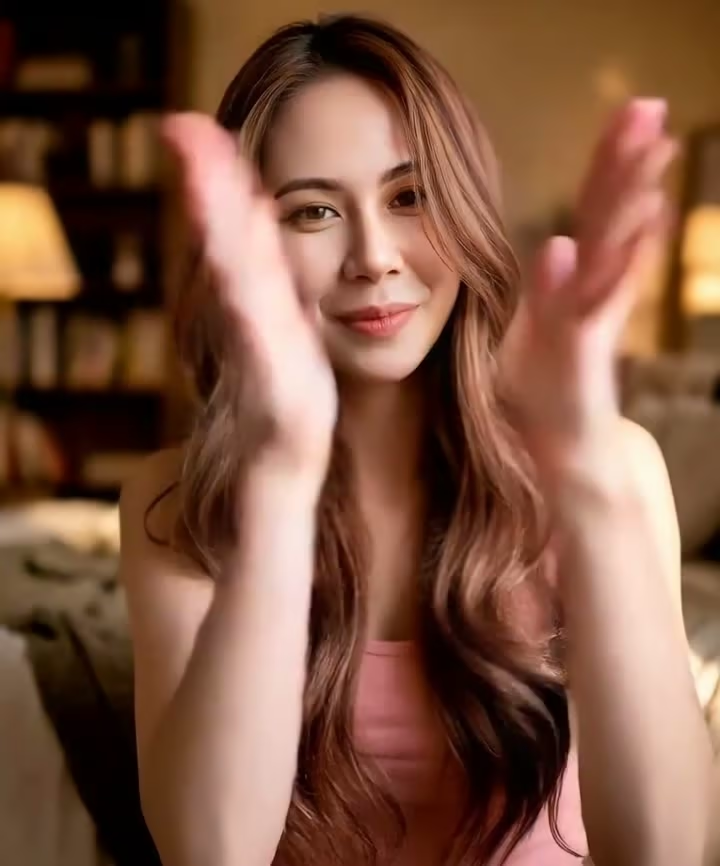
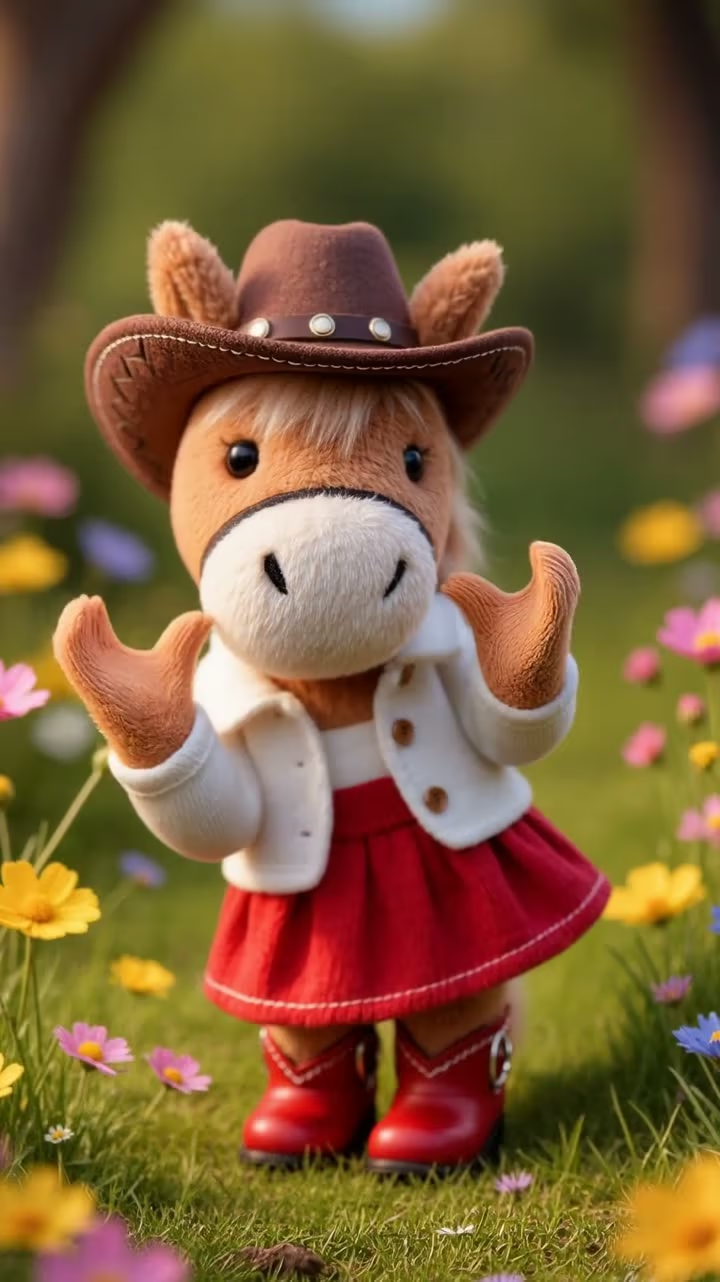
What Motion Control AI Can Do
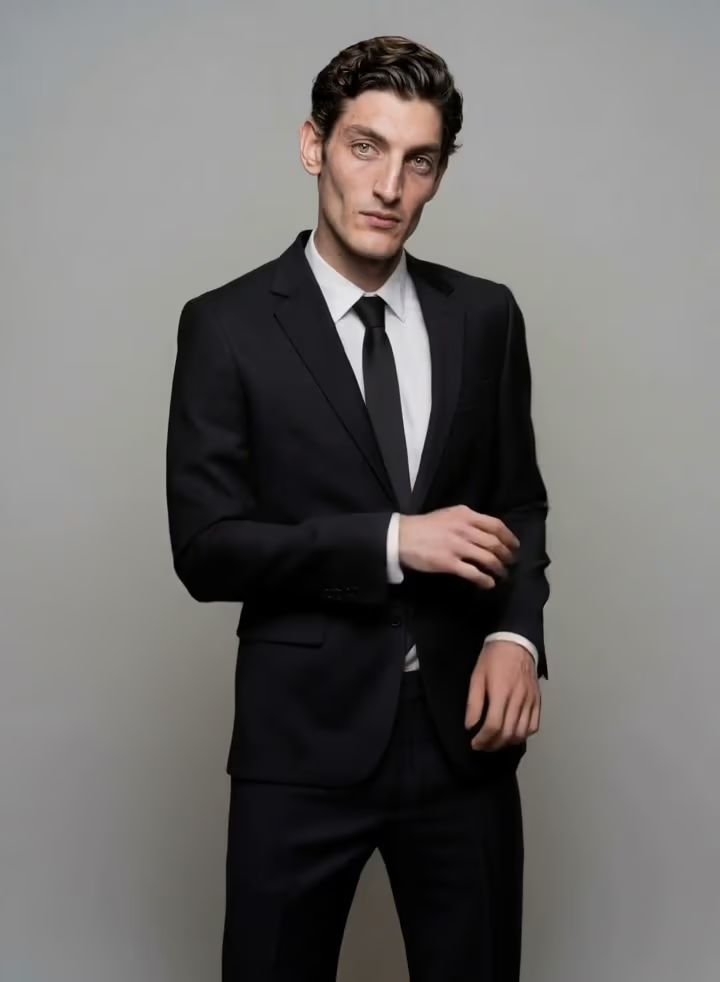
Three core capabilities make Motion Control AI the best motion control ai video generator for creators who need real motion fidelity — not random pixel animation.
Full-body motion transfer
Motion Control AI extracts the skeleton from your reference video and retargets every step, jump, and dance move onto your character — no rigging, no manual cleanup, no keyframes.
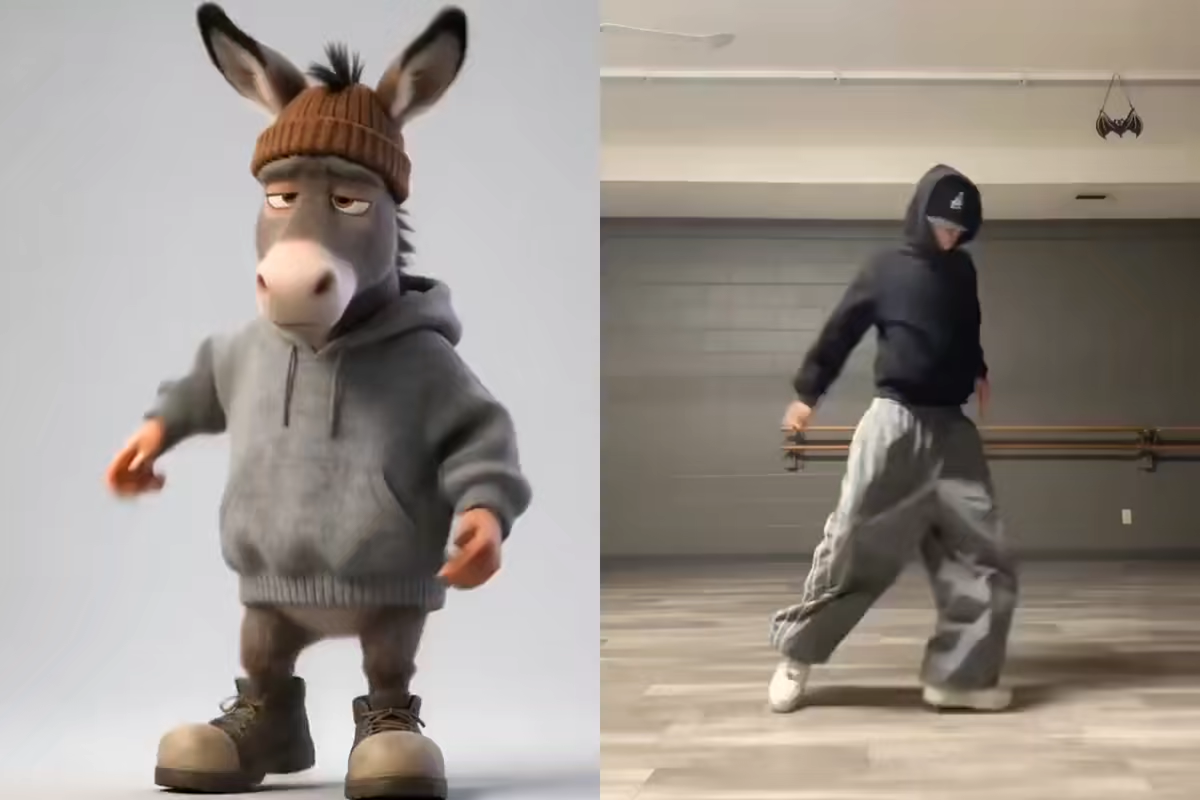
Hand, gesture and facial precision
Fingers, micro-expressions, and lip sync transfer in one pass. Motion Control AI captures hand poses and face detail other tools melt — even usable as a clean motion control ai face swap for stylized characters.
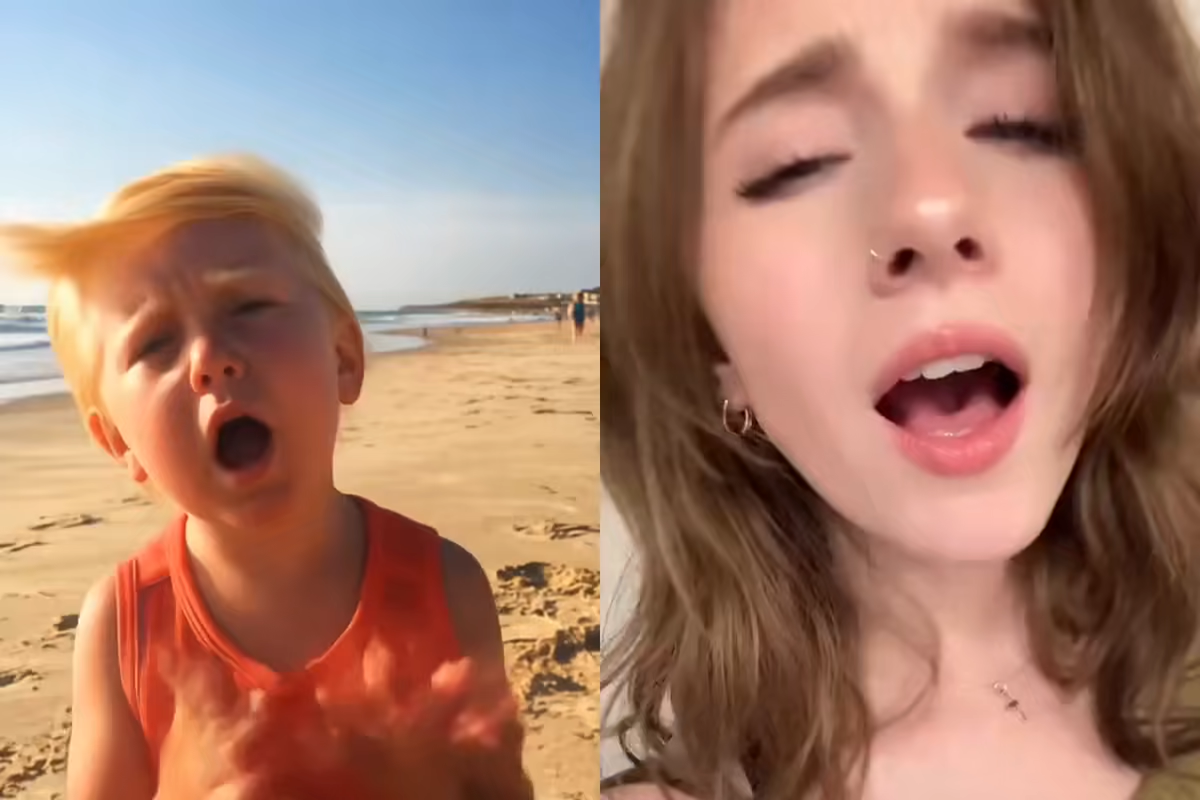
Character identity locked for 30 seconds
Run Motion Control AI for up to 30 seconds without identity drift. Faces, outfits, and proportions stay consistent frame after frame, in 9:16, 16:9, or 1:1 at 720p or 1080p.
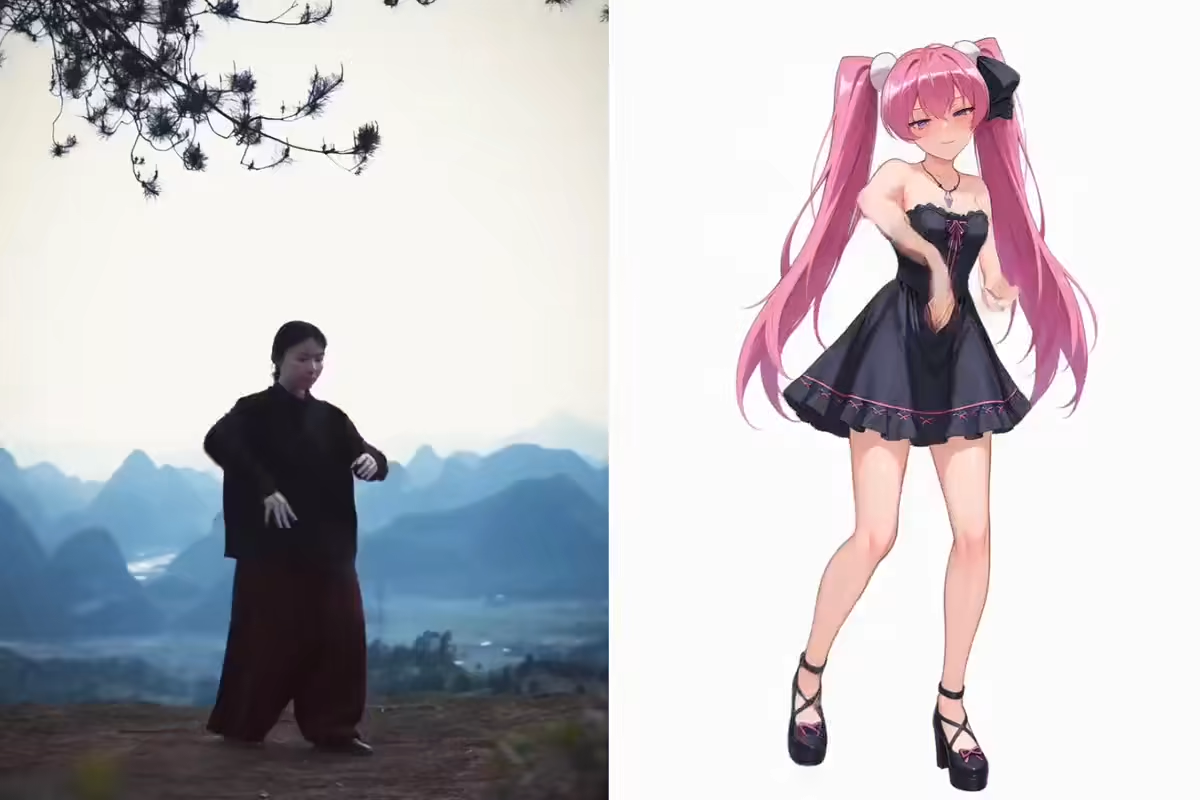
How to Use Motion Control AI in 3 Steps
Upload a character image, upload a reference video, generate. That's the full Motion Control AI workflow — no editing software, no training, no render-farm wait.
Upload your character image
Any PNG, JPG, or WEBP works with Motion Control AI. Portraits, full-body shots, mascots, avatars, or illustrated characters — upload once and reuse forever.
Upload a reference video
Drop in up to 30 seconds of reference footage. Motion Control AI auto-detects pose, timing, and camera movement, so you never have to rig or keyframe anything.
Generate and download
Your Motion Control AI video is ready in 1–3 minutes. Sign in to claim free trial credits, download watermark-free output, or upgrade when you need more monthly generations.
Why Motion Control AI Beats Traditional Animation
Mocap suits, keyframe work, and blind text-to-video all fail where Motion Control AI wins — precise motion transfer, locked character identity, and a real free tier.
Mocap rigs cost thousands
Motion capture suits, sensors, and studios cost $10,000+ before you record a single take. Motion Control AI is free to start and runs in your browser — no hardware, no booking fees, no crew.
Keyframe animation takes weeks
Traditional character animation means frame-by-frame rigging and cleanup. Motion Control AI extracts motion from any reference video and retargets it onto your character in minutes.
Text-to-video drifts across frames
Pure text-to-video loses character identity halfway through a clip. Motion Control AI anchors the subject with your image, keeping faces, outfits, and proportions locked frame after frame.
Free tools hide the real paywalls
Most free motion control ai video generators cap clips at 3 seconds, block your download behind forced signups, or force an upgrade before you see any result. Our free Motion Control AI plan lets you actually try the engine before you decide to pay.
Motion Control AI vs. Mocap vs. Keyframe Animation
The old path to character motion costs thousands and takes weeks. Motion Control AI gets you there in minutes — with a real free tier.
Without Motion Control AI
- 1Buy or rent mocap suits and sensors ($10K+)
- 2Book a studio, hire performers, schedule the shoot
- 3Clean up raw data and retarget it to your character rig
- 4Wait days or weeks before a first usable take
Days to weeks
Thousands spent before you see any output
With Motion Control AI
- 1Upload any character image from your library
- 2Drop in a reference video — up to 30 seconds
- 3Motion Control AI transfers the motion in minutes
- 4Download watermark-free output
Minutes
From upload to publishable video
Who Uses Motion Control AI
From TikTok dance clones to indie film previs, Motion Control AI powers motion-heavy content across every vertical.
TikTok & Shorts creators
Clone viral dance moves in minutes with Motion Control AI. Transfer a real performer's choreography onto your own character and never miss a trend cycle again.
Brand & product teams
Turn a single mascot or product shot into a 30-second animated ad with Motion Control AI. Skip the photoshoot, skip the studio, ship campaigns faster.
Indie filmmakers & previs
Storyboard your scenes with Motion Control AI before booking a crew. Test camera blocking, character motion, and scene energy in an afternoon — not a month.
Educators & course creators
Animate a teaching avatar with free Motion Control AI in minutes. Turn lesson notes into engaging character-led explainer videos students actually watch.
AI virtual influencers
Build a consistent virtual character once, then use Motion Control AI to drive every dance, reaction, and storytelling clip from a reference video.
Game & VTuber creators
Preview rigged-character motion without a full game engine pipeline. Motion Control AI handles the full-body motion transfer while you focus on story and style.
Commercial Rights & Privacy with Motion Control AI
Every Motion Control AI output is yours to use. Every upload is processed privately. No training on your content. No hidden restrictions.
You own every video
Videos generated with Motion Control AI on paid plans are cleared for commercial use — ads, social media, product pages, client deliverables — no restrictions.
Clean, watermark-free output
Every Motion Control AI generation produces clean, watermark-free video ready to publish anywhere — ads, product pages, client deliverables, social feeds.
Private uploads, never trained on
Your uploads to Motion Control AI are processed for generation and auto-deleted within 24 hours. We never train on your content, never sell it, never share it.
Your rights and protections
Commercial use included
All paid plan outputs are cleared for business and client use
No training on your content
Uploads are processed for generation and then discarded
Motion Control AI Pricing — Basic, Pro, Max
Choose a monthly credit plan for Motion Control AI. Any plan or credit pack unlocks more video and image generation models; use credits for text-to-image, image-to-image, text-to-video, image-to-video, first/last-frame video, and motion control. Exports are watermark-free with full commercial use rights.
Basic
Unlock video and image generation. With 1,200 credits, generate up to about 600 basic images at 2 credits each.
- 1,200 credits included every month
- Up to about 600 basic images at 2 credits per image
- About 20 standard videos at 60 credits per video
- Unlock advanced video and image models, including Kling, Veo, Seedance, LTX, Nano Banana, GPT Image 2, and more
- Supports text-to-image, image-to-image, text-to-video, image-to-video, first/last-frame video, and motion control
- Full commercial use rights included
- 24/7 customer support
- No watermark on exported videos
Pro
For steady image and video production. With 3,000 credits, generate up to about 1,500 basic images at 2 credits each.
- 3,000 credits included every month
- Up to about 1,500 basic images at 2 credits per image
- About 50 standard videos at 60 credits per video
- Unlock advanced video and image models, including Kling, Veo, Seedance, LTX, Nano Banana, GPT Image 2, and more
- Supports text-to-image, image-to-image, text-to-video, image-to-video, first/last-frame video, and motion control
- Full commercial use rights included
- 24/7 customer support
- No watermark on exported videos
Max
For teams and high-volume production. With 8,000 credits, generate up to about 4,000 basic images at 2 credits each.
- 8,000 credits included every month
- Up to about 4,000 basic images at 2 credits per image
- About 133 standard videos at 60 credits per video
- Unlock advanced video and image models, including Kling, Veo, Seedance, LTX, Nano Banana, GPT Image 2, and more
- Supports text-to-image, image-to-image, text-to-video, image-to-video, first/last-frame video, and motion control
- Full commercial use rights included
- 24/7 customer support
- No watermark on exported videos
Need more credits?
One-time purchase. Add credits anytime — works alongside any plan.
Motion Control AI FAQ
What is Motion Control AI?
Is Motion Control AI really free?
How long does Motion Control AI take to generate a video?
How do I use Motion Control AI?
What can I create with Motion Control AI?
How does Motion Control AI compare to Higgsfield AI motion control?
Is there a Motion Control AI app?
Why does Motion Control AI sometimes fail or look distorted?
Can I use Motion Control AI for face swap?
Is Motion Control AI available on Hugging Face?
Does Motion Control AI support Kling AI motion control?
Start Your First Motion Control AI Video Free
Upload a character image, drop in a reference video, and see what Motion Control AI can do. No credit card. No training. No mocap.
About Motion Control AI
Motion Control AI is a free online video generator built for creators, marketers, and filmmakers who need reliable motion transfer from a reference video onto any character image. Our Motion Control AI engine is optimized for free access, 30-second clips, and real commercial rights — the best motion control ai for teams moving from concept to finished video in minutes. Whether you are comparing Motion Control AI to Higgsfield, looking for a free motion control ai video generator, or searching for the best Kling motion control ai alternative, this is the starting point. For dedicated Kling 2.6 and 3.0 motion control with lip sync, audio preservation, and prompt-guided scene styling, try our Kling AI Motion Control tool — free trial credits, no credit card required.
