
AI Mascot Animation GeneratorGive the Character People Know a New Way to Show Up.
Copy a movement from a reference video
Upload your existing mascot and choose a visible action. The mascot image stays attached when you switch modes.
Use an approved full-body or three-quarter mascot with visible limbs and room around the silhouette.
Choose one performer in a steady 3–30 second MP4 or MOV clip, or start with a built-in reference.
Upload the character image and motion reference together before generating.
Guide the look and camera; the visible reference clip supplies the movement.
Match orientation in the video. Recommended.
Choose whether the generated background follows the reference video or the character image.
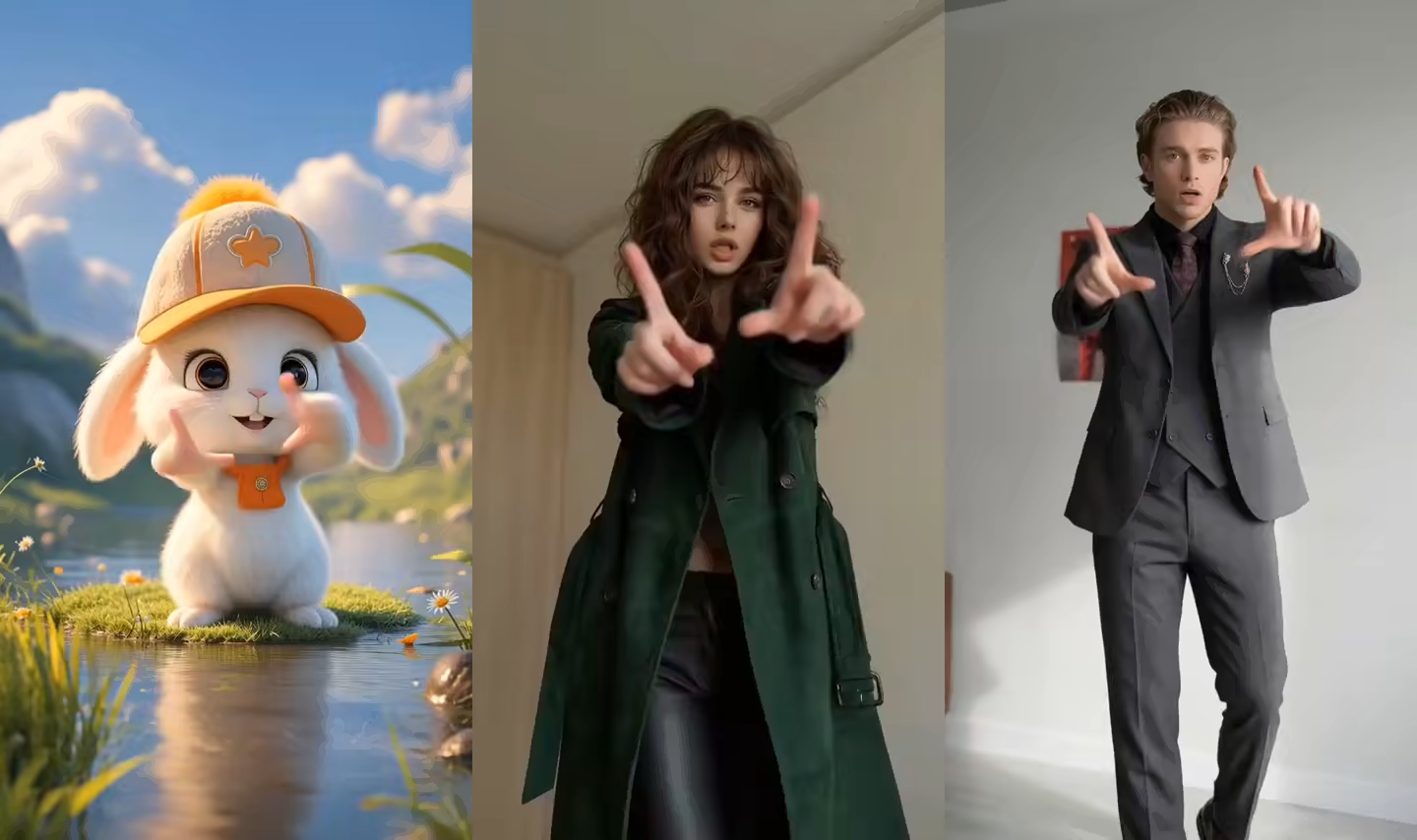
What this AI Mascot Animation Generator does
This AI Mascot Animation Generator starts with a character your organization already owns or is permitted to use. It does not design a new logo or invent a replacement mascot. In Move mode, the image supplies the character while a reference video supplies the visible action, timing, gestures, and body movement. In Talk mode, the mascot speaks a typed script with a selected voice or follows an uploaded recording.
The result is a downloadable video for brand storytelling, announcements, explainers, greetings, and social posts. It is not a 3D rig, Live2D model, Rive component, Lottie file, transparent loop, game asset, website agent, or real-time character SDK. Results vary with pose, style, and movement complexity, so “preserve” means using the original image as the identity source—not a promise of perfect pixel-level identity in every frame.
Two ways to use an AI Mascot Animation Generator
Move and Talk share the same character while solving different brand-content tasks.
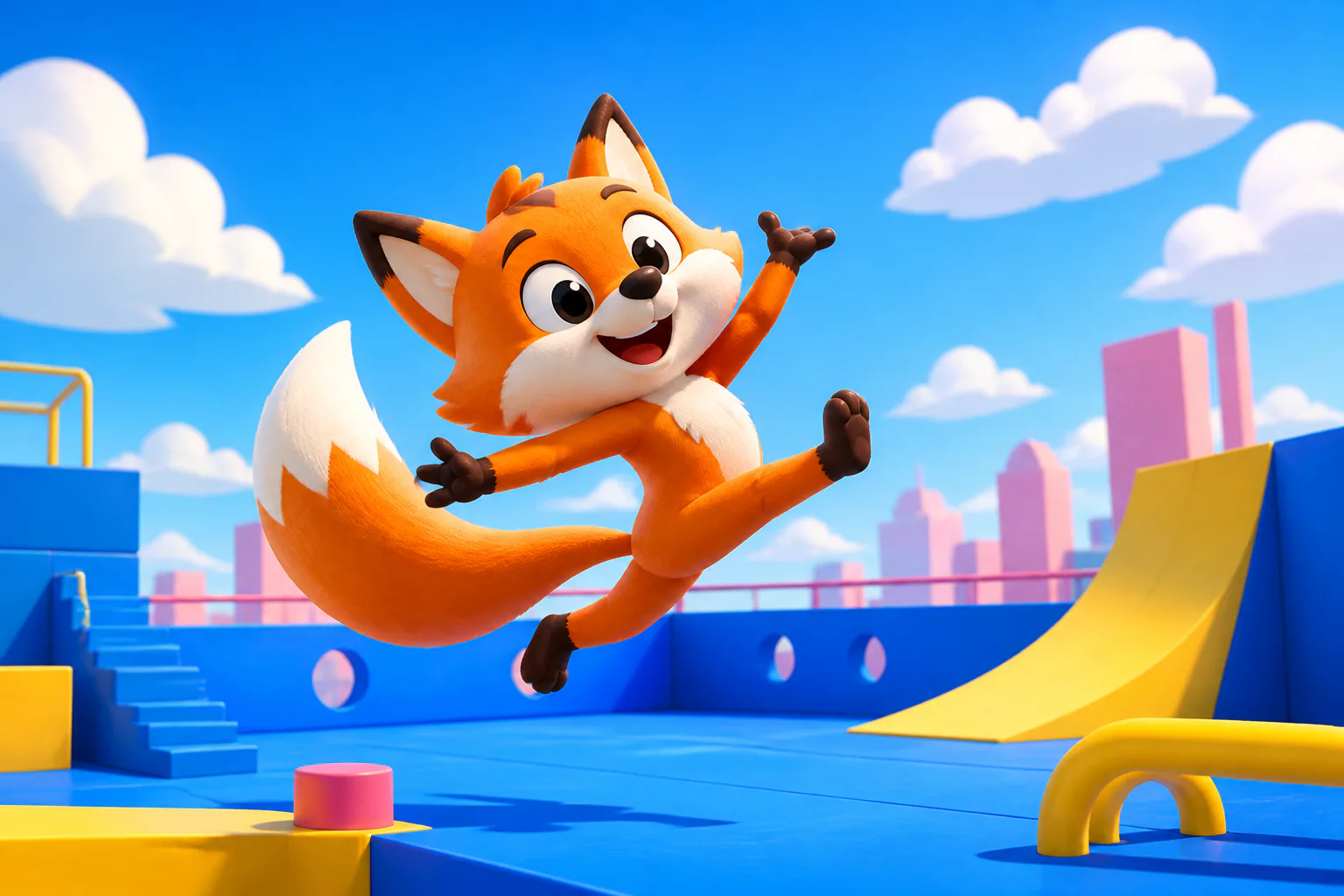
Make your mascot copy a real movement
Choose Move, upload a full-body or three-quarter mascot, and pair it with a short reference clip. A wave, presentation gesture, walk, celebration, or dance is easier to direct when one performer stays visible in a steady shot. The reference supplies motion rather than asking a prompt to invent it.
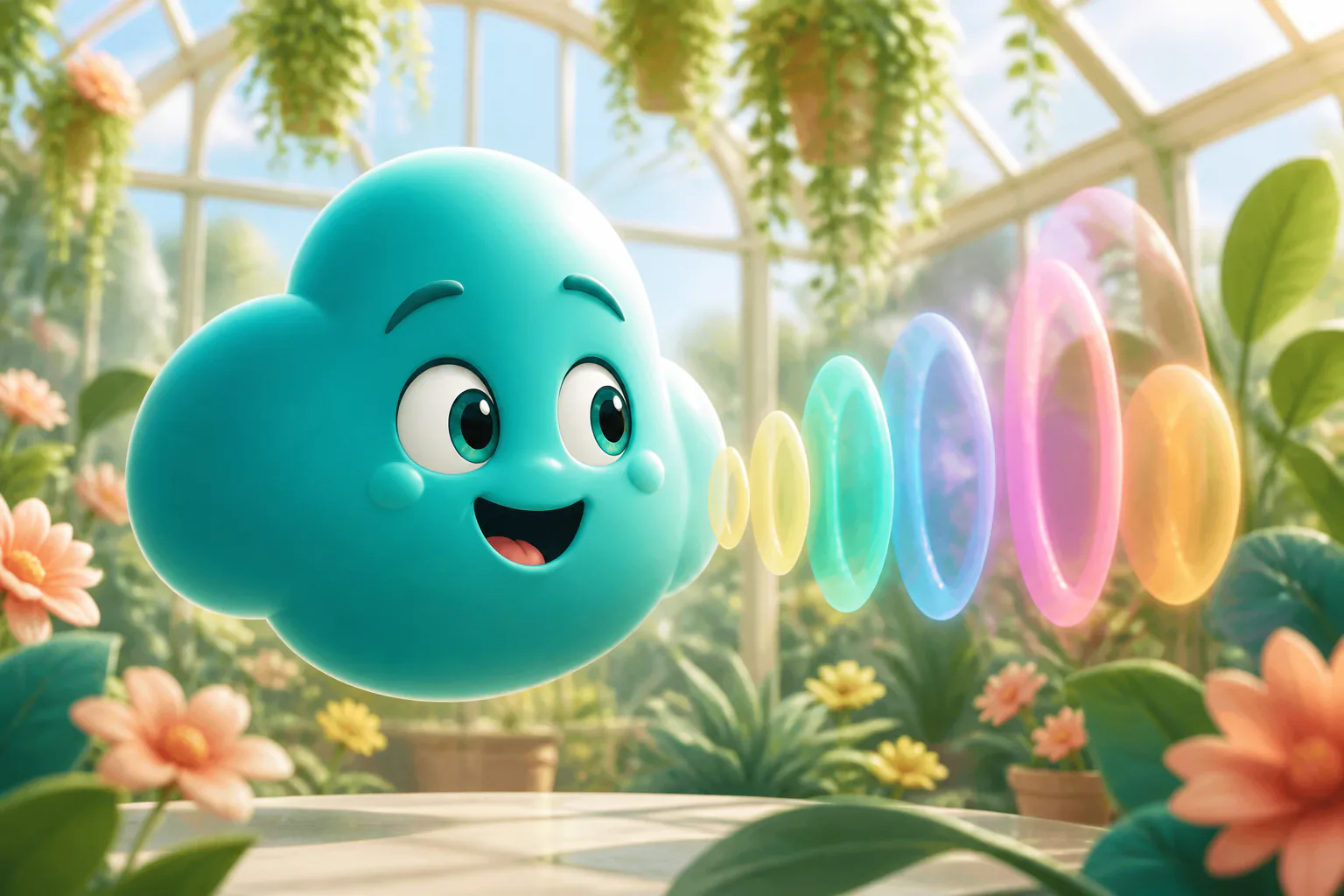
Make your mascot talk from text or audio
Choose Talk for a welcome, feature announcement, holiday message, quick FAQ, or short brand story. Type a reviewed script and select a voice and language, or upload a clean authorized recording when cadence and pronunciation need to remain under your control.
Keep the original character at the center
The existing mascot image remains the visual source in both modes and is carried across the mode switch. Use the same approved file for a series, but review facial features, colors, clothing, proportions, hands, and silhouette after every render because absolute identity locking is not guaranteed.
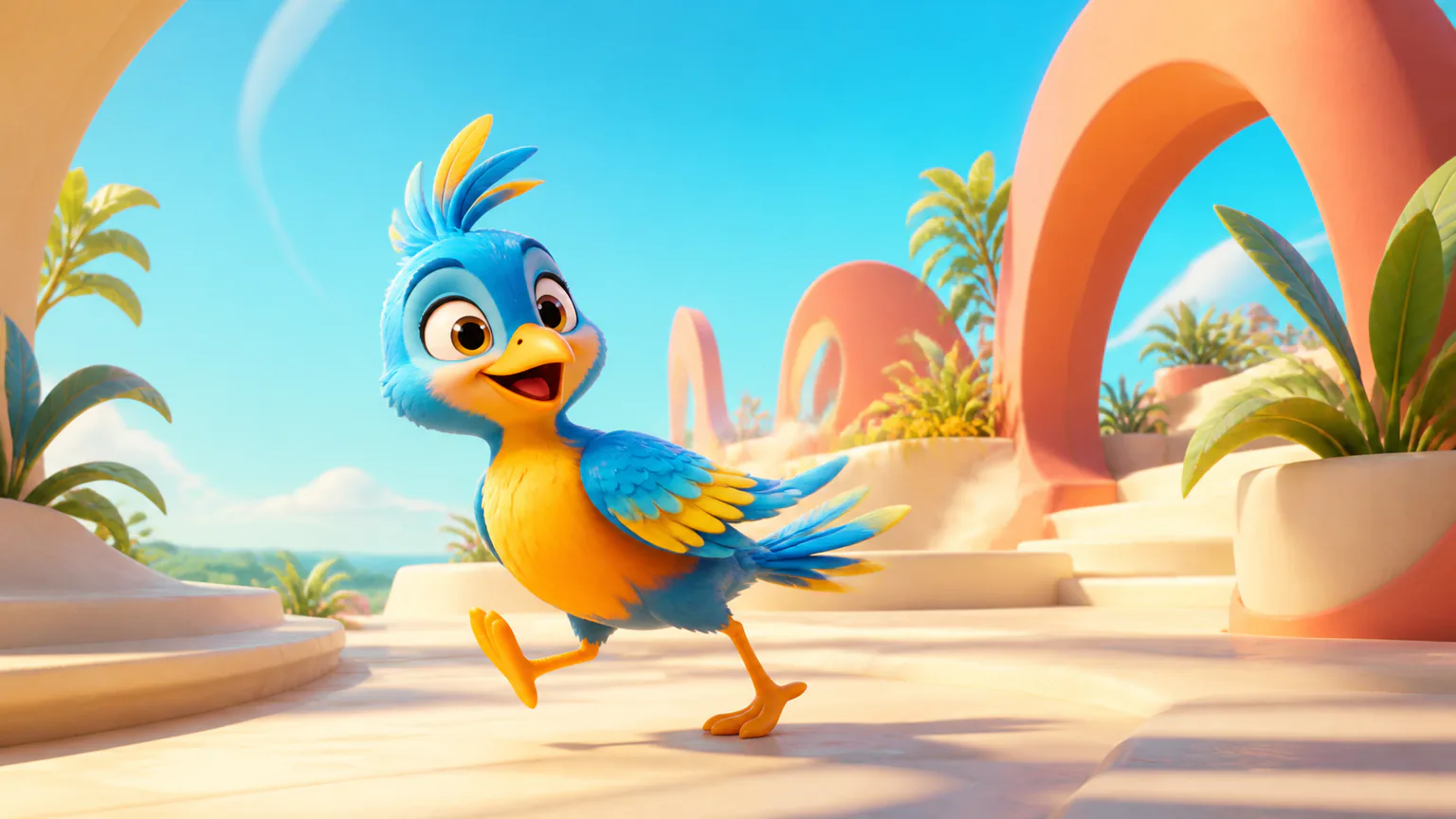
Turn one mascot into a repeatable campaign presence
Build a recognizable rhythm across launches, updates, event greetings, explainers, and short social concepts without rebuilding the character as a rig. The current tool does not save a permanent brand library, so keep the source art, approved scripts, and preferred settings with your campaign files.
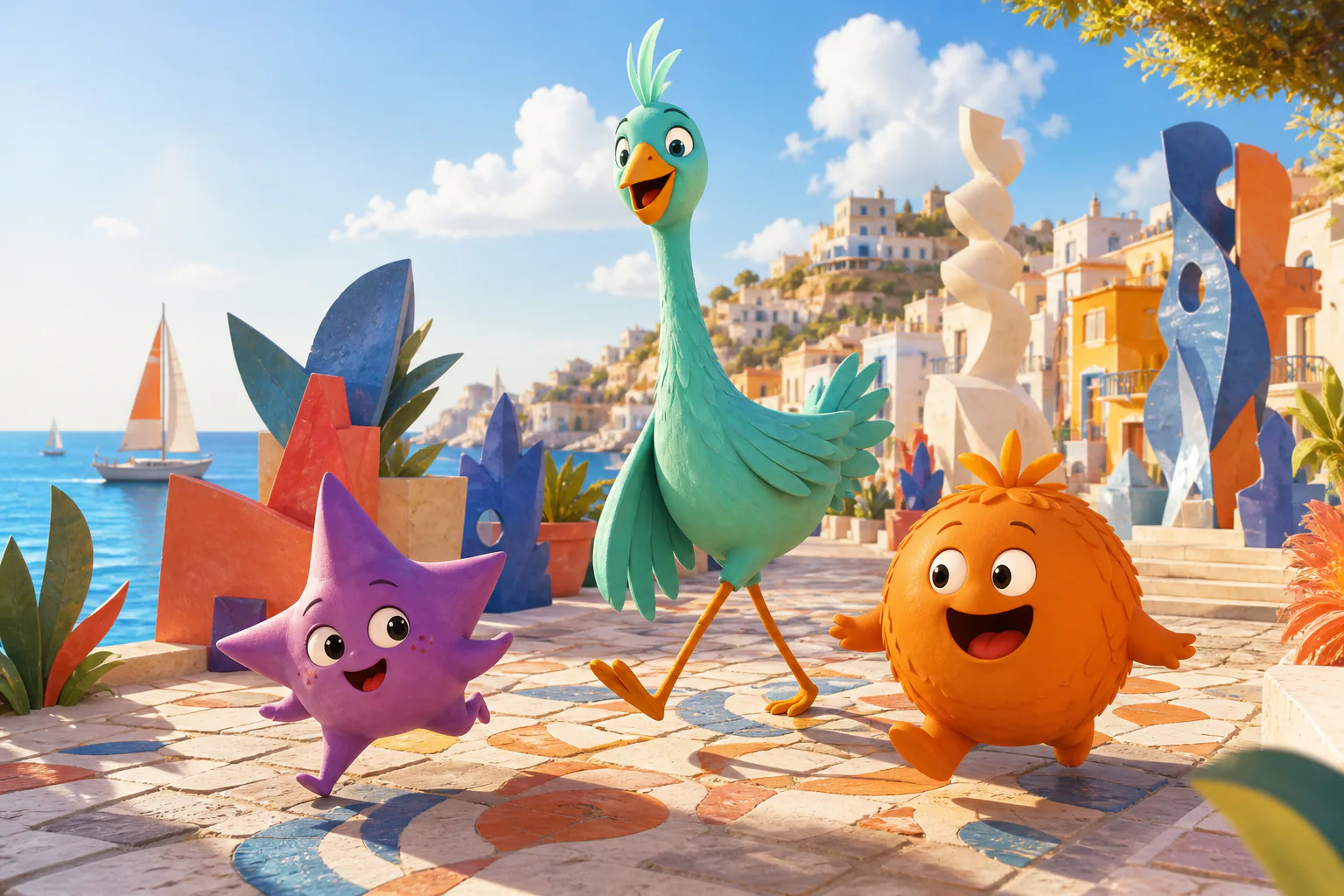
Use the output as a finished take or an editing layer
Download the generated video, inspect the complete action or speech take, and add captions, licensed music, product footage, or brand graphics in your editor. Transparent backgrounds, GIF, WebM, APNG, Lottie, sprite sheets, and automatic logo overlays are not promised by this workflow.
How to animate a mascot without rigging
Begin with clean source art, choose one behavior, and review the full result before it represents the brand.
Upload your existing mascot
Use a permitted image with a clear silhouette and simple background. Show the full body for movement, or one readable face and mouth for speech.
Add reference motion, text, or audio
Choose Move for a 3–30 second reference action. Choose Talk for a reviewed script and generated voice, or one clean authorized speech recording.
Generate, inspect, and download
Review colors, face, proportions, hands, mouth timing, movement, and framing. Regenerate from a cleaner pairing before adding the video to a campaign edit.
Brand mascot animation ideas
Use one character for clear, repeatable actions and messages that match the current video workflow.
Product launches and feature announcements
Let the mascot welcome the audience, deliver one approved feature message, or copy a presentation gesture. Add accurate product screens and pack shots later; the generator does not make the mascot hold or point to an uploaded product.
Social celebrations and seasonal greetings
Use a wave, simple dance, celebration, or short spoken greeting for Reels, Shorts, TikTok, event screens, and community posts. Match the image and reference orientation so the full action remains inside the final frame.
Brand stories, explainers, and quick FAQs
Give an approved mascot a concise narration for a brand origin, educational point, service introduction, or frequently asked question. Keep claims verifiable and label synthetic character speech appropriately for the publishing context.
Workflow essentials for AI Mascot Animation Generator
Inputs, recommended setup, and the most common fixes—summarized in one compact guide.
Inputs and setup
- One authorized JPG, JPEG, or PNG character image; Built-in action or one 3–30 second MP4 or MOV reference.
- Talk input: Typed text, or 1–120 second MP3, WAV, or M4A speech audio.
- 720p or 1080p selected before generation; Account and credits required; rendered downloadable video.
- Use approved art with a sharp face, clear silhouette, simple background, and enough space around visible limbs.
Two quick fixes
AI Mascot Animation Generator FAQ
What is an AI mascot animation generator?
Do I need to create a new mascot first?
How do I animate my existing mascot from a reference video?
Can I make my mascot talk from text or audio?
Which mascot images work best?
Will the animation keep my mascot recognizable?
Do I need a rig, 3D model, or animation software?
What video formats and resolutions are available?
Can I use the output for brand and commercial content?
Is this a real-time website mascot or a downloadable video generator?
Let your existing mascot make its next appearance
Choose Move for a clear reference action or Talk for an approved script or recording, then review the full generated take before it represents your brand.