
AI Cartoon Lip Sync
Give Your Cartoon a Voice
Choose a character
Start with a presenter, stylized character, or mascot.
Optional visual direction for how the person should behave while speaking.
Use the visual prompt without automatic expansion.
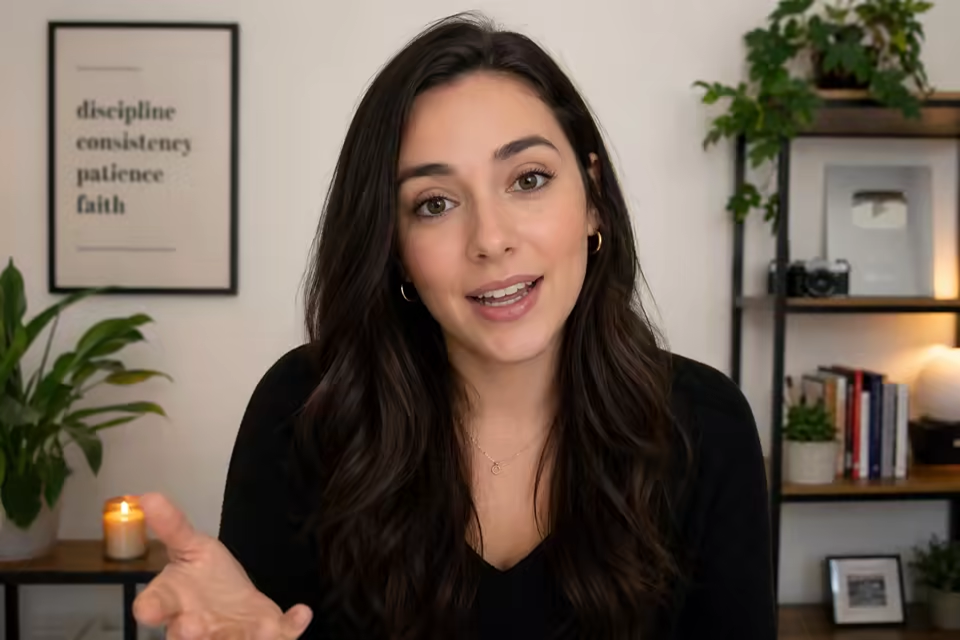
Create cartoon dialogue without a talking reference video
The image workflow lets you start from one cartoon portrait and drive the performance with a script or clean audio. When you already have an animation clip, PixVerse Lip Sync can align its visible mouth movement with replacement speech.
Results vary with highly stylized face shapes, so a clear forward-facing mouth and a short test clip are recommended.
Cartoon lip-sync capabilities
Use one unified form for still artwork and finished animation footage.
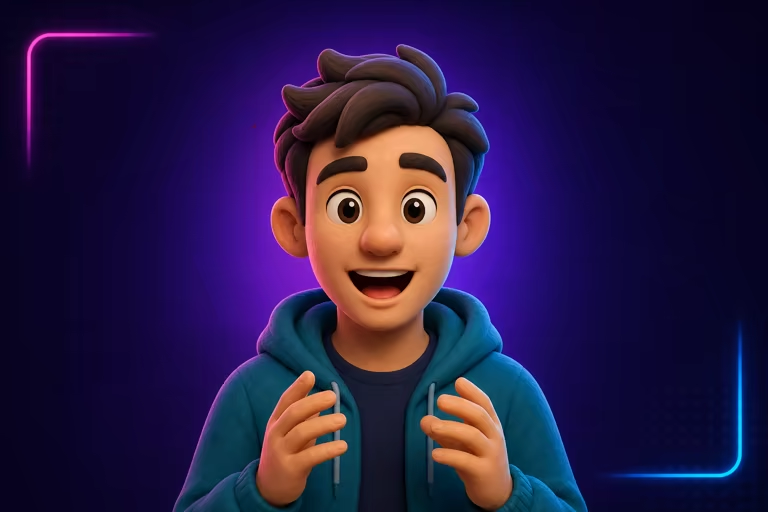
Still artwork to talking video
Animate a single permitted illustration, avatar, mascot, anime, or 3D-style portrait.
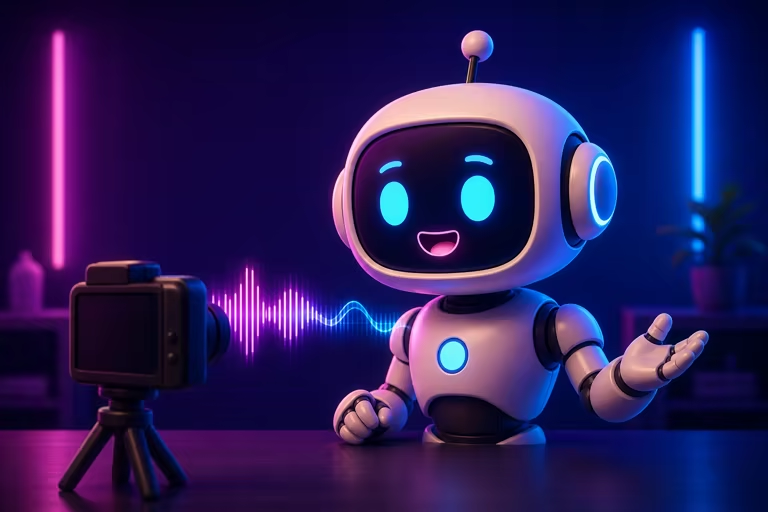
Existing animation dubbing
Synchronize a rendered cartoon clip with new audio without preparing a human motion reference.
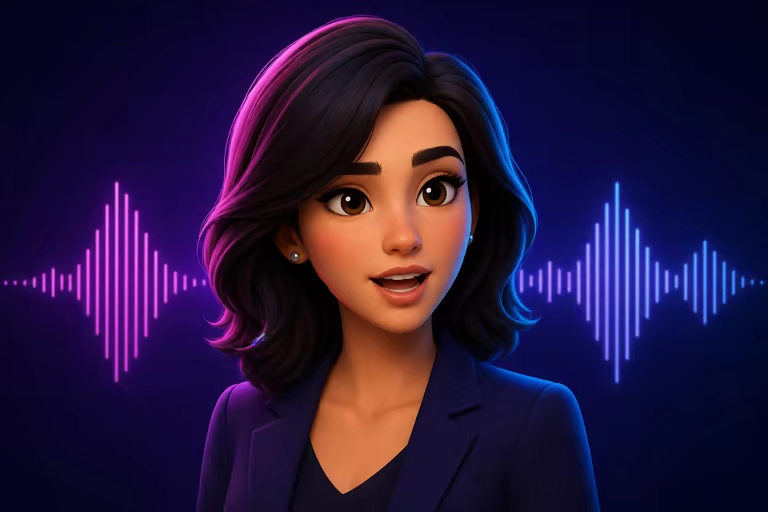
Script and language options
Generate speech from text in photo mode or upload a recorded character voice.
How to make cartoon character lip-sync videos
Choose the workflow that matches the media you already have. The form changes automatically with the selected model.
Upload a photo or choose video mode
Start with a clear cartoon character image for P Video Avatar, or switch to PixVerse Lip Sync when you already have a source video.
Add speech
Upload clean audio, or use the photo workflow to write a script and choose a generated voice and language.
Generate and review
Create the video, check mouth timing and identity consistency, then download the finished MP4.
Cartoon lip-sync ideas
Build short dialogue-first animation for creators, brands, and storytellers.
Animated social posts
Create reaction clips, jokes, announcements, and short character monologues.
Brand mascots
Turn a permitted mascot into a repeatable presenter for campaigns and explainers.
Story and game prototypes
Test character dialogue before committing to a full animation production pipeline.
Workflow essentials for AI Cartoon Lip Sync Generator
Inputs, recommended setup, and the most common fixes—summarized in one compact guide.
Inputs and setup
- P Video Avatar — portrait image plus script or audio; PixVerse Lip Sync — existing video plus uploaded audio.
- Image formats: JPG, JPEG, PNG, and WebP.
- Uploaded audio, or script and generated voice in photo mode; 720p or 1080p MP4, selected before generation.
- Use a front-facing cartoon character with a visible mouth and minimal obstruction.
Two quick fixes
AI Cartoon Lip Sync Generator FAQ
Can I start from a single image?
Can I lip-sync an existing video?
Do I need to record my own voice?
Which model should I choose?
What images work best for cartoon characters?
Are the preview videos actual model examples?
More tools in AI Lip Sync Generator
Compare other focused workflows in the same AI Lip Sync Generator collection.
View AI Lip Sync Generator
Create your cartoon character lip-sync video
Start from a photo or an existing video, add speech, and generate the synchronized result in the same form.