
AI Cat Dance Video GeneratorMake Your Cat Dance with AI
Use a clear full-body or three-quarter cat image with the face, body, paws, and tail visible. Upright or dressed cats usually follow human dance references more predictably.
Choose one clearly visible dancer in a steady, single-shot clip. A short reference with complete movement and limited occlusion is easier to transfer to a cat.
Upload the character image and motion reference together before generating.
Match orientation in the video. Recommended.
Choose whether the generated background follows the reference video or the character image.
Optional. Motion comes from the video; prompt refines the look.
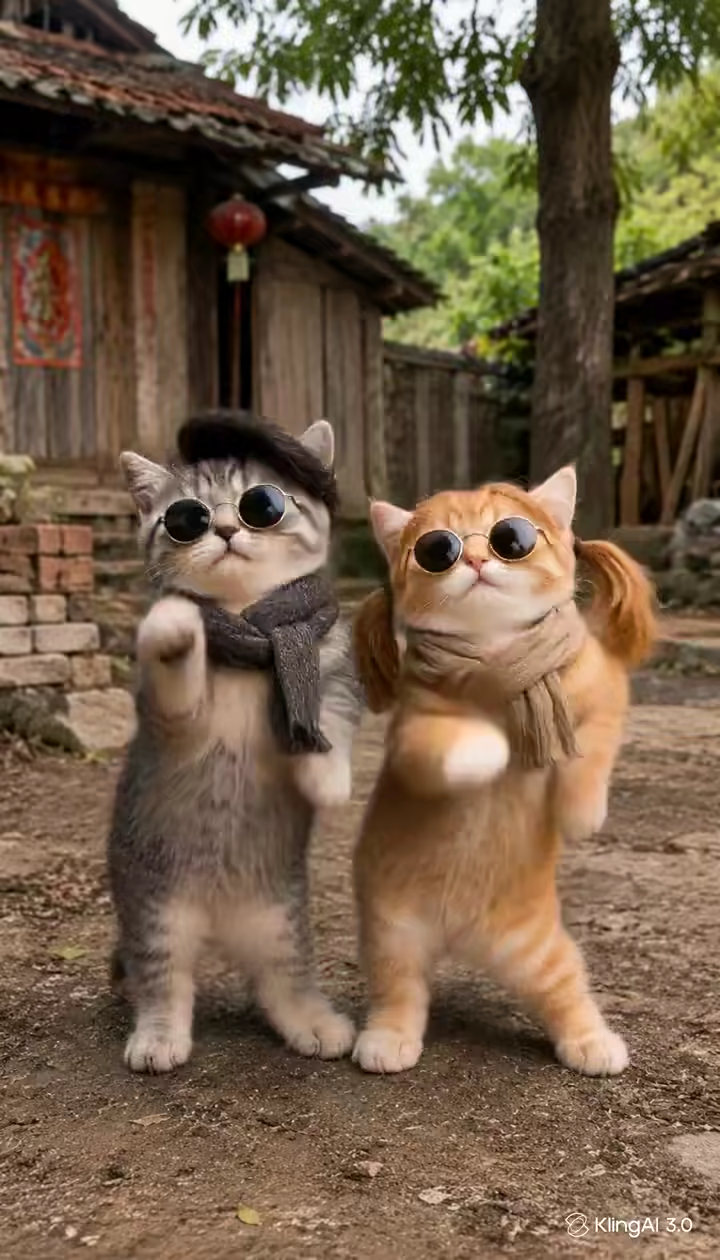
What this AI Cat Dance Video Generator page creates
This AI cat dance video generator combines one cat image with one short reference clip. The image defines your cat, while the reference supplies the visible dance sequence, body timing, turns, gestures, and performance rhythm.
Reference-driven motion is more controllable than asking a general image animator to make a cat move. Results still depend on the pose match and source quality, so start with a short, clearly framed dance and review paws, tail, face, fur, and body proportions before publishing.
Turn a cat photo into a controlled dance video
Use your own cat image, choose the choreography, and guide the scene without manually rigging or animating a character.
Make your own cat dance from a photo
Upload a permitted photo of your own cat instead of generating a random pet. A clear face, recognizable markings, visible body, and enough space around the paws and tail give the model stronger identity cues.
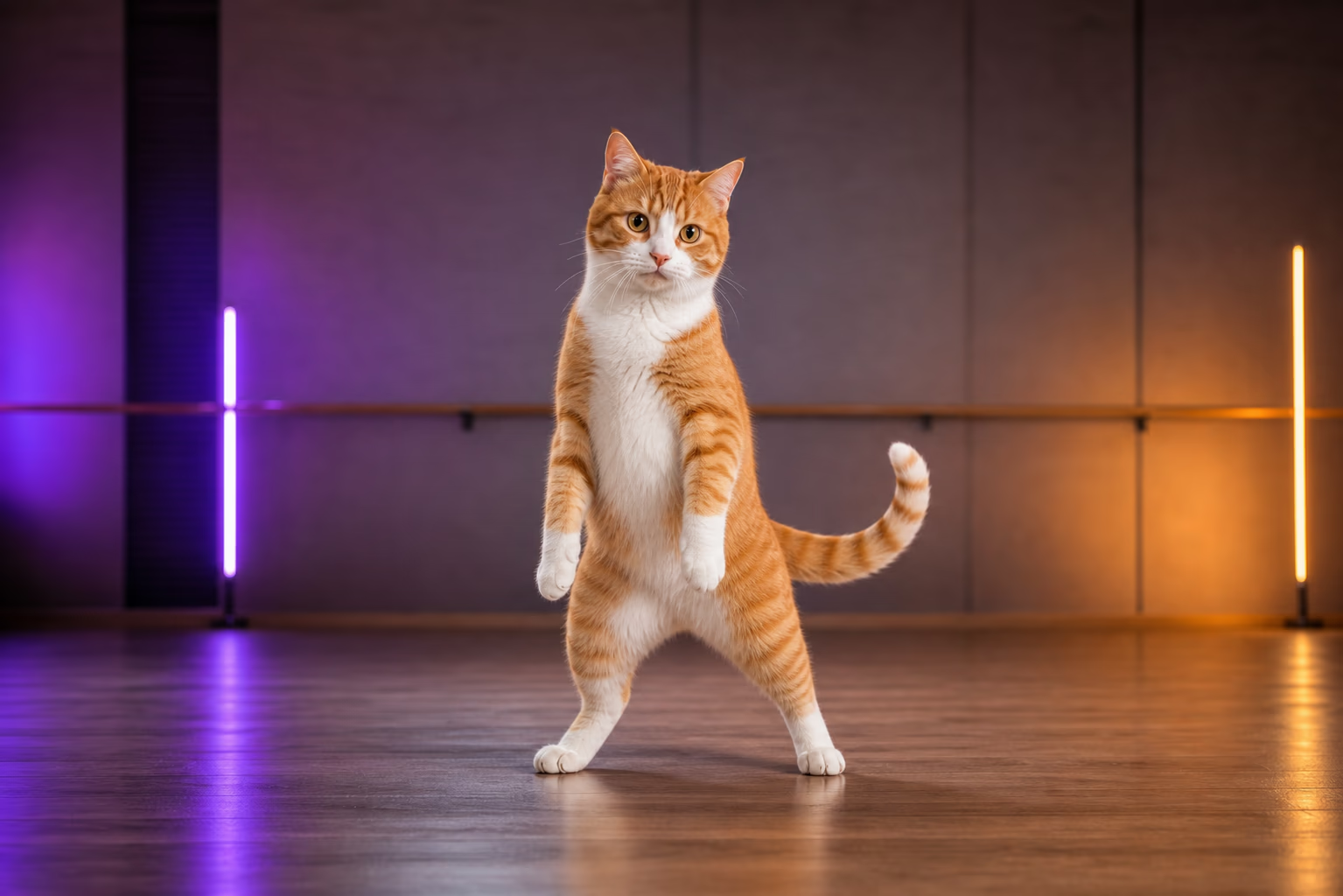
Transfer a reference dance, not a random wiggle
Select a built-in dance or upload a short reference video. Motion control follows the visible order and timing of the reference choreography instead of inventing an unrelated generic animation.
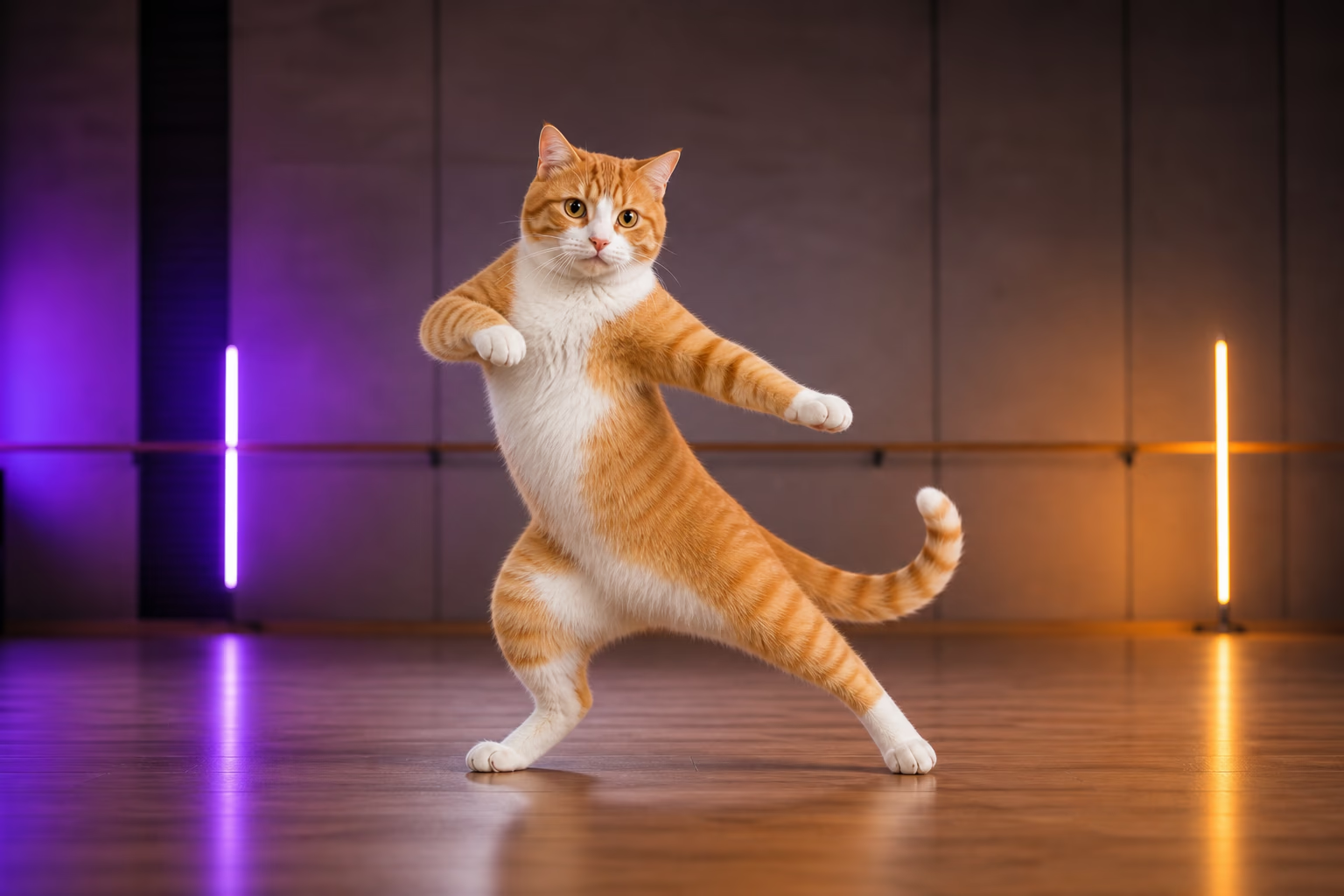
Guide paws, fur, costume, and camera consistency
Use the optional scene direction to request stable framing, natural paws, consistent fur markings, and controlled costume motion. Always review the rendered video because complex crossings and fast turns can still deform animal anatomy.
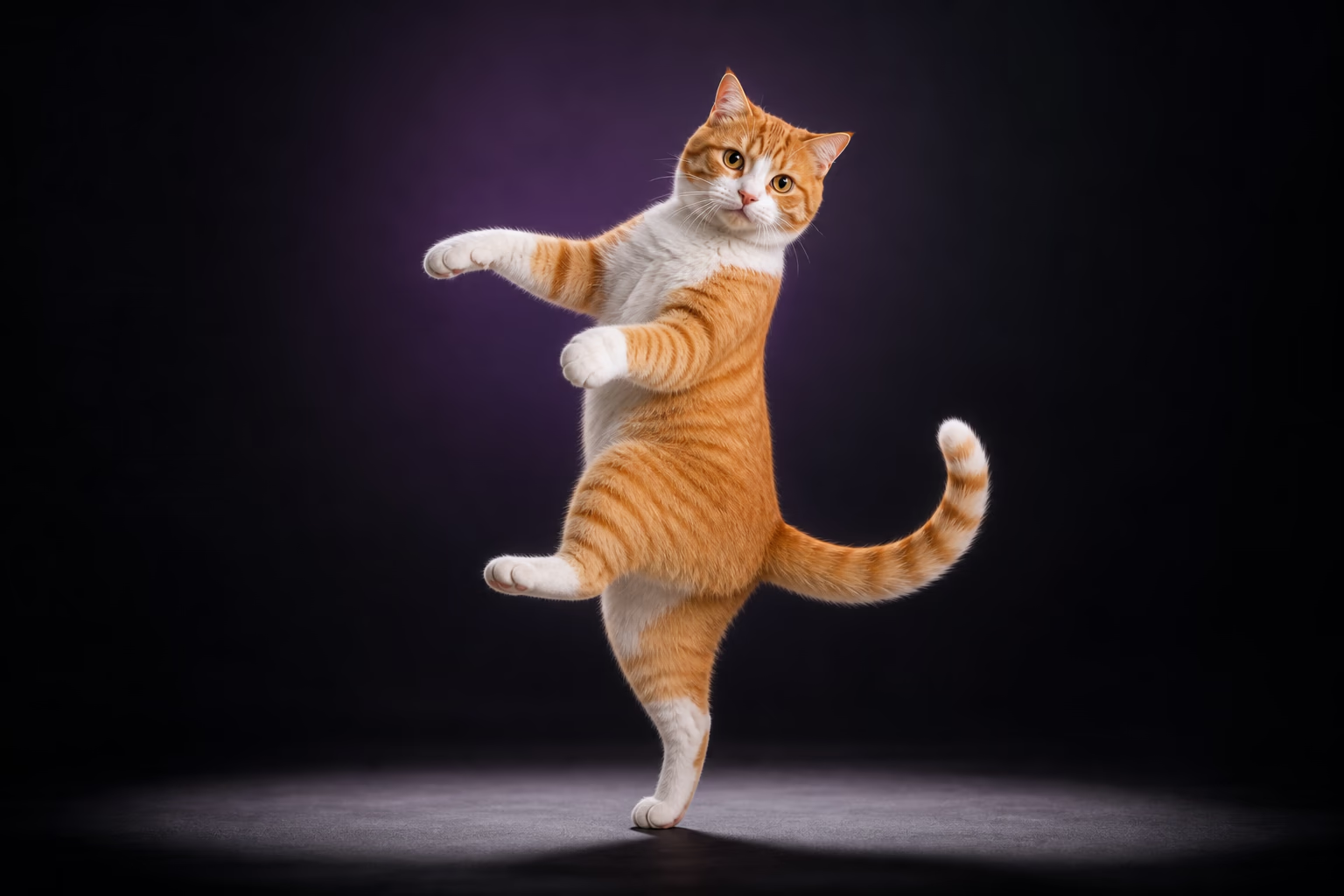
Create vertical cat dance videos for social posts
Pair a vertical cat image with a vertical reference to plan a short AI cat dance video for TikTok, Instagram Reels, or YouTube Shorts. Preview the crop before adding captions or licensed music in your editor.
Try realistic, dressed, or stylized dancing cats
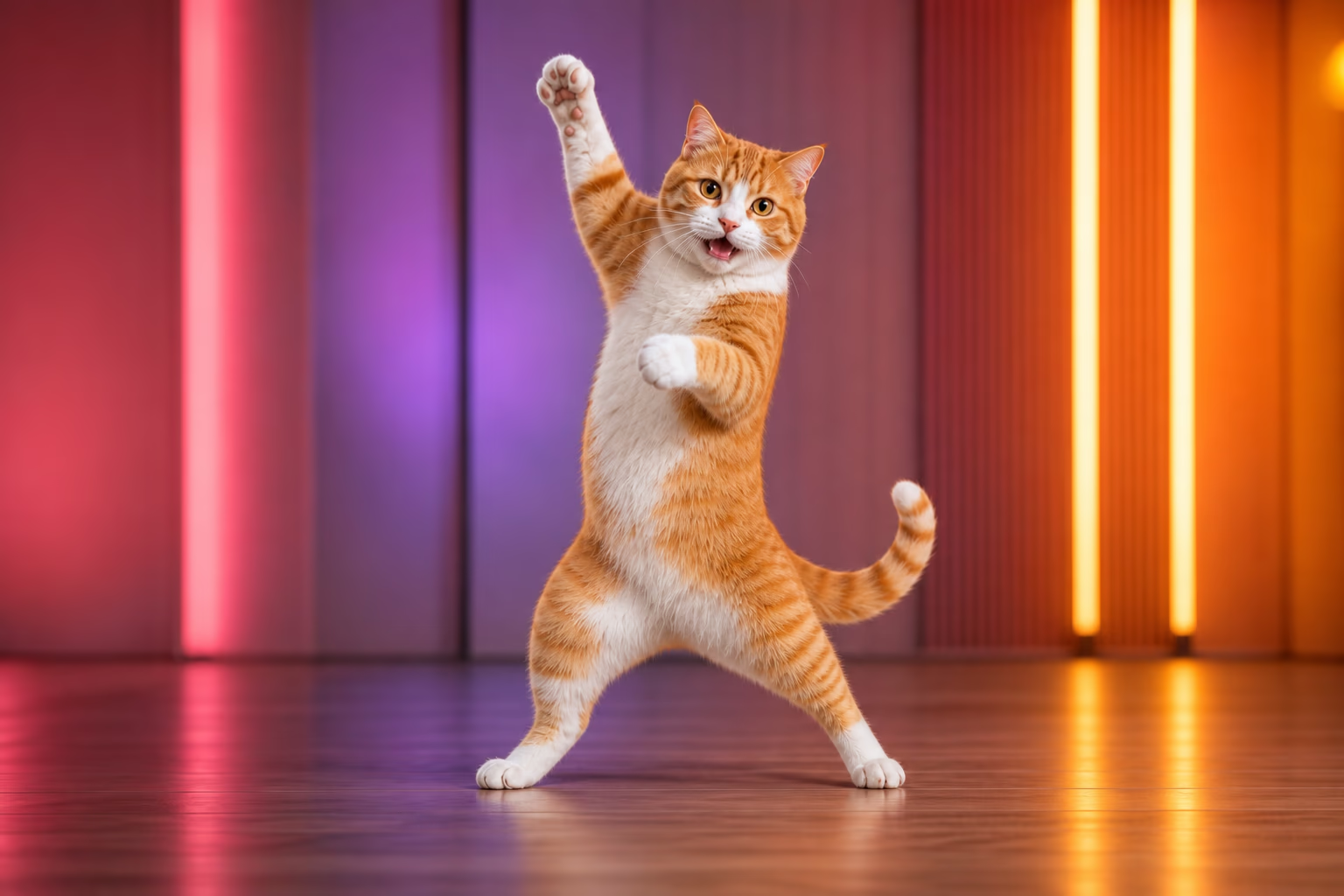
Photorealistic cats, dressed cats, illustrated pets, and humanoid cat mascots can all be tested. Upright characters with visible limbs usually match human choreography more directly than tightly cropped four-legged poses.
How to make your cat dance with AI
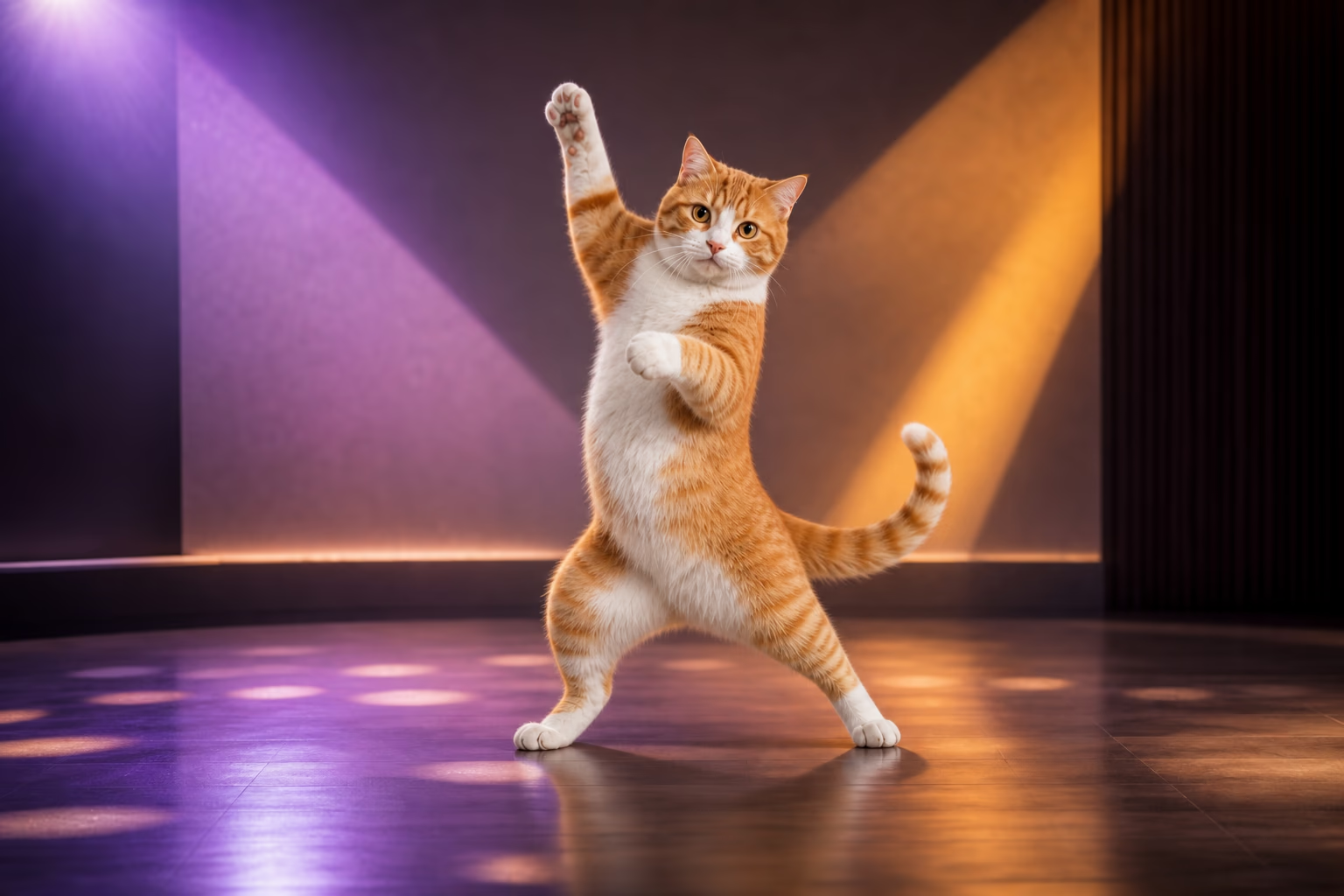
Start with a simple source pair, generate one short test, and refine the inputs if the anatomy or timing drifts.
Upload a clear cat photo
Choose a permitted image with the cat in focus, a simple background, and the face, torso, paws, and tail visible whenever possible.
Choose or upload a reference dance
Use one dancer, a steady camera, a short single shot, and movement that stays inside the frame. Avoid cuts, heavy occlusion, and extremely fast spins for the first test.
Generate, review, and download
Check the face, markings, paws, tail, body scale, and dance sequence. Regenerate with a cleaner image or simpler reference before sharing the final video.
AI dancing-cat video ideas
Use the same photo-to-dance workflow for personal pet clips, creator formats, or short brand content.
TikTok, Reels, and Shorts
Recreate a short reference move with your cat for a vertical social post, then add platform-safe music, captions, and timing in your editor.
Cat dance memes and greetings
Make a funny cat dance video for a birthday, reaction, group chat, pet-account post, or playful celebration without filming the real animal performing.
Pet creators and small brands
Test a recognizable cat, pet mascot, or fictional feline character in repeatable short-form concepts for a cat cafe, pet shop, or pet-product account.
Workflow essentials for AI Cat Dance Video Generator
Inputs, recommended setup, and the most common fixes—summarized in one compact guide.
Inputs and setup
- One JPG, JPEG, or PNG image; One MP4, MOV, or supported video clip.
- Reference length: 3–30 seconds, depending on model mode.
- Kling 2.6 Motion Control and Kling 3.0; Rendered character video in 720p or 1080p.
- Keep the cat sharp, well lit, and separated from a busy background.
Two quick fixes
AI Cat Dance Video Generator FAQ
How do I make my cat dance with AI?
Can I use a photo of my own cat?
What kind of cat photo works best?
Can I upload my own reference dance video?
Will my cat follow the exact choreography?
Is the AI cat dance video generator free?
Can I make an AI cat dance video for TikTok?
Does the generated cat dance video include music?
Are AI cat dance videos copyright-free?
Can I create a dancing-cat GIF?
Can I make dogs or other pets dance?
Make your cat dance with a reference video
Start with a clear cat photo and a short, steady dance clip, then review the anatomy and timing before sharing.