
AI Cartoon Lip SyncMake Any Cartoon Character Talk
Use an original or permitted 2D, 3D, illustrated, or mascot character with a clear face and mouth.
Use one visible speaker and keep the voice or audio you want in the source video; no separate audio upload is required.
Upload the character image and motion reference together before generating.
Match orientation in the video. Recommended.
Choose whether the generated background follows the reference video or the character image.
Optional. Motion comes from the video; prompt refines the look.
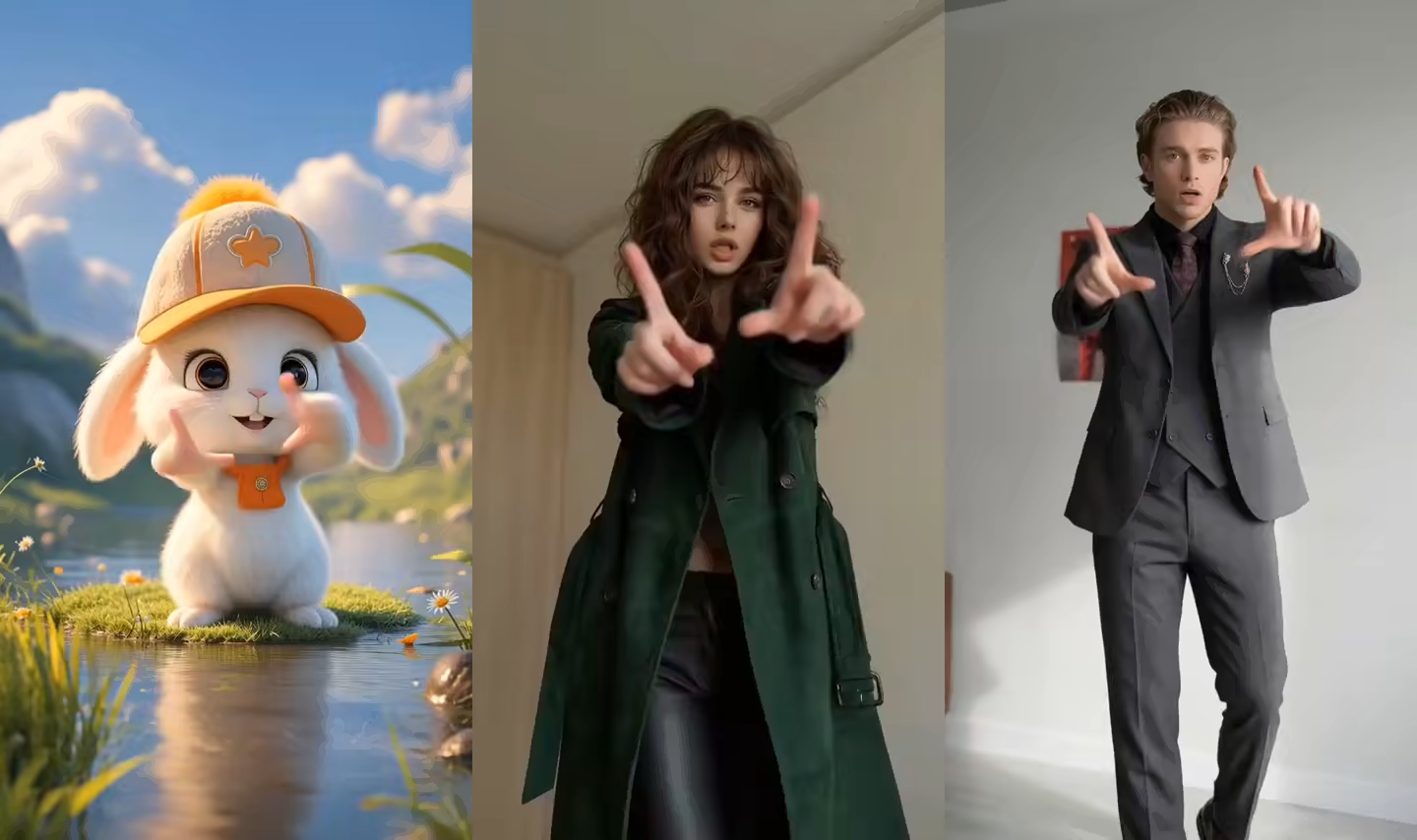
What this cartoon lip sync generator creates
This workflow turns a still cartoon image into a rendered talking-character video. The image supplies character identity and art style, while the talking reference supplies visible mouth shapes, facial energy, head movement, gestures, pauses, and delivery timing.
The source audio travels with the talking reference and remains available in the generated result, so you do not need to upload a second audio file. This is performance transfer for one character, not an editable mouth rig, phoneme timeline, or multi-character animation project.
Cartoon character lip sync from one image
Create a complete talking-cartoon performance from a readable character design and a short single-speaker reference.
Cartoon character lip sync from a talking video
Upload one cartoon character image and one talking reference. The model transfers visible mouth movement, expression, head motion, gestures, posture, and performance timing into a new character video.
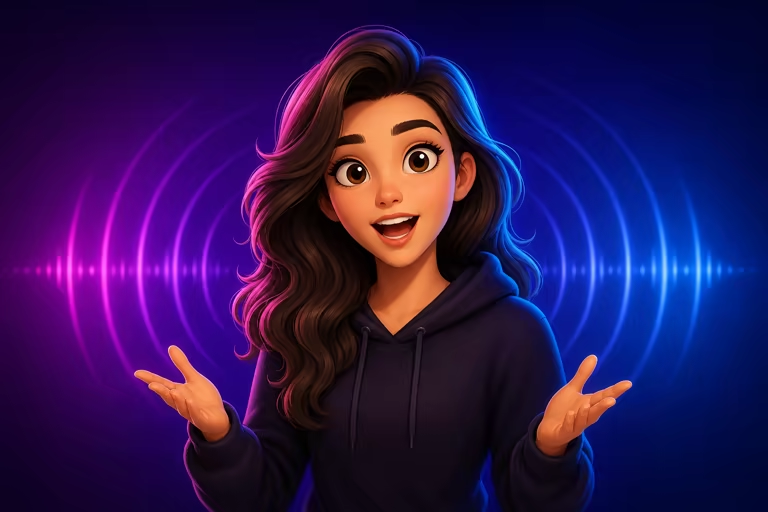
Keep the voice and audio from the reference
The talking reference carries both the visible performance and its existing audio. Prepare the voice, dialogue, or soundtrack in that video first; the generator does not require a separate audio upload.
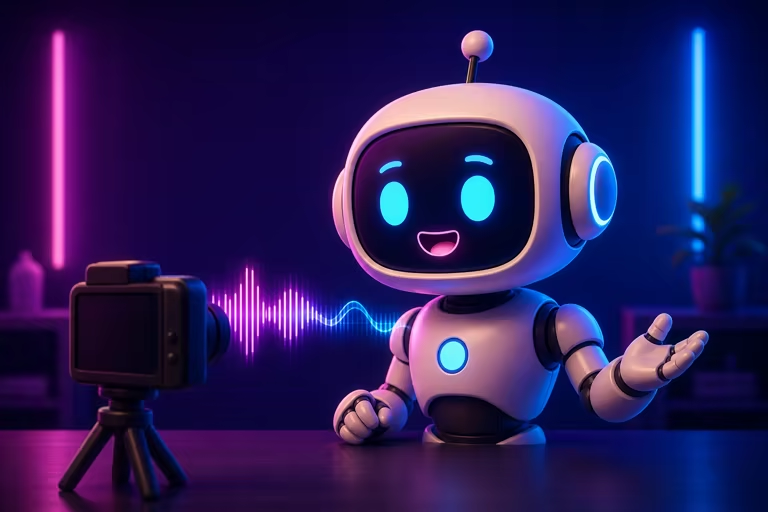
2D, 3D, mascot, and illustrated characters
Animate a readable 2D cartoon, polished 3D character, brand mascot, game-style figure, or original illustration. A clear humanoid face and body structure are more important than one specific visual style.
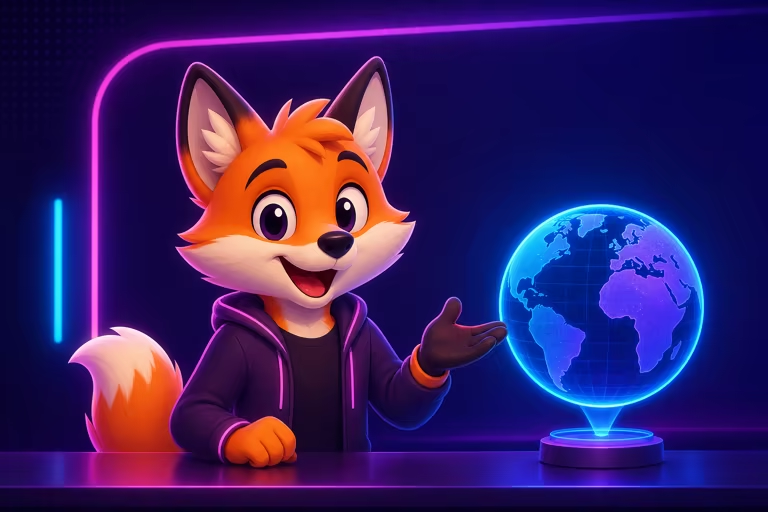
Match the character to a clear presenter
Use a front-facing speaker with one uninterrupted shot, a readable mouth, moderate head turns, and hands that do not repeatedly cover the face. Similar image and reference framing improves the first test.
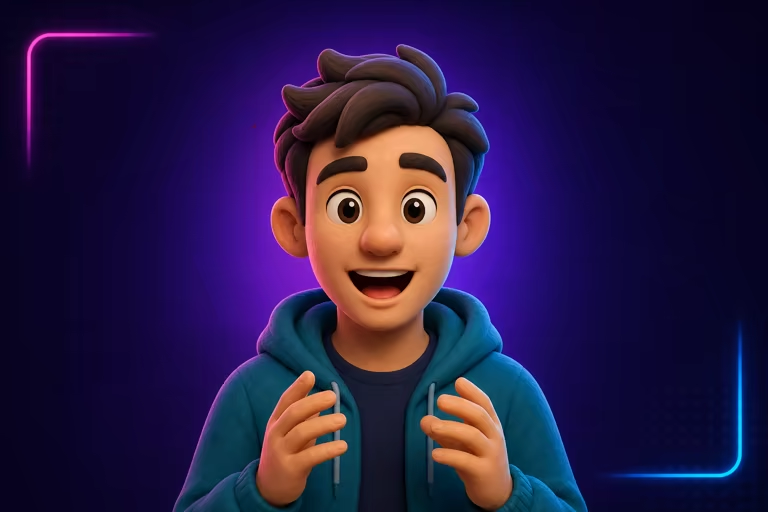
Review mouth, identity, hands, and timing
Inspect teeth, tongue, lip edges, eye direction, face identity, fingers, and the timing between the visible delivery and source audio. Short clips make problem sections easier to isolate and regenerate.
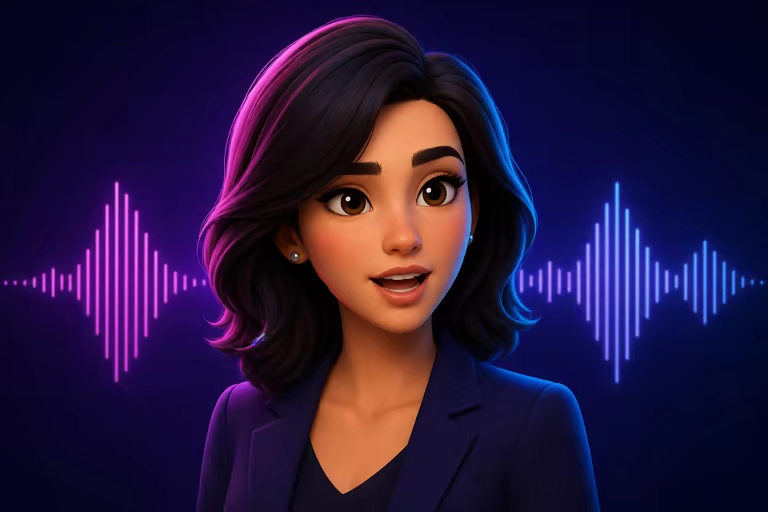
Make a cartoon character talk in three steps
Pair one clear character image with one short talking performance that already contains the audio you want.
Upload a cartoon character image
Choose an original or permitted 2D, 3D, mascot, or illustrated character with a visible mouth, eyes, head, shoulders, and hands.
Add a talking video with audio
Use one front-facing speaker in a steady 3–30 second clip. Keep the desired dialogue, voice, or soundtrack in the reference itself.
Generate and review the result
Check mouth motion, character identity, gesture timing, hands, and source audio before downloading or editing the final cartoon clip.
AI cartoon lip sync video ideas
Build short character-led videos around a prepared single-speaker performance.
Cartoon narrator and animated story
Turn a recorded line into a character monologue, short story scene, reaction, greeting, or animated social post.
Mascot presenter and brand explainer
Give a permitted brand mascot a complete presenter performance for onboarding, announcements, product explainers, or campaign content.
Education and game-character dialogue
Create a rendered teacher, guide, NPC-style message, or fictional host without building a reusable 2D or 3D facial rig.
Workflow essentials for AI Cartoon Lip Sync Generator
Inputs, recommended setup, and the most common fixes—summarized in one compact guide.
Inputs and setup
- One JPG, JPEG, or PNG image; One MP4, MOV, or supported video clip.
- Reference length: 3–30 seconds, depending on model mode.
- Kling 2.6 Motion Control and Kling 3.0; Rendered character video in 720p or 1080p.
- Use one sharp cartoon character with an unobstructed mouth, eyes, head, shoulders, and hands.
Two quick fixes
AI Cartoon Lip Sync Generator FAQ
How do I make a cartoon character lip sync with AI?
Do I need to upload a separate audio file?
Can I lip sync a 2D or 3D cartoon character?
Is the cartoon lip sync generator free online?
Can I use my own talking reference video?
Does it support several talking characters?
Does it generate voices or translate dialogue?
Make your cartoon character talk
Start with one readable character image and a short talking video that already contains the audio you want.