
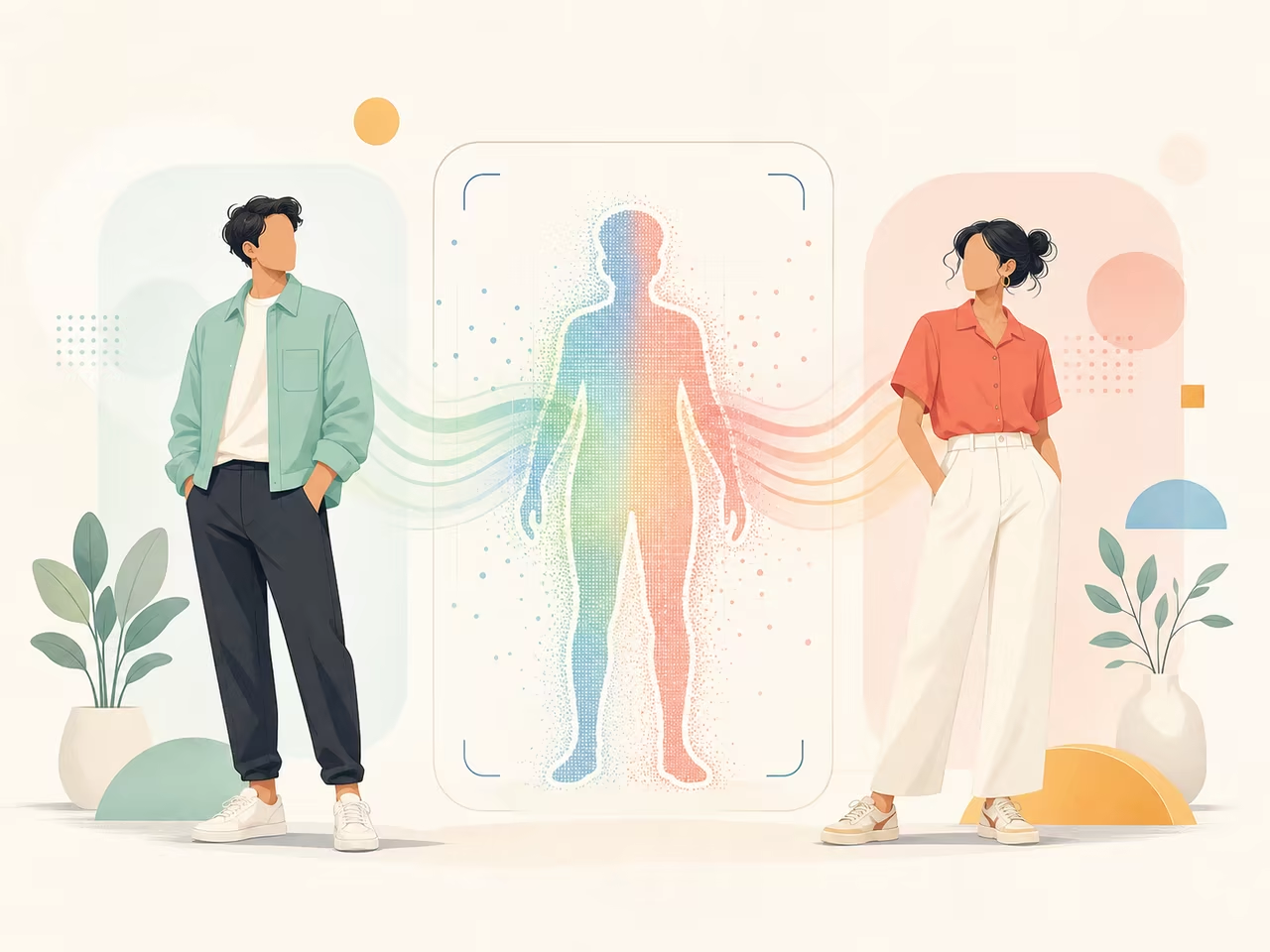
AI Body Swap for TikTok: How to Create Viral Content That Actually Works
A practical guide to making AI body swap videos for TikTok — what types of content perform best, how to prepare your shots, and how to avoid the mistakes that get your video scrolled past.
AI body swap is the fastest way to put yourself into a scene you could never shoot in real life — a celebrity dance clip, a movie fight scene, a viral meme format. The technology is straightforward: upload a photo of yourself and a target video, and the AI replaces the body in the video with your likeness.
But straightforward technology does not mean straightforward results. Scroll through TikTok and you will see the same pattern: some body swap videos get millions of views while others die at 200. The difference is rarely the tool. It is almost always the idea, the shot selection, and how well the swap holds up under scrutiny.
This guide focuses on one thing: making AI body swap videos that people actually watch, share, and follow you for.
Content formats that actually work on TikTok
Before you open any tool, decide what kind of video you are making. Body swap is a technique — it is not a content category. Here are the formats where body swap consistently outperforms other approaches:
1. The "impossible reaction" — take a known clip, insert yourself
Take a viral video format where the reaction is the joke — someone falling, a dramatic stare, an over-the-top celebration — and put yourself in place of the original person.
Why it works: The viewer recognizes the original clip immediately. Seeing a stranger replace the original person creates cognitive dissonance that stops the scroll. The video is familiar enough to register instantly but novel enough to hold attention.
What to pick: Clips where one person dominates the frame, the camera is static or slow-moving, the action is 5-8 seconds, and the body is fully visible. Avoid fast cuts, group shots, or anything where the original face needs to be preserved for the joke to land.
Example: Take a clip of a basketball player's victory reaction, swap in your face/body, and add the caption "When the group project is finally done." The humor comes from the mismatch between the dramatic reaction and the mundane context.
2. The "character takeover" — become a character you clearly are not
Put yourself into a scene where the contrast between who you are and what you are doing is the entire joke. A gym fail video with an obviously non-athletic person. A professional dance clip with someone who cannot dance.
Why it works: The viewer immediately spots the contradiction. It generates the "wait, what?" reaction that drives comments and shares.
What to pick: Scenes where the original person's identity matters less than the action they are performing. The swap should be obvious — if it looks too real, the joke disappears.
3. The "skill flex" — do something you cannot actually do
Use body swap to make yourself perform a skill you do not have — a backflip, a dance move, a skateboard trick — and play it completely straight, as if you actually did it.
Why it works: The viewer spends the first watch trying to figure out if it is real. By the time they realize it is AI, they have already watched the video twice. That watch time signals the algorithm to push it further.
What to pick: Single, clean athletic movements. A single backflip works better than a 30-second gymnastics routine. The shorter and cleaner the motion, the less time the AI has to produce visible artifacts.
4. The "trending format" — ride an existing wave
Find a TikTok trend where the format is established — specific music, specific caption style, specific camera angle — and use body swap to add a twist that no one else can replicate.
Why it works: Trending audio and formats get algorithmic distribution. The body swap element gives viewers a reason to watch your version instead of the thousands of others.
What to pick: Trends where the visual component is simple and repeatable. Trends built around a specific physical action are ideal because body swap can replicate the action while swapping in your identity.
Preparing your source image for body swap
The source image is your face and body on a clean background. The quality of this image determines about 70% of your final result. Here is exactly what matters:
Lighting: flat and even beats dramatic every time
Dramatic side lighting looks great in photography. In body swap, it creates a mismatch with the target video's lighting that the AI cannot resolve. The result is a face that looks pasted on.
Shoot your source image in soft, diffused light from the front. A window on an overcast day is ideal. If you are using artificial light, bounce it off a white wall or ceiling rather than pointing it directly at yourself.
Pose: match the target video's first frame
Stand or pose in a position that is as close as possible to the first frame of your target video. If the target video starts with the person standing straight and facing forward, your source photo should be standing straight and facing forward. If the target person is sitting, sit. If they are holding their arms out, hold your arms out.
The AI has to map your pose onto the target pose. The closer they are to begin with, the less distortion you get.
Clothing: fitted, solid, high-contrast against the background
The same rules from Motion Control apply here but are even more important because body swap replaces the entire body, not just transfers motion.
- Fitted clothing with clean silhouettes
- Solid colors that contrast with your background
- No logos, text, or complex patterns — they warp and smear
- Shoes matter if the target video shows feet — barefoot or simple sneakers work best
Background: remove it before uploading
If your source image has a busy background, the AI has to figure out what is you and what is not. Use a plain wall, or remove the background with a tool like remove.bg before uploading. A clean cutout gives the model less work to do and produces a cleaner swap.
Resolution: more is better, but do not upscale a bad photo
Shoot at the highest resolution your phone or camera allows. If you are using a phone, use the rear camera, not the selfie camera. Selfie cameras apply skin smoothing and face shape correction that can confuse the AI.
If your photo is 720p, do not upscale it to 1080p with another AI tool before uploading. The upscaling introduces artifacts that the body swap model will amplify. Work with the native resolution.
The generation workflow
Step 1: Test with a short clip first
Before committing to a full-length generation, test your source image with a 3-second clip from your target video. This costs fewer credits and tells you immediately whether the source image and target video are compatible.
If the 3-second test looks wrong, do not proceed. Fix the source image or pick a different target video. Longer generations will not fix a bad test — they will only waste more credits.
Step 2: Review the test for these specific failures
| What you see | What it means |
|---|---|
| Face does not look like you at all | Source image has poor facial visibility — too dark, too angled, or too small in frame |
| Face sort of looks like you but "off" | Source image lighting does not match the target video. Re-shoot with softer, more even light. |
| Body proportions are wrong — arms too long, head too small | Your source pose is too different from the target's first frame pose. Re-shoot in a closer pose. |
| Clothing warps and shifts mid-clip | Your clothing is too loose or patterned. Switch to fitted, solid clothing. |
| Background flickers or bleeds onto the subject | Your source image background was not clean. Remove the background before uploading. |
| The swap looks like a cheap cutout pasted on | The AI could not resolve the lighting and perspective differences. This usually means the target video is too complex — try a simpler one. |
Step 3: Generate the full clip
Once the test looks acceptable, generate the full clip. Most TikTok body swap content works best at 5-10 seconds. Longer than 10 seconds gives the viewer time to spot artifacts.
Step 4: Add the TikTok layer
The raw body swap video is not a TikTok — it is source material. Add these elements in CapCut or the TikTok editor:
- Text overlay in the first 0.5 seconds that tells the viewer what they are looking at: "POV: you used AI to join BTS" or "I can't dance so I made AI do it"
- Trending audio that matches the energy of the clip. The audio is often more important than the visual for algorithmic reach.
- Caption at the bottom that adds context or a joke. Keep it under one line.
- Do not add the AI label unless required. Some platforms auto-detect and label AI content. If yours is not auto-labeled, let the viewer figure it out — the moment of uncertainty drives rewatches.
What breaks body swap videos and how to avoid it
The uncanny valley problem
If the body swap is too good but not perfect — close enough to look real but with subtle wrongness — viewers feel uncomfortable. This is the uncanny valley, and it kills engagement.
Fix: Either make the swap good enough to fully convince, or make it deliberately imperfect in a way that reads as comedy. The middle ground is where videos die.
Concrete technique: if your swap has minor face wobble that you cannot fix, lean into it. Add a caption like "the AI had a stroke halfway through" and the imperfection becomes part of the joke.
The "scroll in 0.3 seconds" problem
TikTok viewers decide whether to keep watching in the first 0.3 seconds. If your body swap video opens with a static shot of your face transitioning into the target video, you have already lost them.
Fix: Start the video at the most visually surprising moment. Do not show the transition. Do not explain what is about to happen. Put the most dramatic frame of the body swap at frame 1. The viewer can figure out the context from the caption while watching.
The "nobody cares" problem
A technically perfect body swap of you dancing in your living room is still a video of you dancing in your living room. The AI is not the content — it is the production method. The content still needs a reason to exist.
Fix: Before generating, ask: "If I had shot this for real — no AI — would anyone care?" If the answer is no, the body swap will not save it. The technology gets the viewer's attention for one second. The idea has to keep them for the rest.
The legal and platform reality
TikTok, Instagram, and YouTube all have policies on AI-generated content. As of mid-2026, here is what matters for body swap creators:
- Labeling: TikTok requires you to label "AI-generated content that depicts realistic scenes." If your body swap is obviously comedic and clearly not real, labeling is less critical. If it could reasonably fool someone, label it.
- Copyright: Using clips from movies, TV shows, or music videos as your target video technically infringes copyright. In practice, short clips used transformatively for comedy are rarely enforced against — but do not build a monetization strategy on someone else's IP.
- Likeness rights: Swapping yourself into a clip of a specific person (rather than a generic scene) could violate that person's right of publicity. Celebrities and public figures have successfully had body swap content removed. Use generic stock footage or original content as your target whenever possible.
The safest approach: record your own target videos or use royalty-free stock footage. It gives you full control and zero legal exposure.
Frequently asked questions
How is body swap different from face swap?
Face swap only replaces the face while keeping the original body. Body swap replaces the entire person — face, body, clothing, everything. Body swap produces a more complete transformation but is also harder to get right because the AI has to reconstruct more information.
For TikTok content, body swap generally produces more surprising and shareable results. Face swap is better when you want to preserve the original body and clothing (for example, putting your face on a celebrity's red carpet look).
What is the best tool for AI body swap?
Different tools excel at different things. Kling AI and Viggle AI both offer body swap capabilities. For TikTok content specifically, the tool that allows you to iterate fastest at the lowest cost is the best choice — because body swap almost always requires multiple generations to get a usable clip. Try our AI Body Swap tool for full-body replacement with realistic lighting matching.
Can I use body swap for brand content or ads?
Yes, but with caution. Some brands have successfully used AI body swap in ad campaigns — particularly for localized versions of the same ad where the body swap replaces the actor to match regional demographics. If you are doing this commercially, use custom-shot target footage (not found footage), disclose AI use, and get legal review before publishing.
Why does my body swap look different every time even with the same inputs?
AI generation is non-deterministic. Each run makes slightly different decisions, which is why generating 5-10 variants and picking the best one is standard practice. The variation between runs can work in your favor — sometimes you get a surprisingly good result that you could not have predicted.
Does body swap work for group videos?
Most body swap tools are designed for single-person replacement. Attempting to swap multiple people in the same clip usually produces messy results where the people blend into each other or the AI cannot determine who to replace. For group content, swap one person at a time and composite the results.
What if I do not have a good source photo?
You can generate one. Use an AI image generator to create a photorealistic portrait of your target character with the right pose, lighting, and clothing. Then use that generated image as your body swap source. This is the standard workflow for creators who need a specific look they cannot photograph themselves.
Ready to make your own AI body swap videos? Start creating for free →
Author

Categories
More Posts
How to Transfer Motion From Video to Character With AI
Learn how to transfer motion from video to character with AI. Prepare the image and reference clip, choose real settings, write prompts, and fix common failures.
How to Create a Viral AI Dance Video (Step-by-Step Guide)
Learn how to turn a single photo into a realistic AI dance video in minutes. Complete workflow, prompt tips, and troubleshooting guide for beginners.
How to Body Swap in a Video With AI: A Practical Workflow
Learn how to body swap in a video with AI using a character image and reference clip. Follow the real input limits, settings, review steps, and fixes.