
AI Game Cinematic Generator
Create Cutscene Moments and Trailer Clips, One Shot at a Time.
Quick starts
Direct one short shot: subject, action, setting, camera, light, mood, and sound. Build longer cutscenes one reviewed shot at a time.
Upload reference images for video generation.
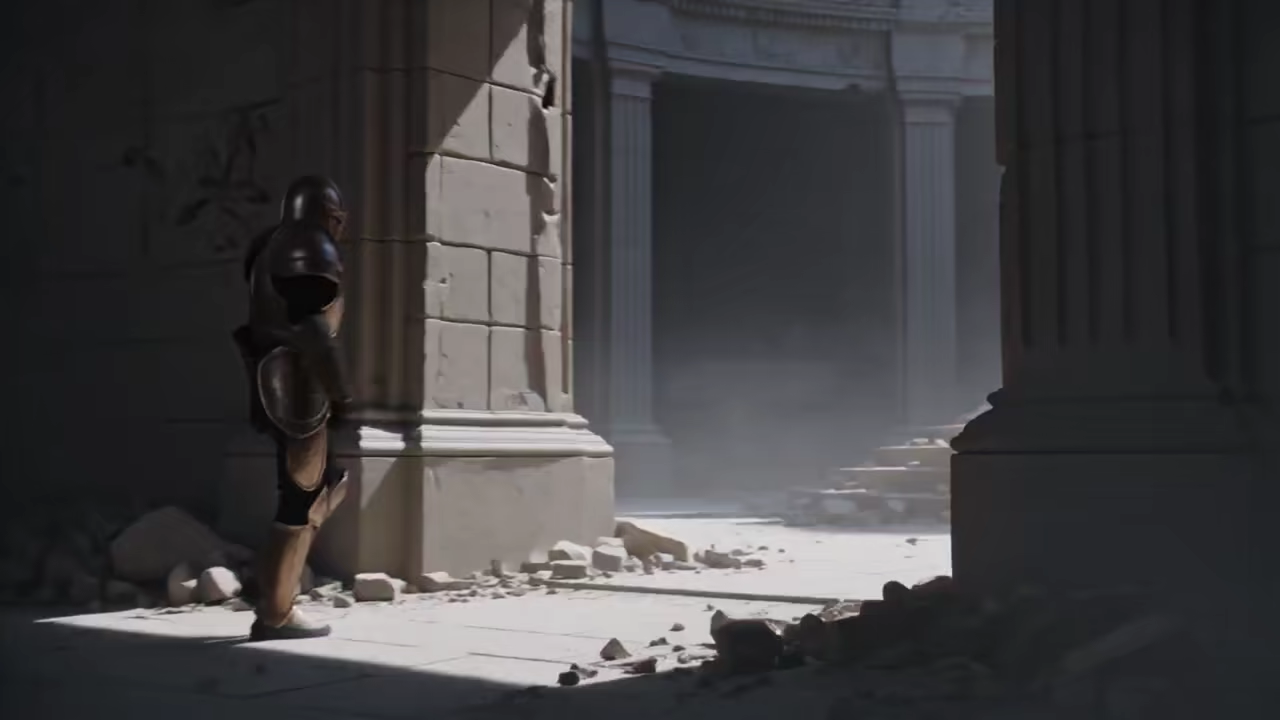
What is an AI Game Cinematic Generator?
An AI Game Cinematic Generator turns a written shot brief or an existing piece of game art into a short cinematic video. Start from text when the visual idea is still open, or start from character, environment, storyboard, or key art when the project already has a defined visual direction. The output is a reviewable video shot for a cutscene concept, game pitch, character reveal, boss entrance, announcement, devlog, or trailer edit.
The AI Game Cinematic Generator creates individual rendered clips rather than engine-native scenes. Generate one story beat at a time, compare alternate takes, and combine your strongest clips with gameplay, titles, dialogue, sound design, and final editing in the tools used by your project.
What You Can Create with an AI Game Cinematic Generator
The AI Game Cinematic Generator supports the game-video jobs that benefit most from fast visual iteration: prompt-to-video concepts, art-led animation, cutscene previsualization, character reveals, boss moments, and game trailer clips.
Create an AI Game Cinematic from a Prompt
Use the AI Game Cinematic Generator as an AI game video generator when the shot exists only as an idea. Describe one subject, one visible action, the game-world setting, camera position and movement, lighting, atmosphere, pacing, and desired sound. A focused shot such as a scout discovering a buried gate is easier to direct and review than a prompt that asks for an entire battle, story, and trailer at once.
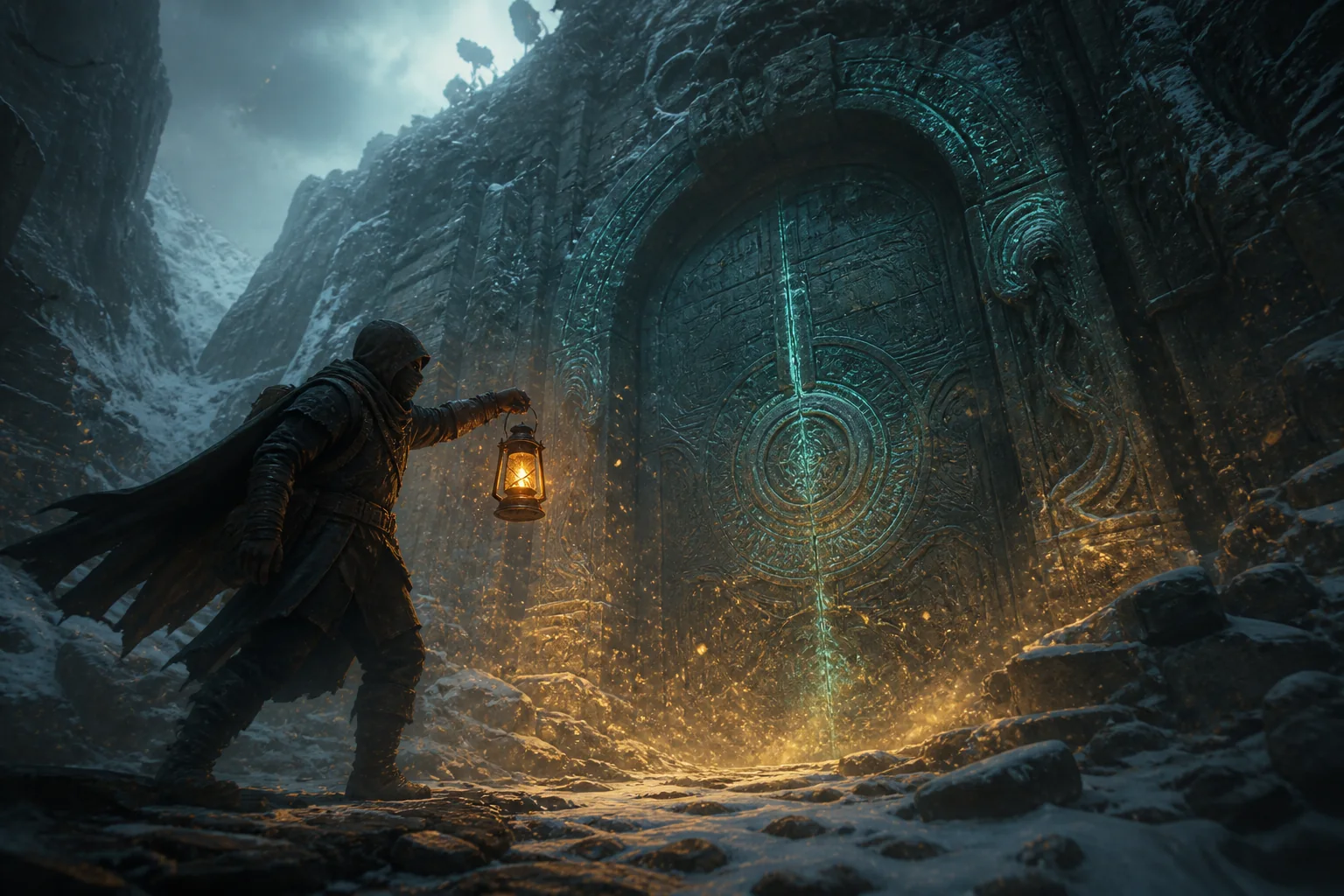
Animate Game Concept Art into a Cinematic Shot
Add a character sheet, environment painting, storyboard frame, or key visual when the project already has a defined look. The AI Game Cinematic Generator uses the reference to guide body movement, environmental reactions, camera motion, light, and sound. Reuse the same source when several shots need a recognizable costume, silhouette, prop, or location.
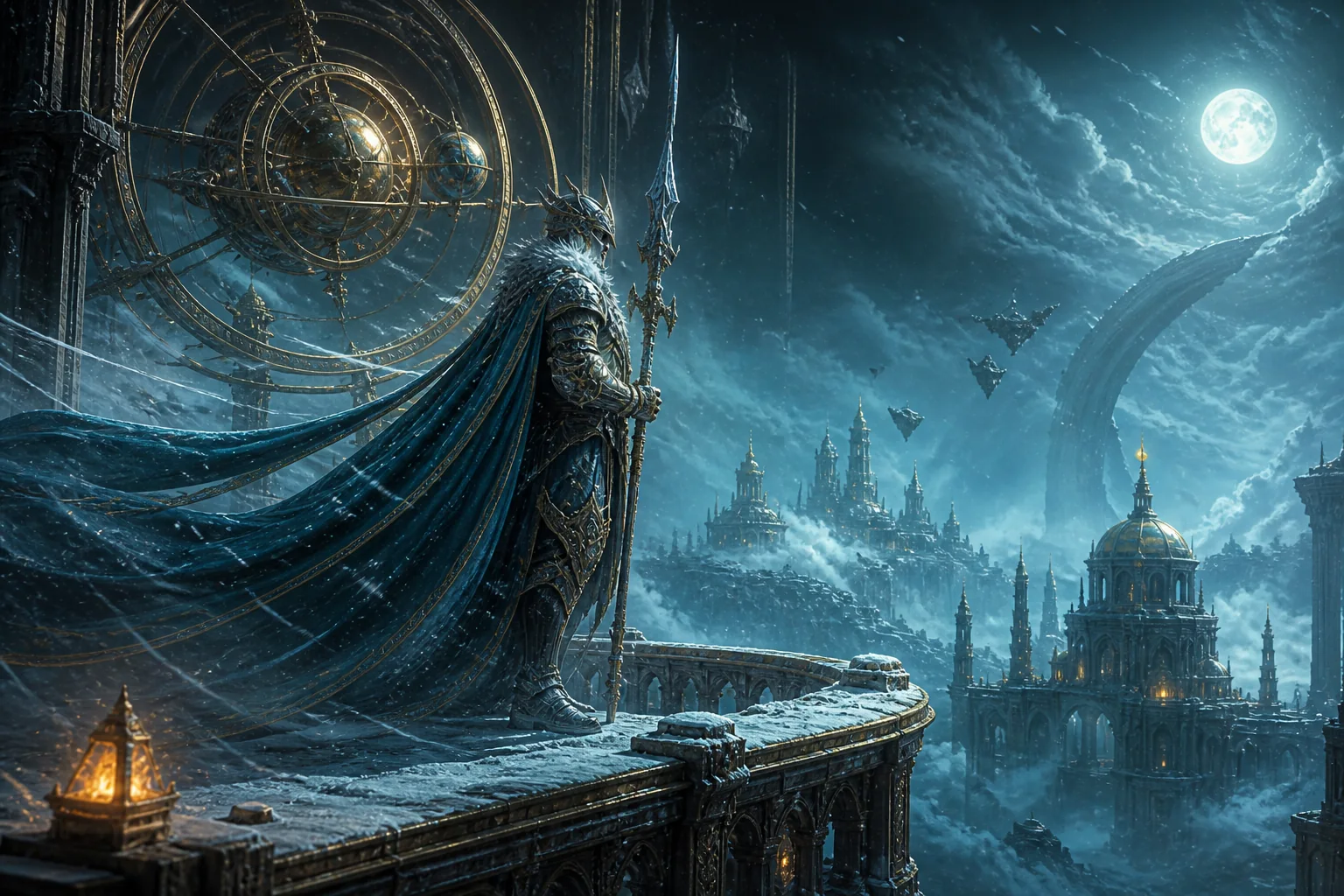
Prototype an AI Cutscene One Shot at a Time
Use the AI Game Cinematic Generator as an AI cutscene generator for one narrative beat: an arrival, discovery, warning, confrontation, transformation, or exit. Generate establishing shots and character actions separately so narrative designers can compare framing and timing before an engine implementation begins. Downloaded clips can also become previsualization material for a pitch, animatic, visual novel, tabletop campaign, or non-interactive video sequence.
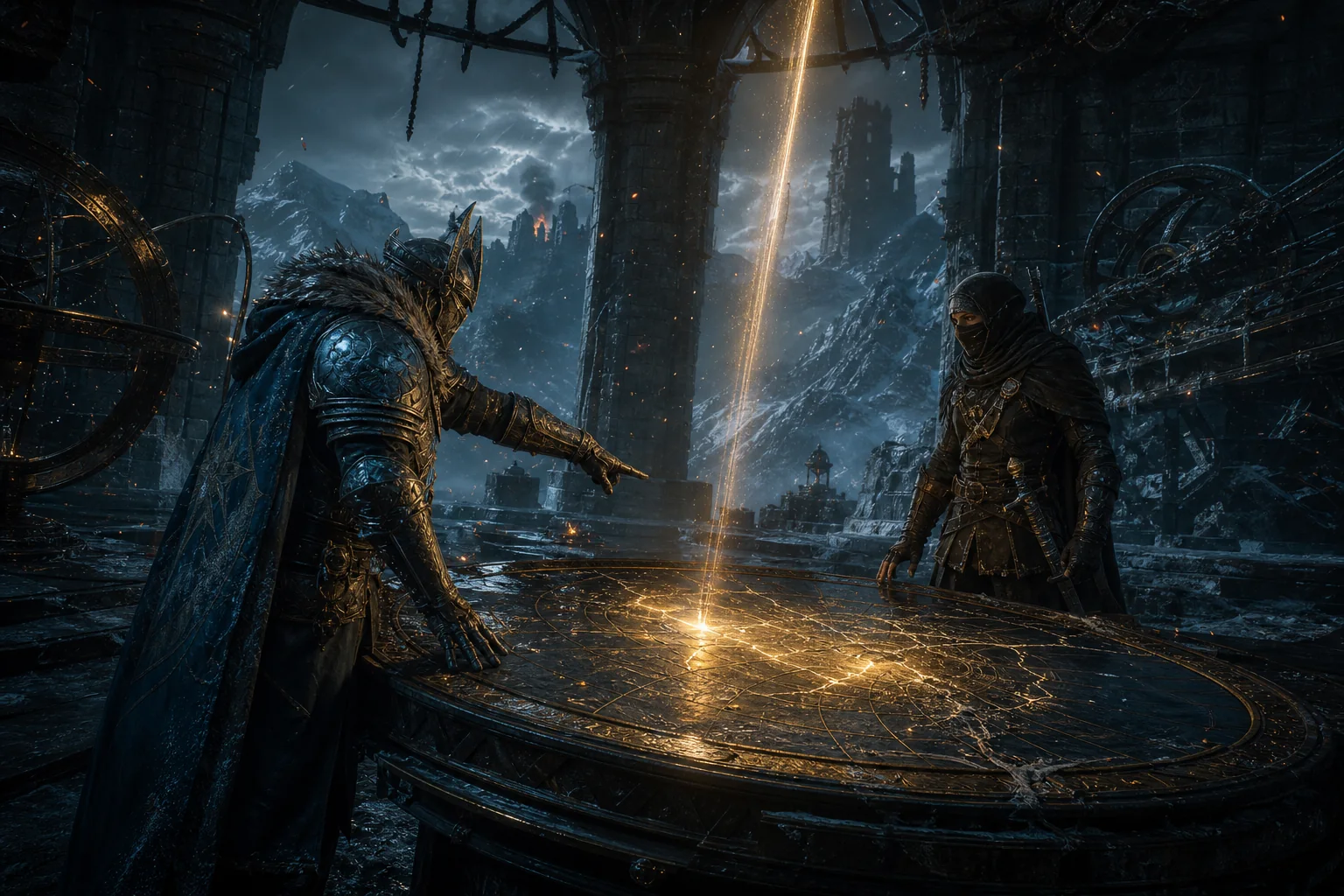
Create Game Character Reveals and Boss Entrances
Build a reveal around a readable silhouette, signature prop, deliberate entrance, controlled camera move, and a clear lighting change. Turn a character prompt or visual reference into a hero reveal, companion introduction, enemy transformation, boss arrival, or faction moment, then compare faces, hands, weapons, costume details, scale, and contact with the environment across alternate takes.
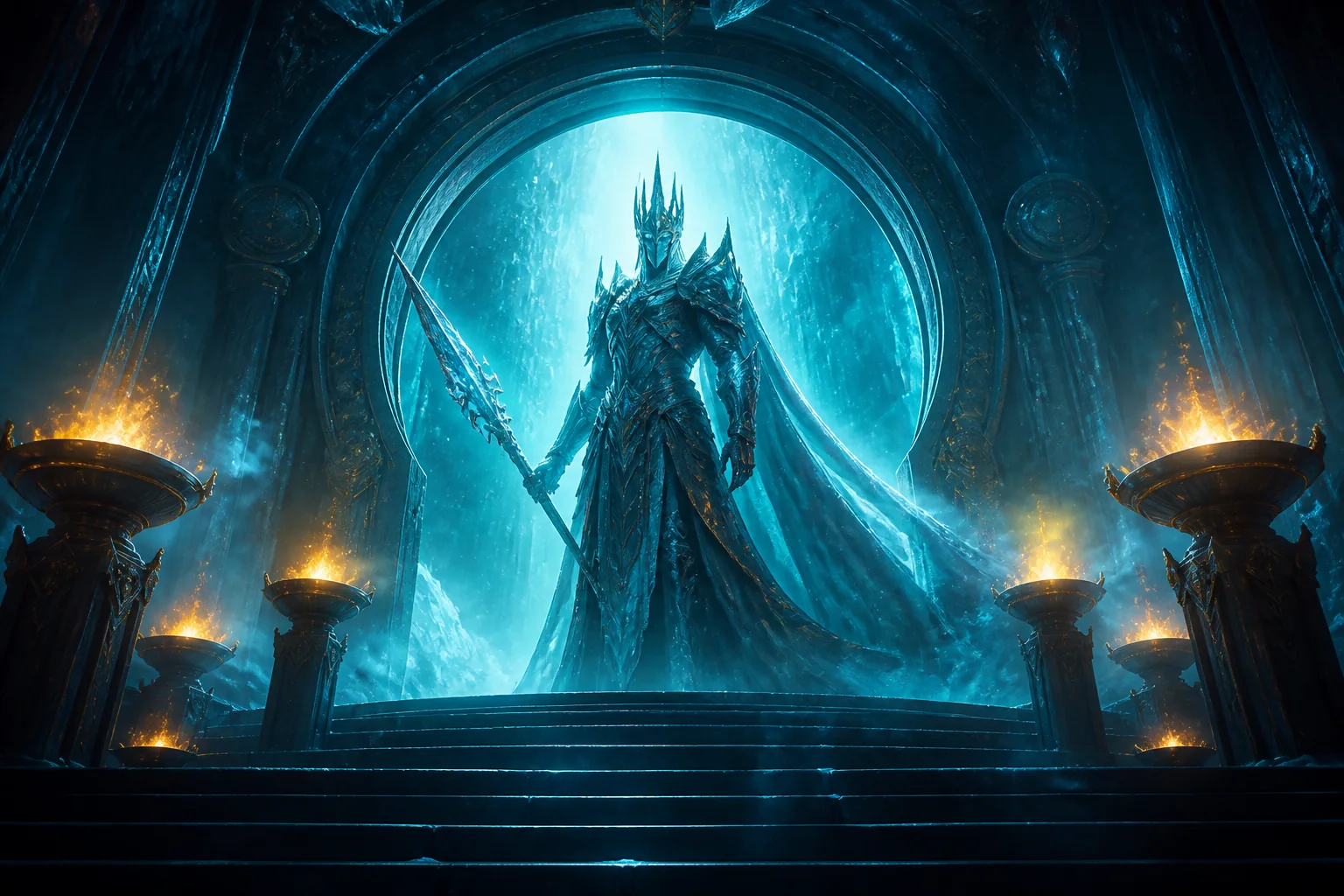
Generate Clips for an AI Game Trailer Edit
Use the AI Game Cinematic Generator for individual opener, reveal, transition, atmosphere, or closing shots. Pair cinematic clips with gameplay, readable titles, music, ratings, and a clear call to action in your editor. Each generated shot can communicate world, tone, and stakes while giving the final trailer a stronger visual rhythm.
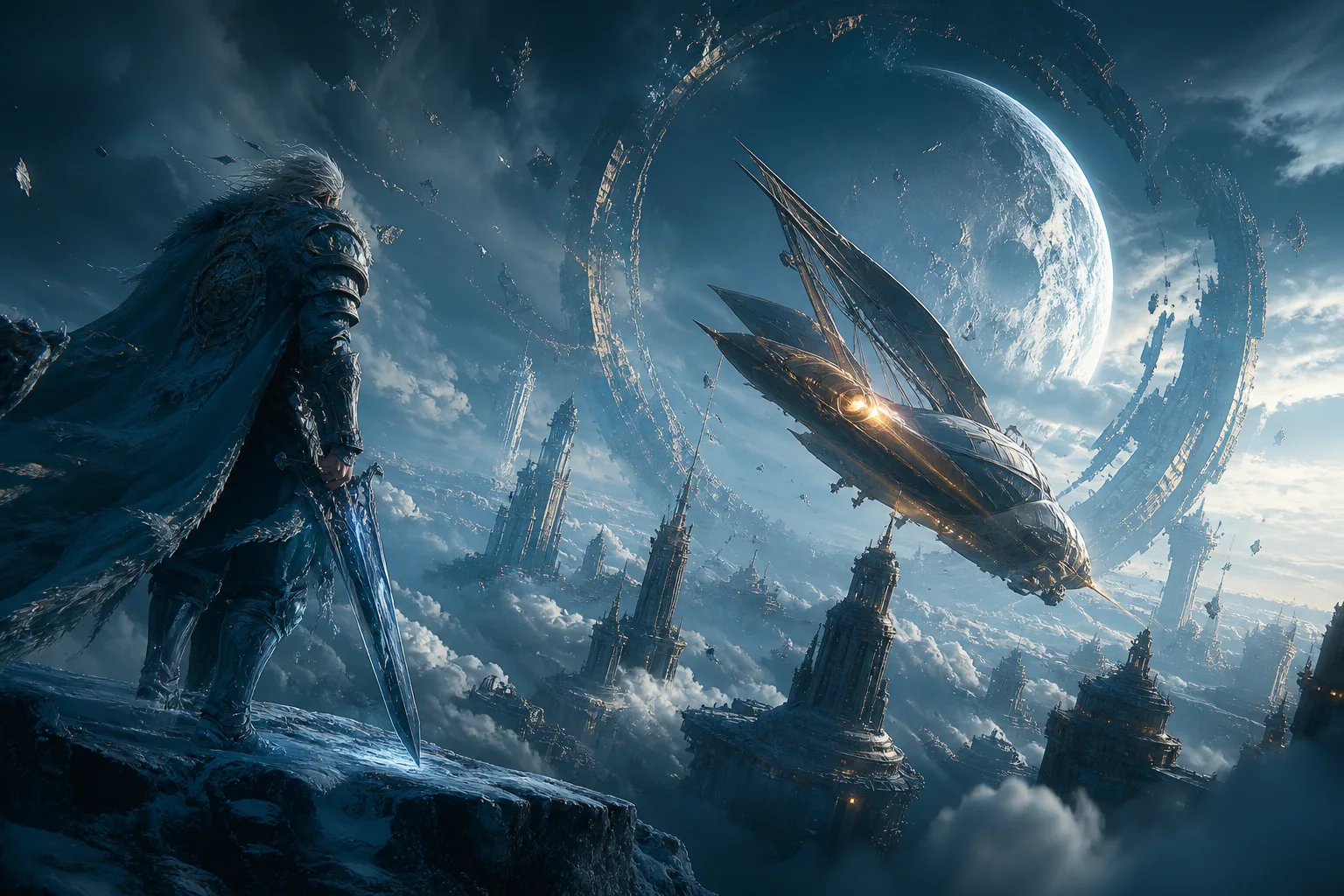
Direct Camera, Mood, Sound, and Platform Framing
The AI Game Cinematic Generator exposes practical controls before generation. Choose a 3–15 second duration, landscape, portrait, or square framing, provider-generated sound on or off, and an available quality mode with the credit estimate shown before submission. Direct a slow push, orbit, low angle, overhead reveal, handheld pursuit, or locked composition in the prompt, then rebuild the shot for each channel instead of relying on a careless crop.
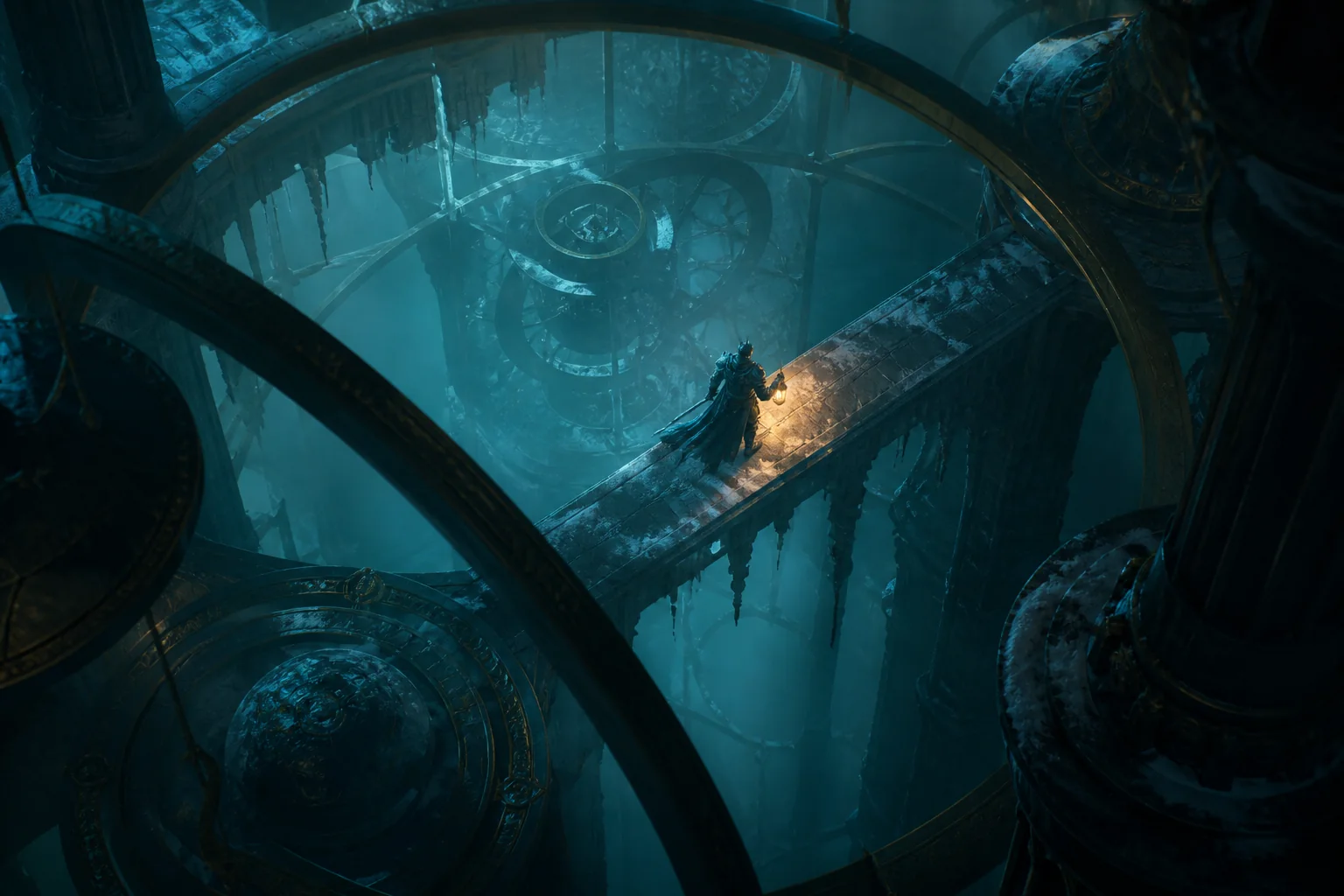
How to Use the AI Game Cinematic Generator
The AI Game Cinematic Generator turns one clear game-video objective into one reviewable shot in three steps.
Start from a prompt or your game art
Write the cinematic moment as a prompt, then add character, environment, storyboard, or key art when you want stronger visual continuity.
Direct one cinematic beat
Describe the subject, visible action, setting, camera, light, mood, and sound, then choose the duration, framing, sound option, and quality shown in the AI Game Cinematic Generator.
Generate, review, and download
Inspect character details, hands, props, spatial continuity, camera motion, sound, and the complete unedited take. Download the shot only after it fits the planned cutscene or trailer edit.
AI Game Cinematic Generator Use Cases
Use the AI Game Cinematic Generator where a short, controlled visual proof is more useful than another paragraph of game design documentation.
Cutscene previsualization
Test a story beat, camera idea, entrance, confrontation, or transition before committing animation and engine time. Treat the output as a reviewable visual direction, not an editable engine scene.
Character and boss reveals
Create a deliberate reveal for a hero, companion, enemy, boss, or faction using character art, signature movement, readable scale, and cinematic lighting.
Game trailer cinematic B-roll
Generate world-building and story clips for a larger trailer edit, then combine them with real gameplay so players can distinguish atmosphere from the actual experience.
Pitches, devlogs, and announcements
Turn a world, mechanic theme, milestone, event, or update into a cinematic insert for investor pitches, publisher reviews, devlogs, and social announcements.
Why Choose Our AI Game Cinematic Generator?
The AI Game Cinematic Generator combines flexible text prompts, optional visual references, shot-level controls, and downloadable output in one focused workflow.
Prompt and game-art starting points
Explore a new concept from text or add project artwork when the visual direction is already defined.
Shot-level creative control
Direct one action, camera move, lighting change, mood, duration, framing, sound option, and quality mode instead of asking one prompt to solve an entire trailer.
Fast review and alternate takes
Generate focused takes, compare visible differences, and keep only the shots that support the story, character design, game pitch, or marketing edit.
Practical downloadable output
See the current credit estimate before generation, inspect the full result, and download the rendered video for editing, review, presentation, or publishing.
AI Game Cinematic Generator FAQ
What is an AI Game Cinematic Generator?
Can the AI Game Cinematic Generator create a complete game cutscene?
Can I generate a game cinematic from text?
Can I animate my own game character or concept art?
How do I keep a character consistent across cinematic shots?
Can I use the clips in an AI game trailer?
How should I combine cinematic clips with gameplay?
What duration, aspect ratio, quality, and sound options are available?
Can I download and edit the generated game cinematics?
Is the AI Game Cinematic Generator free?
Create Your First Shot with the AI Game Cinematic Generator
Start with one game-world moment, add an optional visual reference, and direct one visible action before building the next shot.